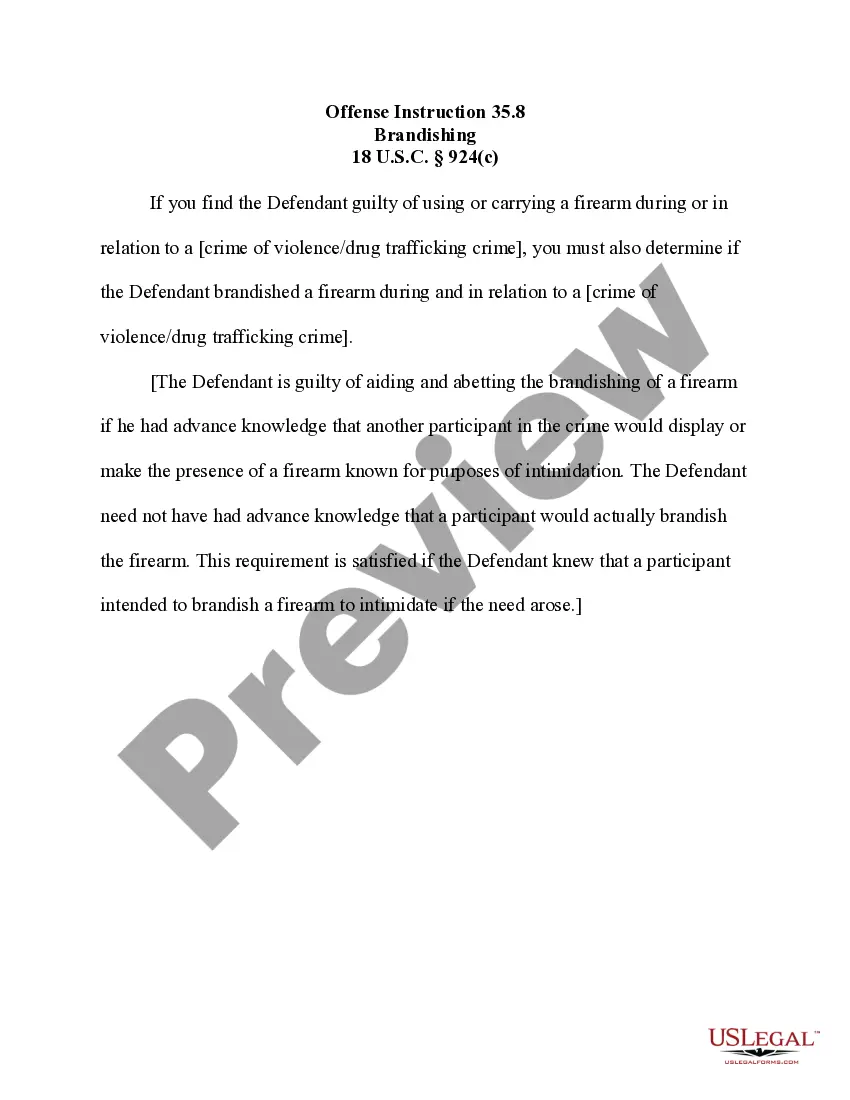
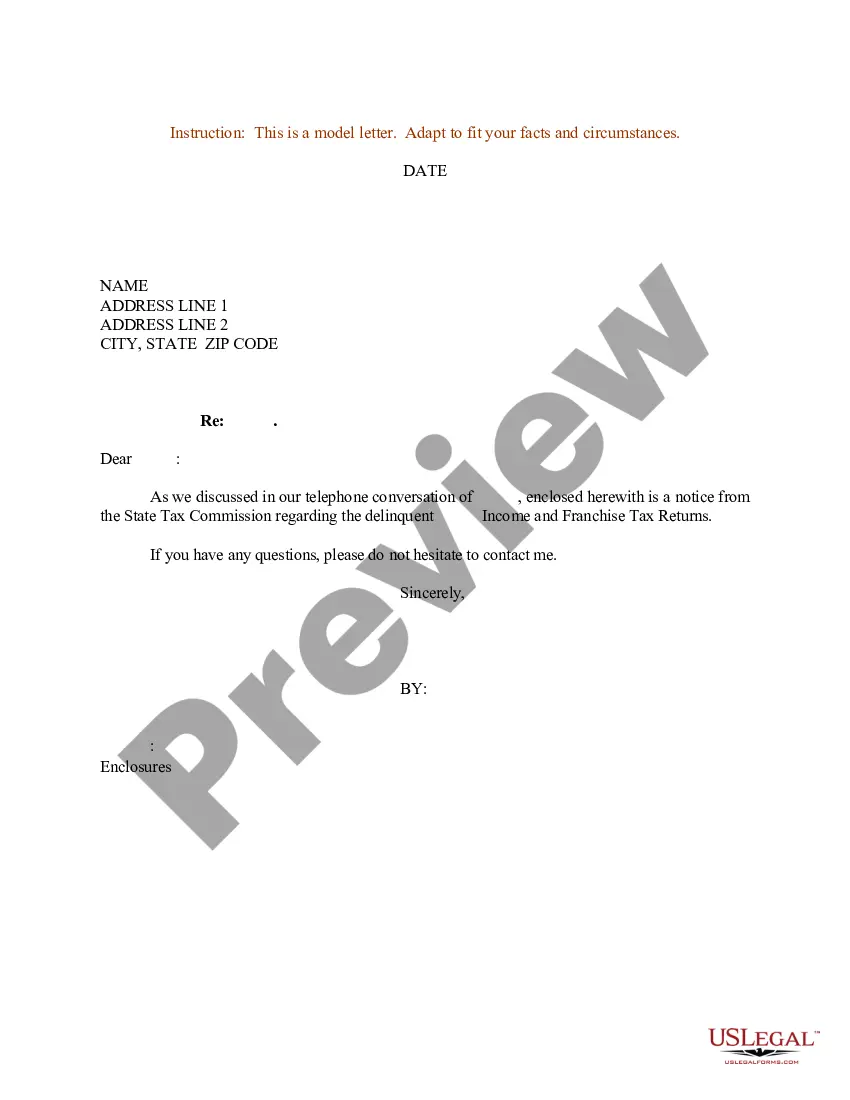
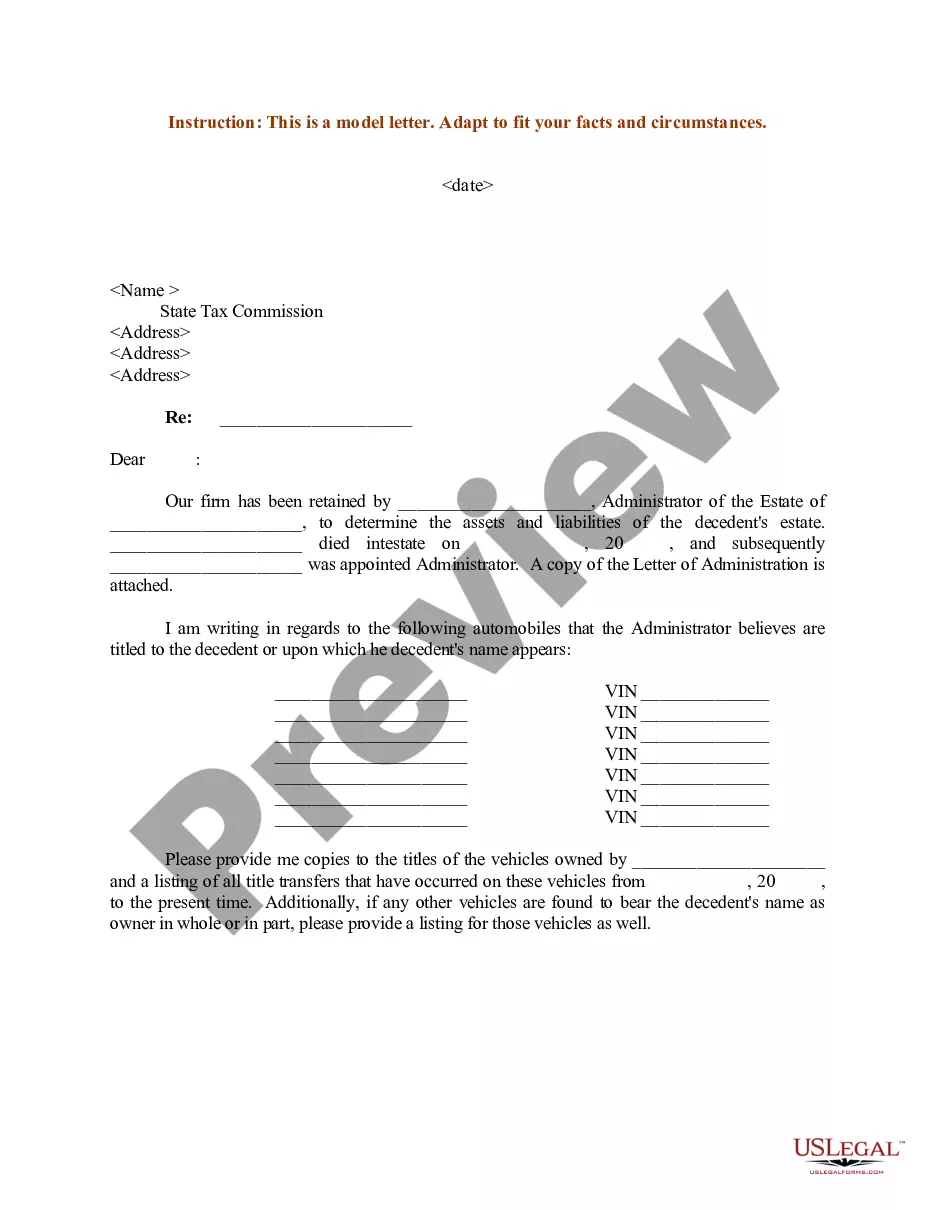
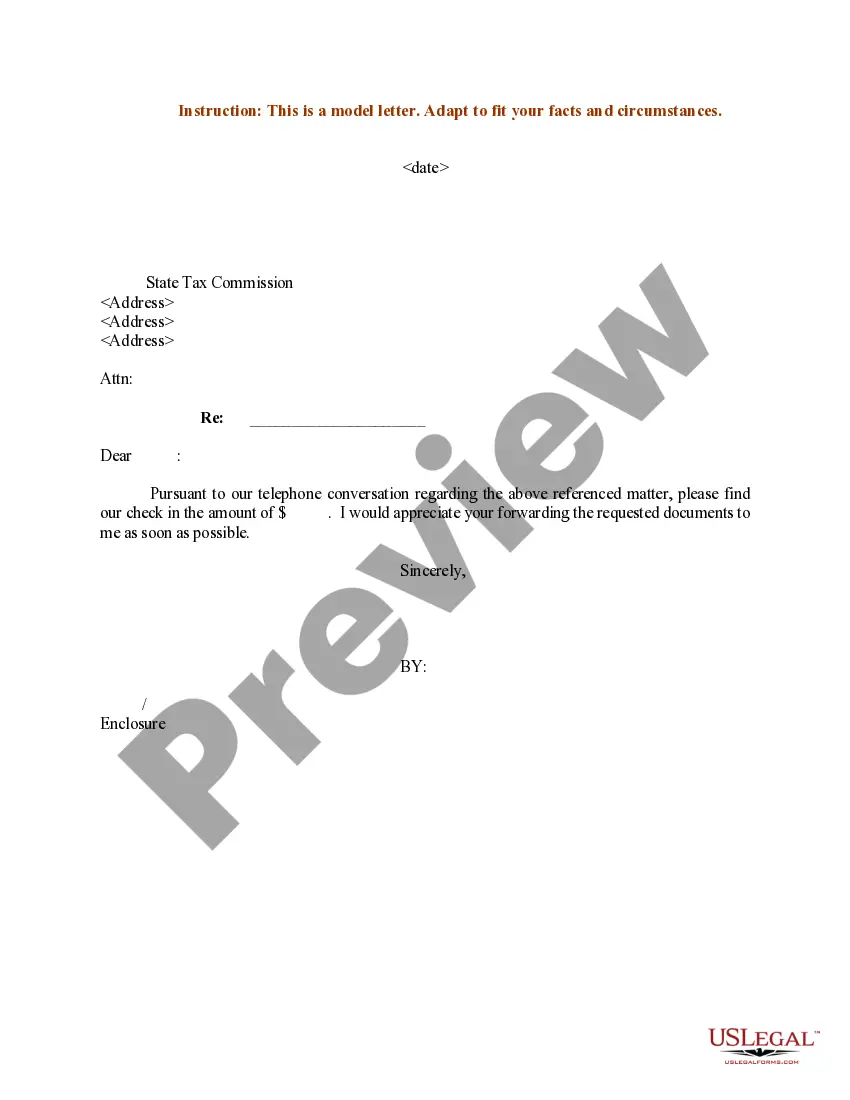
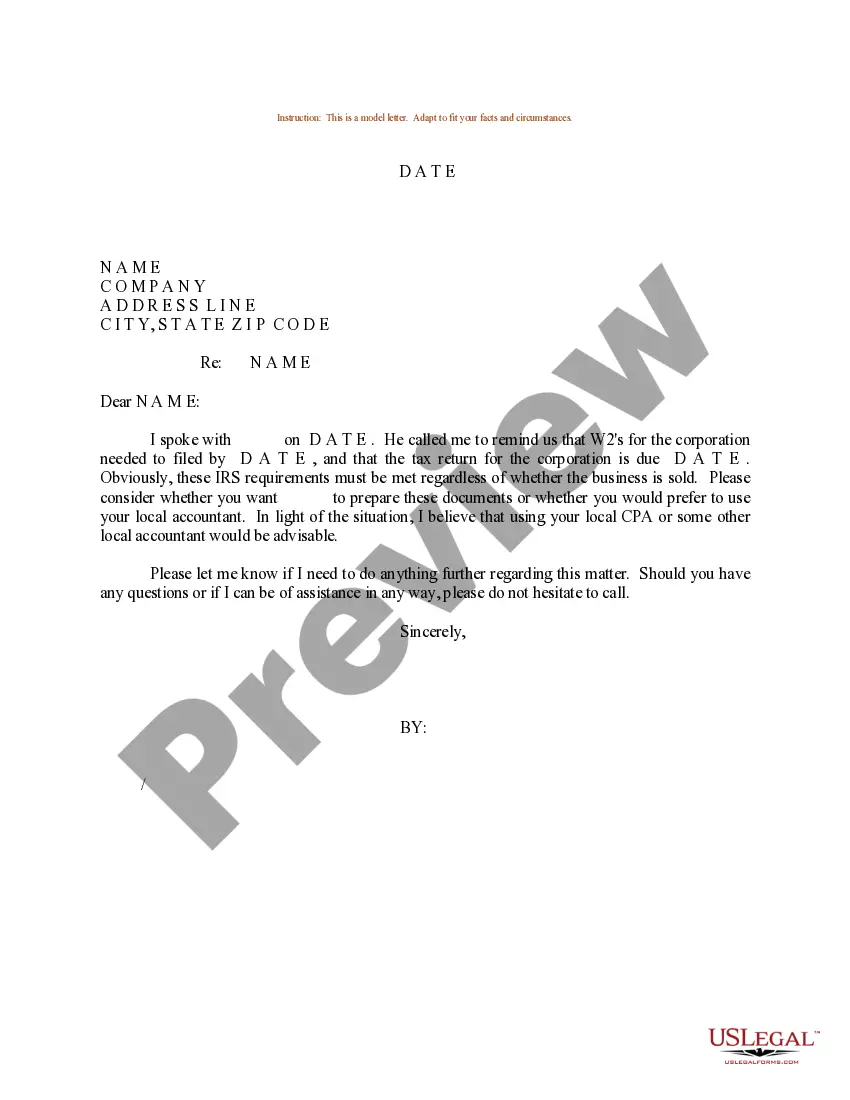
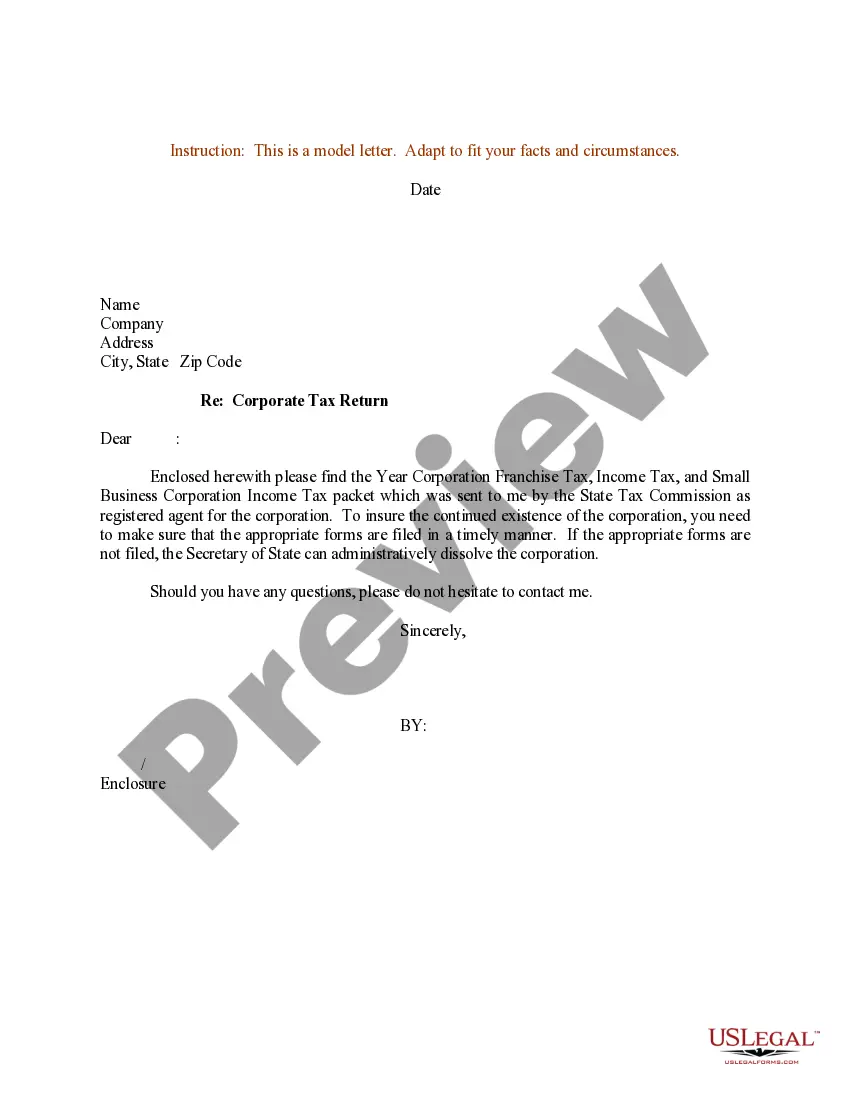
South Carolina Sample Letter concerning State Tax Commission Notice
Description
Get your form ready online
Our built-in tools help you complete, sign, share, and store your documents in one place.
Make edits, fill in missing information, and update formatting in US Legal Forms—just like you would in MS Word.
Download a copy, print it, send it by email, or mail it via USPS—whatever works best for your next step.
Sign and collect signatures with our SignNow integration. Send to multiple recipients, set reminders, and more. Go Premium to unlock E-Sign.
If this form requires notarization, complete it online through a secure video call—no need to meet a notary in person or wait for an appointment.
We protect your documents and personal data by following strict security and privacy standards.

Make edits, fill in missing information, and update formatting in US Legal Forms—just like you would in MS Word.

Download a copy, print it, send it by email, or mail it via USPS—whatever works best for your next step.

Sign and collect signatures with our SignNow integration. Send to multiple recipients, set reminders, and more. Go Premium to unlock E-Sign.

If this form requires notarization, complete it online through a secure video call—no need to meet a notary in person or wait for an appointment.

We protect your documents and personal data by following strict security and privacy standards.
Looking for another form?

How to fill out Sample Letter Concerning State Tax Commission Notice?
US Legal Forms - one of the largest collections of legal documents in the United States - offers a selection of legal document templates that you can download or print. By using the website, you will find thousands of forms for business and personal purposes, categorized by categories, states, or keywords.
You can obtain the most recent versions of forms such as the South Carolina Sample Letter regarding State Tax Commission Notice in just a few minutes. If you have a membership, Log In and download the South Carolina Sample Letter regarding State Tax Commission Notice from the US Legal Forms library. The Download button will appear on each document you view. You have access to all previously acquired forms in the My documents section of your account.
If you are using US Legal Forms for the first time, here are simple instructions to help you get started: Ensure you have chosen the correct document for your region/county. Click the Preview button to review the form's content. Read the form description to confirm that you have selected the right document. If the form doesn’t suit your needs, use the Search bar at the top of the screen to find the one that does. Once you are satisfied with the form, confirm your choice by clicking on the Get now button. Then, select the payment plan you prefer and provide your information to register for an account. Process the payment. Use your credit card or PayPal account to complete the transaction. Choose the format and download the form to your device. Make modifications. Fill out, edit, print, and sign the downloaded South Carolina Sample Letter regarding State Tax Commission Notice. Every template you add to your account has no expiration date and is yours indefinitely. Therefore, if you wish to download or print another copy, simply visit the My documents section and click on the form you desire.
- Access the South Carolina Sample Letter regarding State Tax Commission Notice with US Legal Forms, the most extensive library of legal document templates.
- Utilize a vast array of professional and state-specific templates that meet your business or personal requirements and specifications.
- Ensure you select the correct form for your area/county.
- Preview the form to verify its contents.
- Read the form description to ensure its suitability.
- If necessary, use the search function to find an alternative form.
Form popularity
FAQ
You may receive a letter from the SCDOR asking you to complete either the Identity Verification Quiz or Individual Code Verification after filing your return. This is just another step we are taking to ensure that fraudsters are not using your information to file a false return and ?steal your refund.
Common reasons the SCDOR may send you a notice: You have a balance due. You are due a larger or smaller refund. We have a question about your return or need additional information or documents.
If you haven't updated your withholdings in some time, you may need to adjust them to avoid owing state taxes in the future. Using an online paycheck calculator can help you get an idea of what you should be withholding. Income Change: Changes in income can also affect your ability to claim certain tax credits.
A notice of property tax assessment is not a property tax bill. In general, a Notice of Classification, Appraisal and Assessment of Values informs the owner of a value change, or of approval, removal or denial of various exemptions or special assessments.
The assessment notice includes the market value, the new assessment value, the assessment ratio, number of acres or lots, location of property, tax map number and the appeals procedure.
Complete the SC W-4 so your employer can withhold the correct South Carolina Income Tax from your pay. If you have too much tax withheld, you will receive a refund when you file your tax return.
By default, under the South Carolina constitution, properties are assessed at 6% of market value (or taxable value if the property value is capped). Upon application and approval, properties that qualify for the 4% Legal Residence exemption can be assessed at 4% of market value or taxable value.
The South Carolina Code of Laws requires that once every five years, all real property in every county within the State will be reappraised and adjusted to a current fair market value as of December 31st of the year before implementing the reassessment. Only real property is appraised during a reassessment.