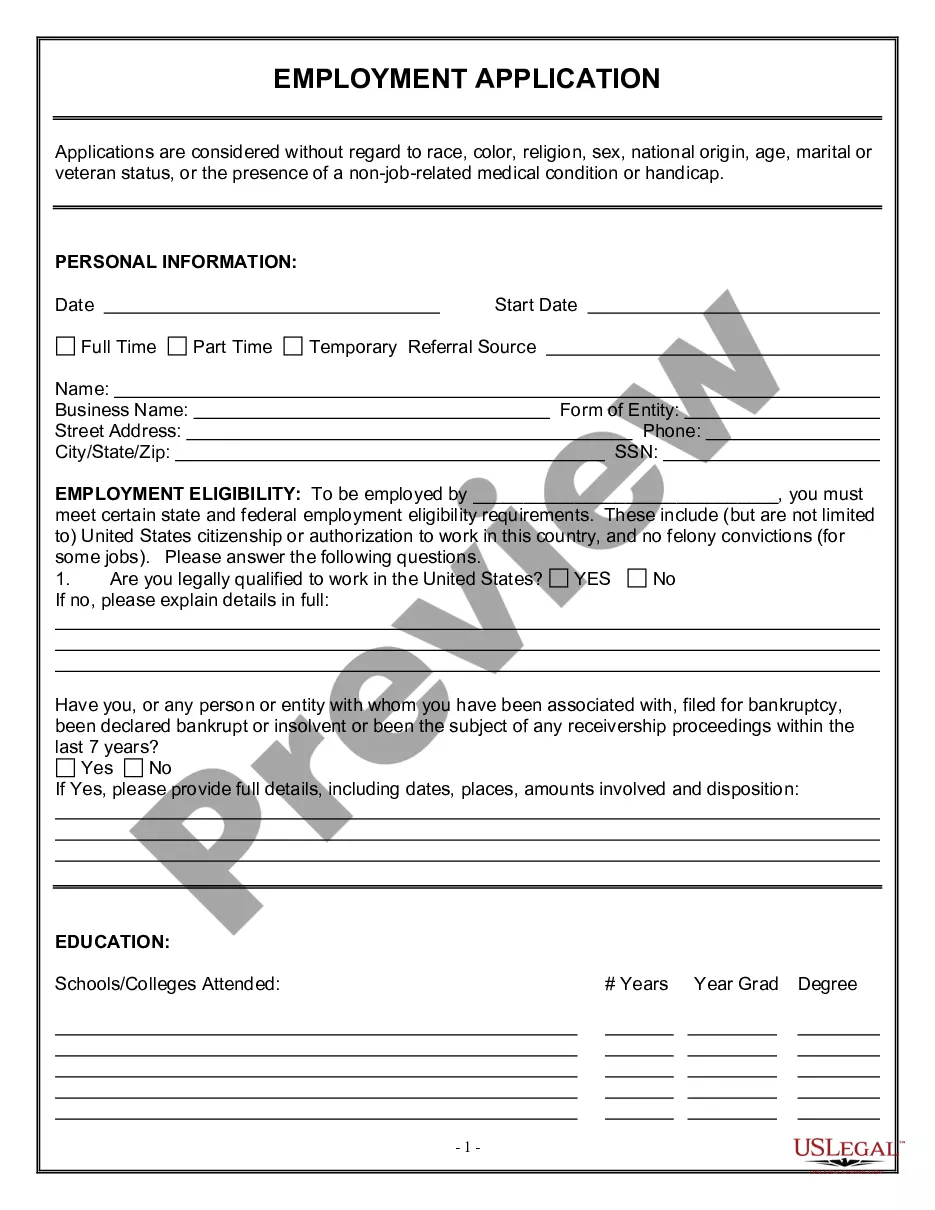
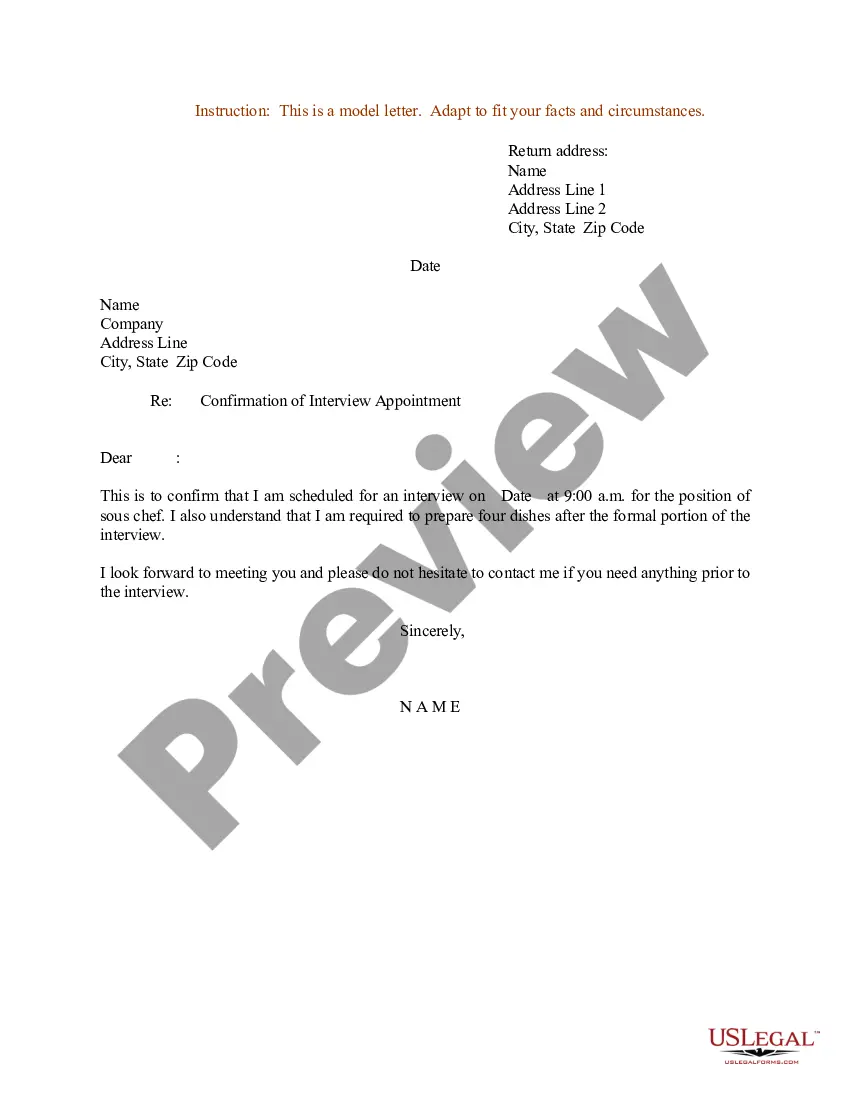
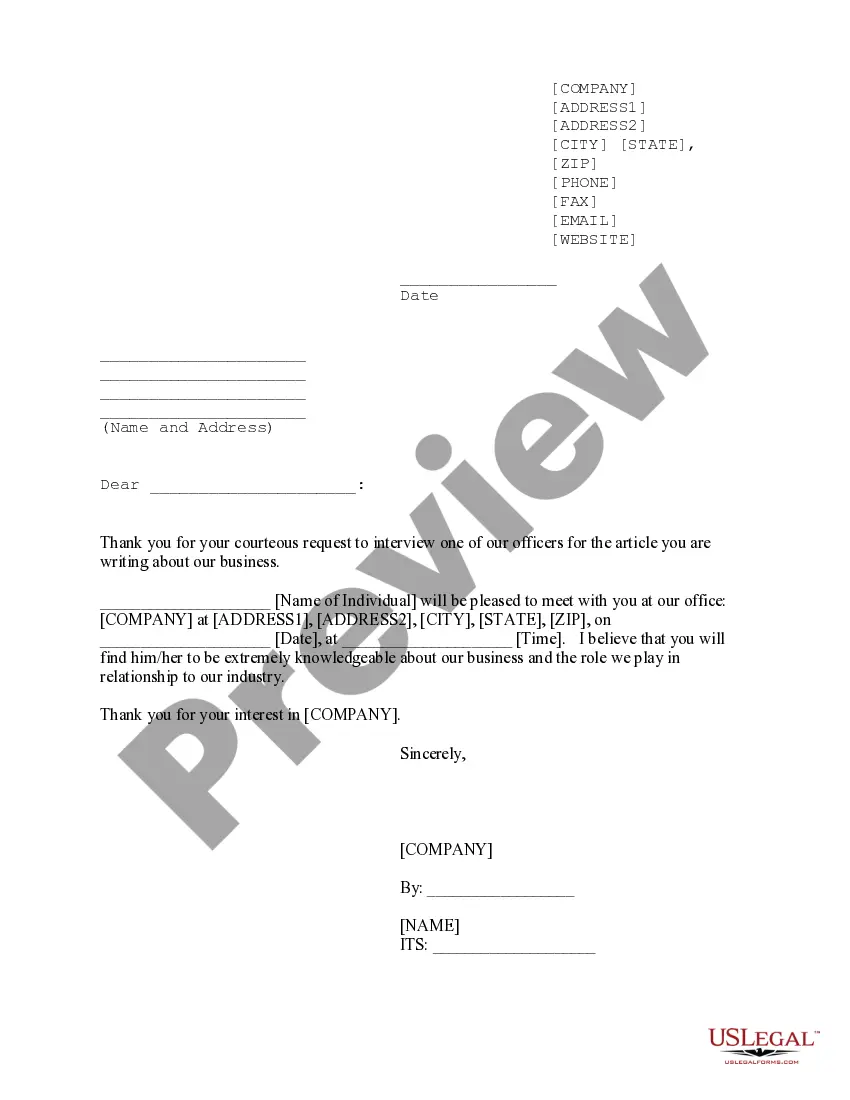
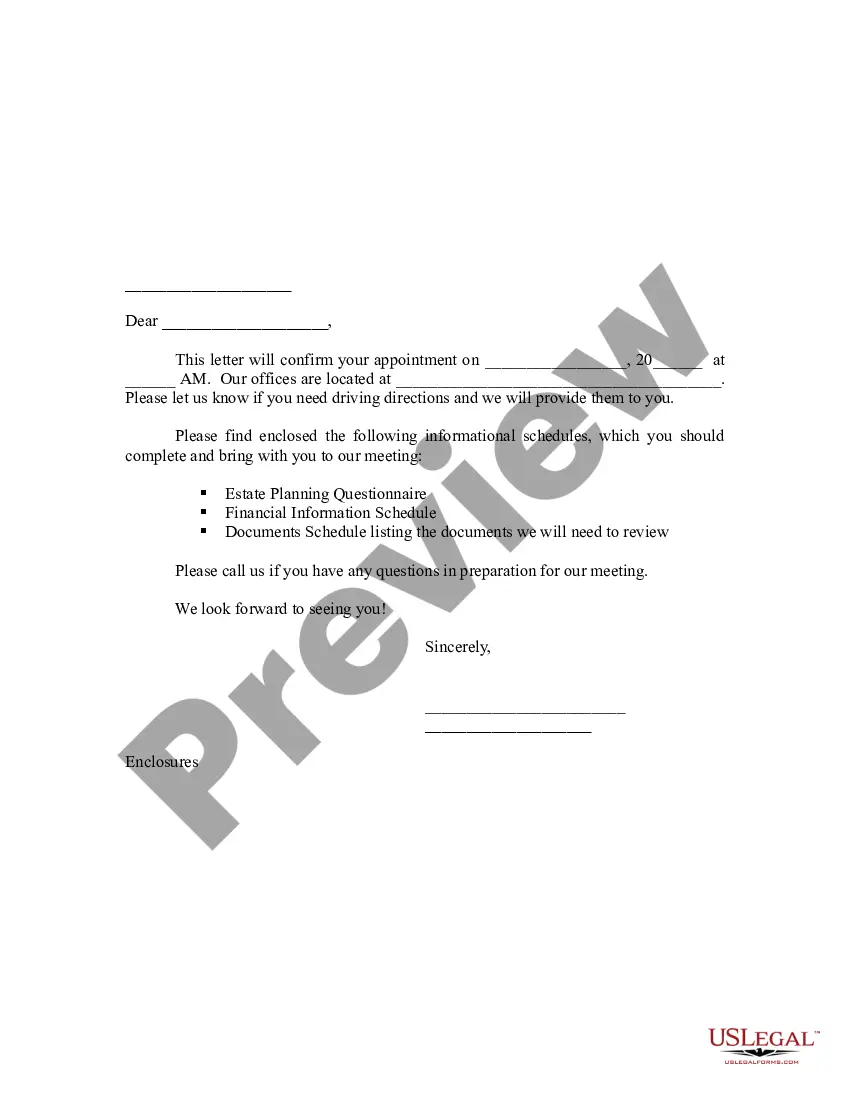
South Carolina Sample Letter for Confirmation of Interview Appointment
Description

Get your form ready online
Our built-in tools help you complete, sign, share, and store your documents in one place.
Make edits, fill in missing information, and update formatting in US Legal Forms—just like you would in MS Word.
Download a copy, print it, send it by email, or mail it via USPS—whatever works best for your next step.
Sign and collect signatures with our SignNow integration. Send to multiple recipients, set reminders, and more. Go Premium to unlock E-Sign.
If this form requires notarization, complete it online through a secure video call—no need to meet a notary in person or wait for an appointment.
We protect your documents and personal data by following strict security and privacy standards.

Make edits, fill in missing information, and update formatting in US Legal Forms—just like you would in MS Word.

Download a copy, print it, send it by email, or mail it via USPS—whatever works best for your next step.

Sign and collect signatures with our SignNow integration. Send to multiple recipients, set reminders, and more. Go Premium to unlock E-Sign.

If this form requires notarization, complete it online through a secure video call—no need to meet a notary in person or wait for an appointment.

We protect your documents and personal data by following strict security and privacy standards.
Looking for another form?





How to fill out Sample Letter For Confirmation Of Interview Appointment?
You can dedicate several hours online trying to locate the legal document template that meets the state and federal regulations you require.
US Legal Forms offers a wide array of legal forms that are reviewed by experts.
It is easy to obtain or create the South Carolina Sample Letter for Confirmation of Interview Appointment from our service.
If you're using the US Legal Forms website for the first time, follow the simple instructions below: Initially, ensure you have selected the correct form template for your region or area of preference. Review the form description to confirm you have chosen the right one. If available, use the Preview button to look at the document template as well.
- If you possess a US Legal Forms account, you may Log In and click the Download button.
- Subsequently, you can fill out, modify, print, or sign the South Carolina Sample Letter for Confirmation of Interview Appointment.
- Every legal document template you purchase is yours indefinitely.
- To obtain another copy of a purchased form, visit the My documents section and click the appropriate button.
Form popularity
FAQ
Confirm with the person who is scheduling the interview, the street address, the floor, and the suite if it's in a large office building. Also, confirm which department you are interviewing with and who you are going to meet. (Bring enough copies of your resume for each person.)
Consider these examples:"Thank you for your invitation to interview with company name."Yes, I very much would like to interview with you at..."Yes, I can be available for an interview at several times during the week of..."Thank you for the invitation to interview for the job position.
Thank you very much for the opportunity to interview at {company name.} I look forward to meeting {interviewer} on {date} at {time}. I will have copies of my resume on hand for your review. If there is anything else you need me to bring, please let me know.
What to Include in the Interview Confirmation EmailEnthusiastic Greeting. Introduce yourself and your role in the interview process.Date and Time of the Interview.If It's an In-Person Interview.Interview Details.Names and Job Titles of Interviewers.Contact Information (Including a Phone Number)Special Instructions.
Thank you very much for the opportunity to interview at {company name.} I look forward to meeting {interviewer} on {date} at {time}. I will have copies of my resume on hand for your review. If there is anything else you need me to bring, please let me know.
Dear name, Thank you again for your earlier call/email inviting me to interview for the job position role at company. I am emailing to confirm that the interview will take place at time, at place.
What to Include in the Interview Confirmation EmailEnthusiastic Greeting. Introduce yourself and your role in the interview process.Date and Time of the Interview.If It's an In-Person Interview.Interview Details.Names and Job Titles of Interviewers.Contact Information (Including a Phone Number)Special Instructions.