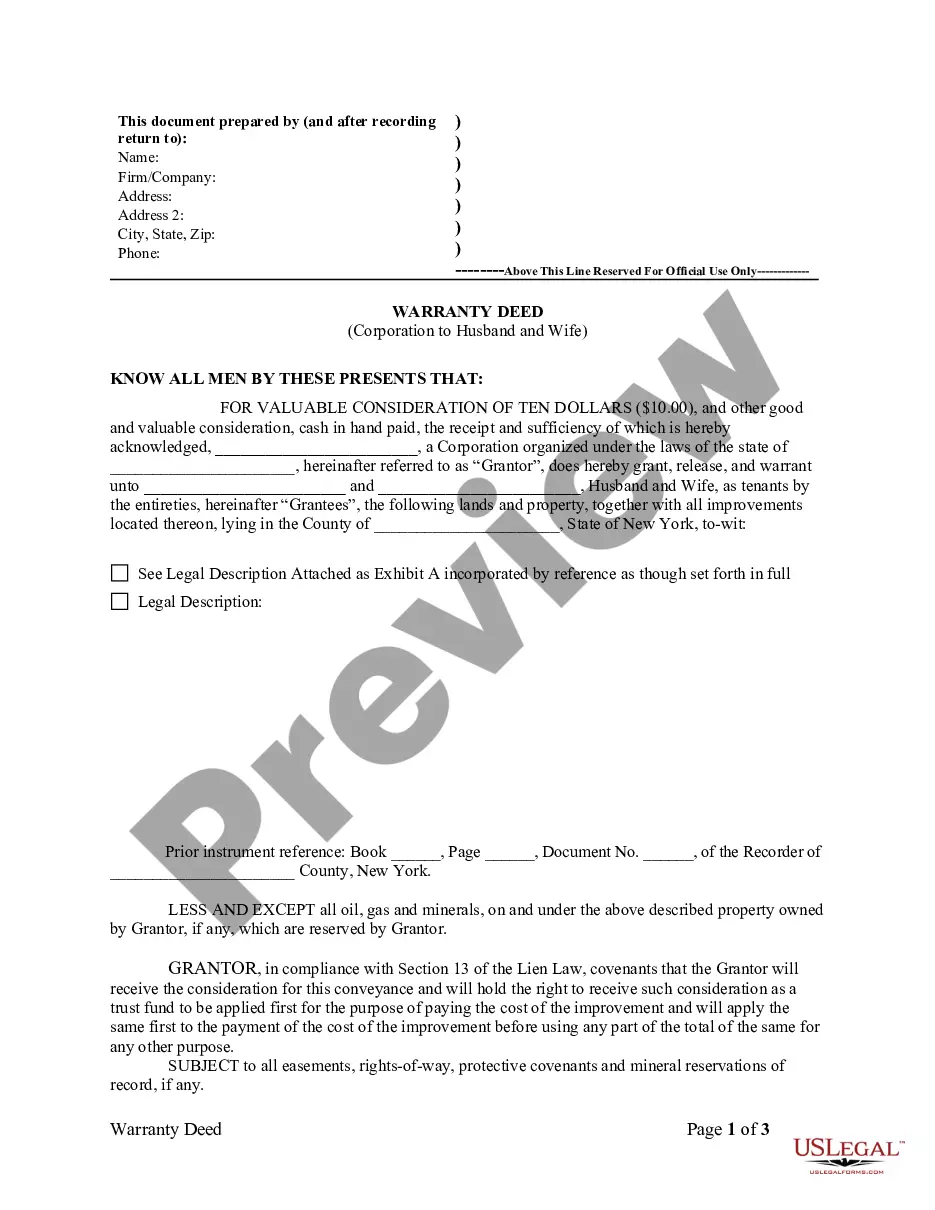
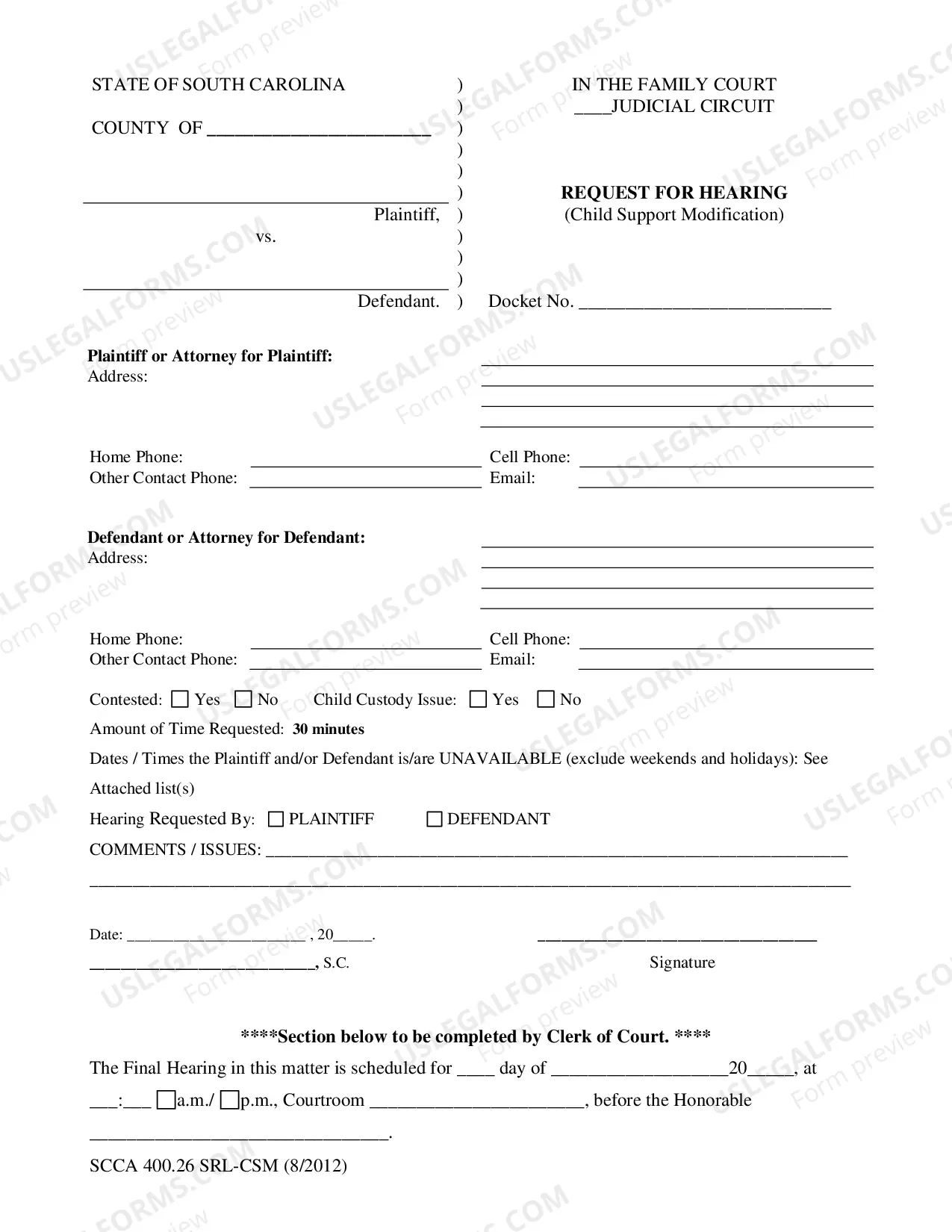
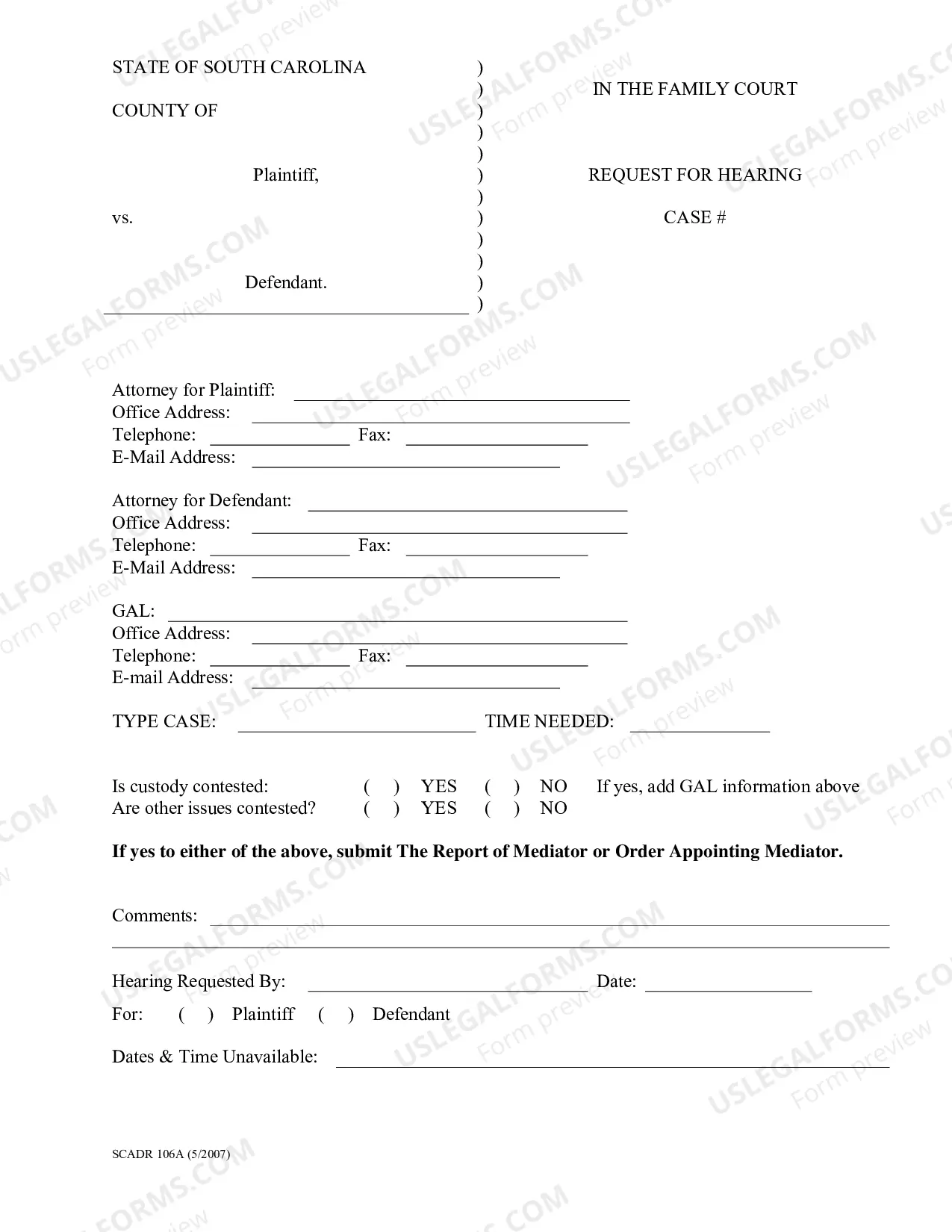
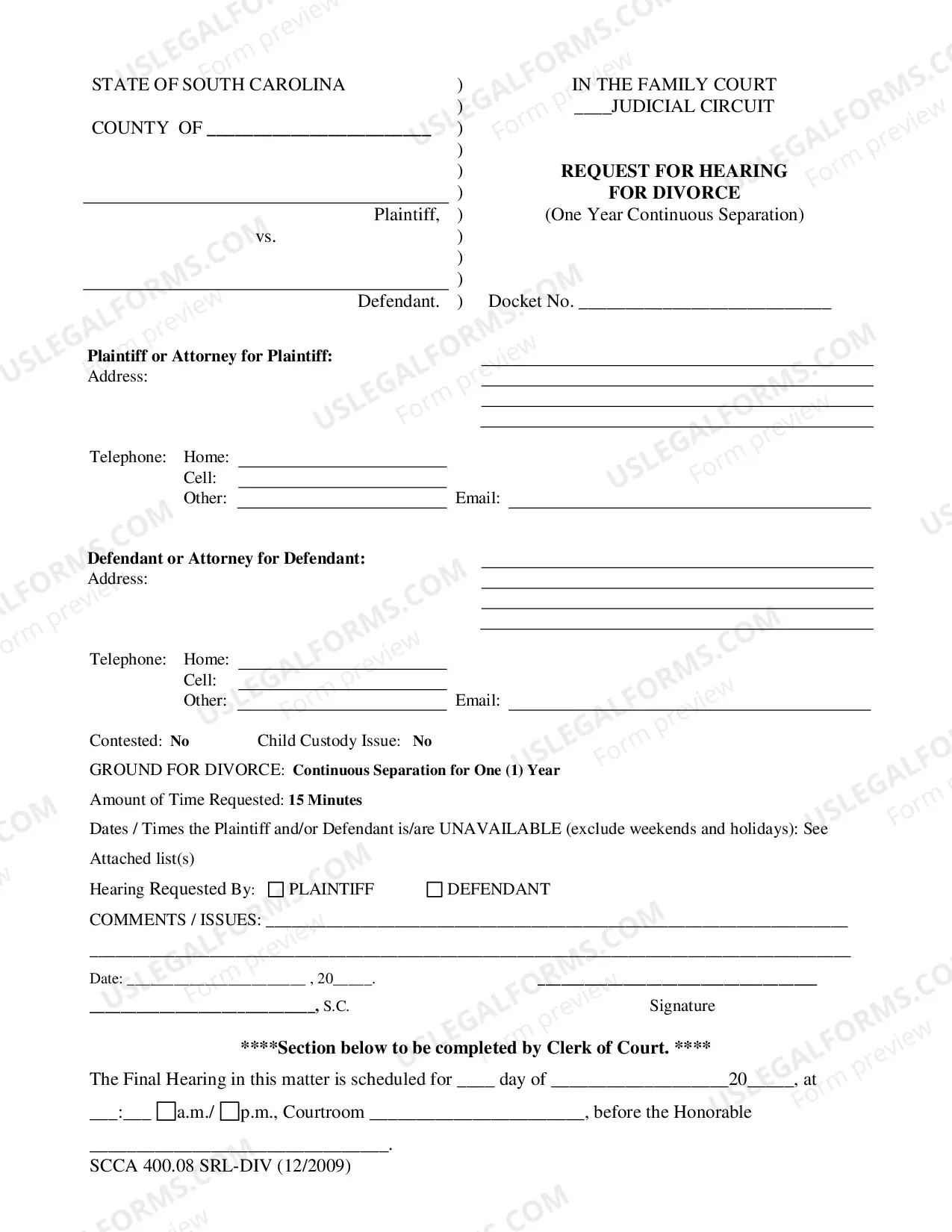
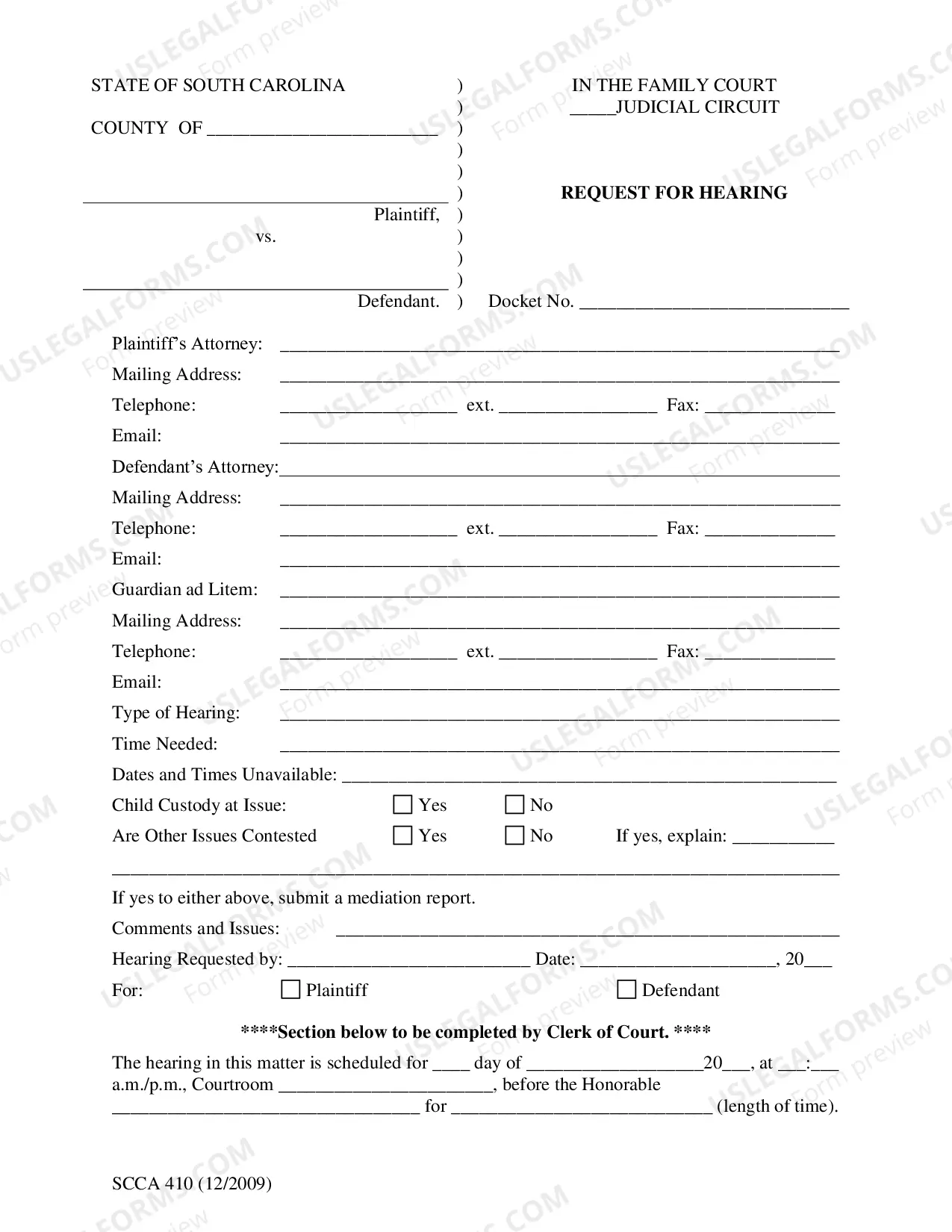
South Carolina Request for Hearing (Child Support Modification)
Description
Get your form ready online
Our built-in tools help you complete, sign, share, and store your documents in one place.
Make edits, fill in missing information, and update formatting in US Legal Forms—just like you would in MS Word.
Download a copy, print it, send it by email, or mail it via USPS—whatever works best for your next step.
Sign and collect signatures with our SignNow integration. Send to multiple recipients, set reminders, and more. Go Premium to unlock E-Sign.
If this form requires notarization, complete it online through a secure video call—no need to meet a notary in person or wait for an appointment.
We protect your documents and personal data by following strict security and privacy standards.

Make edits, fill in missing information, and update formatting in US Legal Forms—just like you would in MS Word.

Download a copy, print it, send it by email, or mail it via USPS—whatever works best for your next step.

Sign and collect signatures with our SignNow integration. Send to multiple recipients, set reminders, and more. Go Premium to unlock E-Sign.

If this form requires notarization, complete it online through a secure video call—no need to meet a notary in person or wait for an appointment.

We protect your documents and personal data by following strict security and privacy standards.
Looking for another form?
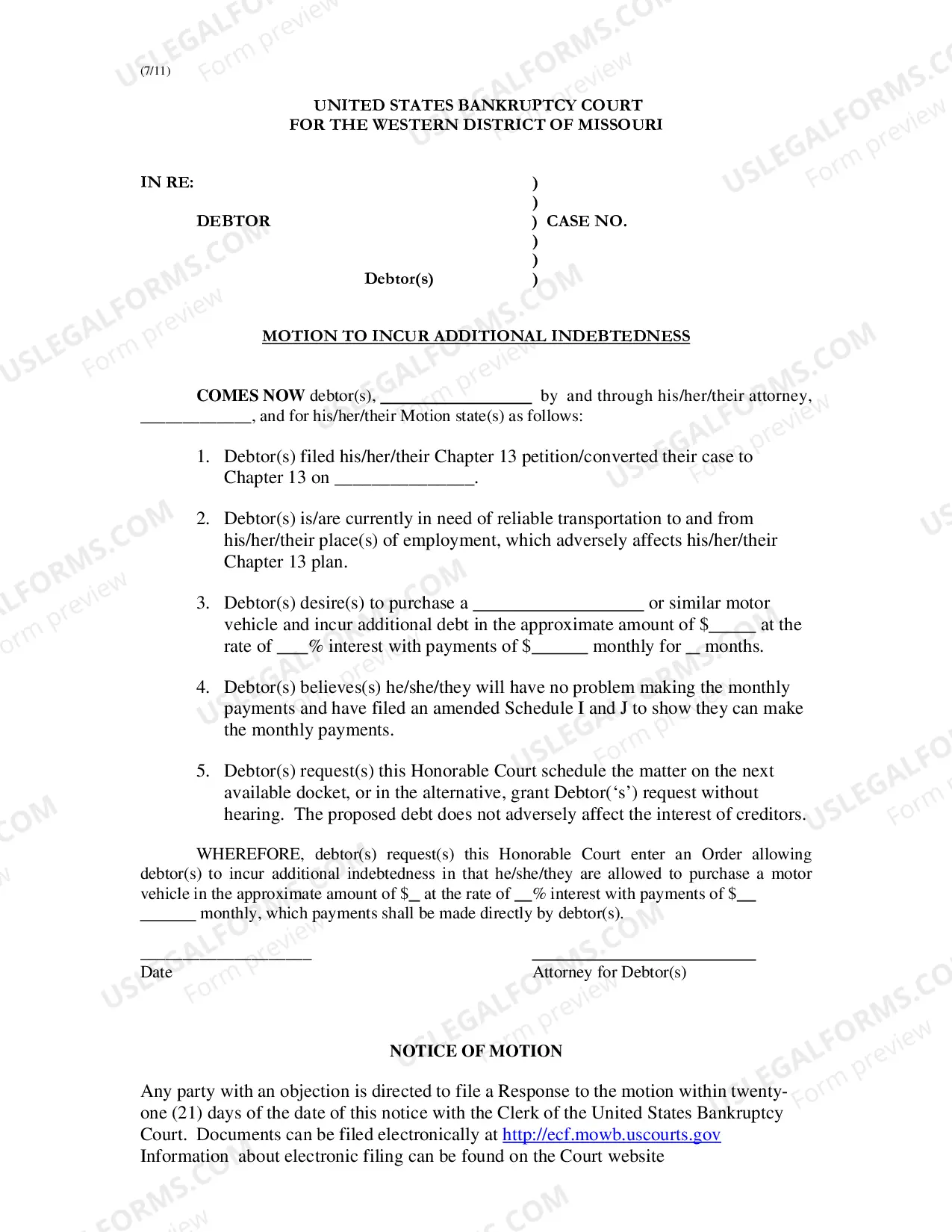
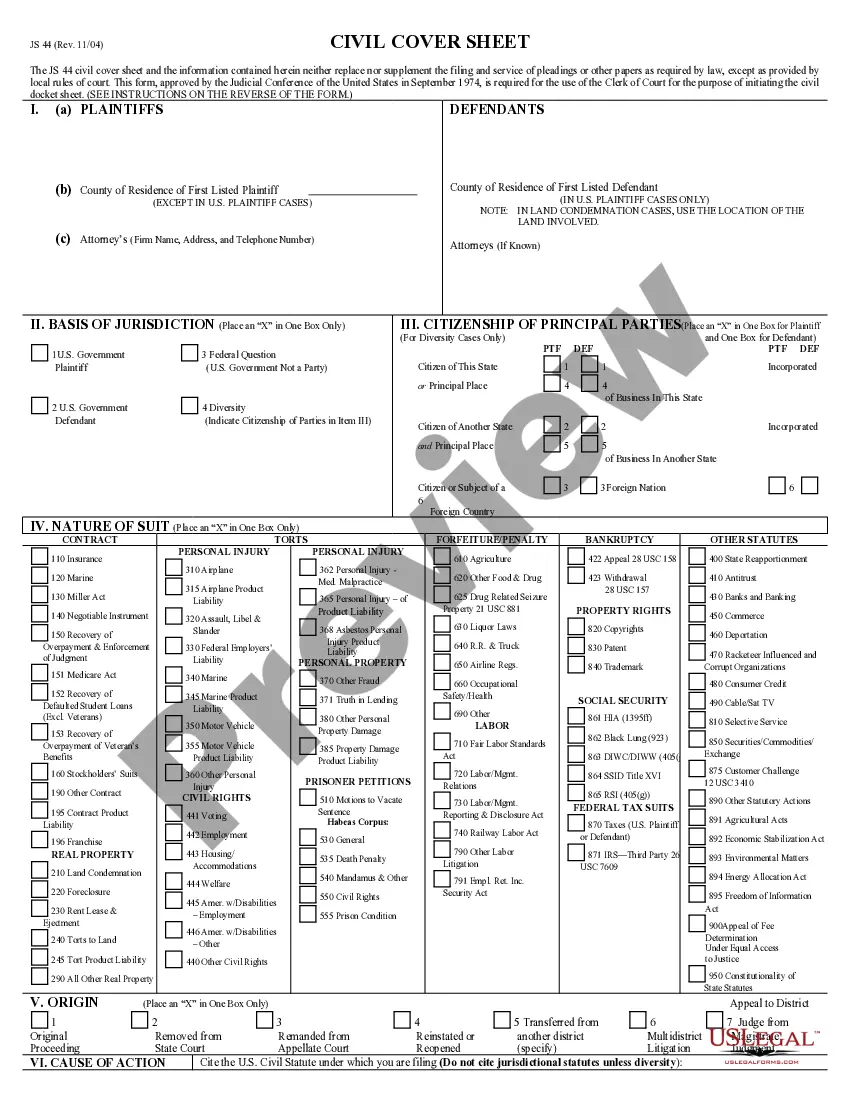

How to fill out South Carolina Request For Hearing (Child Support Modification)?
US Legal Forms is the most simple and cost-effective way to find suitable legal templates. It’s the most extensive web-based library of business and individual legal documentation drafted and verified by legal professionals. Here, you can find printable and fillable templates that comply with federal and local laws - just like your South Carolina Request for Hearing (Child Support Modification).
Obtaining your template requires only a few simple steps. Users that already have an account with a valid subscription only need to log in to the web service and download the document on their device. Later, they can find it in their profile in the My Forms tab.
And here’s how you can obtain a properly drafted South Carolina Request for Hearing (Child Support Modification) if you are using US Legal Forms for the first time:
- Look at the form description or preview the document to guarantee you’ve found the one meeting your demands, or find another one utilizing the search tab above.
- Click Buy now when you’re sure of its compatibility with all the requirements, and select the subscription plan you like most.
- Create an account with our service, log in, and purchase your subscription using PayPal or you credit card.
- Choose the preferred file format for your South Carolina Request for Hearing (Child Support Modification) and save it on your device with the appropriate button.
Once you save a template, you can reaccess it whenever you want - simply find it in your profile, re-download it for printing and manual completion or upload it to an online editor to fill it out and sign more efficiently.
Take full advantage of US Legal Forms, your reputable assistant in obtaining the corresponding formal documentation. Give it a try!
Form popularity
FAQ
Form 216 - General Answer to a Petition for Dissolution of Marriage with Children, Form.
In North Carolina, the only way to legally alter a child support order is to petition the court for a modification of child support.
If your existing order is at least three years old, and if an application of the Guidelines to your current situation would change your child support by 15% or more, this is considered an automatic substantial change of circumstances.
But what does a ?substantial change in circumstances? even mean? Well, this means you need to show that the current custody situation has changed so drastically since the first custody order that the first order must be modified.
A change in circumstances at least 3 years after the last support order or review will warrant modification when at least a 15% difference (upwards or downwards) exists between the amount of the current obligation and the amount the party would owe if the obligation were calculated using their current income.
When changes to the financial position of either parent occurs, the parent can request a modification of the child support order.
Common ?substantial changes in circumstances? may include: a loss or gain of employment, a sudden change in either party's finances, a relocation of the parties or children, a death, a change in the child's wishes, etc.
If you want to change the custody order, you must take action by filing a petition with the family court ? usually, the court that issued the original custody order ? and by proving a material change in circumstances.