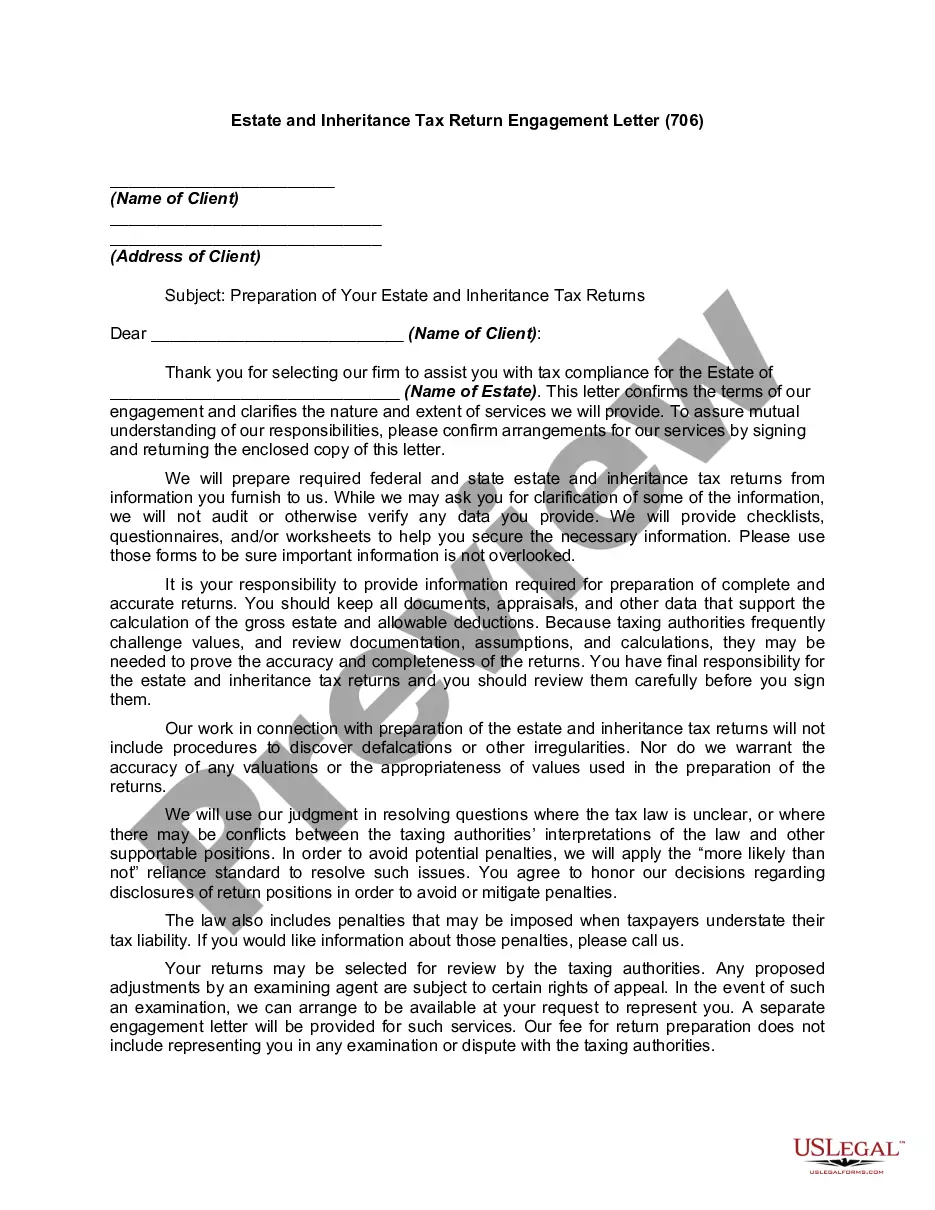
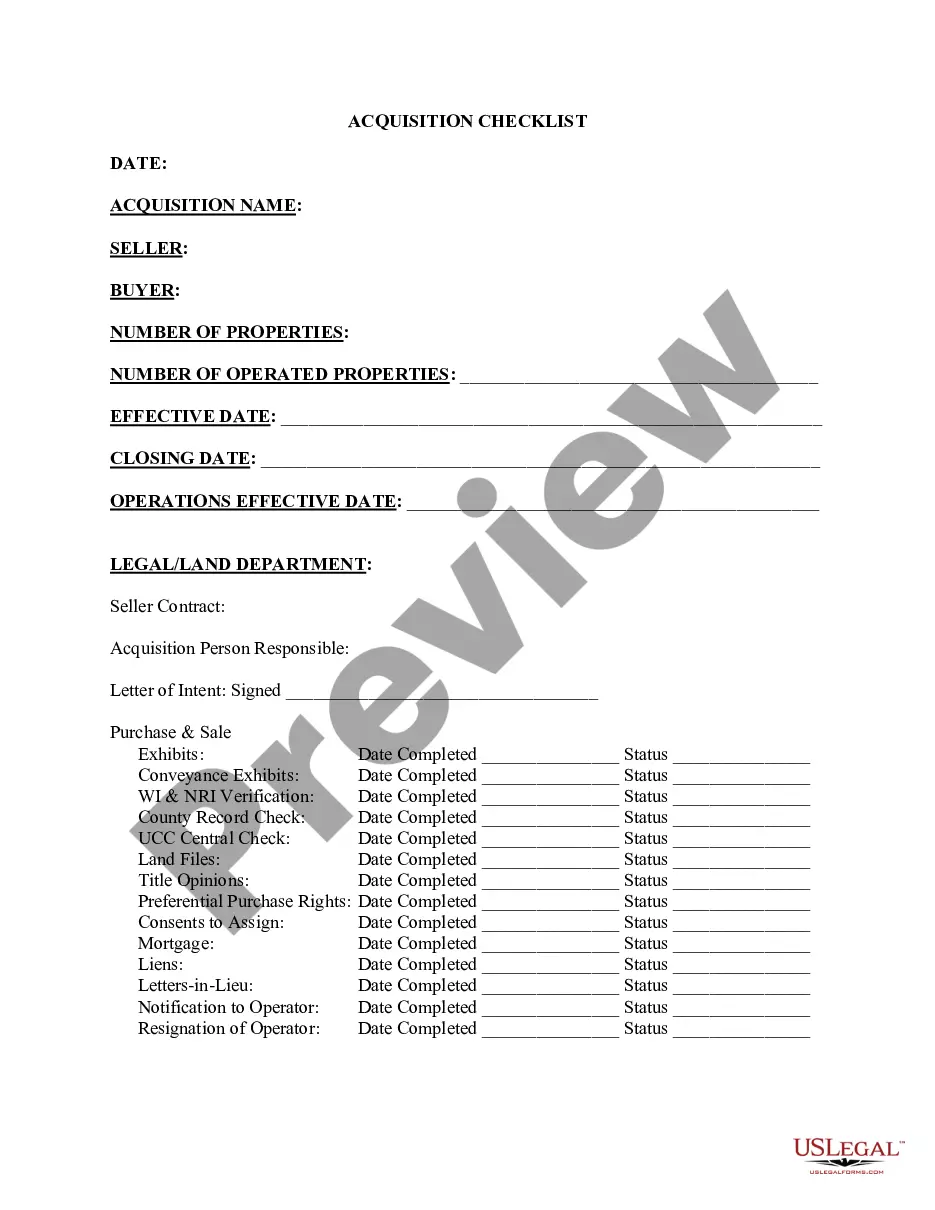
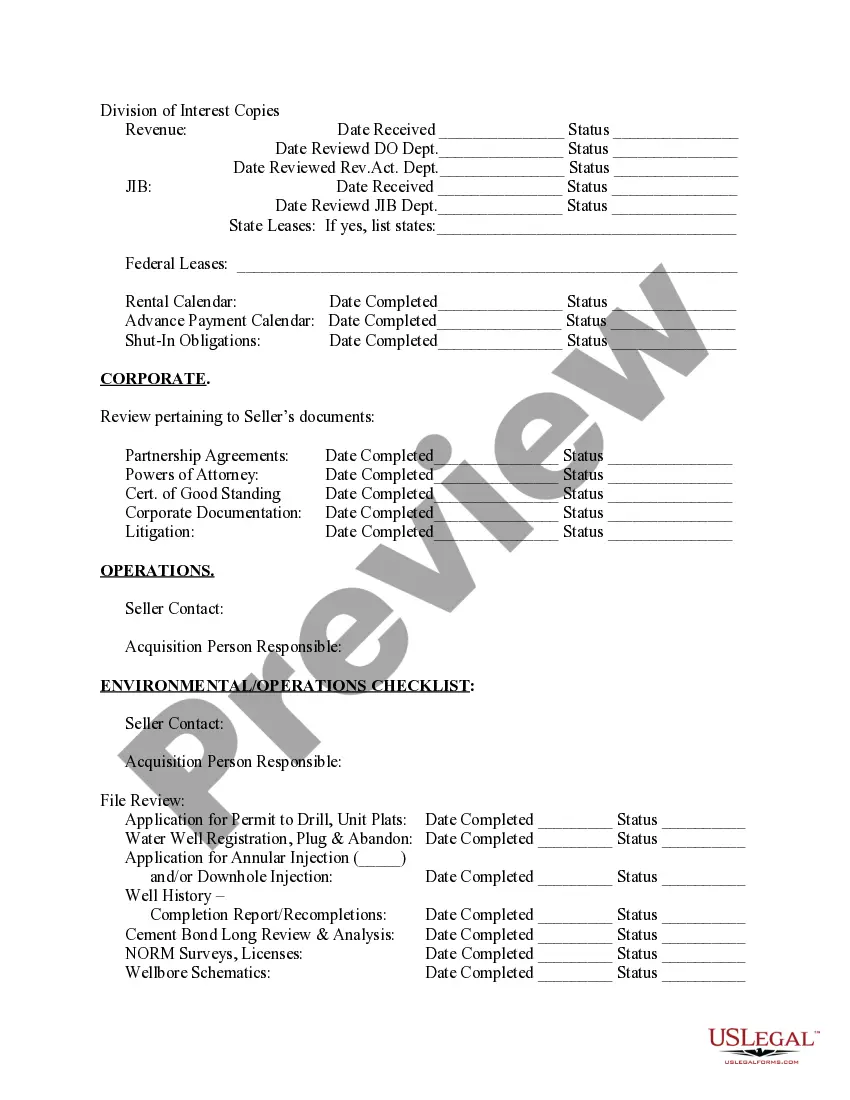
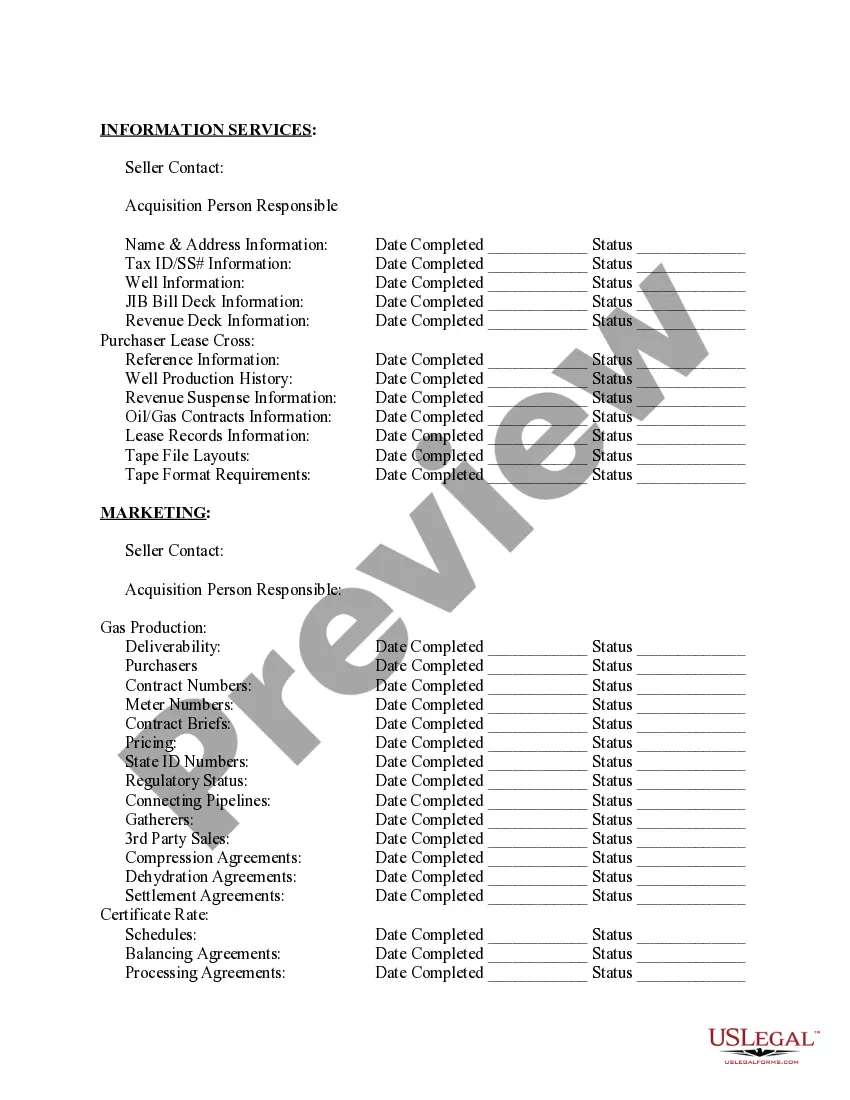
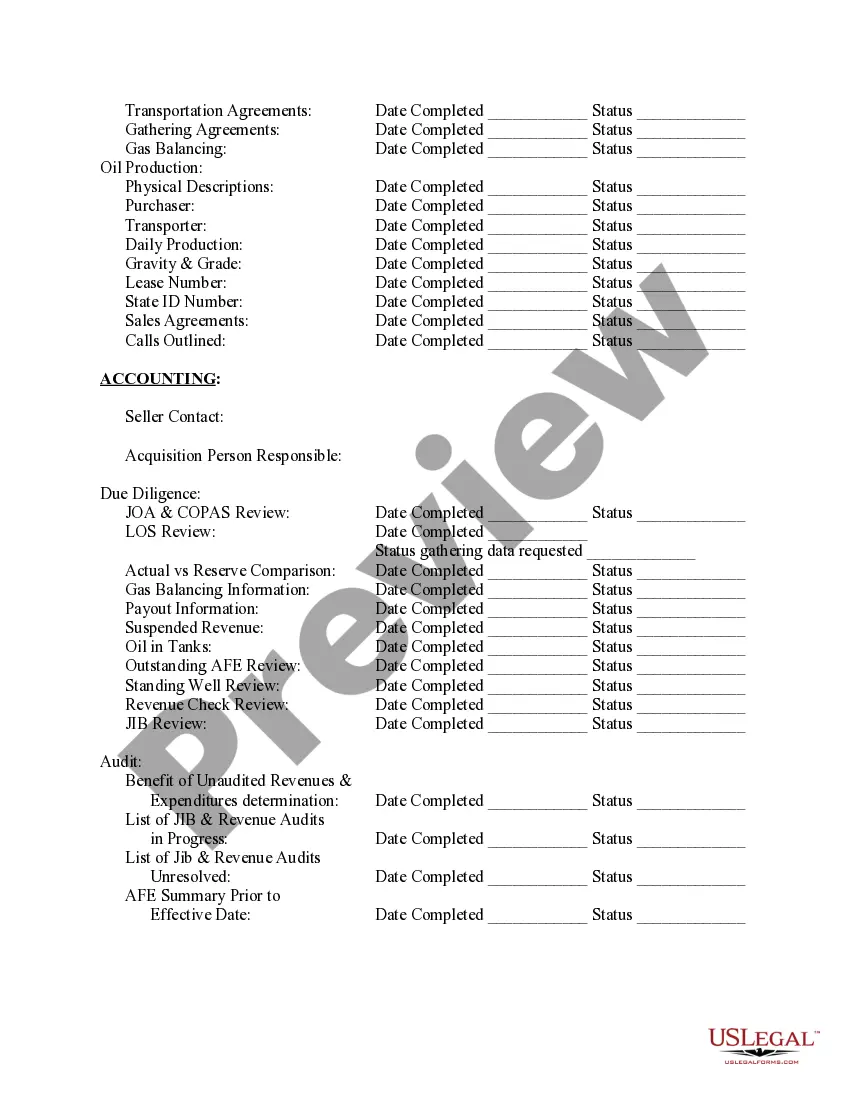
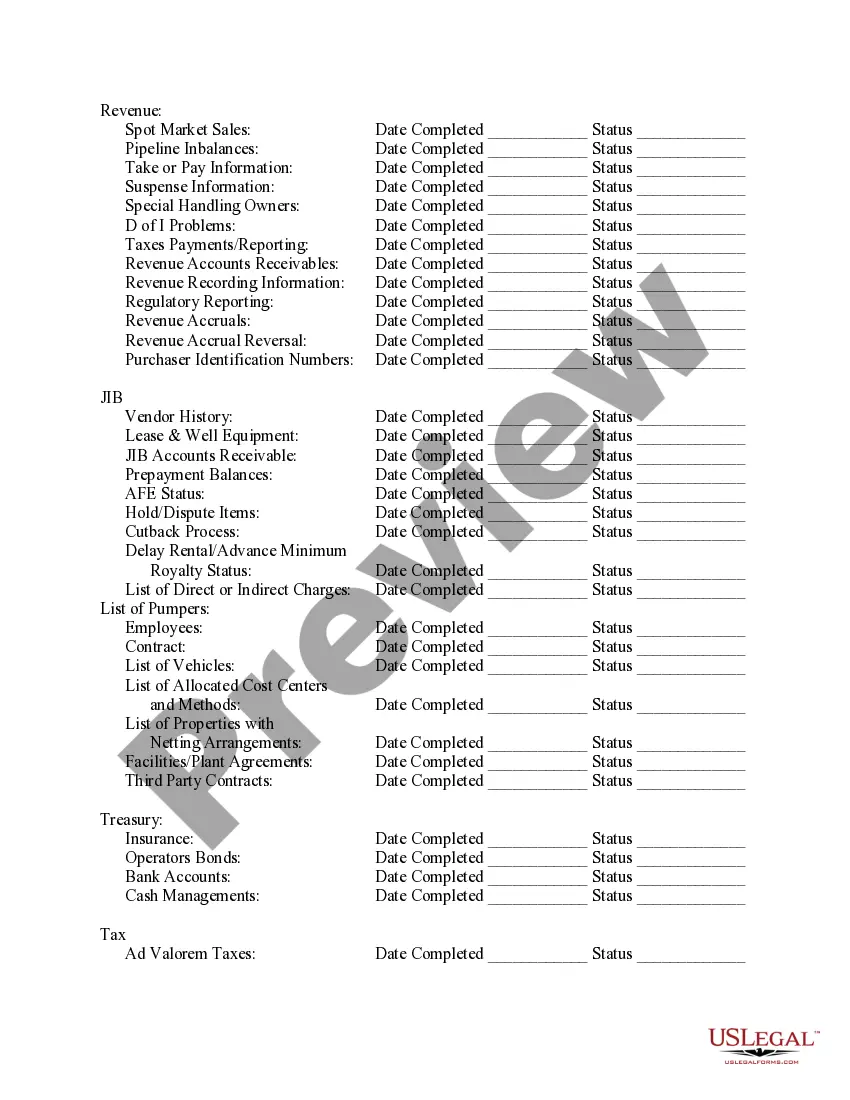
Rhode Island Acquisition Checklist
Description
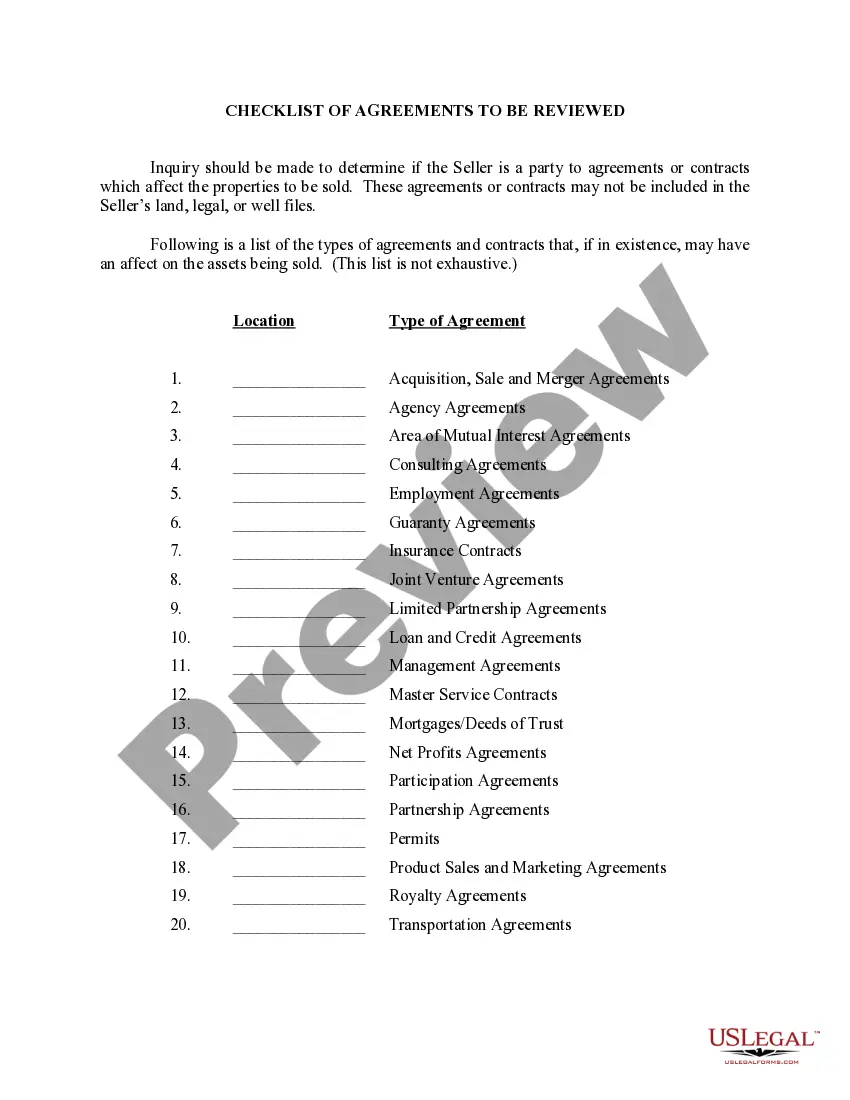
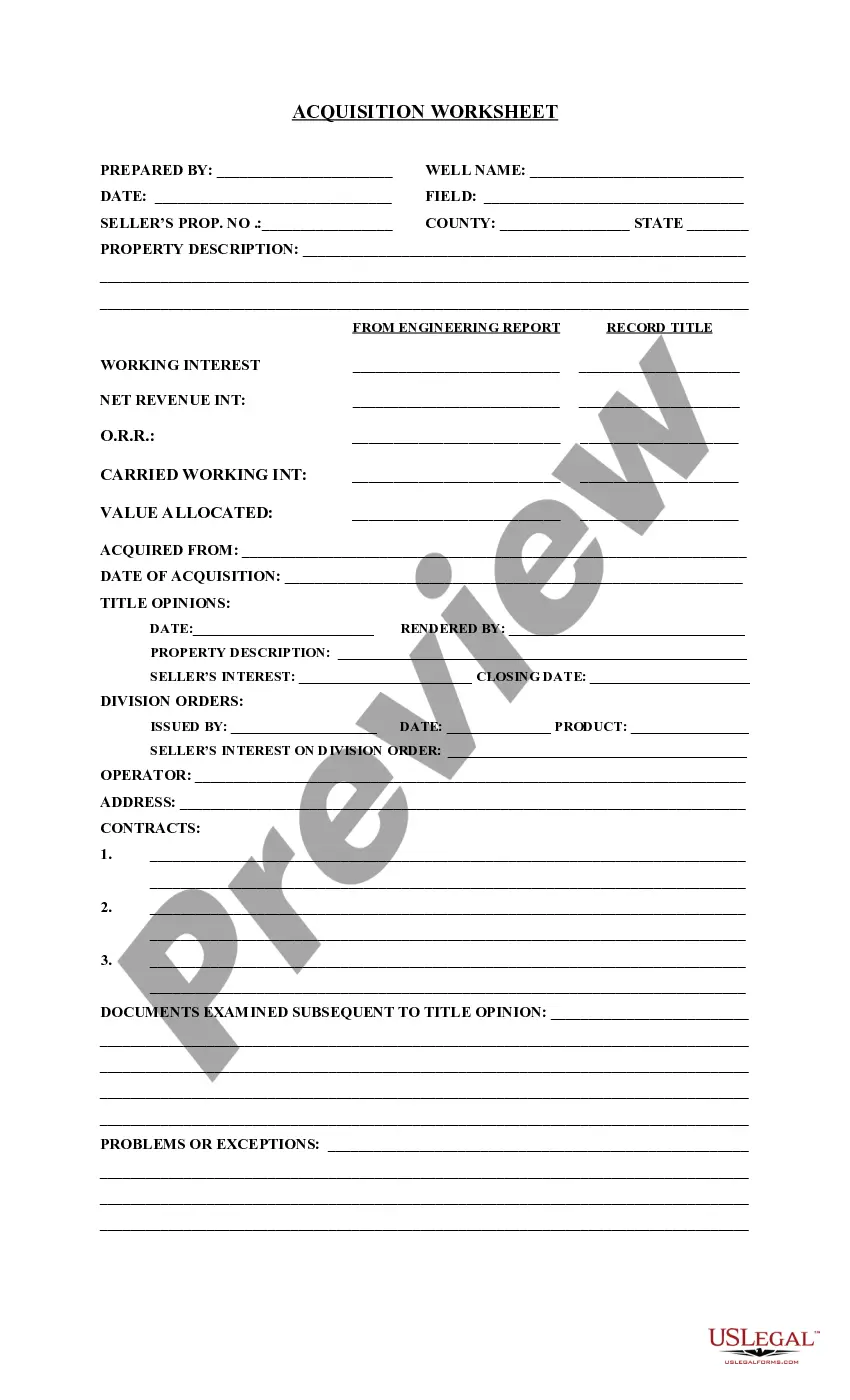
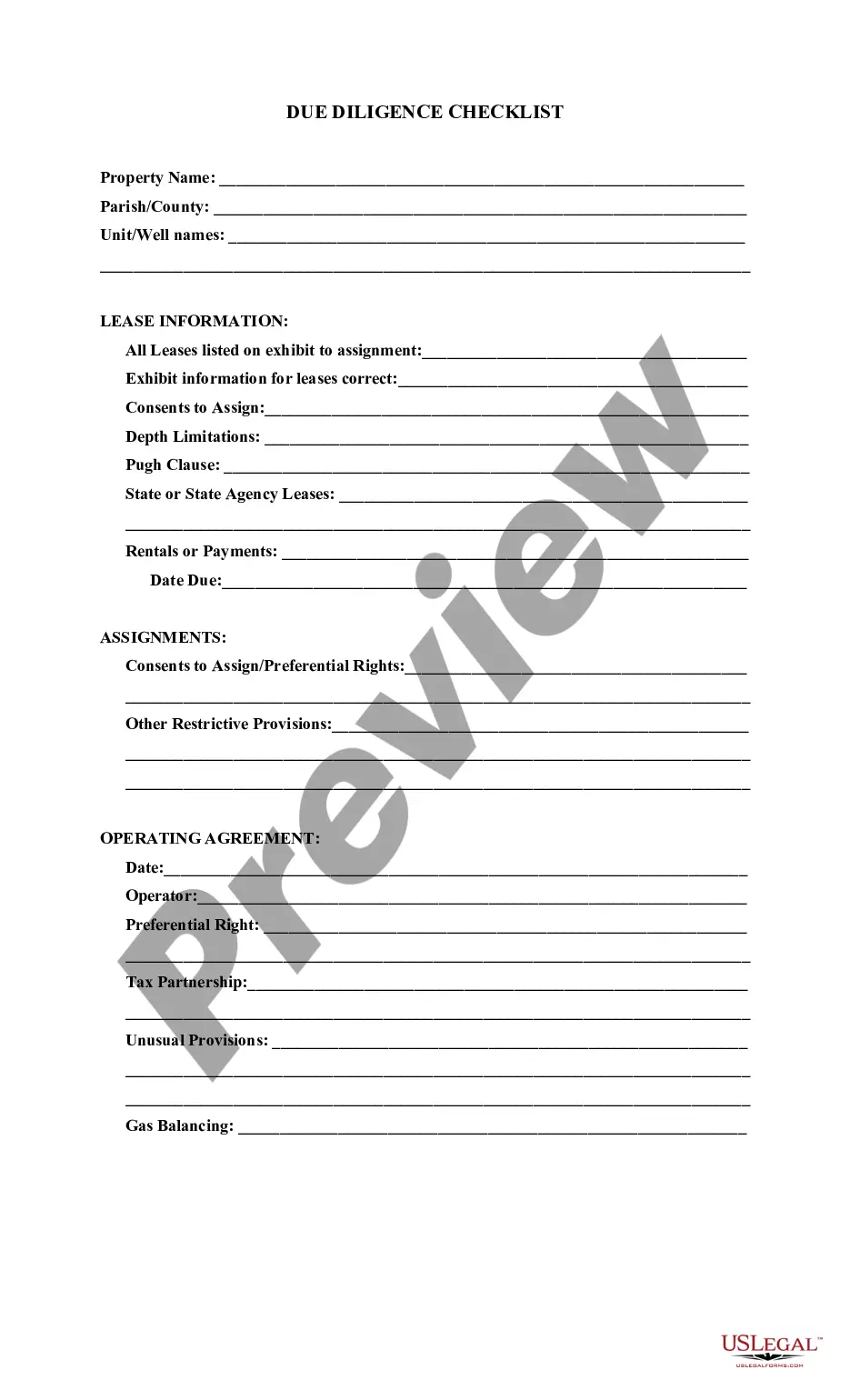
Get your form ready online
Our built-in tools help you complete, sign, share, and store your documents in one place.
Make edits, fill in missing information, and update formatting in US Legal Forms—just like you would in MS Word.
Download a copy, print it, send it by email, or mail it via USPS—whatever works best for your next step.
Sign and collect signatures with our SignNow integration. Send to multiple recipients, set reminders, and more. Go Premium to unlock E-Sign.
If this form requires notarization, complete it online through a secure video call—no need to meet a notary in person or wait for an appointment.
We protect your documents and personal data by following strict security and privacy standards.

Make edits, fill in missing information, and update formatting in US Legal Forms—just like you would in MS Word.

Download a copy, print it, send it by email, or mail it via USPS—whatever works best for your next step.

Sign and collect signatures with our SignNow integration. Send to multiple recipients, set reminders, and more. Go Premium to unlock E-Sign.

If this form requires notarization, complete it online through a secure video call—no need to meet a notary in person or wait for an appointment.

We protect your documents and personal data by following strict security and privacy standards.
Looking for another form?



How to fill out Acquisition Checklist?
If you want to comprehensive, download, or print out authorized document templates, use US Legal Forms, the most important assortment of authorized types, which can be found on-line. Use the site`s basic and convenient look for to obtain the documents you require. Numerous templates for company and specific purposes are sorted by classes and suggests, or search phrases. Use US Legal Forms to obtain the Rhode Island Acquisition Checklist in just a number of clicks.
If you are previously a US Legal Forms client, log in to your profile and click on the Obtain key to get the Rhode Island Acquisition Checklist. You may also accessibility types you previously delivered electronically in the My Forms tab of your profile.
If you work with US Legal Forms the very first time, follow the instructions beneath:
- Step 1. Make sure you have chosen the form for the appropriate city/country.
- Step 2. Use the Review option to examine the form`s information. Do not forget about to read the outline.
- Step 3. If you are unhappy with the type, make use of the Lookup industry on top of the monitor to find other models from the authorized type template.
- Step 4. Upon having discovered the form you require, click the Acquire now key. Opt for the pricing prepare you choose and add your qualifications to sign up on an profile.
- Step 5. Process the transaction. You may use your bank card or PayPal profile to finish the transaction.
- Step 6. Select the structure from the authorized type and download it on the system.
- Step 7. Full, revise and print out or indicator the Rhode Island Acquisition Checklist.
Every single authorized document template you get is yours for a long time. You may have acces to each type you delivered electronically in your acccount. Go through the My Forms segment and pick a type to print out or download again.
Contend and download, and print out the Rhode Island Acquisition Checklist with US Legal Forms. There are millions of specialist and express-particular types you can utilize for your personal company or specific demands.
Form popularity
FAQ
A request for proposal (RFP) response is a vendor's answers to a set of questions posed by a prospective buyer. In a complex, competitive purchasing process, customers demand a compelling argument from vendors before they're willing to sign off on what's often a multi-year contract.
7 Steps to Writing an RFP That Will Get You Great Responses Include a budget. Include Criteria for Selection. Provide Examples. Set the expectation. Timeline. Both for the process and the project. Goals and Metrics. Scope of Work/Deliverables. Do your homework and self-select a handful of vendors.
What should you include in an RFP? Background information. Detailed description of the project. Specific requirements about preferred systems, tools, materials, or products. Project deadline along with explicit dates and milestones. Any questions you would like the potential vendors to answer or materials to submit.
The RFP process explained in 8 steps Identify sourcing potential with spend analysis. ... Scope and specification. ... RFP preparation. ... Await the RFP responses. ... Evaluation and supplier selection. ... Negotiation and contracting. ... Implementation and handover. ... Lessons learned.
The RFP process begins with drafting a request for proposal. Bidders review the solicitation and submit suggestions for improvement. After implementing feedback, the final request for proposal is issued. Bidders then submit their proposals.