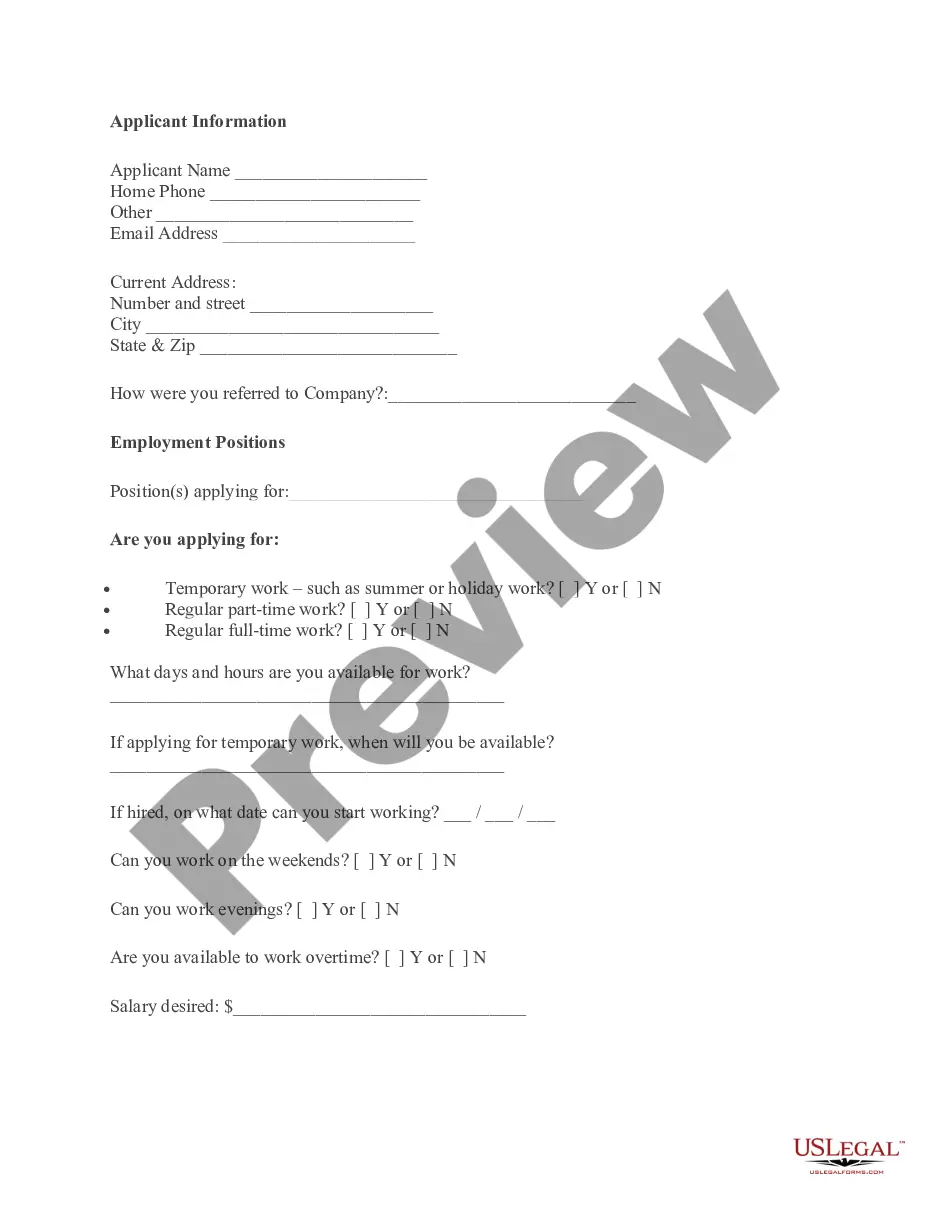
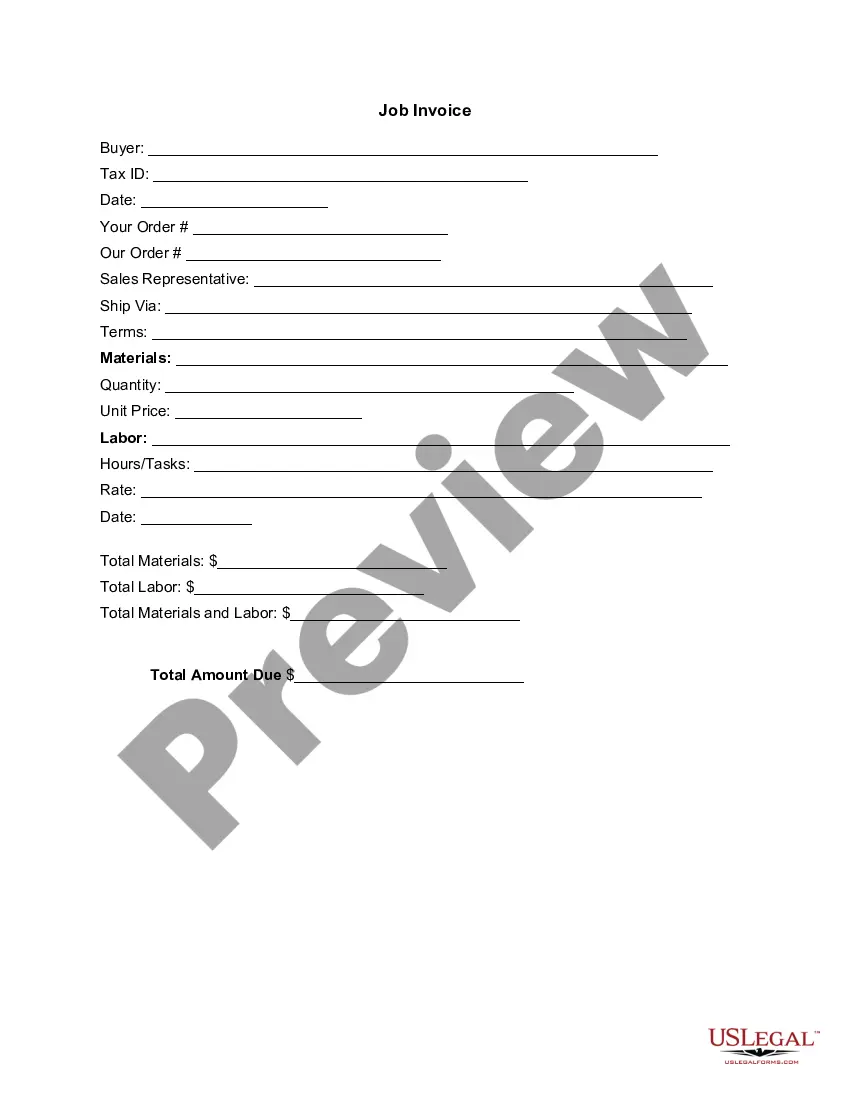
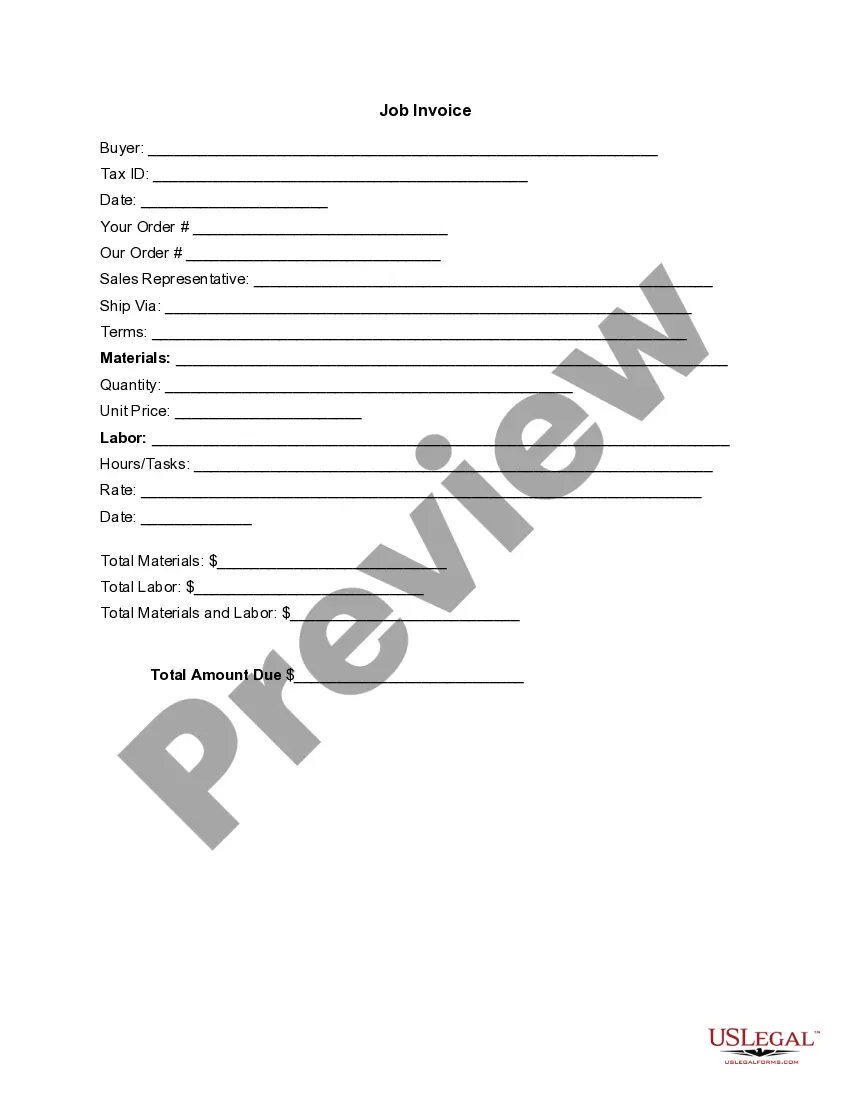
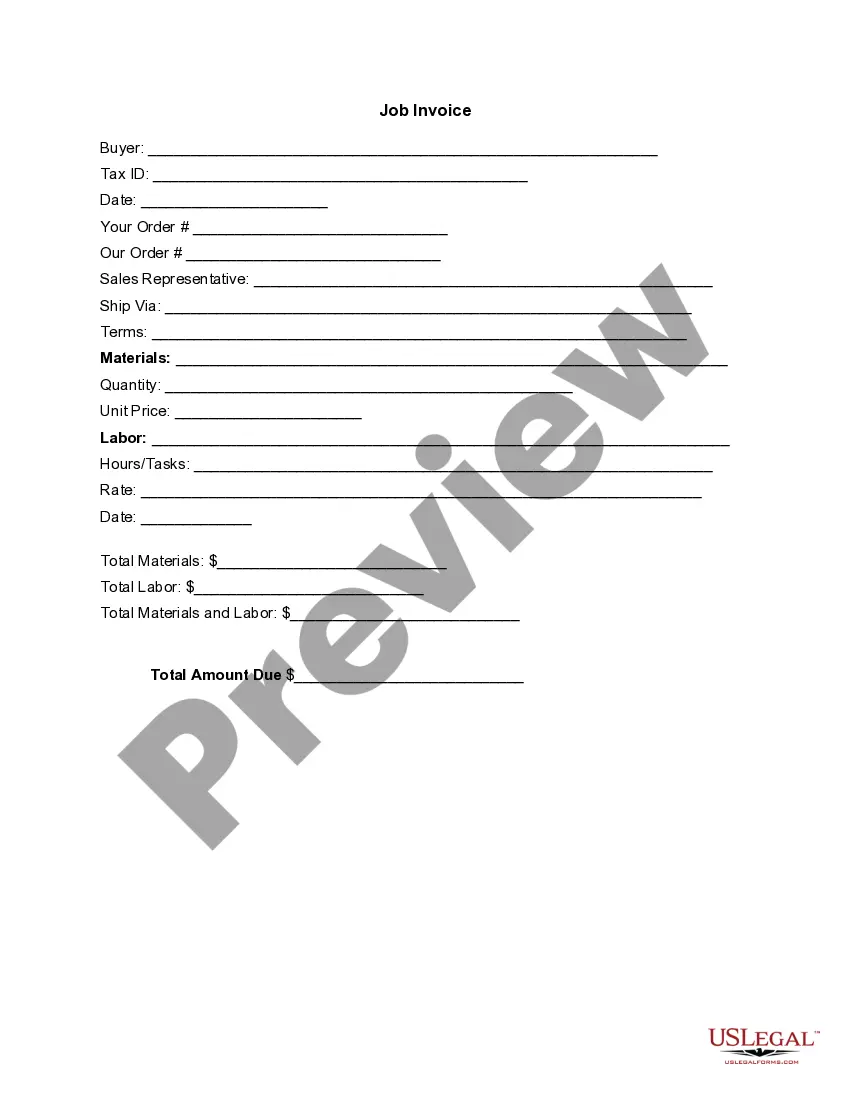
Rhode Island Invoice Template for Postman
Description

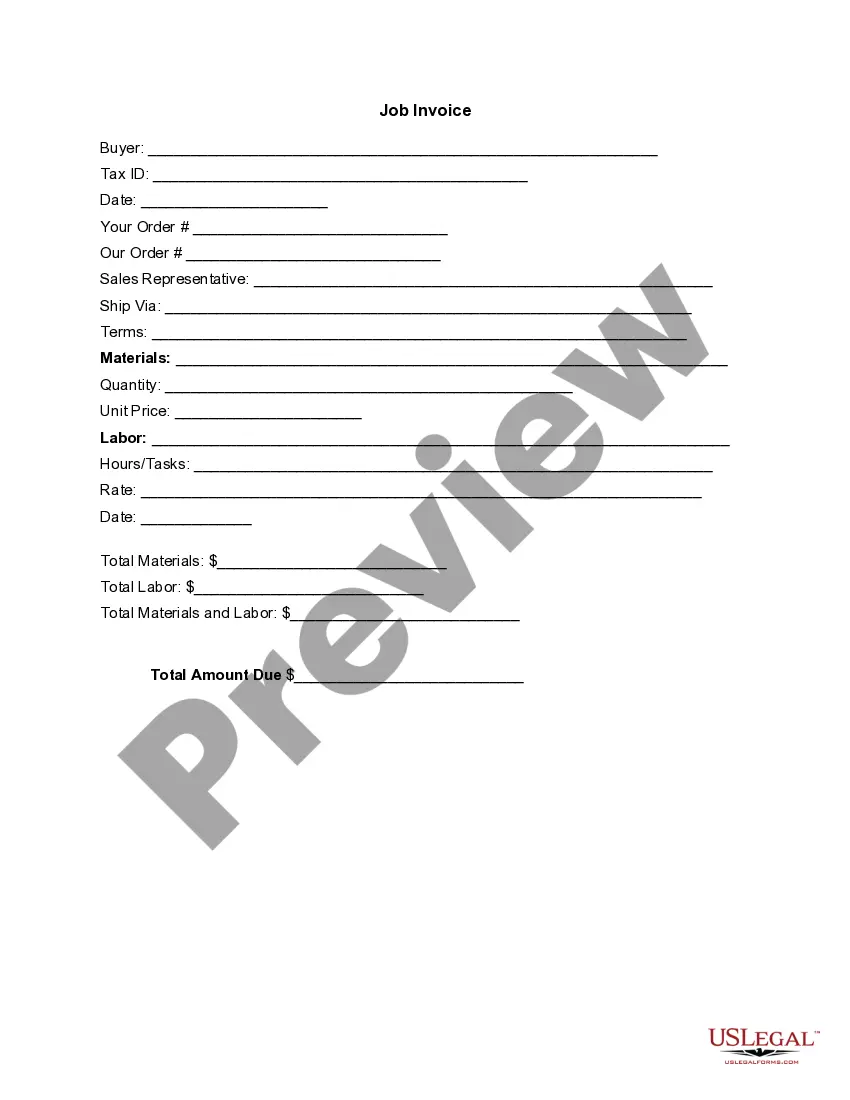

Get your form ready online
Our built-in tools help you complete, sign, share, and store your documents in one place.
Make edits, fill in missing information, and update formatting in US Legal Forms—just like you would in MS Word.
Download a copy, print it, send it by email, or mail it via USPS—whatever works best for your next step.
Sign and collect signatures with our SignNow integration. Send to multiple recipients, set reminders, and more. Go Premium to unlock E-Sign.
If this form requires notarization, complete it online through a secure video call—no need to meet a notary in person or wait for an appointment.
We protect your documents and personal data by following strict security and privacy standards.

Make edits, fill in missing information, and update formatting in US Legal Forms—just like you would in MS Word.

Download a copy, print it, send it by email, or mail it via USPS—whatever works best for your next step.

Sign and collect signatures with our SignNow integration. Send to multiple recipients, set reminders, and more. Go Premium to unlock E-Sign.

If this form requires notarization, complete it online through a secure video call—no need to meet a notary in person or wait for an appointment.

We protect your documents and personal data by following strict security and privacy standards.
Looking for another form?





How to fill out Invoice Template For Postman?
Finding the appropriate legal document template can be challenging. Of course, there are numerous templates accessible online, but how do you locate the legal form you need? Utilize the US Legal Forms website.
This service offers thousands of templates, including the Rhode Island Invoice Template for Postman, which can be utilized for both business and personal purposes. All forms are vetted by professionals and comply with federal and state regulations.
If you are already registered, sign in to your account and click the Download button to acquire the Rhode Island Invoice Template for Postman. Use your account to browse the legal forms you have previously purchased. Navigate to the My documents section of your account to obtain another copy of the document you need.
Choose the file format and download the legal document template to your device. Complete, modify, print, and sign the received Rhode Island Invoice Template for Postman. US Legal Forms is the largest repository of legal forms where you can find various document templates. Take advantage of the service to obtain properly crafted documents that meet state requirements.
- First, verify that you have chosen the correct form for your city/state.
- You can review the form using the Preview button and examine the form description to ensure it meets your needs.
- If the form does not meet your expectations, use the Search field to find the appropriate form.
- Once you are confident that the form is suitable, click the Get now button to obtain it.
- Select the pricing plan you desire and fill in the required information.
- Create your account and pay for the order using your PayPal account or credit card.
Form popularity
FAQ
To send an invoice template, first ensure it is properly filled out with all necessary details. You can share it directly from Postman by selecting the invoice you wish to send and using the email option. You can also export it as a PDF and attach it to your email. Sending a well-prepared Rhode Island Invoice Template for Postman enhances your communication with clients.
Creating an invoice template for Rhode Island using Postman is straightforward. Begin by selecting a blank template or a pre-designed one. Then, customize it by adding your business name, logo, and other essential details. Save this template to use it for future invoices, streamlining your billing process.
To send someone an invoice using a Rhode Island Invoice Template for Postman, first create or select the invoice you wish to send. Once your invoice is ready, you can either download it as a PDF or use the built-in email feature to send it directly to the client. Ensure that you double-check the recipient's email address for accuracy. This helps maintain professionalism and avoid any payment delays.
To change your billing address on Postman, navigate to your account settings and locate the billing section. Here, you can update your Rhode Island Invoice Template for Postman by entering the new address details. Make sure to save your changes to ensure that future invoices reflect the updated information. This ensures clarity and accuracy in your billing process.
To check the API version in Postman, make sure to select the specific API in your workspace. The version information is typically available in the API documentation or the settings menu. As you manage your API versions, remember that using the Rhode Island Invoice Template for Postman can streamline your documentation process, especially if you are handling multiple versions.
To check your Postman usage, log into your account and find the relevant section dedicated to usage analytics. This area provides insights into how many requests you have made and your overall API consumption. Utilizing the Rhode Island Invoice Template for Postman can help you track usage-related invoices efficiently.
You can check your Postman plan by logging into your account and navigating to the billing section. Here, you'll find details about your current subscription, including its features and renewal date. While reviewing your plan, you might want to consider the Rhode Island Invoice Template for Postman, which can help document your services effectively.
Changing your Postman plan is straightforward. Simply log in to your account, go to the billing settings, and select the new plan that suits your needs better. While making these changes, remember that the Rhode Island Invoice Template for Postman can assist in generating invoices that reflect your updated plan or services.
To cancel your Postman plan, you need to access your account settings and navigate to the billing section. Here, you will find options that allow you to manage or cancel your subscription. Additionally, while you handle cancellations, consider using the Rhode Island Invoice Template for Postman to prepare your invoicing seamlessly, ensuring financial records remain organized.
The professional plan for Postman offers enhanced features for teams that require advanced collaboration and API management. This plan includes improved security measures, real-time collaboration tools, and tracking APIs more efficiently. For users looking to create invoices easily, consider utilizing the Rhode Island Invoice Template for Postman, which aligns well with professional planning.