Pennsylvania Notice to File Social Security Numbers
What is this form?
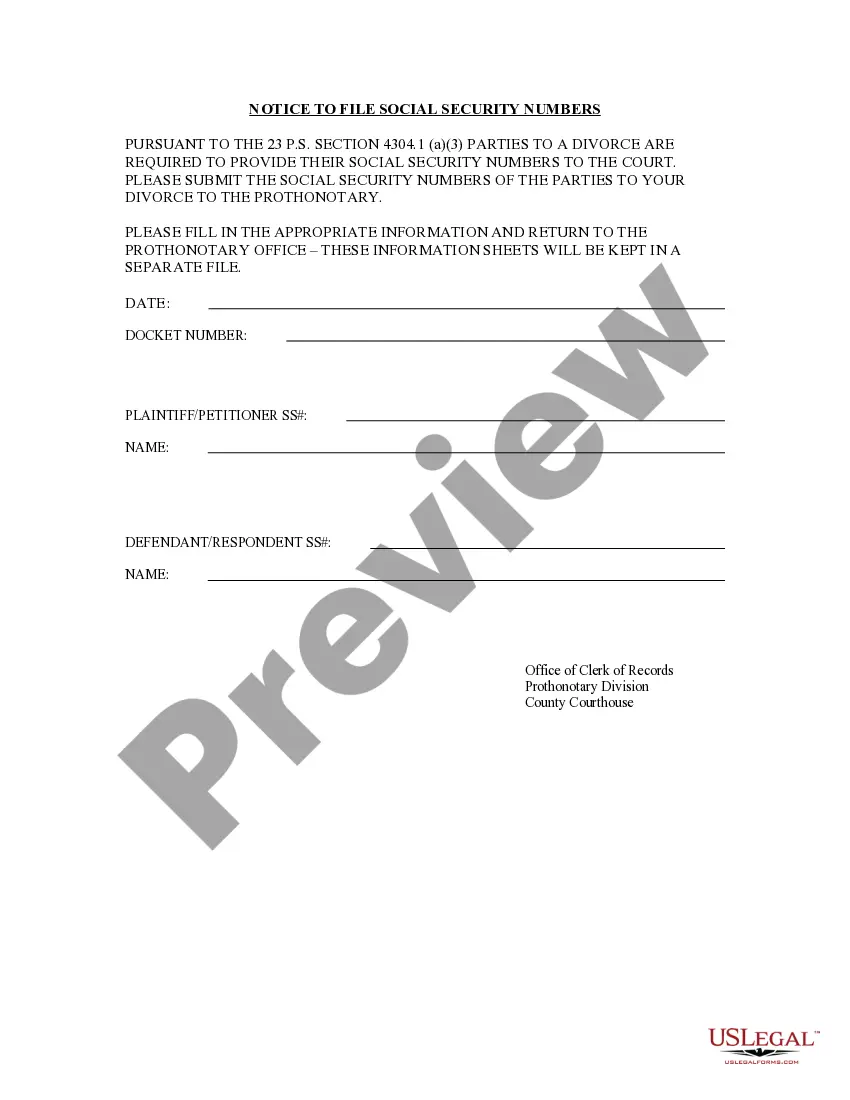
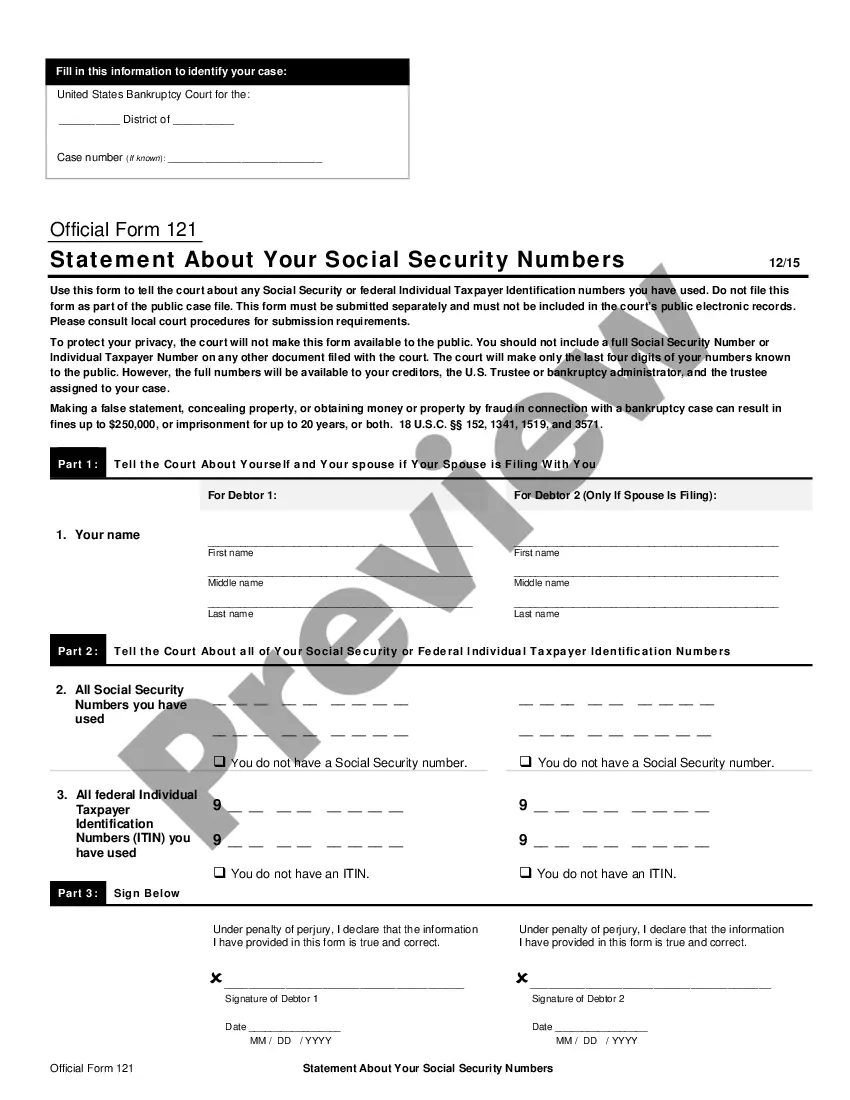
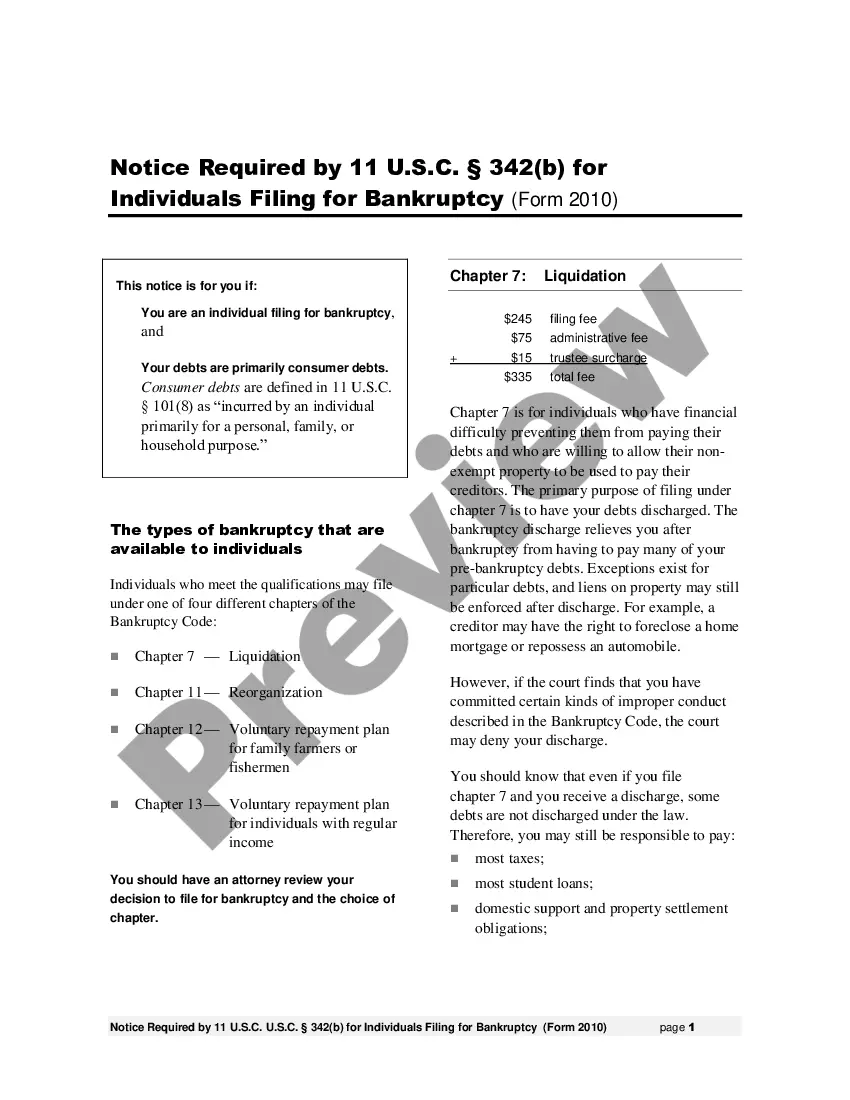
The Notice to File Social Security Numbers is a legal document required by the State of Pennsylvania. Its purpose is to formally request that each party involved in a divorce provides their Social Security number to the court. This form is essential for maintaining accurate court records and is distinct from other forms typically associated with divorce, as it specifically focuses on the submission of Social Security numbers.
Main sections of this form
- Identification of the parties involved in the divorce.
- Designated fields for entering each party's Social Security number.
- Instructions for submission to the Prothonotary office.
- Compliance statement regarding Pennsylvania law (23 P.S. Section 4304.1 (a)(3)).
- Confirmation of separate filing of information sheets for confidentiality.
When to use this document
This form should be used when filing for divorce in Pennsylvania. It is required at the initial stages of the divorce proceedings when parties need to disclose their Social Security numbers to the court. Failure to submit this document may result in delays or complications in the legal process.
Who this form is for
Individuals who are involved in a divorce proceeding in Pennsylvania should use this form. This includes:
- Both spouses who are parties to the divorce.
- Legal representatives acting on behalf of one or both parties.
- Any individual required by the court to disclose their Social Security number during divorce proceedings.
How to prepare this document
- Identify each party involved in the divorce by name.
- Enter each party's Social Security number in the designated fields.
- Verify the accuracy of the information entered.
- Submit the completed form to the Prothonotary office at the County Courthouse.
- Ensure that the information remains confidential as stated in the form instructions.
Notarization requirements for this form
In most cases, this form does not require notarization. However, some jurisdictions or signing circumstances might. US Legal Forms offers online notarization powered by Notarize, accessible 24/7 for a quick, remote process.
Get your form ready online
Our built-in tools help you complete, sign, share, and store your documents in one place.
Make edits, fill in missing information, and update formatting in US Legal Forms—just like you would in MS Word.
Download a copy, print it, send it by email, or mail it via USPS—whatever works best for your next step.
Sign and collect signatures with our SignNow integration. Send to multiple recipients, set reminders, and more. Go Premium to unlock E-Sign.
If this form requires notarization, complete it online through a secure video call—no need to meet a notary in person or wait for an appointment.
We protect your documents and personal data by following strict security and privacy standards.

Make edits, fill in missing information, and update formatting in US Legal Forms—just like you would in MS Word.

Download a copy, print it, send it by email, or mail it via USPS—whatever works best for your next step.

Sign and collect signatures with our SignNow integration. Send to multiple recipients, set reminders, and more. Go Premium to unlock E-Sign.

If this form requires notarization, complete it online through a secure video call—no need to meet a notary in person or wait for an appointment.

We protect your documents and personal data by following strict security and privacy standards.
Typical mistakes to avoid
- Failing to provide the correct Social Security number for each party.
- Leaving required fields blank.
- Not submitting the form to the appropriate Prothonotary office.
- Ignoring confidentiality procedures outlined in the form.
- Not checking for accuracy before submission.
Why use this form online
- Convenience of filling out the form from home at any time.
- Editability allows for corrections before submission.
- Reliable access to legal standards and requirements specific to Pennsylvania.
- Fast access to downloadable templates drafted by licensed attorneys.
What to keep in mind
- The Notice to File Social Security Numbers is crucial in Pennsylvania divorce cases.
- Both parties must provide their Social Security numbers to comply with local law.
- Accurate and timely submission of this form is essential to avoid delays in legal proceedings.
Looking for another form?


Form popularity
FAQ
You may call the Social Security Electronic Records Express Help Desk at 1-866-691-3061 or send them an email at electronic-records-express@ssa.gov, or you should contact the office where you are sending the document or the office that requested the information.
Submitting Your Application, by Mail or in PersonThe final step is to submit the SS-5 form and your original or certified documents to your local Social Security office or card center, either by mail or in person. You can find the address online using the Social Security Administration's Field Office Locator.
If you download, print and complete a paper form, please mail or take it to your local Social Security office or the office that requested it from you.
There is no law that prevents businesses from asking for your SSN. And you may be denied service if you don't give the number. If giving your SSN to a business doesn't seem reasonable to you, ask if you can show another form of identification. Or ask if the business can use another number as your customer number.
Yes, you can refuse unless you're legally required to provide your Social Security number (SSN). However, there's also no law preventing businesses from asking for it or refusing you service if you don't provide it.
You can mail this signed application or take this signed application with your documents to any U.S. Social Security office or your Federal Benefits Unit.The people there will make certified copies of your original documents and mail them to the Social Security Administration along with this application.
On Social Security COLA notice, we began displaying a Beneficiary Notice Code (BNC). The BNC is an encrypted 13-character alphanumeric code that helps our employees identify the notice and the beneficiary, and further eliminates the need to include the SSN.
Yes, faxing is secure under all appropriate privacy rules. Can I fax evidence using my PC fax software? Yes. However, the first page for each document you are sending must be the barcode provided to you by the Social Security office or State Disability Determination Services (DDS) that is handling the disability claim.
If you are an SSI beneficiary, your claim number is your nine-digit Social Security Number (SSN) (000-00-0000) followed by two letters such as EI, DI, DS, DC. If you are a Social Security beneficiary, your claim number is the nine-digit SSN followed by one or more letters such as A, B, C, HA.