A physician assistant (P.A.) is a licensed health professional who practices medicine under the supervision of a physician. A physician assistant provides a broad range of health care services that were traditionally performed by a doctor. What a physician assistant does varies with training, experience, and state law. In addition, the scope of the P.A.'s practice corresponds to the supervising physician's practice. In general, a physician assistant will see many of the same types of patients as the physician. The cases handled by physicians are generally the more complicated medical cases or those cases requiring care that is not a routine part of the P.A.'s scope of work. Referral to the physician, or close consultation between the patient, P.A., and physician, is done in unusual or hard to manage cases. Physician assistants are taught to know their limits and refer to or consult with physicians appropriately.
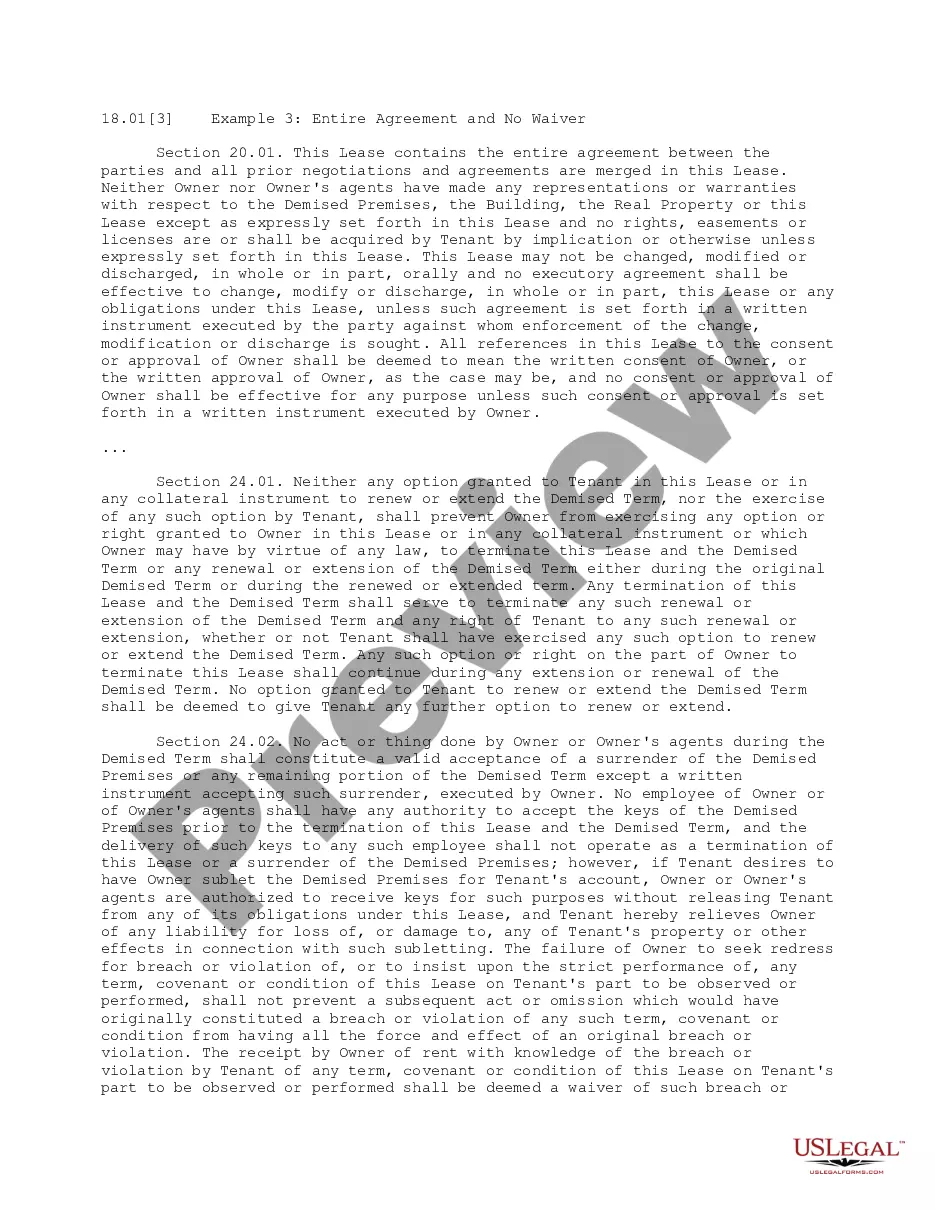
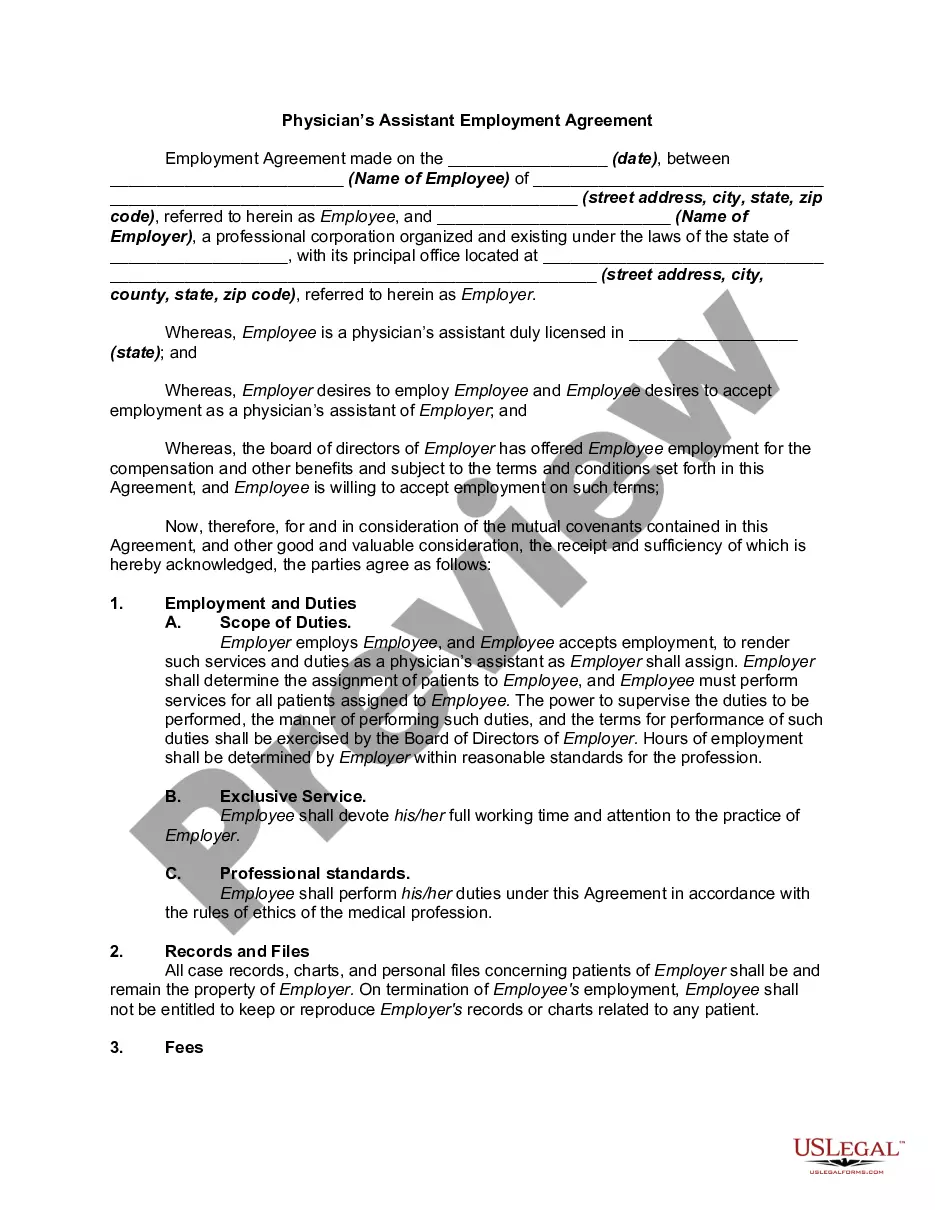
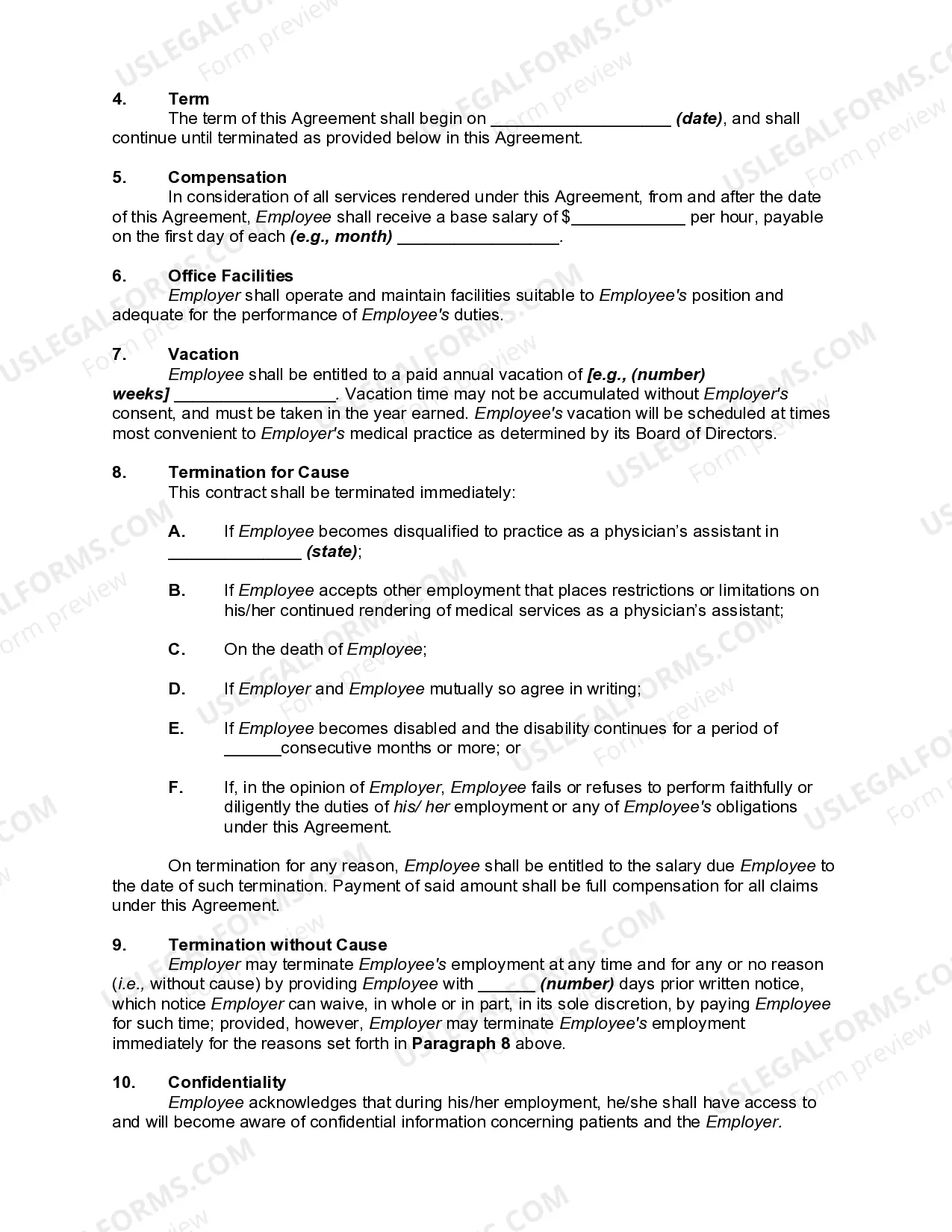
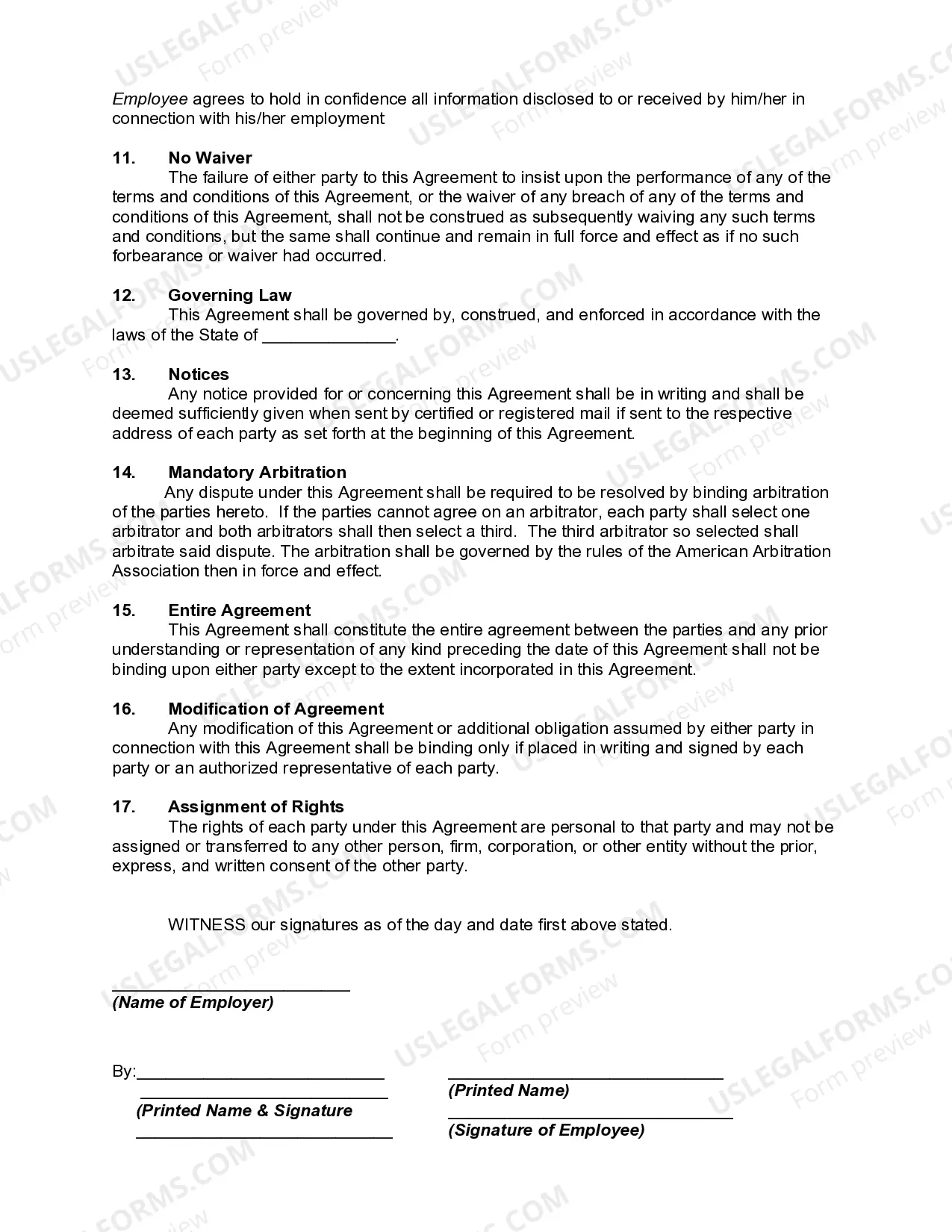
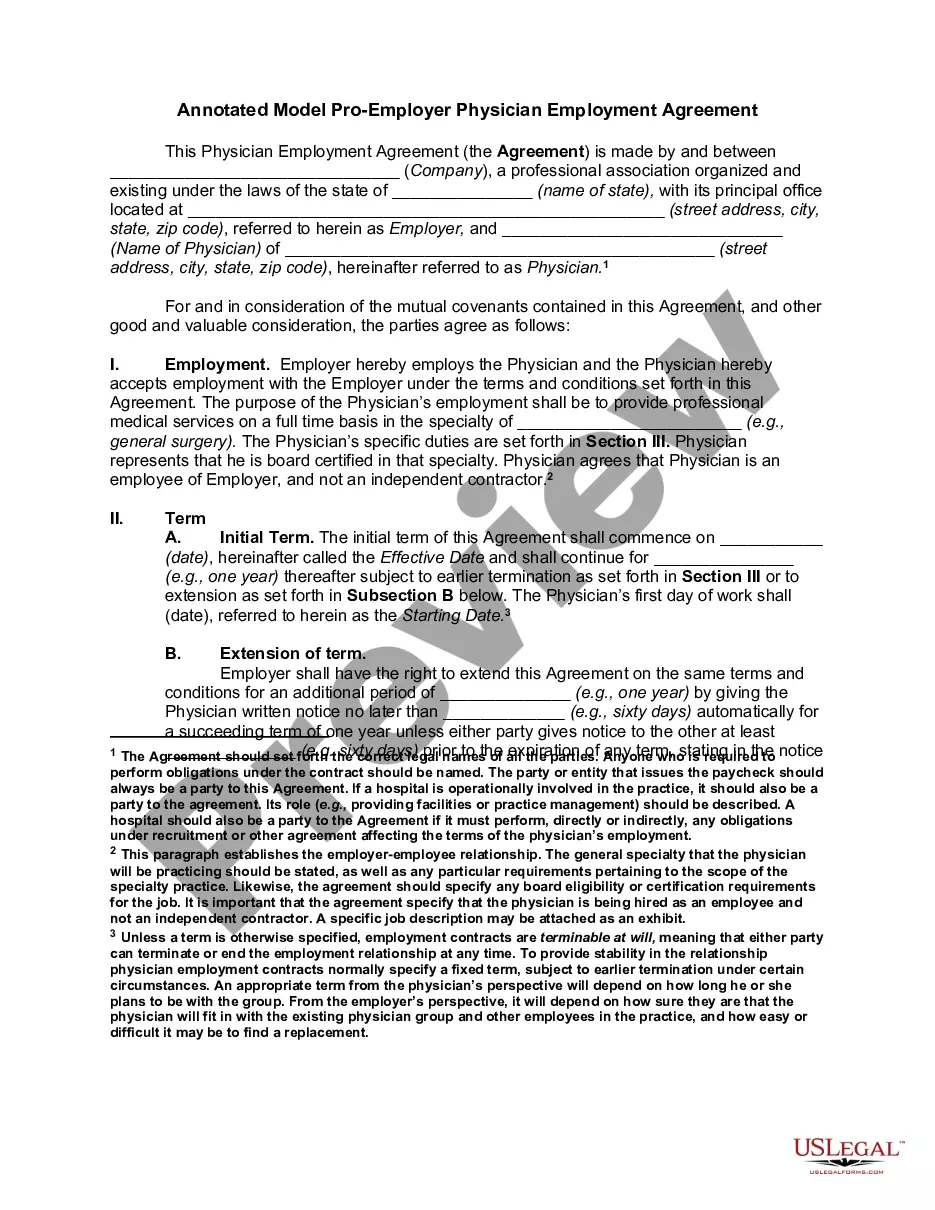
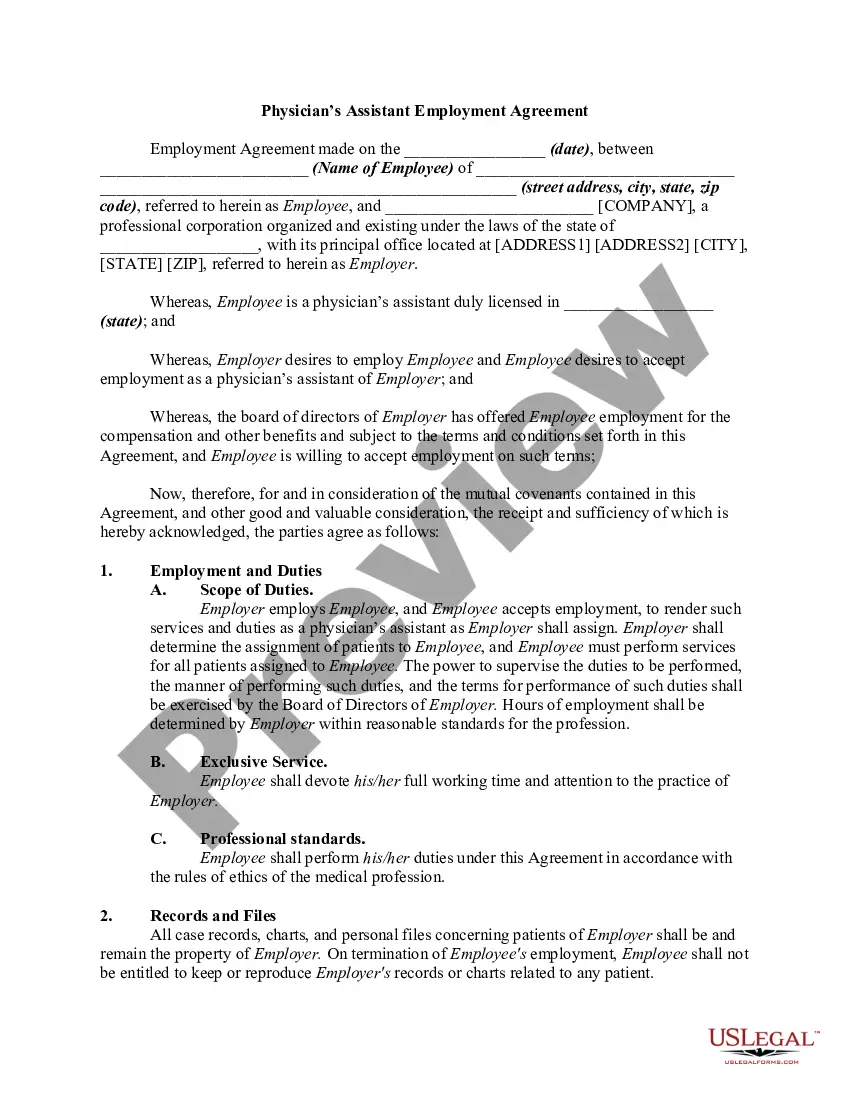
Oklahoma Physician's Assistant Employment Agreement
Description

Get your form ready online
Our built-in tools help you complete, sign, share, and store your documents in one place.
Make edits, fill in missing information, and update formatting in US Legal Forms—just like you would in MS Word.
Download a copy, print it, send it by email, or mail it via USPS—whatever works best for your next step.
Sign and collect signatures with our SignNow integration. Send to multiple recipients, set reminders, and more. Go Premium to unlock E-Sign.
If this form requires notarization, complete it online through a secure video call—no need to meet a notary in person or wait for an appointment.
We protect your documents and personal data by following strict security and privacy standards.

Make edits, fill in missing information, and update formatting in US Legal Forms—just like you would in MS Word.

Download a copy, print it, send it by email, or mail it via USPS—whatever works best for your next step.

Sign and collect signatures with our SignNow integration. Send to multiple recipients, set reminders, and more. Go Premium to unlock E-Sign.

If this form requires notarization, complete it online through a secure video call—no need to meet a notary in person or wait for an appointment.

We protect your documents and personal data by following strict security and privacy standards.
Looking for another form?


How to fill out Physician's Assistant Employment Agreement?
US Legal Forms - one of the largest collections of legal templates in the United States - offers a variety of legal document formats that you can download or print.
By using the website, you can find thousands of forms for business and personal purposes, organized by categories, states, or keywords. You can obtain the latest versions of forms like the Oklahoma Physician's Assistant Employment Agreement within moments.
If you possess a membership, Log In and download the Oklahoma Physician's Assistant Employment Agreement from the US Legal Forms library. The Download button will be visible on every form you view. You can access all previously downloaded forms in the My documents tab of your account.
Complete the transaction. Use your credit card or PayPal account to execute the payment.
Select the format and download the form to your device. Make edits. Fill out, modify, print, and sign the downloaded Oklahoma Physician's Assistant Employment Agreement. Every template you added to your account does not have an expiration date and is yours indefinitely. Therefore, if you want to download or print another copy, just navigate to the My documents section and click on the form you desire. Access the Oklahoma Physician's Assistant Employment Agreement with US Legal Forms, the most extensive collection of legal document formats. Utilize thousands of professional and state-specific templates that meet your business or personal needs and requirements.
- If you're using US Legal Forms for the first time, follow these simple steps to get started.
- Ensure you have selected the correct form for your locality. Click the Preview button to review the form's content.
- Check the form description to confirm that you have selected the right document.
- If the form doesn't meet your requirements, utilize the Search field at the top of the screen to find one that does.
- Once satisfied with the form, confirm your choice by clicking the Purchase now button.
- Then, choose the pricing plan you prefer and provide your details to register for an account.
Form popularity
FAQ
The role of a physician assistant is confusing because the scope of practice is often similar to that of a general doctor, but there are some key differences. Similar to a nurse practitioner, PAs can practice independently of a physician in certain states.
The main duties of a PA overlap with that of a doctor across several aspects; except for a few major procedures such as surgery. Physician assistants may assist doctors in surgical procedures but they themselves are not licensed to perform surgery.
Clinic ownership, based on our experiences with the medical board, can be summarized as follows: A PA can own 100% of a clinic IF the PA does not work there. Thus, is not supervised by the physician.
The physician assistant may prescribe drugs, including controlled medications in Schedules II through V pursuant to Section 2-312 of Title 63 of the Oklahoma Statutes, and medical supplies and services as delegated by the delegating physician and as approved by the State Board of Medical Licensure and Supervision after
(1) A supervising physician shall not serve as the supervising physician for more than a total of six (6) physician assistants and/or advanced practice nurses regarding their prescriptive authority.
States where physicians can practice with unlimited number of PAs:Alaska.Arkansas.Connecticut.Maine.Massachusetts.Michigan.Minnesota.Mississippi.More items...
A PA can own 100% of a clinic IF the PA does not work there. Thus, is not supervised by the physician. If you work at the clinic, your ownership must not be the controlling interest, eg, 49% is okay, as long as the other 51% is owned by others, not under your influence (family members, spouse, etc.).
In order for a physician assistant to prescribe a controlled substance in an out-patient setting, the physician assistant must be currently registered with the Drug Enforcement Administration and Oklahoma Bureau of Narcotics and Dangerous Drugs.
(1) A supervising physician shall not serve as the supervising physician for more than a total of six (6) physician assistants and/or advanced practice nurses regarding their prescriptive authority.
Instructing and counseling patients regarding compliance with prescribed therapeutic regimens, normal growth and development, family planning, emotional problems of daily living and health maintenance, and. facilitating the referral of patients to the community's health and social services agencies when appropriate.