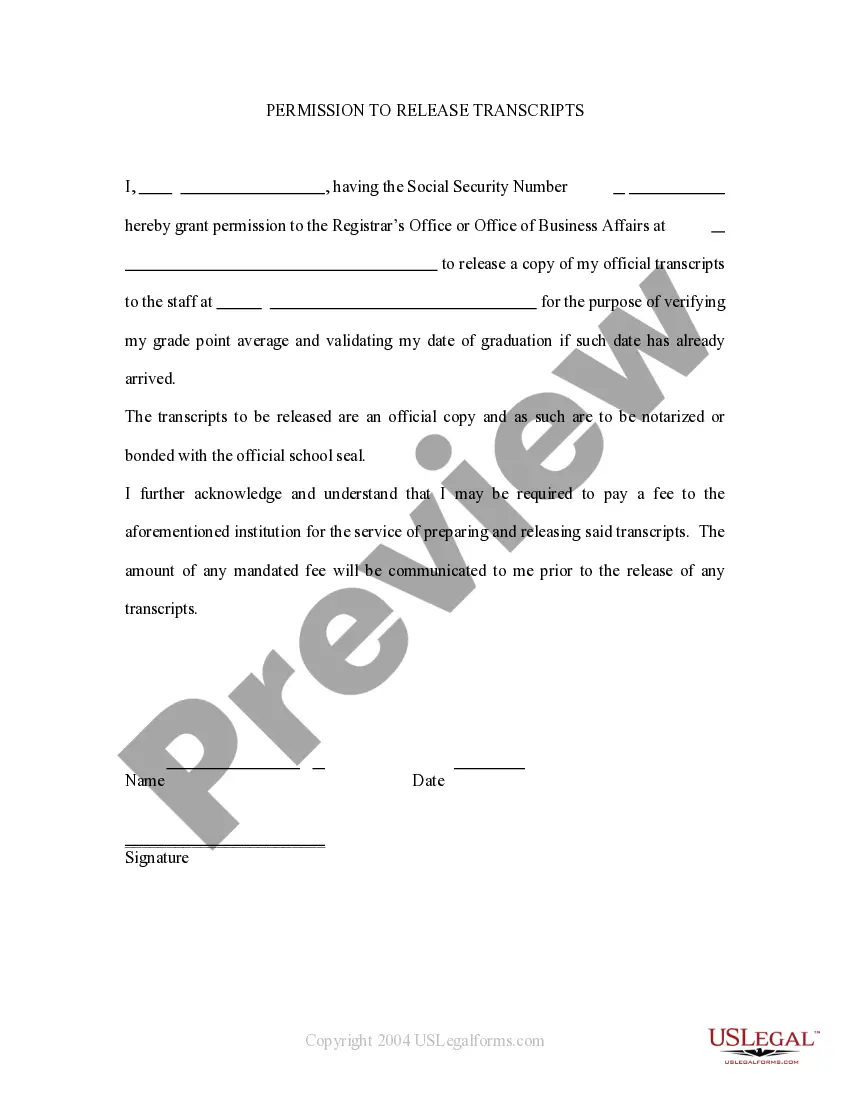
This is a form requesting the release of official school transcripts by a student applying to graduate school, transferring schools, or needing to provide proof of graduation or grades to a prospective employer.
Ohio Request To Release Transcripts
Category:
State:
Multi-State
Control #:
US-PRM-13
Format:
Word;
Rich Text
Instant download
Description

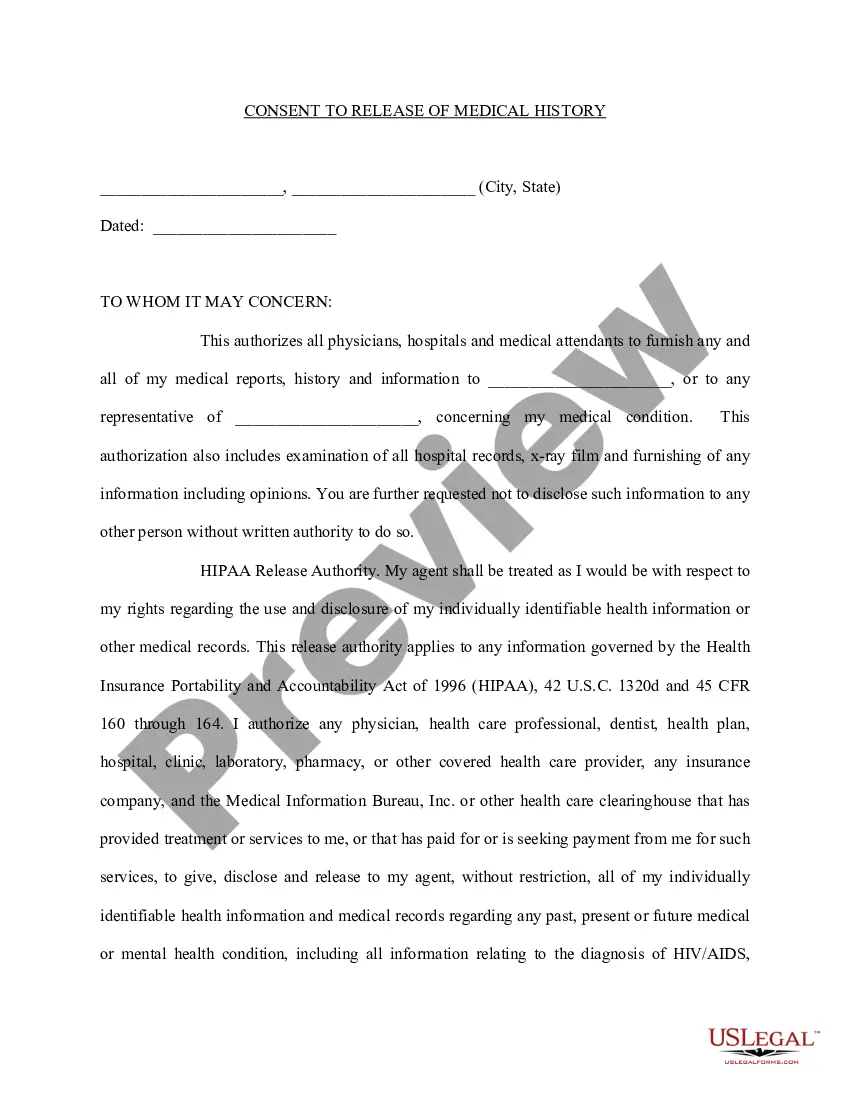
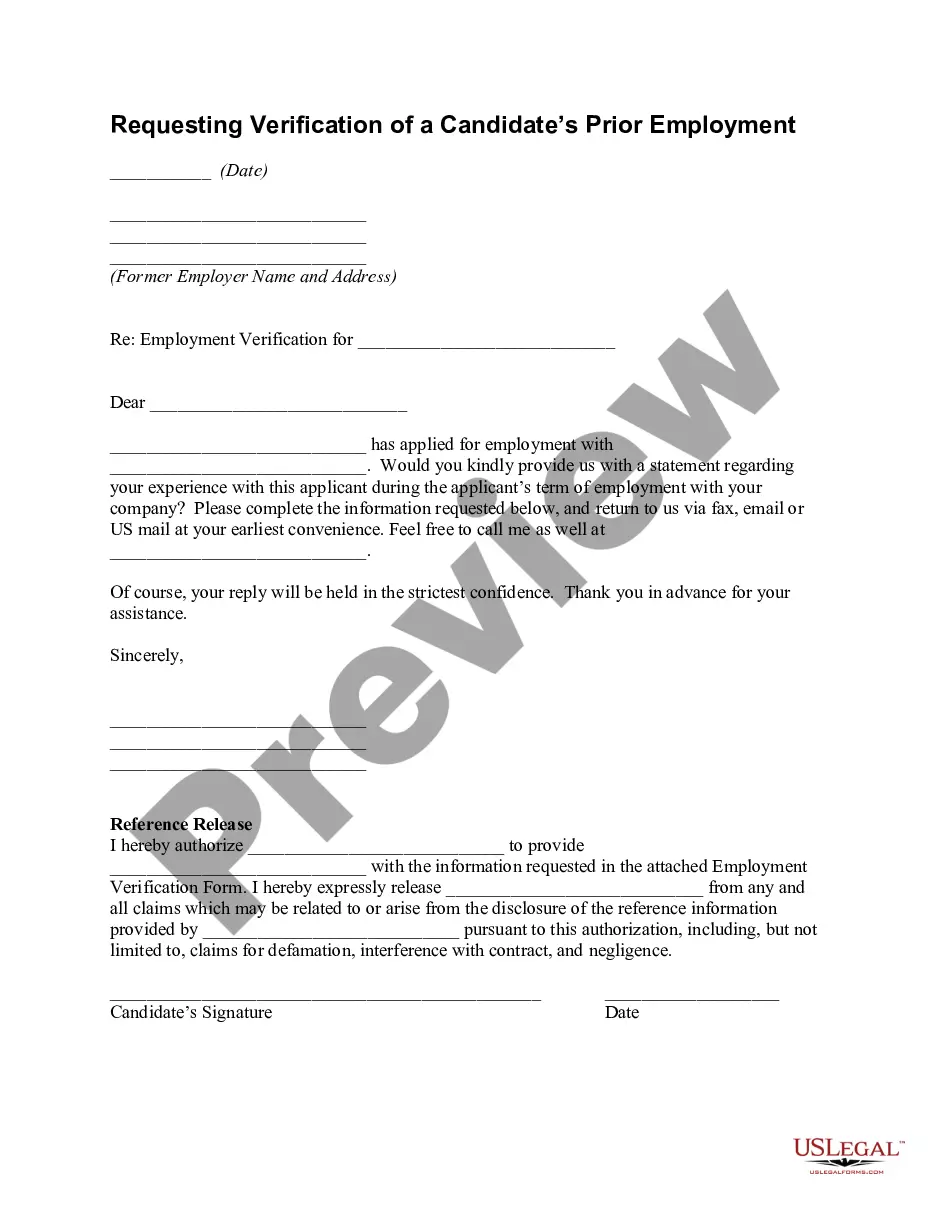
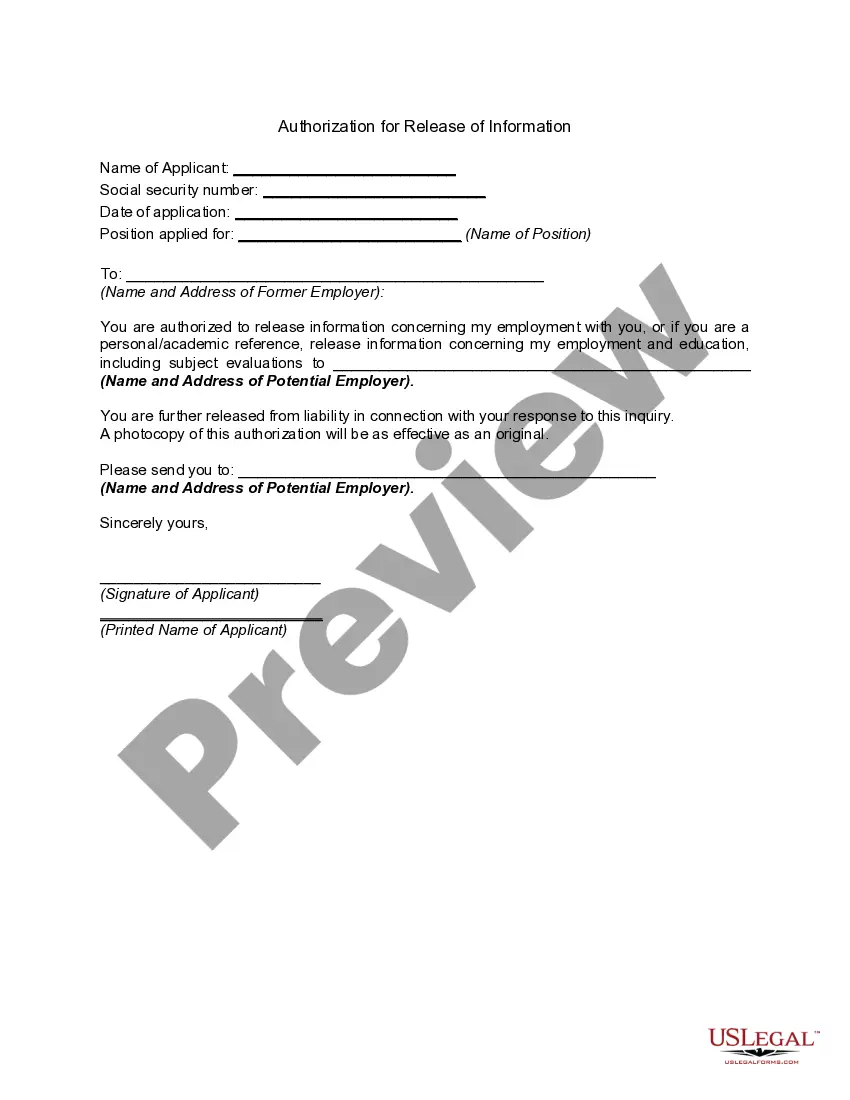
Get your form ready online
Our built-in tools help you complete, sign, share, and store your documents in one place.
Built-in online Word editor
Make edits, fill in missing information, and update formatting in US Legal Forms—just like you would in MS Word.
Export easily
Download a copy, print it, send it by email, or mail it via USPS—whatever works best for your next step.
E-sign your document
Sign and collect signatures with our SignNow integration. Send to multiple recipients, set reminders, and more. Go Premium to unlock E-Sign.
Notarize online 24/7
If this form requires notarization, complete it online through a secure video call—no need to meet a notary in person or wait for an appointment.
Store your document securely
We protect your documents and personal data by following strict security and privacy standards.

Make edits, fill in missing information, and update formatting in US Legal Forms—just like you would in MS Word.

Download a copy, print it, send it by email, or mail it via USPS—whatever works best for your next step.

Sign and collect signatures with our SignNow integration. Send to multiple recipients, set reminders, and more. Go Premium to unlock E-Sign.

If this form requires notarization, complete it online through a secure video call—no need to meet a notary in person or wait for an appointment.

We protect your documents and personal data by following strict security and privacy standards.
Looking for another form?





How to fill out Request To Release Transcripts?
Have you ever found yourself in a situation where you need documents for various business or personal activities nearly every time? There are numerous legal document templates available online, but finding reliable ones can be challenging. US Legal Forms offers thousands of form templates, including the Ohio Request To Release Transcripts, which can be customized to comply with state and federal regulations.
If you are already familiar with the US Legal Forms website and have an account, simply Log In. After that, you can download the Ohio Request To Release Transcripts template.
If you do not have an account and wish to start using US Legal Forms, follow these instructions: Obtain the form you need and ensure it is for the correct state/county. Utilize the Review button to examine the form. Check the description to confirm you have selected the right template. If the form does not match your requirements, use the Search field to locate the document that fulfills your needs and specifications. Once you find the appropriate form, click on Get now. Select the pricing plan you prefer, fill out the required information to create your account, and complete your purchase using PayPal or a credit card. Choose a convenient file format and download your copy. Access all the document templates you have purchased in the My documents menu. You can download another copy of the Ohio Request To Release Transcripts at any time, if needed. Just click on the desired form to download or print the document template.
- Use US Legal Forms, one of the most extensive collections of legal documents, to save time and avoid errors.
- The service provides properly crafted legal document templates that can be utilized for various purposes.
- Create an account on US Legal Forms and start making your life easier.
Form popularity
FAQ
Requesting transcripts from Ohio University is straightforward. You need to visit the university's official website and navigate to the transcript request section. There, you will find the option to submit an Ohio Request To Release Transcripts online or download the form. If you need assistance, US Legal Forms can help you access the necessary forms and provide guidance throughout the process.
To obtain your transcripts from a closed school in Ohio, you should first contact the Ohio Department of Higher Education. They can provide guidance on the specific steps you need to take. In many cases, you may be required to fill out an Ohio Request To Release Transcripts form. Additionally, you can explore services like US Legal Forms to simplify the process and ensure you have the correct documentation to submit your request.
Hold down the Control button (CTRL), and press the letter: a (CTRL+a) on the keyboard while the Transcript is displayed. 2. right-click somewhere on the highlighted area of your Transcript. to Save as PDF. 5.
Students looking for transcripts from closed institutions should go to the Ohio State Board of Career Colleges and Schools website: .
Federal law allows schools to withhold official transcripts. But, if the school is part of the state's university system, the department of education may have a policy requiring the school to release your transcripts.
First, check the school's website to see if they have information about obtaining your transcript. Transcript information is often found on alumni or student services pages, and it can provide information on how to request your transcript online or who to contact to get your transcript.
Requests may be made at the Office of the Registrar by check or money order (payable to "Ohio University"), or by Visa, MasterCard, American Express, or Discover credit cards. Requests/payments may also be mailed to Office of the University Registrar, Ohio University, Athens, OH 45701-2979.
Paper transcripts are available to all Ohio University students, current and alumni. You can order paper transcripts by mail/fax, or through the online ordering process. Paper transcripts are sent by first class mail within three (3) business days of receiving the transcript request. We do NOT fax transcripts.
We recommend requesting a transcript online, since that's the fastest method. If you can't get your transcript online, you can request a tax return or tax account transcript by mail instead.
Current studentsLog into MyOregonState.Once you have successfully logged in, select the Resources tab.Select the Academic tab.Scroll down and click on the Order Official Transcript.Click on Access the Transcript Ordering Site link.Follow the on screen prompts to order your official transcript(s):