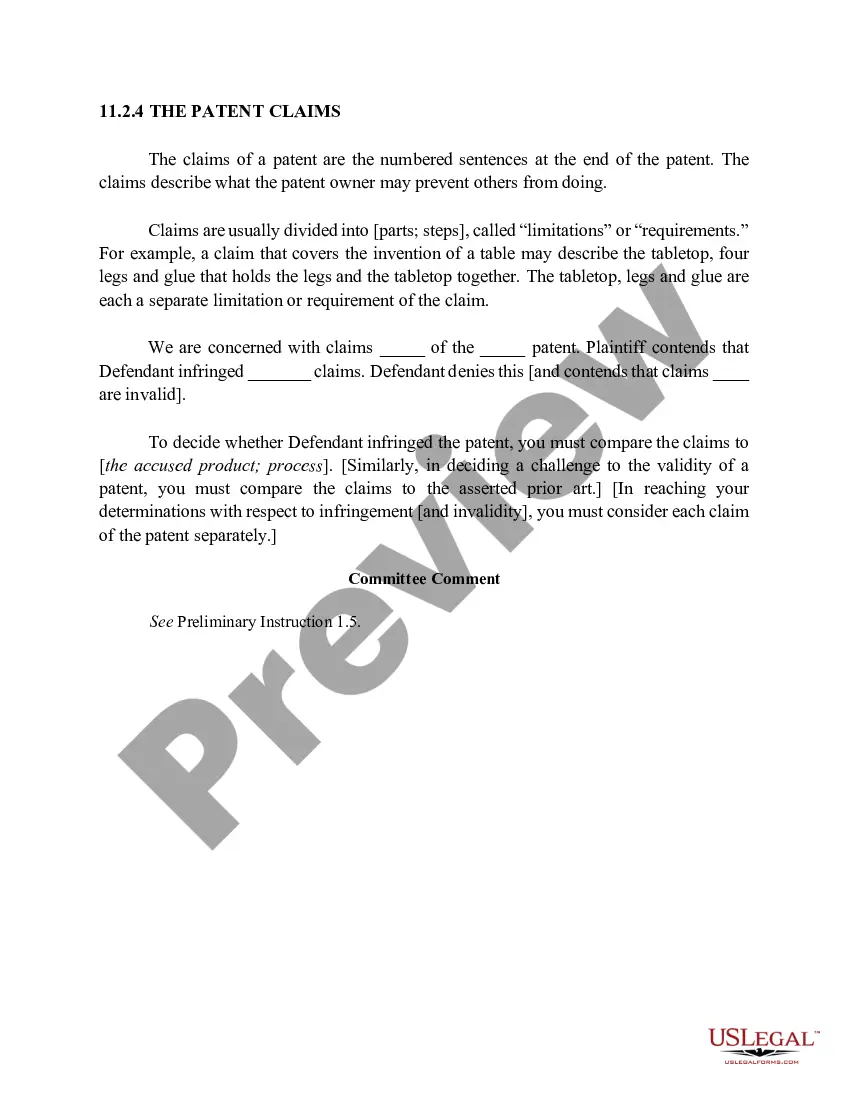
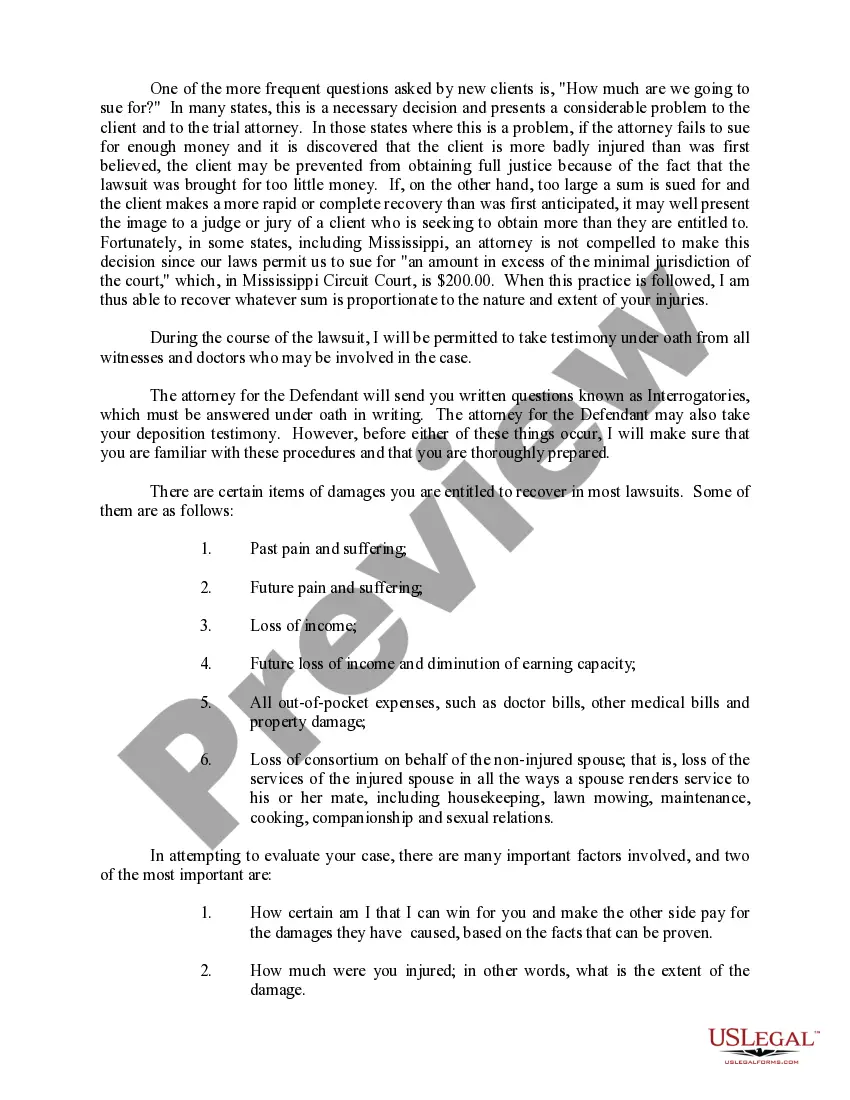
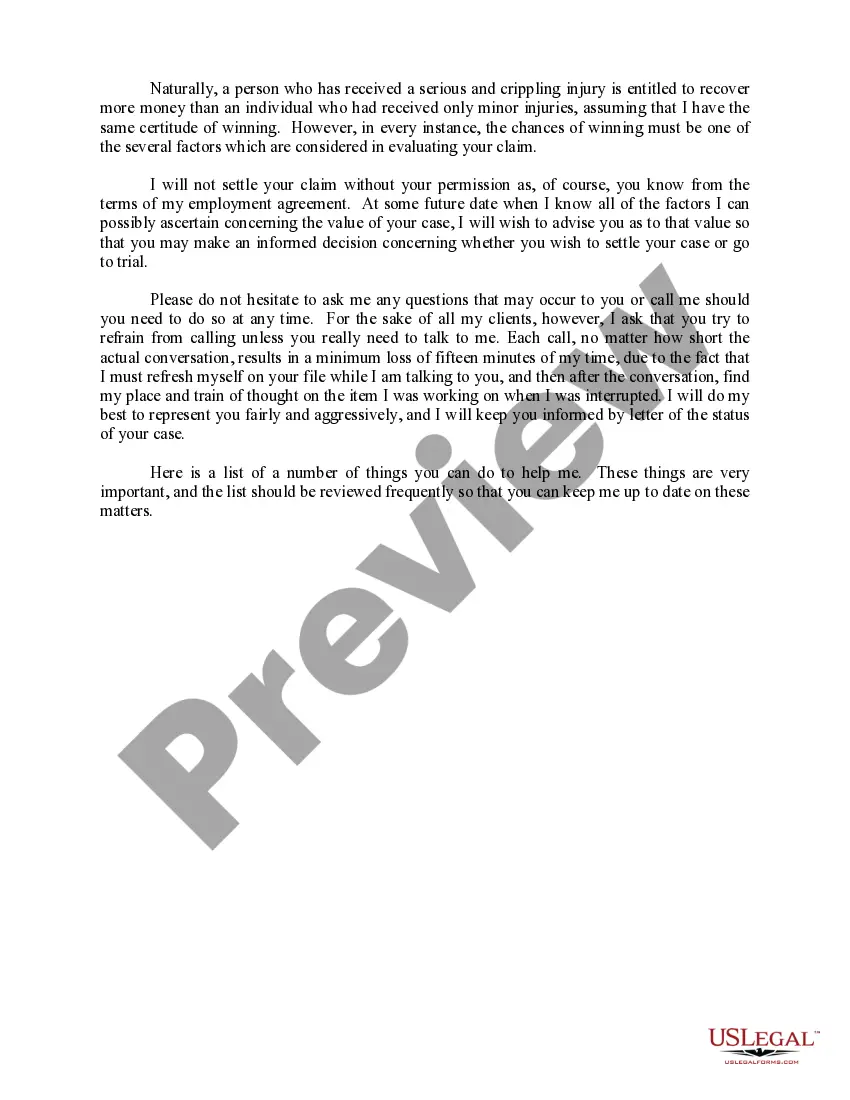
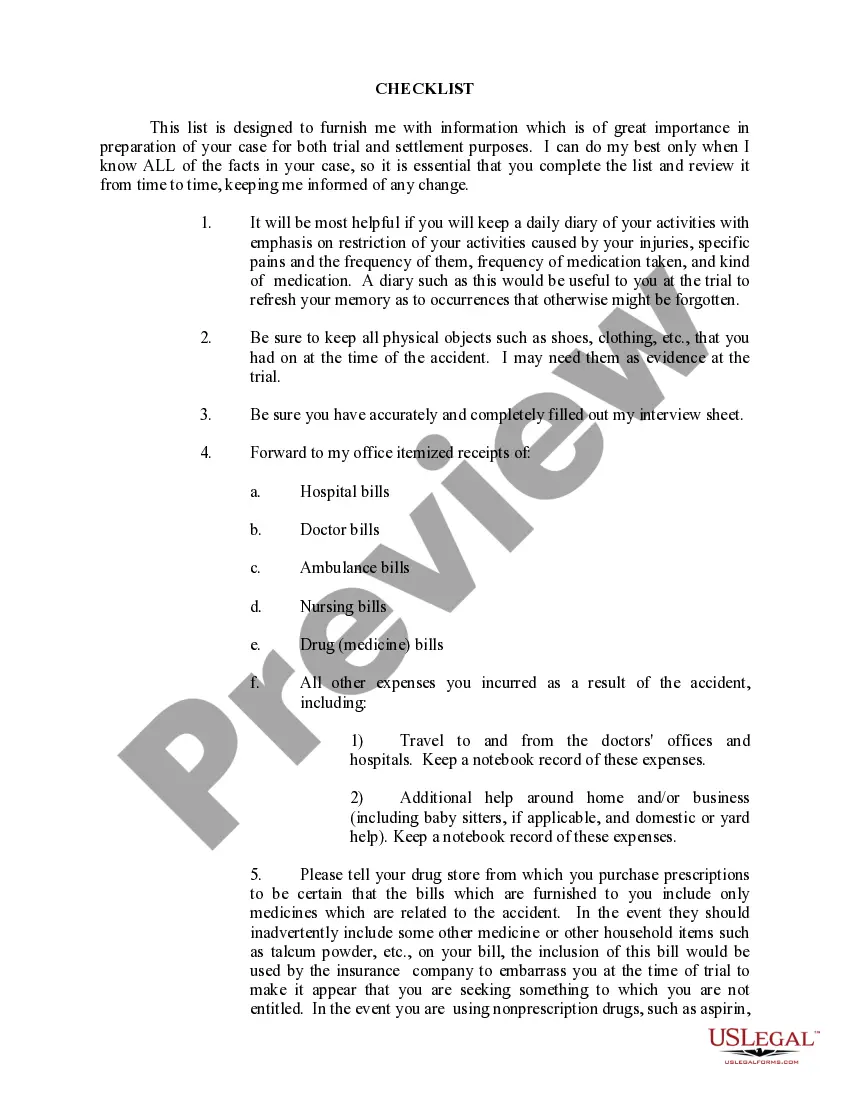
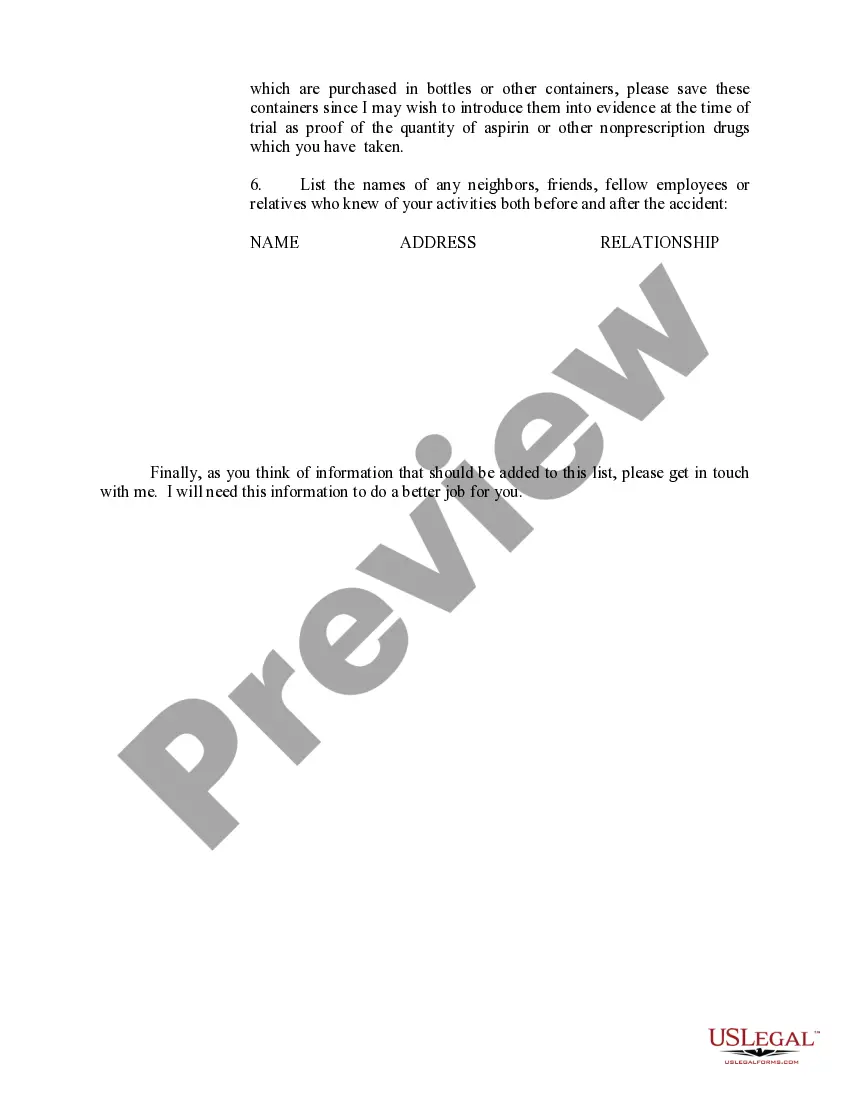
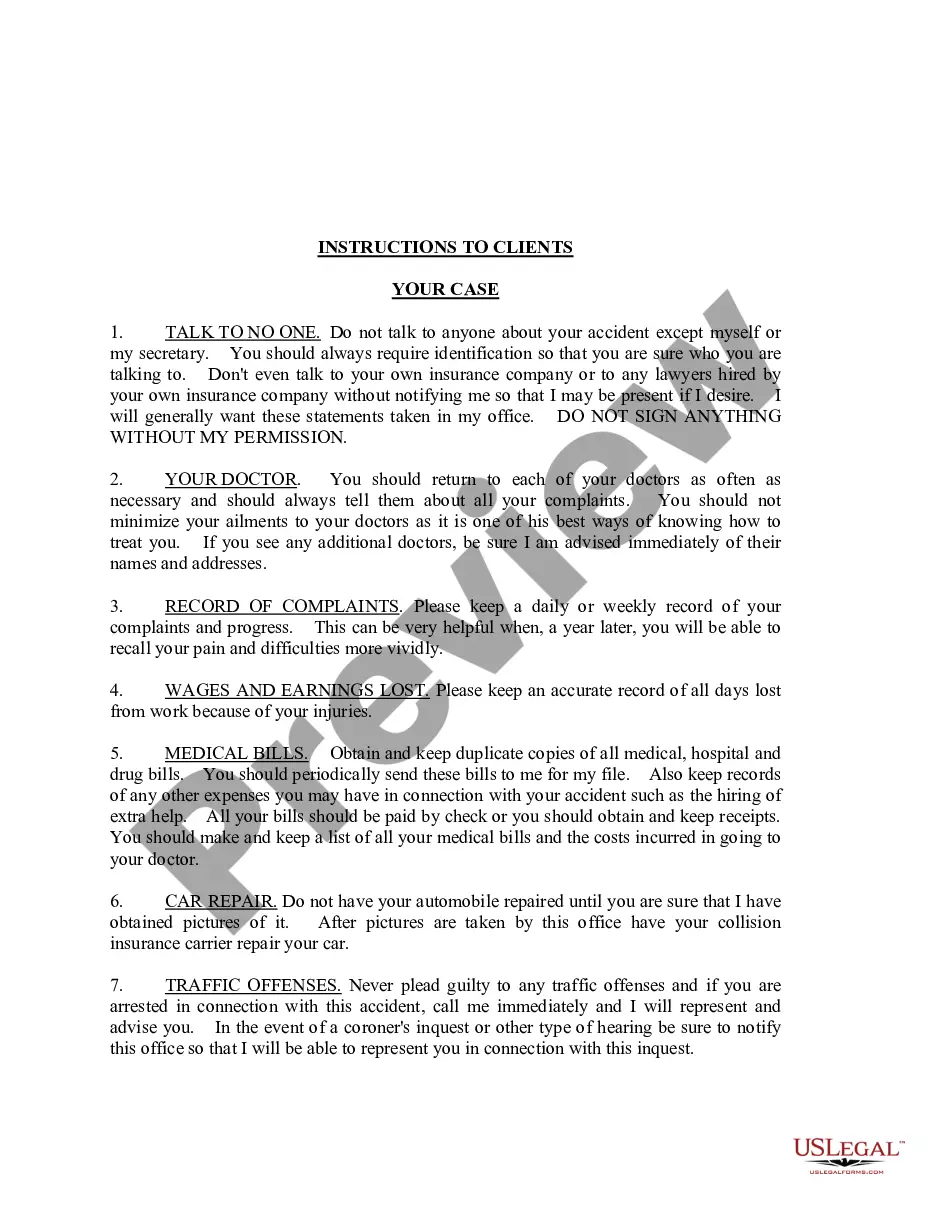
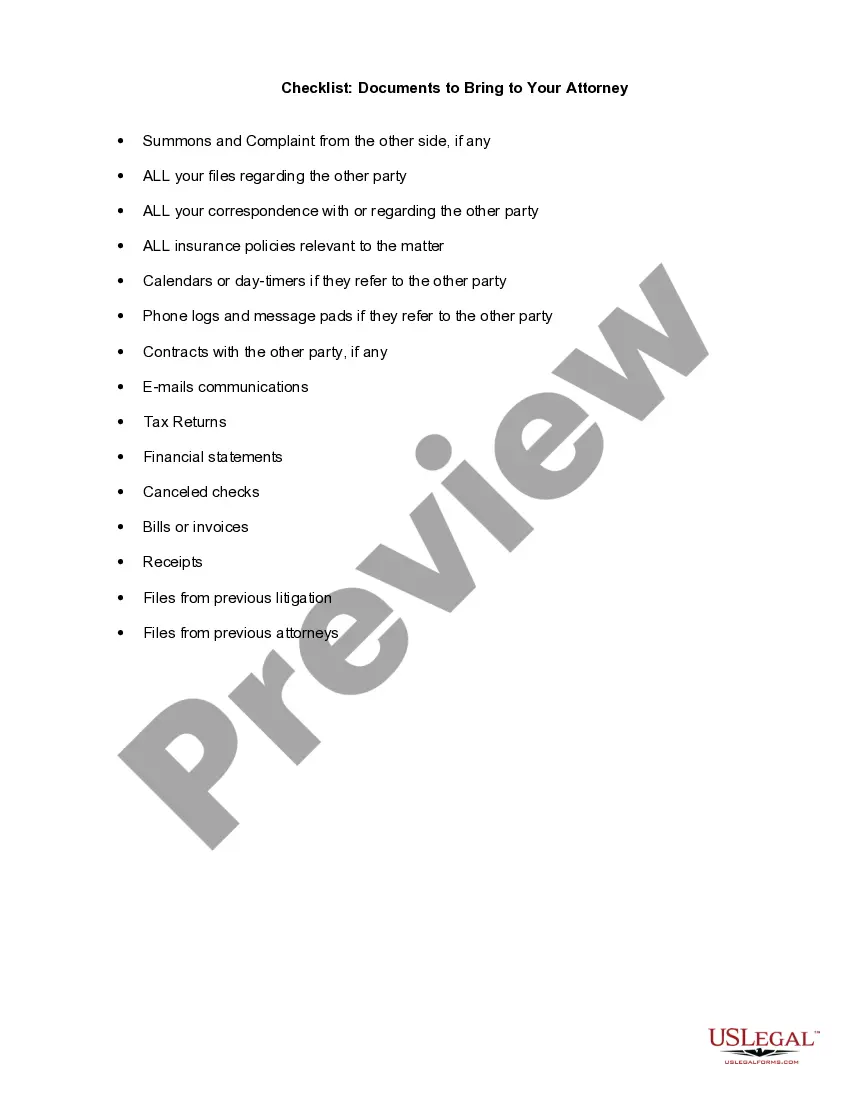
The purpose of this form is to familiarize the client with the way his/her case will be handled and to tell the client how he/she can assist his/her representing attorney in obtaining justice on his/her behalf. The components of the client instructions include: the first steps, medical care, worth of the case, automobile accident cases, and the lawsuit.
New York Instructions to Clients with Checklist - Long
Instant download
Description
Free preview

Get your form ready online
Our built-in tools help you complete, sign, share, and store your documents in one place.
Built-in online Word editor
Make edits, fill in missing information, and update formatting in US Legal Forms—just like you would in MS Word.
Export easily
Download a copy, print it, send it by email, or mail it via USPS—whatever works best for your next step.
E-sign your document
Sign and collect signatures with our SignNow integration. Send to multiple recipients, set reminders, and more. Go Premium to unlock E-Sign.
Notarize online 24/7
If this form requires notarization, complete it online through a secure video call—no need to meet a notary in person or wait for an appointment.
Store your document securely
We protect your documents and personal data by following strict security and privacy standards.

Make edits, fill in missing information, and update formatting in US Legal Forms—just like you would in MS Word.

Download a copy, print it, send it by email, or mail it via USPS—whatever works best for your next step.

Sign and collect signatures with our SignNow integration. Send to multiple recipients, set reminders, and more. Go Premium to unlock E-Sign.

If this form requires notarization, complete it online through a secure video call—no need to meet a notary in person or wait for an appointment.

We protect your documents and personal data by following strict security and privacy standards.
Looking for another form?






How to fill out Instructions To Clients With Checklist - Long?
US Legal Forms - one of the largest collections of legal documents in the United States - offers a vast selection of legal form templates you can download or print.
By utilizing the site, you can discover numerous forms for business and personal use, categorized by type, state, or keywords. You can obtain the latest forms such as the New York Instructions to Clients with Checklist - Long within minutes.
If you already possess a membership, Log In and download New York Instructions to Clients with Checklist - Long from the US Legal Forms library. The Download button will appear on each form you view. You have access to all previously downloaded forms in the My documents tab of your profile.
Complete the purchase. Use your Visa or Mastercard or PayPal account to finalize the transaction.
Select the format and download the form to your device. Edit. Fill out, modify, print, and sign the downloaded New York Instructions to Clients with Checklist - Long. Each template you added to your account has no expiration date and belongs to you indefinitely. Therefore, to download or print another copy, simply go to the My documents section and click on the form you need. Access the New York Instructions to Clients with Checklist - Long with US Legal Forms, the largest collection of legal document templates. Utilize numerous professional and state-specific templates that fulfill your business or personal needs and requirements.
- If you are using US Legal Forms for the first time, here are simple steps to get started.
- Ensure you have selected the correct form for your city/region. Click on the Preview button to review the form's content.
- Check the form details to confirm you have chosen the right form.
- If the form does not meet your requirements, utilize the Search field at the top of the screen to find one that does.
- Once you are satisfied with the form, confirm your choice by clicking the Purchase now button.
- Then, select the payment plan you prefer and provide your information to register for an account.
Form popularity
FAQ
Who fills out the MOLST form? A clinician (physician, nurse practitioner, or physician assistant) and the person with advanced illness (or their health care agent, if the person lacks capacity).
Sure. MOLST and POLST are two acronyms defining medical orders. The MOLST is the Medical Orders for Life-Sustaining Treatment and the POLST is the Physician Orders for Life-Sustaining Treatment. They're both the same thing, but in different states they call them by those two different names.
The primary differences between the MOLST form and a DNR are: MOLST covers a variety of end-of-life treatments. A DNR only gives instructions about CPR. The MOLST form can also be used in a community setting where the DNR is intended to be used as a directive in a hospital setting.
MOLST orders completed in ance with New York law remain valid when the patient transitions from one health care setting to another. Non-hospital DNR orders, including those on a MOLST form, must be reviewed by a physician, nurse practitioner, or physician assistant at least every 90 days.
There is no expiration date for the MOLST or EMS DNR orders in Maryland. and whenever the patient is transferred between health care facilities or programs, is discharged, has a substantial change in health status, loses capacity to make health care decisions, or changes his or her wishes.
Additionally, a MOLST form goes into effect immediately upon signing and does not expire unless an expiration date is explicitly added. Your healthcare provider should review your wishes and recertify the form every 90 days.
No. A properly completed MOLST form contains legal and valid medical orders. It is not intended to replace traditional advance directives like the health care proxy and living will. For more information about planning for a serious illness, please talk with your healthcare provider.
They might not notice a MOLST form on plain white paper. However, white MOLST forms and photocopies, faxes, or electronic representations of the original, signed MOLST are legal and valid.