New Mexico Employment Form
Description
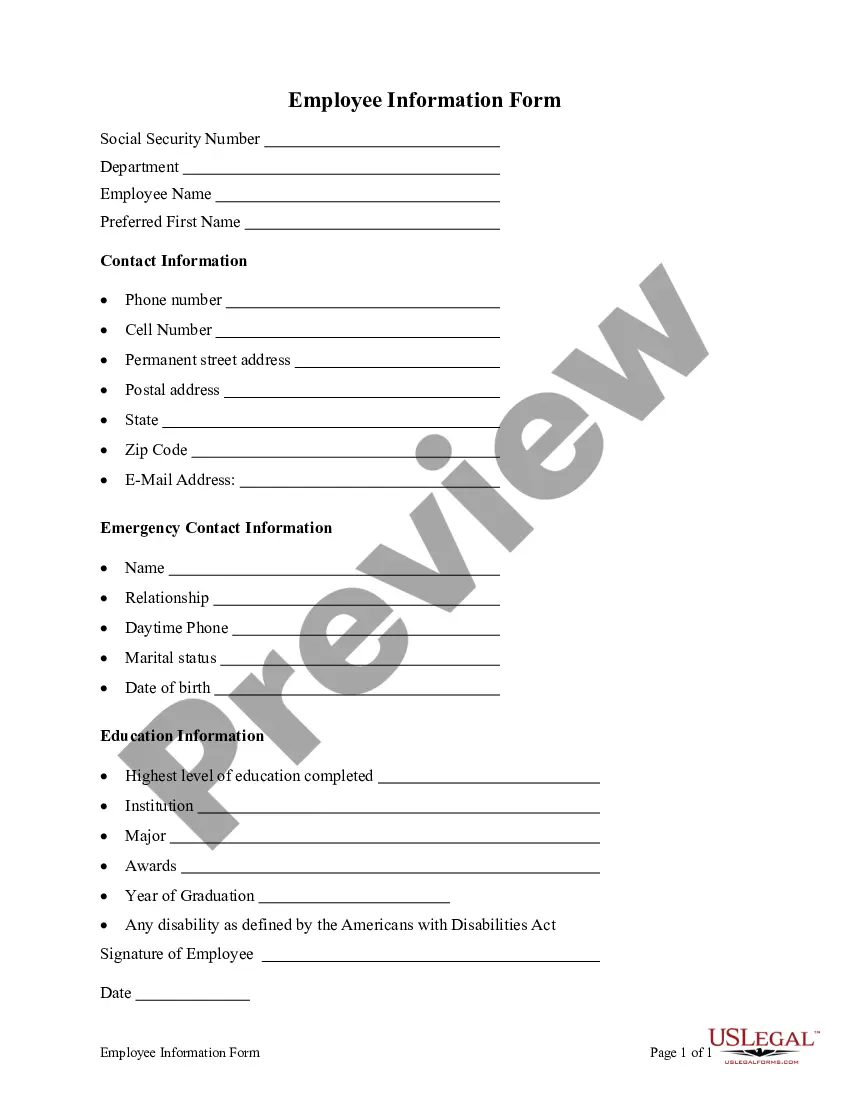
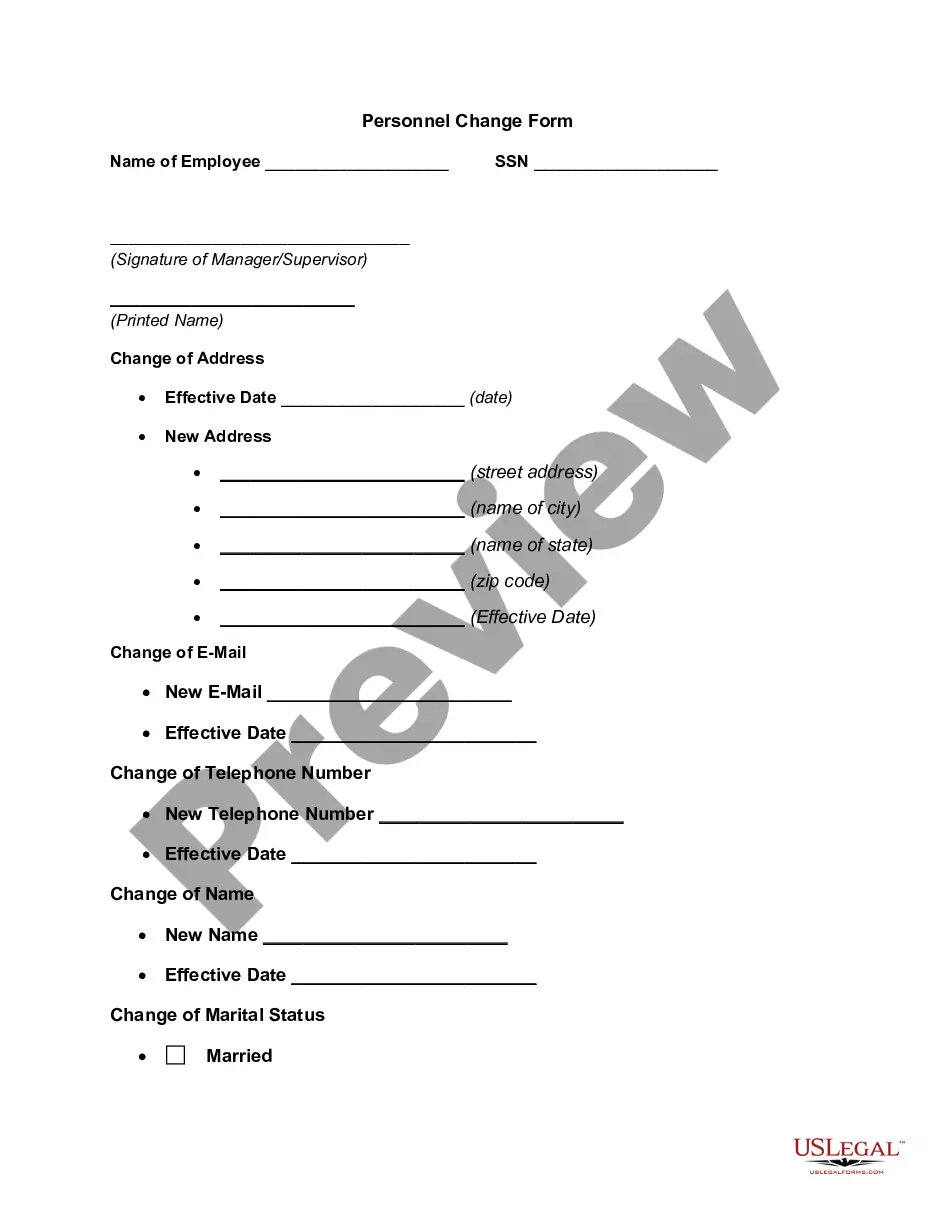

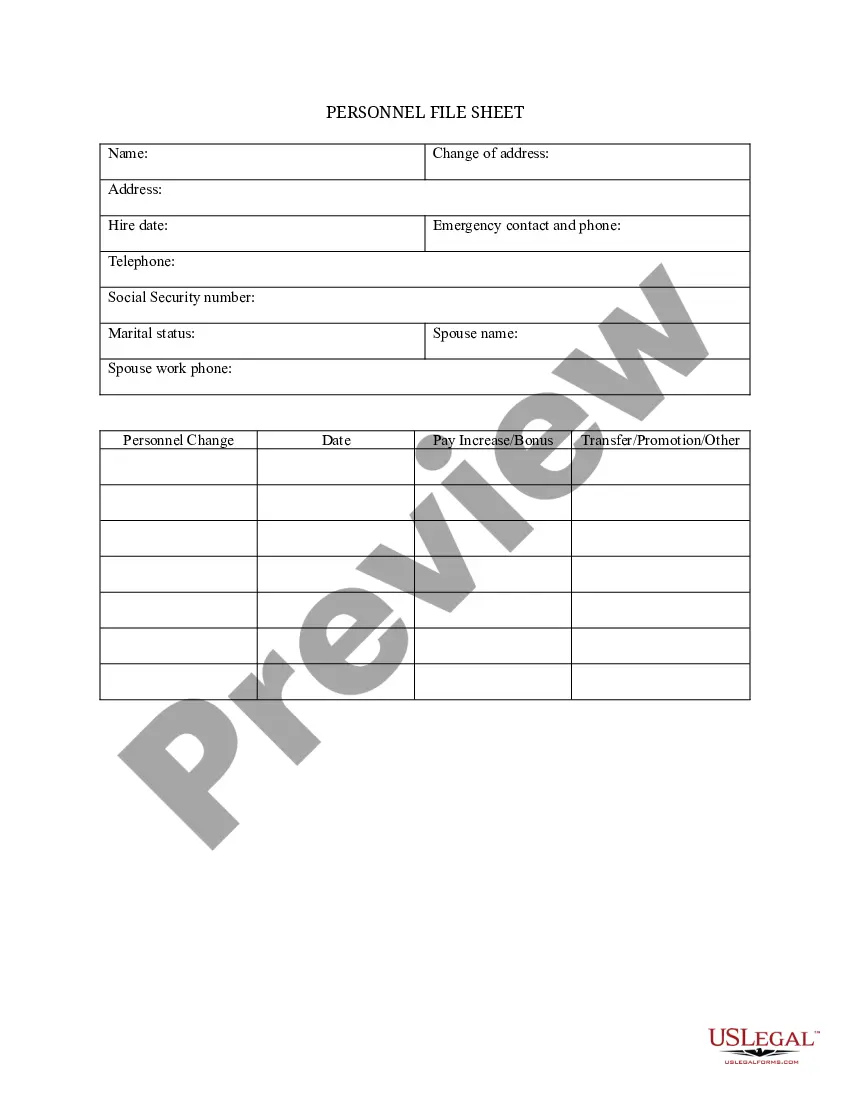
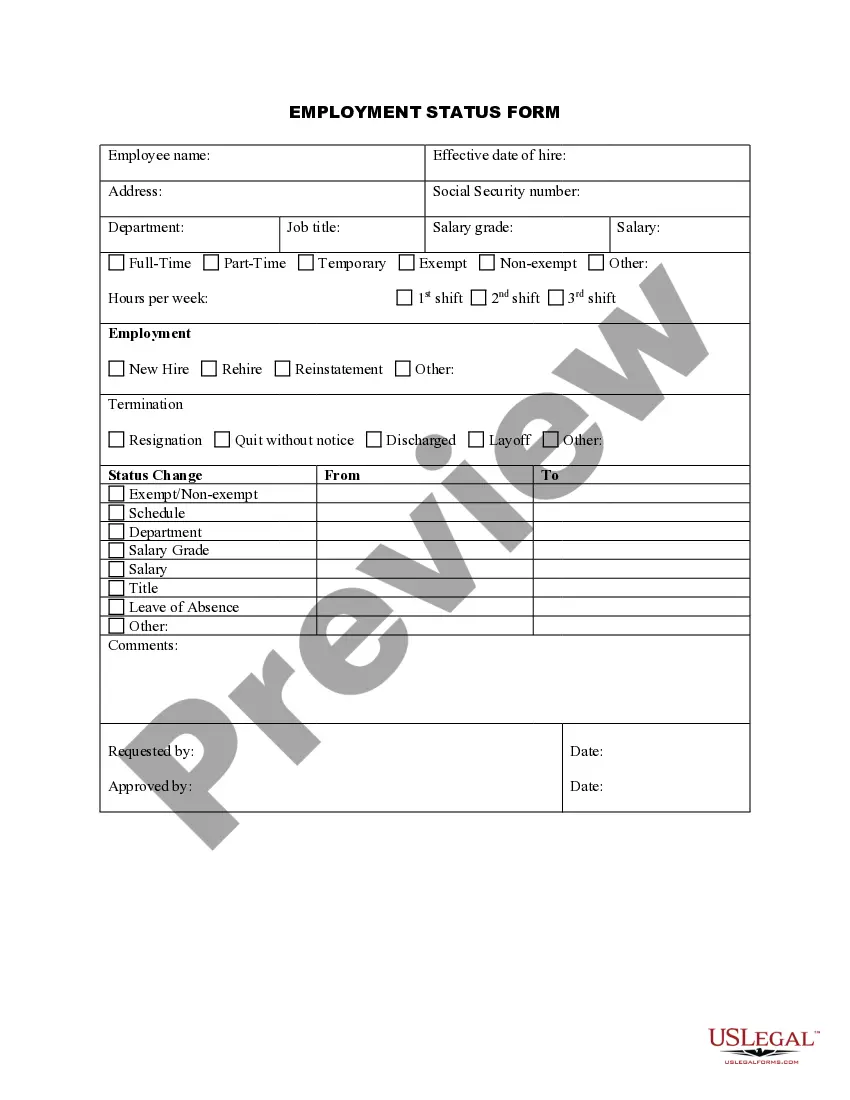
Get your form ready online
Our built-in tools help you complete, sign, share, and store your documents in one place.
Make edits, fill in missing information, and update formatting in US Legal Forms—just like you would in MS Word.
Download a copy, print it, send it by email, or mail it via USPS—whatever works best for your next step.
Sign and collect signatures with our SignNow integration. Send to multiple recipients, set reminders, and more. Go Premium to unlock E-Sign.
If this form requires notarization, complete it online through a secure video call—no need to meet a notary in person or wait for an appointment.
We protect your documents and personal data by following strict security and privacy standards.

Make edits, fill in missing information, and update formatting in US Legal Forms—just like you would in MS Word.

Download a copy, print it, send it by email, or mail it via USPS—whatever works best for your next step.

Sign and collect signatures with our SignNow integration. Send to multiple recipients, set reminders, and more. Go Premium to unlock E-Sign.

If this form requires notarization, complete it online through a secure video call—no need to meet a notary in person or wait for an appointment.

We protect your documents and personal data by following strict security and privacy standards.
Looking for another form?


How to fill out Employment Form?
US Legal Forms - one of the largest collections of legal templates in the US - offers a wide array of legal document templates that you can download or print.
By utilizing the website, you can discover thousands of forms for business and personal use, sorted by categories, states, or keywords. You can find the latest iterations of forms such as the New Mexico Employment Form in moments.
If you already have a subscription, Log In and download the New Mexico Employment Form from the US Legal Forms repository. The Download button will appear on every form you view. You have access to all previously saved forms from the My documents section of your account.
Complete the transaction. Utilize your credit card or PayPal account to finalize the payment.
Choose the format and download the form to your device. Make edits. Fill out, modify, print, and sign the saved New Mexico Employment Form. Each template you save to your account has no expiration date and remains yours indefinitely. Therefore, if you wish to download or print another copy, simply visit the My documents section and click on the form you need. Access the New Mexico Employment Form with US Legal Forms, the largest collection of legal document templates. Utilize thousands of professional and state-specific templates that meet your business or personal needs.
- If you are using US Legal Forms for the first time, here are simple steps to begin.
- Ensure you have picked the appropriate form for your city/state.
- Use the Preview button to evaluate the content of the form.
- Review the form description to confirm you have selected the right document.
- If the form does not meet your requirements, utilize the Search box at the top of the screen to find the one that does.
- Once you are satisfied with the form, affirm your choice by clicking the Get now button.
- Then, select the pricing plan you prefer and provide your information to register for an account.
Form popularity
FAQ
How can I check my claim status? Check your claim status and payment history at in the Unemployment Insurance Tax & Claims system or contact a Customer Service Agent in the UI Operations Center at 1-877-664-6984, Monday through Friday from a.m. to a.m. Q.
Q. How can I check my claim status? Check your claim status and payment history at in the Unemployment Insurance Tax & Claims system or contact a Customer Service Agent in the UI Operations Center at 1-877-664-6984, Monday through Friday from a.m. to a.m.
Unemployment benefits in New Mexico are 53.5% of your average weekly wage during your highest paid quarter of the base period. Unemployment benefits are subject to a minimum weekly benefit of $86 and a maximum weekly benefit of $461 (in 2020).
The NMDWS Unemployment Insurance call center is open from a.m. to p.m., Monday through Friday. Self-service options via the 1-877-NM4-MYUI (1-877-664-6984) toll-free number are available 24 hours/day. To access the UI Claims online system, click on the blue "UI Claims System" button.
After logging in to the UI Tax & Claims System, you can view your 1099-G by clicking on 'View Correspondence' on the menu on the left-hand side of the screen.
Documents with personal information should only be faxed to (505) 841-8636 or mailed to New Mexico Department of Workforce Solutions, PO Box 1928, Albuquerque, NM 87103. Do not send your personal documents to any email address or upload them to any other website.
New Mexico requires a one-week waiting period after you claim is filed. This means that you will not receive a check for the first week that you are eligible for and certify for benefits. This is called your waiting week. Your payment will start with the second week you are eligible and certify for benefits.
An employer potentially subject to benefit charges will receive a notice from the New Mexico Department of Workforce Solutions (NMDWS) advising that a claim has been filed and requesting information regarding the claimant's work and separation from employment. Employers have 10 days to respond to that notice.
Q. How can I check my claim status? Check your claim status and payment history at in the Unemployment Insurance Tax & Claims system or contact a Customer Service Agent in the UI Operations Center at 1-877-664-6984, Monday through Friday from a.m. to a.m.

