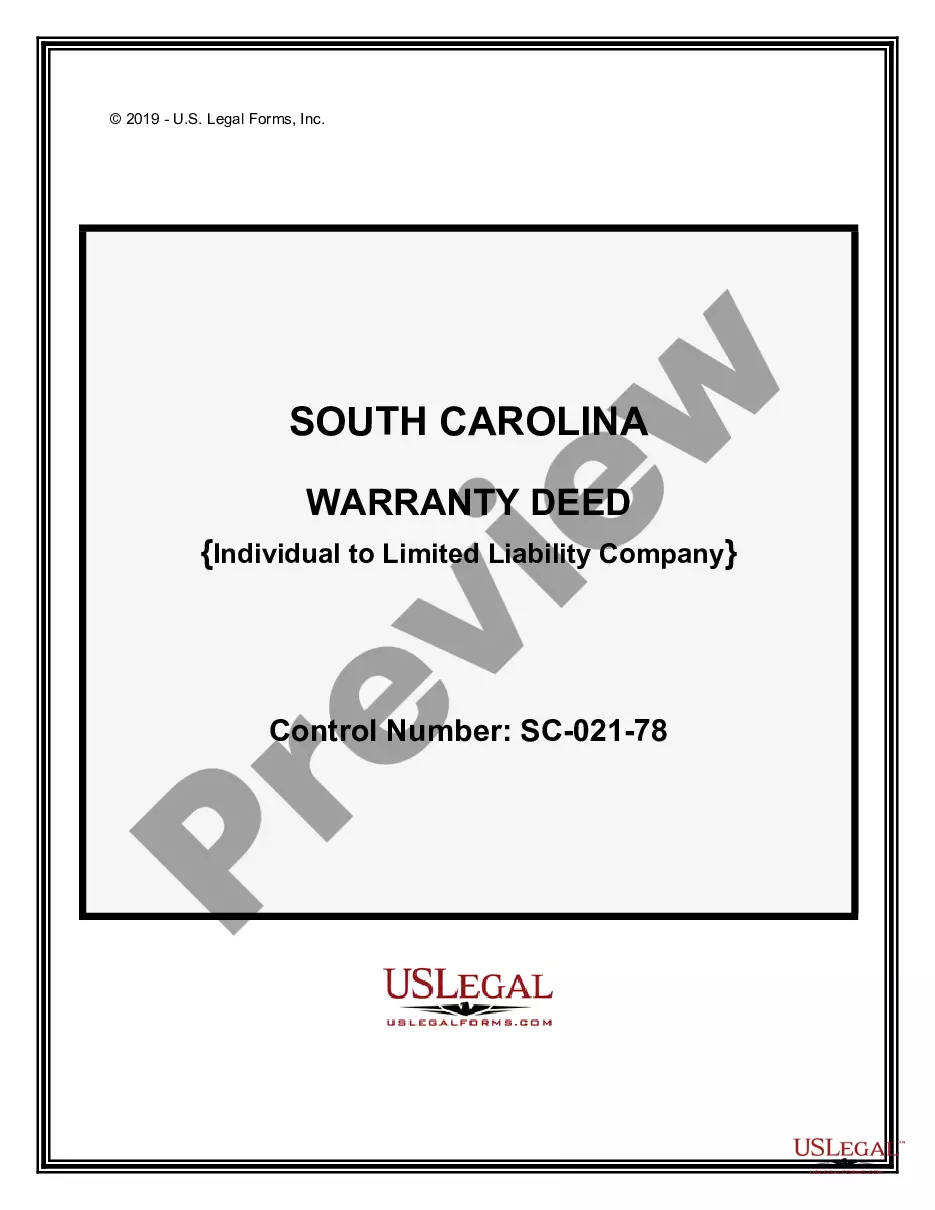
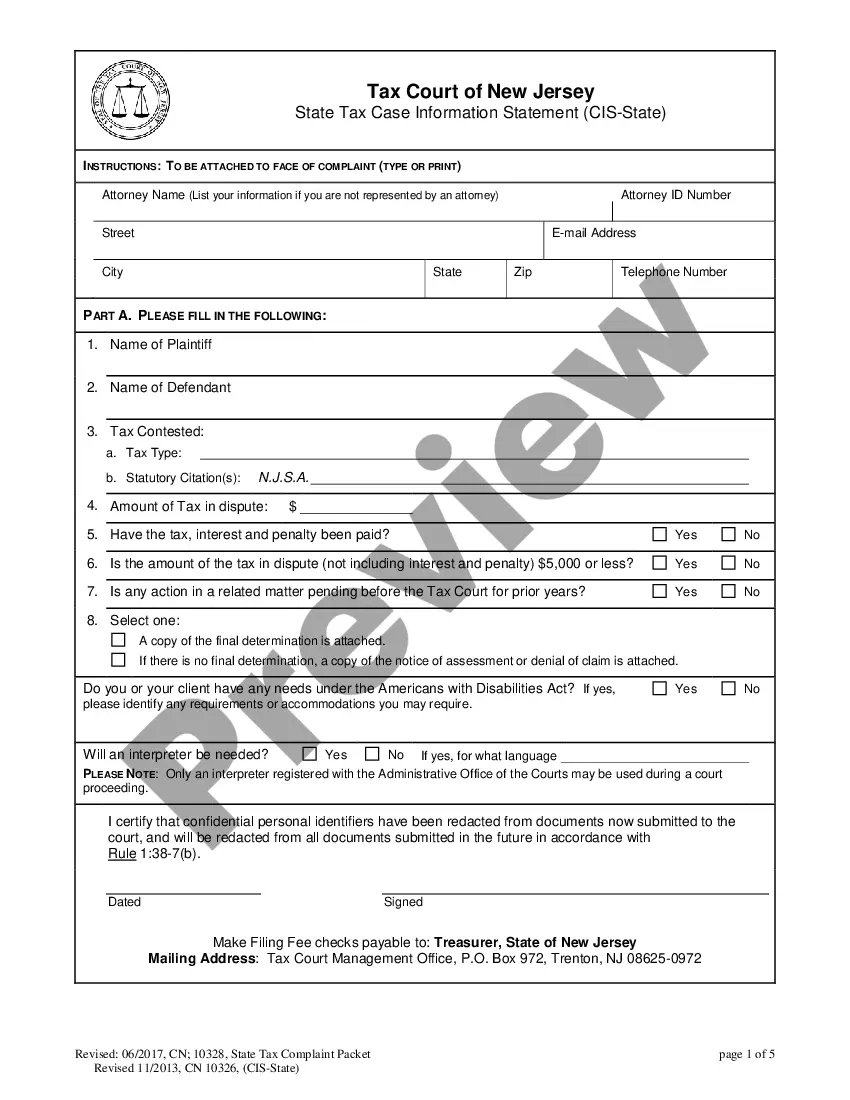
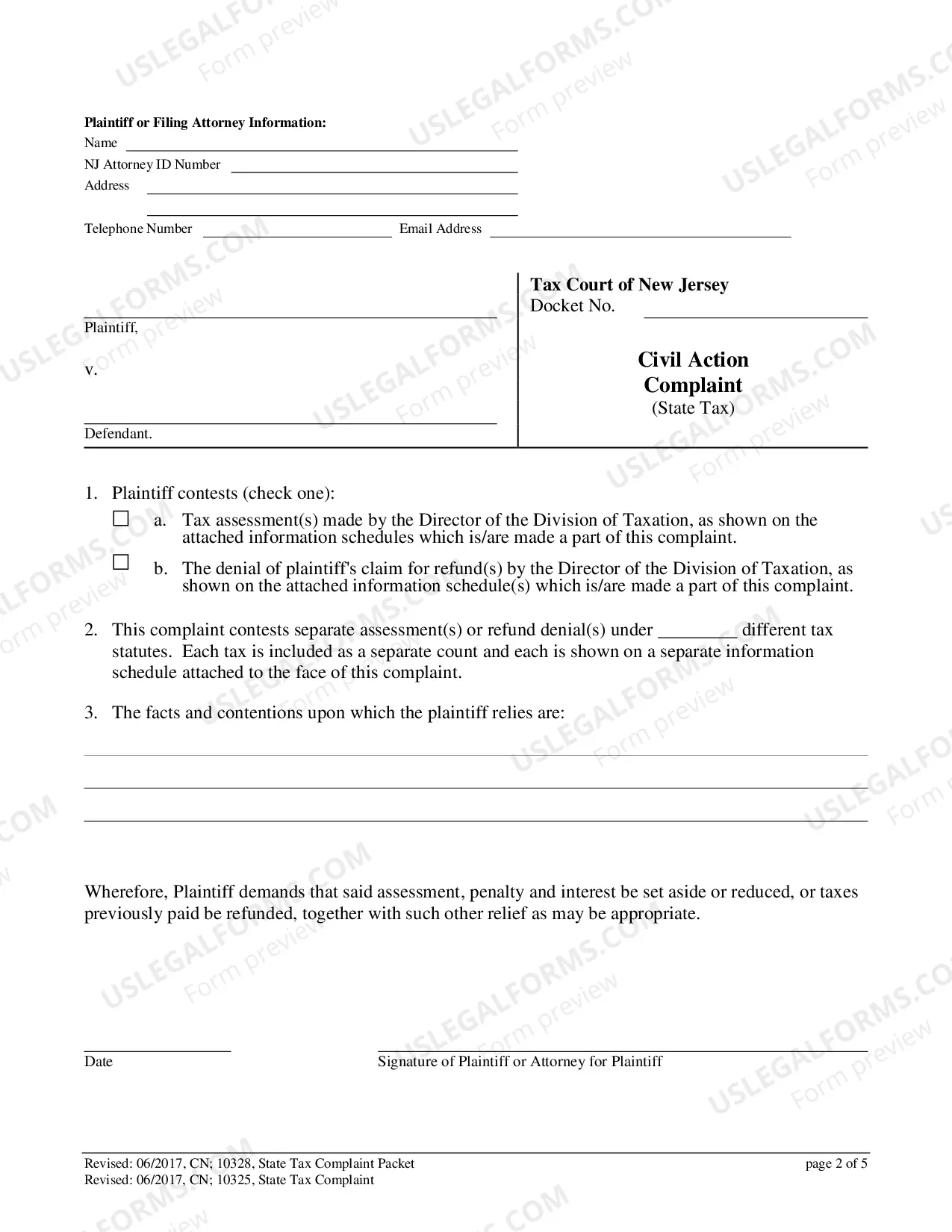
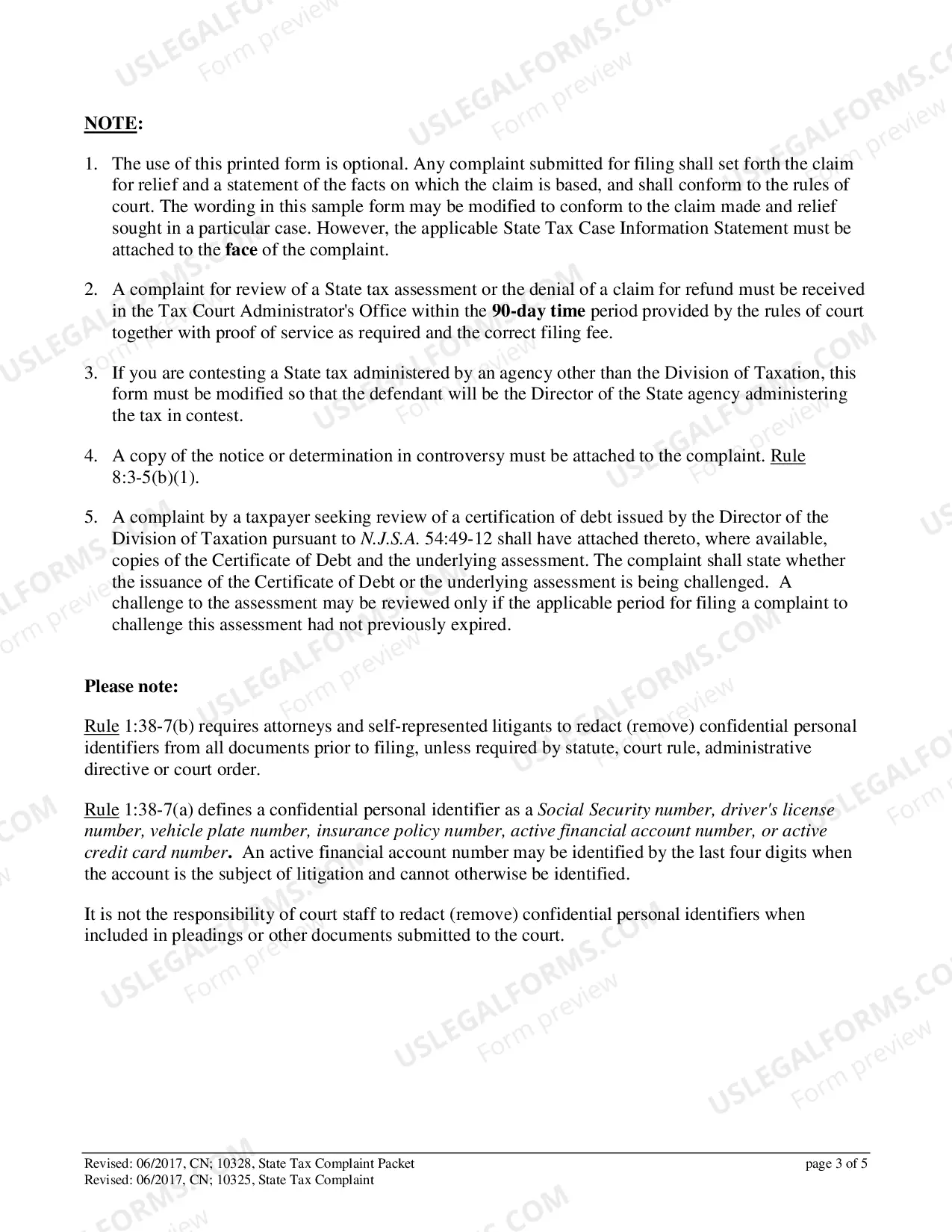
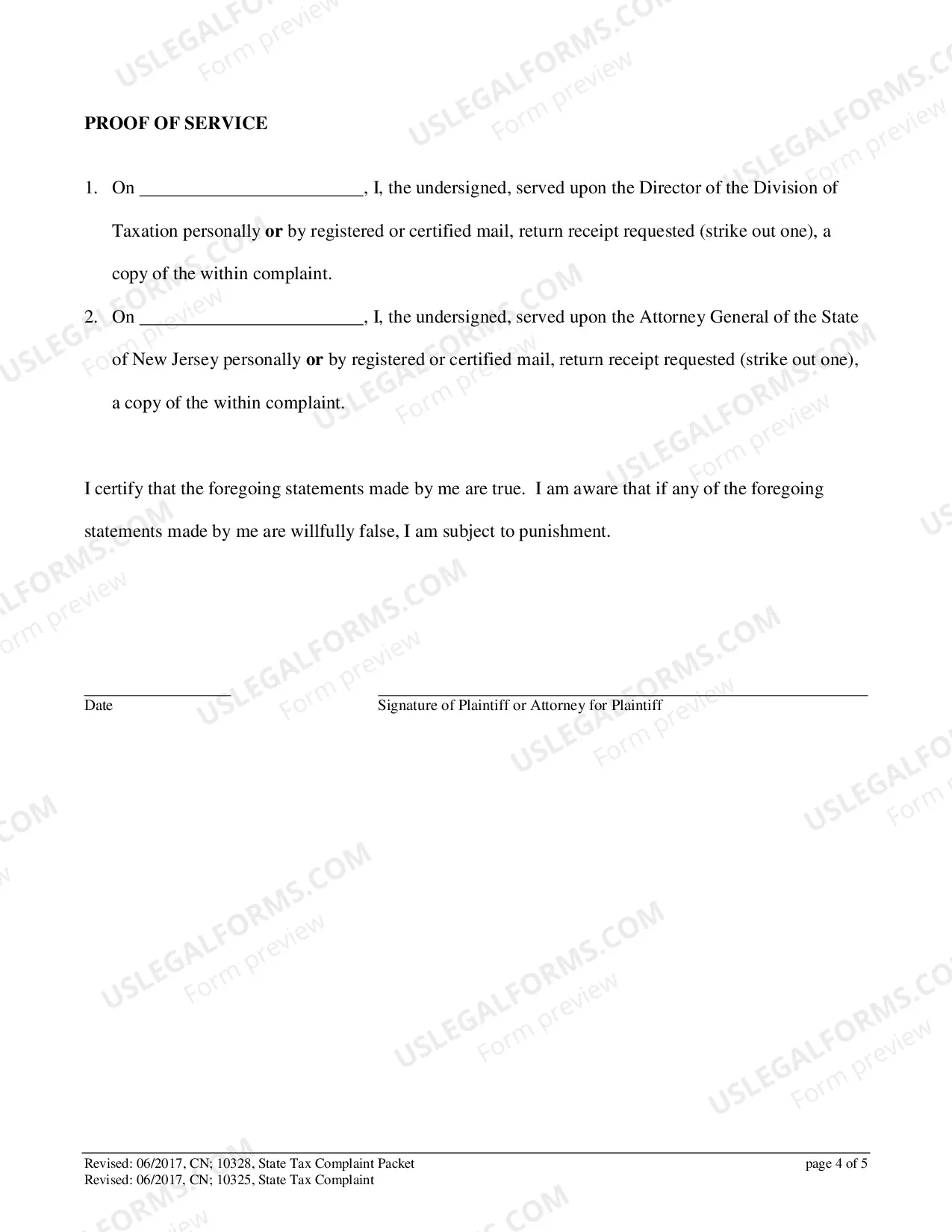
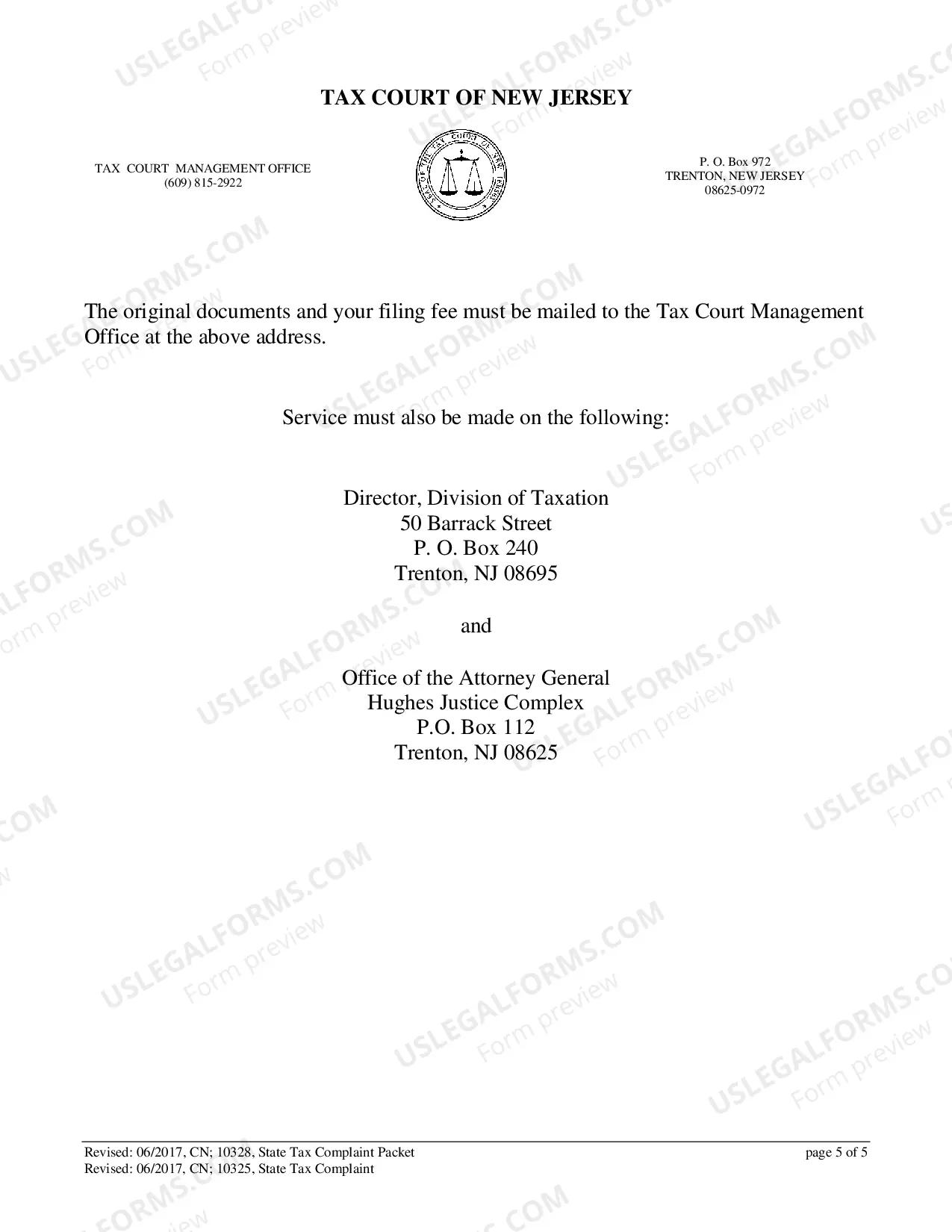
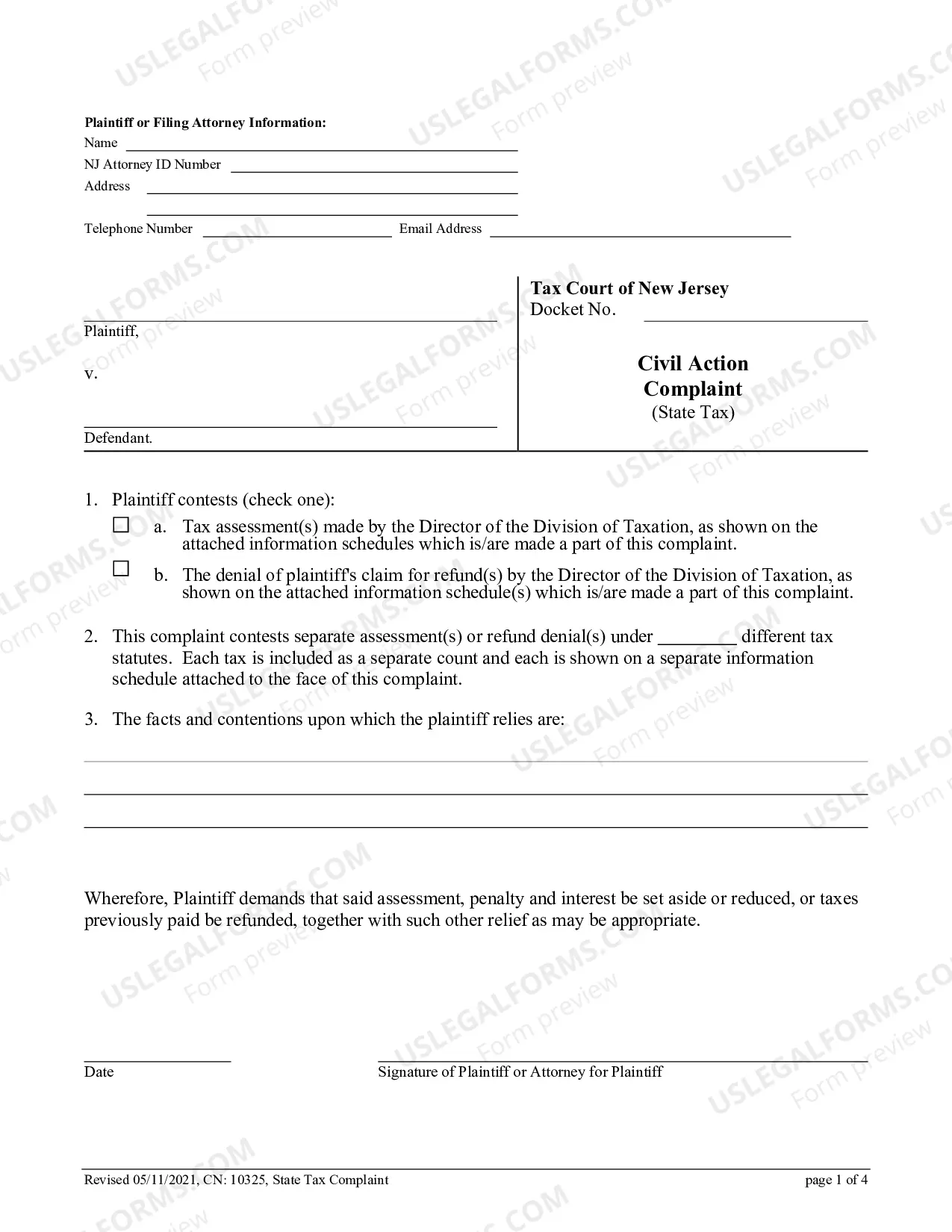
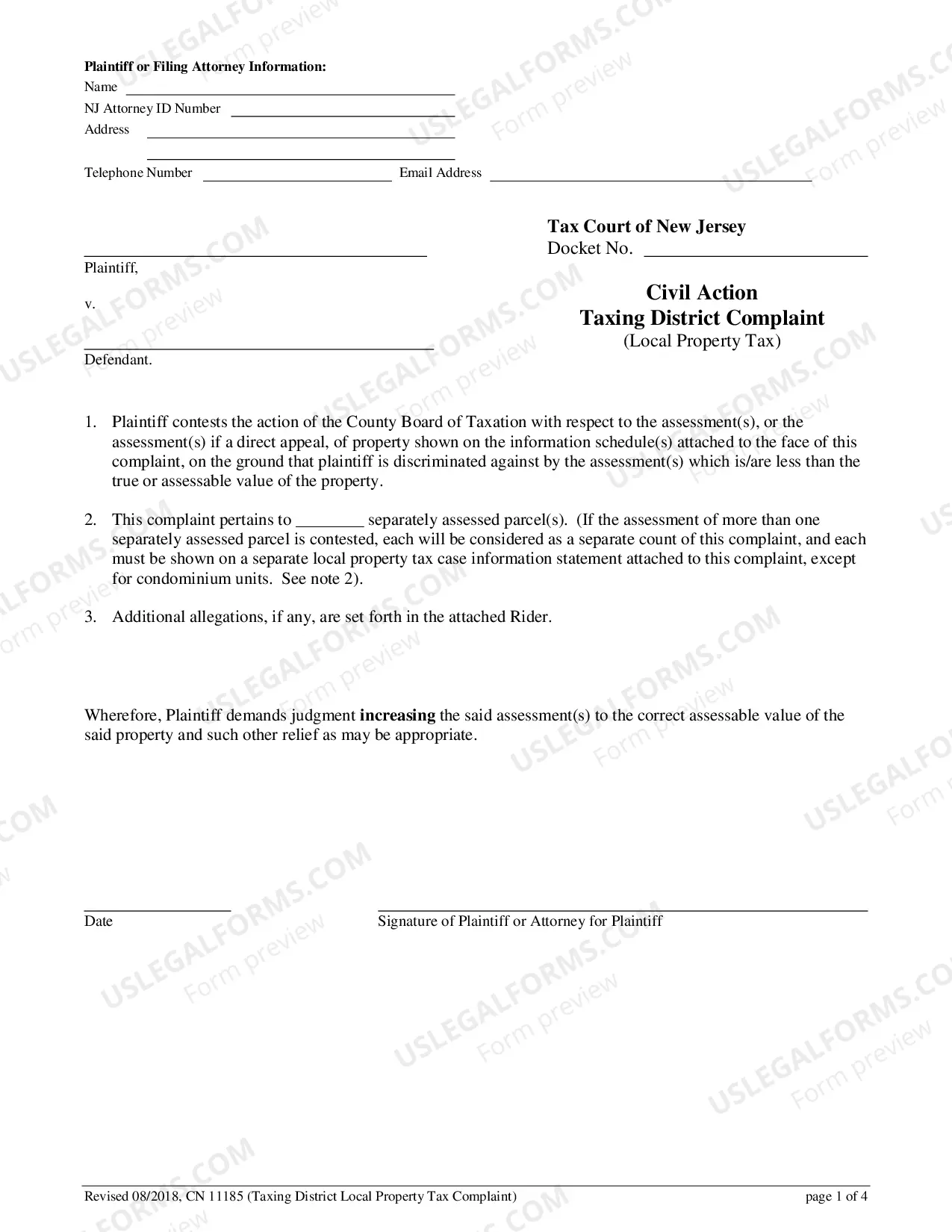
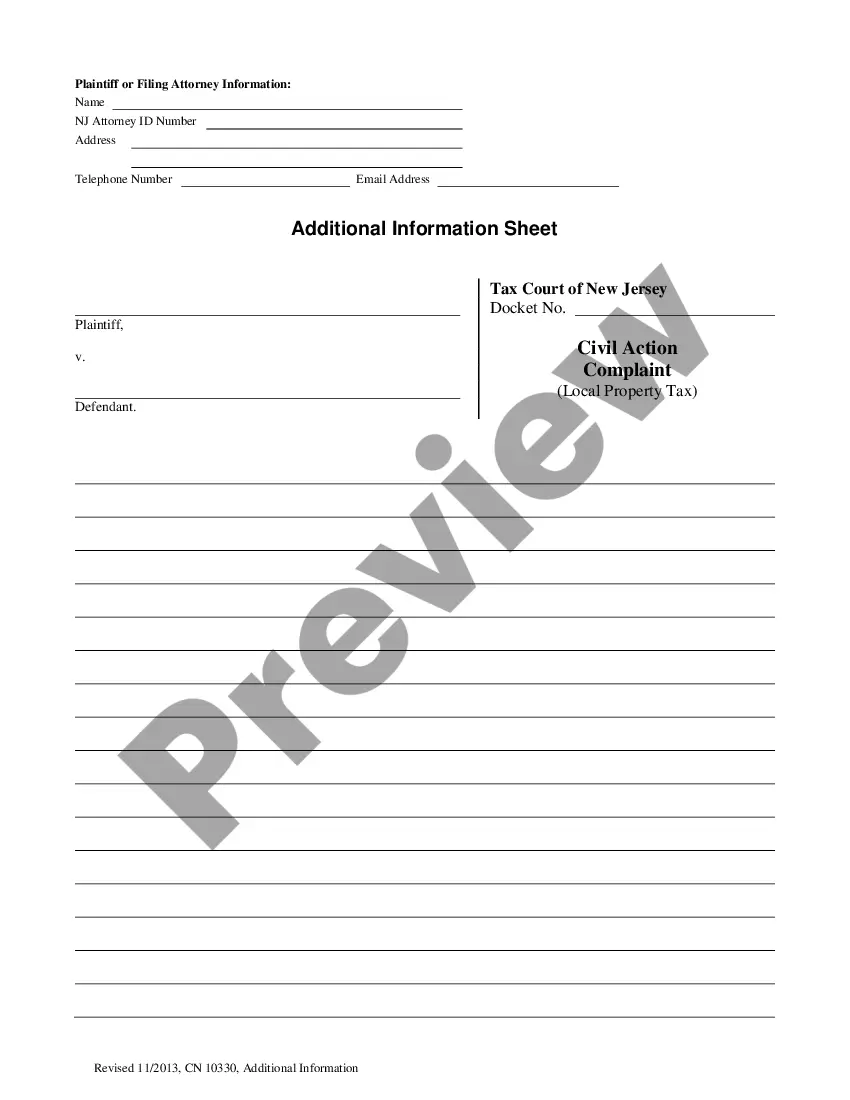
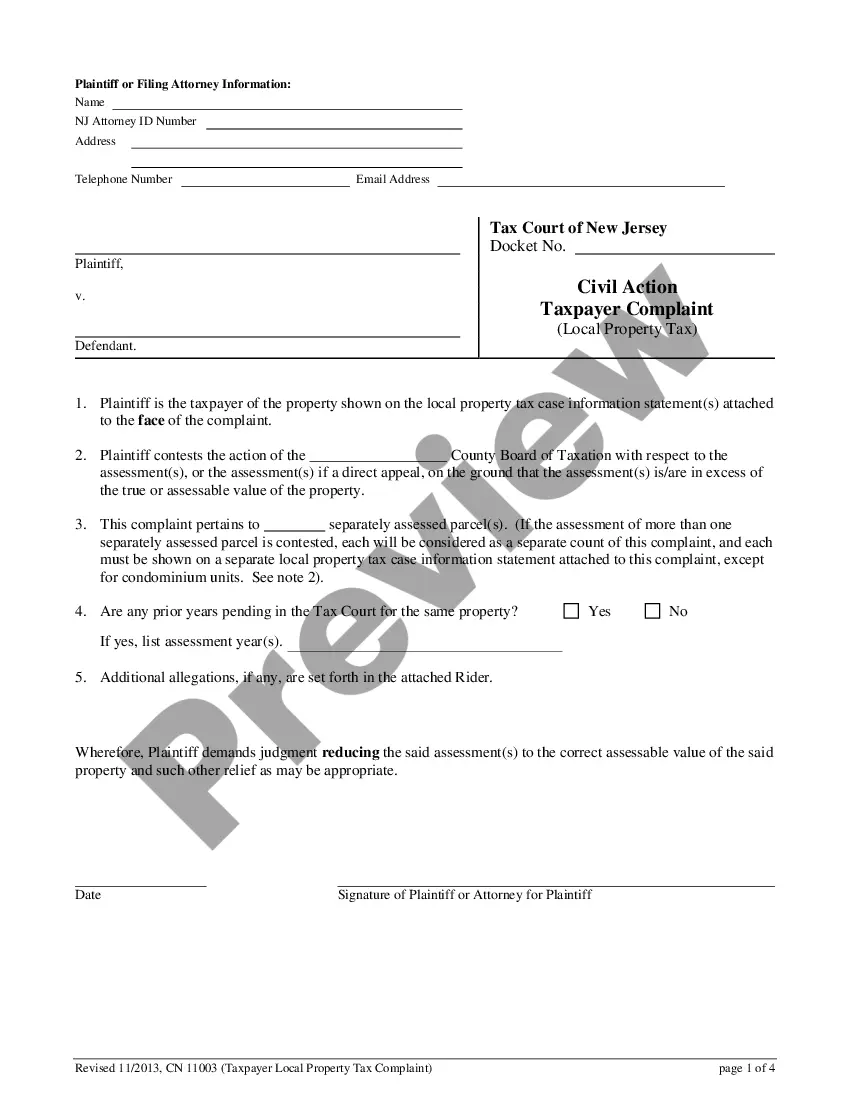
New Jersey Civil Action Complaint (State Tax)
Description
Get your form ready online
Our built-in tools help you complete, sign, share, and store your documents in one place.
Make edits, fill in missing information, and update formatting in US Legal Forms—just like you would in MS Word.
Download a copy, print it, send it by email, or mail it via USPS—whatever works best for your next step.
Sign and collect signatures with our SignNow integration. Send to multiple recipients, set reminders, and more. Go Premium to unlock E-Sign.
If this form requires notarization, complete it online through a secure video call—no need to meet a notary in person or wait for an appointment.
We protect your documents and personal data by following strict security and privacy standards.

Make edits, fill in missing information, and update formatting in US Legal Forms—just like you would in MS Word.

Download a copy, print it, send it by email, or mail it via USPS—whatever works best for your next step.

Sign and collect signatures with our SignNow integration. Send to multiple recipients, set reminders, and more. Go Premium to unlock E-Sign.

If this form requires notarization, complete it online through a secure video call—no need to meet a notary in person or wait for an appointment.

We protect your documents and personal data by following strict security and privacy standards.
Looking for another form?


How to fill out New Jersey Civil Action Complaint (State Tax)?
US Legal Forms is actually a unique system where you can find any legal or tax template for completing, including New Jersey Civil Action Complaint (State Tax). If you’re fed up with wasting time looking for appropriate samples and spending money on record preparation/attorney fees, then US Legal Forms is exactly what you’re searching for.
To enjoy all the service’s benefits, you don't have to download any application but just choose a subscription plan and register an account. If you already have one, just log in and find an appropriate template, download it, and fill it out. Downloaded files are stored in the My Forms folder.
If you don't have a subscription but need New Jersey Civil Action Complaint (State Tax), check out the instructions below:
- check out the form you’re looking at applies in the state you need it in.
- Preview the form and look at its description.
- Click Buy Now to access the register page.
- Choose a pricing plan and keep on signing up by entering some info.
- Select a payment method to finish the sign up.
- Download the document by selecting the preferred file format (.docx or .pdf)
Now, complete the file online or print it. If you feel unsure about your New Jersey Civil Action Complaint (State Tax) sample, contact a attorney to analyze it before you decide to send or file it. Get started hassle-free!
Form popularity
FAQ
STEP 1: Fill out the Complaint (Form A). A judge will decide your case unless you request to have a jury hear it. Sign and date all sections except the demand for a jury. Complete that section only if you would like a jury to decide your case. STEP 2: Fill out the Civil Case Information Statement (CIS).
Comply With the Relevant Federal, State, and Local Rules. Research Before Writing. Allege Subject Matter Jurisdiction, Personal Jurisdiction, and Venue. Draft Concise and Plain Statement of the Facts. Draft Separate Counts for Each Legal Claim. Plead Facts With Particularity Where Necessary.
The cost of filing in the Special Civil Part-Civil is $54.00 if you are filing a case against one defendant, plus $6.00 for each additional defendant. HOW DO I FILE A LAWSUIT? There are at least two parties in a suit.
STEP 1: Fill out the Special Civil Part Complaint Form (Form A). The Special Civil Part Complaint tells the court and the defendant about the facts of the case and the amount of money that you want from the defendant. STEP 2: Fill out the Special Civil Part Summons (Form B).
You don't have an unlimited amount of time to file a claim. You'll have to bring it within the statute of limitations period for your particular case. For example, the New Jersey statute of limitations periods is six years for contracts and property damage cases, and two years for personal injury matters.