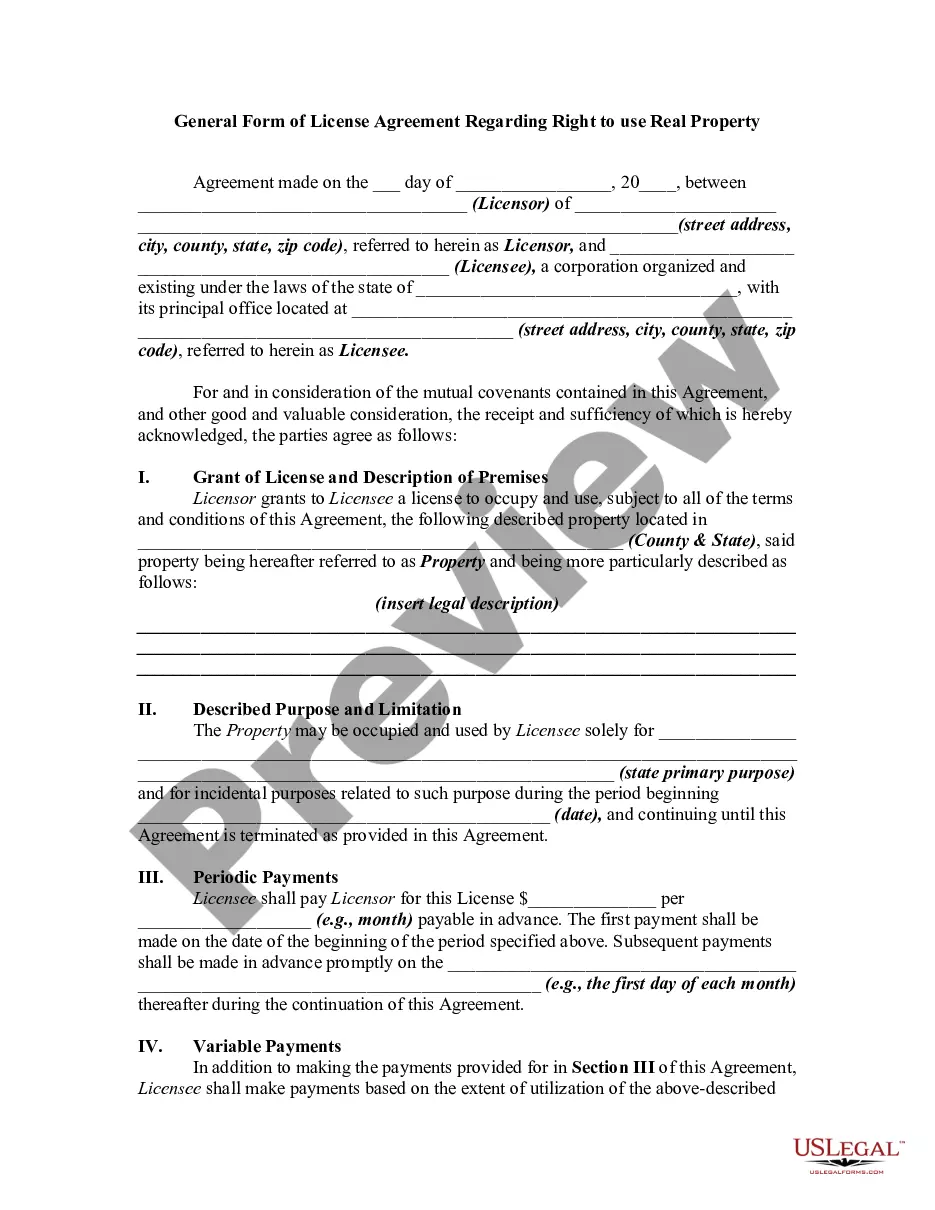
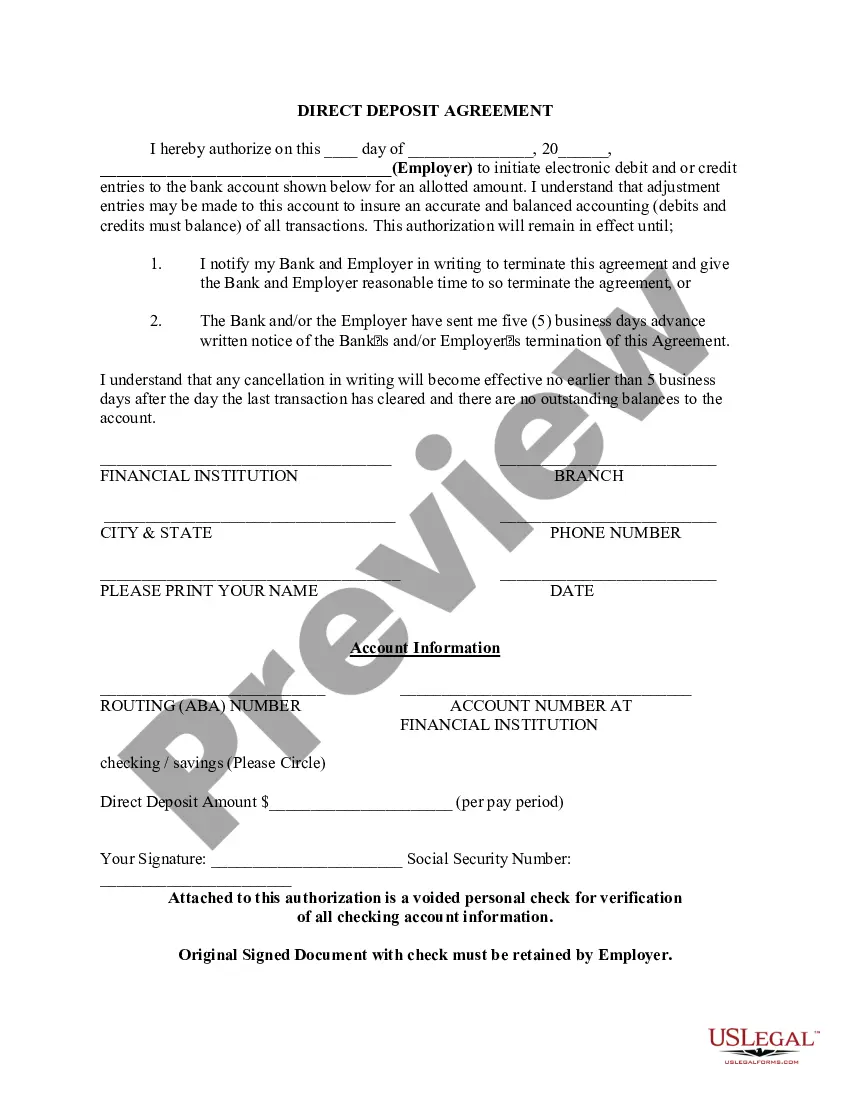
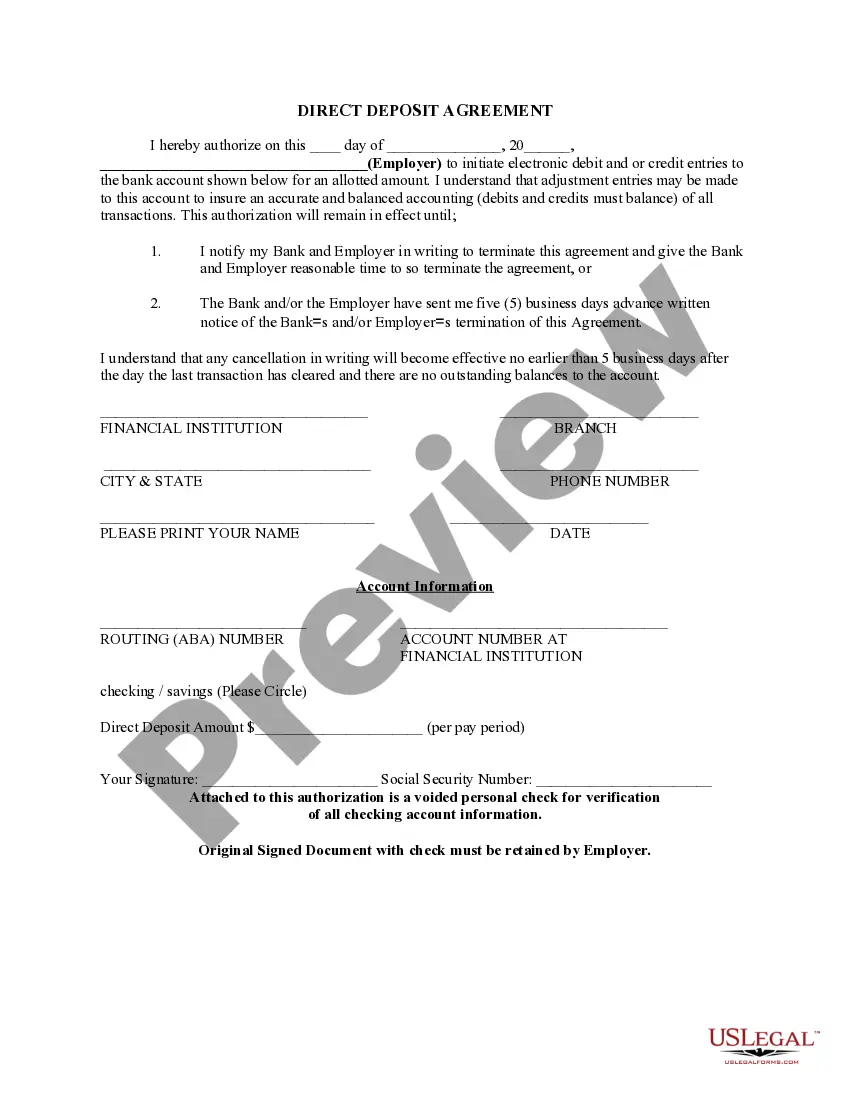
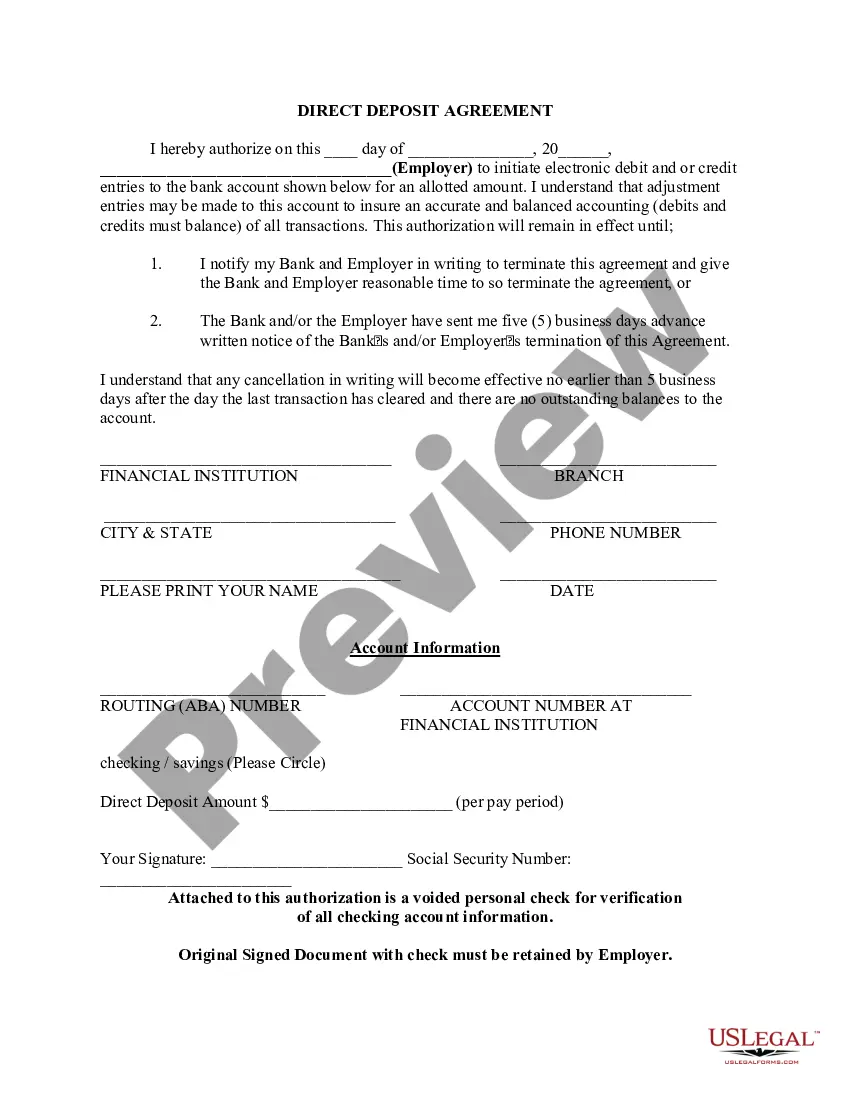
Nebraska Direct Deposit Authorization
Description


Get your form ready online
Our built-in tools help you complete, sign, share, and store your documents in one place.
Make edits, fill in missing information, and update formatting in US Legal Forms—just like you would in MS Word.
Download a copy, print it, send it by email, or mail it via USPS—whatever works best for your next step.
Sign and collect signatures with our SignNow integration. Send to multiple recipients, set reminders, and more. Go Premium to unlock E-Sign.
If this form requires notarization, complete it online through a secure video call—no need to meet a notary in person or wait for an appointment.
We protect your documents and personal data by following strict security and privacy standards.

Make edits, fill in missing information, and update formatting in US Legal Forms—just like you would in MS Word.

Download a copy, print it, send it by email, or mail it via USPS—whatever works best for your next step.

Sign and collect signatures with our SignNow integration. Send to multiple recipients, set reminders, and more. Go Premium to unlock E-Sign.

If this form requires notarization, complete it online through a secure video call—no need to meet a notary in person or wait for an appointment.

We protect your documents and personal data by following strict security and privacy standards.
Looking for another form?
How to fill out Direct Deposit Authorization?
Have you ever been in a situation where you need documents for either business or personal reasons almost every day.
There are many legal document templates available online, but finding ones you can trust is challenging.
US Legal Forms offers a wide range of form templates, such as the Nebraska Direct Deposit Authorization, designed to comply with state and federal regulations.
Once you find the appropriate form, click Acquire now.
Select the pricing plan you prefer, provide the necessary information to create your account, and complete your order using PayPal or a credit card.
- If you are already familiar with the US Legal Forms website and possess an account, simply Log In.
- After logging in, you can download the Nebraska Direct Deposit Authorization template.
- If you do not have an account and want to start using US Legal Forms, follow these steps.
- Find the form you need and ensure it is for the correct city/state.
- Utilize the Review option to examine the form.
- Read the description to confirm that you have selected the correct form.
- If the form is not what you are looking for, use the Lookup field to find the form that suits your needs.
Form popularity
FAQ
To receive payments, you'll need to provide the details below to the organization that will be paying you.Bank account number.Routing number.Type of account (typically a checking account)Bank name and addressyou can use any branch of the bank or credit union you use.Name(s) of account holders listed on the account.
If you've already filed your return, you can review your direct deposit information on a copy of your return. If the IRS has accepted your return already, you won't be able to change your bank and routing number for your tax refund without contacting the IRS directly.
Set up direct depositAsk for a copy of your employer's direct deposit signup form, or download the U.S. Bank Direct Deposit Authorization Form (PDF).Provide your U.S. Bank deposit account type (checking or savings), account number and routing number, and other required information.More items...
To receive payments, you'll need to provide the details below to the organization that will be paying you.Bank account number.Routing number.Type of account (typically a checking account)Bank name and addressyou can use any branch of the bank or credit union you use.Name(s) of account holders listed on the account.
Get a direct deposit form from your employer, fill it in, attach a check or deposit slip, then submit it....You typically need to provide the following personal and bank details:Bank's mailing address.Bank's routing number.Your account number.Type of account.Other.
To receive payments, you'll need to provide the details below to the organization that will be paying you.Bank account number.Routing number.Type of account (typically a checking account)Bank name and addressyou can use any branch of the bank or credit union you use.Name(s) of account holders listed on the account.
How to Set Up Direct DepositGet a direct deposit form from your employer.Fill in account information.Confirm the deposit amount.Attach a voided check or deposit slip, if required.Submit the form.
A direct deposit authorization form authorizes a third party, usually an employer for payroll, to send money to a bank account. Commonly, an employer requesting authorization will require a voided check to ensure that the account is valid.
Direct deposit is easy to use. Just select it as your refund method through your tax software and type in the account number and routing number. Or, tell your tax preparer you want direct deposit. You can even use direct deposit if you are one of the few people still filing by paper.