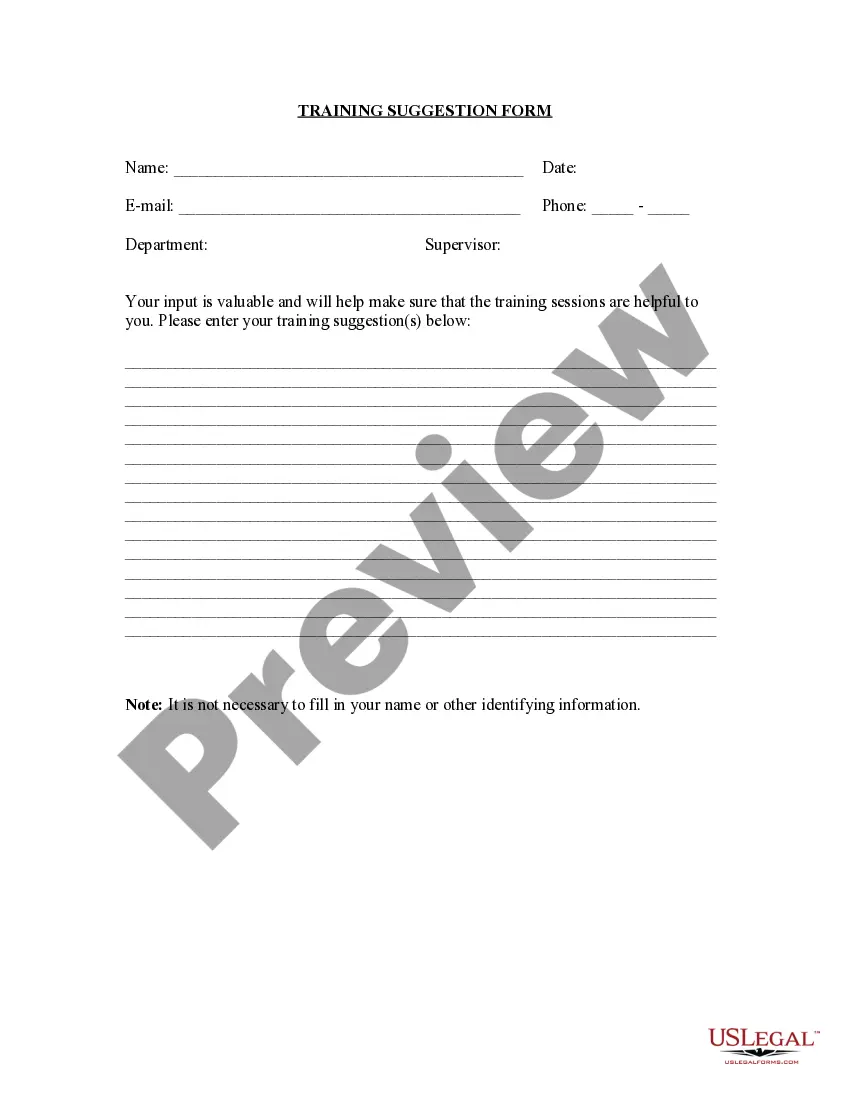
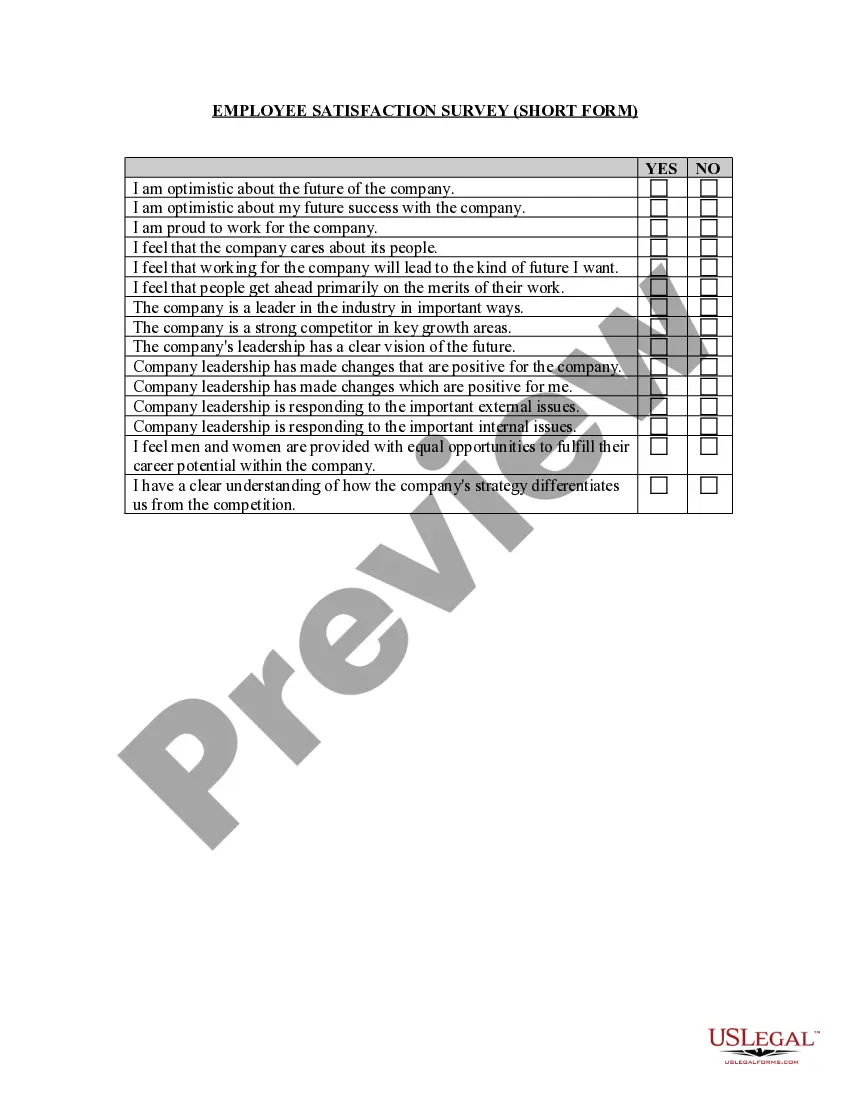
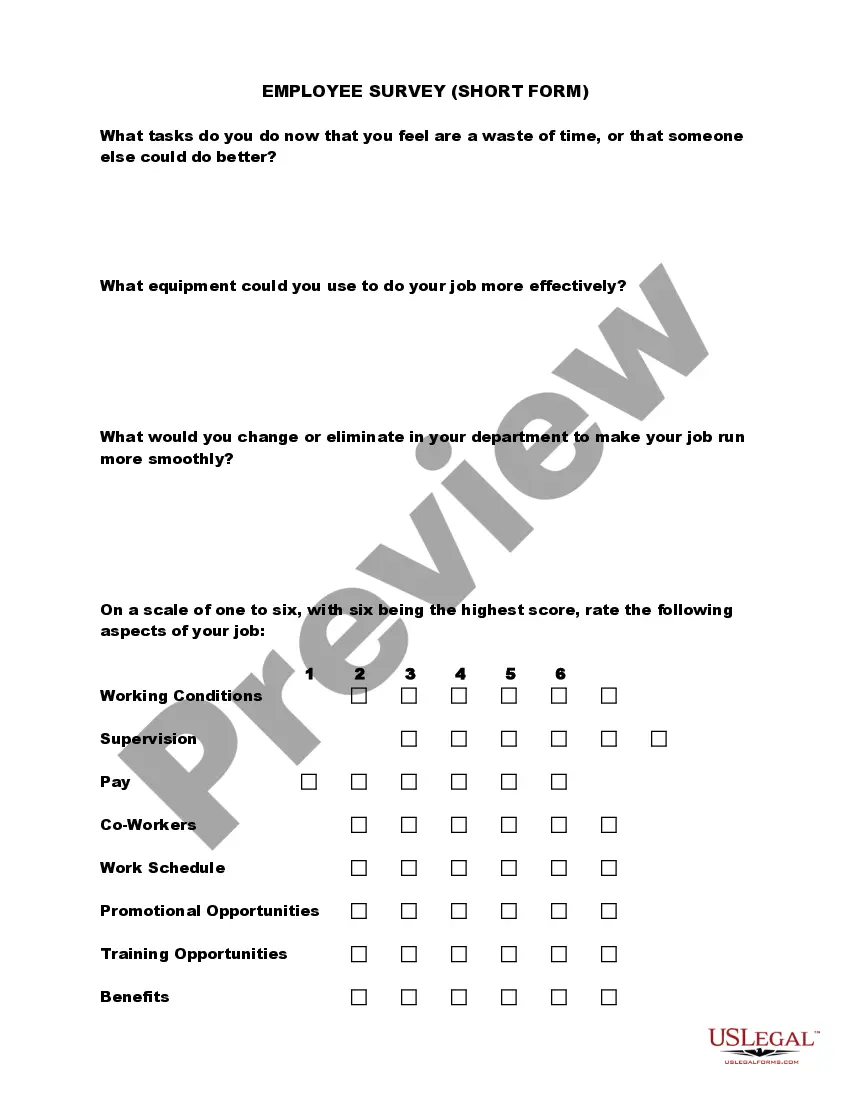
Mississippi Training Suggestion Form
Description

Get your form ready online
Our built-in tools help you complete, sign, share, and store your documents in one place.
Make edits, fill in missing information, and update formatting in US Legal Forms—just like you would in MS Word.
Download a copy, print it, send it by email, or mail it via USPS—whatever works best for your next step.
Sign and collect signatures with our SignNow integration. Send to multiple recipients, set reminders, and more. Go Premium to unlock E-Sign.
If this form requires notarization, complete it online through a secure video call—no need to meet a notary in person or wait for an appointment.
We protect your documents and personal data by following strict security and privacy standards.

Make edits, fill in missing information, and update formatting in US Legal Forms—just like you would in MS Word.

Download a copy, print it, send it by email, or mail it via USPS—whatever works best for your next step.

Sign and collect signatures with our SignNow integration. Send to multiple recipients, set reminders, and more. Go Premium to unlock E-Sign.

If this form requires notarization, complete it online through a secure video call—no need to meet a notary in person or wait for an appointment.

We protect your documents and personal data by following strict security and privacy standards.
Looking for another form?

How to fill out Training Suggestion Form?
Selecting the appropriate sanctioned document format can be challenging.
Certainly, there is an array of templates available online, but how do you locate the official form you require? Utilize the US Legal Forms website.
The service offers thousands of templates, including the Mississippi Training Suggestion Form, suitable for business and personal needs.
If the form does not meet your requirements, use the Search field to find the correct form. Once you confirm that the form is accurate, click the Get now button to obtain the document. Choose the pricing plan you prefer and provide the necessary information. Create your account and process your order using your PayPal account or Visa or Mastercard. Select the document format and download the legal document format to your device. Complete, edit, print, and sign the acquired Mississippi Training Suggestion Form. US Legal Forms is the largest repository of legal documents where you can find various document templates. Utilize the service to download professionally crafted forms that adhere to state requirements.
- All forms are reviewed by experts and comply with state and federal regulations.
- If you are already registered, Log In to your account and click on the Download button to obtain the Mississippi Training Suggestion Form.
- Use your account to browse the legal documents you have previously obtained.
- Access the My documents tab in your account to retrieve another copy of the document you require.
- If you are a new user of US Legal Forms, here are some straightforward instructions for you to follow.
- First, make sure you have selected the correct form for your city/region. You can preview the form using the Preview button and review the form details to ensure it is suitable for you.
Form popularity
FAQ
4 Steps to Create your Training Evaluation FormIntroduction. Just like all other business documents, a perfect form starts with an insightful introduction.Create a Questionnaire. The second and probably the most crucial fragment of a training evaluation form are the queries.Create a Rating System.Overall Suggestion Box.
"Thank you for a great course. Great presentation style with lots of opportunities to ask questions and talk about real life examples which all made for a really enjoyable and informative course." "This has more than met my expectations." "A wonderfully practical course - both personally and professionally.
Dear Sir/ Madam, My name is (Name) and I have attend the training (training topic) from // (date) till // (date). I am highly thankful for the training that I have received from your side.
The four levels are Reaction, Learning, Behavior, and Results. We look at each level in greater detail, and explore how to apply it, below.
The main purpose of evaluating a training program is to gain knowledge about whether it has achieved or failed its objectives. Analysing the training event by using appropriate evaluation tools can improve the outcome of future trainings to a considerable extend.
How do you write a feedback form? (Templates you can copy)Keep it short. Conditional logic is an excellent tool when it comes to forms.Keep it simple. The fewer questions you have, the better.Make the feedback experience seamless.Have consistent rating scales.Personalize your request for feedback.
Thanks so much for your very valuable training. I really enjoyed it, and appreciated that you made it fun! I feel much better prepared to deal with uncomfortable issues. Thank you for your wisdom, experience and personable presentation.
Training evaluation is the systematic process of collecting information and using that information to improve your training. Evaluation provides feedback to help you identify if your training achieved your intended outcomes, and helps you make decisions about future trainings.
Evaluation involves the assessment of the effectiveness of the training programs. This assessment is done by collecting data on whether the participants were satisfied with the deliverables of the training program, whether they learned something from the training and are able to apply those skills at their workplace.
Here are the top five ways to evaluate training and development in your organization.Identify Training KPIs. Key performance indicators (KPIs) help you measure employees' progress toward a goal or objective.Administer Assessments.Observe Employee Behavior.Track Employee Engagement.Ask for Learner Feedback.