If you wish to gather, acquire, or print sanctioned document templates, utilize US Legal Forms, the largest collection of legal forms available online.
Take advantage of the website's straightforward and user-friendly search to find the documents you require.
Various templates for business and personal purposes are categorized by types and states, or keywords.
Once you have found the form you need, click the Buy Now button. Choose the payment plan you prefer and enter your details to register for an account.
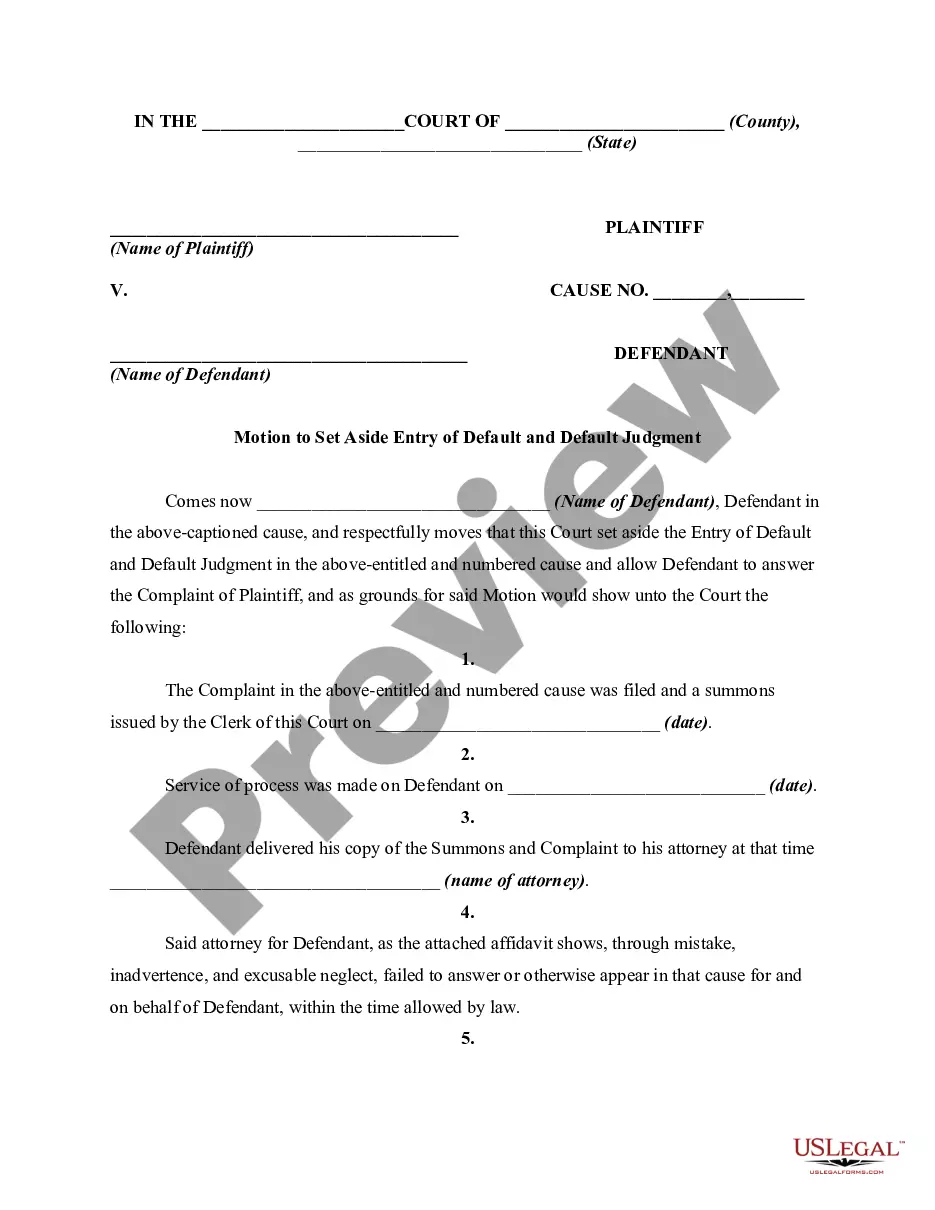
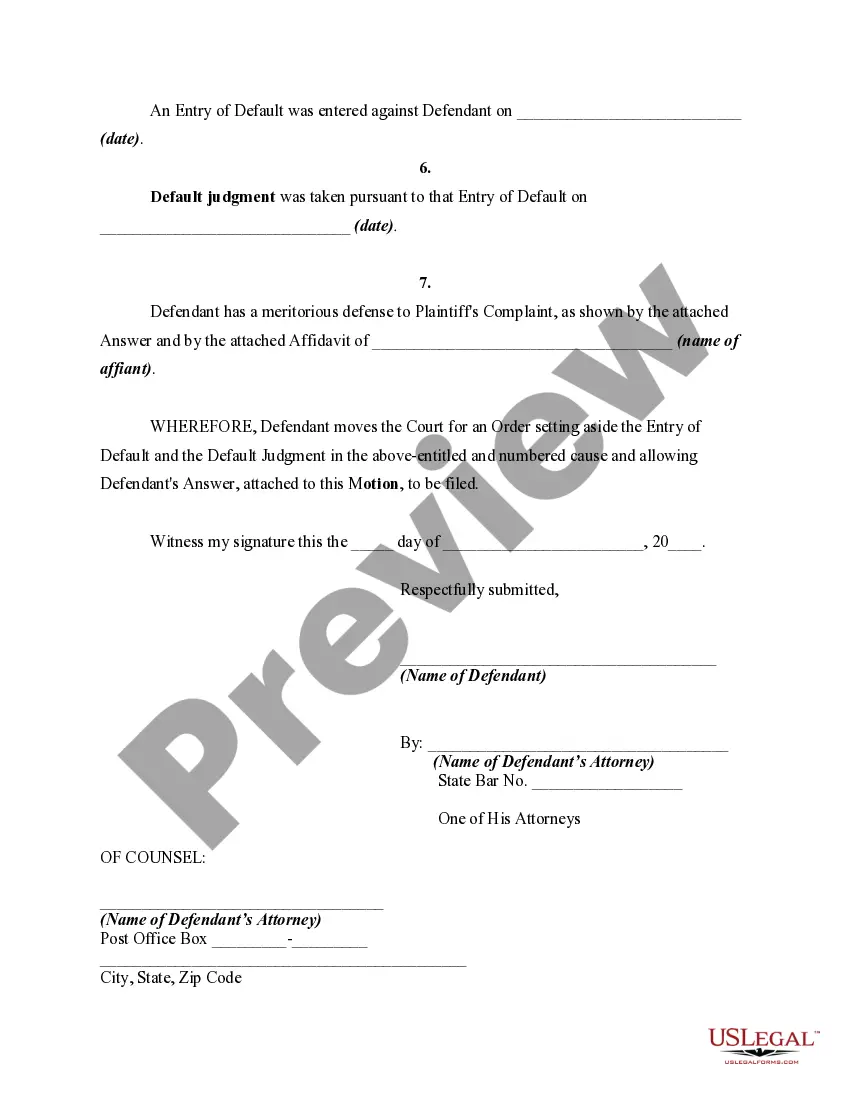
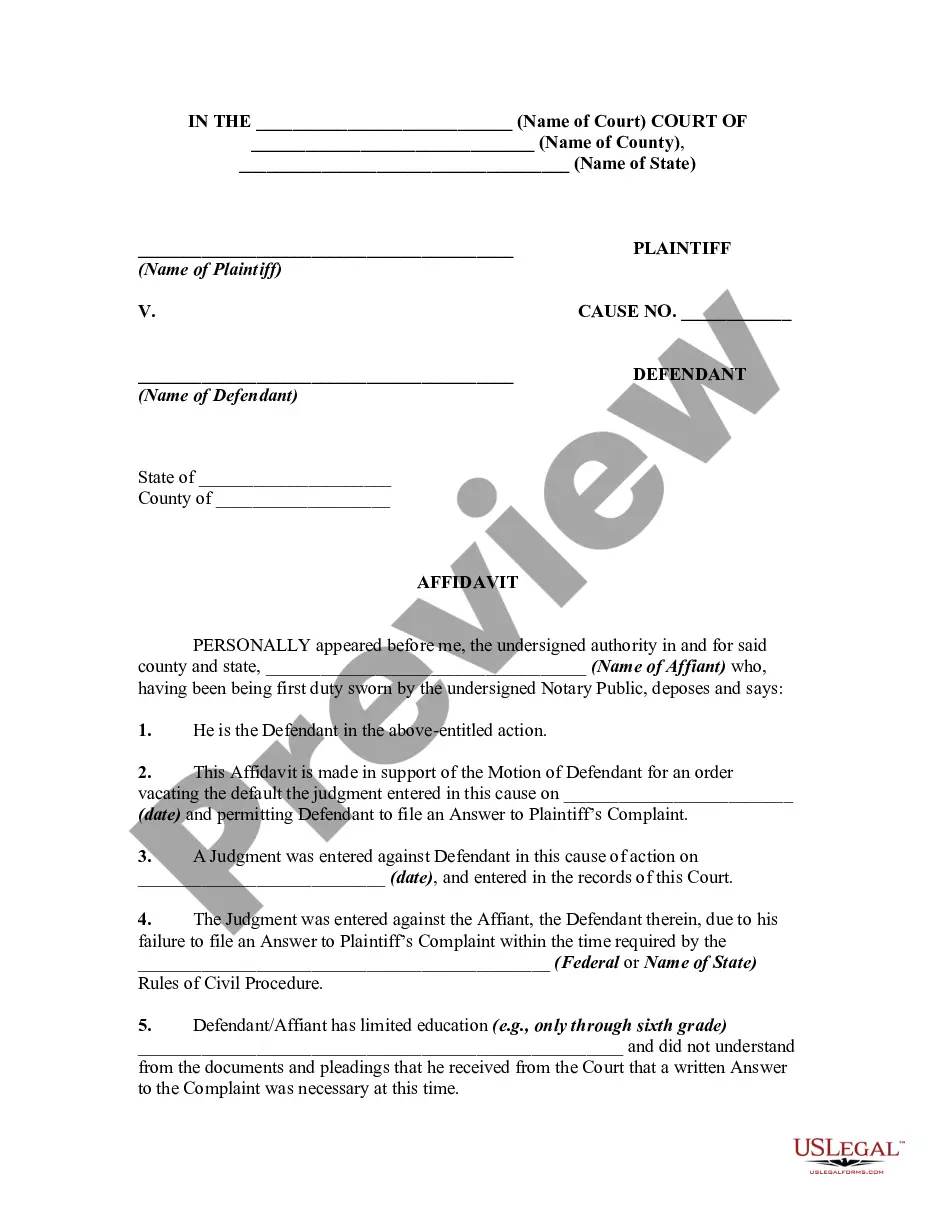
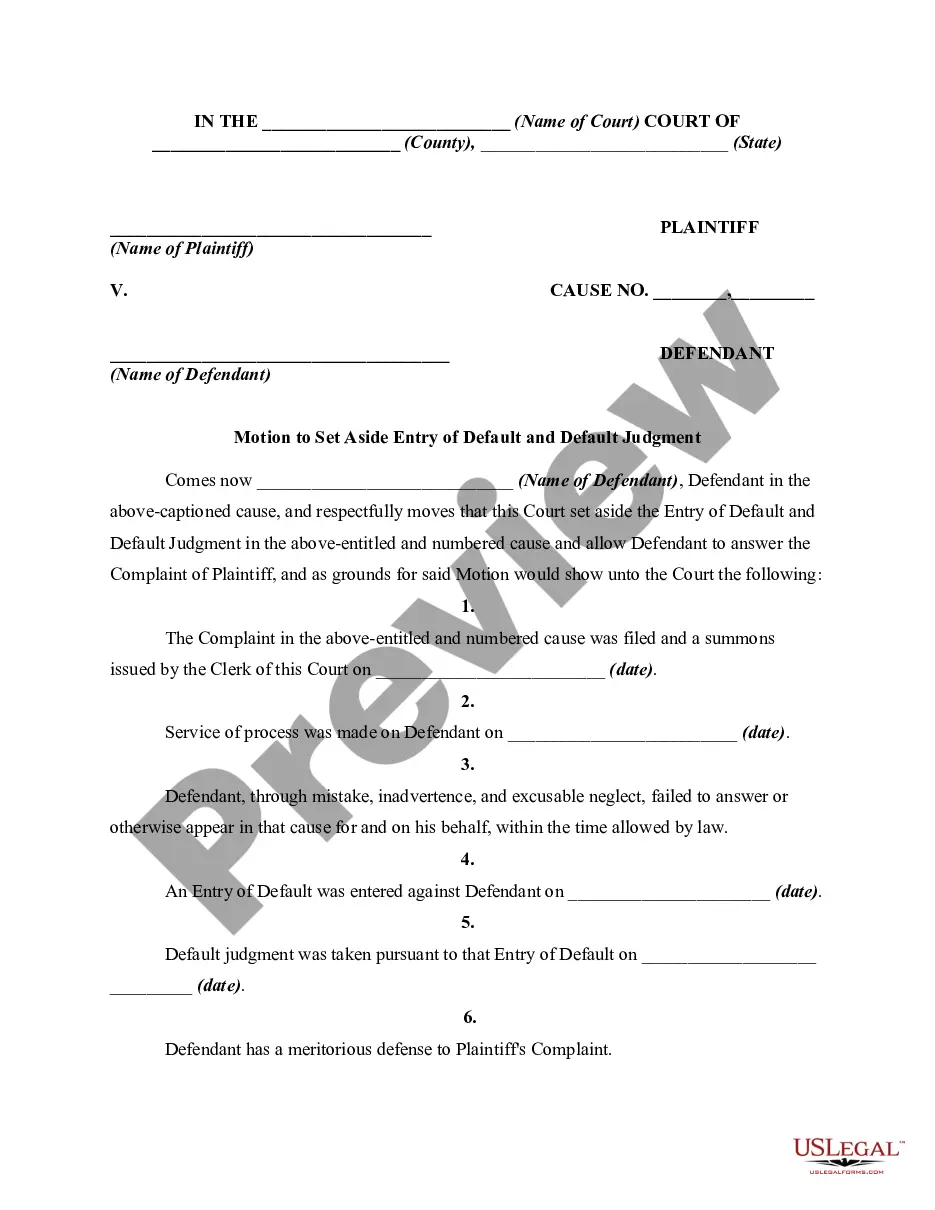
Complete the transaction. You can use your credit card or PayPal account to finalize the payment. Step 6. Select the format of the legal form and download it to your device. Step 7. Fill out, edit, and print or sign the Mississippi Motion to Vacate or Set Aside Entry of Default and Default Judgment Due to Error, Oversight, Surprise, or Justifiable Neglect.
Every legal document template you acquire is yours indefinitely. You will have access to every form you downloaded in your account. Visit the My documents section and select a form to print or download again. Stay competitive and acquire, and print the Mississippi Motion to Vacate or Set Aside Entry of Default and Default Judgment Due to Error, Oversight, Surprise, or Justifiable Neglect with US Legal Forms. There are millions of professional and state-specific forms available for your business or personal needs.
- Utilize US Legal Forms to obtain the Mississippi Motion to Vacate or Set Aside Entry of Default and Default Judgment Due to Error, Oversight, Surprise, or Justifiable Neglect with just a few clicks.
- If you are already a US Legal Forms user, Log In to your account and click the Acquire button to obtain the Mississippi Motion to Vacate or Set Aside Entry of Default and Default Judgment Due to Error, Oversight, Surprise, or Justifiable Neglect.
- You can also access forms you previously downloaded from the My documents section of your account.
- If you are using US Legal Forms for the first time, follow the steps below.
- Ensure you have selected the form for the correct jurisdiction/state.
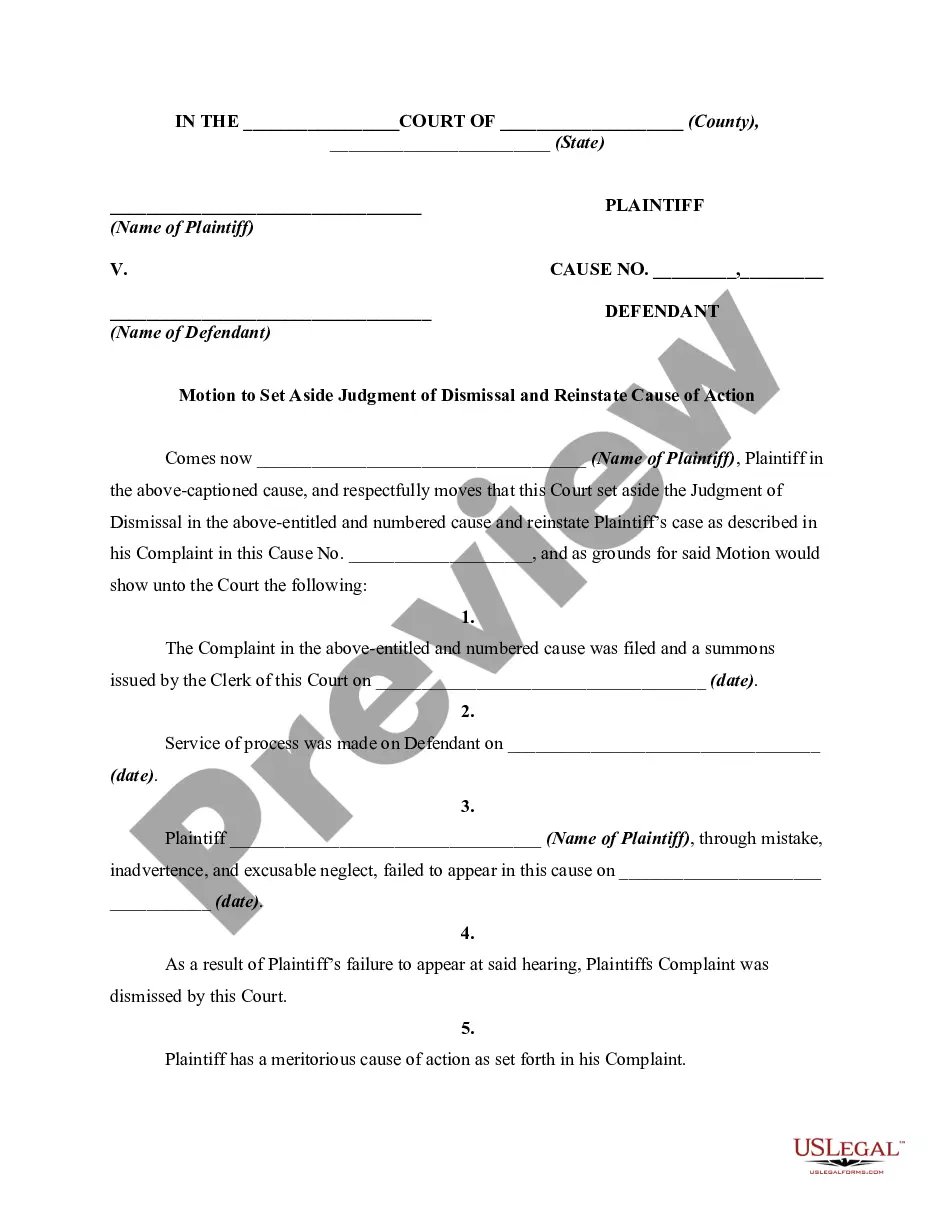
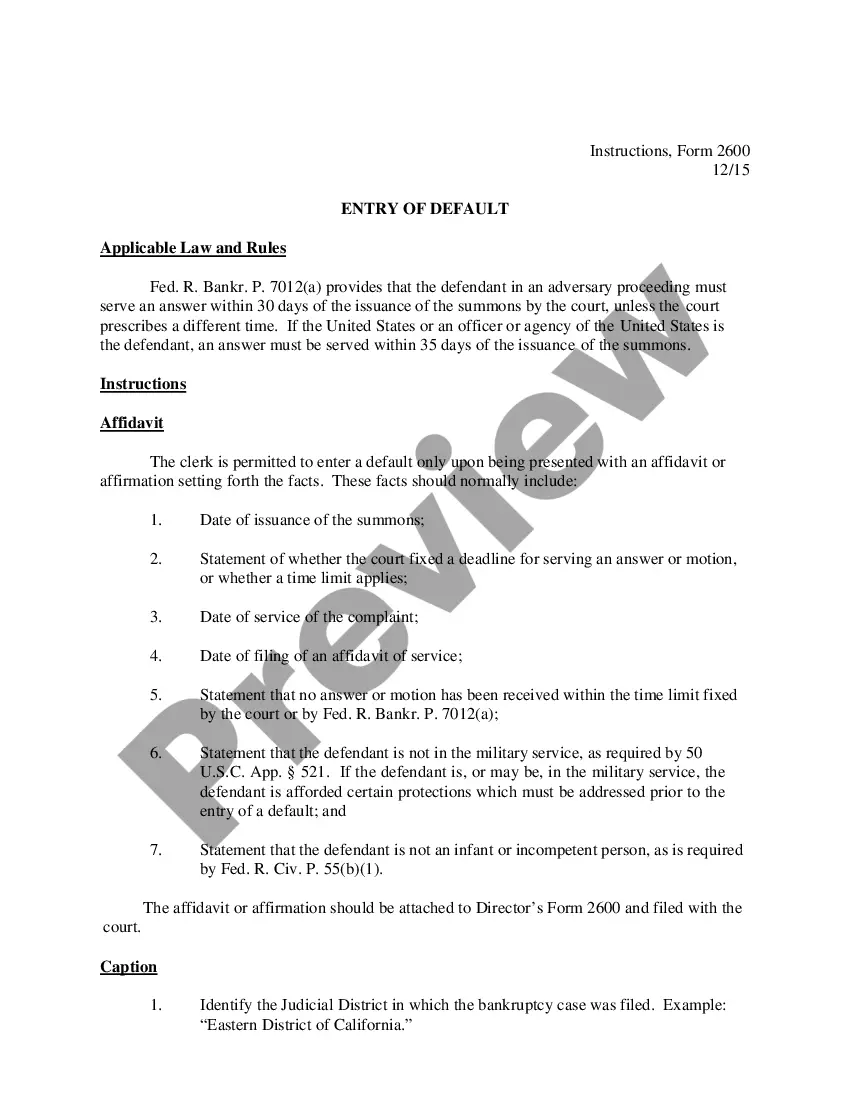
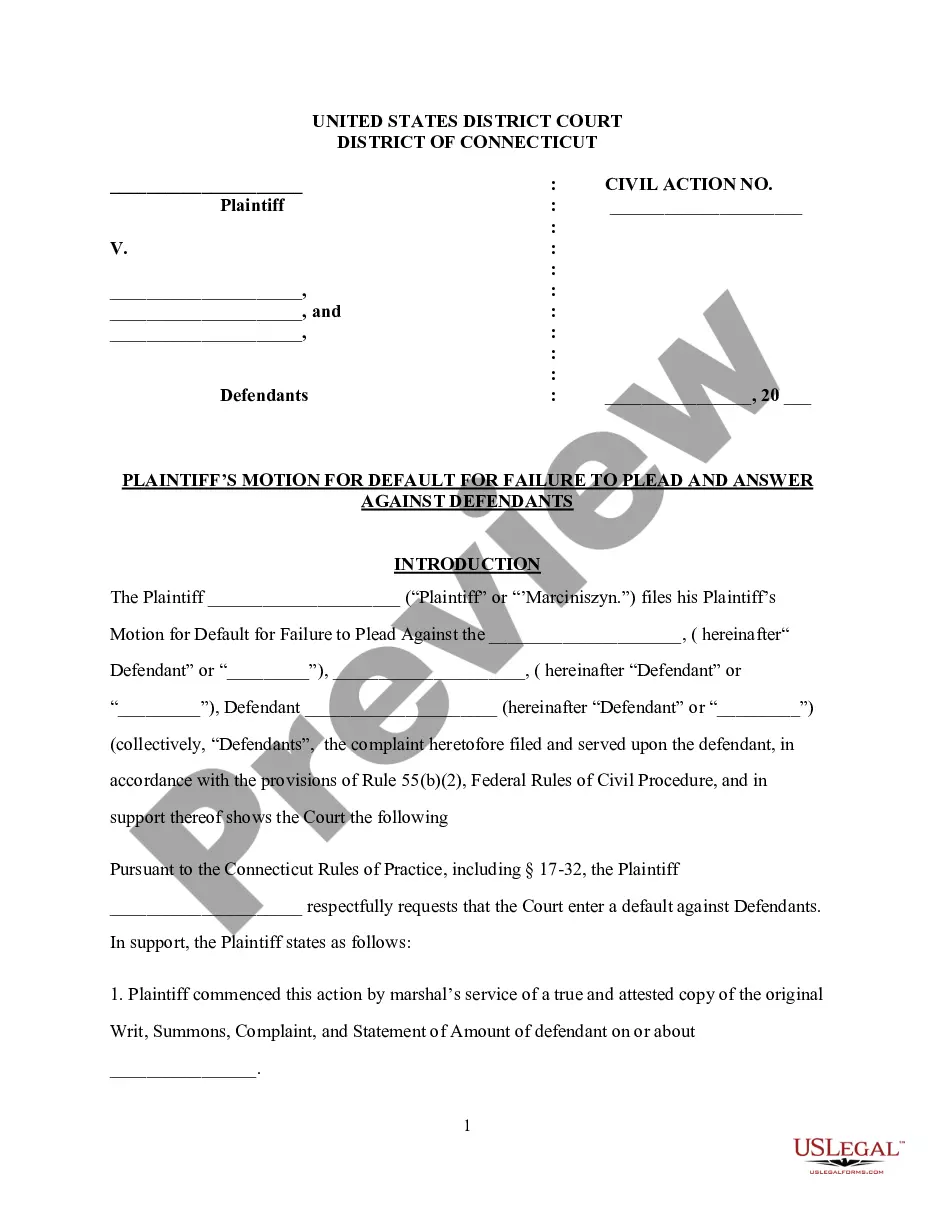
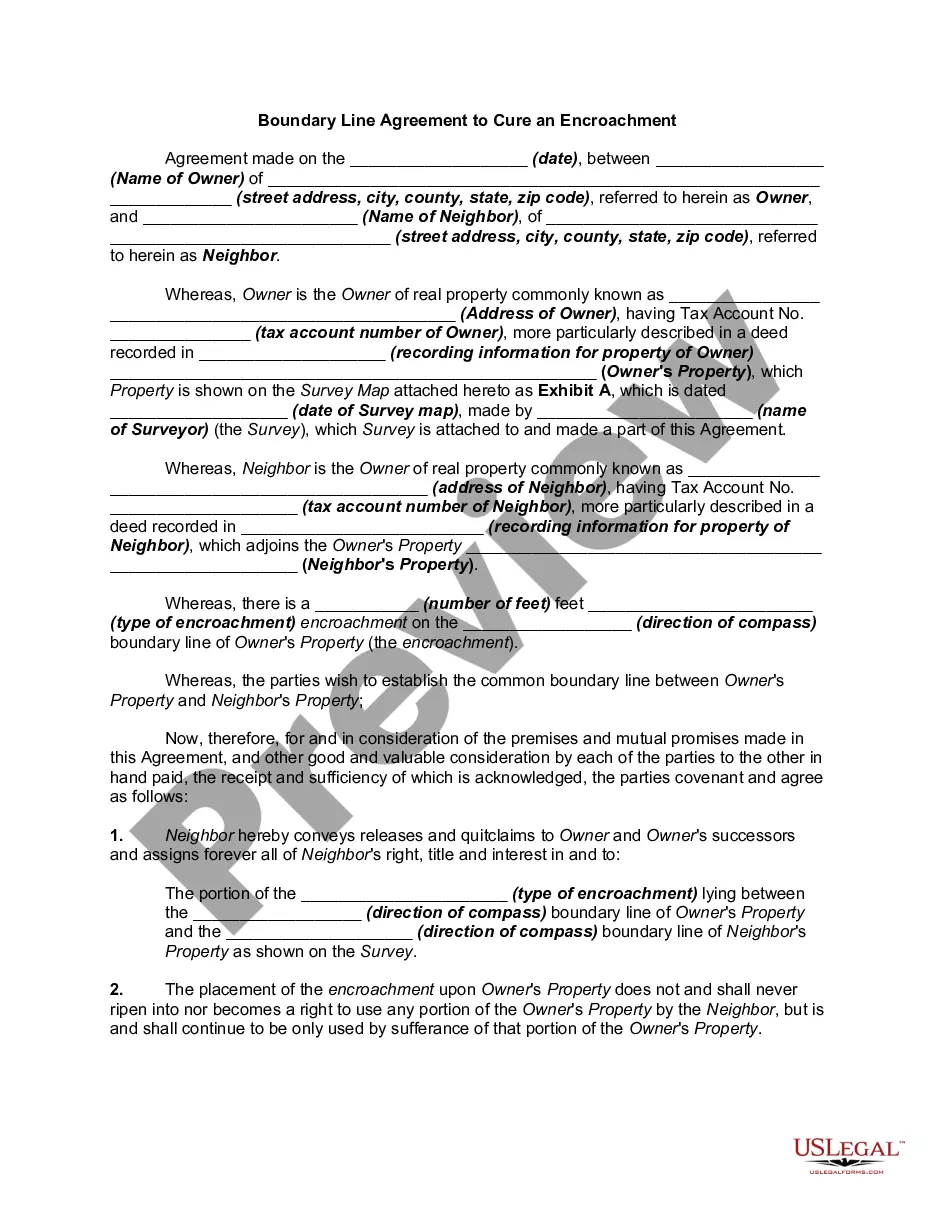
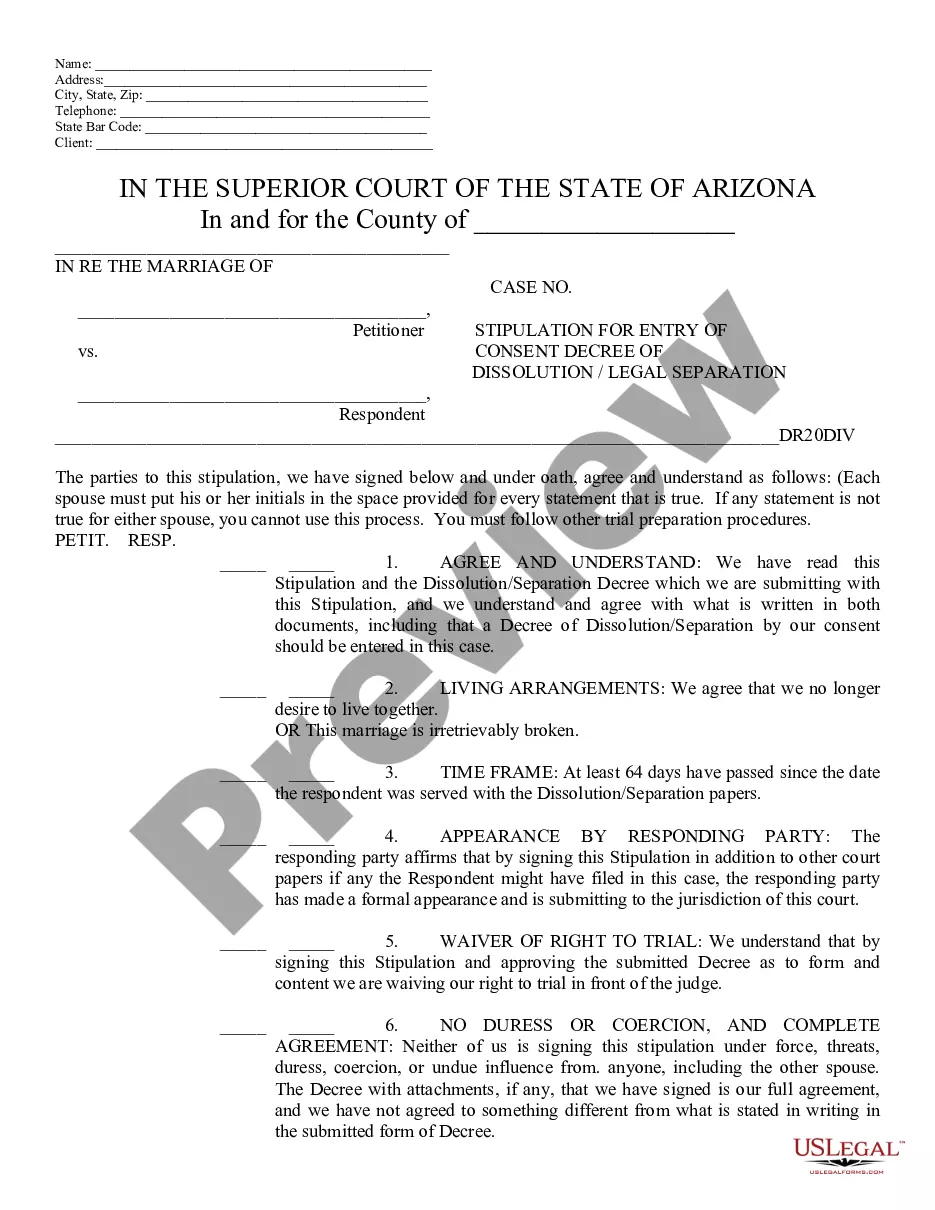
- Use the Preview option to review the form's content. Don't forget to read the description.
- If you are unsatisfied with the form, use the Search area at the top of the screen to find alternative versions of the legal form template.