Mississippi Answer
Understanding this form
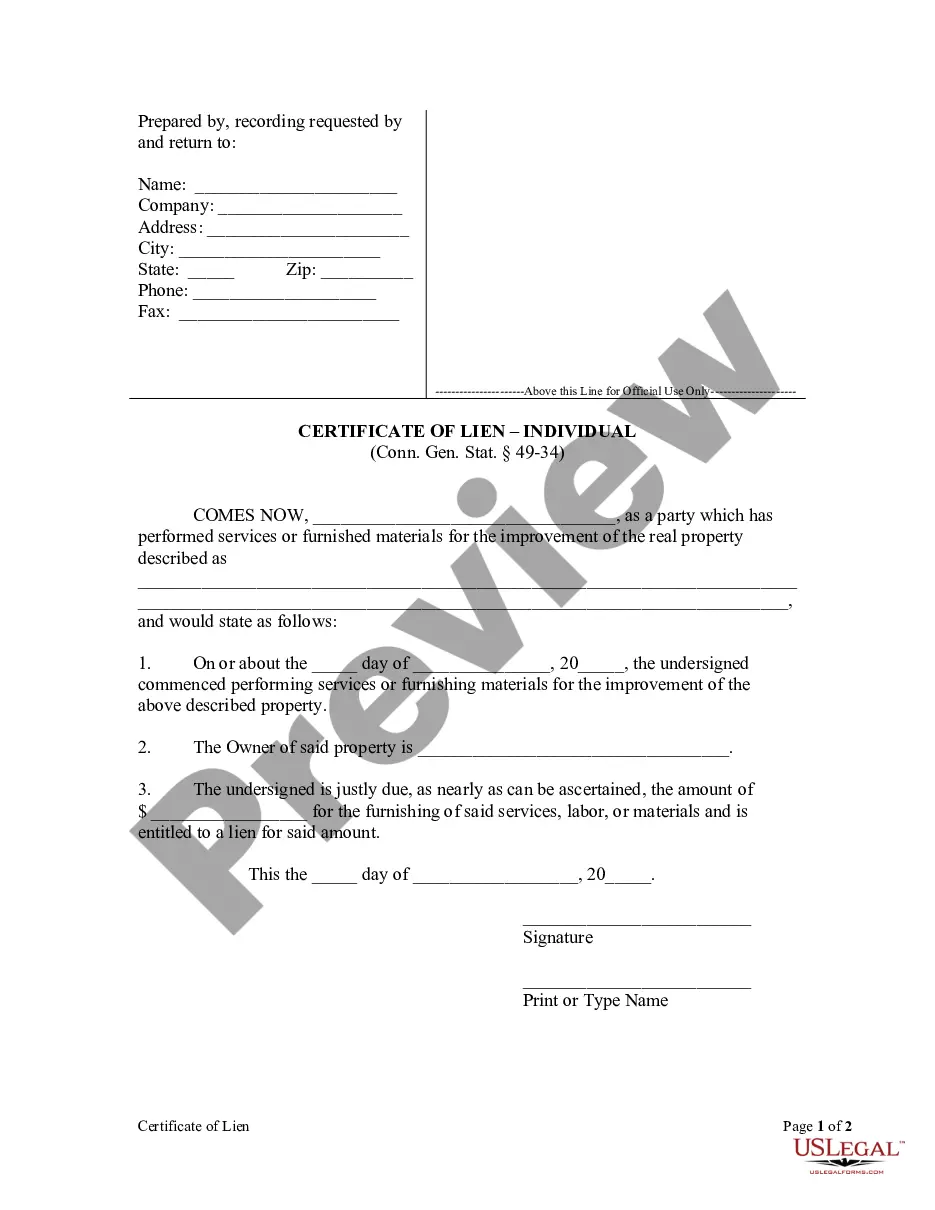
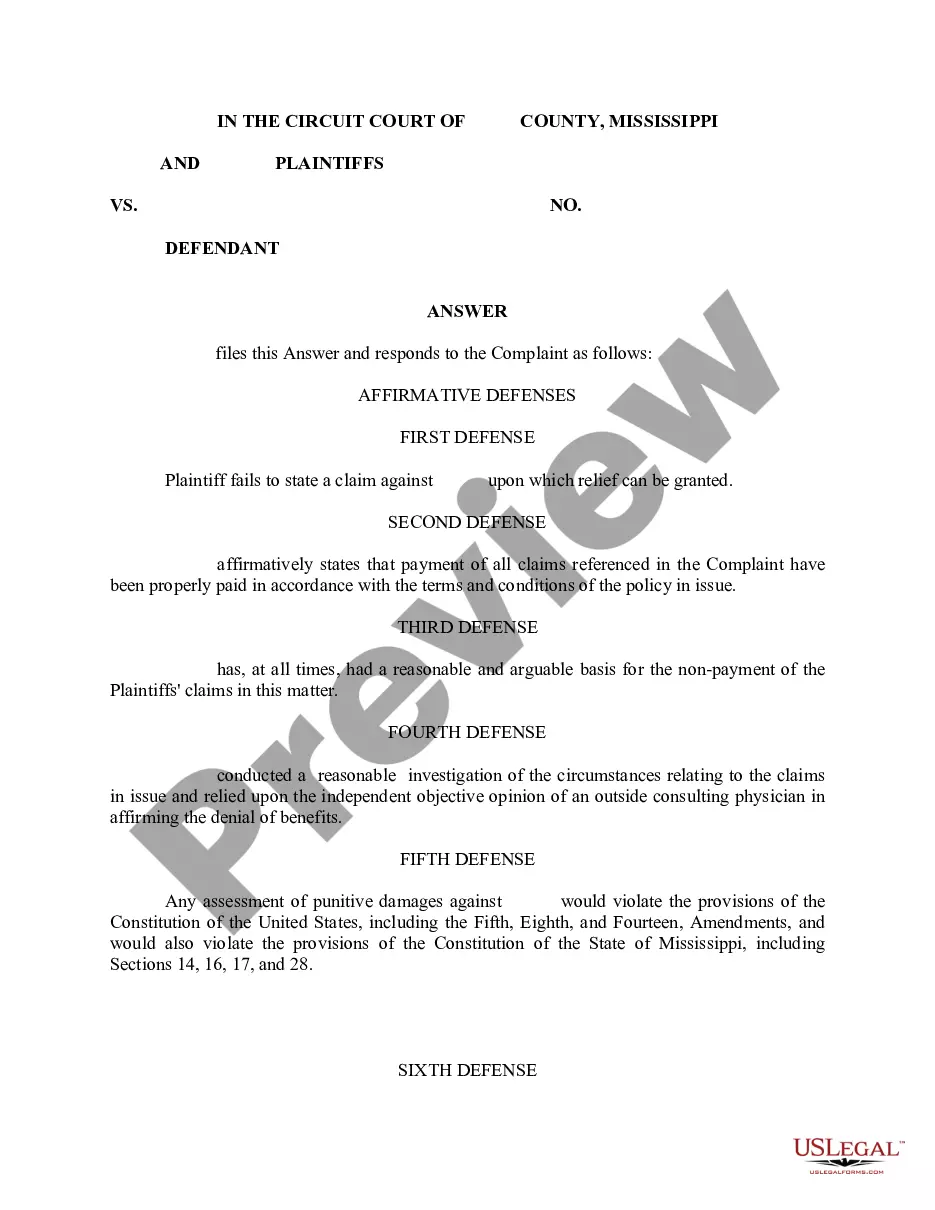
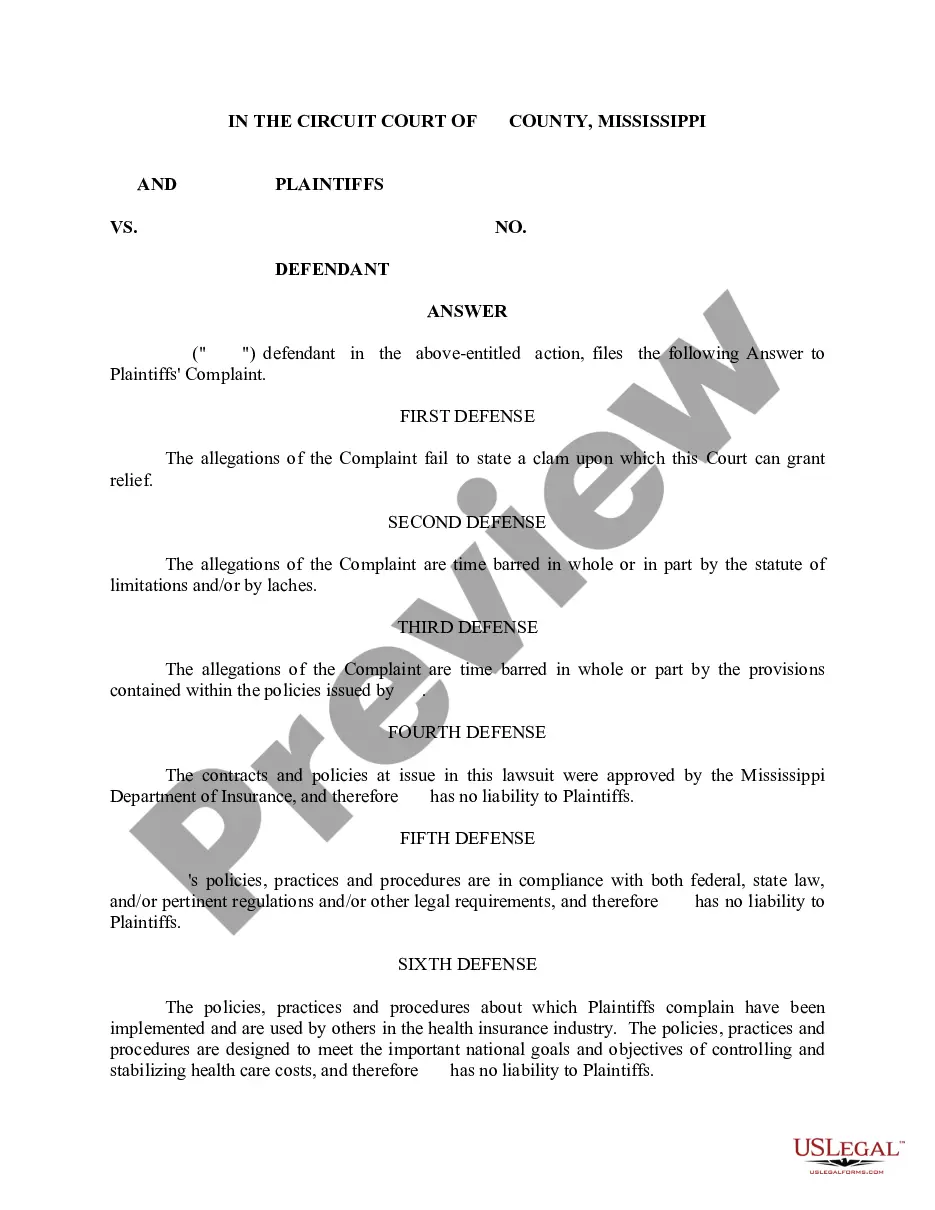
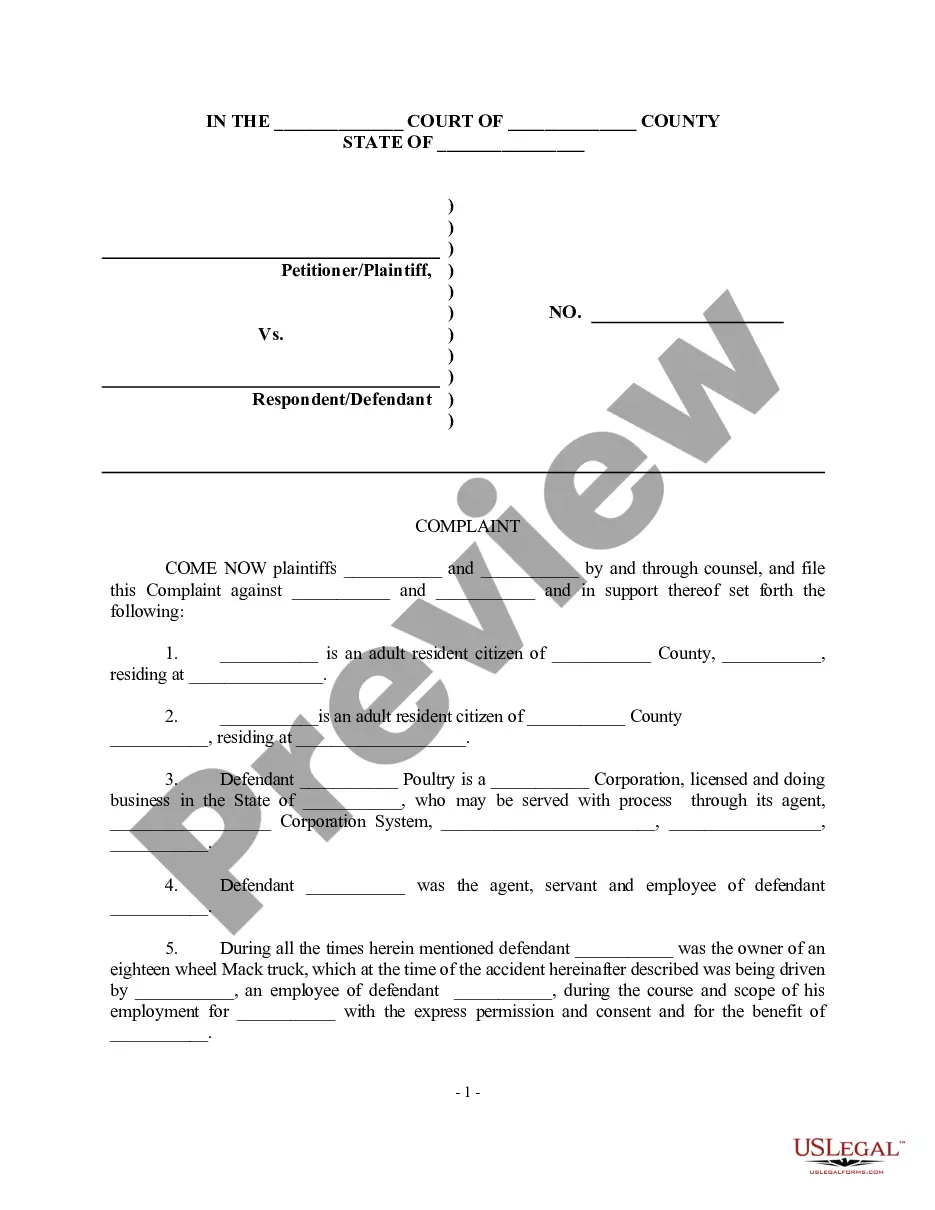
The Answer form is a legal document filed in response to a Complaint that initiates a lawsuit. Specifically designed for cases involving non-payment of health claims by a health insurance provider, this form allows the defendant to present their defenses and reply to the claims against them. This distinguishes it from other legal responses, as it directly addresses issues related to health insurance disputes.
Key components of this form
- Identification of the parties involved in the lawsuit.
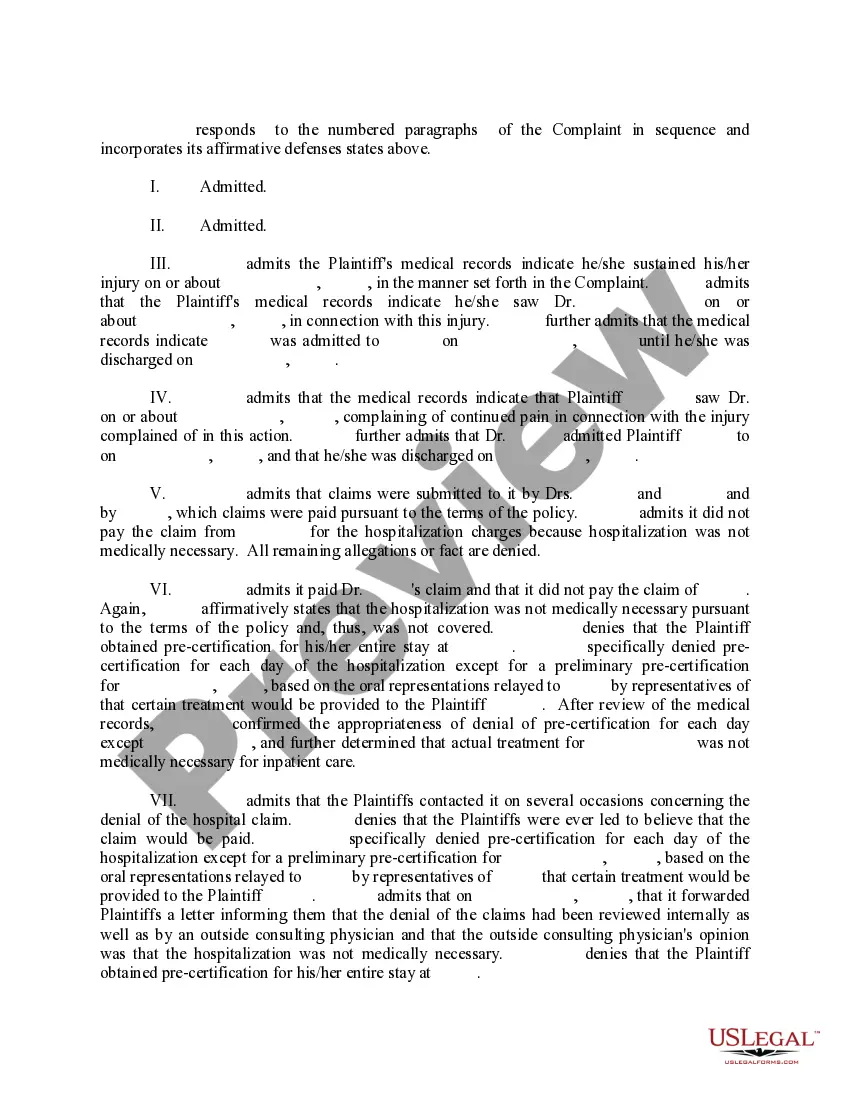
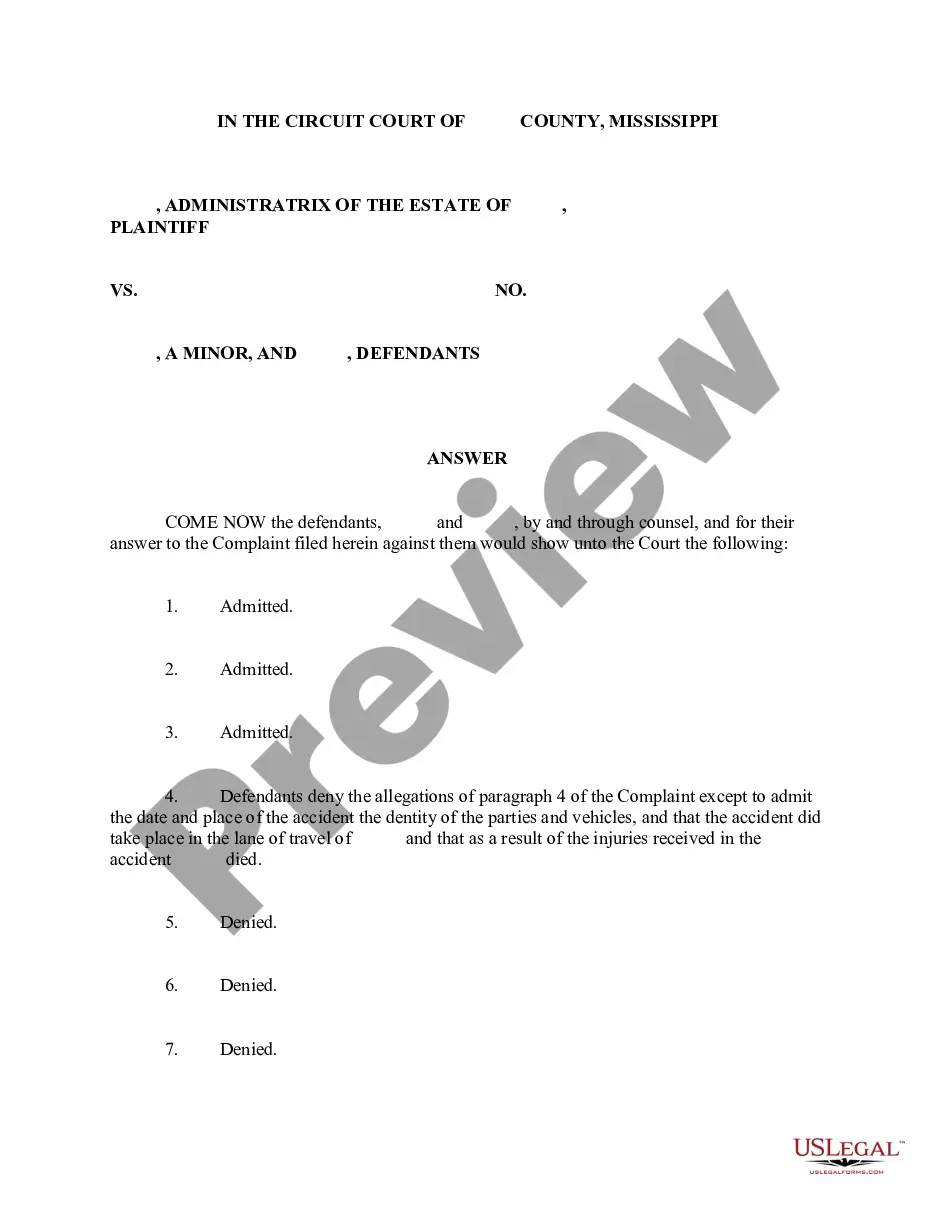
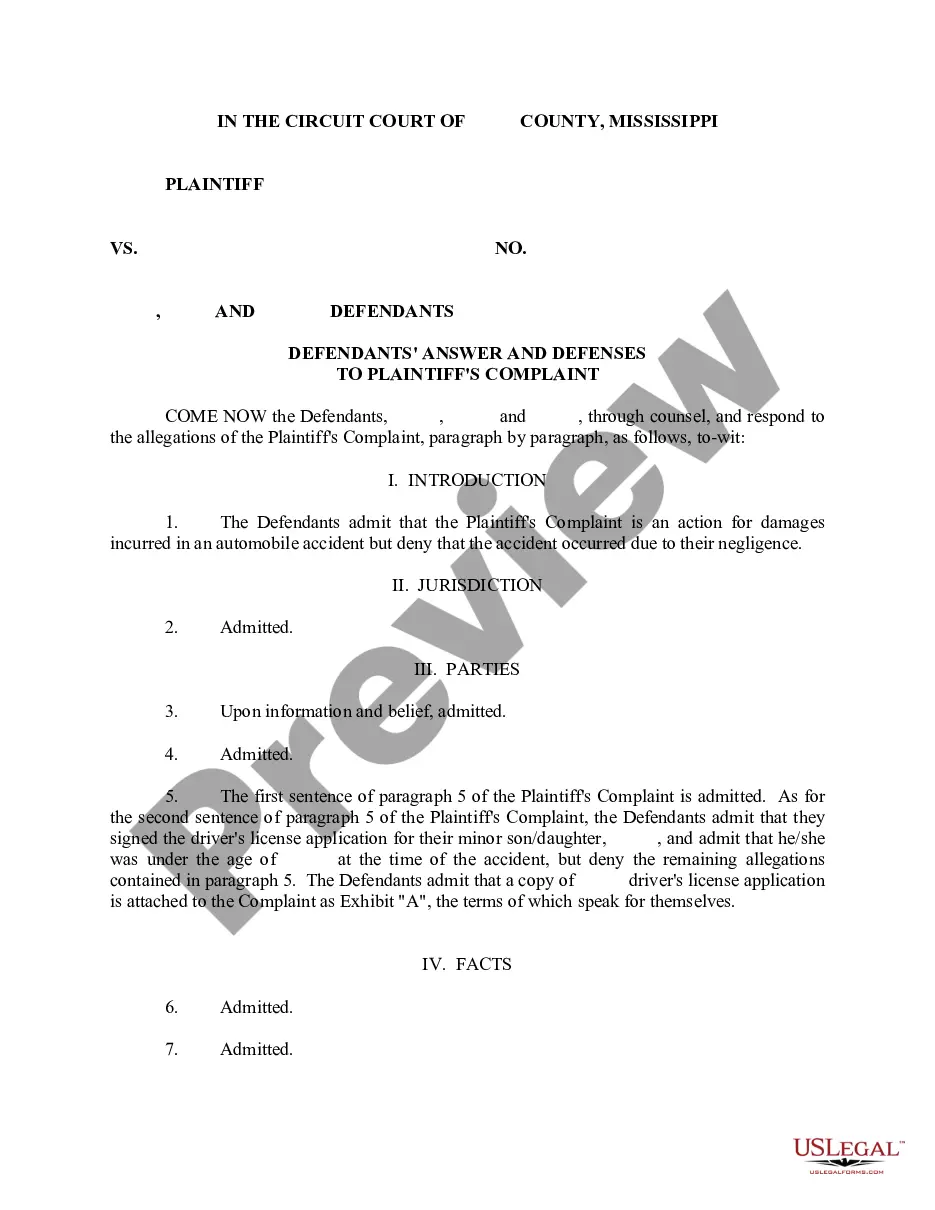
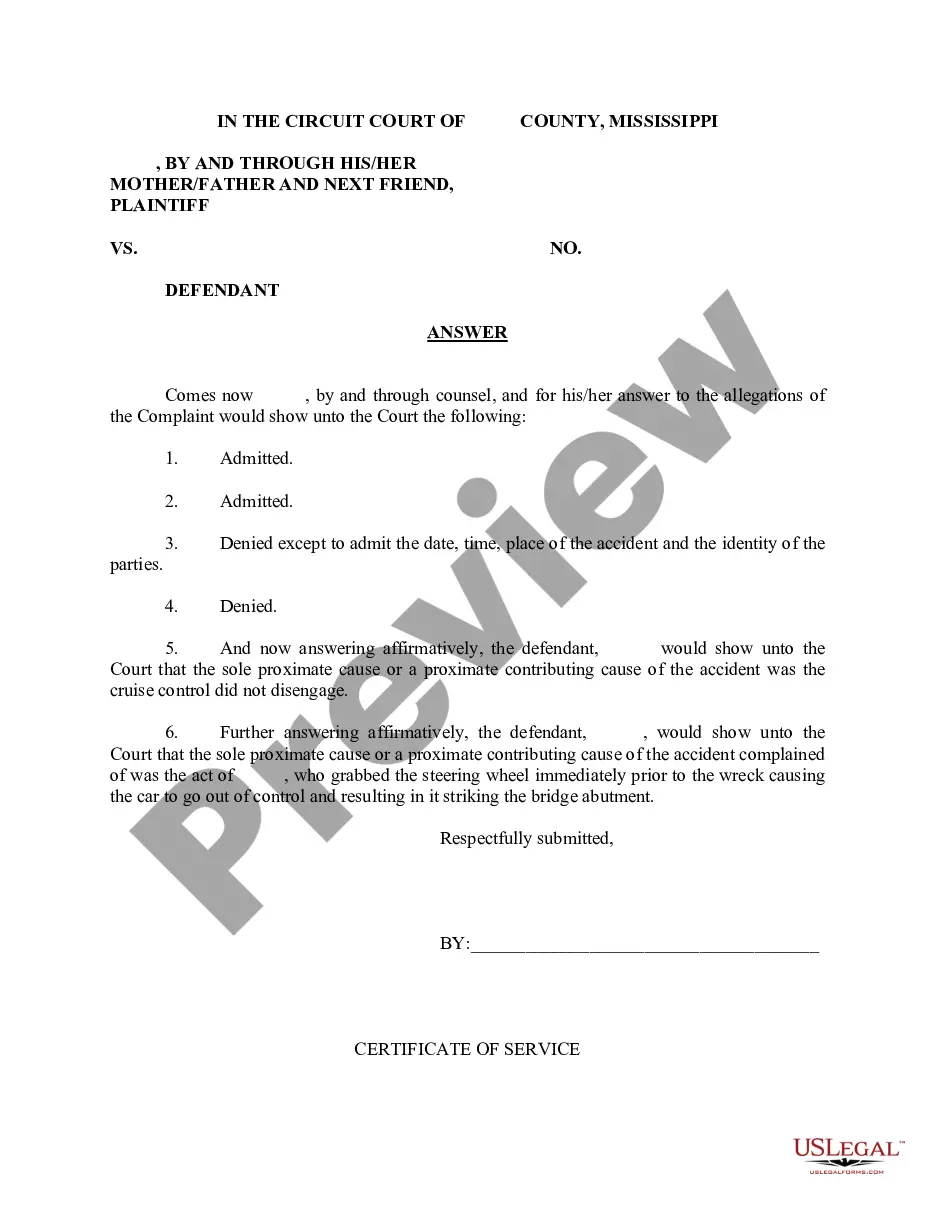
- A statement addressing the allegations made in the Complaint.
- Affirmative defenses the defendant wishes to assert.
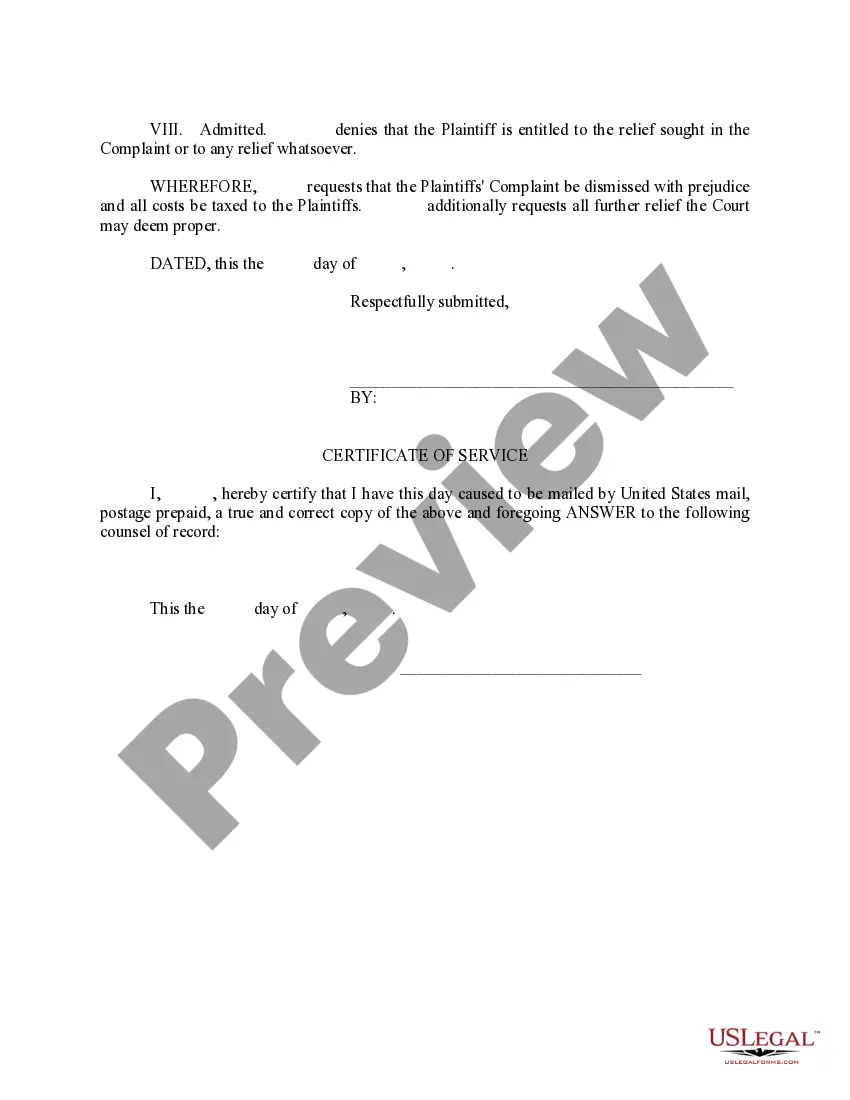
- Signature and date at the end of the document.
When to use this document
This form is used when a defendant needs to respond to a legal Complaint regarding unpaid health claims. It is appropriate to file this Answer when the health insurance provider has made claims for non-payment, and the defendant wishes to contest those claims or present their side of the story.
Who this form is for
This form is intended for:
- Individuals who have been served with a Complaint related to health insurance claims.
- Defendants who wish to formally respond to allegations of non-payment.
- Those seeking to assert affirmative defenses against health insurance claims.
How to complete this form
- Identify and fill in the names of the parties involved in the lawsuit.
- Review the Complaint thoroughly and draft responses to each allegation.
- List any affirmative defenses that apply to your case.
- Include your signature and the date at the end of the form.
Notarization guidance
This form usually doesn’t need to be notarized. However, local laws or specific transactions may require it. Our online notarization service, powered by Notarize, lets you complete it remotely through a secure video session, available 24/7.
Get your form ready online
Our built-in tools help you complete, sign, share, and store your documents in one place.
Make edits, fill in missing information, and update formatting in US Legal Forms—just like you would in MS Word.
Download a copy, print it, send it by email, or mail it via USPS—whatever works best for your next step.
Sign and collect signatures with our SignNow integration. Send to multiple recipients, set reminders, and more. Go Premium to unlock E-Sign.
If this form requires notarization, complete it online through a secure video call—no need to meet a notary in person or wait for an appointment.
We protect your documents and personal data by following strict security and privacy standards.

Make edits, fill in missing information, and update formatting in US Legal Forms—just like you would in MS Word.

Download a copy, print it, send it by email, or mail it via USPS—whatever works best for your next step.

Sign and collect signatures with our SignNow integration. Send to multiple recipients, set reminders, and more. Go Premium to unlock E-Sign.

If this form requires notarization, complete it online through a secure video call—no need to meet a notary in person or wait for an appointment.

We protect your documents and personal data by following strict security and privacy standards.
Typical mistakes to avoid
- Failing to respond to all allegations in the Complaint.
- Not including affirmative defenses that could benefit your case.
- Missing the deadline for filing the Answer.
Benefits of completing this form online
- Convenient access from anywhere, allowing for easy downloads.
- Editability that enables you to tailor the form to your specific needs.
- Reliable templates created by licensed attorneys that ensure legal accuracy.
Legal use & context
- The Answer serves as your formal response to legal allegations regarding health claim payments.
- It is important for preserving your rights and presenting your defense in court.
What to keep in mind
- The Answer form is a crucial document for responding to health insurance claims.
- It allows defendants to present their defenses and address allegations directly.
- Ensure all allegations are addressed and affirmative defenses included.
Looking for another form?

Form popularity
FAQ
Here are the fees that you can expect to pay: Passenger vehicles will cost $14 to register. For the MS road and Bridge Privilege tax passenger cars will pay $15, trucks will pay $7.20 and motorcycles will pay $8.
The online renewal system, Mississippi 1-Stop, is currently available for Alcorn, Lauderdale, Madison, Hancock, Lee, Harrison, Jackson, Rankin, Desoto, Lafayette, and Warren. Additionally, you can renew your Mississippi vehicle registration through the Hinds County Tax Collector website if you are from Hinds County.
Mississippi driver's license renewal may be done up to six months before it expires, and up to a year after the expiration date.You may renew your license online if it has expired for up to one year past the expiration date. If you have restrictions on your license, you will not be able to do the transaction online.
To determine how much your tag will cost, you will need to contact your local county Tax Collector. In Mississippi, you pay privilege tax, registration fees, ad valorem taxes and possibly sales or use tax when you tag your vehicle. Registration fees are $12.75 for renewals and $14.00 for first time registrations.