Mississippi Answer
Overview of this form
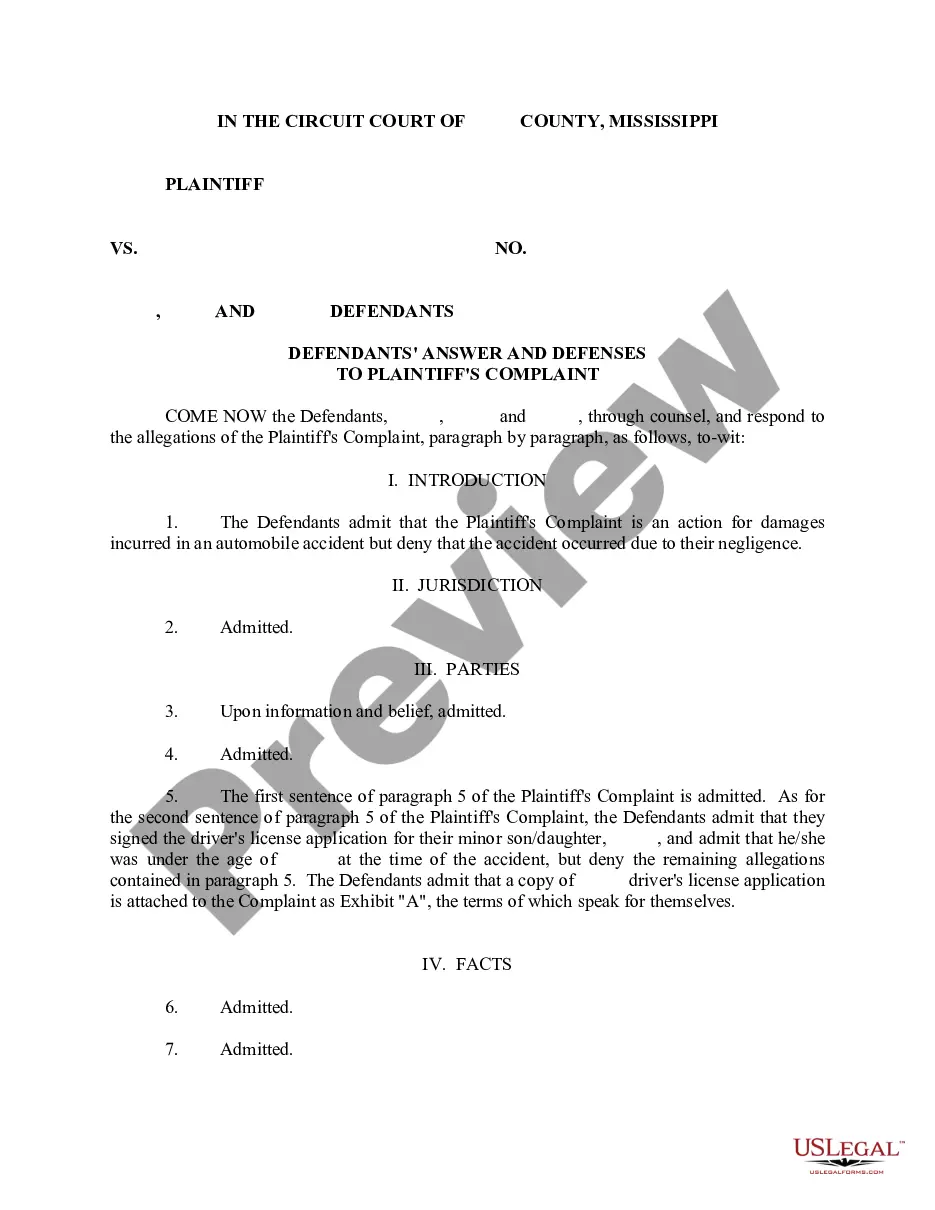
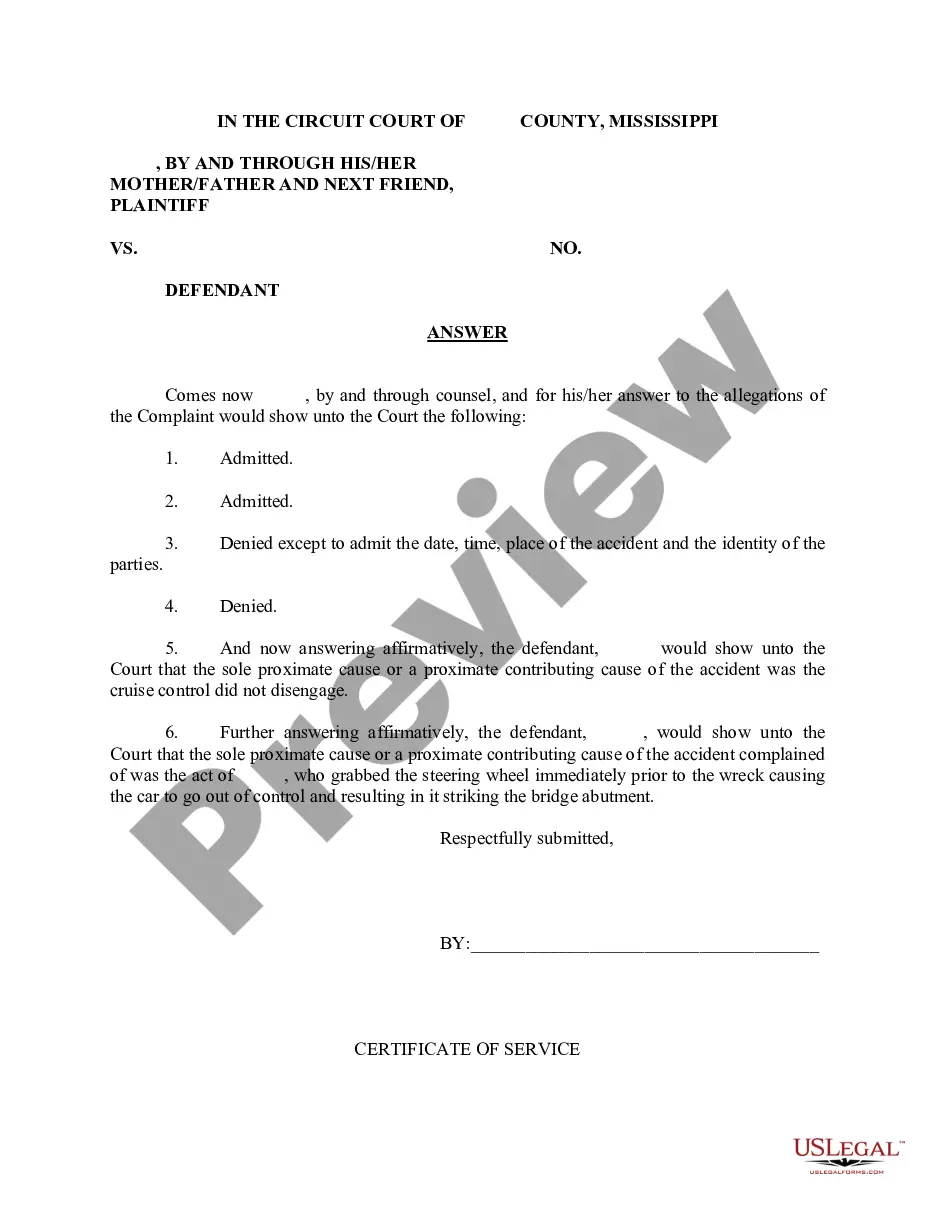
The Answer form is a legal document used to respond to a plaintiff's complaint in a civil action. It serves as the defendant's official reply, allowing them to assert defenses or counterclaims. This form differs from other legal responses, such as a motion to dismiss, as it directly addresses the claims brought against the defendant and does not seek to terminate the case altogether.
Form components explained
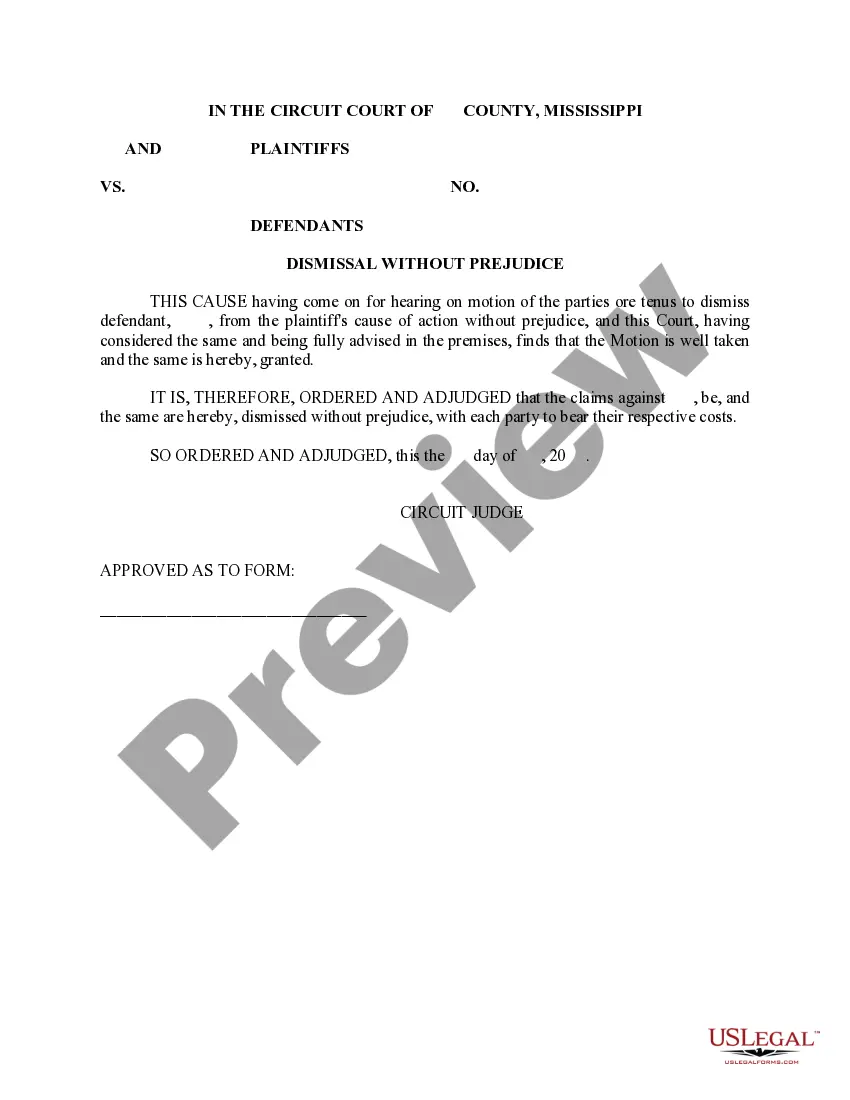
- Case caption: Includes the names of the parties involved and the case number.
- Statement of dismissal: Clearly states that the dismissal of the case is without prejudice.
- Judicial order: Contains the order from the court regarding the dismissal of the defendant.
- Signatures: Requires the signature of the circuit judge, confirming the order.
- Date: The date on which the court issued the dismissal order.
When this form is needed
This form is used when a defendant wishes to formally respond to a plaintiff's complaint by declaring a dismissal of the case without prejudice. Situations might include instances where the parties agree to dismiss certain claims while reserving the right to refile them in the future.
Who this form is for
- Defendants in a civil lawsuit who wish to respond to a complaint.
- Parties who have reached an agreement to dismiss claims without prejudice.
- Individuals or entities involved in litigation that is permitted to be dismissed without affecting the ability to pursue the case later.
Steps to complete this form
- Identify the parties: Fill in the names of the plaintiffs and defendants involved in the case.
- Enter the case number: Include the assigned case number for accurate identification.
- Specify the dismissal: Clearly indicate that the dismissal is without prejudice.
- Include judicial order date: Enter the date on which the dismissal order is to take effect.
- Obtain necessary signatures: Ensure that the appropriate judicial authority signs the document for validation.
Notarization guidance
This form does not typically require notarization to be legally valid. However, some jurisdictions or document types may still require it. US Legal Forms provides secure online notarization powered by Notarize, available 24/7 for added convenience.
Get your form ready online
Our built-in tools help you complete, sign, share, and store your documents in one place.
Make edits, fill in missing information, and update formatting in US Legal Forms—just like you would in MS Word.
Download a copy, print it, send it by email, or mail it via USPS—whatever works best for your next step.
Sign and collect signatures with our SignNow integration. Send to multiple recipients, set reminders, and more. Go Premium to unlock E-Sign.
If this form requires notarization, complete it online through a secure video call—no need to meet a notary in person or wait for an appointment.
We protect your documents and personal data by following strict security and privacy standards.

Make edits, fill in missing information, and update formatting in US Legal Forms—just like you would in MS Word.

Download a copy, print it, send it by email, or mail it via USPS—whatever works best for your next step.

Sign and collect signatures with our SignNow integration. Send to multiple recipients, set reminders, and more. Go Premium to unlock E-Sign.

If this form requires notarization, complete it online through a secure video call—no need to meet a notary in person or wait for an appointment.

We protect your documents and personal data by following strict security and privacy standards.
Common mistakes
- Failing to include accurate case details, such as names and case number.
- Not properly specifying that the dismissal is without prejudice.
- Omitting the required signatures from parties or the judge.
- Neglecting to date the order correctly.
Why use this form online
- Convenient access: Downloadable anytime, allowing for flexibility in preparation.
- Editability: Fill out the form digitally to ensure clarity and accuracy.
- Reliability: Legal forms drafted by licensed attorneys enhance trustworthiness.
Legal use & context
- This form is legally binding once properly completed and filed with the court.
- It allows for flexibility in litigation, as claims can be reinstated later.
- Understanding the conditions of dismissal is essential to avoid future legal complications.
What to keep in mind
- The Answer form is crucial for defendants wishing to formally respond to lawsuits.
- Dismissing a case without prejudice allows for reopening it in the future.
- Proper completion is necessary to ensure legal effectiveness and compliance.
Looking for another form?
Form popularity
FAQ
If you worked and earned wages in Mississippi, you may file a claim for unemployment insurance benefits online or by calling 601-493-9427. Your claim for benefits will be effective the Sunday of the week the claim is filed.
Normally, there is a one-week waiting period after you are deemed eligible for unemployment compensation (or benefits) before you can be paid benefits. This means that under normal circumstances, you would not receive benefits for the first week after you file your claim.
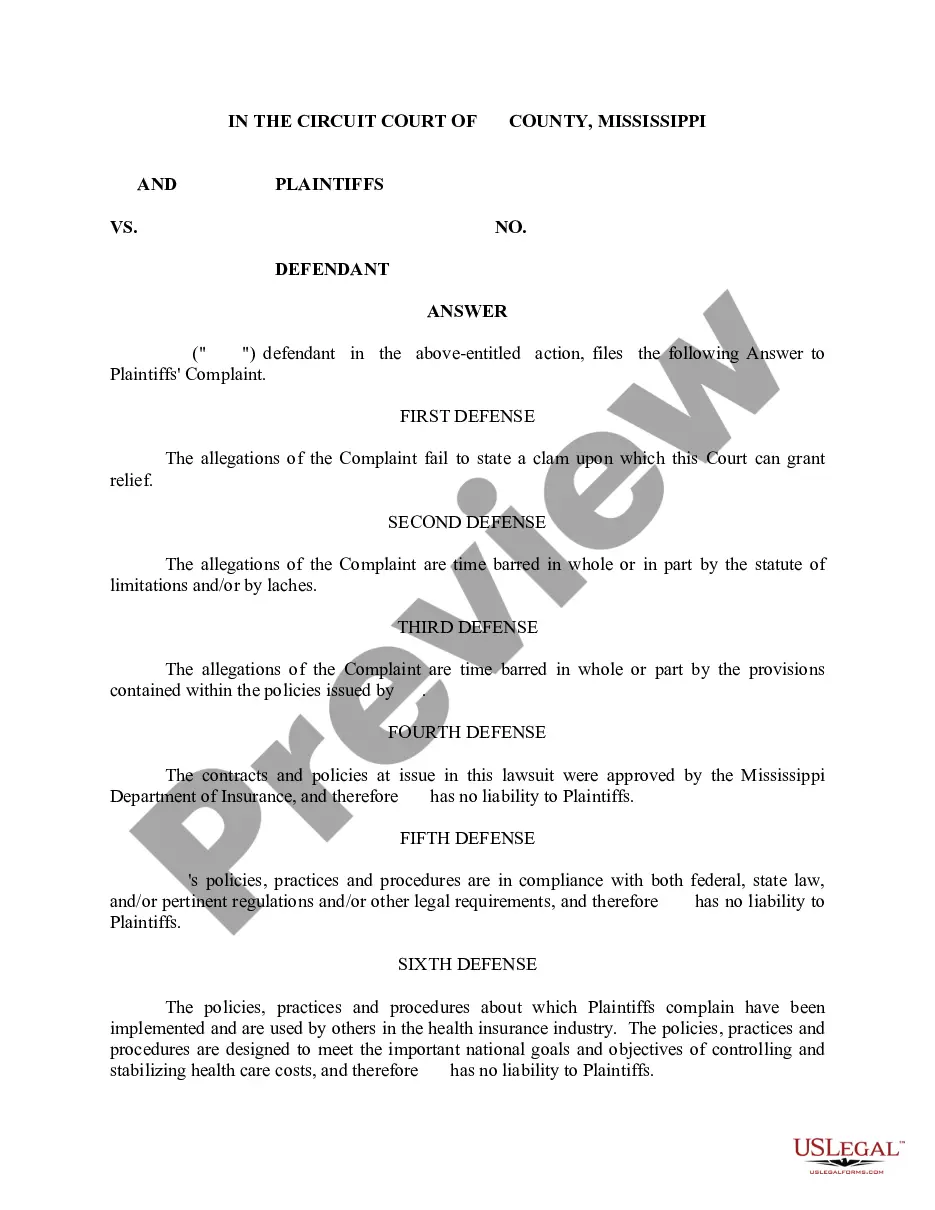
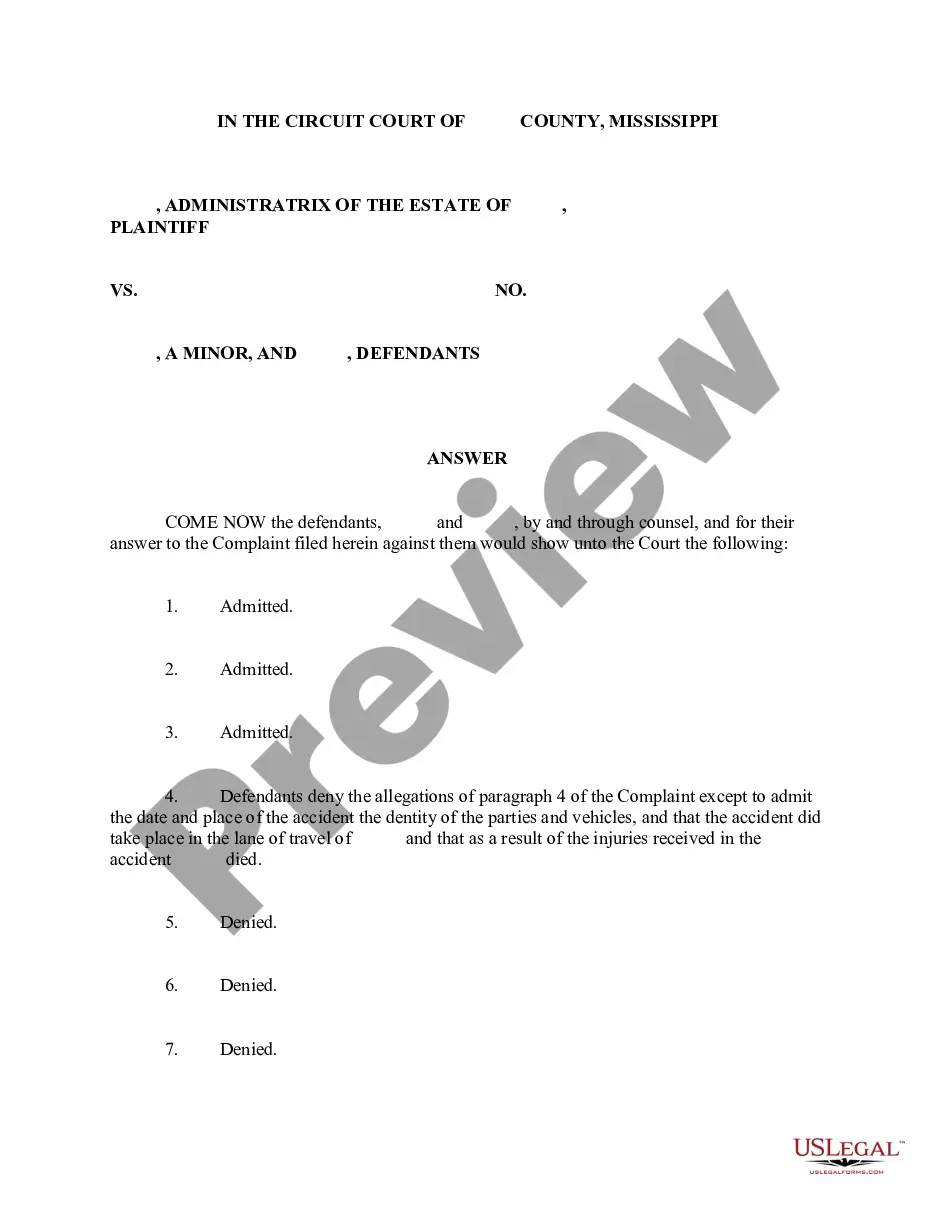
Provide the name of the court at the top of the Answer. You can find the information on the summons. List the name of the plaintiff on the left side. Write the case number on the right side of the Answer. Address the Judge and discuss your side of the case. Ask the judge to dismiss the case.
You may file your current weekly claim certification online through MDES' Online Unemployment Services. You must login with your user id and password or establish a new user id and password if you are not a current user. You may file online outside normal business hours.
Click the green Verify with ID.me button. Follow the prompts to either log in to your existing ID.me account, or create a new one. Confirm your email address. Select and set up the multi-factor authentication option of your choice.
Benefitpay@mdes.ms.gov. For questions regarding. Unemployment Tax: tax@mdes.ms.gov. For questions regarding. Unemployment Benefits Overpayments: bpc@mdes.ms.gov. For questions regarding. Appeals: appeals@mdes.ms.gov.
Contact the clerk's office of the court where the lawsuit was filed. You'll find a phone number and address for the clerk's office on your summons. The clerk will be able to tell you exactly what documents you should file with your answer and whether any filing fee is required.
When drafting an answer, one must: (1) follow the local, state, and federal court rules; (2) research the legal claims in the adversary's complaint; (3) respond to the adversary's factual allegations; and (4) assert affirmative defenses, counterclaims, cross-claims, or third-party claims, if applicable.
Senate Bill 2988 of the 2008 Legislative Session, known as the Mississippi Employment Protection Act (MEPA), requires all Mississippi employers to register with and use the Federal Government's E-Verify System to determine that individuals hired as employees are legal citizens or legally authorized to work in the
Read the summons and make sure you know the date you must answer by. Read the complaint carefully. Write your answer. Sign and date the answer. Make copies for the plaintiff and yourself. Mail a copy to the plaintiff. File your answer with the court by the date on the summons.