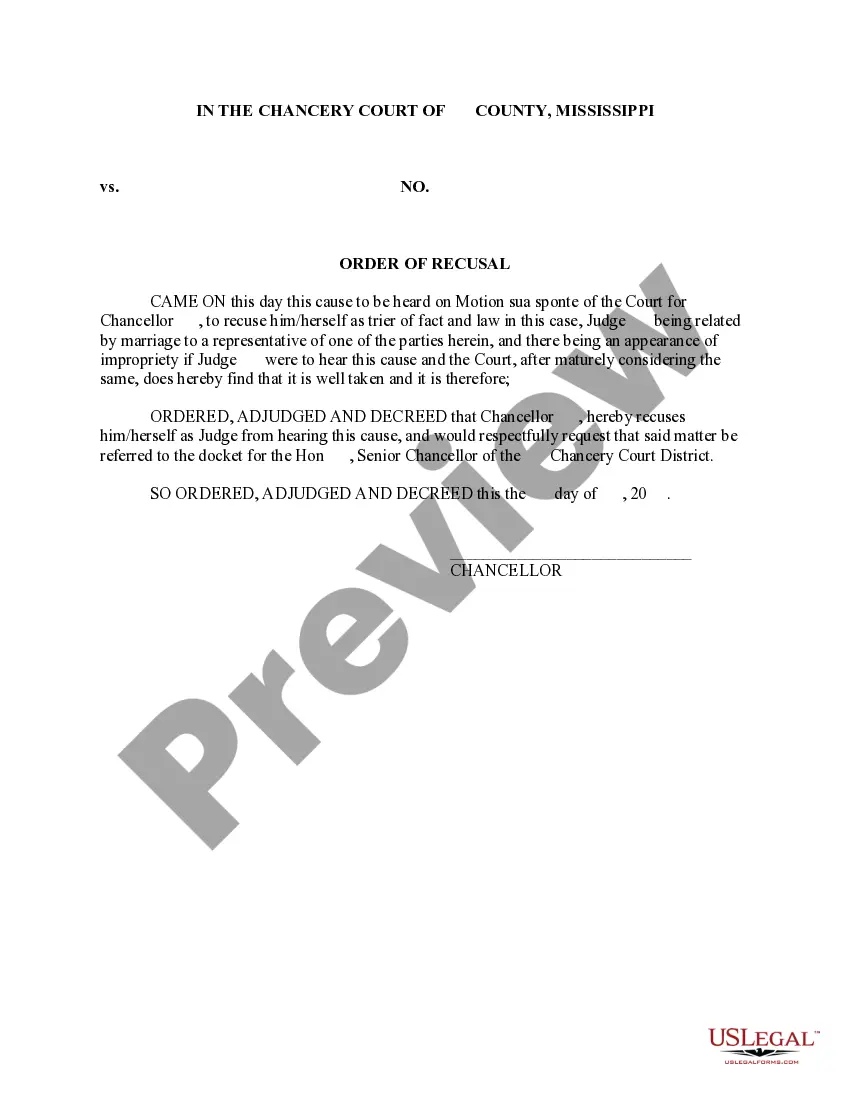
Mississippi Order of Recusal
What is this form?
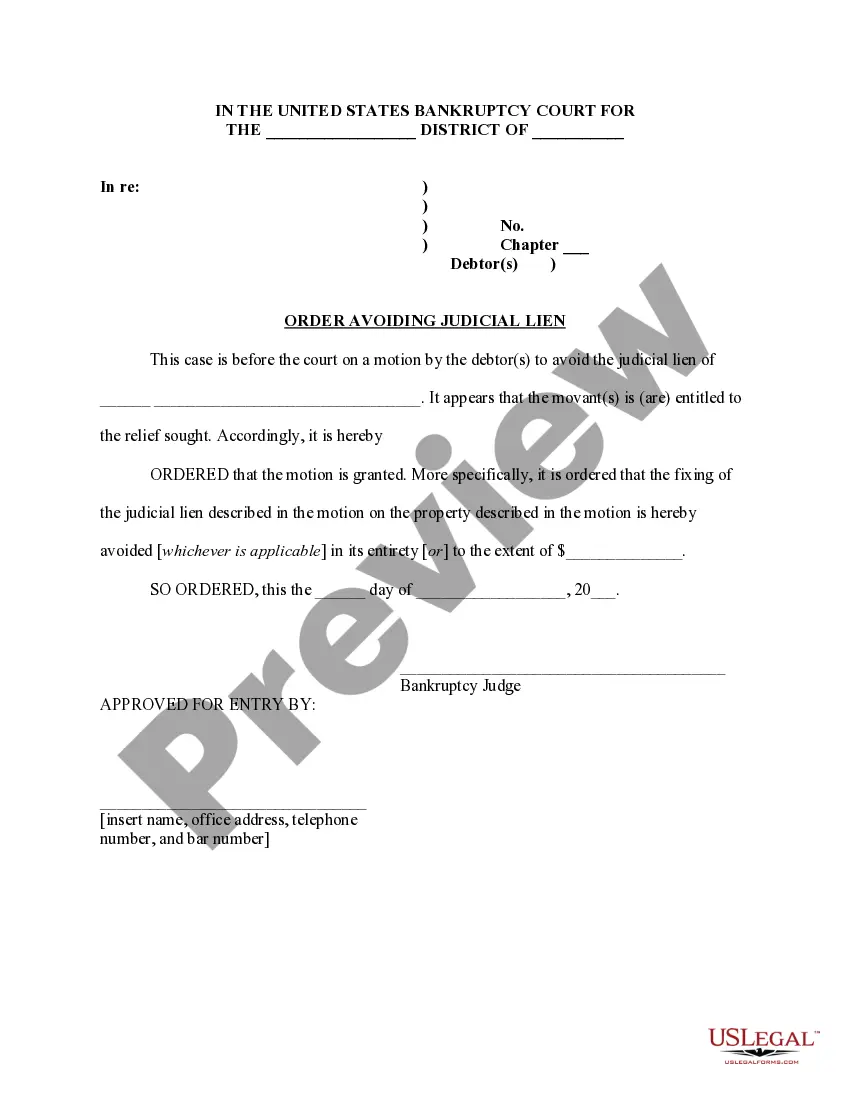
The Order of Recusal is an official document issued by a court that allows a judge to withdraw from hearing a specific case. This form is crucial when a judge determines that they cannot fairly preside over a matter due to potential conflicts of interest or bias. This form differs from other court orders as it specifically addresses the recusal of a judge rather than ordering actions from the parties involved in the case.
Key components of this form
- The Chancellor's name, indicating which judge is recusing themselves.
- The request for the case to be reassigned to another judge.
- The date on which the order is signed.
- The designation of the specific court where the case will be transferred.
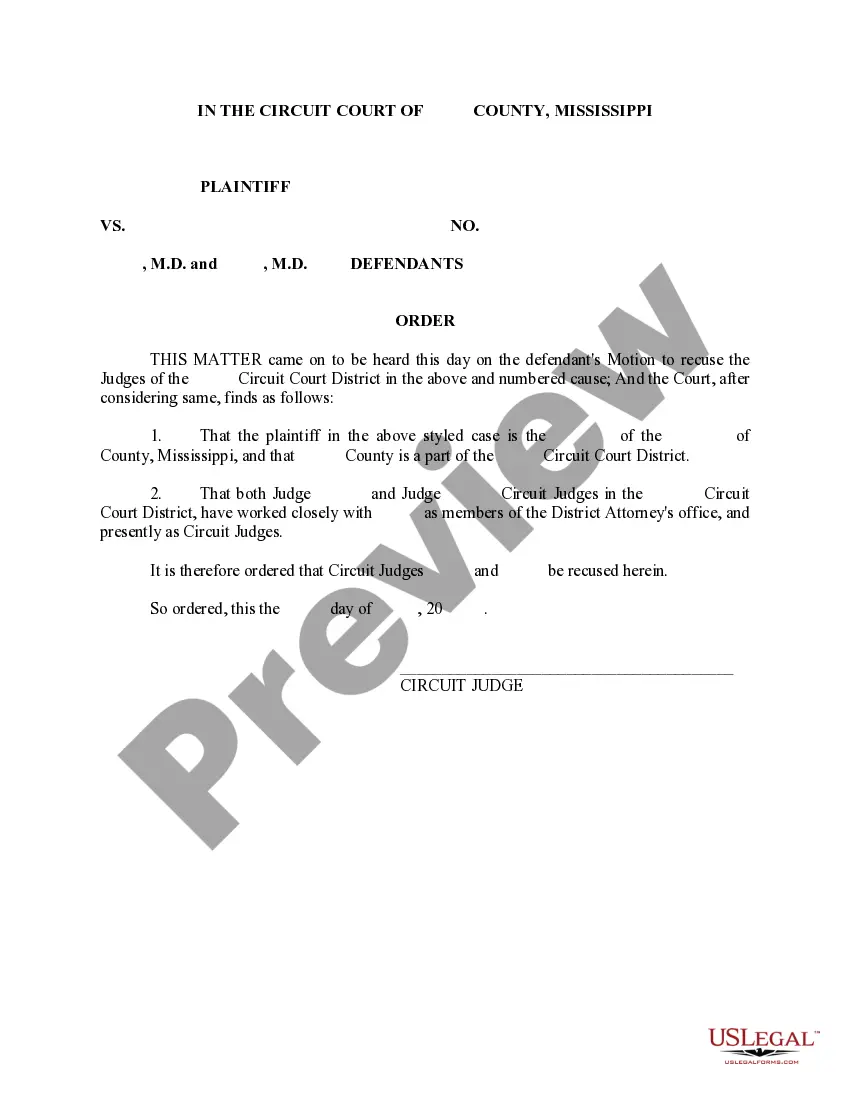

When to use this document
You should use the Order of Recusal when a judge realizes that they cannot remain impartial in a case. This includes situations where the judge may have personal relationships with parties involved or prior involvement in the matter. Filing this order helps ensure that the legal process remains fair and unbiased.
Who this form is for
- Judges who recognize a conflict of interest in cases they are assigned to.
- Courts requiring a structured way to document the recusal process.
- Legal professionals managing case assignments in a court setting.
Completing this form step by step
- Identify the Chancellor who is recusing themselves and write their name in the designated space.
- Specify the case details and the new judge to whom the case should be referred.
- Enter the current date when the order is being signed.
- Include the relevant district name and any other specific court identifiers.
- Sign the form as the Chancellor.
Does this document require notarization?
Notarization is not commonly needed for this form. However, certain documents or local rules may make it necessary. Our notarization service, powered by Notarize, allows you to finalize it securely online anytime, day or night.
Get your form ready online
Our built-in tools help you complete, sign, share, and store your documents in one place.
Make edits, fill in missing information, and update formatting in US Legal Forms—just like you would in MS Word.
Download a copy, print it, send it by email, or mail it via USPS—whatever works best for your next step.
Sign and collect signatures with our SignNow integration. Send to multiple recipients, set reminders, and more. Go Premium to unlock E-Sign.
If this form requires notarization, complete it online through a secure video call—no need to meet a notary in person or wait for an appointment.
We protect your documents and personal data by following strict security and privacy standards.

Make edits, fill in missing information, and update formatting in US Legal Forms—just like you would in MS Word.

Download a copy, print it, send it by email, or mail it via USPS—whatever works best for your next step.

Sign and collect signatures with our SignNow integration. Send to multiple recipients, set reminders, and more. Go Premium to unlock E-Sign.

If this form requires notarization, complete it online through a secure video call—no need to meet a notary in person or wait for an appointment.

We protect your documents and personal data by following strict security and privacy standards.
Typical mistakes to avoid
- Failing to include the full name of the judge recusing themselves.
- Not specifying the new judge or district clearly.
- Omitting the date of signing.
- Not signing the document where indicated.
Advantages of online completion
- Convenient access to downloadable and editable templates.
- Ensures that legal language is accurate and conforms to standards.
- Saves time by not needing to draft complex documents from scratch.
- Availability of instantly downloadable versions, streamlining the filing process.
Legal use & context
- The Order of Recusal serves as a legal safeguard to ensure unbiased judicial proceedings.
- Failure to file such an order can result in procedural complications or claims of bias.
- Recusal orders are commonly referenced in appeals if a party feels that bias influenced the outcome.
What to keep in mind
- The Order of Recusal facilitates the fair administration of justice when judges encounter conflicts of interest.
- Understanding how to properly complete the form ensures compliance with legal standards.
- Utilizing this template can streamline court processes and uphold judicial integrity.
Looking for another form?

Form popularity
FAQ
A motion to recuse is a legal motion filed in court that says a judge should be disqualified, or removed, from a legal case for a reason listed within CCP 170.1. The motion can be brought by either a prosecutor or a defense attorney.
Judicial disqualification, also referred to as recusal, is the act of abstaining from participation in an official action such as a legal proceeding due to a conflict of interest of the presiding court official or administrative officer.
Recusals usually take place due to a conflict of interest of some type that will result in the judge or prosecutor being too biased to fairly participate in the case. Some of the top reasons a recusal may take place include: Bias or prejudice concerning the party or their attorney.
For example, if a judge is unaware that proper grounds exist for recusal, then the error will probably be considered harmless. However, if a judge fails to recuse himself or herself from a case where proper grounds clearly existed for recusal, then there may be penalties levied against them.
Judges recuse themselves when they take no part in deciding cases that they would otherwise help decide. The Due Process clauses of the United States Constitution requires judges to recuse themselves from cases in two situations: Where the judge has a financial interest in the case's outcome.