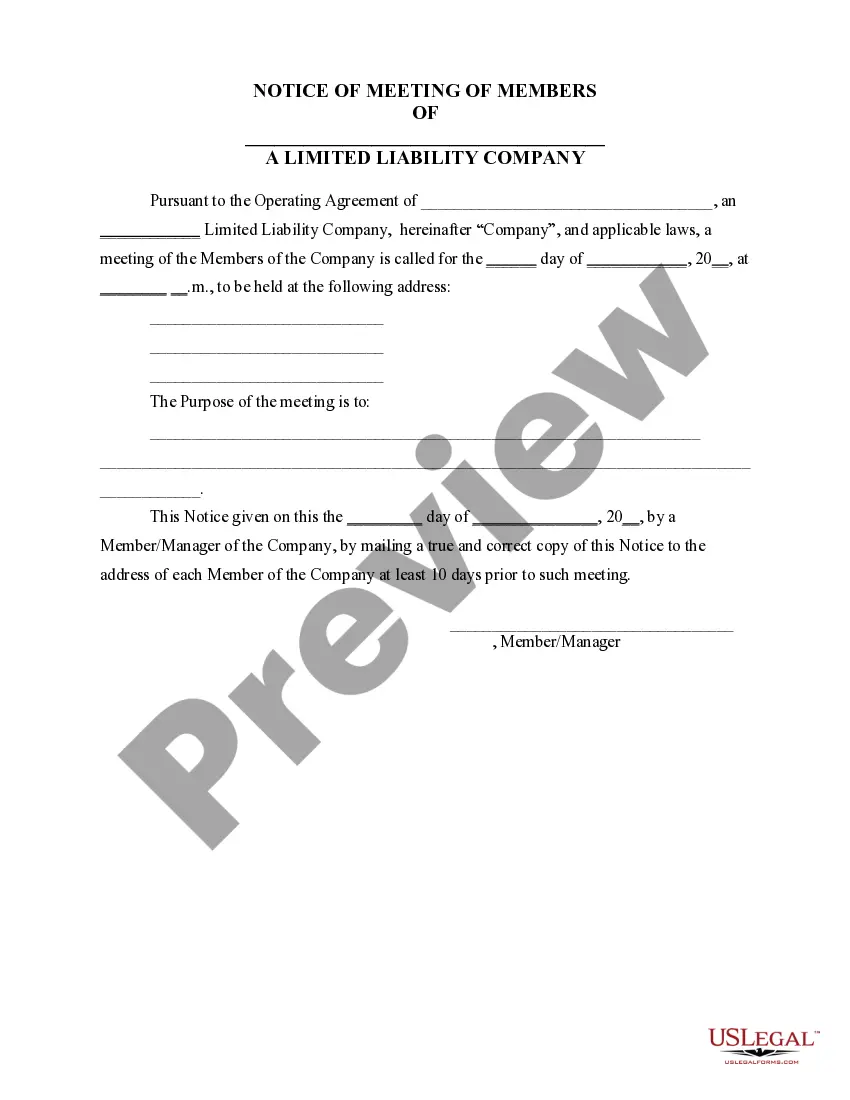
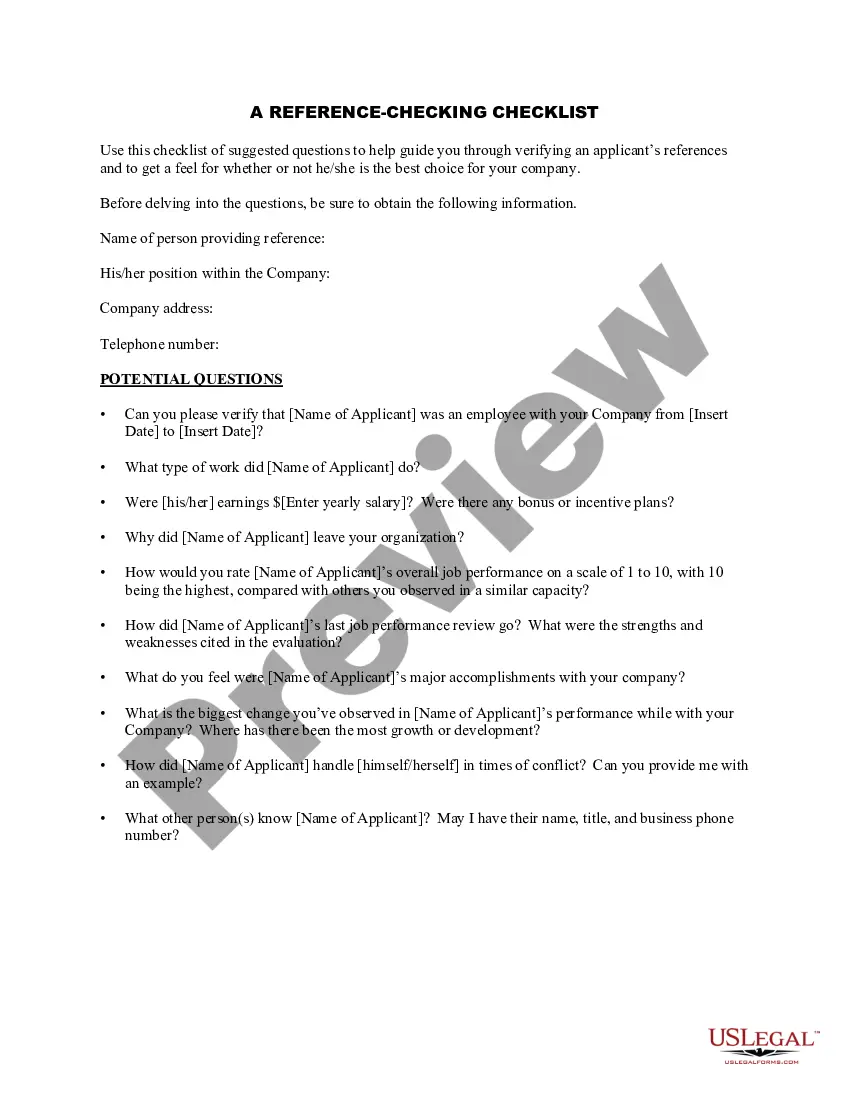
Missouri Guidelines for Performing Reference Checks
Description
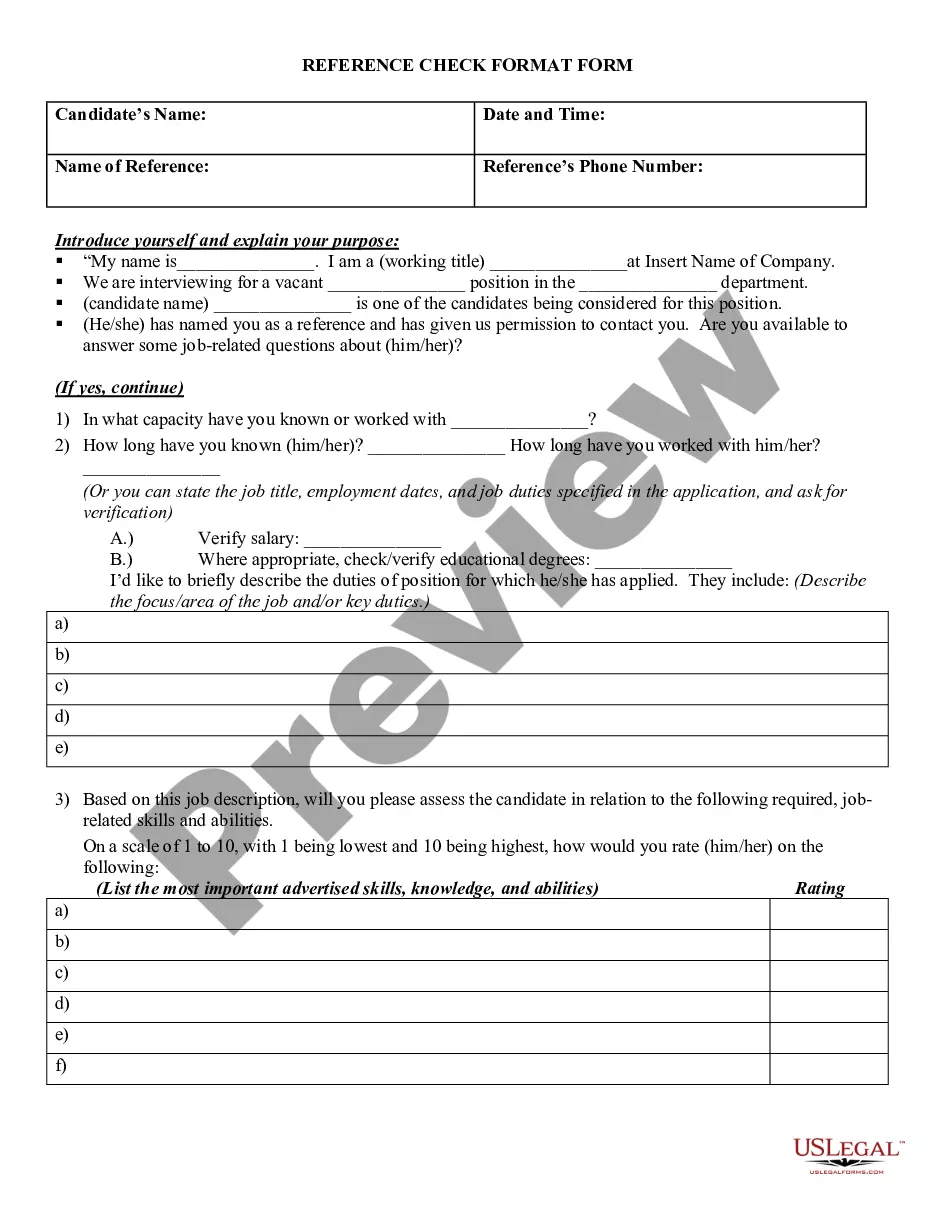
Get your form ready online
Our built-in tools help you complete, sign, share, and store your documents in one place.
Make edits, fill in missing information, and update formatting in US Legal Forms—just like you would in MS Word.
Download a copy, print it, send it by email, or mail it via USPS—whatever works best for your next step.
Sign and collect signatures with our SignNow integration. Send to multiple recipients, set reminders, and more. Go Premium to unlock E-Sign.
If this form requires notarization, complete it online through a secure video call—no need to meet a notary in person or wait for an appointment.
We protect your documents and personal data by following strict security and privacy standards.

Make edits, fill in missing information, and update formatting in US Legal Forms—just like you would in MS Word.

Download a copy, print it, send it by email, or mail it via USPS—whatever works best for your next step.

Sign and collect signatures with our SignNow integration. Send to multiple recipients, set reminders, and more. Go Premium to unlock E-Sign.

If this form requires notarization, complete it online through a secure video call—no need to meet a notary in person or wait for an appointment.

We protect your documents and personal data by following strict security and privacy standards.
Looking for another form?
How to fill out Guidelines For Performing Reference Checks?
Are you presently in a situation where you require documents for either business or personal purposes almost every day.
There are numerous legal document templates available online, but finding reliable ones can be challenging.
US Legal Forms offers thousands of form templates, including the Missouri Guidelines for Conducting Reference Checks, designed to meet state and federal requirements.
- If you are already familiar with the US Legal Forms website and possess an account, simply Log In.
- After that, you can download the Missouri Guidelines for Conducting Reference Checks template.
- If you do not have an account and wish to start using US Legal Forms, follow these instructions.
- Find the form you need and ensure it matches your specific city/state.
- Utilize the Review button to assess the form.
- Check the description to confirm you have selected the correct form.
- If the form is not what you seek, use the Lookup field to find the form that suits your needs.
- Once you locate the appropriate form, click Get now.
- Select your preferred pricing plan, provide the required information to create your account, and complete the payment using your PayPal or credit card.
- Choose a suitable document format and download your copy.
- Access all the document templates you have purchased in the My documents section. You can obtain another copy of the Missouri Guidelines for Conducting Reference Checks anytime, if necessary. Simply click on the required form to download or print the document template.
- Utilize US Legal Forms, the largest collection of legal templates, to save time and avoid errors. The service offers expertly crafted legal document templates that can be used for various purposes. Create an account on US Legal Forms and start making your life simpler.
Form popularity
FAQ
Don't ask about a candidate's sexuality, age, religion or similar matters. Anything related to personal health. Don't ask about a candidate's medical history or the existence of disabilities. You can ask whether the candidate is capable of performing the tasks that the job requires.
Don't ask about a candidate's sexuality, age, religion or similar matters. Anything related to personal health. Don't ask about a candidate's medical history or the existence of disabilities. You can ask whether the candidate is capable of performing the tasks that the job requires.
Although consent from the applicant is not required for reference checks, a prospective employer may still wish to obtain written consent, especially if the prospective employer intends to contact previous employers who are not listed as referees.
There is no limitation on the pre-employment references that can be contacted unless the candidate specifically requests this. However, no reference checking whatsoever should be done without the written consent of the candidate.
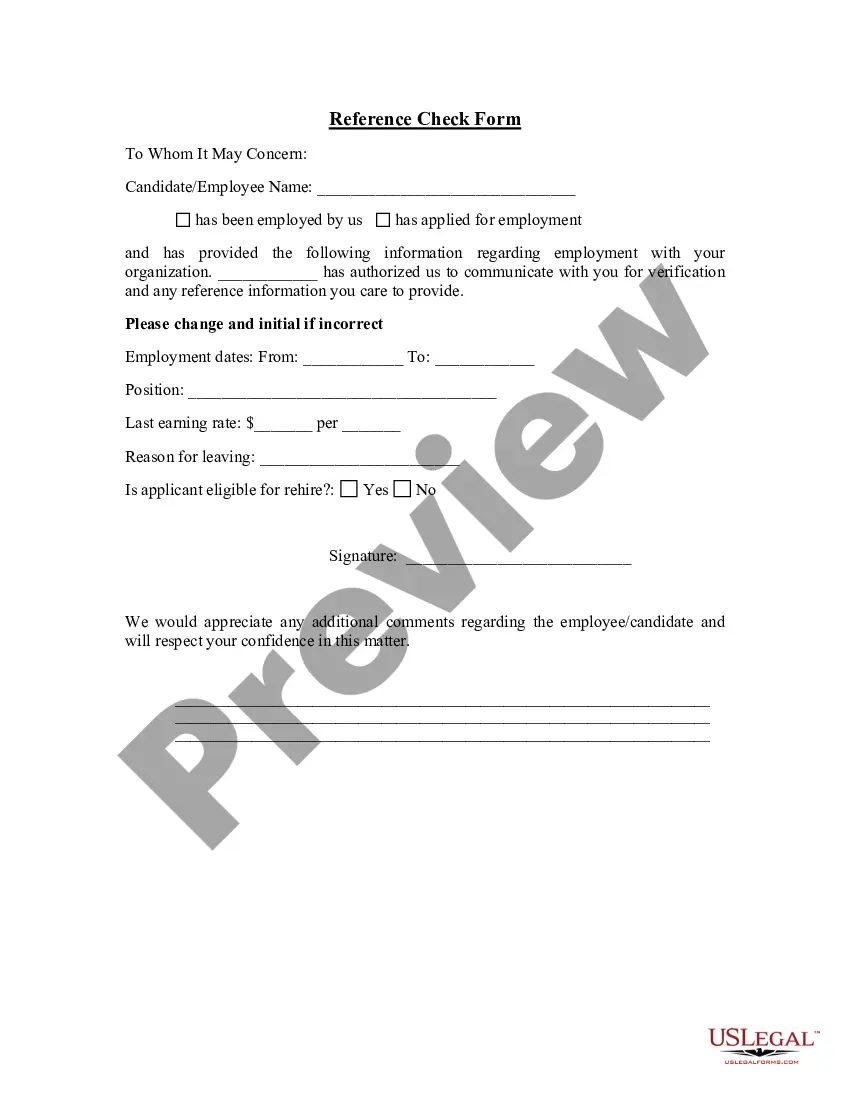
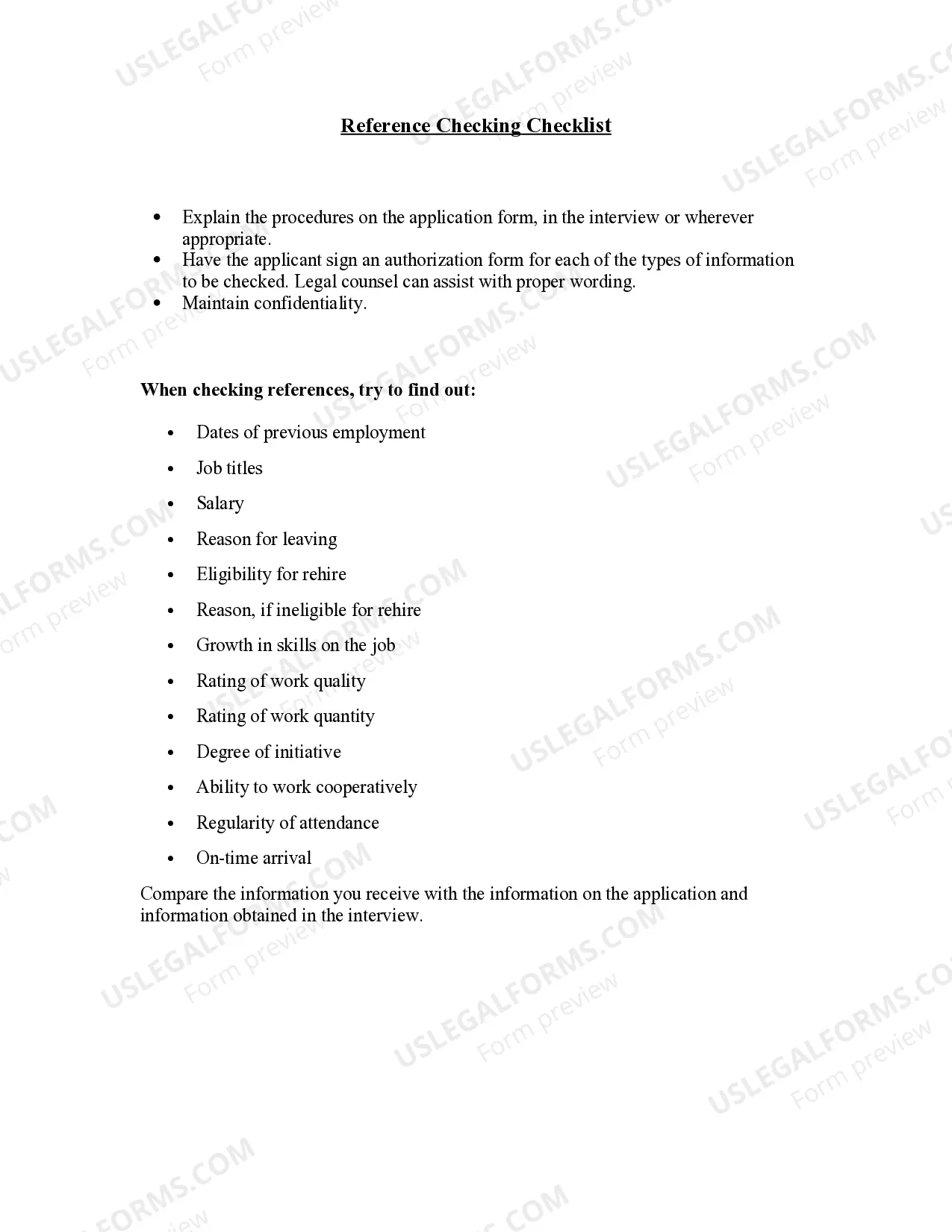
Here are some of the questions that may be asked during a reference check:When did (name) work for your company? Could you confirm starting and ending employment dates?What was her/his position?Could I briefly review (name's) resume?Why did (name) leave the company?What was her/his starting and ending salary?
The Legality of Reference ChecksThere are no federal laws preventing them from giving you more info on your candidate, just company policies aimed at reducing risk of liability for discrimination and/or defamation.
If the employer has any doubts about whether or not the individual has given consent, it should contact them to check that they wish the reference to be provided. The employer should obtain the consent in writing if possible, or should at least make a note of the individual's verbal consent.
You haven't asked your references for permission.Always ask for permission to use someone as a reference, and give them as much information about the jobs you're applying for as possible.
You can legally state facts in response to a reference request. These facts may include whether your ex-employee failed a company drug test, the results of which were officially documented. In this case, you can legally state that your employee was fired or let go due to testing positive on a company drug test.