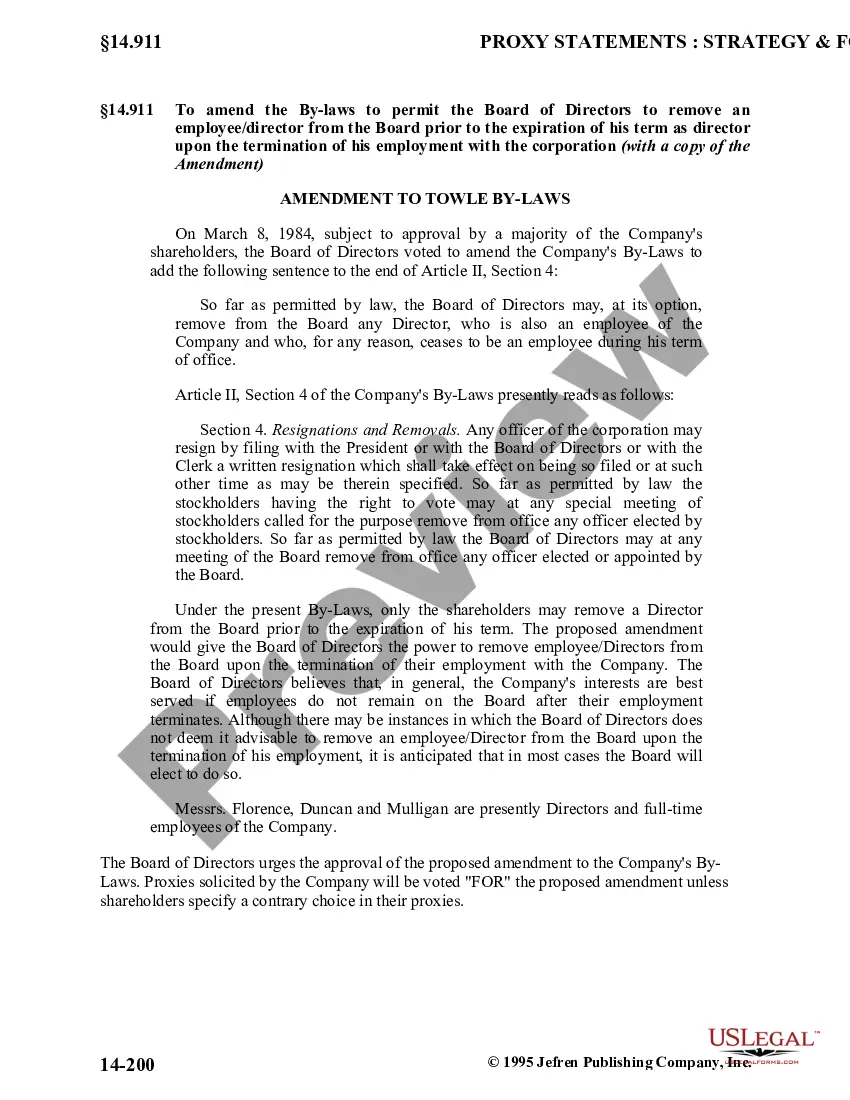
Minnesota Amendment to Bylaws
Description
Get your form ready online
Our built-in tools help you complete, sign, share, and store your documents in one place.
Make edits, fill in missing information, and update formatting in US Legal Forms—just like you would in MS Word.
Download a copy, print it, send it by email, or mail it via USPS—whatever works best for your next step.
Sign and collect signatures with our SignNow integration. Send to multiple recipients, set reminders, and more. Go Premium to unlock E-Sign.
If this form requires notarization, complete it online through a secure video call—no need to meet a notary in person or wait for an appointment.
We protect your documents and personal data by following strict security and privacy standards.
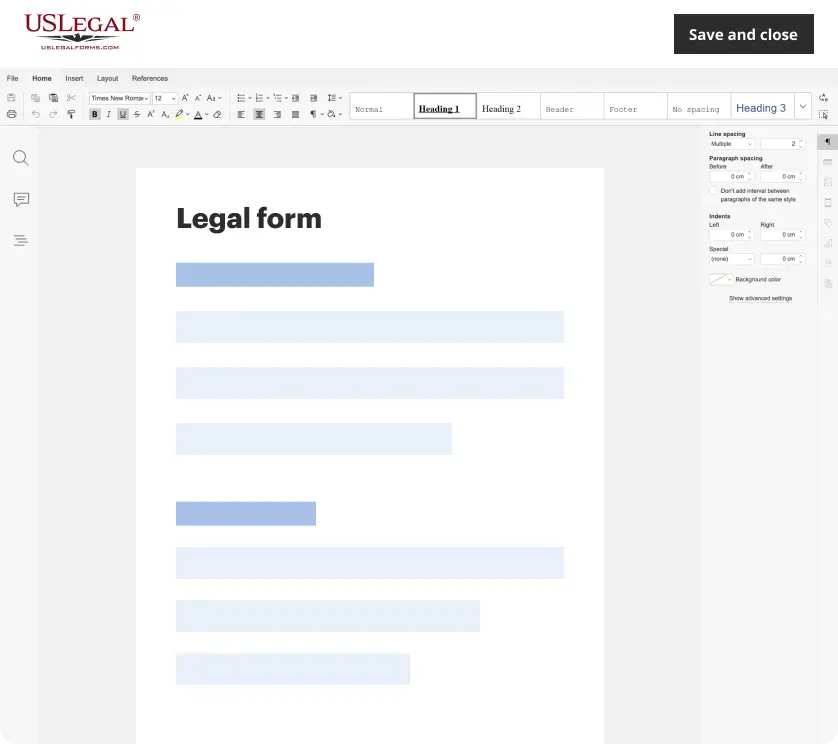
Make edits, fill in missing information, and update formatting in US Legal Forms—just like you would in MS Word.
Download a copy, print it, send it by email, or mail it via USPS—whatever works best for your next step.
Sign and collect signatures with our SignNow integration. Send to multiple recipients, set reminders, and more. Go Premium to unlock E-Sign.
If this form requires notarization, complete it online through a secure video call—no need to meet a notary in person or wait for an appointment.
We protect your documents and personal data by following strict security and privacy standards.
Looking for another form?
How to fill out Amendment To Bylaws?
You are able to commit time on the Internet trying to find the authorized record design that meets the state and federal demands you need. US Legal Forms gives a large number of authorized forms that are examined by professionals. You can actually download or print the Minnesota Amendment to Bylaws from the service.
If you currently have a US Legal Forms account, you are able to log in and click the Down load key. Following that, you are able to complete, change, print, or sign the Minnesota Amendment to Bylaws. Every single authorized record design you buy is yours for a long time. To have another backup for any purchased form, proceed to the My Forms tab and click the related key.
If you are using the US Legal Forms web site for the first time, adhere to the easy recommendations beneath:
- Very first, ensure that you have selected the right record design for that region/metropolis of your choice. Browse the form outline to make sure you have picked out the proper form. If offered, make use of the Preview key to appear through the record design also.
- If you would like find another edition in the form, make use of the Search field to discover the design that meets your requirements and demands.
- Once you have located the design you need, click Purchase now to proceed.
- Select the pricing program you need, type your credentials, and register for a free account on US Legal Forms.
- Full the transaction. You can utilize your bank card or PayPal account to fund the authorized form.
- Select the file format in the record and download it to your product.
- Make adjustments to your record if possible. You are able to complete, change and sign and print Minnesota Amendment to Bylaws.
Down load and print a large number of record themes utilizing the US Legal Forms site, which offers the greatest collection of authorized forms. Use professional and state-particular themes to tackle your organization or person requires.
Form popularity
FAQ
Minnesota law does not require corporations to have bylaws. However, it does establish default bylaw rules for corporations, which may or may not be ideal for how you want your business to operate.
They contain the basic rules for the conduct of the corporation's business and affairs. The bylaws may contain any provision for managing the business and regulating the corporation's affairs that is not inconsistent with statutory law or the corporation's Articles of Incorporation.
Do bylaws need to be signed? Technically, it's possible for a board of directors to adopt bylaws without signing them. However, signing your bylaws demonstrates that everyone is on the same page about how your corporation will function.
317A. A nonprofit corporation's purpose and activities must serve the organization's mission to benefit the public, and may not be operated to profit other persons or entities.