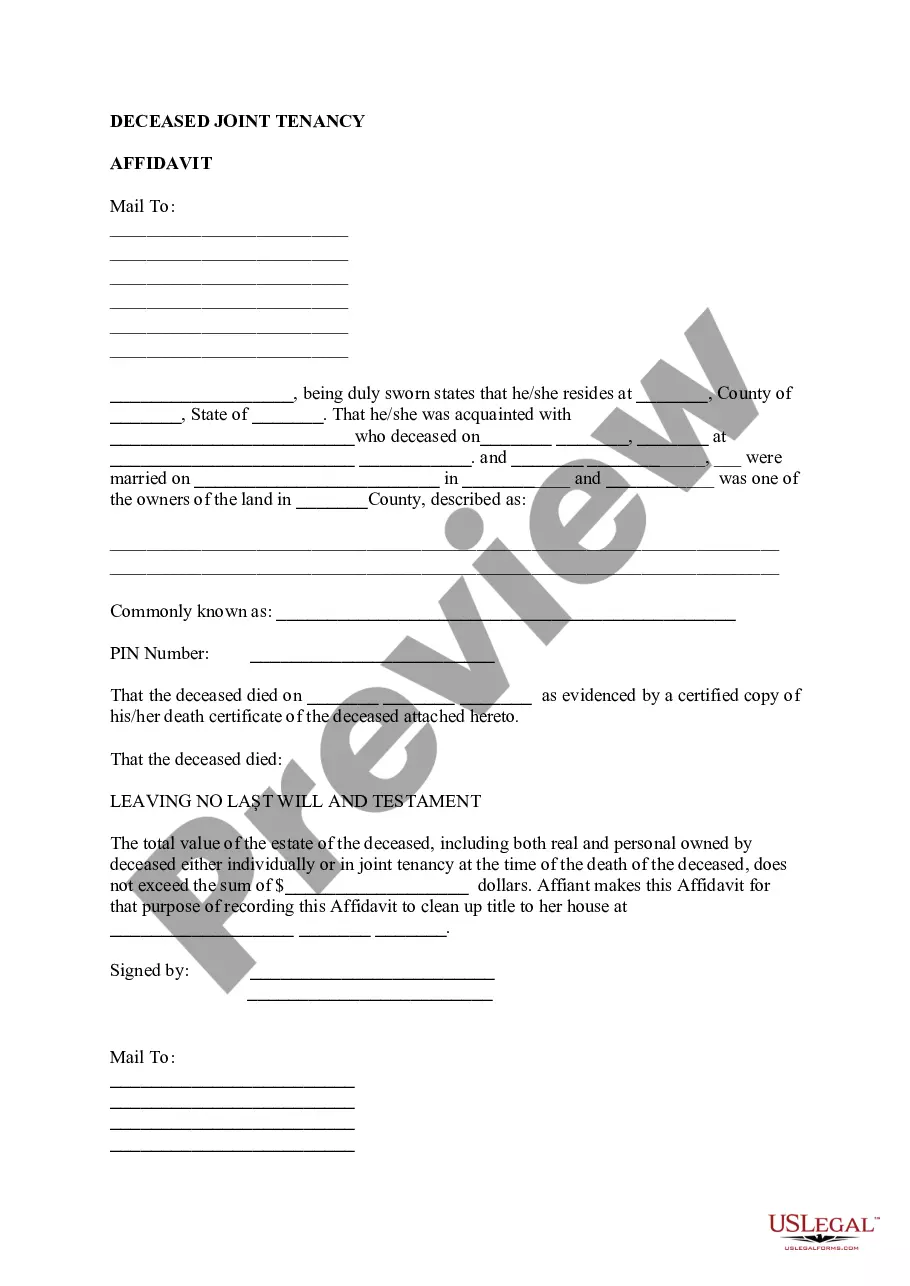
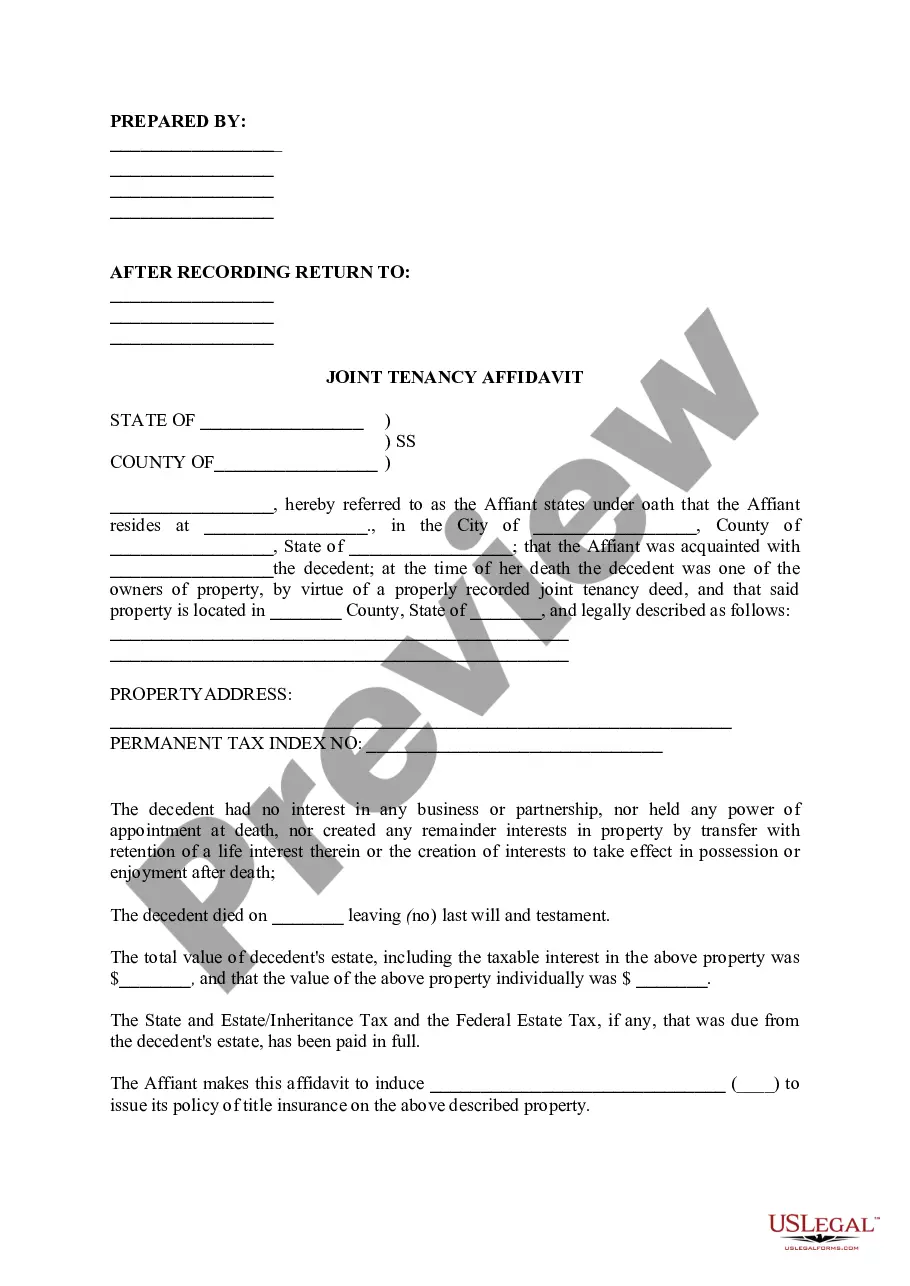
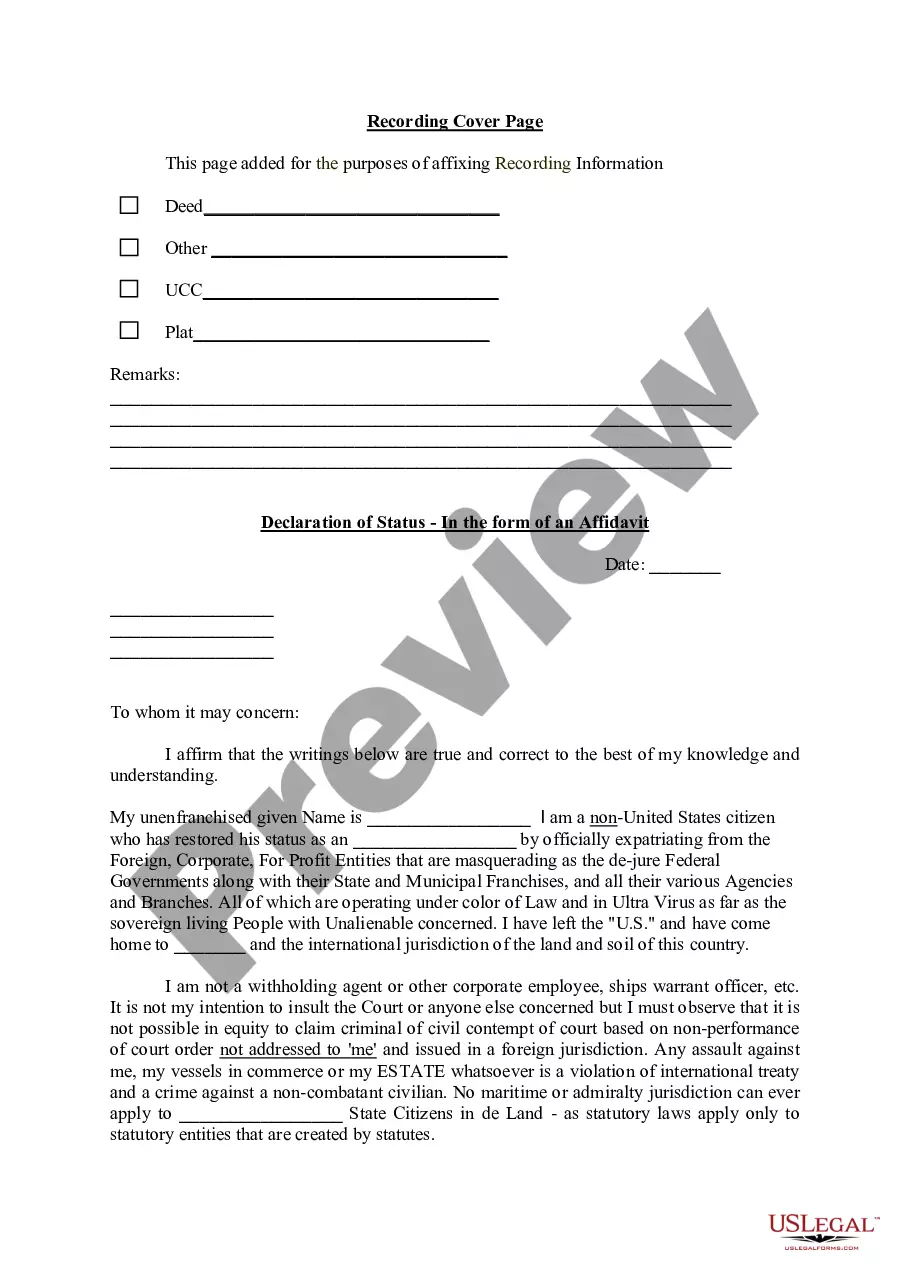
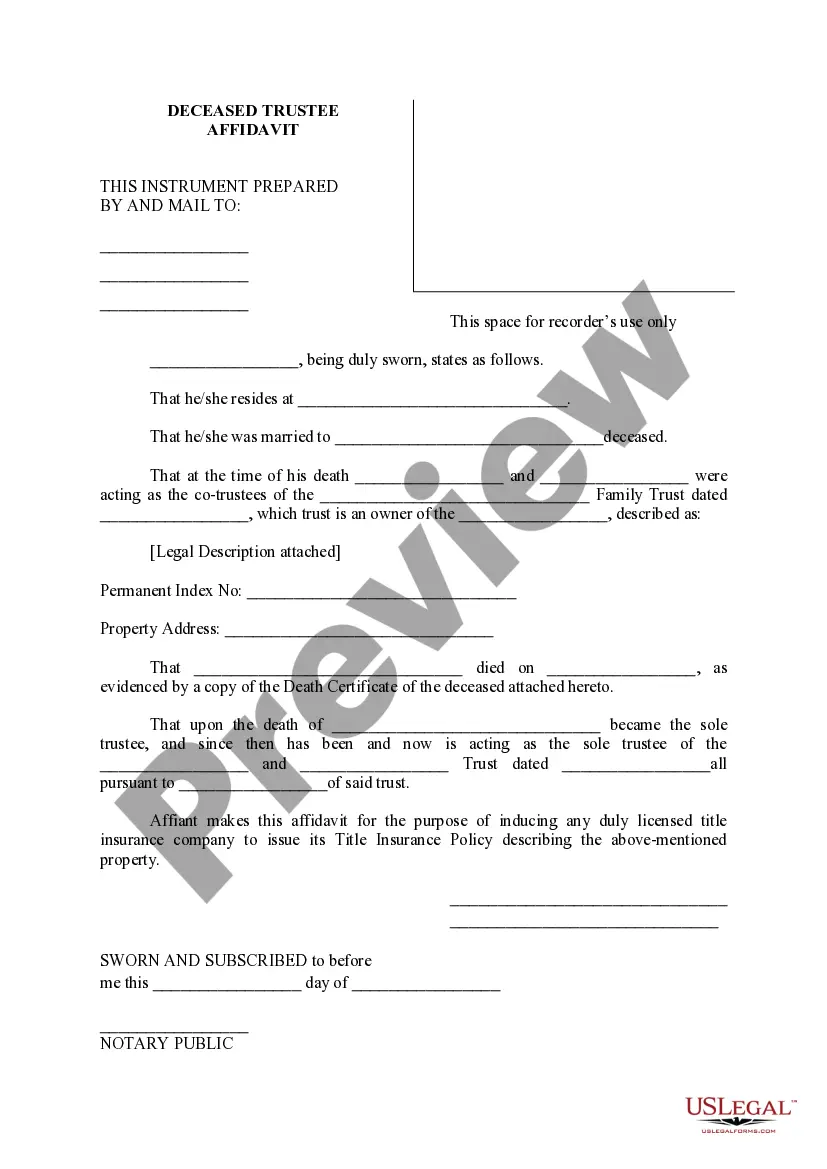
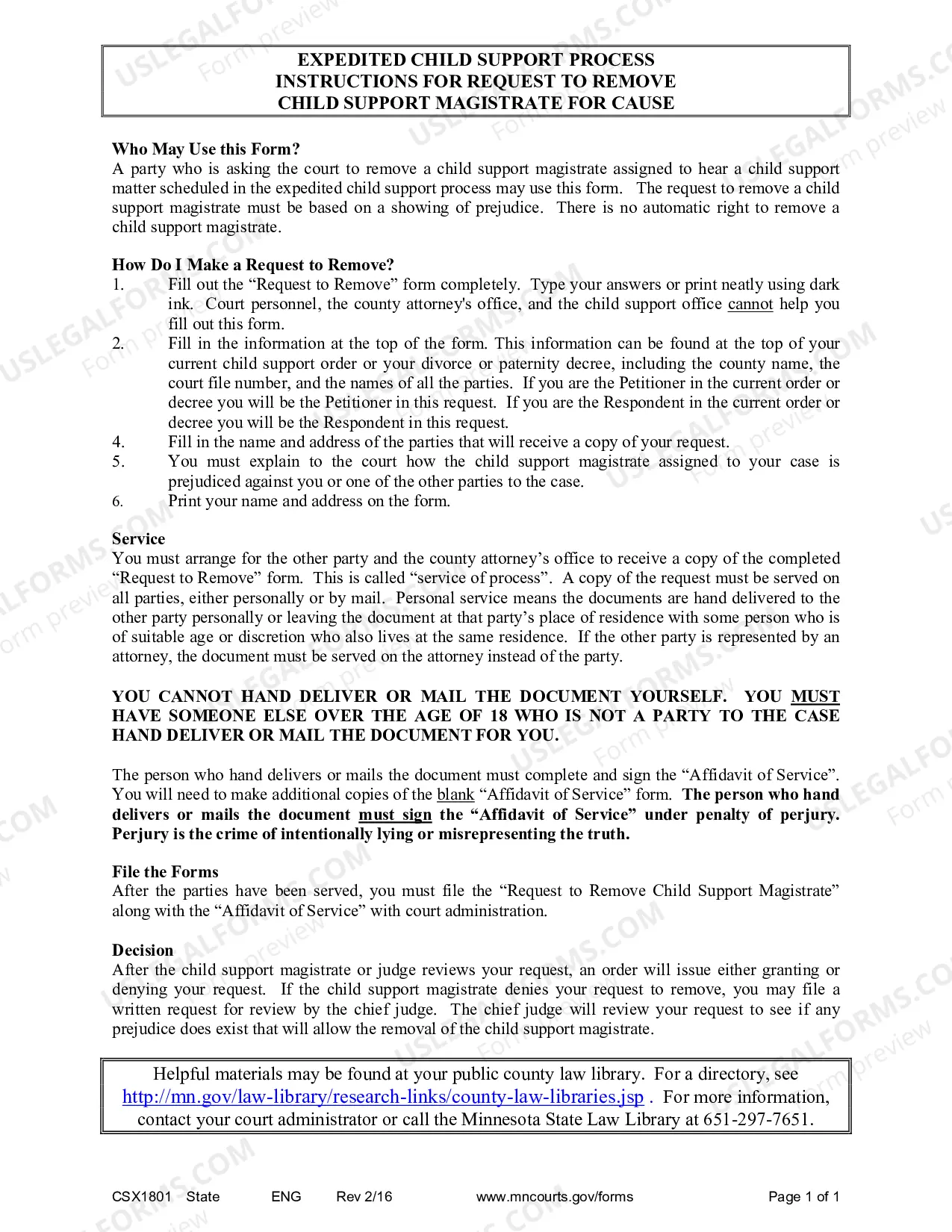
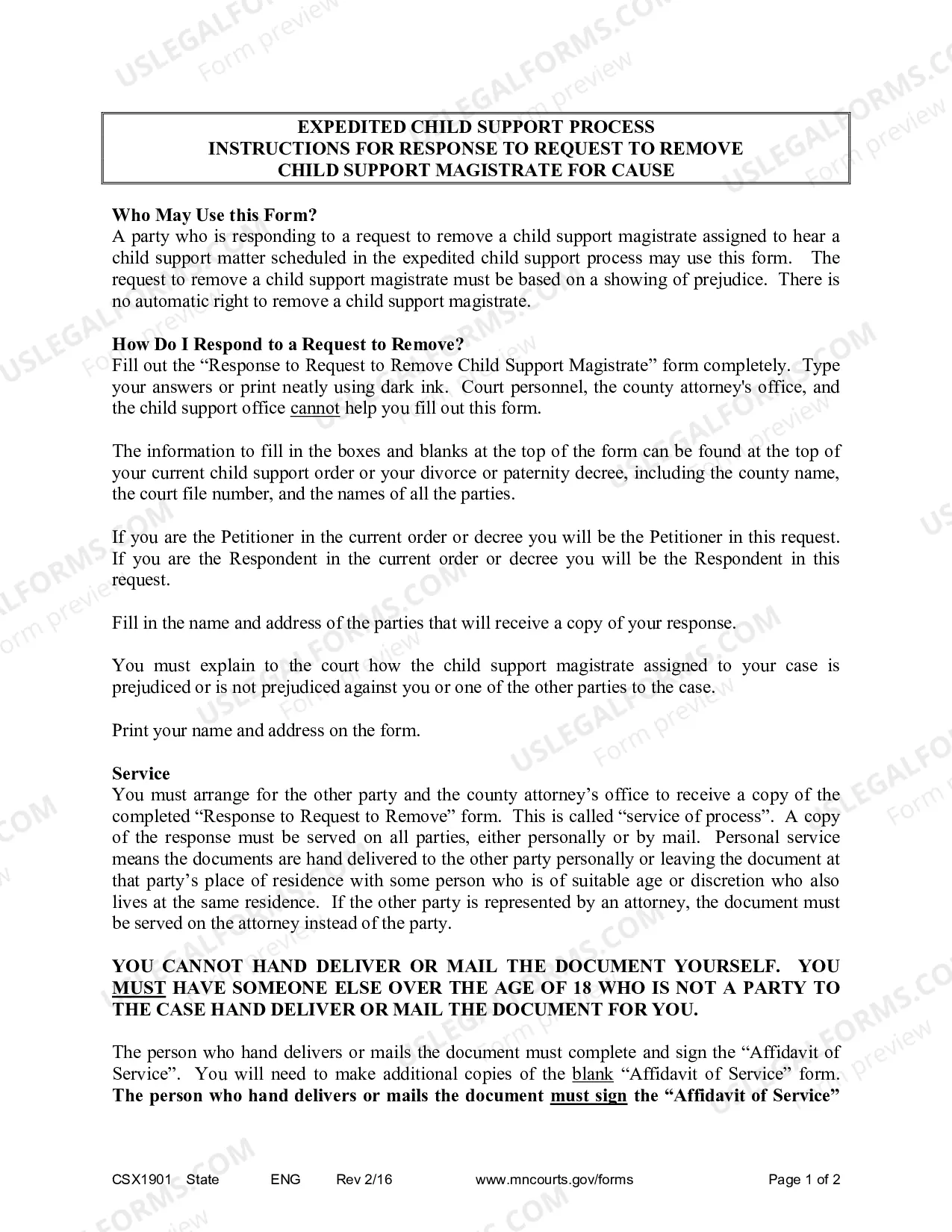
Minnesota Instructions — Request to Remove for Cause is a document used in the state of Minnesota to request the removal of a public official from office due to misconduct or incompetence. This document is signed by the petitioners, which may include other public officials, and is presented to a court in order for the removal to be authorized. There are two types of Minnesota Instructions — Request to Remove for Cause: Civil and Criminal. Civil Instructions are typically used when a public official has engaged in misconduct or incompetence in their official duties, while Criminal Instructions are used when the public official has been criminally charged. Both types of Instructions include the same basic information, such as the name of the official, the allegations of misconduct or incompetence, and the reasons why the removal from office is being requested.
Minnesota Instructions - Request to Remove for Cause
Description
Get your form ready online
Our built-in tools help you complete, sign, share, and store your documents in one place.
Make edits, fill in missing information, and update formatting in US Legal Forms—just like you would in MS Word.
Download a copy, print it, send it by email, or mail it via USPS—whatever works best for your next step.
Sign and collect signatures with our SignNow integration. Send to multiple recipients, set reminders, and more. Go Premium to unlock E-Sign.
If this form requires notarization, complete it online through a secure video call—no need to meet a notary in person or wait for an appointment.
We protect your documents and personal data by following strict security and privacy standards.

Make edits, fill in missing information, and update formatting in US Legal Forms—just like you would in MS Word.

Download a copy, print it, send it by email, or mail it via USPS—whatever works best for your next step.

Sign and collect signatures with our SignNow integration. Send to multiple recipients, set reminders, and more. Go Premium to unlock E-Sign.

If this form requires notarization, complete it online through a secure video call—no need to meet a notary in person or wait for an appointment.

We protect your documents and personal data by following strict security and privacy standards.
Looking for another form?
How to fill out Minnesota Instructions - Request To Remove For Cause?
How much time and resources do you typically allocate for creating formal documentation.
There’s a better chance to obtain such forms than employing legal experts or spending countless hours searching online for a suitable template.
Create an account and pay for your subscription. You can make a payment using your credit card or through PayPal - our service is completely secure for that.
Download your Minnesota Instructions - Request to Remove for Cause onto your device and complete it on a printed hard copy or digitally.
- US Legal Forms is the premier online repository that offers professionally crafted and verified state-specific legal documents for any purpose, including the Minnesota Instructions - Request to Remove for Cause.
- To obtain and complete an appropriate Minnesota Instructions - Request to Remove for Cause template, follow these straightforward guidelines.
- Review the contents of the form to ensure it aligns with your state regulations. To do this, read the form description or utilize the Preview option.
- If your legal template does not fulfill your needs, find an alternative one using the search bar at the top of the page.
- If you are already registered with our service, Log In and download the Minnesota Instructions - Request to Remove for Cause. If not, continue to the next steps.
- Click Buy now once you identify the correct blank. Choose the subscription plan that best fits your needs to access our library’s complete service.
Form popularity
FAQ
An order to show cause in Minnesota is a legal request for a party to explain why a particular action should not be taken or enforced. This order is typically used in family law cases, including child support and custody disputes. If you need to file such an order, you can refer to Minnesota Instructions - Request to Remove for Cause for guidance on how to proceed. The USLegalForms platform can provide you with templates and support to streamline your filing process.
Lifting a restraining order in Minnesota requires you to file a motion with the court. You will need to complete Minnesota Instructions - Request to Remove for Cause to explain why you believe the order should be lifted. Your motion should include evidence of changes in circumstances that warrant this action. Utilizing USLegalForms can help you access the correct documents and ensure your request is properly presented.
To stop child support in Minnesota, you need to file a formal request with the court. This process involves submitting Minnesota Instructions - Request to Remove for Cause, which outlines your reasons for seeking the termination. It's important to present your case clearly, including any changes in circumstances that justify your request. Consulting legal resources, like USLegalForms, can provide you with the necessary forms and guidance to navigate this process effectively.
To vacate a judgment in Minnesota, you need to follow the Minnesota Instructions - Request to Remove for Cause. First, gather the necessary documents that support your case, such as evidence showing why the judgment should be vacated. Next, file a motion with the court that issued the judgment, clearly stating your reasons and attaching relevant documentation. Using a platform like USLegalForms can simplify this process by providing templates and guidance tailored to your needs.
Liability Insurance. Evidence that a person was or was not insured against liability is not admissible upon the issue whether the person acted negligently or otherwise wrongfully.
11.01Signature An unsigned document shall be stricken unless omission of the signature is corrected promptly after being called to the attention of the attorney or party.
23.09Derivative Actions by Shareholders or Members The derivative action may not be maintained if it appears that the plaintiff does not fairly and adequately represent the interest of the shareholders or members similarly situated in enforcing the right of the corporation or association.
The rule allows the court to require additional materials in any case where appropriate. This rule is not intended to limit the court's discretion, but is intended to encourage streamlined handling of fee applications and to facilitate filing of appropriate support to permit consideration of the issues.
Rule 1. It is the responsibility of the court and the parties to examine each civil action to assure that the process and the costs are proportionate to the amount in controversy and the complexity and importance of the issues.
Rule 11 does apply to search warrants and related documents filed by parties in a case. If any person filing a medical record in a civil commitment case fails to designate the medical record as non-public upon filing, the court administrator shall not reject the filing due to the failure to do so.