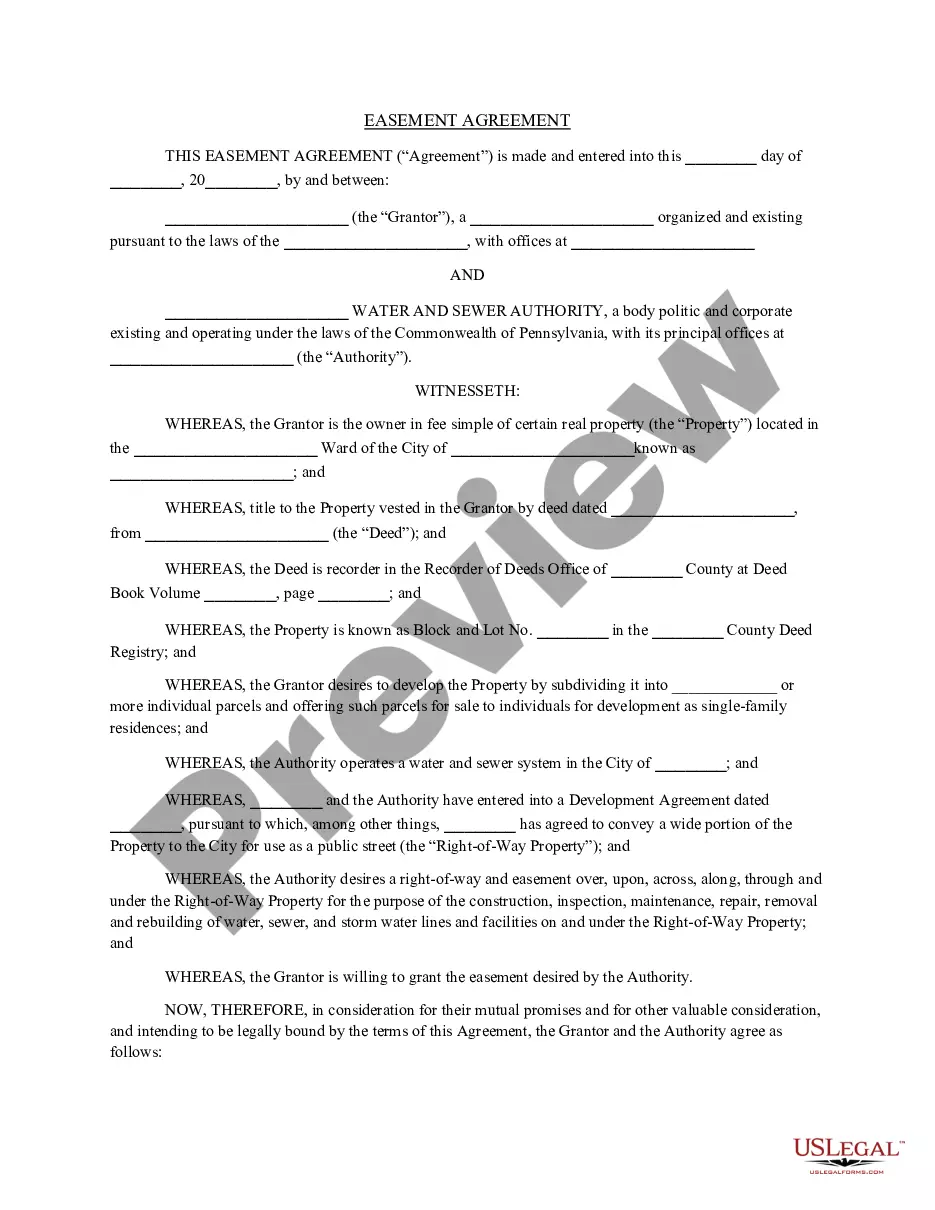
An easement gives one party the right to go onto another party's property. That property may be owned by a private person, a business entity, or a group of owners. Utilities often get easements that allow them to run pipes or phone lines beneath private property. Easements may be obtained for access to another property, called "access and egress", use of spring water, entry to make repairs on a fence or slide area, drive cattle across and other uses. The easement is a real property interest, but separate from the legal title of the owner of the underlying land.
Michigan General Right-of-Way Instrument
State:
Multi-State
Control #:
US-00497
Format:
Word;
Rich Text
Instant download
Description
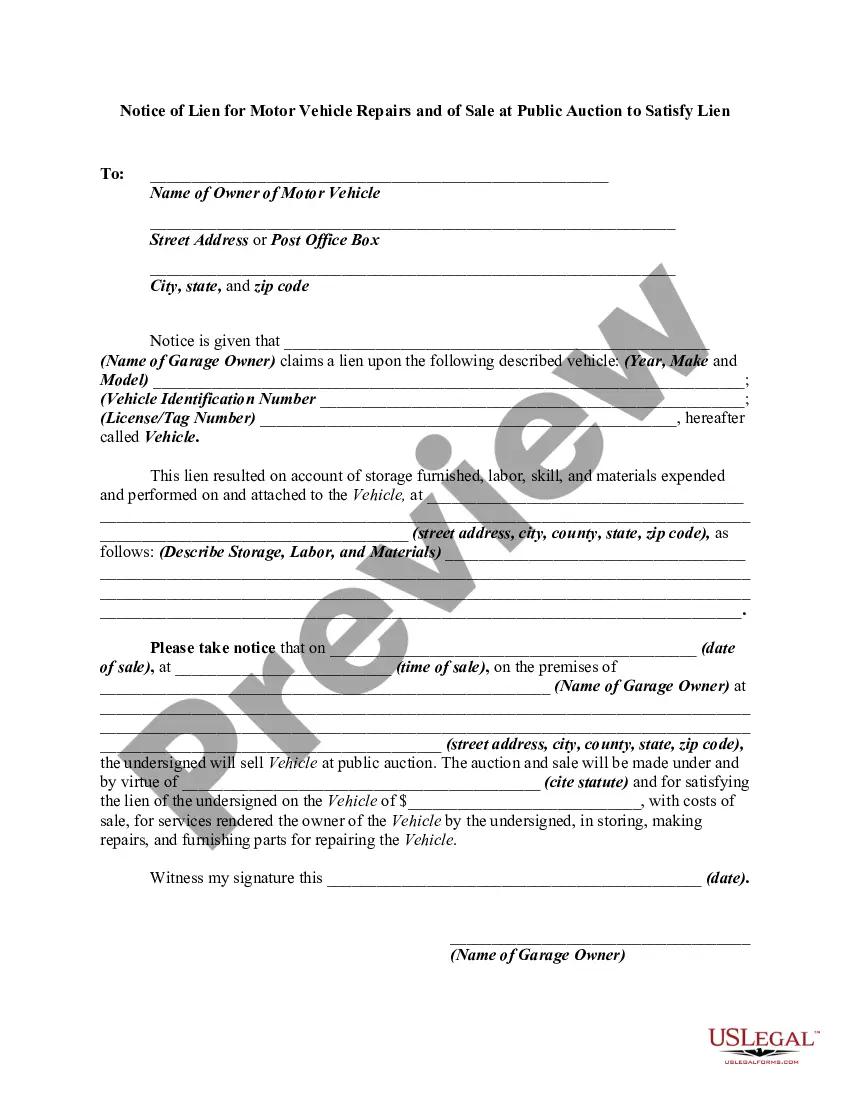
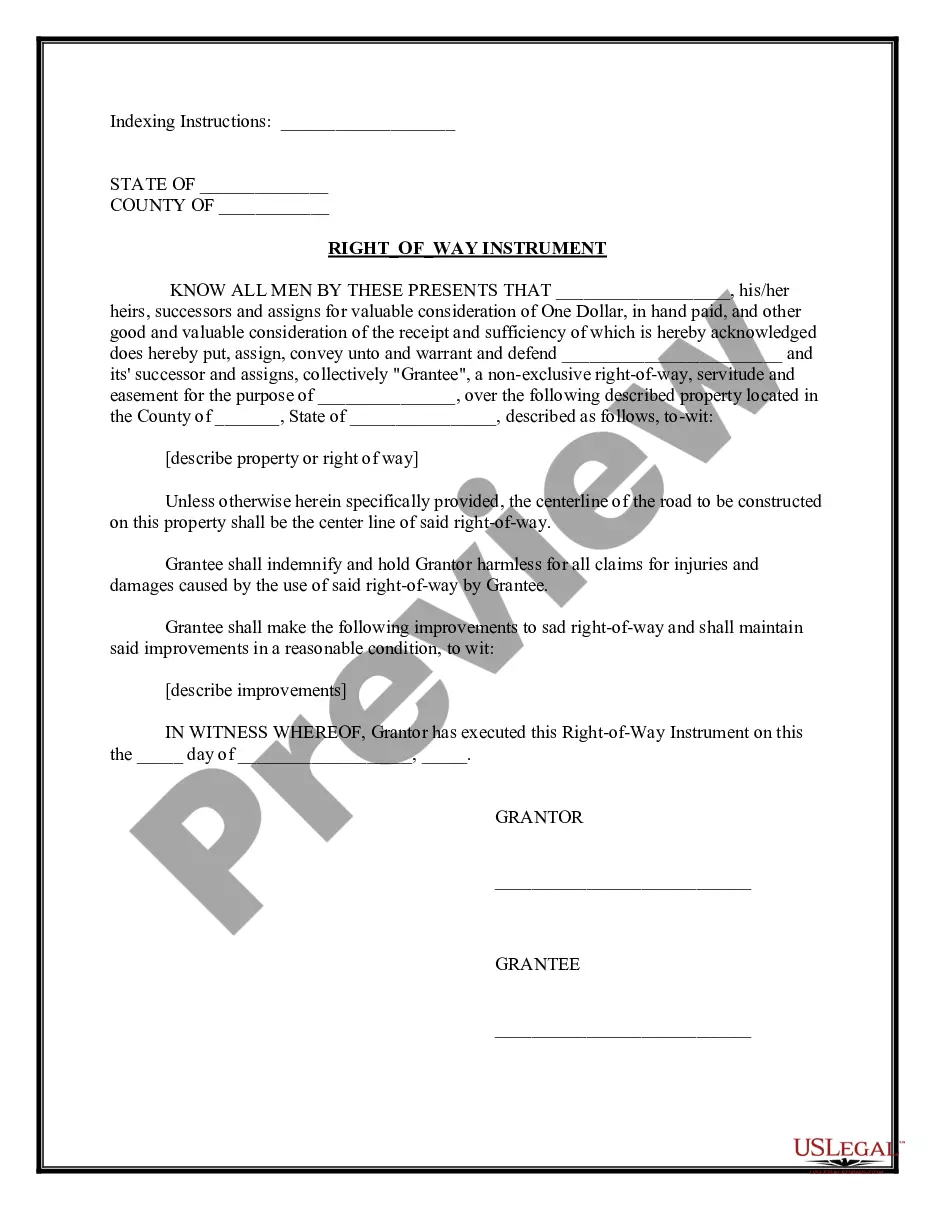
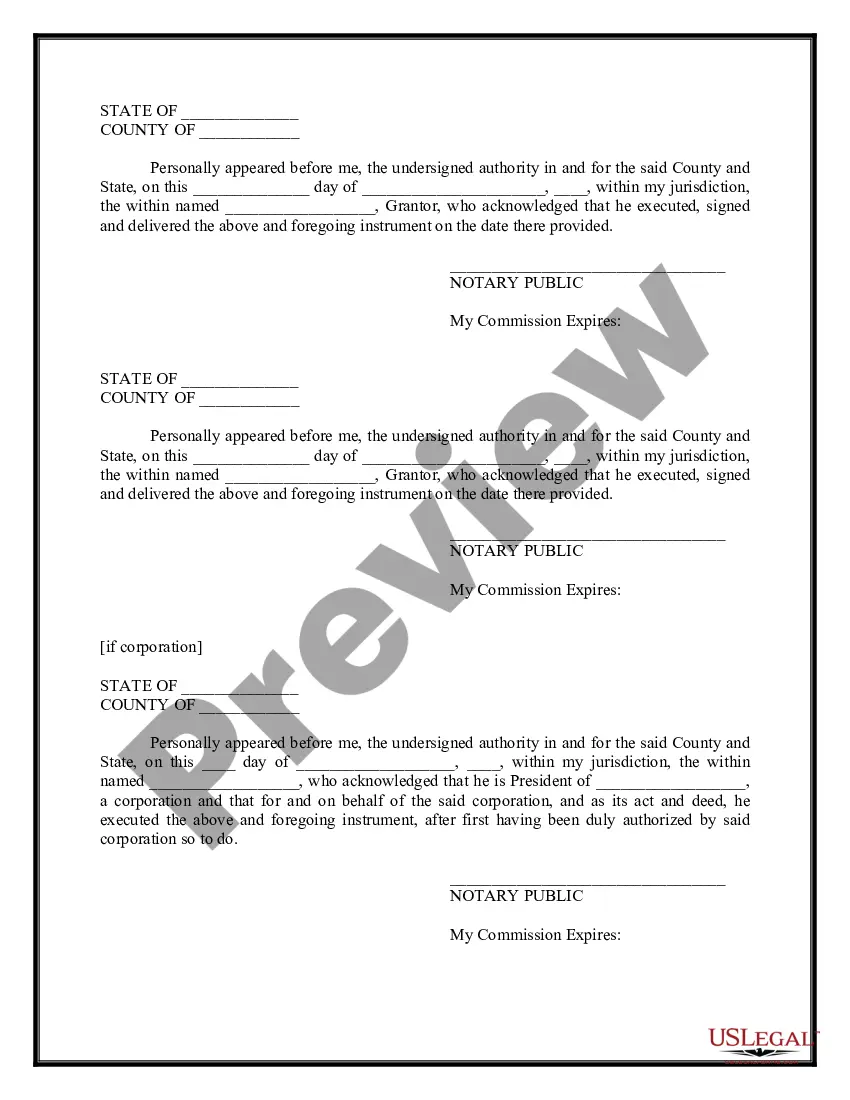
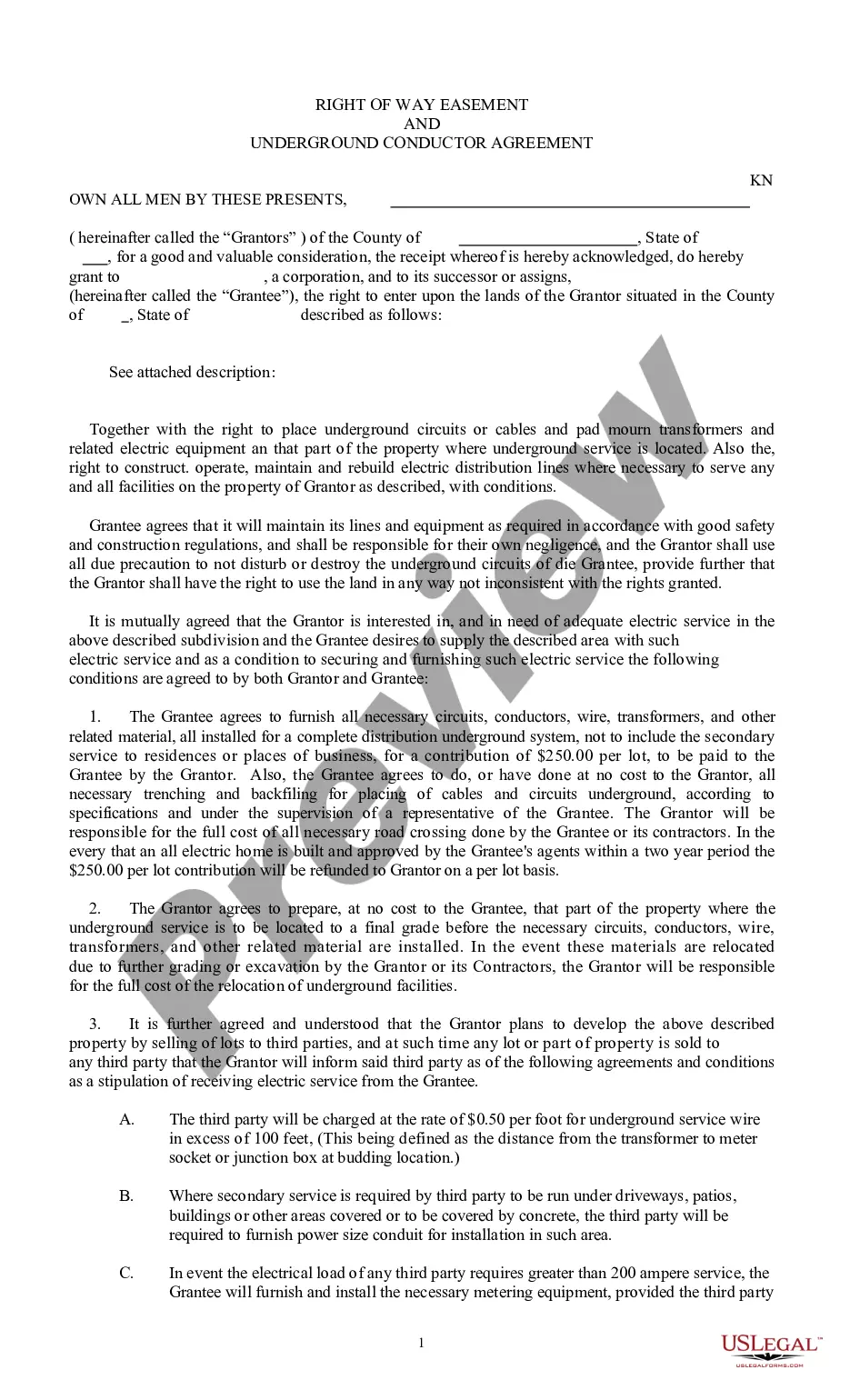
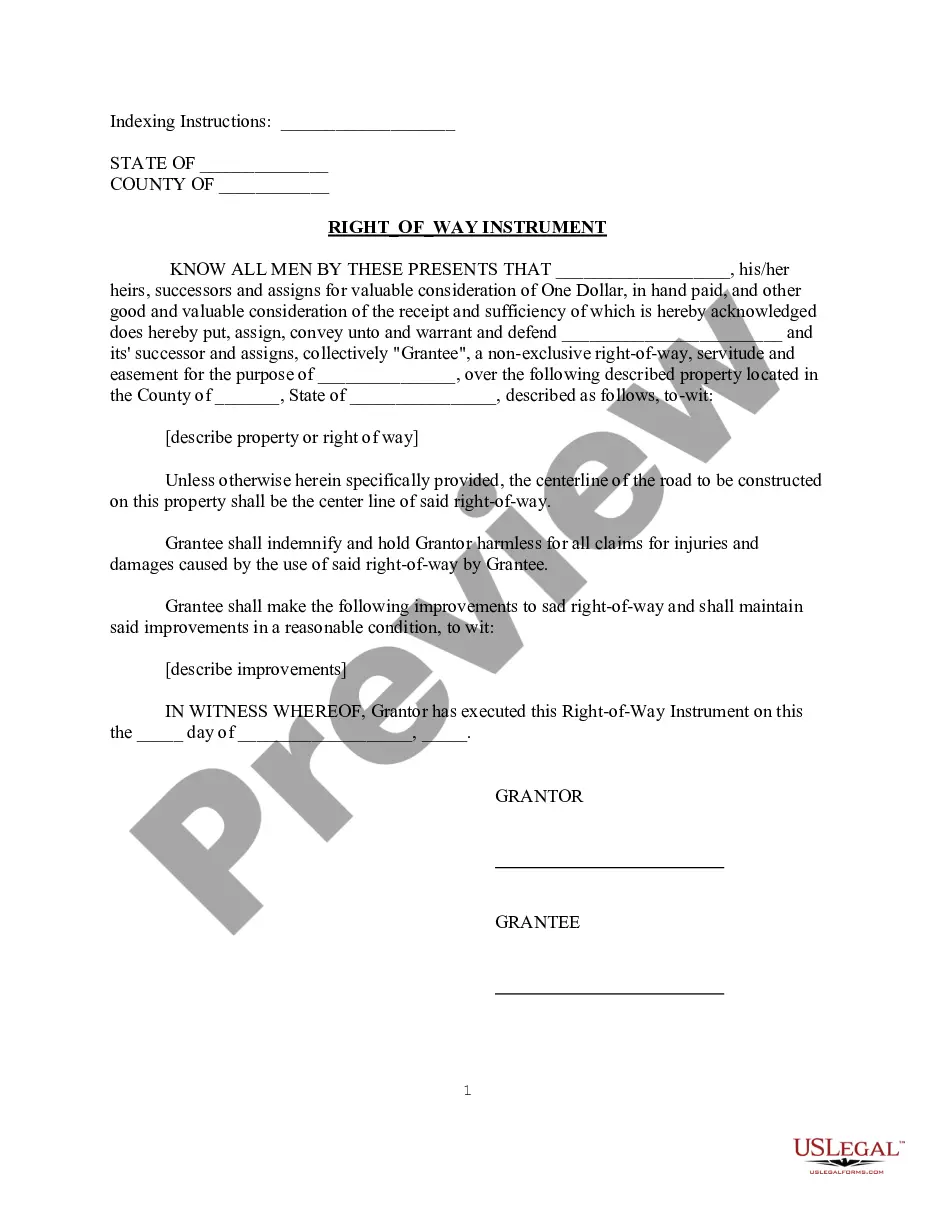
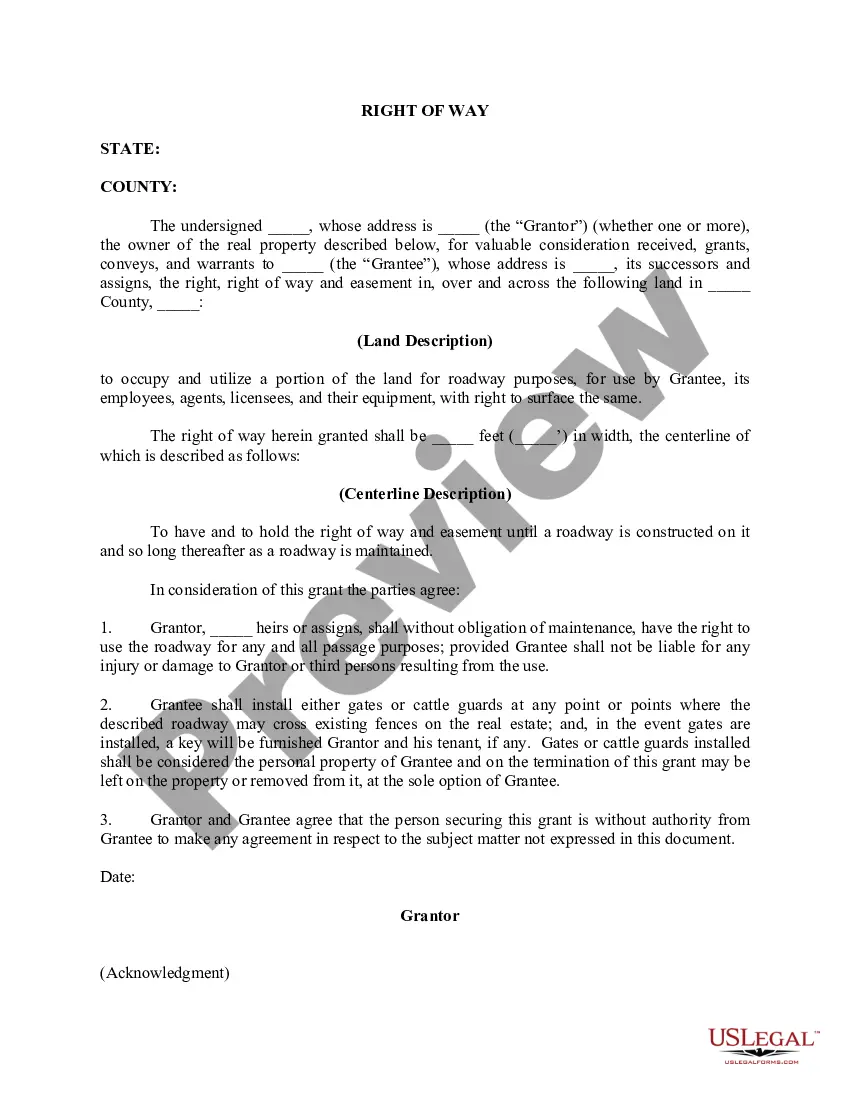
This Easement for Right-of-Way is between the Grantor and Grantee for a non-exclusive right-of-way, servitude and easement for the purpose for the purpose as is described in the agreement over the property described in the agreement. This is a contract that can be used in all states.
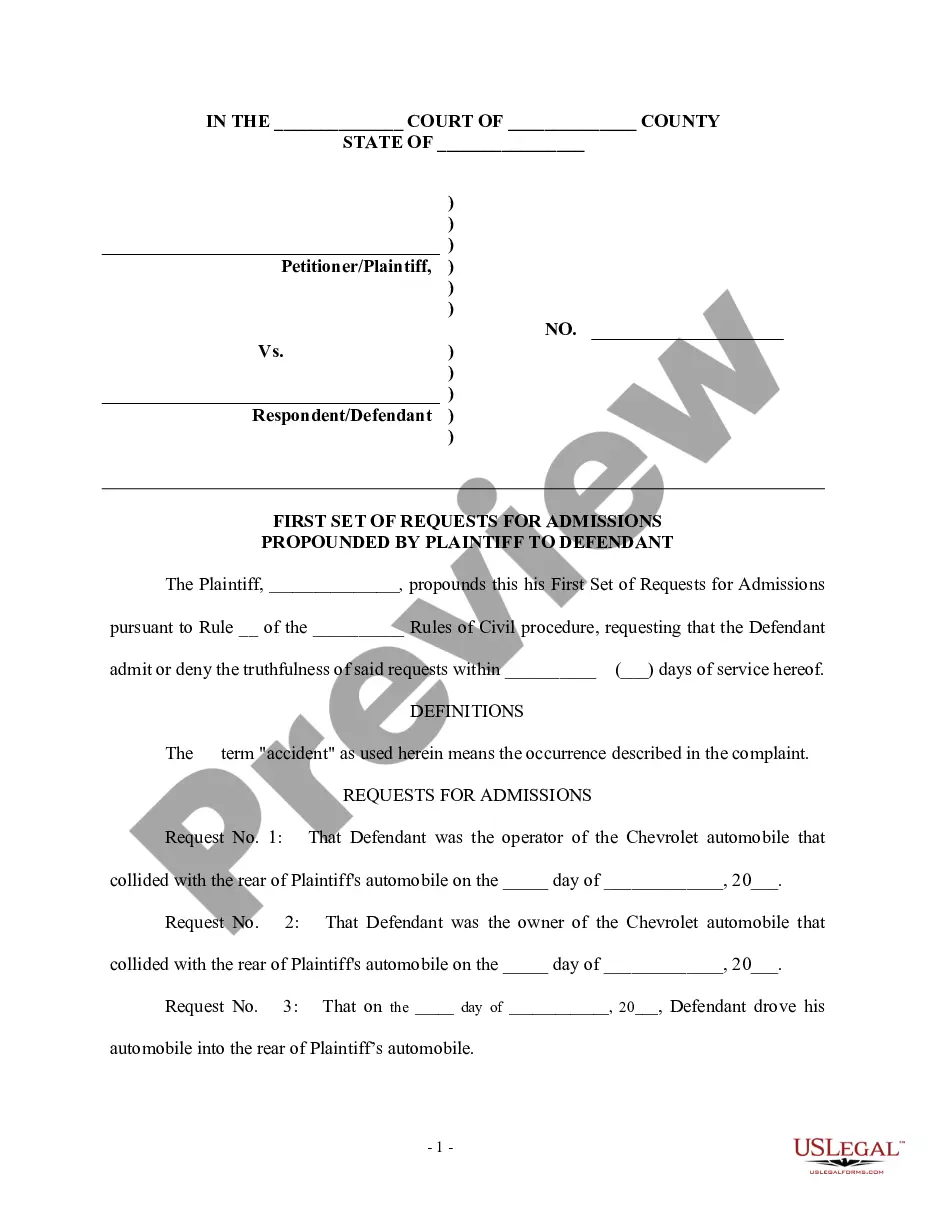
Free preview


How to fill out General Right-of-Way Instrument?
US Legal Forms - one of the largest collections of legal documents in the United States - offers a variety of legal form templates that you can download or print.
By using the website, you can access thousands of forms for business and personal purposes, organized by categories, states, or keywords. You can obtain the latest versions of forms such as the Michigan General Right-of-Way Instrument in just seconds.
If you have an account, Log In and download the Michigan General Right-of-Way Instrument from your US Legal Forms library. The Download button will appear on every form you view. You can access all previously downloaded forms in the My documents section of your account.
Process the payment. Use your credit card or PayPal account to complete the transaction.
Select the format and download the form to your device. Make changes. Fill out, modify, print, and sign the downloaded Michigan General Right-of-Way Instrument. Every template you add to your account has no expiration date and is yours for a long time. Therefore, if you wish to download or print another copy, simply go to the My documents section and click on the form you need. Access the Michigan General Right-of-Way Instrument with US Legal Forms, the most extensive library of legal document templates. Utilize thousands of professional and state-specific templates that meet your business or personal requirements.
- If you are using US Legal Forms for the first time, here are simple steps to help you get started.
- Ensure you have selected the correct form for your area/state.
- Click the Preview button to review the form’s content.
- Read the form description to confirm you have chosen the right document.
- If the form doesn’t meet your needs, use the Search field at the top of the screen to find one that does.
- If you are satisfied with the form, confirm your choice by clicking the Purchase now button.
- Then, choose the payment plan you prefer and provide your details to create an account.
Form popularity
FAQ
Basically, one portion of your land may be considered a public property under Rights of Way. Easements exist as negative and affirmative. An affirmative easement basically allows a group or a person to carry out activity on another person's land. For example, erect electrical posts.
Michigan law recognizes an easement by necessity. An easement by necessity is created when a landowner is landlocked and needs access for ingress and egress over another's property. If the landowner has not other means to access his property, a court will create an easement by necessity.
The owner of the land over which the easement runs is not allowed to interfere with the easement, even though the owner owns title to that land.
Easement in Michigan? Generally, the easement holder ? the person who uses the other person's land for access ? is responsible for maintaining the easement. While the easement holder never becomes an owner of the land, they are using it for their own benefit, and they are responsible for the upkeep of the easement.
The road right-of-way is generally 66 feet (33 feet on either side of the center line of the road). Rights-of-way may be narrower or wider in certain situations.
Such easement shall not be less than 66 feet in width.
Termination of Easement for Real Estate Located in Michigan This document allows the owner of the land, burdened by the access and the party that benefits from the access, to sign an agreement releasing the property from such access, under the premises the benefiting party no longer needs access.
In some cases, a farmer or rural resident may own to the middle of the road. In some cases, the county road agency owns it. Sometimes, the county road agency must buy more of it to complete a road project. In many areas of Michigan, acquiring ROW is the most expensive part of a road project.