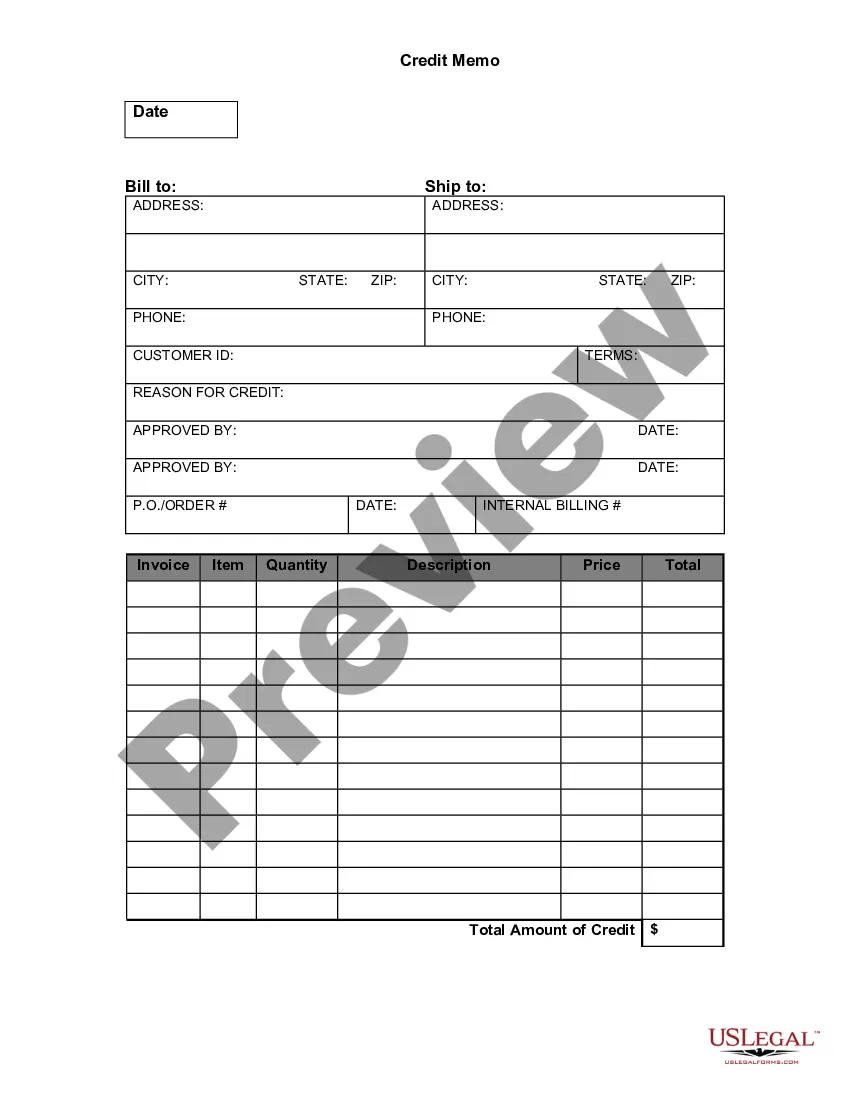
Maine Credit Memo
Description
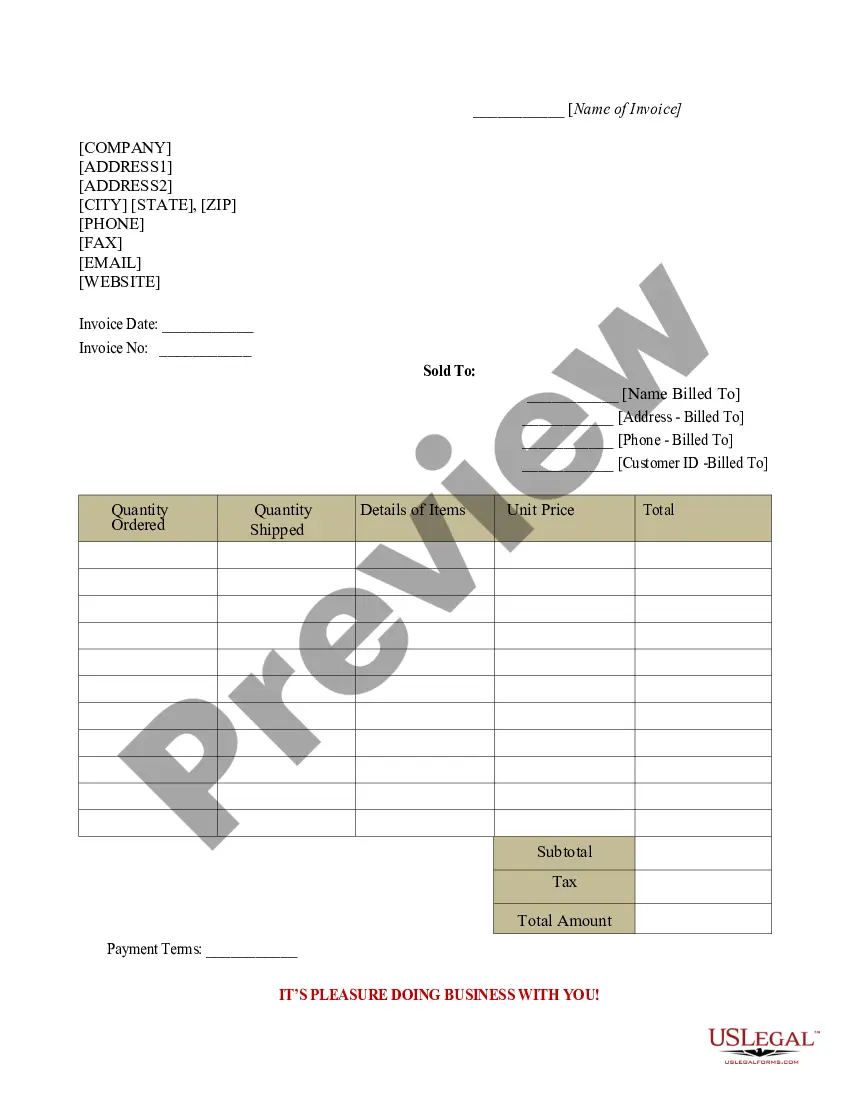
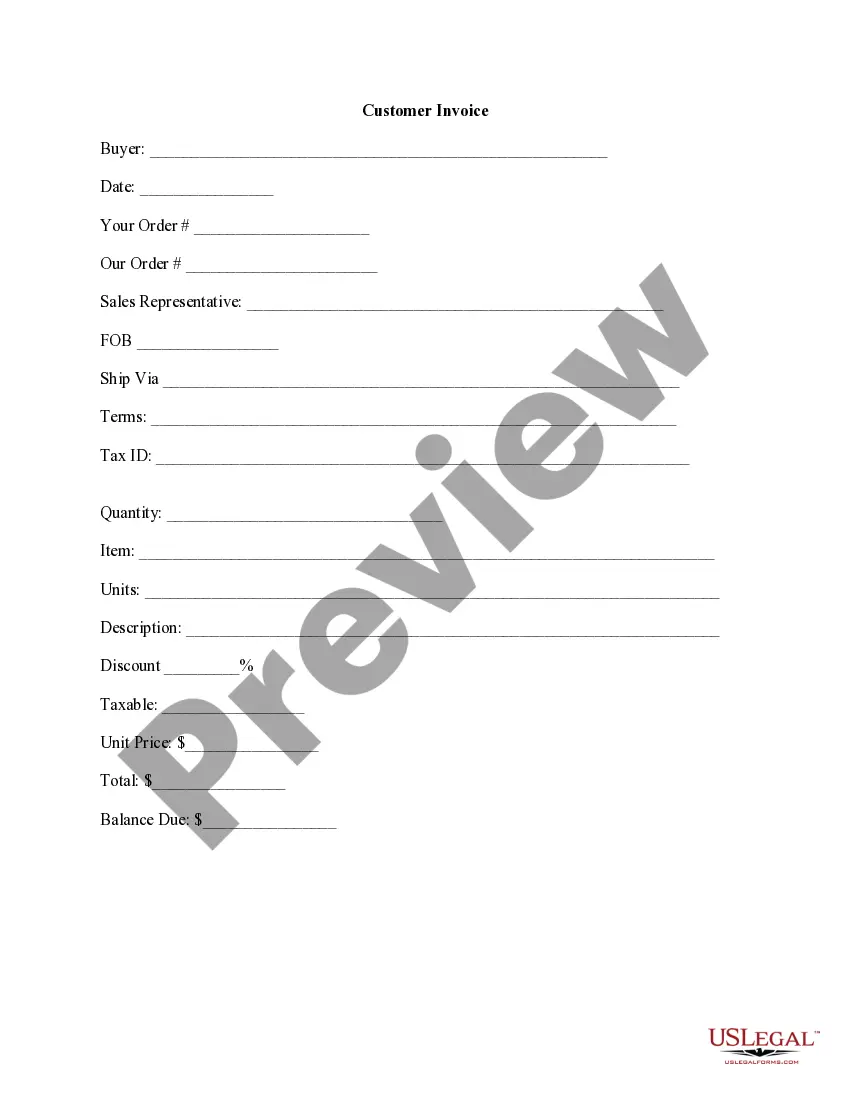
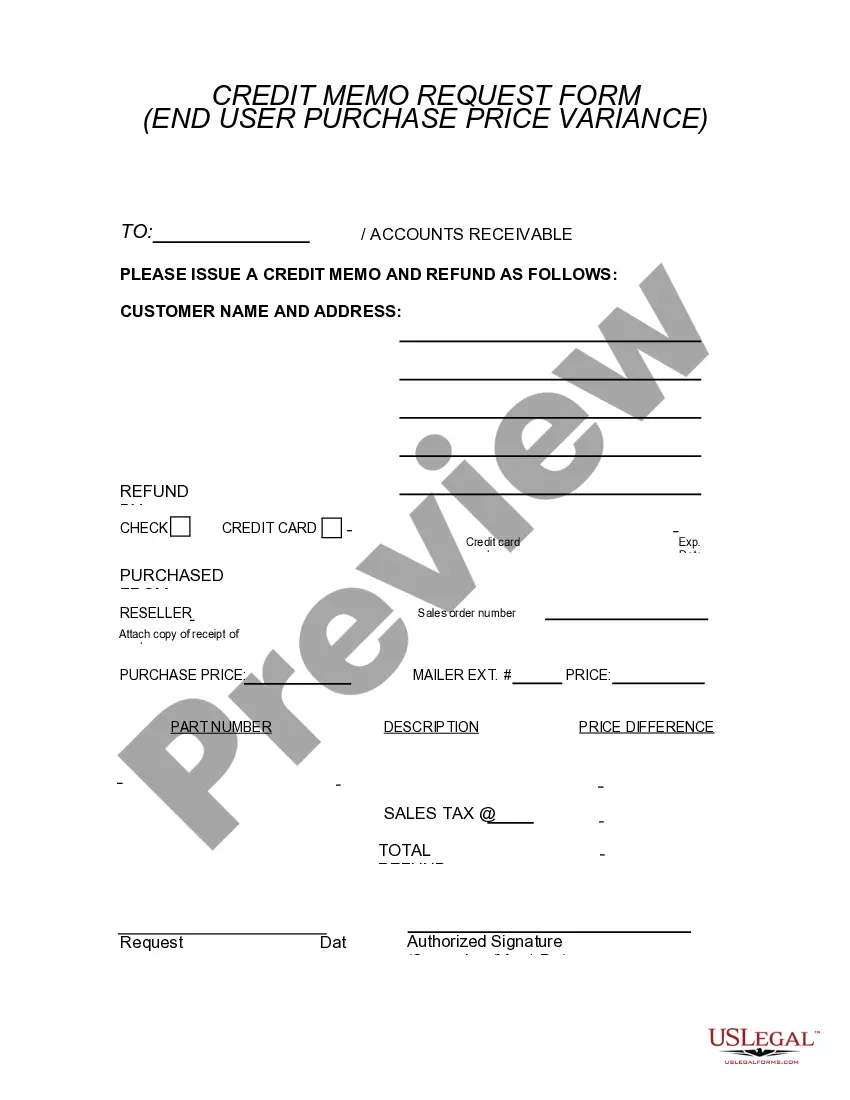
Get your form ready online
Our built-in tools help you complete, sign, share, and store your documents in one place.
Make edits, fill in missing information, and update formatting in US Legal Forms—just like you would in MS Word.
Download a copy, print it, send it by email, or mail it via USPS—whatever works best for your next step.
Sign and collect signatures with our SignNow integration. Send to multiple recipients, set reminders, and more. Go Premium to unlock E-Sign.
If this form requires notarization, complete it online through a secure video call—no need to meet a notary in person or wait for an appointment.
We protect your documents and personal data by following strict security and privacy standards.

Make edits, fill in missing information, and update formatting in US Legal Forms—just like you would in MS Word.

Download a copy, print it, send it by email, or mail it via USPS—whatever works best for your next step.

Sign and collect signatures with our SignNow integration. Send to multiple recipients, set reminders, and more. Go Premium to unlock E-Sign.

If this form requires notarization, complete it online through a secure video call—no need to meet a notary in person or wait for an appointment.

We protect your documents and personal data by following strict security and privacy standards.
Looking for another form?
How to fill out Credit Memo?
It is feasible to dedicate multiple hours online searching for the legal document template that fulfills the federal and state requirements you will need.
US Legal Forms offers a vast array of legal forms that are reviewed by professionals.
You can easily obtain or print the Maine Credit Memo from the service.
If you wish to find another version of the form, use the Search field to locate the template that fits your needs and requirements.
- If you already have a US Legal Forms account, you can Log In and click the Obtain button.
- After that, you can complete, modify, print, or sign the Maine Credit Memo.
- Every legal document template you purchase is yours forever.
- To get another copy of any purchased form, visit the My documents tab and click the corresponding button.
- If you are using the US Legal Forms website for the first time, follow the simple instructions below.
- First, make sure you have selected the correct document template for the region/city of your choice.
- Review the form description to ensure you have chosen the right form.
Form popularity
FAQ
A Maine Credit Memo generally requires essential information such as the date, reason for the credit, involved parties' information, and the details of the transactions. These requirements ensure that the memo serves its purpose effectively in the accounting process. Using platforms like uslegalforms can help you create compliant and effective credit memos.
Recording a Maine Credit Memo involves entering it into your accounting software with complete details. You’ll need to ensure it reflects the transaction accurately in your financial statements. Proper recording maintains accurate accounts and supports transparent accounting practices.
In QuickBooks Online, you can add a Maine Credit Memo by selecting the 'Customers' tab and clicking 'Create Credit Memo.' Fill in details such as customer name, items, and amounts to apply a credit to a bill smoothly. This integration simplifies maintenance of your accounts.
To enter a Maine Credit Memo on Bill, navigate to the 'Transactions' section and select 'Credit Memos.' Click on 'Create New' and fill in the required details, such as customer information and amounts. This platform streamlines the process, ensuring your records remain up to date.
The entry for a Maine Credit Memo involves debiting the sales returns account and crediting the accounts receivable. This entry corrects the financial records, reflecting that the customer no longer owes the amount previously charged. Accurate entries prevent discrepancies in financial reporting.
An example of a Maine Credit Memo is when a customer returns a product due to defects, and you issue a document to provide a refund or store credit. The credit memo details the returned items, the credited amount, and a reference to the original invoice for clarity. This keeps your records organized and transparent.
To account for a Maine Credit Memo, you need to record it in your accounting software as a reduction in sales revenue. You will also need to adjust your accounts receivable to reflect the credit provided to the customer. This ensures your financial statements accurately represent your business's financial position.
Typically, the accounting department or financial team prepares a Maine Credit Memo. This team reviews transactions and determines cases where a credit is warranted, such as when a customer returns a product or when an error occurs in a billing statement. Proper documentation ensures accountability and accuracy.
To write a Maine Credit Memo, start by including your company information and the customer’s details. Then, specify the transaction date, reference number, and the reason for the credit. Finally, detail the product or service and amount being credited, ensuring transparency for both parties.
Typically, a Maine tax refund can take up to four weeks if you filed electronically, and six to eight weeks for paper returns. This timeframe may vary based on the volume of returns processed and any issues that may arise. To track your refund status related to your Maine Credit Memo, you can use the Maine Revenue Services online tool, which keeps you updated.