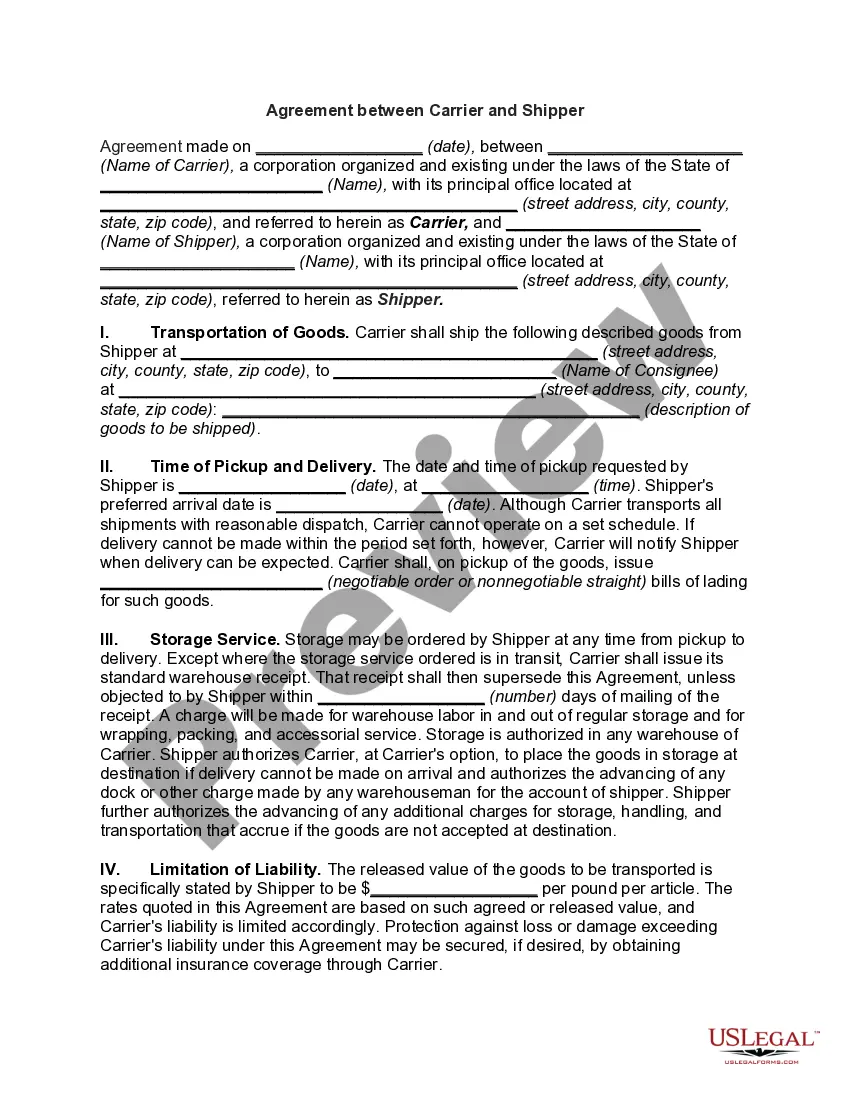
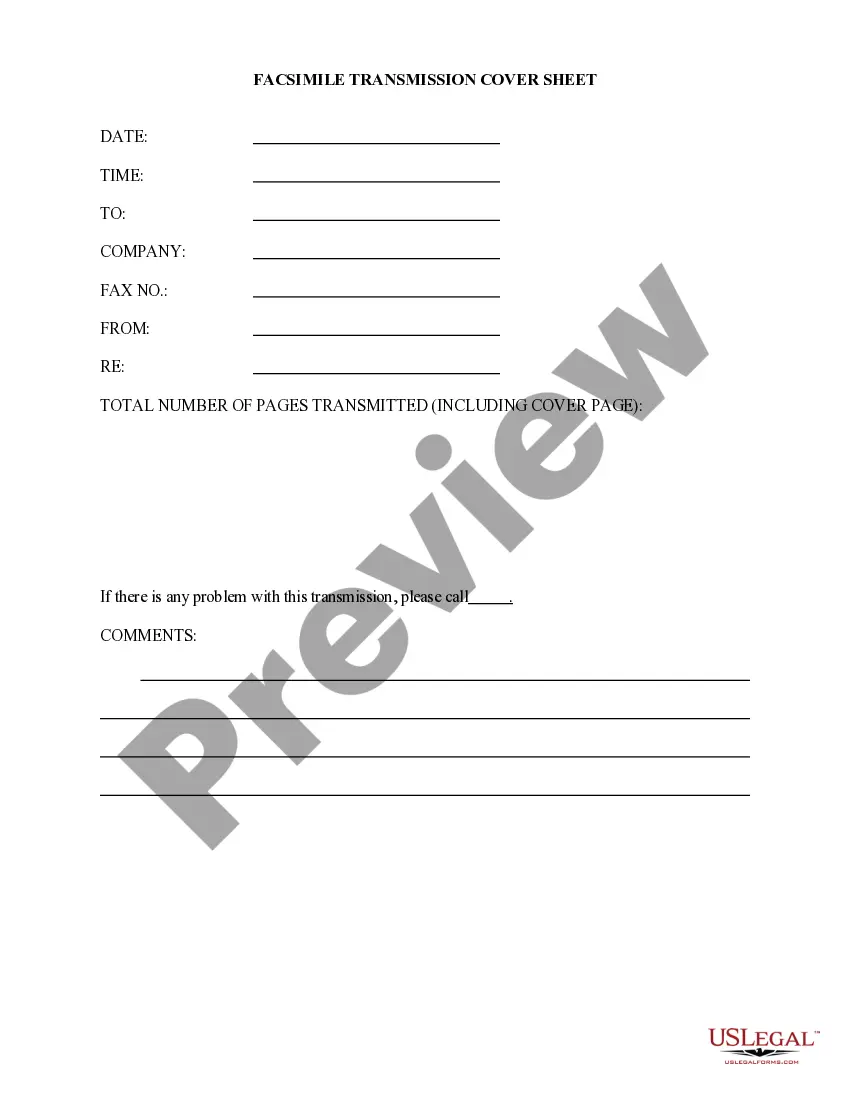
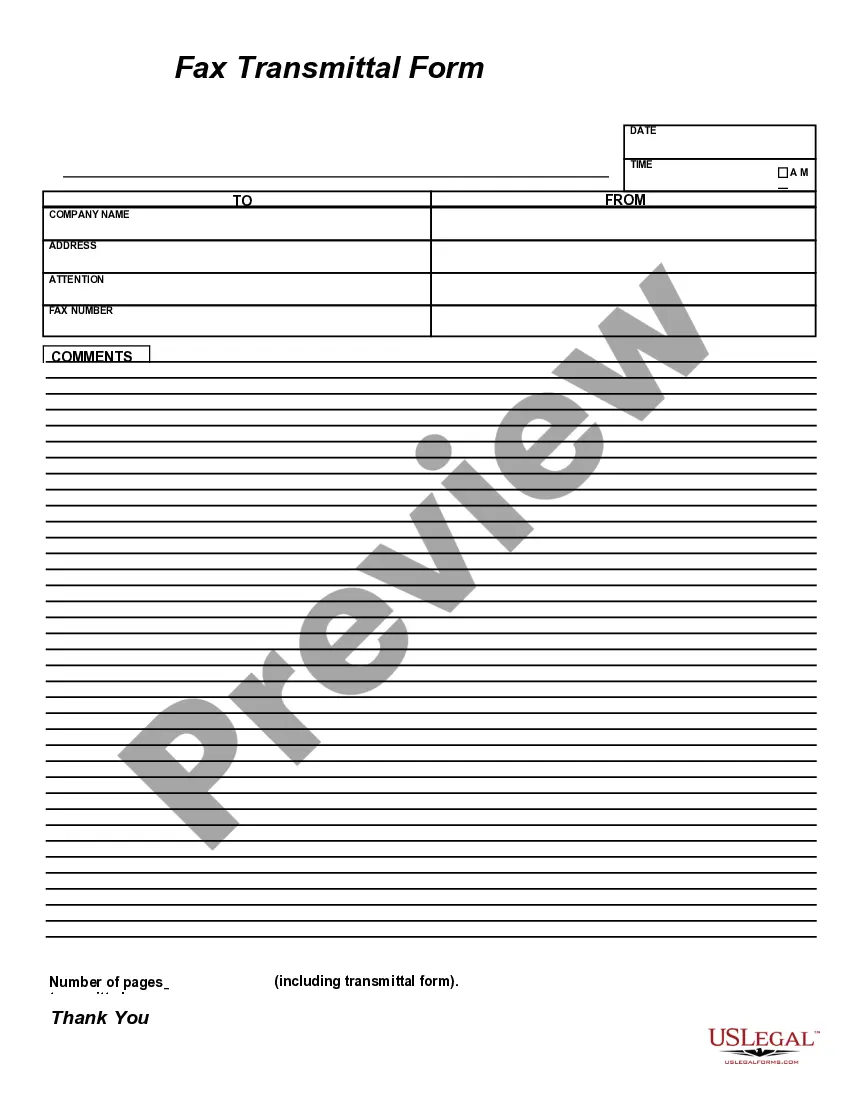
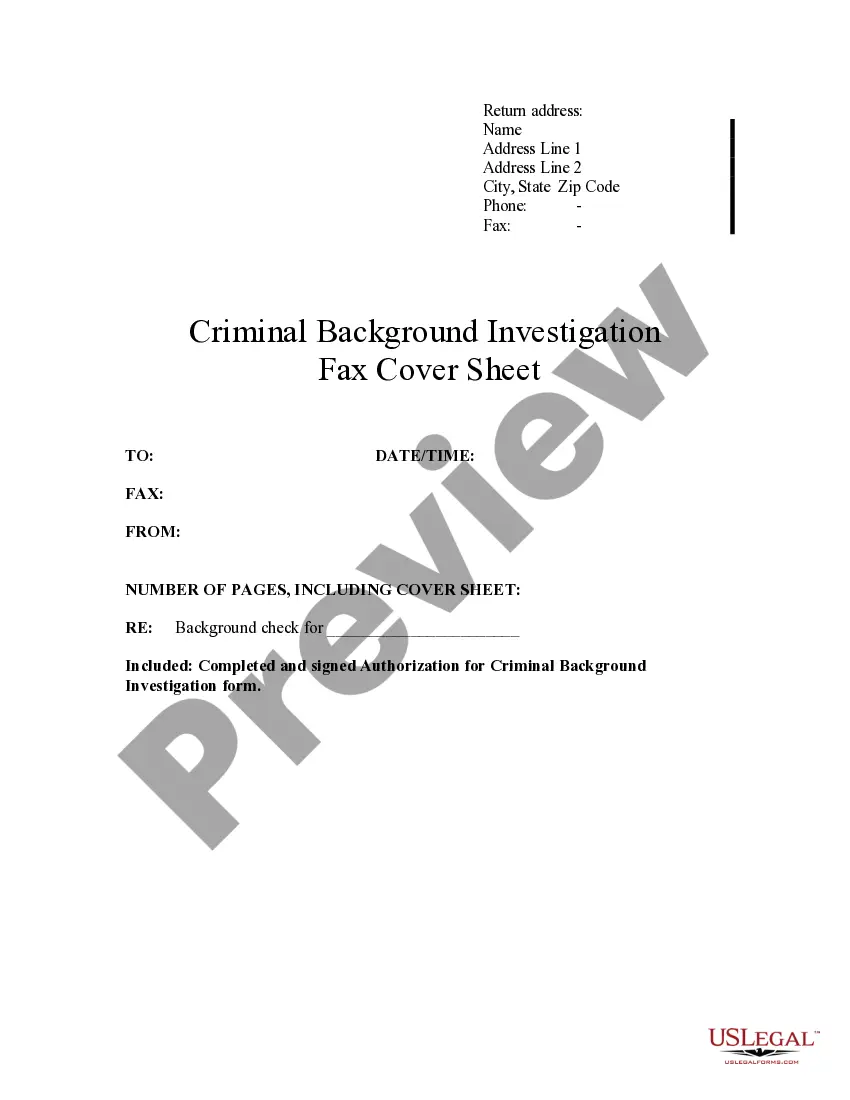
This form is a sample letter in Word format covering the subject matter of the title of the form.
Maine Facsimile Cover Sheet
Category:
State:
Multi-State
Control #:
US-0021LTR
Format:
Word;
Rich Text
Instant download
Description
Get your form ready online
Our built-in tools help you complete, sign, share, and store your documents in one place.
Built-in online Word editor
Make edits, fill in missing information, and update formatting in US Legal Forms—just like you would in MS Word.
Export easily
Download a copy, print it, send it by email, or mail it via USPS—whatever works best for your next step.
E-sign your document
Sign and collect signatures with our SignNow integration. Send to multiple recipients, set reminders, and more. Go Premium to unlock E-Sign.
Notarize online 24/7
If this form requires notarization, complete it online through a secure video call—no need to meet a notary in person or wait for an appointment.
Store your document securely
We protect your documents and personal data by following strict security and privacy standards.

Make edits, fill in missing information, and update formatting in US Legal Forms—just like you would in MS Word.

Download a copy, print it, send it by email, or mail it via USPS—whatever works best for your next step.

Sign and collect signatures with our SignNow integration. Send to multiple recipients, set reminders, and more. Go Premium to unlock E-Sign.

If this form requires notarization, complete it online through a secure video call—no need to meet a notary in person or wait for an appointment.

We protect your documents and personal data by following strict security and privacy standards.
Looking for another form?
How to fill out Facsimile Cover Sheet?
US Legal Forms - one of the largest collections of legal documents in the United States - offers a range of legal document templates that you can download or print. By using the website, you can access thousands of forms for business and personal use, categorized by type, state, or keywords. You can retrieve the latest versions of forms such as the Maine Facsimile Cover Sheet in a matter of minutes.
If you already have a subscription, Log In and download the Maine Facsimile Cover Sheet from the US Legal Forms library. The Download button will appear on every form you view. You can access all previously saved forms from the My documents section of your account.
If you wish to use US Legal Forms for the first time, here are some simple steps to help you get started: Ensure you have selected the correct form for your city/state. Click the Preview button to review the form's content. Check the form details to make sure you have chosen the right form. If the form does not meet your needs, utilize the Search field at the top of the page to find one that does. When you are satisfied with the form, confirm your choice by clicking the Purchase now button. Then, select the pricing plan you prefer and provide your information to register for the account. Complete the transaction. Use your credit card or PayPal account to finalize the purchase. Choose the format and download the form to your device. Edit. Complete, modify, print, and sign the downloaded Maine Facsimile Cover Sheet. Each template you add to your account has no expiration date and is yours indefinitely. Therefore, to download or print another copy, simply go to the My documents section and click on the form you need.
- Access the Maine Facsimile Cover Sheet with US Legal Forms, the most extensive collection of legal document templates.
- Utilize a wide array of professional and state-specific templates that cater to your business or personal requirements and specifications.
Form popularity
FAQ
While it's possible to handwrite a fax cover sheet, it's generally recommended to use a typed Maine Facsimile Cover Sheet for clarity and professionalism. Handwritten information may be difficult to read, which can lead to misunderstandings. Using a standard template allows you to include all necessary details and presents a more polished appearance. You can easily access customizable cover sheet templates on the US Legal Forms platform to ensure your fax is both clear and professional.
When sending a fax, the Maine Facsimile Cover Sheet is typically included in the total page count. This means if you send a document with five pages and include a cover sheet, the recipient will see a total of six pages. It's essential to consider this when planning your fax, as many fax machines have limits on the number of pages you can send at once. Using a clear and concise Maine Facsimile Cover Sheet can enhance communication and ensure your message is understood.
A fax cover sheet (sometimes also called a fax cover page) is a page that is faxed to your recipient before your actual fax message and is used to identify the sender, the intended recipient, the subject, and maybe a few lines about the content of the attached documents.
?Facsimile transmission? does not include transmission by email. (3) ?Facsimile machine? means a machine that can send and receive a facsimile transmission. (4) ?Fax? is an abbreviation for ?facsimile? and refers, as indicated by the context, to facsimile transmission or to a document so transmitted.
A fax cover letter is the page you send at the beginning of a fax. It tells your recipient what they'll find in the following documents and how they can contact you. A fax cover letter, sometimes called a fax cover sheet, differs from a regular cover letter in several important ways.
The major difference between fax and email is the way messages are transmitted. Fax machines use a physical phone line to send messages, while emails are sent over the internet protocols like SMTP and IMAP.
Tip: If you're already in Word for the web, get to the fax templates by going to File > New, and then below the template images click More on Office.com. You'll be on the Templates for Word page. In the list of categories, click Fax Covers. To print the fax cover sheet, press Ctrl+P, and wait for the Print dialog.
How to Create a Fax Cover Letter in Microsoft Word - YouTube YouTube Start of suggested clip End of suggested clip All programs microsoft office word to create our fax cover letter click on the office button at theMoreAll programs microsoft office word to create our fax cover letter click on the office button at the top select new under microsoft office online let's select faxes. I'm going to select a basic one
A fax cover sheet (sometimes also called a fax cover page) is a page that is faxed to your recipient before your actual fax message and is used to identify the sender, the intended recipient, the subject, and maybe a few lines about the content of the attached documents.
There are two methods that you can use to omit the cover sheet of a fax: 1. On a fax-by-fax basis: ? Un-check the cover-sheet box in FaxUtility - removes the cover sheet from being sent. NOTE: In the more options tab, you can still select a cover sheet if more than one are available.