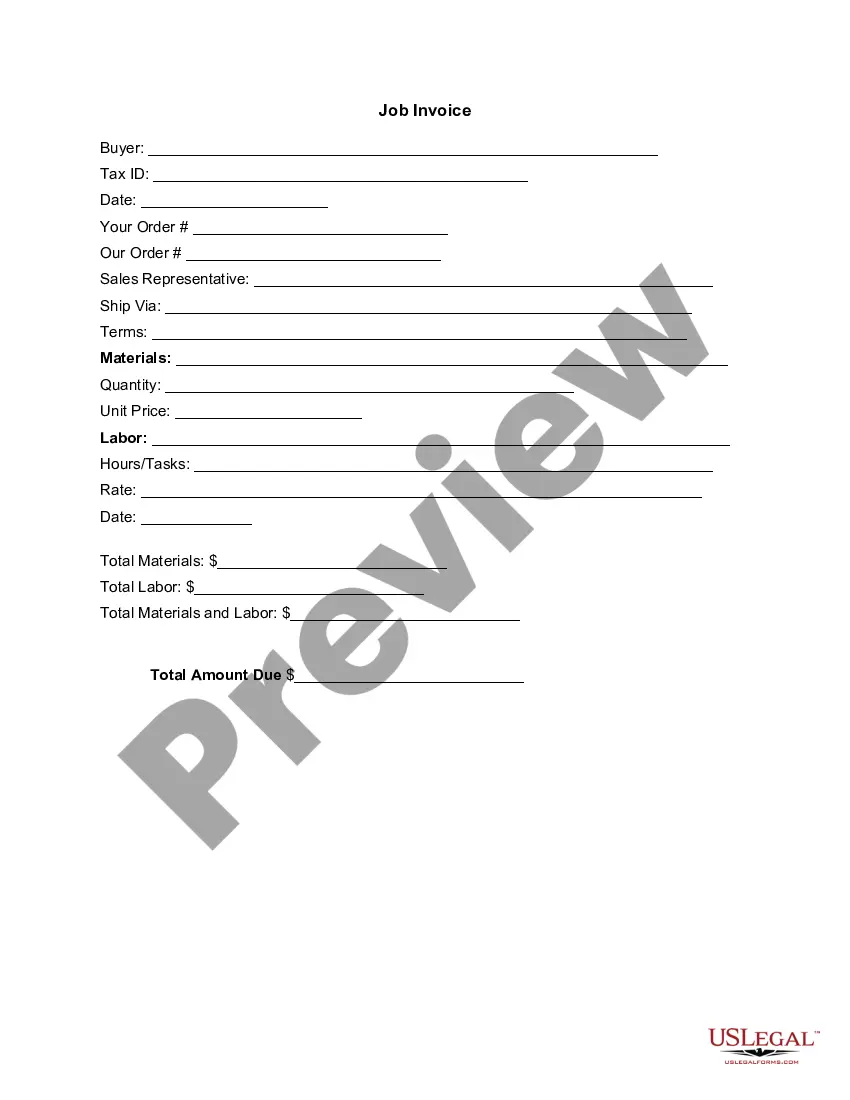
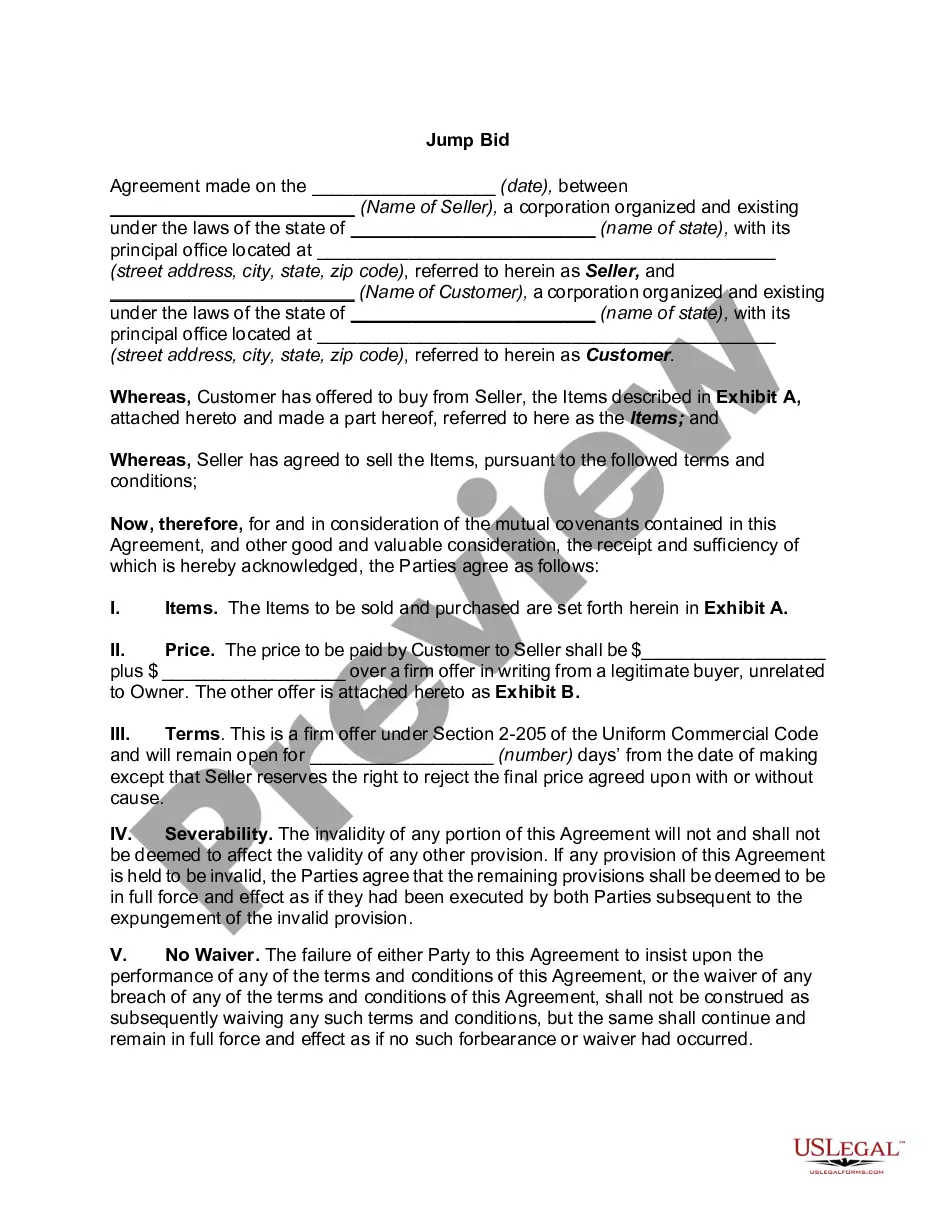
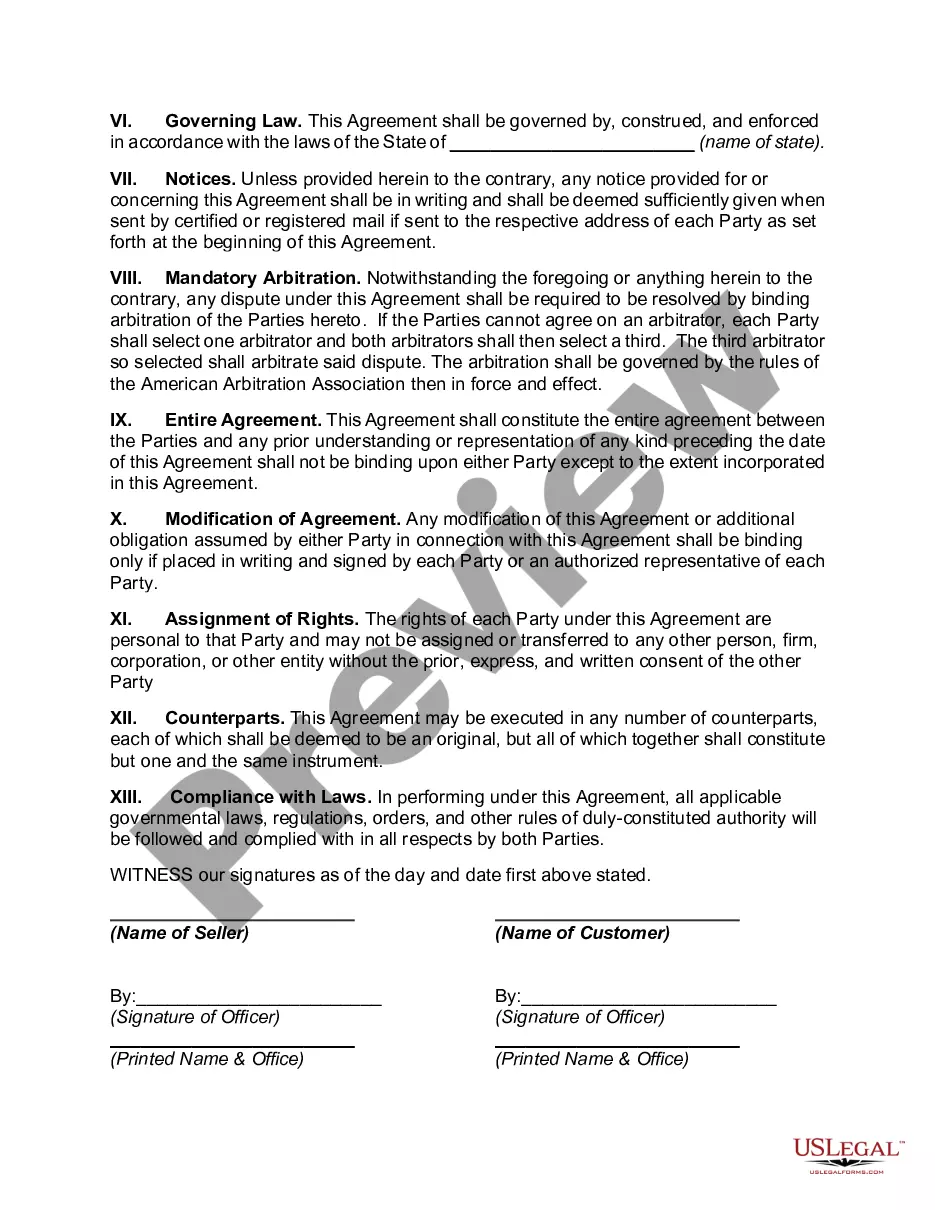
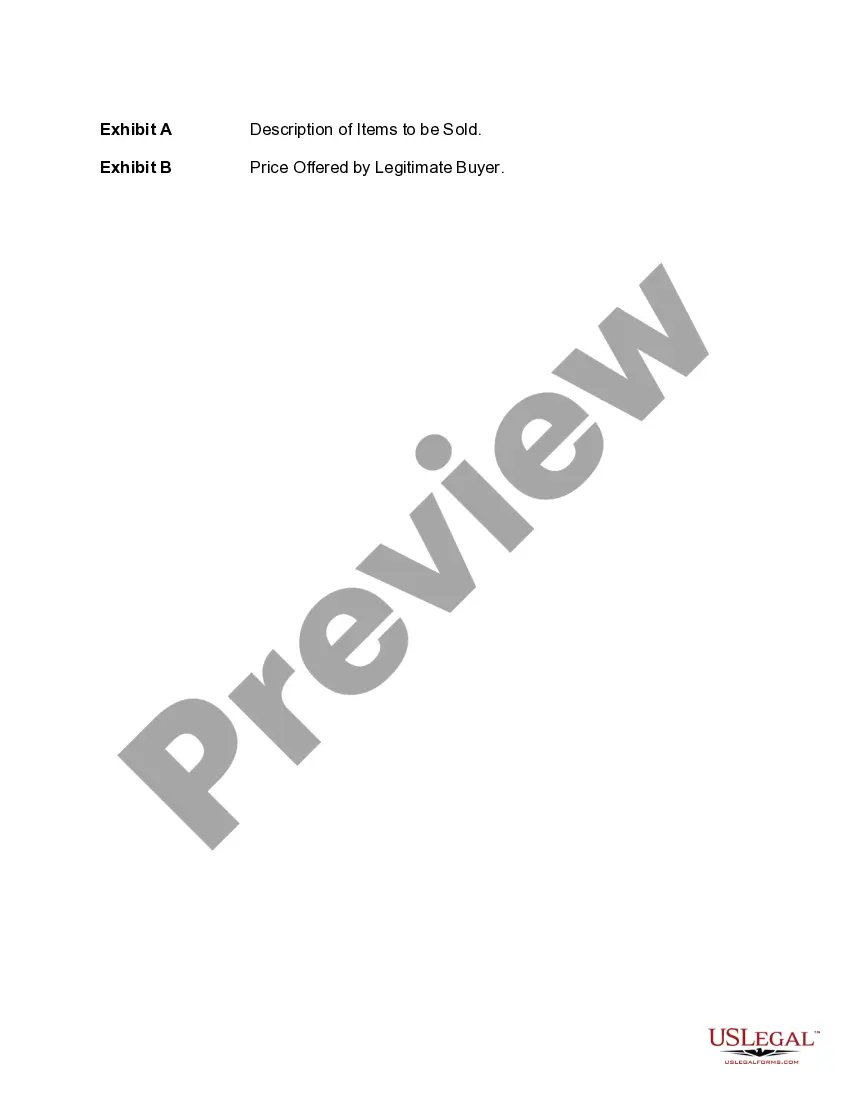
Massachusetts Jump Bid
Description
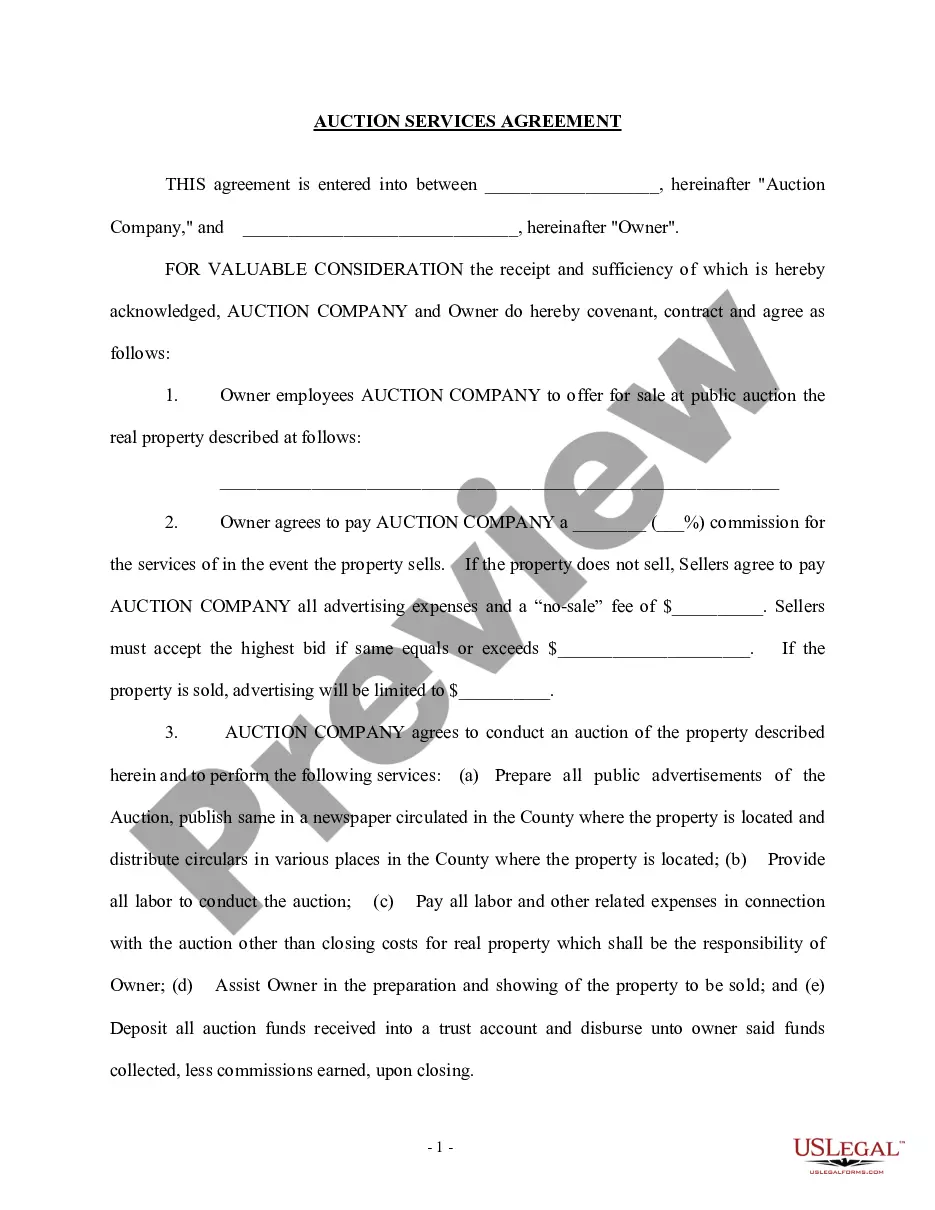
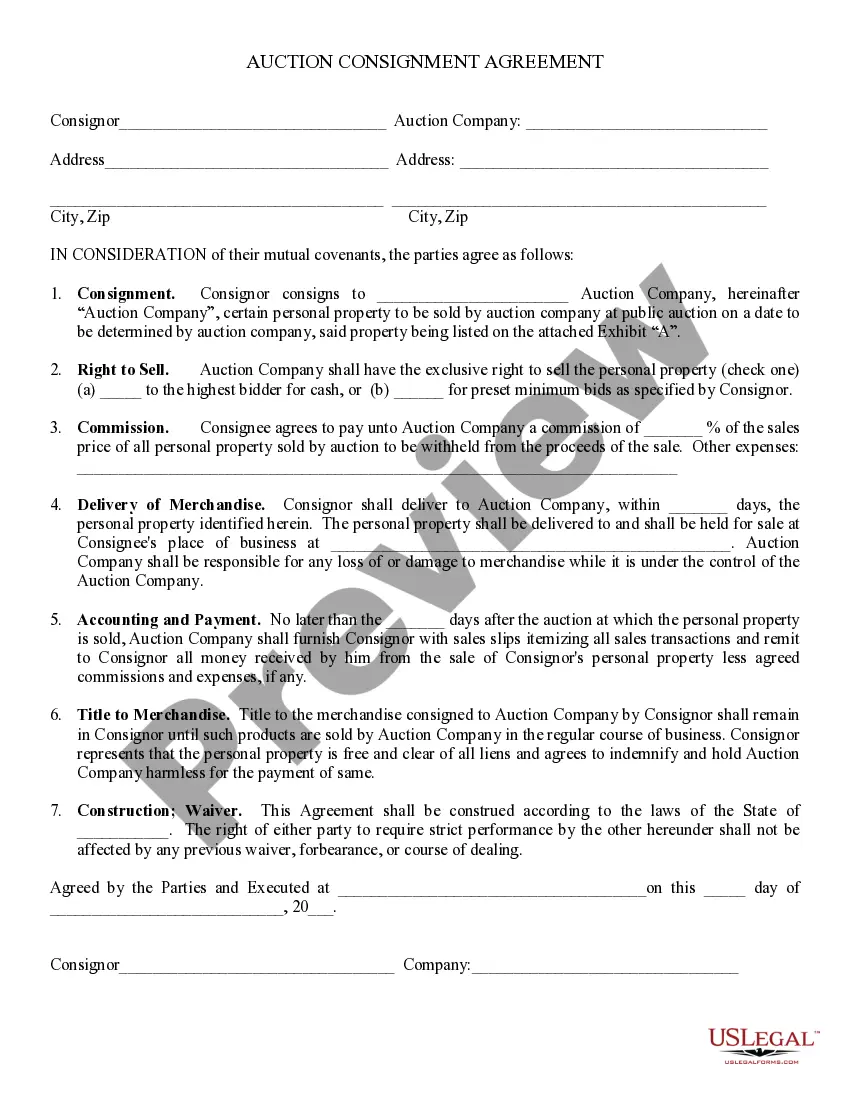
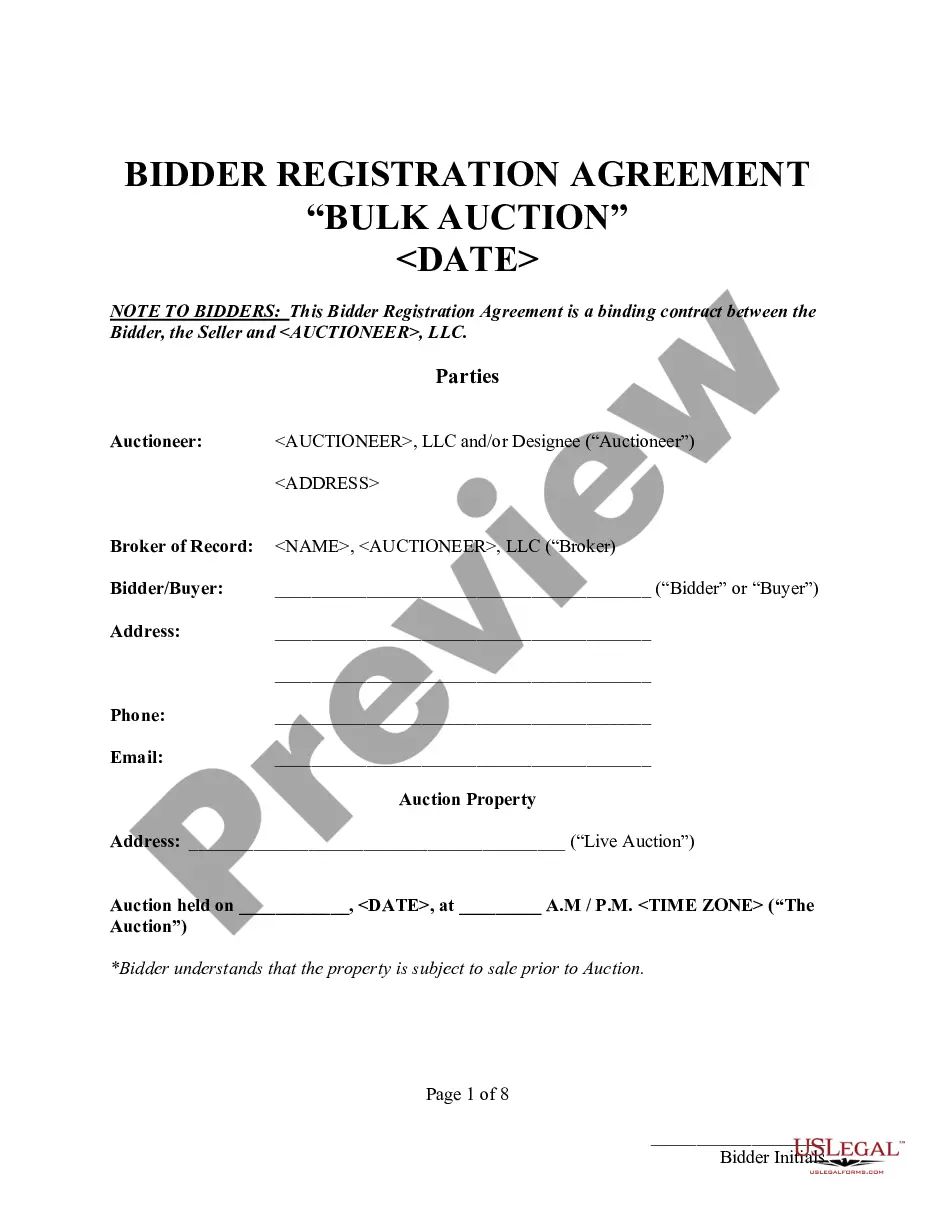
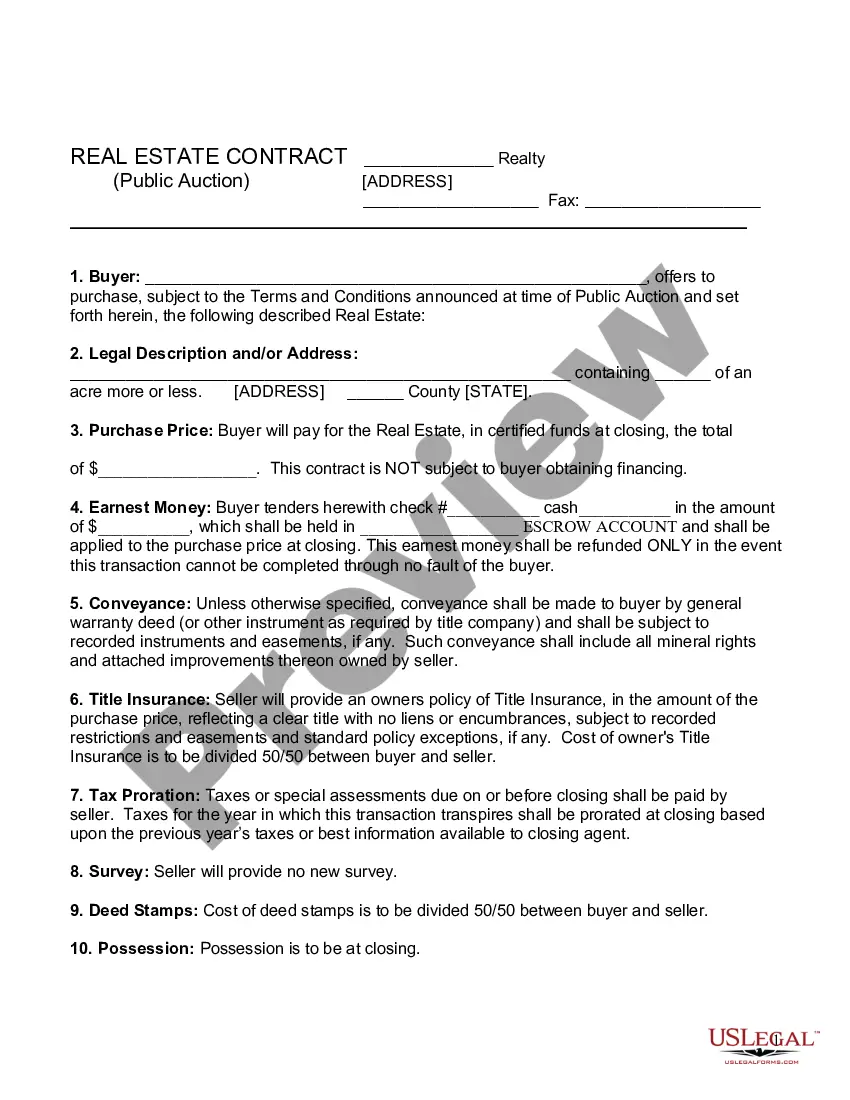
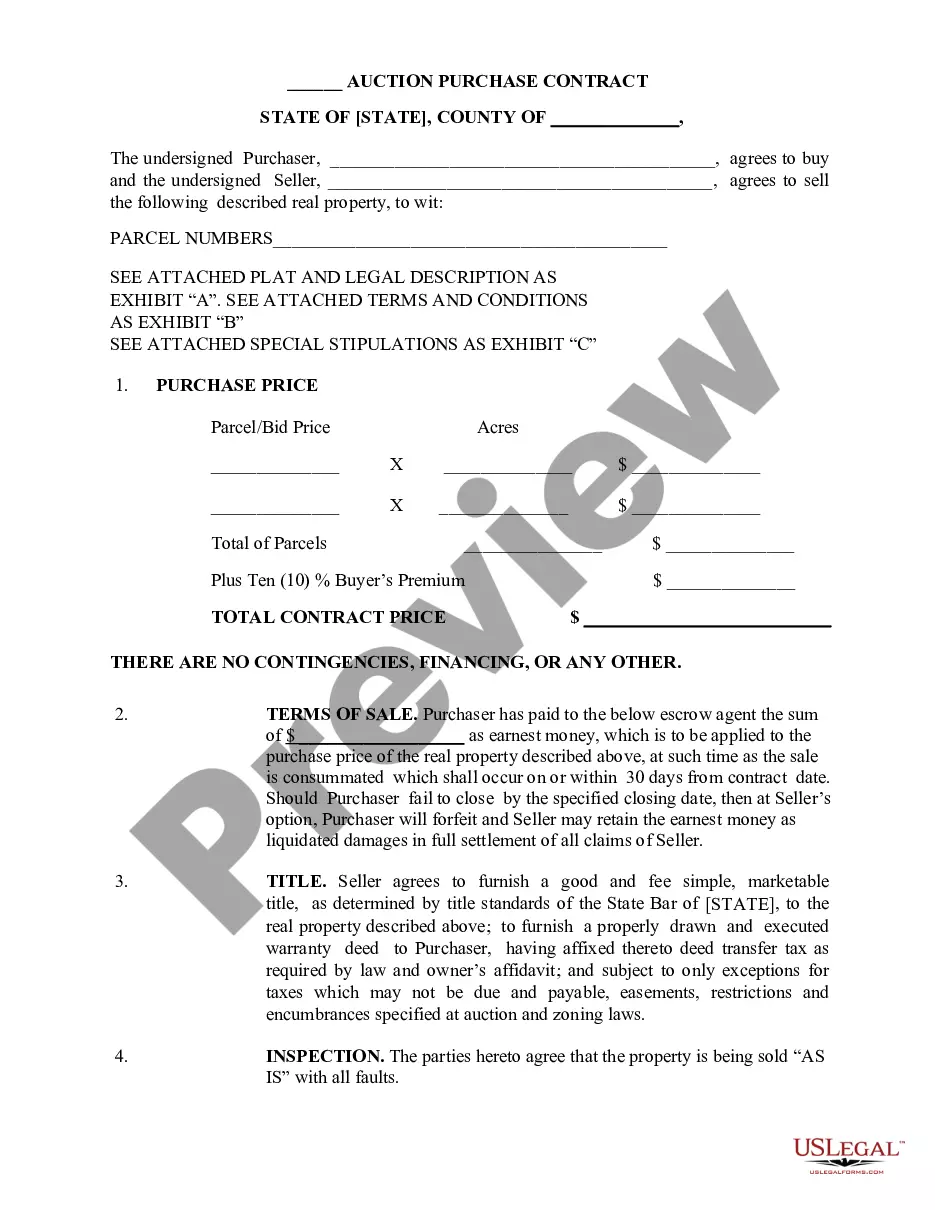
Get your form ready online
Our built-in tools help you complete, sign, share, and store your documents in one place.
Make edits, fill in missing information, and update formatting in US Legal Forms—just like you would in MS Word.
Download a copy, print it, send it by email, or mail it via USPS—whatever works best for your next step.
Sign and collect signatures with our SignNow integration. Send to multiple recipients, set reminders, and more. Go Premium to unlock E-Sign.
If this form requires notarization, complete it online through a secure video call—no need to meet a notary in person or wait for an appointment.
We protect your documents and personal data by following strict security and privacy standards.

Make edits, fill in missing information, and update formatting in US Legal Forms—just like you would in MS Word.

Download a copy, print it, send it by email, or mail it via USPS—whatever works best for your next step.

Sign and collect signatures with our SignNow integration. Send to multiple recipients, set reminders, and more. Go Premium to unlock E-Sign.

If this form requires notarization, complete it online through a secure video call—no need to meet a notary in person or wait for an appointment.

We protect your documents and personal data by following strict security and privacy standards.
Looking for another form?




How to fill out Jump Bid?
If you wish to obtain, download, or print legal document templates, utilize US Legal Forms, the largest repository of legal forms available online.
Take advantage of the website's straightforward and user-friendly search feature to find the documents you need.
Various templates for business and personal purposes are organized by categories and states, or keywords.
Every legal document template you purchase is yours forever. You have access to every template you saved in your account. Visit the My documents section and select a form to print or download again.
Be proactive and download, and print the Massachusetts Jump Bid with US Legal Forms. There are millions of professional and state-specific forms available for your business or personal needs.
- Use US Legal Forms to obtain the Massachusetts Jump Bid in just a few clicks.
- If you are already a US Legal Forms user, sign in to your account and click on the Download button to retrieve the Massachusetts Jump Bid.
- You can also access forms you have previously saved from the My documents section of your account.
- If this is your first time using US Legal Forms, follow the instructions below.
- Step 1. Ensure you have selected the form for the correct city/state.
- Step 2. Use the Review feature to examine the form's contents. Don’t forget to check the overview.
- Step 3. If you are not satisfied with the form, use the Search field at the top of the screen to find alternative templates of the legal form.
- Step 4. Once you have located the form you need, click on the Acquire now button. Choose the payment plan you prefer and enter your information to register for an account.
- Step 5. Complete the transaction. You can use your credit card or PayPal account to finalize the purchase.
- Step 6. Choose the format of the legal form and download it to your device.
- Step 7. Complete, modify, and print or sign the Massachusetts Jump Bid.
Form popularity
FAQ
Second price auctions were designed to enable advertisers to bid up to their entire budget. This way, advertisers would never pay more per impression than what it was worth, unlike with the 1st price auction. As a result, second price auction renders optimisation of ad revenue difficult for publishers.
Control the paceSimply waiting between bids. Take some time before you bid again, especially if you're bidding against only one other person.Move the bid up in uneven increments. If the bid is rising at $10,000, offer a bid at only $5,000 more.
To post a bid or notice on COMMBUYS you must first be registered as a buyer. If you are not registered contact the COMMBUYS Help Desk at 1-888-627-8283 or osdhelpdesk@mass.gov. Executive Agencies MUST accept electronic bids only using COMMBUYS.
He established four major (one-sided) auction types: (1) the ascending-bid (open, oral, or English) auction; (2) the descending-bid (Dutch) auction; (3) the first-price, sealed-bid auction; and (4) the second-price, sealed-bid (Vickrey) auction.
This template document may be used to create Request for Response (RFR) documents for complex small (<$250,000 in estimated annual value) and large (>$250,000 in estimated annual value) procurements. It identifies the minimum contents required for an RFR as well as a wide range of suggested additional content.
1. From the Seller Homepage click on the Bids tab. 2. Select a bid of interest from the Bids/Bid Amendments (Unacknowledged), Open Bids, or Open/Rolling Enrollment Bids section.
Jump bidding is a commonly observed phenomenon that involves bidders in ascending auctions submitting bids higher than required by the auctioneer. Such behavior is typically explained as due to irrationality or to bidders signaling their value.
1. From the Seller Homepage click on the Bids tab. 2. Select a bid of interest from the Bids/Bid Amendments (Unacknowledged), Open Bids, or Open/Rolling Enrollment Bids section.
Auction TypesIncreasing-price auction (English auction). In this type of auction, a good or commodity is offered at increasing prices.Sealed-bid auctions. In this type of auction, each party sends a sealed bid to an auctioneer who opens all bids.Decreasing-price auction (Dutch auction).
RFR stands for Request for Response and refers to those postings for a solicitation that are restricted to a one-off procurement (one where there is no statewide contract available that fulfills the purchasing entity's needs).