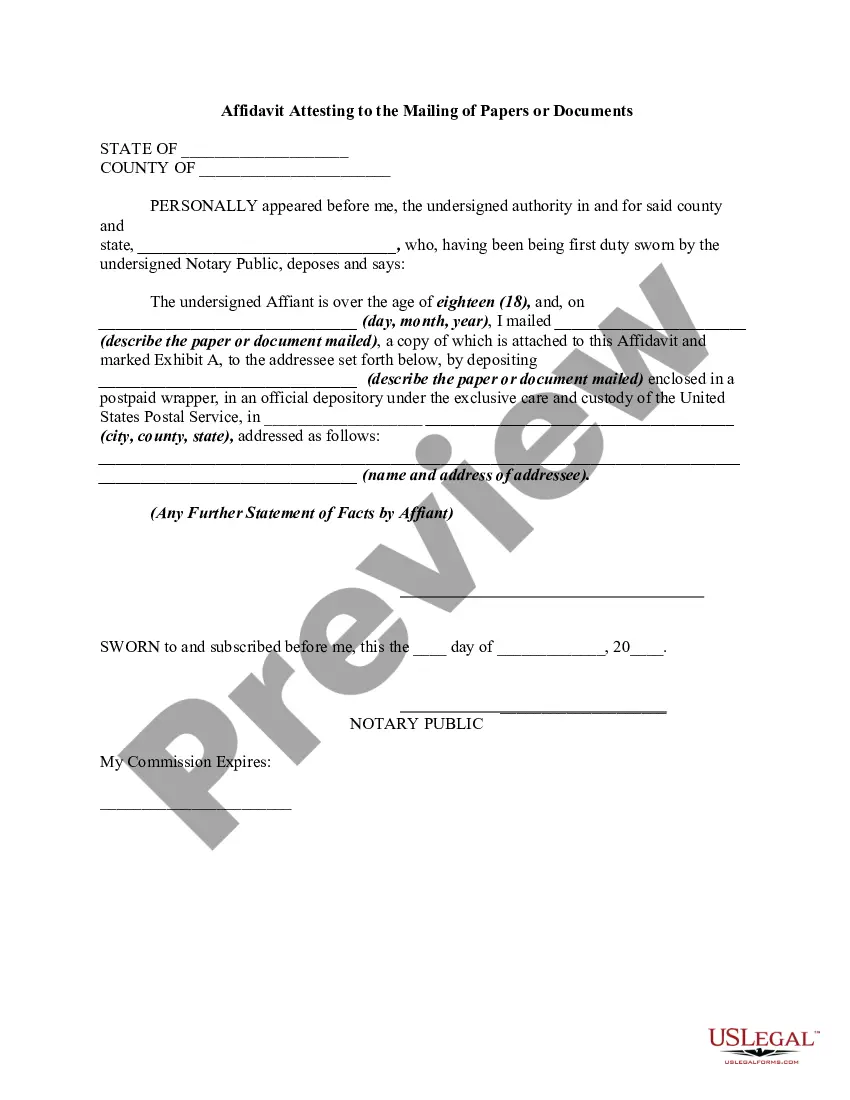
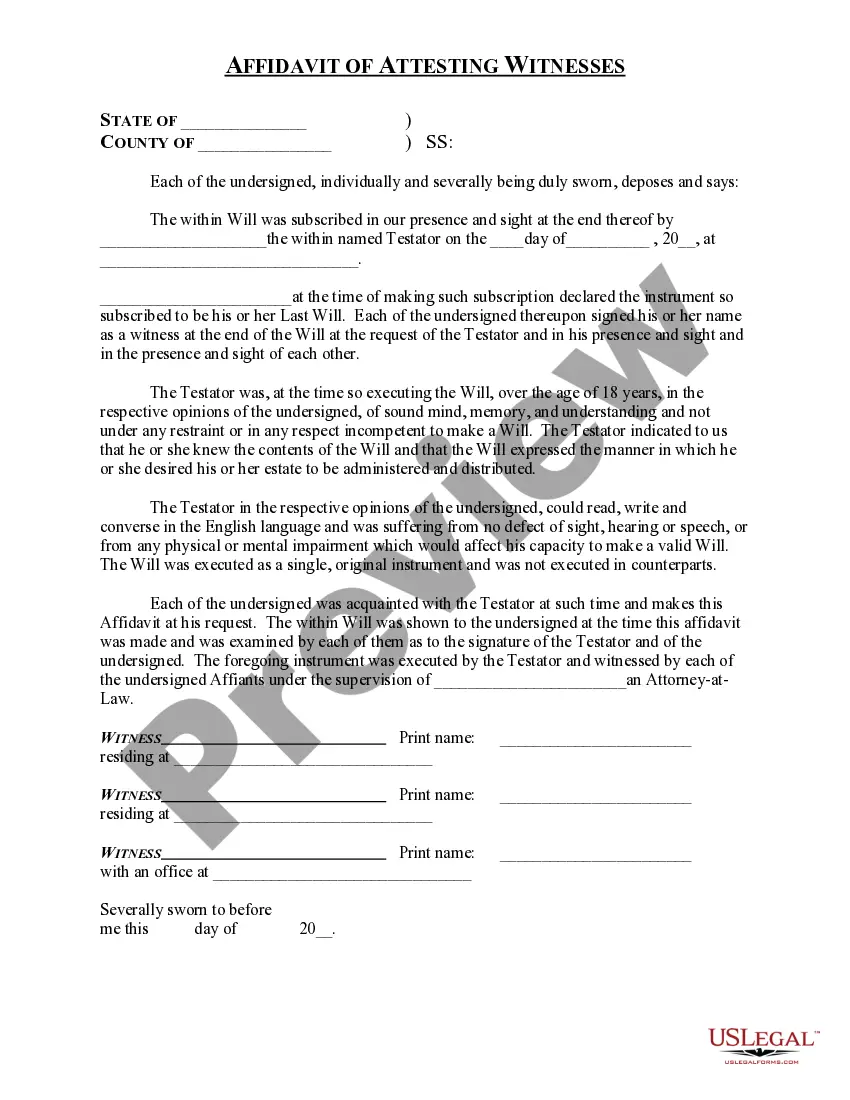
The following form is an affidavit which attests to the proper mailing of papers or documents to a specific person at a specific address.
Massachusetts Affidavit Attesting to the Mailing of Papers or Documents
State:
Multi-State
Control #:
US-00493BG
Format:
Word;
Rich Text
Instant download
Description

How to fill out Affidavit Attesting To The Mailing Of Papers Or Documents?
Are you in a location where you need documents for either business or personal purposes almost every day.
There are numerous legal document templates available online, but locating ones you can trust is not easy.
US Legal Forms offers thousands of form templates, such as the Massachusetts Affidavit Attesting to the Mailing of Papers or Documents, which can be tailored to meet federal and state requirements.
Once you find the right form, click Purchase now.
Select the pricing plan you want, fill in the required information to create your account, and pay for the order using your PayPal or credit card.
- If you are already acquainted with the US Legal Forms website and have an account, simply Log In.
- Then, you can download the Massachusetts Affidavit Attesting to the Mailing of Papers or Documents template.
- If you do not have an account and wish to start using US Legal Forms, follow these steps.
- Find the form you need and ensure it is for the correct city/state.
- Use the Review button to examine the form.
- Read the description to confirm that you have selected the correct form.
- If the form is not what you’re looking for, utilize the Search field to discover the form that meets your needs and requirements.
Form popularity
FAQ
The following are six critical sections that must be included: Title. This is either your name (?Affidavit of Jane Doe?) or the specific case information. Statement of identity. The next paragraph tells the court about yourself. ... Statement of truth. ... Statement of facts. ... Closing statement of truth. ... Sign and notarize.
Answer: Yes, in addition to being correctly signed and witnessed, an affidavit must be notarized in order to be legally binding.
The following are six critical sections that must be included: Title. This is either your name (?Affidavit of Jane Doe?) or the specific case information. Statement of identity. The next paragraph tells the court about yourself. ... Statement of truth. ... Statement of facts. ... Closing statement of truth. ... Sign and notarize.
A sworn declaration (also called a sworn statement or a statement under penalty of perjury) is a document that recites facts pertinent to a legal proceeding. It is very similar to an affidavit but is not witnessed and sealed by an official such as a notary public.
Before me, a Notary Public in and for said County and State, hereby certify that ______________________________, personally known to me to be the affiant in the foregoing affidavit, personally appeared before me this day and having been by me duly sworn deposes and says that the facts set forth in the above affidavit ...
The law attaches harsh penalties to lying under oath, so you must always be sure the facts stated in your signed affidavit are true so far as you know. When including facts in your affidavit, you should write in the first person, expressing your personal knowledge, and be as complete?yet concise?as possible.
Include all relevant facts ? be written in the first person using an active voice ? use the correct naming conventions ? use the child or family's own words ? use descriptions of what you saw and heard rather than conclusions ? provide context to situations which could be misinterpreted ? date all records and include ...
In the sentence, the person writing the statement must state that he or she is stating that the information is accurate. (Example: I, Jane Doe, solemnly swear that the contents of this document are true and correct, and that I agree to abide by the terms in this affidavit.)