Massachusetts Correction Statement and Agreement
About this form
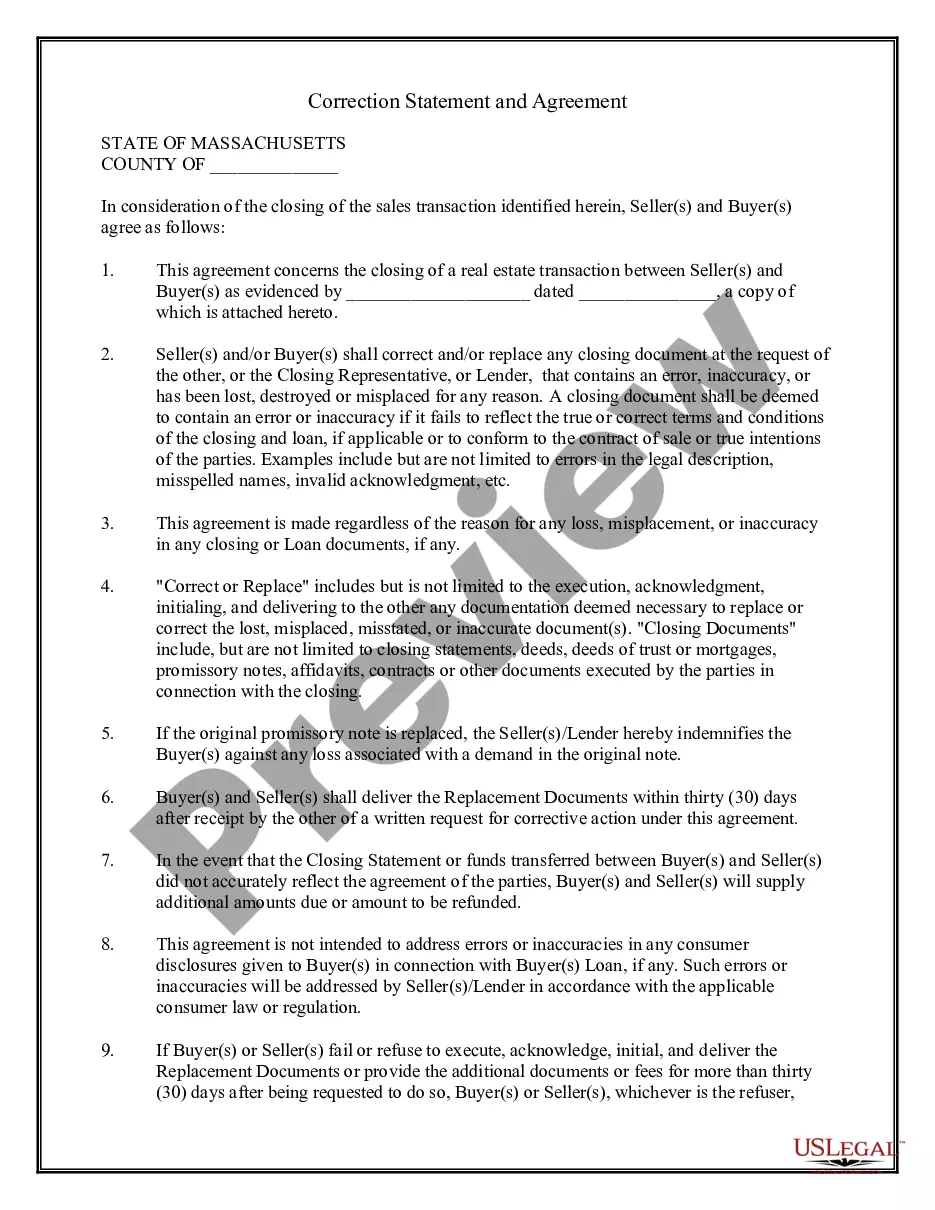
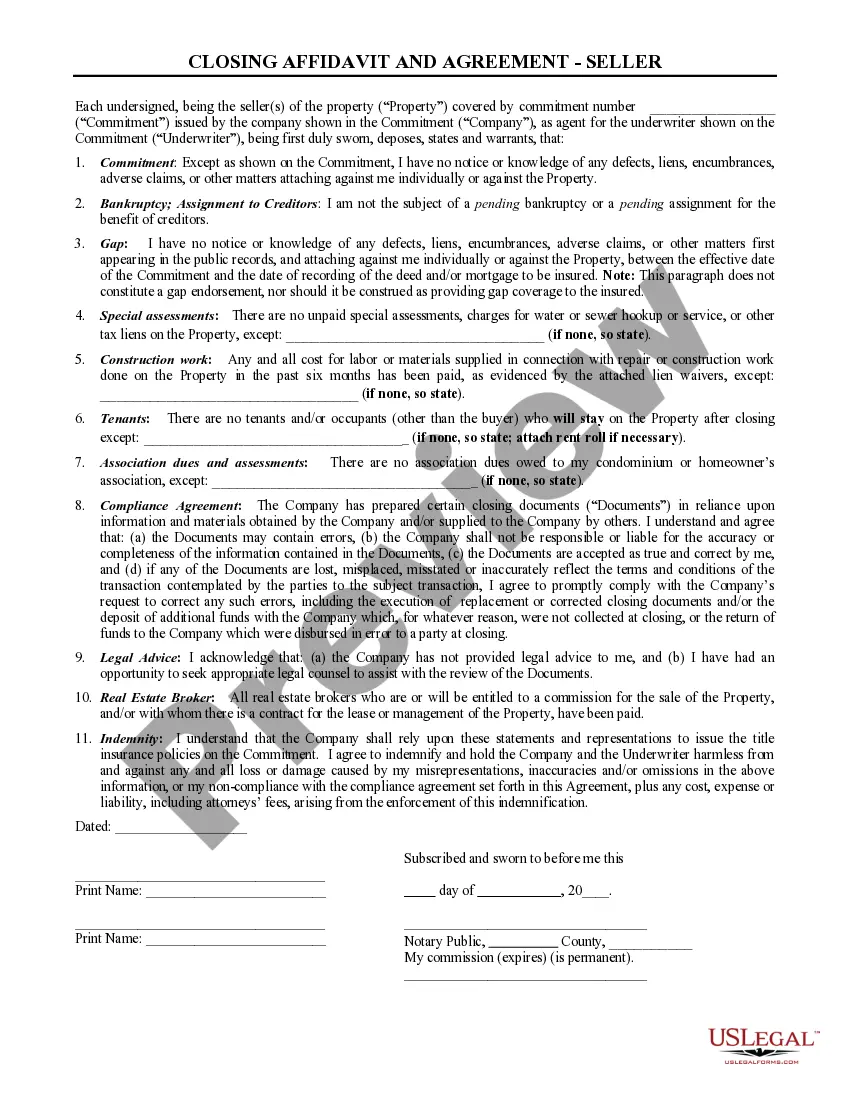
The Correction Statement and Agreement is a legal form used in real estate transactions. This form facilitates a mutual agreement between the buyer and seller to correct any errors in closing documents or to replace lost documents. Unlike similar forms, this document specifically outlines the responsibilities of both parties regarding errors or inaccuracies that may arise during the closing process.
Form components explained
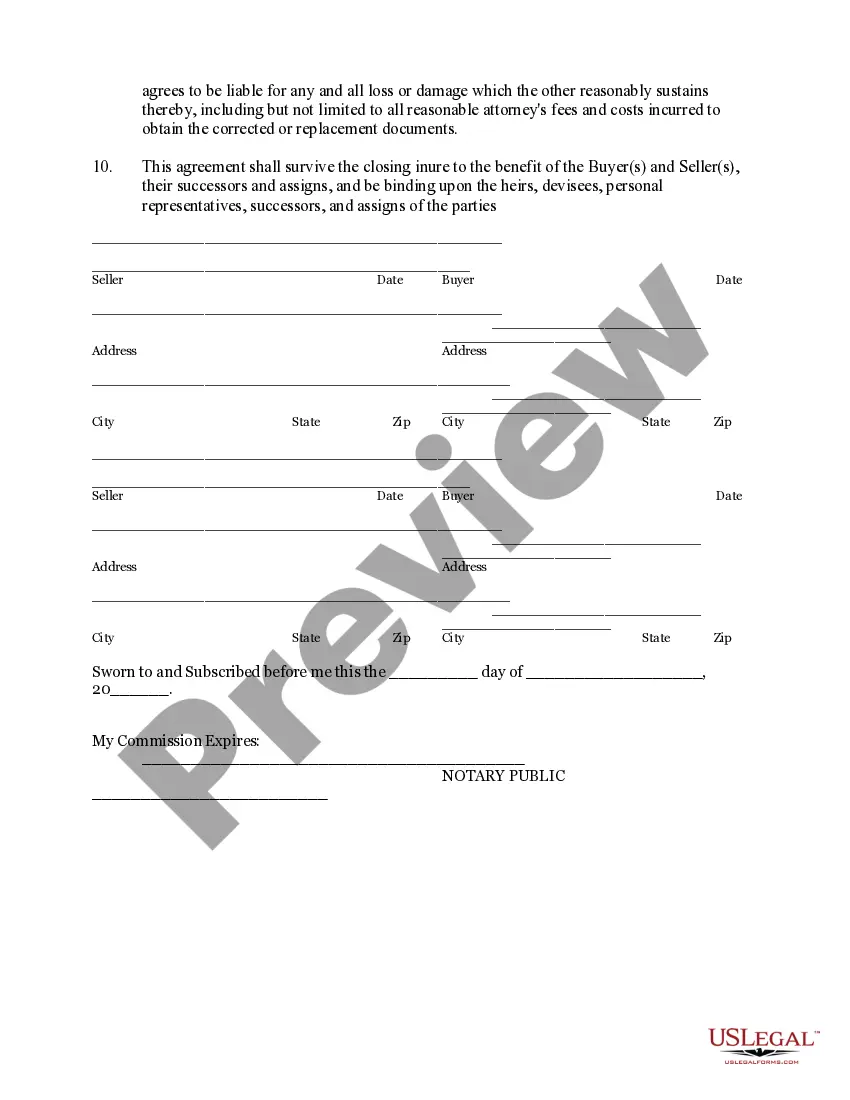
- Parties involved: Identifies the seller and buyer in the transaction.
- Closing documents: Lists the documents that may require correction or replacement.
- Error definitions: Clarifies what constitutes an error or inaccuracy in the documentation.
- Indemnity clause: Protects the buyer against losses associated with replaced documents.
- Time frame: Specifies the 30-day period for delivering replacement documents upon request.

When to use this document
This form is necessary when there are discrepancies in the closing paperwork during a real estate transaction. You should use this form if you or the other party discovers errors such as misspelled names, incorrect property descriptions, or if any vital documents are lost or misplaced. It ensures that all parties are in agreement and can proceed without legal complications.
Intended users of this form
This form is intended for the following parties:
- Real estate buyers who need to ensure the integrity of their purchase documents.
- Real estate sellers who wish to clarify responsibilities in case of document errors.
- Closing representatives and lenders involved in the transaction.
Steps to complete this form
- Identify the parties: Clearly state the names and addresses of the seller(s) and buyer(s).
- Specify the transaction: Detail the relevant sales transaction and attach any pertinent documents.
- Define errors: Describe any known errors in the closing documents that may need correction.
- Sign and date the document: Ensure both parties sign and date the agreement to confirm their commitment.
- Provide notarization: If required, have the document notarized to ensure legal validity.
Notarization guidance
Notarization is required for this form to take effect. Our online notarization service, powered by Notarize, lets you verify and sign documents remotely through an encrypted video session, available 24/7.
Get your form ready online
Our built-in tools help you complete, sign, share, and store your documents in one place.
Make edits, fill in missing information, and update formatting in US Legal Forms—just like you would in MS Word.
Download a copy, print it, send it by email, or mail it via USPS—whatever works best for your next step.
Sign and collect signatures with our SignNow integration. Send to multiple recipients, set reminders, and more. Go Premium to unlock E-Sign.
If this form requires notarization, complete it online through a secure video call—no need to meet a notary in person or wait for an appointment.
We protect your documents and personal data by following strict security and privacy standards.

Make edits, fill in missing information, and update formatting in US Legal Forms—just like you would in MS Word.

Download a copy, print it, send it by email, or mail it via USPS—whatever works best for your next step.

Sign and collect signatures with our SignNow integration. Send to multiple recipients, set reminders, and more. Go Premium to unlock E-Sign.

If this form requires notarization, complete it online through a secure video call—no need to meet a notary in person or wait for an appointment.

We protect your documents and personal data by following strict security and privacy standards.
Common mistakes to avoid
- Failing to specify all errors or inaccuracies in the initial completion.
- Not including proper descriptions of the closing documents.
- Missing signatures or dates, which could invalidate the agreement.
- Ignoring the 30-day timeframe for delivering replacement documents.
Benefits of completing this form online
- Convenience: Easily download and fill out the form from anywhere.
- Editability: Customize the document as needed for your specific transaction.
- Reliability: Use a form drafted by licensed attorneys for legal accuracy.