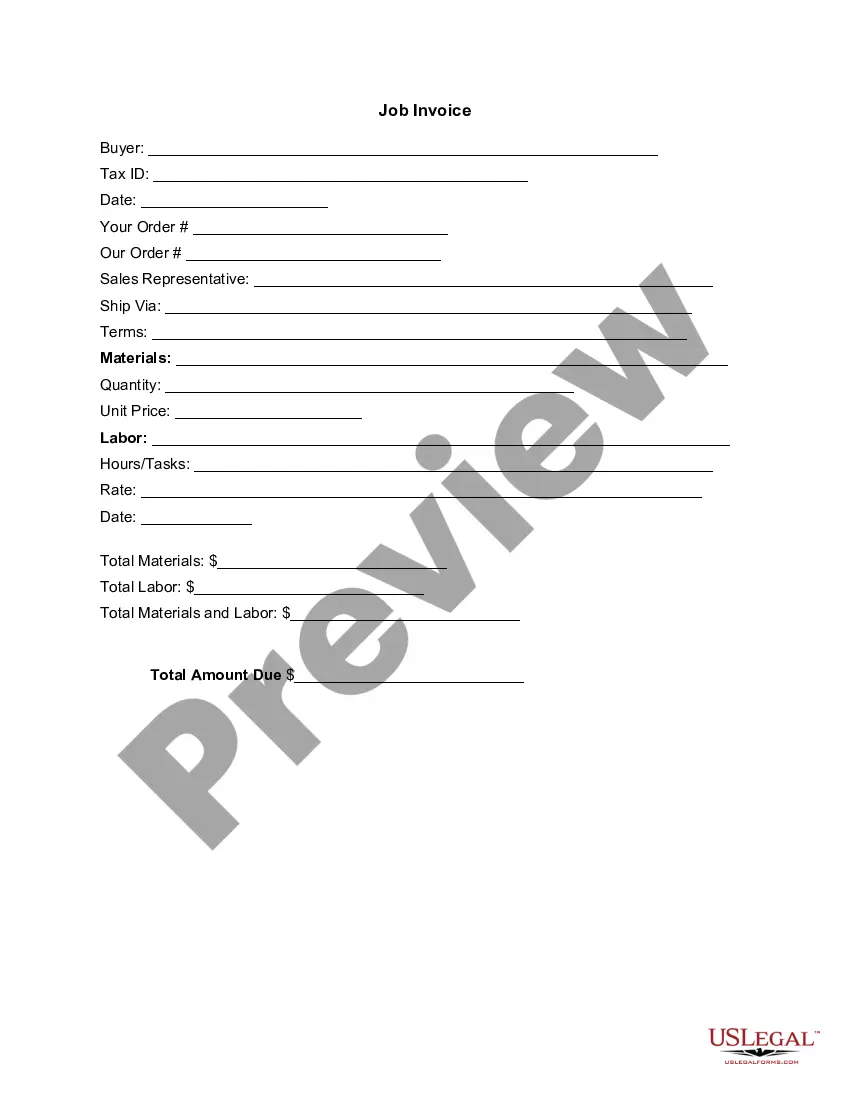
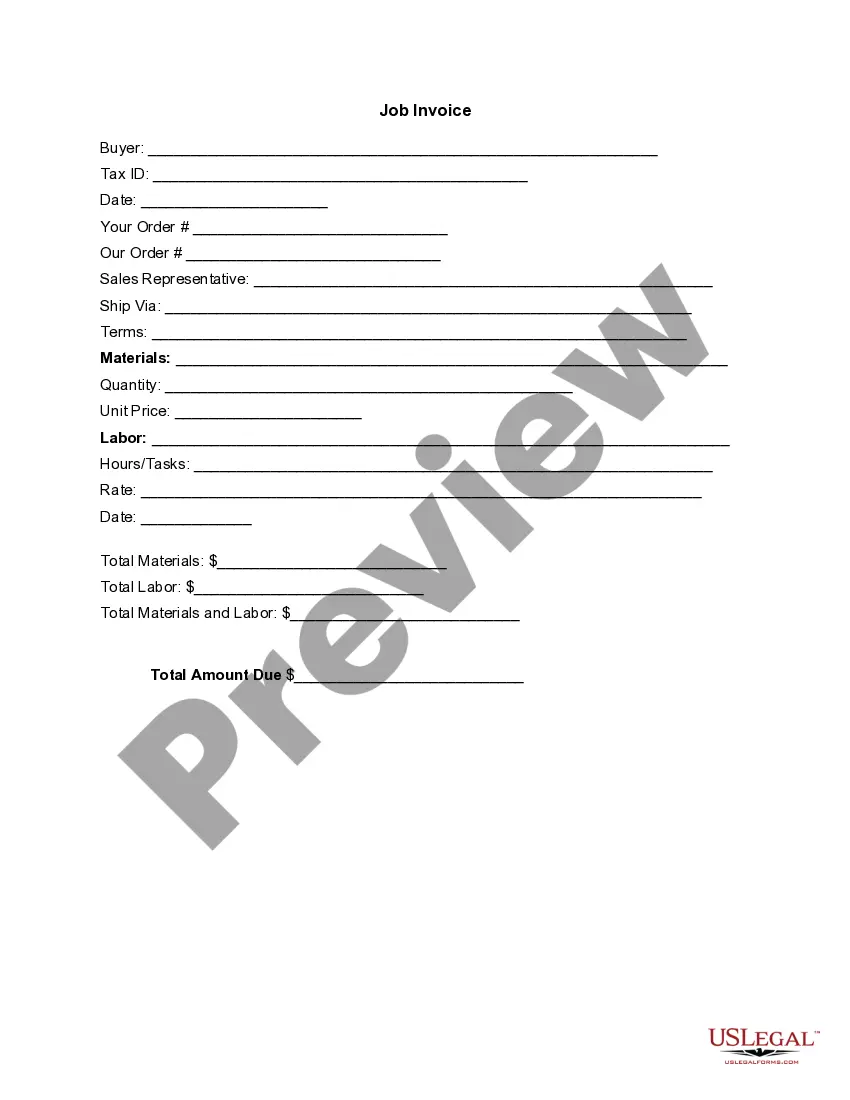
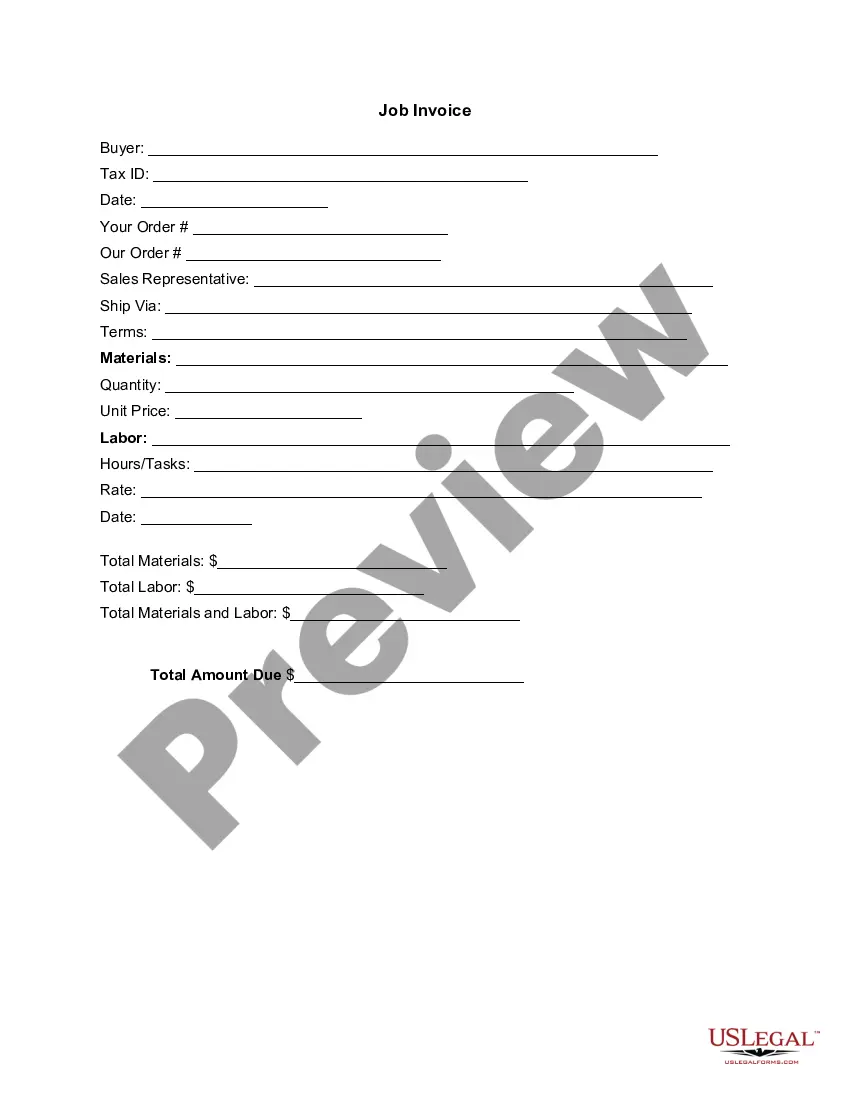
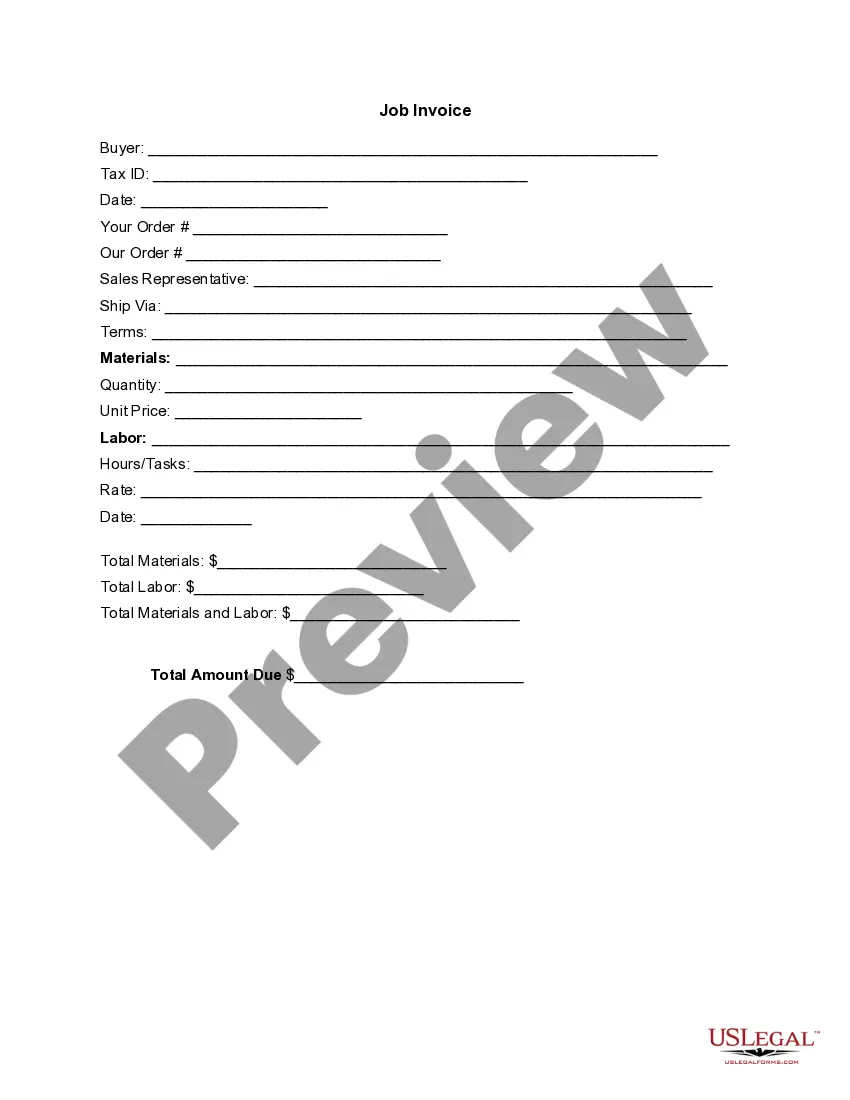
Kentucky Invoice Template for Teacher
Description

Get your form ready online
Our built-in tools help you complete, sign, share, and store your documents in one place.
Make edits, fill in missing information, and update formatting in US Legal Forms—just like you would in MS Word.
Download a copy, print it, send it by email, or mail it via USPS—whatever works best for your next step.
Sign and collect signatures with our SignNow integration. Send to multiple recipients, set reminders, and more. Go Premium to unlock E-Sign.
If this form requires notarization, complete it online through a secure video call—no need to meet a notary in person or wait for an appointment.
We protect your documents and personal data by following strict security and privacy standards.

Make edits, fill in missing information, and update formatting in US Legal Forms—just like you would in MS Word.

Download a copy, print it, send it by email, or mail it via USPS—whatever works best for your next step.

Sign and collect signatures with our SignNow integration. Send to multiple recipients, set reminders, and more. Go Premium to unlock E-Sign.

If this form requires notarization, complete it online through a secure video call—no need to meet a notary in person or wait for an appointment.

We protect your documents and personal data by following strict security and privacy standards.
Looking for another form?



How to fill out Invoice Template For Teacher?
If you require to accumulate, retrieve, or produce authorized document templates, utilize US Legal Forms, the largest repository of legal forms available online.
Employ the site’s straightforward and user-friendly search feature to locate the documents you need.
Various templates for business and personal purposes are organized by categories and jurisdictions or keywords.
Step 3. If you are unsatisfied with the form, use the Search field at the top of the screen to find alternative versions of the legal form template.
Step 4. Once you have located the form you require, select the Buy now button. Choose the pricing plan you prefer and enter your credentials to register for an account.
- Utilize US Legal Forms to find the Kentucky Invoice Template for Educators in just a few clicks.
- If you are already a US Legal Forms user, Log In to your account and click the Download button to acquire the Kentucky Invoice Template for Educators.
- You can also access forms you previously downloaded in the My documents section of your account.
- If this is your first time using US Legal Forms, follow the instructions below.
- Step 1. Ensure you have selected the form for your specific city/state.
- Step 2. Use the Preview option to review the form’s details. Don’t forget to read through the summary.
Form popularity
FAQ
To create a professional invoice, ensure you include clear headings with your business name, address, and contact details, along with your client's information. It is important to itemize services or products, specifying prices and totals. Using a Kentucky Invoice Template for Teacher not only enhances your professional appearance but also assures you include all vital information correctly.
Creating a commission invoice in Excel involves setting up your spreadsheet with headers for all necessary details like date, client information, and the services provided. After detailing the commission and calculating the totals, format the document for clarity. To save time, you may want to start with a Kentucky Invoice Template for Teacher that can be easily modified in Excel.
Yes, Word offers various templates for invoices, including options for commission invoices. You can find these templates by searching within the application or online. For a polished look and specific design tailored for educators, consider adopting a Kentucky Invoice Template for Teacher, which integrates seamlessly with Word.
To create an invoice for commission, begin by detailing your business information alongside your client's details. Include a description of the services rendered, the commission percentage, and the total amount due. A Kentucky Invoice Template for Teacher can simplify this process, giving you a structured format to follow while ensuring compliance and professionalism.
A commission invoice is a document used to bill clients for services rendered, typically involving a percentage of sales or profits. This type of invoice specifies the service provided, the agreed commission rate, and the total amount owed. Utilizing a Kentucky Invoice Template for Teacher can help ensure all essential information is included and presented professionally.
To create a commission invoice, start by gathering the necessary details such as your name, address, and the client's information. Next, clearly outline the services provided, including the commission rate and total amount due. To make this easier, consider using a Kentucky Invoice Template for Teacher, which can streamline the process and ensure accuracy.
Editing an invoice in PDF requires a PDF editor. Start by opening the invoice file that you created using the Kentucky Invoice Template for Teacher. Make your desired changes, whether it's updating the amount or additional services. Once edited, save the file to ensure that your updates are retained and ready for the client.
To create an invoice in PDF format, begin with the Kentucky Invoice Template for Teacher. Fill in all necessary details using a PDF editor, ensuring that you include your business info, client details, a list of services, and total costs. After you have completed the invoice, save it as a PDF to maintain formatting. You can then easily share this format with your clients.
Choosing between Word and Excel for creating an invoice can depend on your needs. If you prefer a text-based format with design flexibility, Word might be suitable for you. However, if you require easy calculations and itemized lists, Excel could serve you better. The Kentucky Invoice Template for Teacher can be available in both formats, allowing you to choose according to your preference.
Filling in an invoice requires you to start with the Kentucky Invoice Template for Teacher. Begin by entering your business name and client’s details at the top. Then, provide a clear list of the services rendered, including quantities and individual prices. Finally, calculate the total amount and include any applicable taxes or fees before finalizing the invoice.