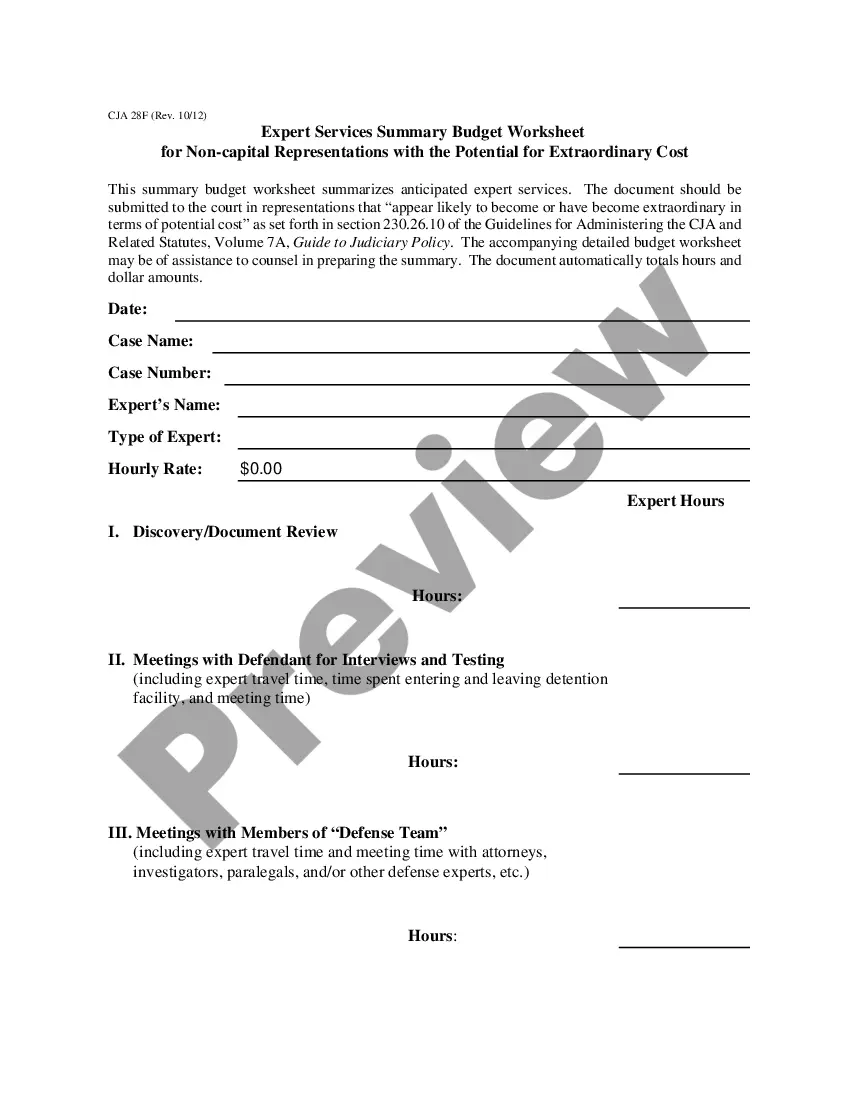
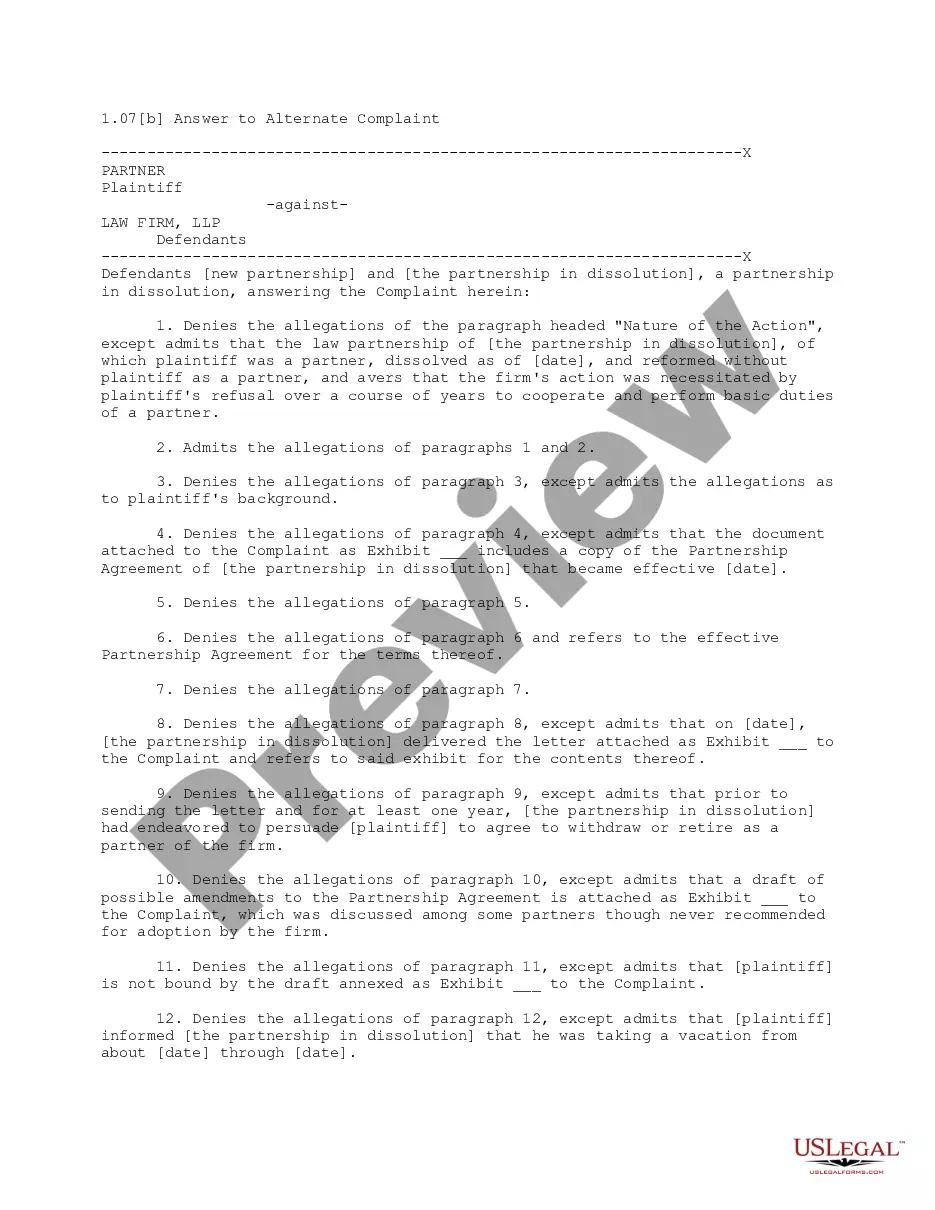
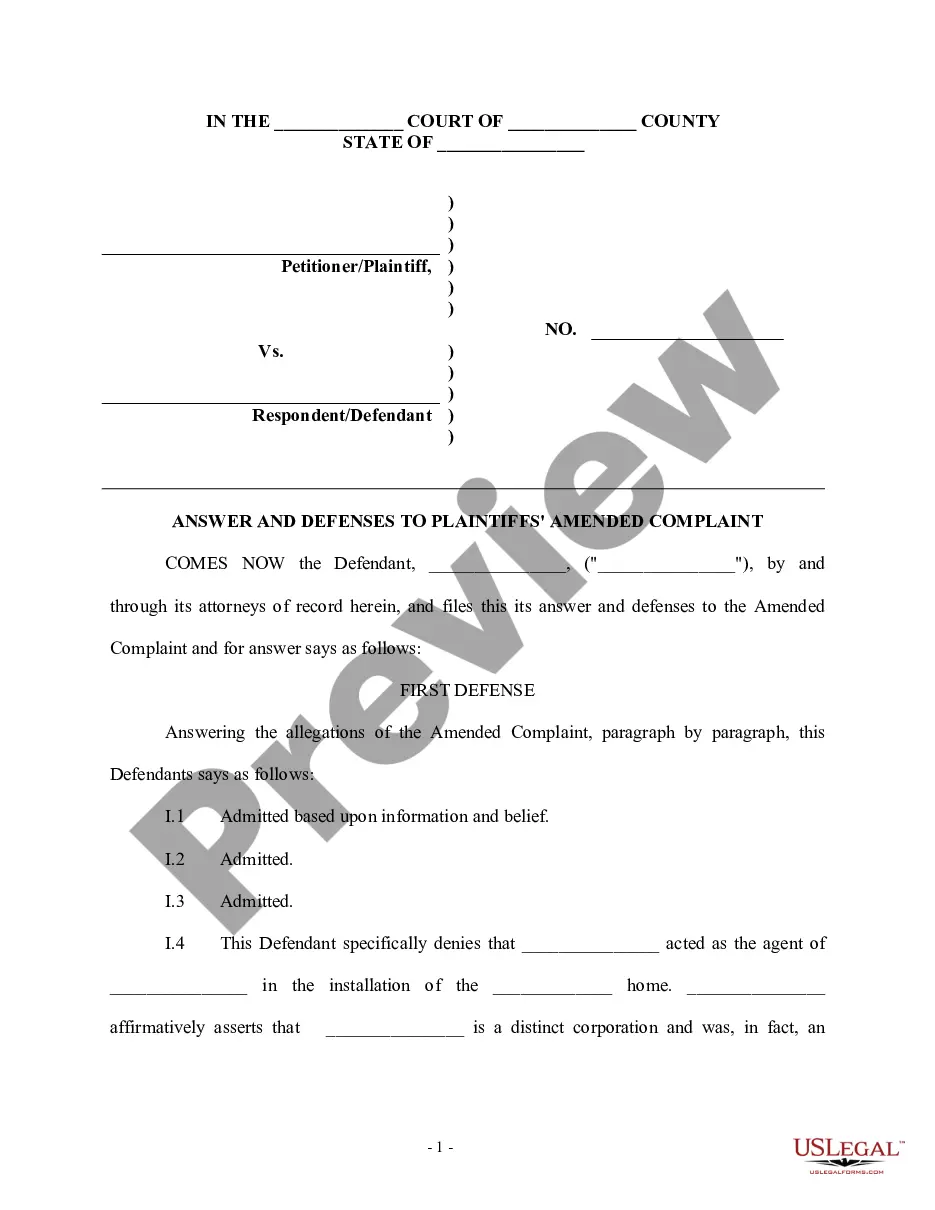
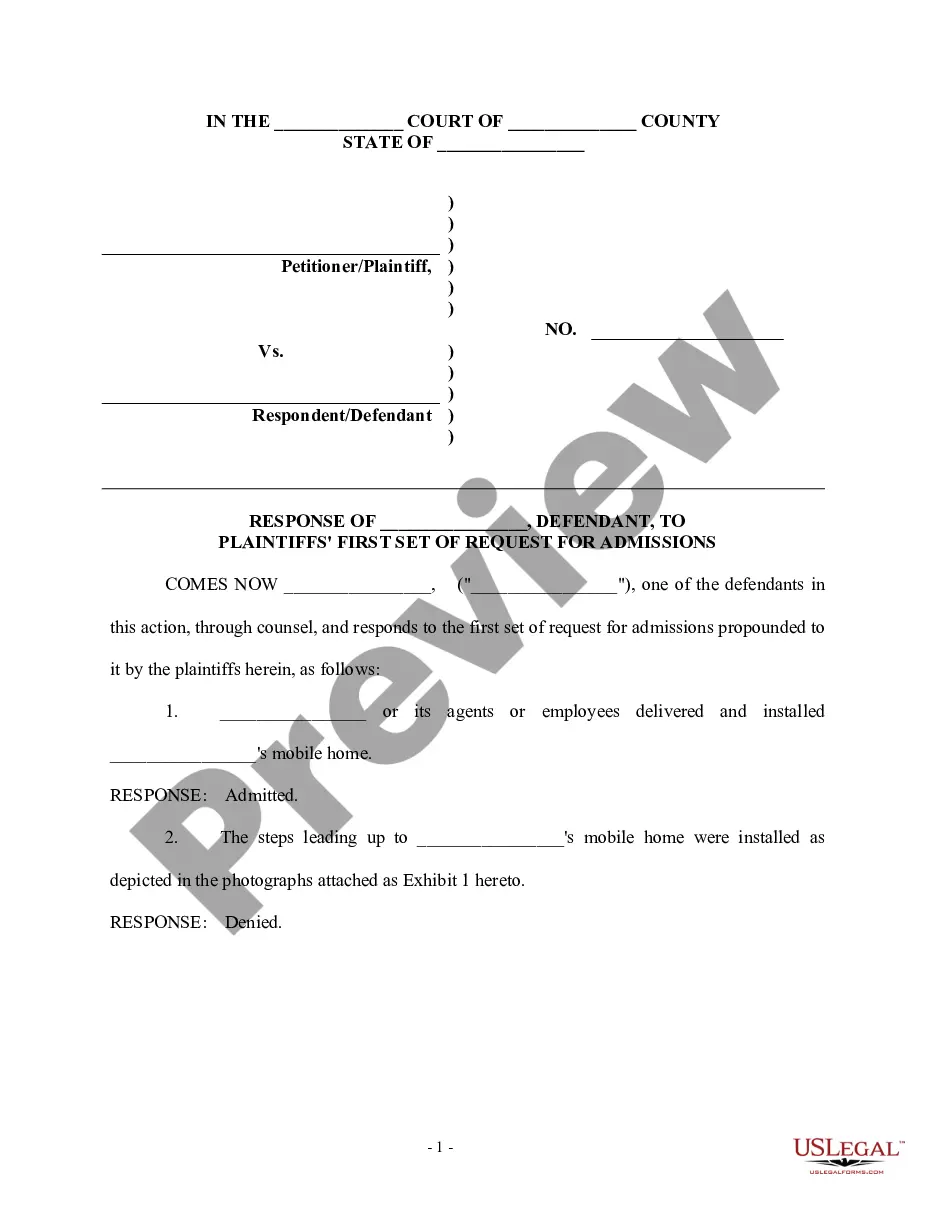
This form is used when the defendant admits facts that are true and deny allegations that are not true. This answer must be filed within 20 days in federal court and 30 days in some state courts. This form is a generic example of an answer that may be referred to when preparing such a pleading for your particular state.
Kentucky Answer with Specific Denials and Admissions Along with Denial of Sufficient Knowledge or Information to Form a Belief as to Certain Allegations
Category:
State:
Multi-State
Control #:
US-00962BG
Format:
Word;
Rich Text
Instant download
Description
Free preview
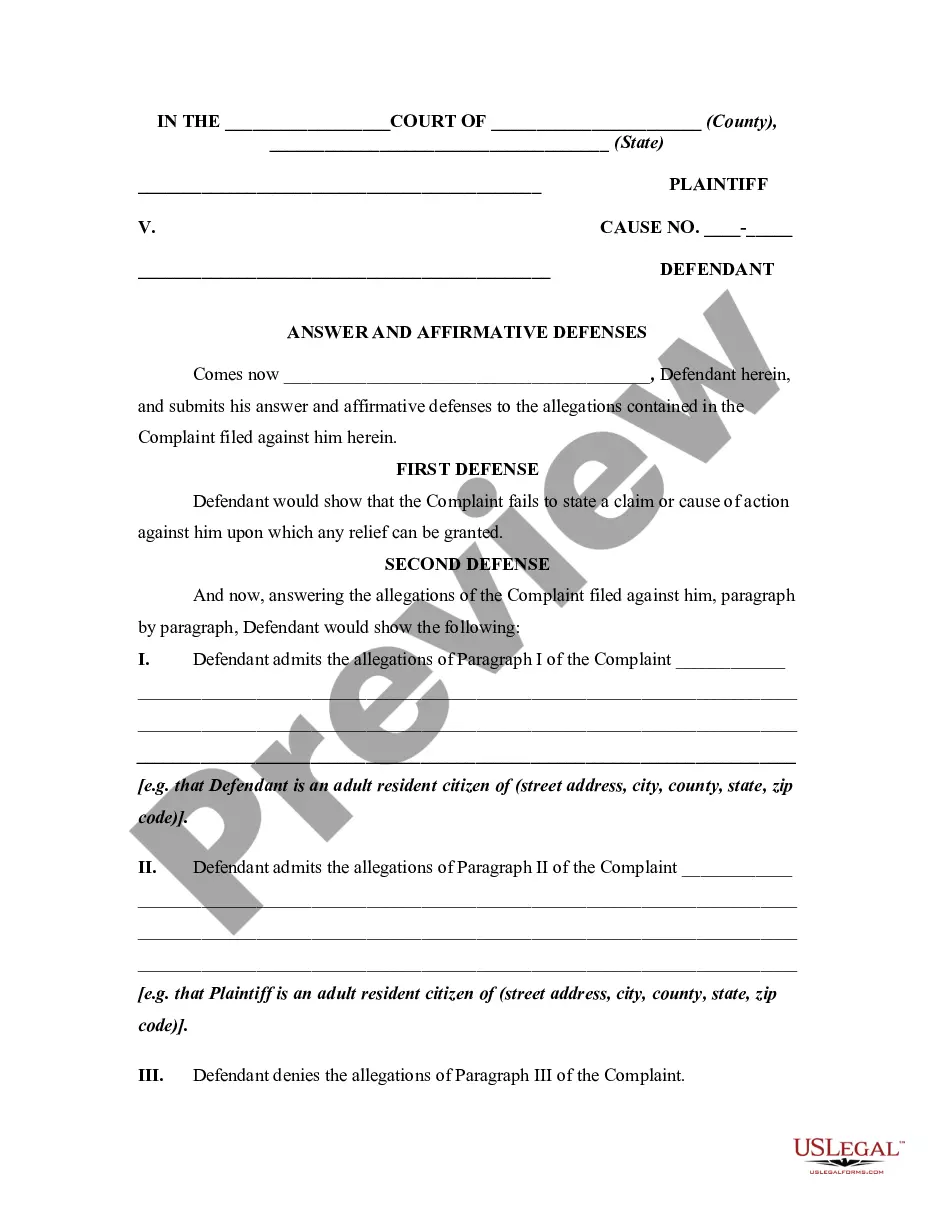
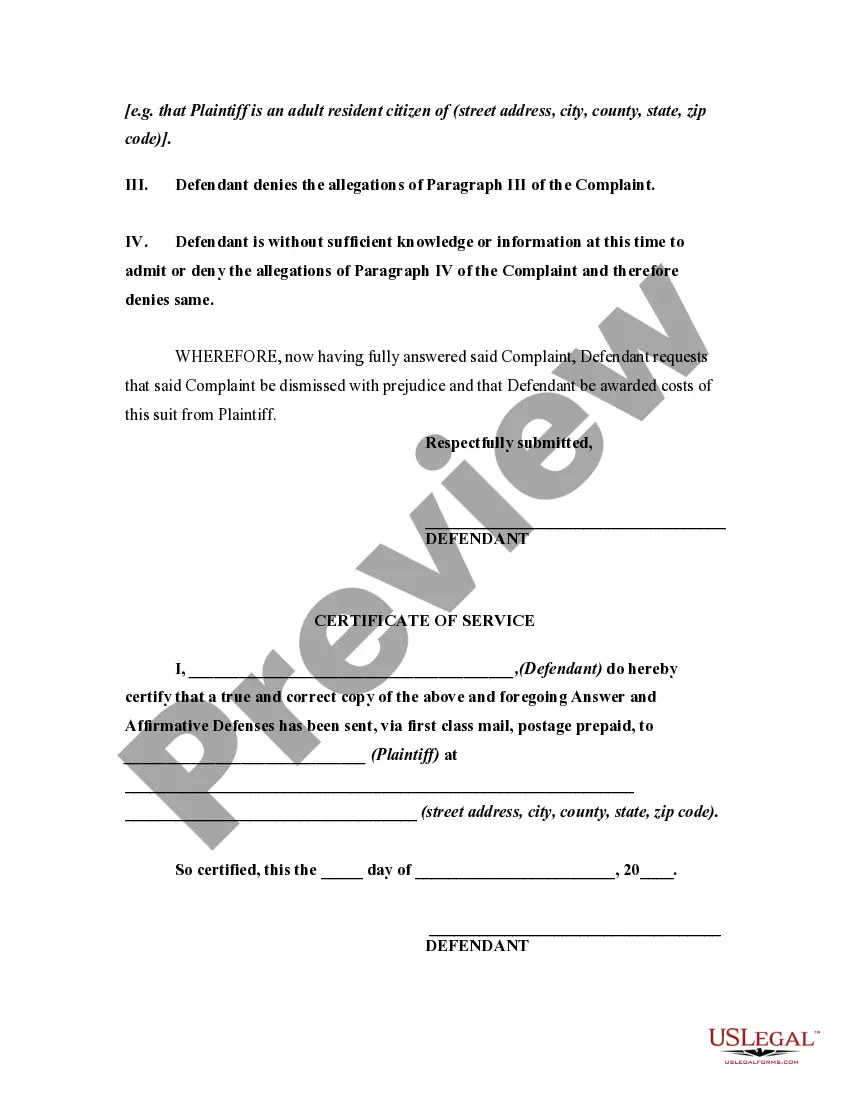


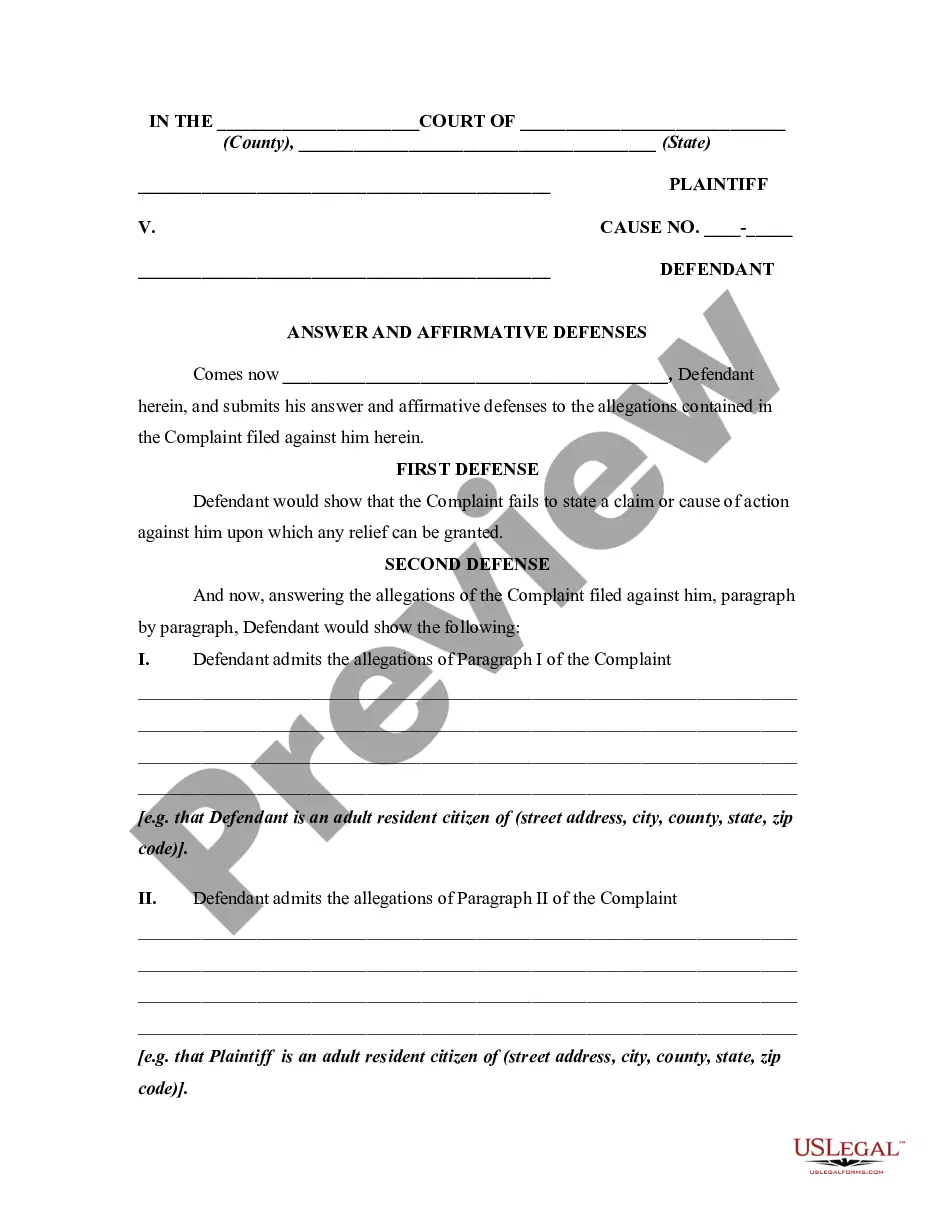






How to fill out Answer With Specific Denials And Admissions Along With Denial Of Sufficient Knowledge Or Information To Form A Belief As To Certain Allegations?
US Legal Forms - one of the most prominent collections of legal documents in the United States - offers a vast selection of legal template documents that you can download or print.
By utilizing the website, you can discover numerous forms for business and personal purposes, organized by categories, states, or keywords. You can obtain the latest versions of forms such as the Kentucky Answer with Specific Denials and Admissions Along with Denial of Sufficient Knowledge or Information to Form a Belief as to Certain Allegations in seconds.
If you already possess a membership, Log In and download the Kentucky Answer with Specific Denials and Admissions Along with Denial of Sufficient Knowledge or Information to Form a Belief as to Certain Allegations from the US Legal Forms library. The Download option will appear on every form you view. You have access to all previously downloaded forms in the My documents section of your account.
Process the payment. Use your credit card or PayPal account to complete the transaction.
Select the format and download the form to your device. Make modifications. Complete, edit, print, and sign the downloaded Kentucky Answer with Specific Denials and Admissions Along with Denial of Sufficient Knowledge or Information to Form a Belief as to Certain Allegations. Each document you add to your account does not have an expiration date and belongs to you indefinitely. Therefore, if you wish to download or print another copy, simply visit the My documents section and click on the form you desire. Access the Kentucky Answer with Specific Denials and Admissions Along with Denial of Sufficient Knowledge or Information to Form a Belief as to Certain Allegations with US Legal Forms, the most extensive collection of legal document templates. Utilize a multitude of professional and state-specific templates that meet your business or personal needs and requirements.
- If you are using US Legal Forms for the first time, here are simple steps to get started:
- Ensure you have selected the appropriate form for your city/state. Click the Preview button to review the form's content.
- Read the form description to ensure you have chosen the correct form.
- If the form does not meet your requirements, utilize the Search field at the top of the screen to find one that does.
- If you are satisfied with the form, confirm your choice by clicking the Purchase now button.
- Then, choose the pricing plan you prefer and provide your details to register for an account.
Form popularity
FAQ
(1) At any time more than 10 days before the trial begins, a party defending against a claim may serve upon the adverse party an offer to allow judgment to be taken against him for the money or property, or to the effect specified in his offer, with costs then accrued.
Every pleading, motion and other paper of a party represented by an attorney shall be signed by at least one attorney of record in his individual name, whose address shall be stated. A party who is not represented by an attorney shall sign his pleading, motion, or other paper and state his address.
The rule provides that a request for inspection shall set forth the items to be inspected either by item or category, describing each with reasonable particularity, and shall specify a reasonable time, place, and manner of making the inspection. Subdivision (c). Rule 34 as revised continues to apply only to parties.
(1) At any time more than 10 days before the trial begins, a party defending against a claim may serve upon the adverse party an offer to allow judgment to be taken against him for the money or property, or to the effect specified in his offer, with costs then accrued.
If the plaintiff either (1) declines the offer; or (2) fails to respond to the offer by the deadline, then the offer is considered withdrawn. A withdrawn offer does not preclude the defendant from making a subsequent offer.
As the name suggests, a Rule 68 Offer of Judgment is, in fact, an offer permitting a plaintiff to accept and enter a judgment against a defendant on specified terms, subject to the court's approval of the settlement via Rule 68.
A motion to alter or amend a judgment, or to vacate a judgment and enter a new one, shall be served not later than 10 days after entry of the final judgment.