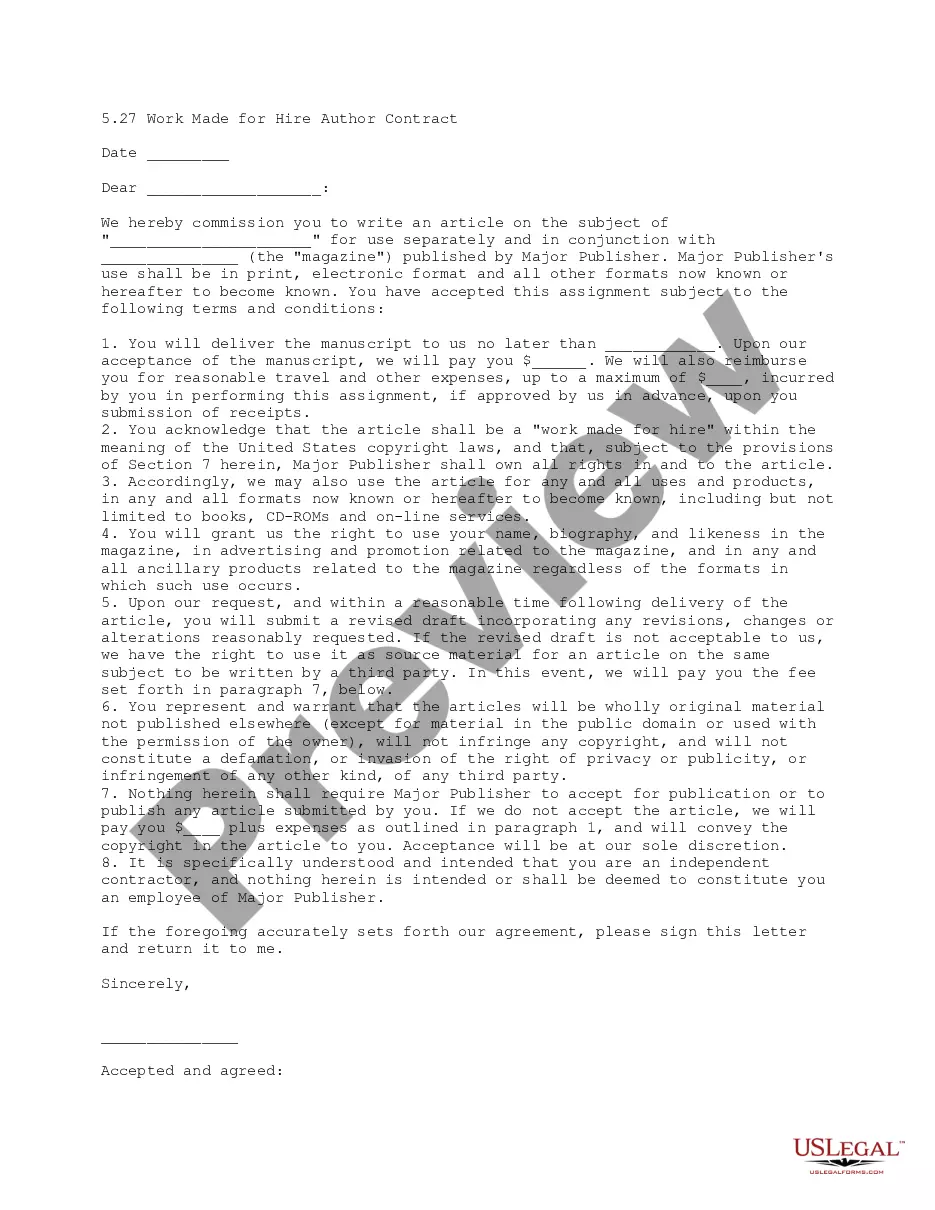
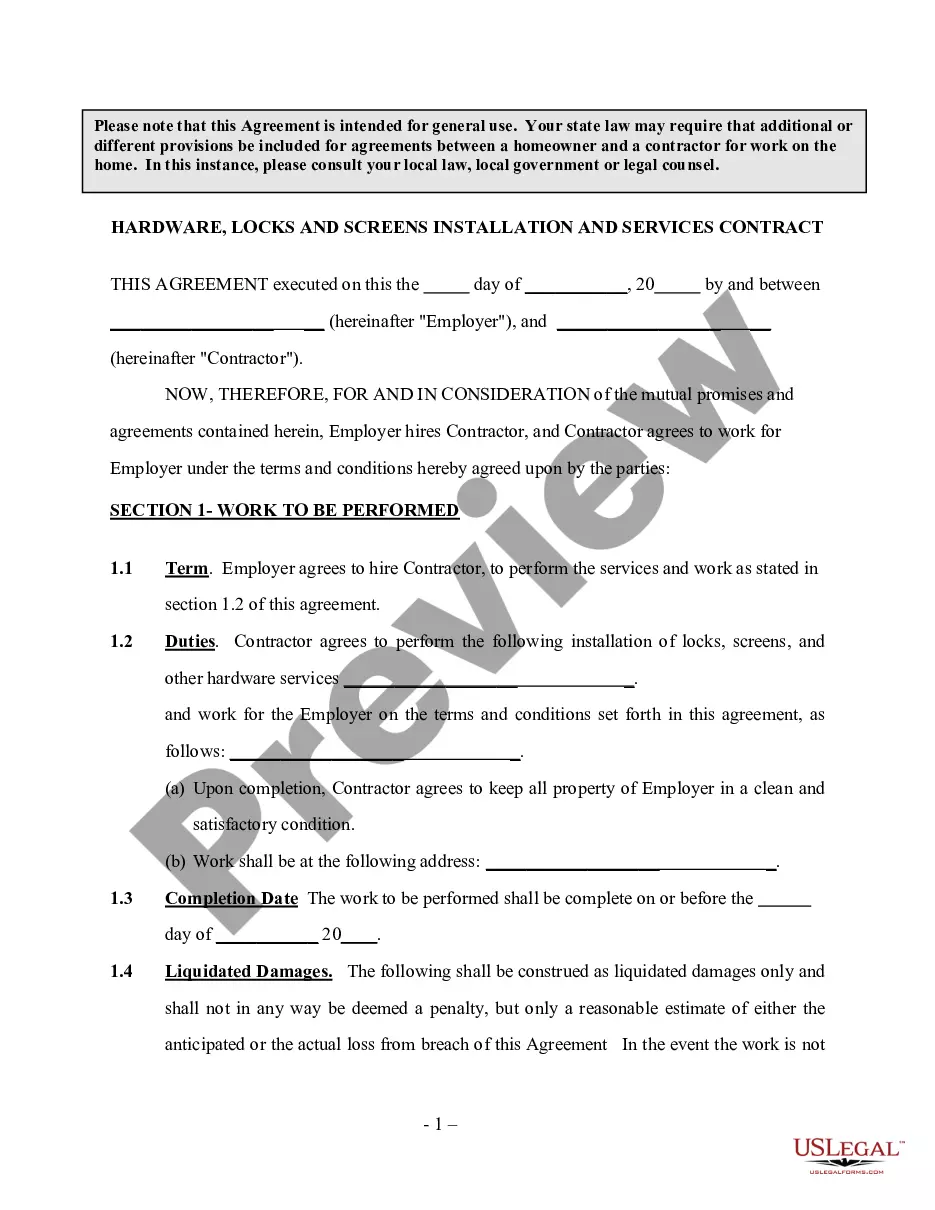
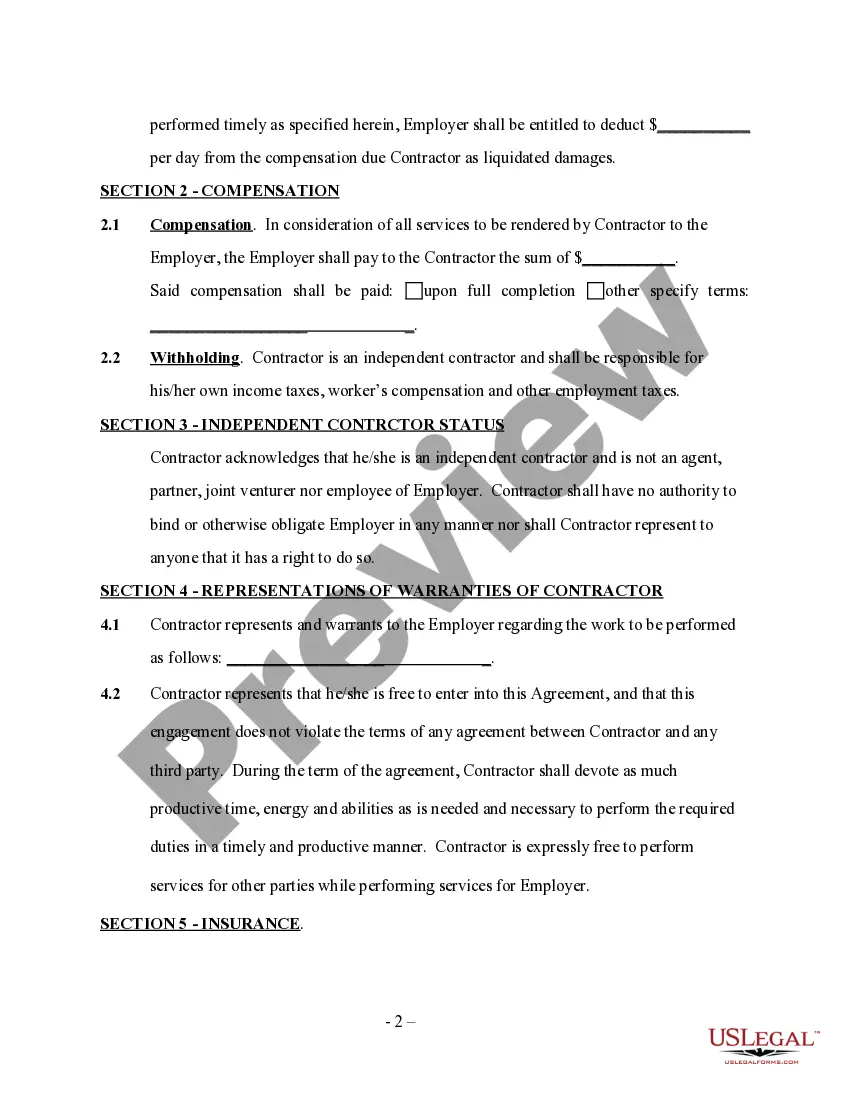
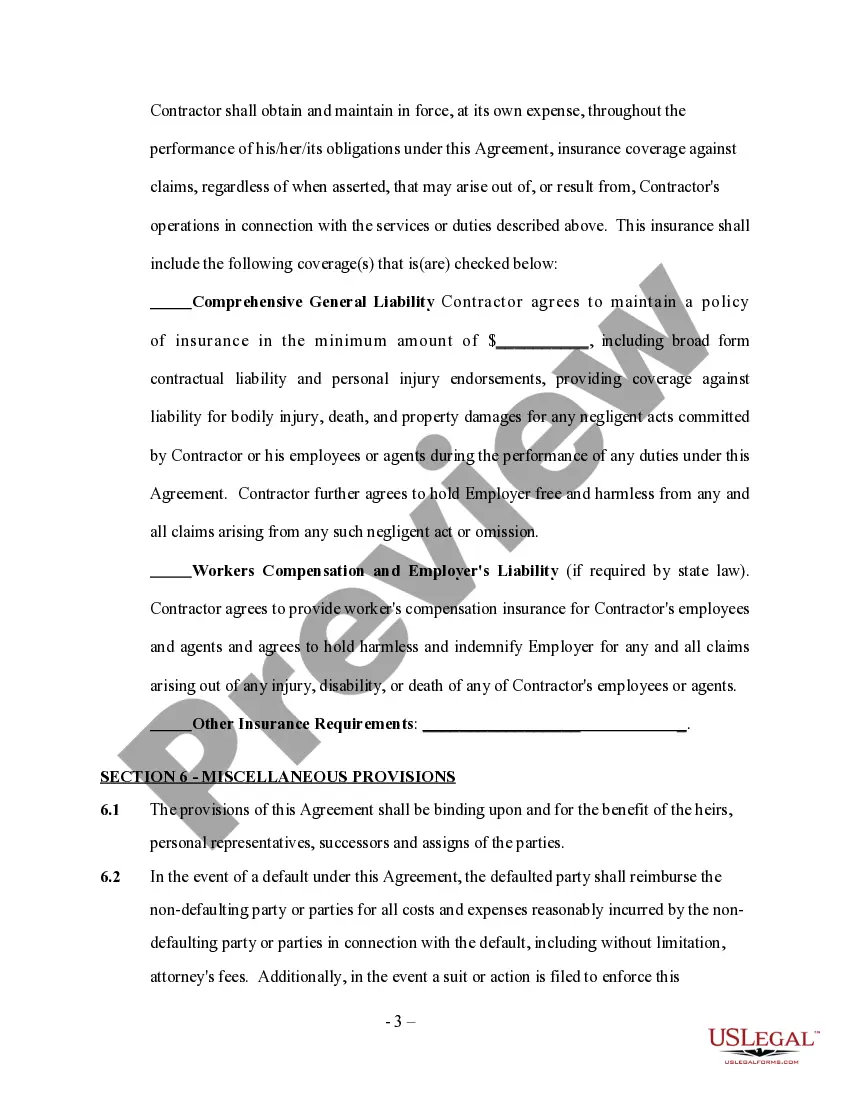
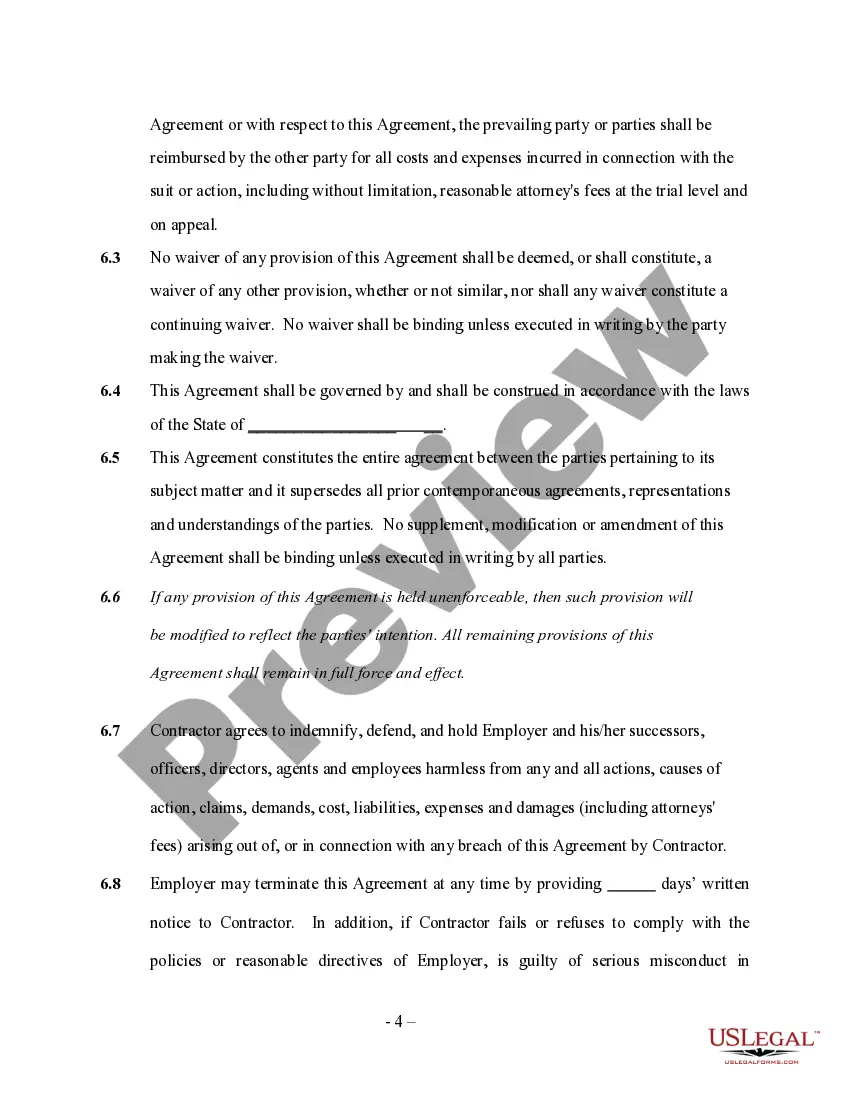
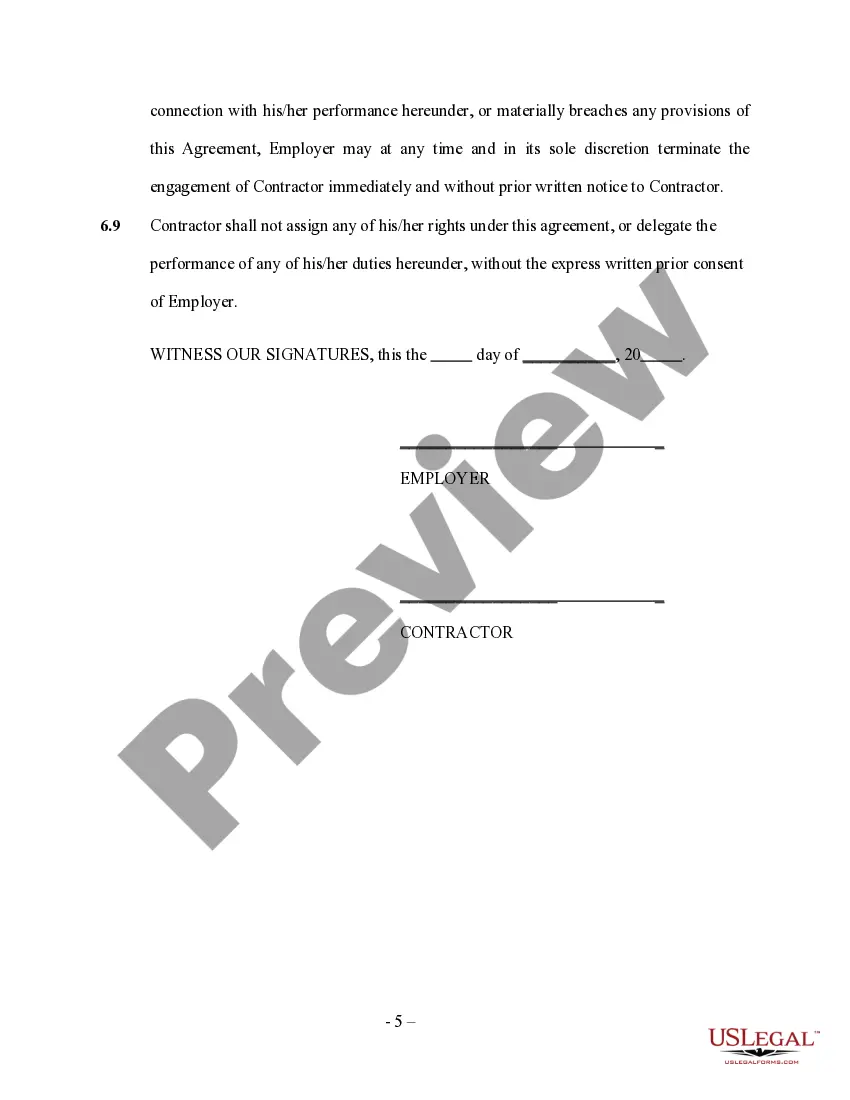
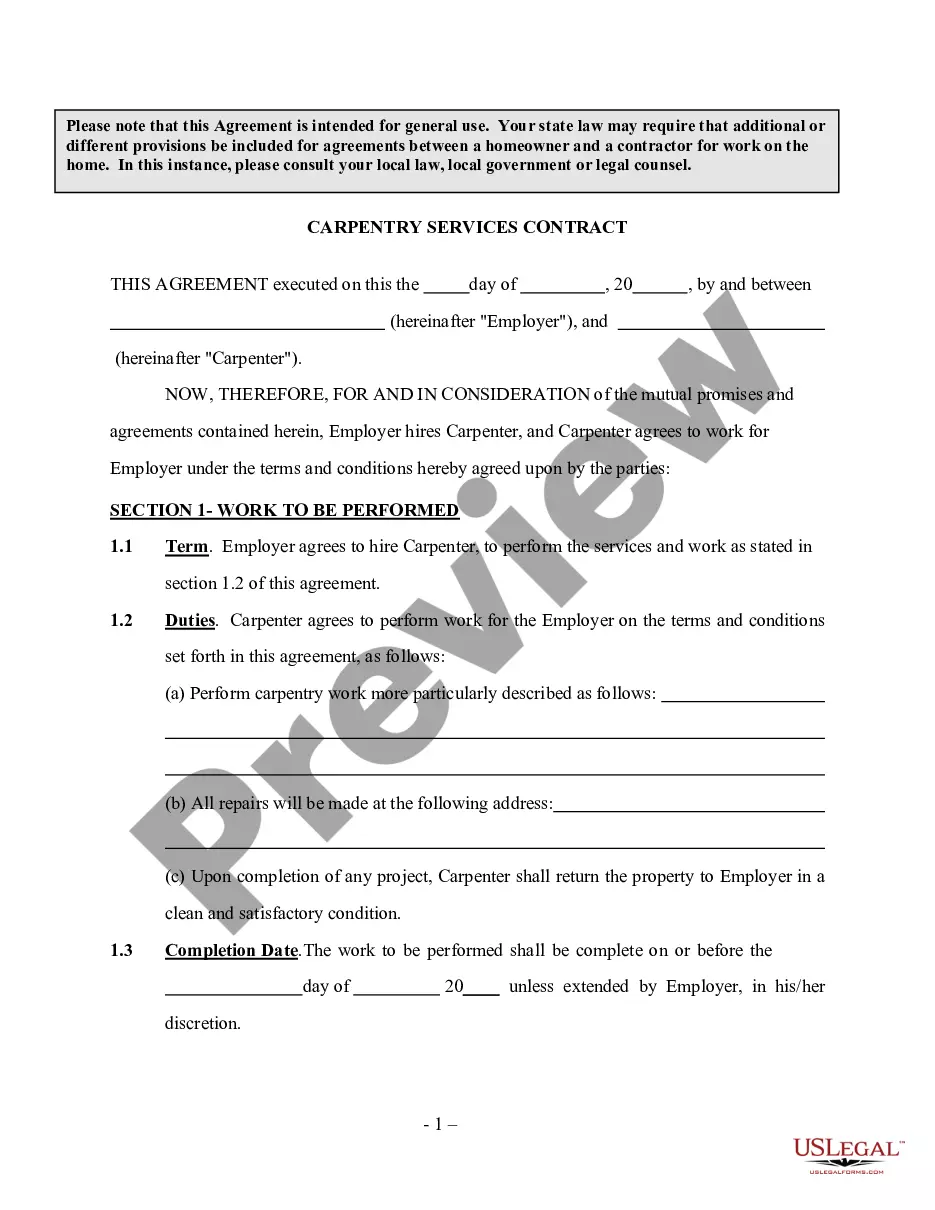
Employer contracts with an independent contractor to service, install, repair locks and screens and other hardware needs as specified and agreed to in the contract. Please note that this Agreement is intended for general use. Your state law may require that additional or different provisions be included for agreements between a homeowner and a contractor for work on the home. In this instance, please consult your local law, local government or legal counsel.
Kansas Hardware, Locks And Screens Installation And Services Contract - Self-Employed
State:
Multi-State
Control #:
US-INDC-172
Format:
Word;
Rich Text
Instant download
Description
Free preview
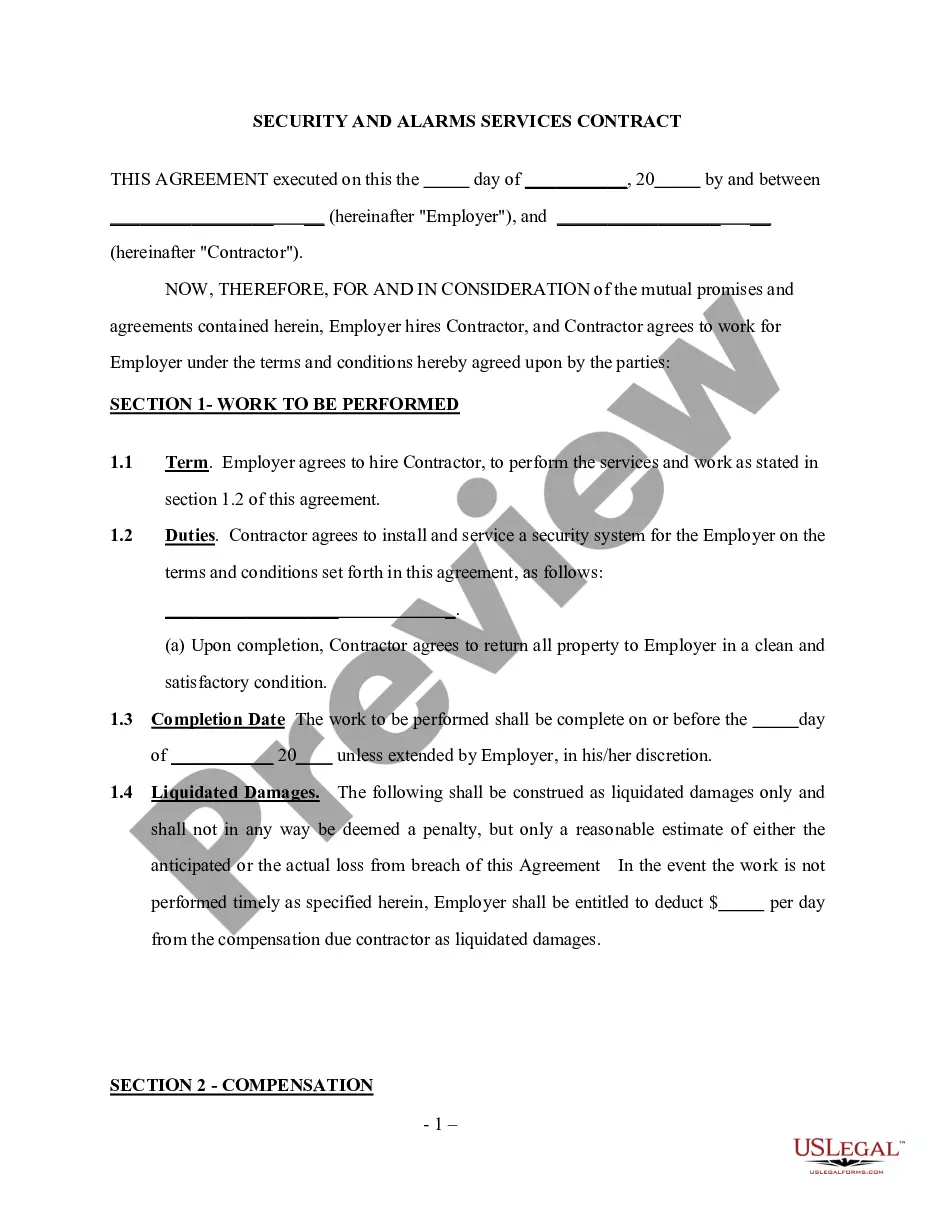
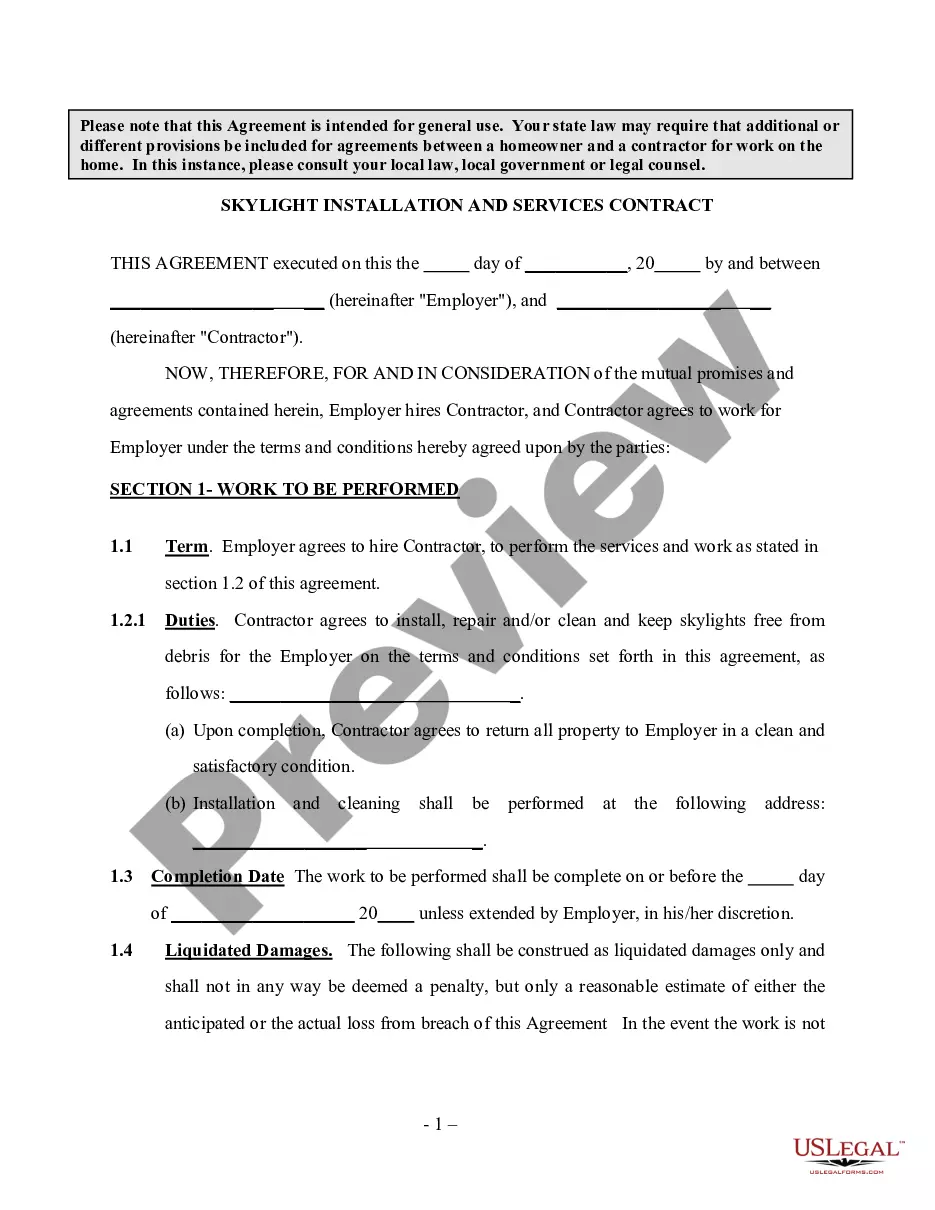
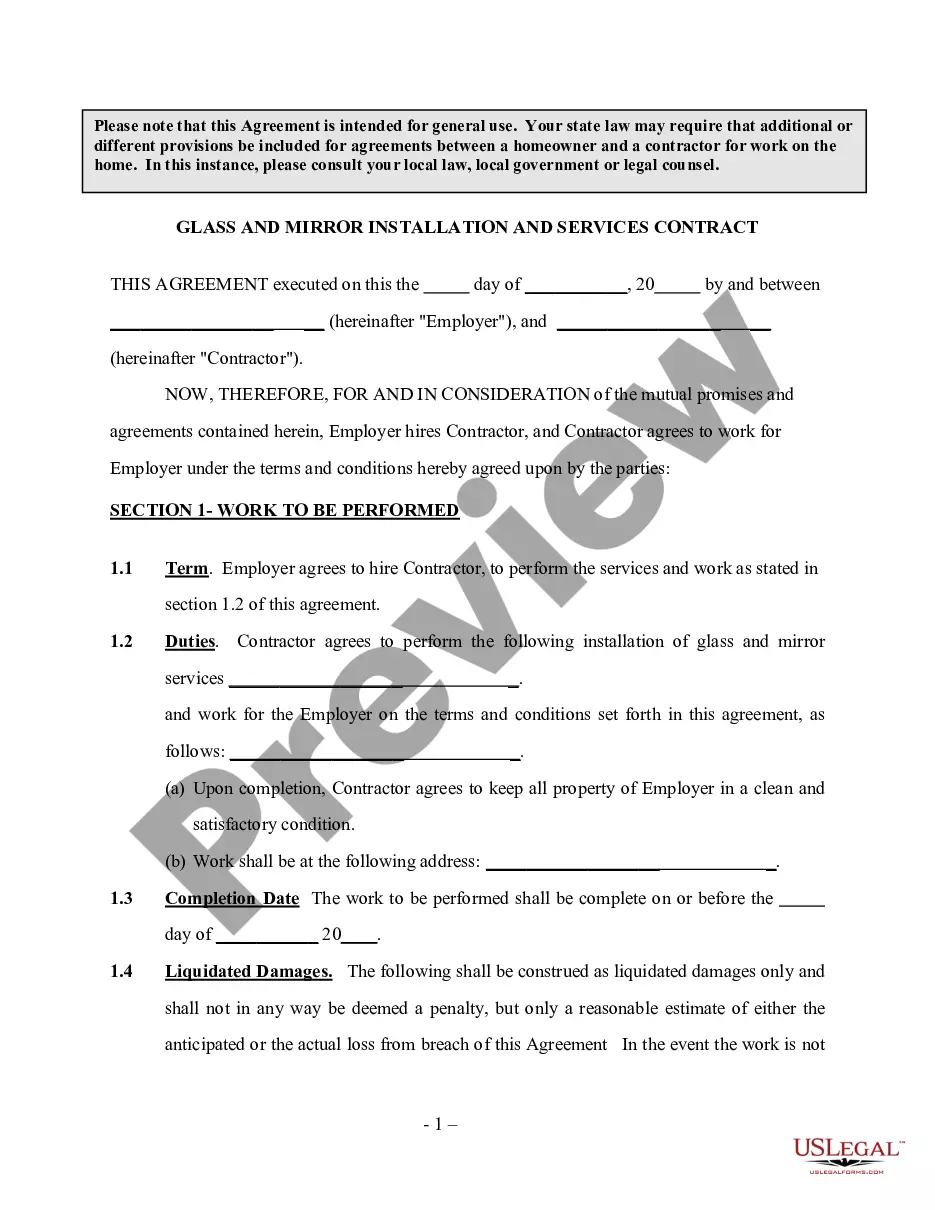
Get your form ready online
Our built-in tools help you complete, sign, share, and store your documents in one place.
Built-in online Word editor
Make edits, fill in missing information, and update formatting in US Legal Forms—just like you would in MS Word.
Export easily
Download a copy, print it, send it by email, or mail it via USPS—whatever works best for your next step.
E-sign your document
Sign and collect signatures with our SignNow integration. Send to multiple recipients, set reminders, and more. Go Premium to unlock E-Sign.
Notarize online 24/7
If this form requires notarization, complete it online through a secure video call—no need to meet a notary in person or wait for an appointment.
Store your document securely
We protect your documents and personal data by following strict security and privacy standards.

Make edits, fill in missing information, and update formatting in US Legal Forms—just like you would in MS Word.

Download a copy, print it, send it by email, or mail it via USPS—whatever works best for your next step.

Sign and collect signatures with our SignNow integration. Send to multiple recipients, set reminders, and more. Go Premium to unlock E-Sign.

If this form requires notarization, complete it online through a secure video call—no need to meet a notary in person or wait for an appointment.

We protect your documents and personal data by following strict security and privacy standards.
Looking for another form?









How to fill out Hardware, Locks And Screens Installation And Services Contract - Self-Employed?
It is feasible to spend hours online searching for the valid document template that satisfies the state and federal requirements you require.
US Legal Forms offers numerous legitimate forms that can be reviewed by professionals.
You can download or print the Kansas Hardware, Locks And Screens Installation And Services Contract - Self-Employed from the service.
If available, utilize the Review button to look through the document template as well. If you wish to find another version of the form, use the Search field to discover the template that suits your needs and requirements. Once you have found the template you desire, click Buy now to proceed. Select the pricing plan you want, enter your credentials, and register for your account on US Legal Forms. Complete the transaction. You can use your credit card or PayPal account to pay for the legal form. Choose the format of the document and download it to your device. Make adjustments to your document if needed. You can complete, modify, sign, and print the Kansas Hardware, Locks And Screens Installation And Services Contract - Self-Employed. Download and print thousands of document templates using the US Legal Forms website, which offers the largest selection of legal forms. Utilize professional and state-specific templates to address your business or personal needs.
- If you possess a US Legal Forms account, you may Log In and click on the Download button.
- Then, you can complete, modify, print, or sign the Kansas Hardware, Locks And Screens Installation And Services Contract - Self-Employed.
- Every legal document template you obtain is yours permanently.
- To receive another copy of a purchased form, visit the My documents tab and click on the relevant button.
- If you are using the US Legal Forms website for the first time, follow the simple instructions below.
- First, ensure you have selected the correct document template for the county/city you choose.
- Check the form outline to make sure you have chosen the right form.
Form popularity
FAQ
Setting up as a self-employed contractor involves several essential steps. Begin by choosing a business structure that aligns with your goals and signing up for the Kansas Hardware, Locks And Screens Installation And Services Contract - Self-Employed. Obtain the necessary permits and licenses required in your area. Additionally, keep organized records of your expenses and income to simplify tax preparation. By doing so, you can focus on delivering exceptional services while building your contractor business.
Setting yourself up as a contractor begins with choosing a business structure, such as a sole proprietorship or LLC. You'll need to get any required licenses or permits relevant to the Kansas Hardware, Locks And Screens Installation And Services Contract - Self-Employed. Next, set up a dedicated business bank account, and consider obtaining insurance to protect yourself. By establishing a strong foundation, you can navigate your contracting journey with confidence.
To secure a GSA contract, you first need to register your business with the System for Award Management (SAM). Next, gather all necessary documentation and complete the GSA Schedule proposal. A detailed understanding of the Kansas Hardware, Locks And Screens Installation And Services Contract - Self-Employed will strengthen your proposal. Once submitted, be prepared for negotiations and ensure you have the resources to fulfill the contract's requirements.