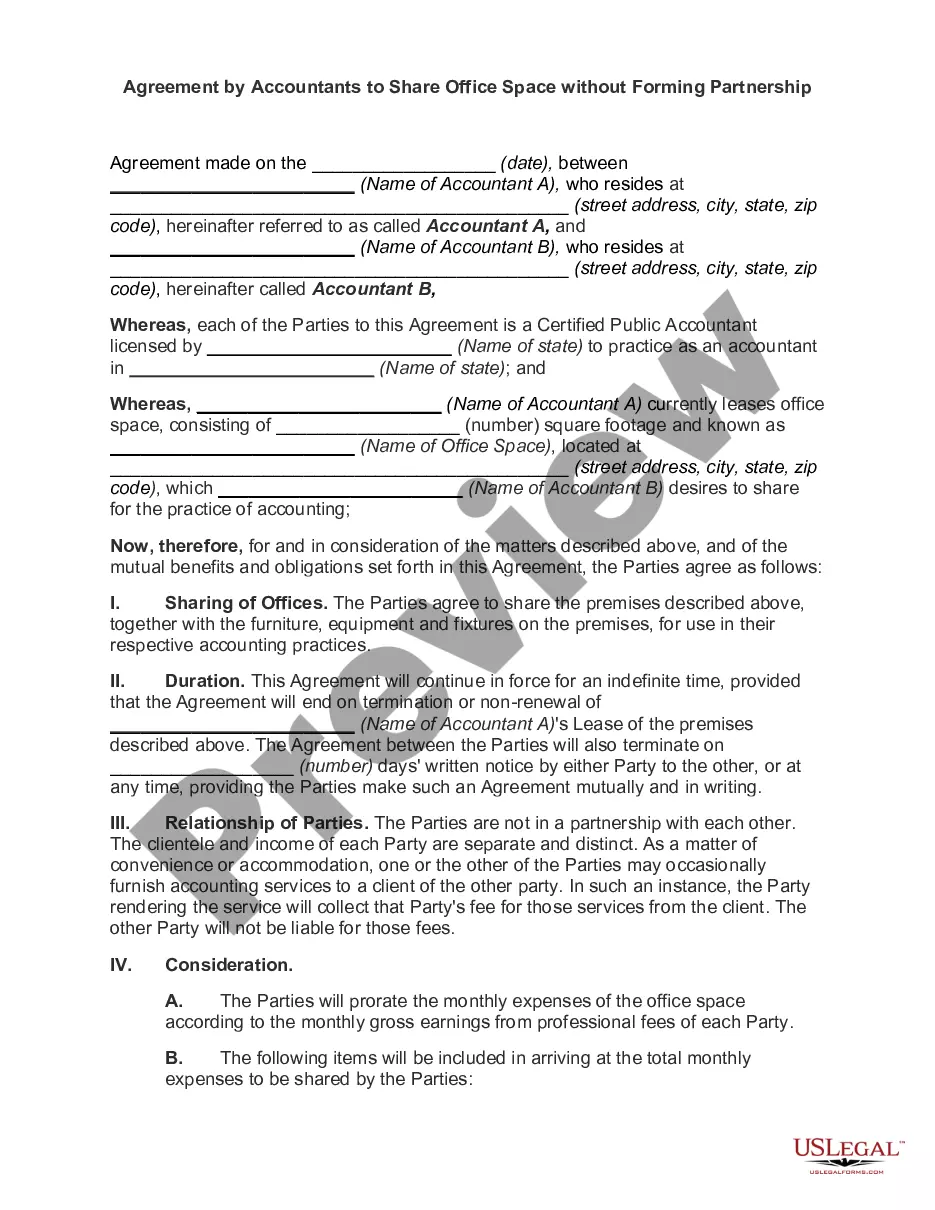
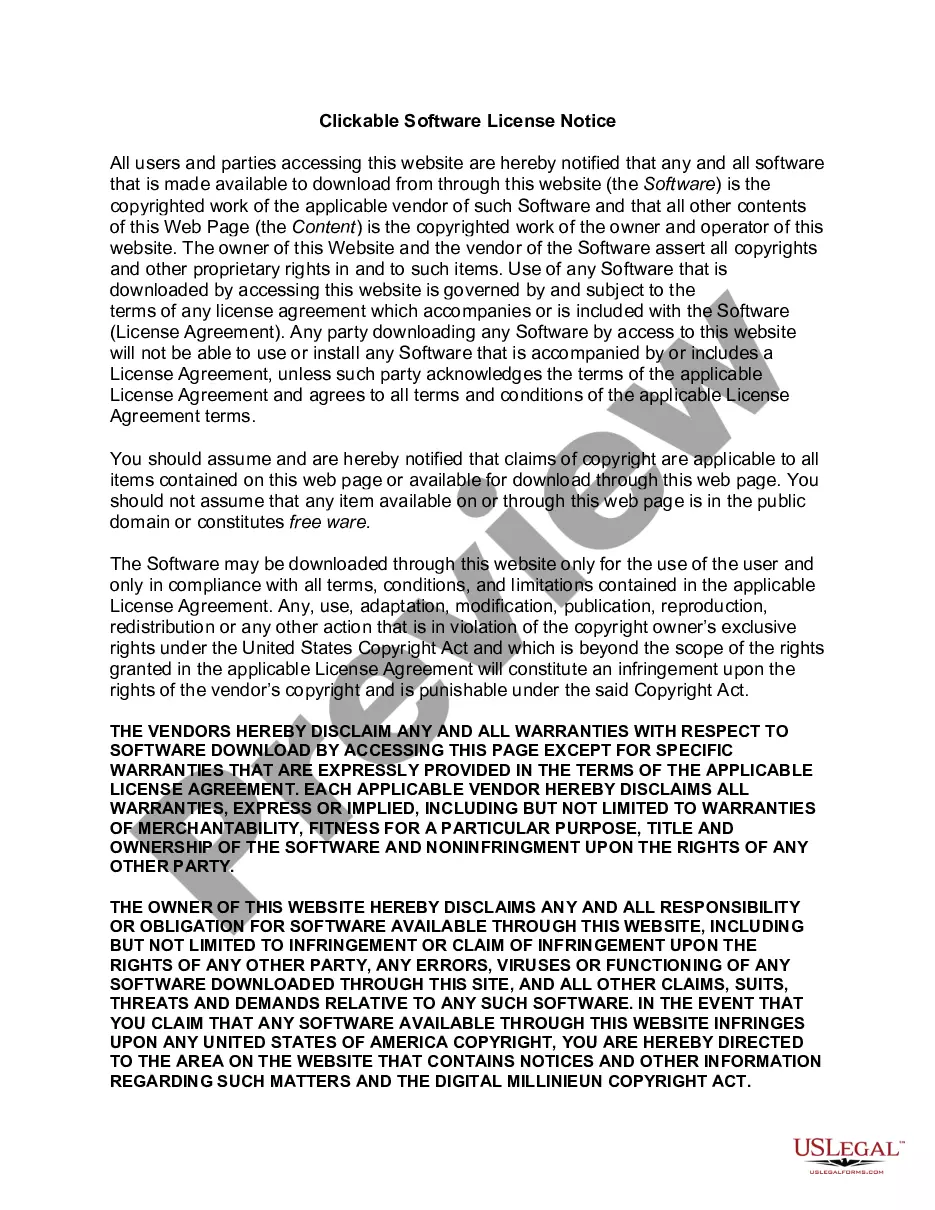
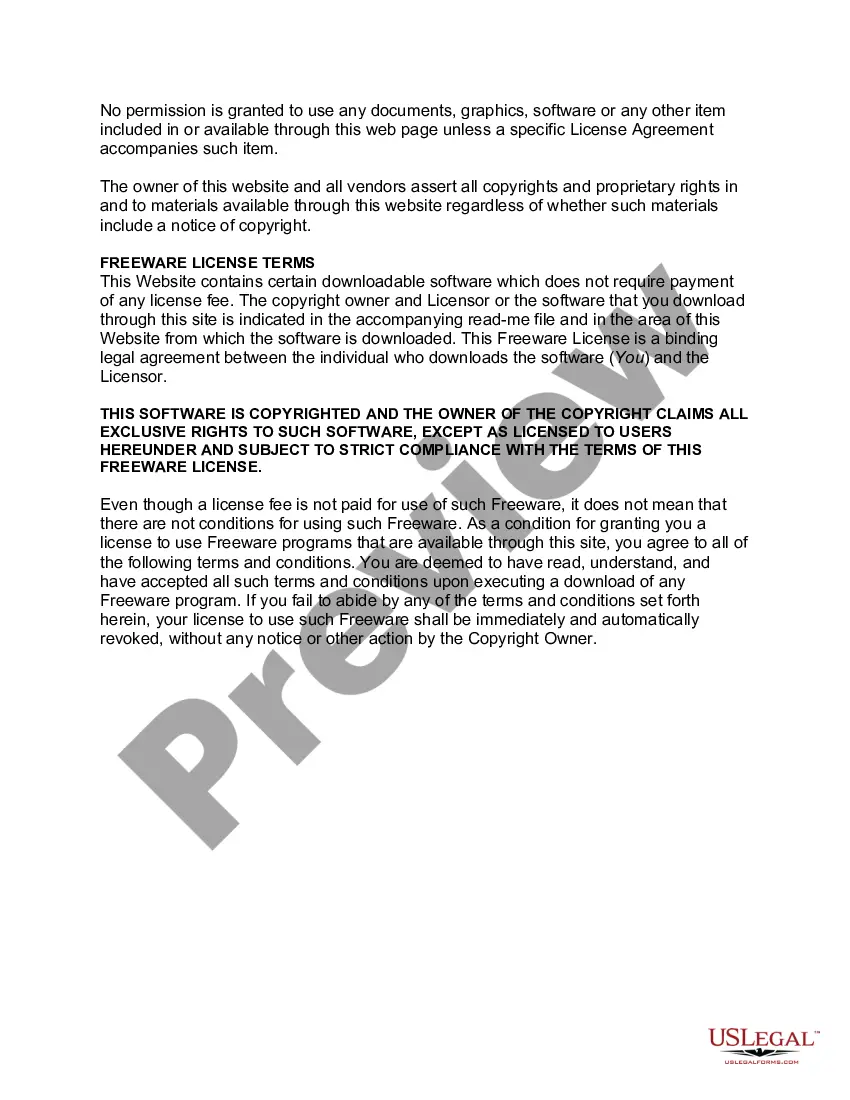
Kansas Clickable Software License Notice
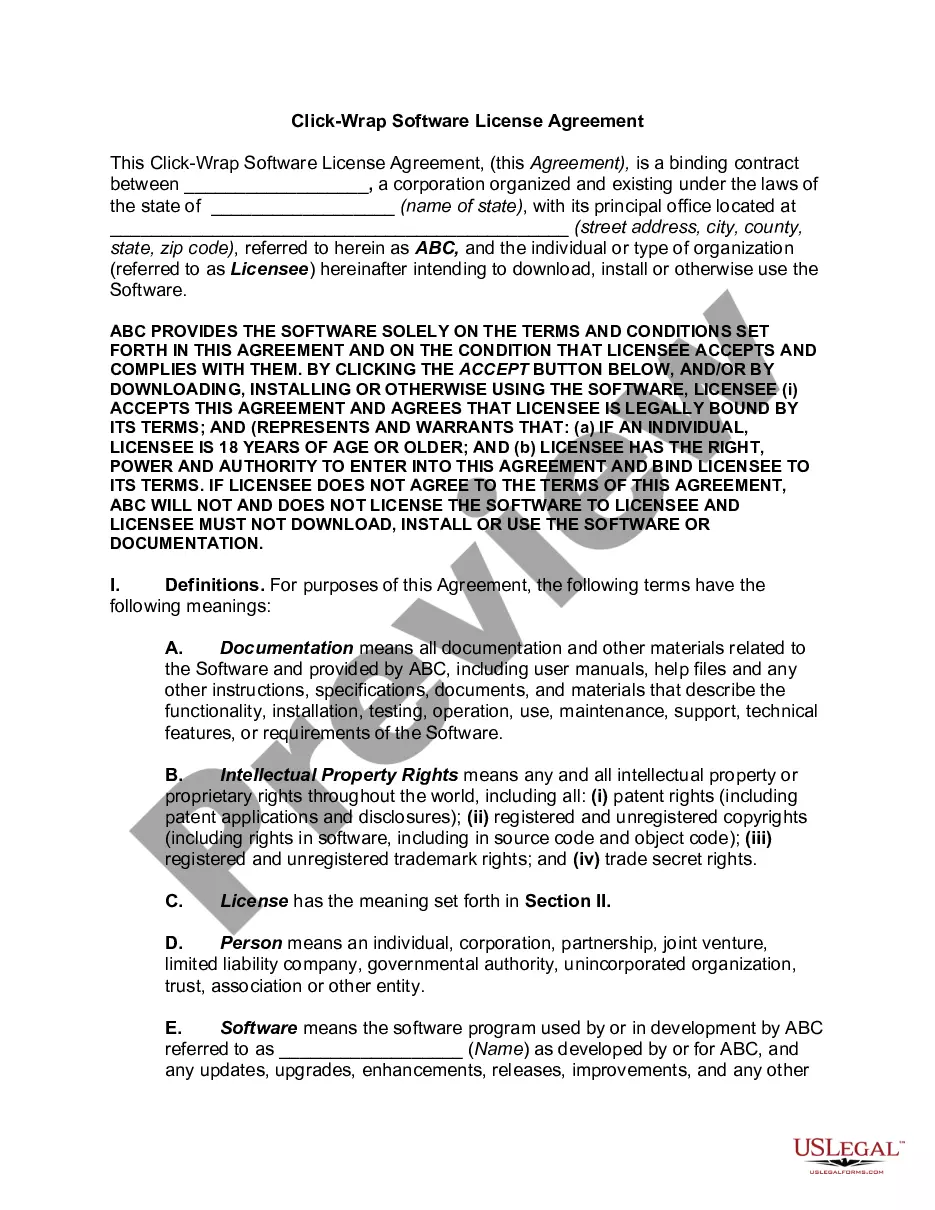
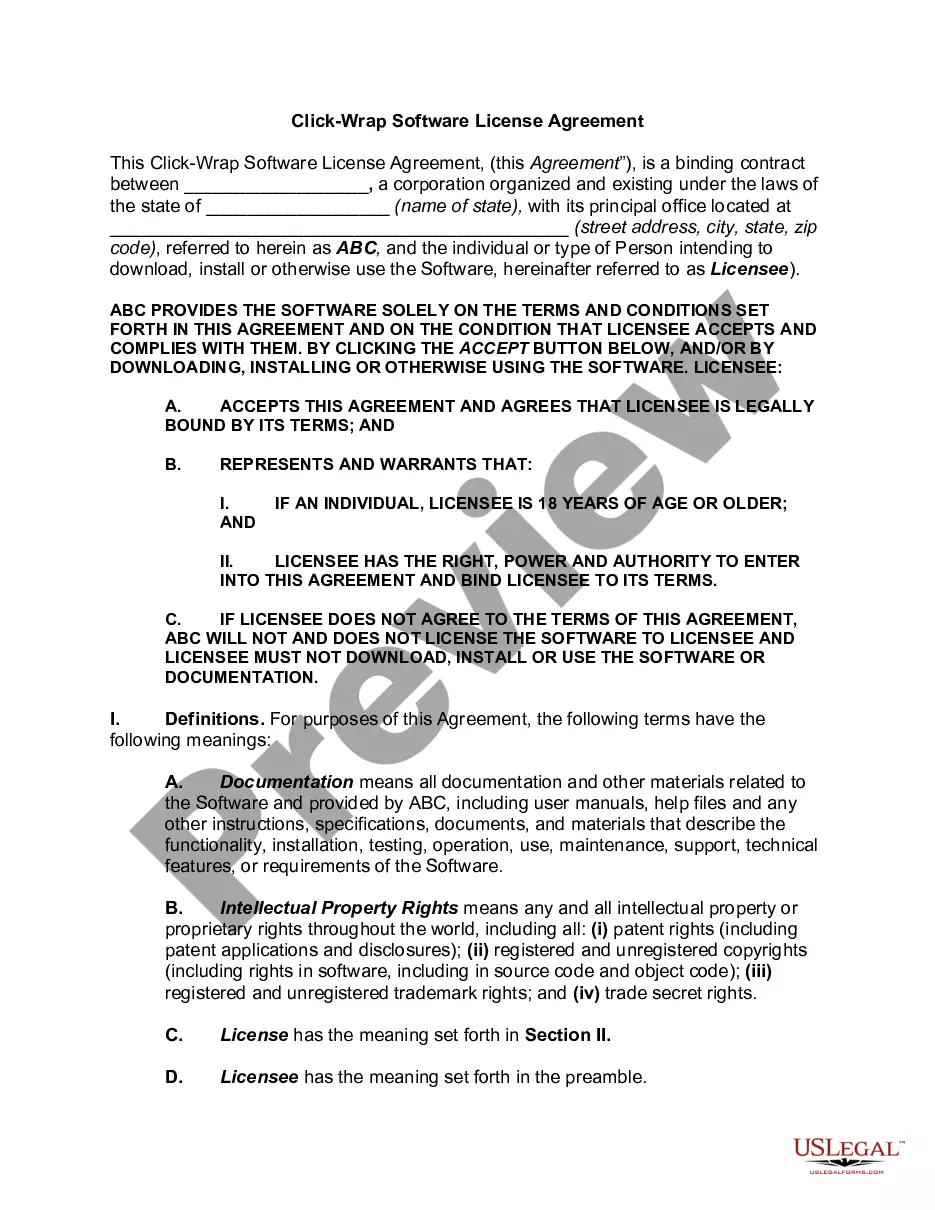
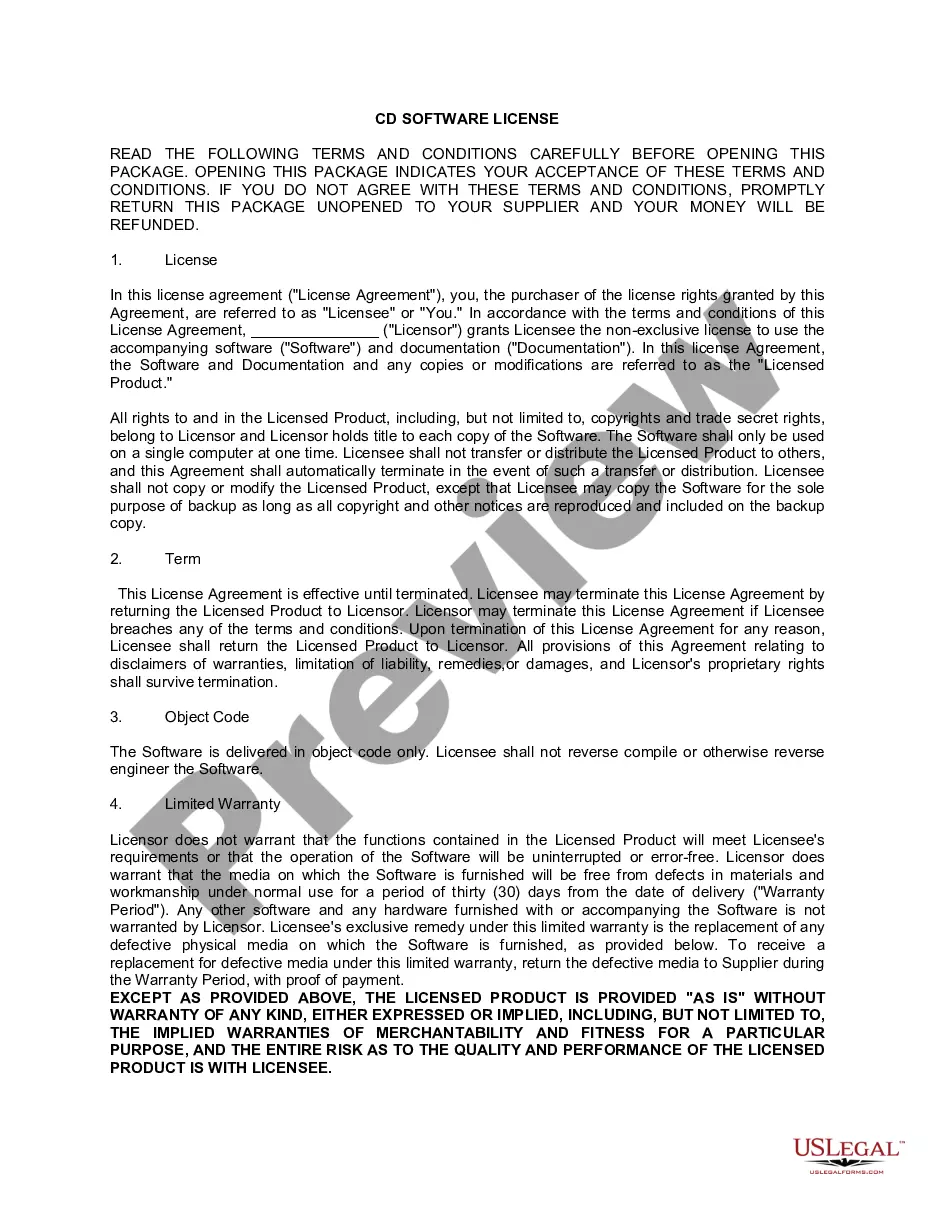
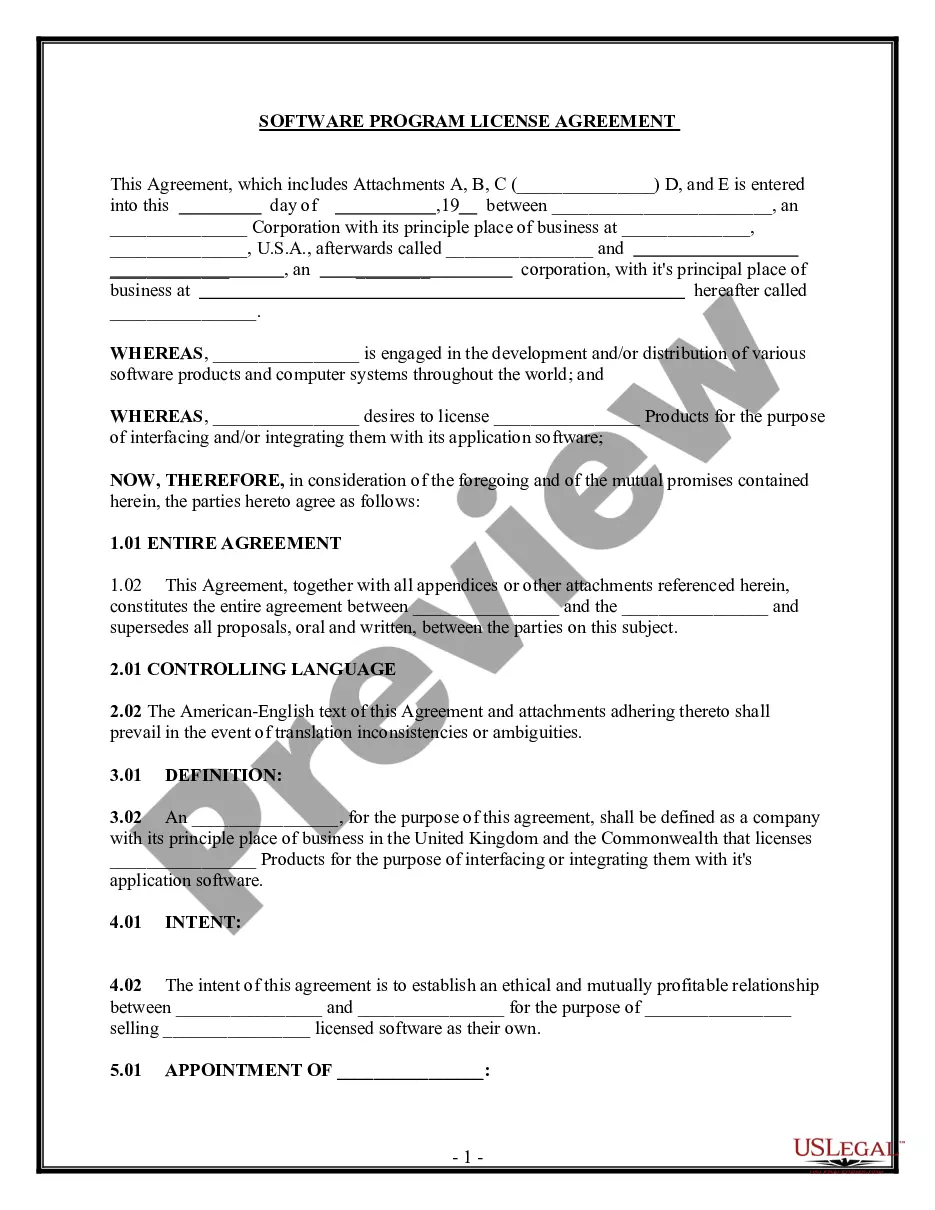
Description
Get your form ready online
Our built-in tools help you complete, sign, share, and store your documents in one place.
Make edits, fill in missing information, and update formatting in US Legal Forms—just like you would in MS Word.
Download a copy, print it, send it by email, or mail it via USPS—whatever works best for your next step.
Sign and collect signatures with our SignNow integration. Send to multiple recipients, set reminders, and more. Go Premium to unlock E-Sign.
If this form requires notarization, complete it online through a secure video call—no need to meet a notary in person or wait for an appointment.
We protect your documents and personal data by following strict security and privacy standards.

Make edits, fill in missing information, and update formatting in US Legal Forms—just like you would in MS Word.

Download a copy, print it, send it by email, or mail it via USPS—whatever works best for your next step.

Sign and collect signatures with our SignNow integration. Send to multiple recipients, set reminders, and more. Go Premium to unlock E-Sign.

If this form requires notarization, complete it online through a secure video call—no need to meet a notary in person or wait for an appointment.

We protect your documents and personal data by following strict security and privacy standards.
Looking for another form?






How to fill out Clickable Software License Notice?
If you want to be thorough, download, or create official document templates, use US Legal Forms, the largest assortment of official forms available online.
Utilize the site’s user-friendly and efficient search feature to locate the documents you need.
Various templates for business and personal purposes are organized by categories and jurisdictions or keywords.
Step 4. Once you find the form you need, click the Buy now button. Choose the payment plan you prefer and enter your details to register for an account.
Step 5. Complete the transaction. You can use your Visa or Mastercard or PayPal account to finalize the purchase.
- Utilize US Legal Forms to obtain the Kansas Clickable Software License Notice with just a few clicks.
- If you are already a US Legal Forms user, Log In to your account and click the Download button to receive the Kansas Clickable Software License Notice.
- You can also access forms you previously saved through the My documents section of your account.
- If you are using US Legal Forms for the first time, follow the steps outlined below.
- Step 1. Ensure you have chosen the form for the appropriate city/state.
- Step 2. Utilize the Preview option to review the content of the form. Remember to read the summary.
- Step 3. If you are not satisfied with the form, use the Search field at the top of the screen to find alternative forms within the legal form template.
Form popularity
FAQ
You can find the email address for DCF Kansas on their official website under the contact section. When emailing them, be clear about your inquiry and provide necessary details. If your question pertains to licensing, be sure to mention the Kansas Clickable Software License Notice.
To email the Kansas DMV, visit their official site for email contact details. They typically provide an email address dedicated to general inquiries and specific issues. Ensure that you reference the Kansas Clickable Software License Notice if relevant to your question.
Yes, Kansas requires certain businesses to obtain a business license. The specific requirements can vary depending on your location and type of business. For more information, check local regulations to see how they align with the Kansas Clickable Software License Notice.
Emailing your Kansas driver's license directly is not advisable due to privacy issues. Instead, you might consider using a secure platform like uSlegalforms for sending such sensitive information. Always make sure you're following the Kansas Clickable Software License Notice guidelines.
Yes, Kansas does offer an e-file authorization form which you can typically find on the Kansas Department of Revenue website. This form allows you to authorize electronic filing for certain documents. To smoothly navigate this process, refer to the Kansas Clickable Software License Notice for additional insights.
Typically, you cannot send your driver's license directly over email due to security concerns. Instead, consider using secure document-sharing platforms or platforms like uSlegalforms that follow the guidelines of the Kansas Clickable Software License Notice. Always check local regulations to ensure compliance.
To email Driver Solutions Kansas, visit their official website for contact information. They usually provide a dedicated email address for inquiries. Remember to include your relevant details when you reach out, and do not forget to mention the Kansas Clickable Software License Notice if it's applicable.
Two common proofs of a Kansas residential address are a recent utility bill and a lease agreement. Both documents must display your name and a Kansas address to be valid. Additionally, the Kansas Clickable Software License Notice can reinforce your claims in situations where residency needs to be verified.
Proof of Kansas residency can include a variety of documents, such as a state-issued driver's license, utility bills, or lease agreements. These documents must display your name and Kansas address clearly. The Kansas Clickable Software License Notice can act as additional evidence of your residency for official purposes.
A person qualifies as a resident of Kansas if they live in the state for a specified time and establish a physical presence. This includes having a permanent address and showing intent to remain in Kansas, through documentation. The Kansas Clickable Software License Notice may help in establishing your residency status when dealing with legal matters.