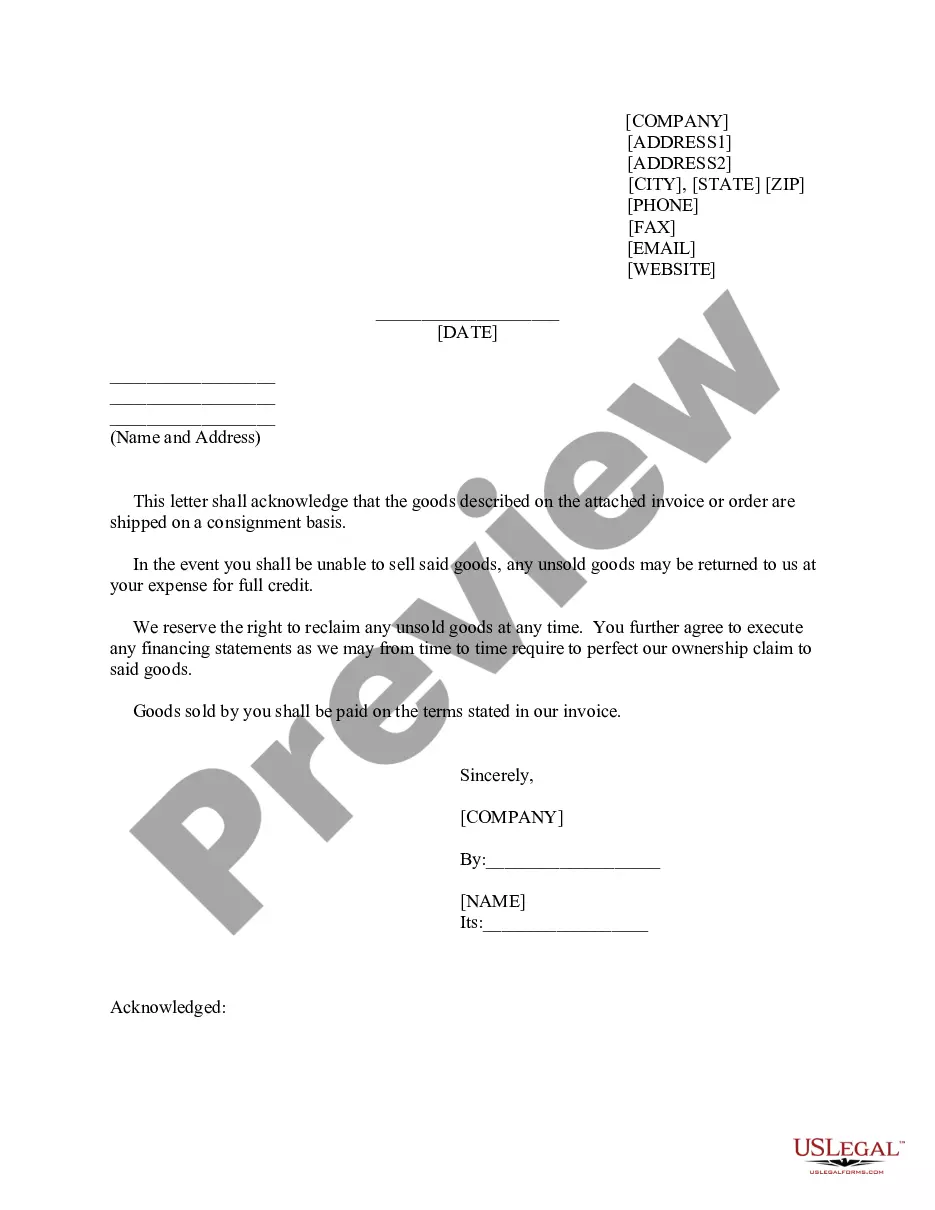
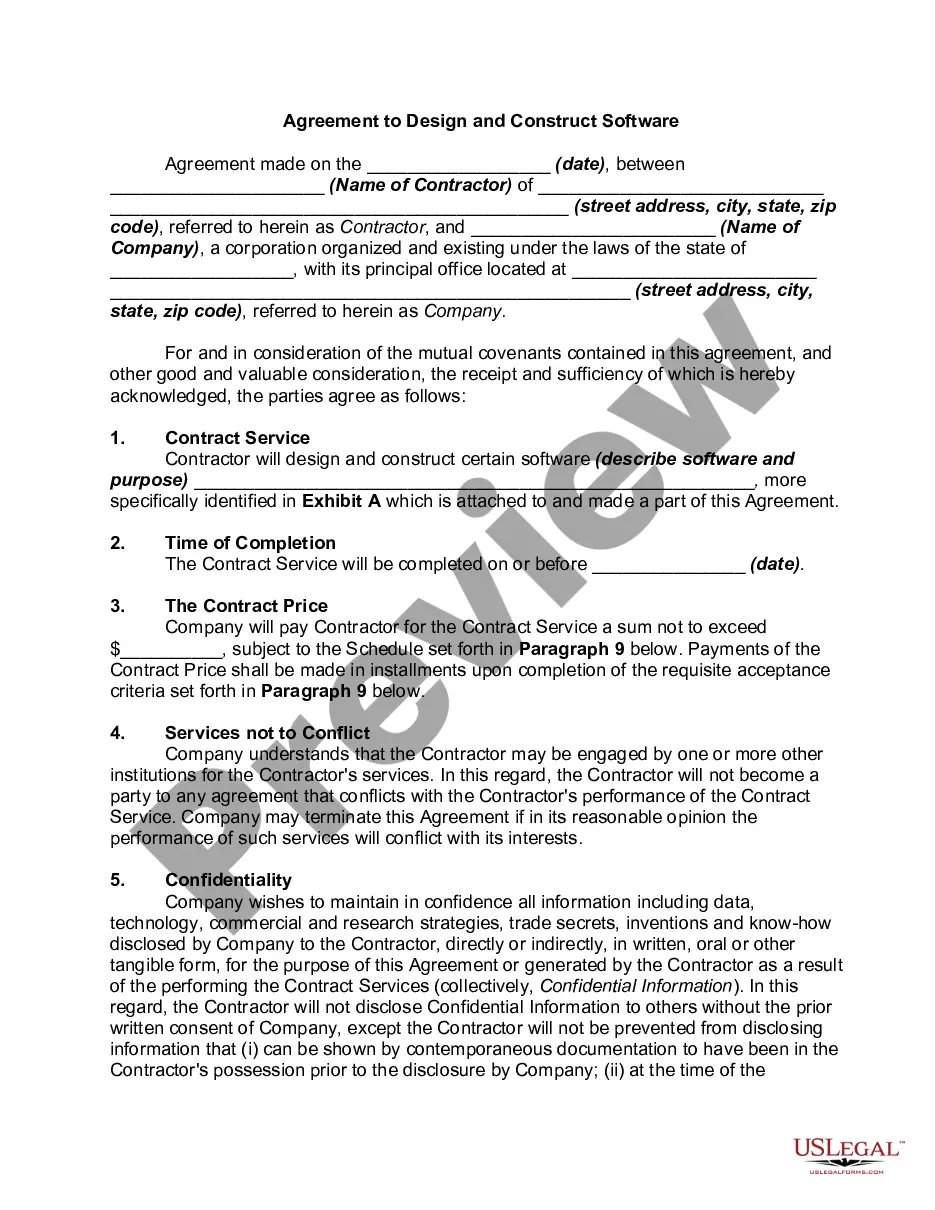
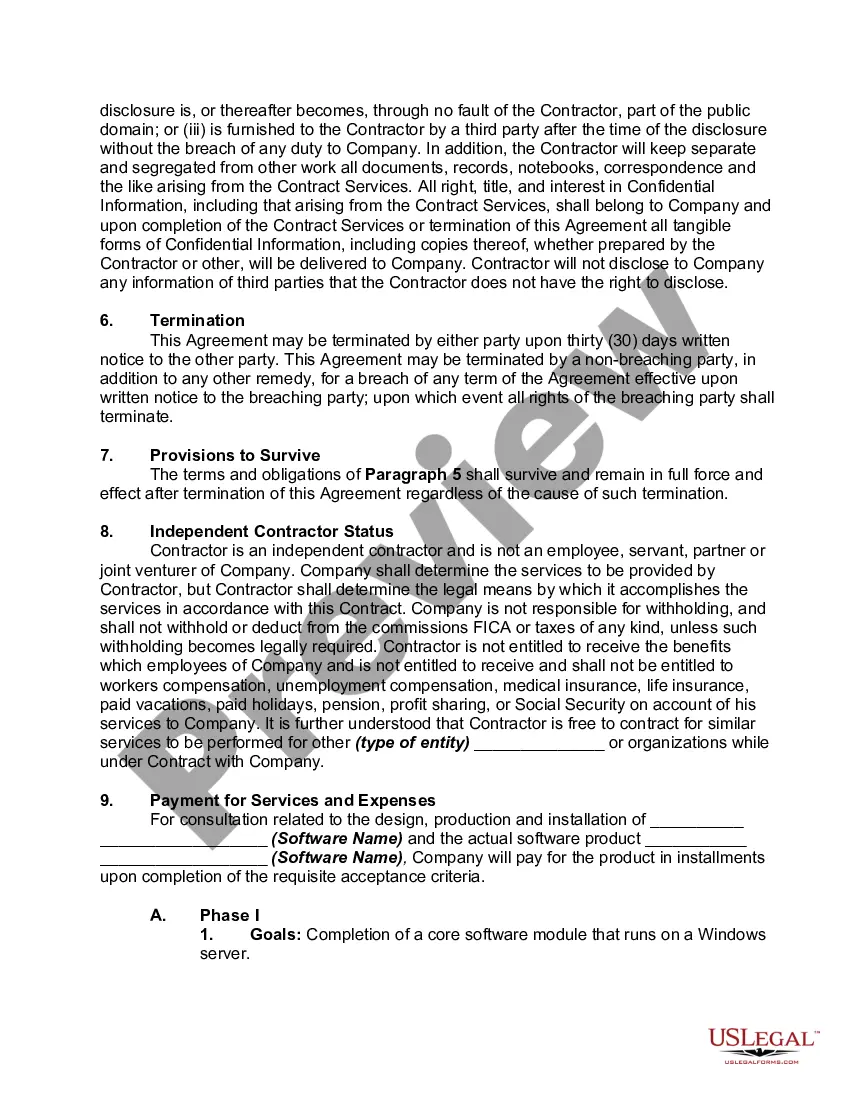
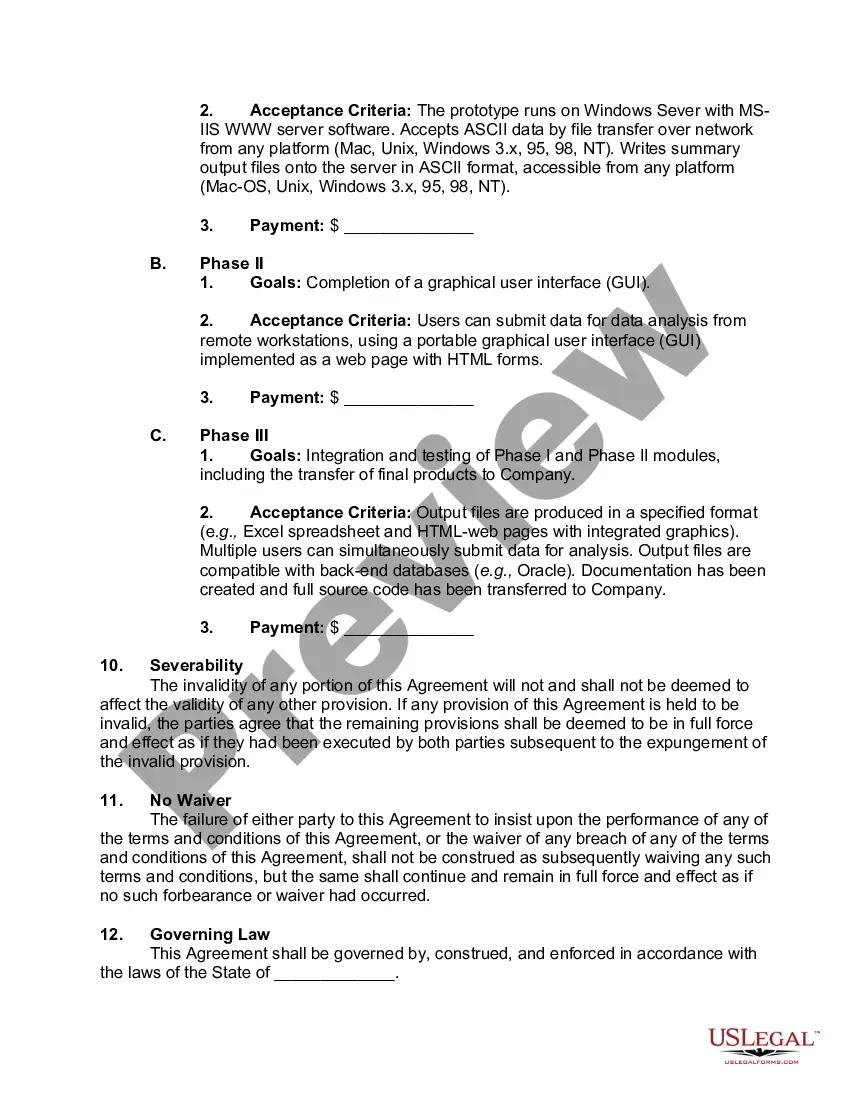
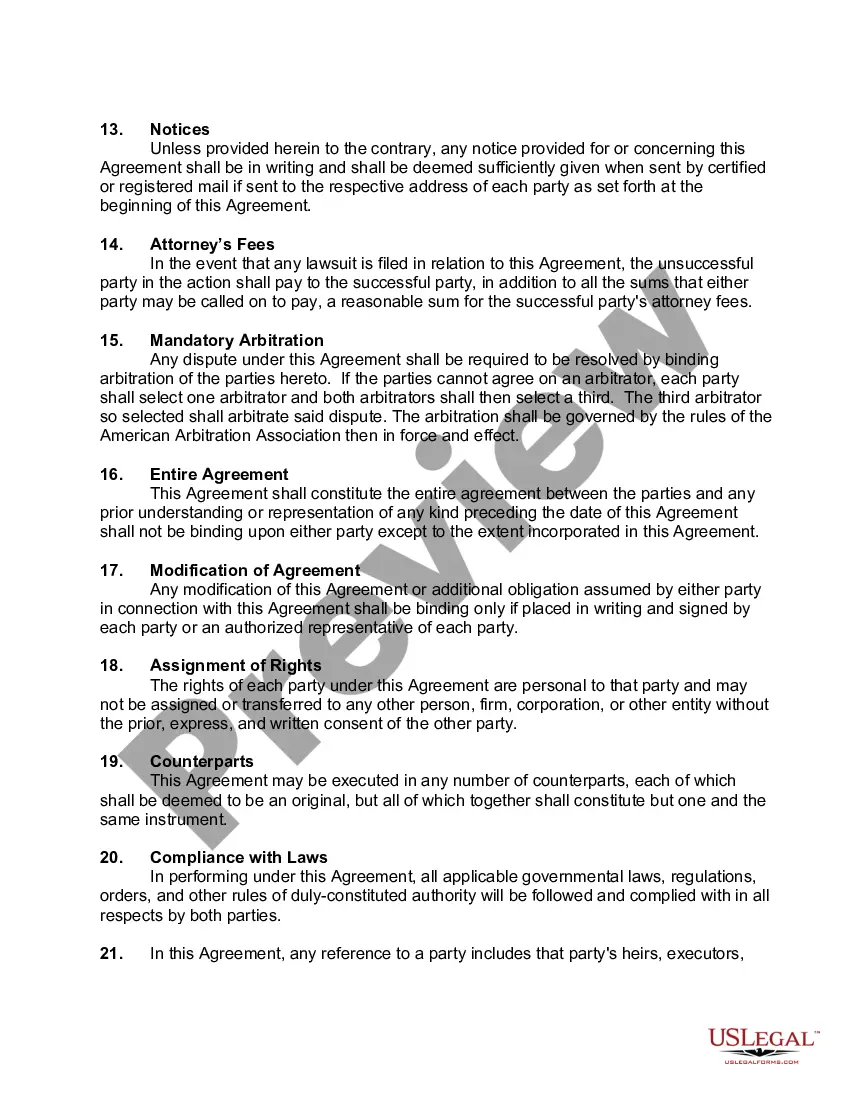
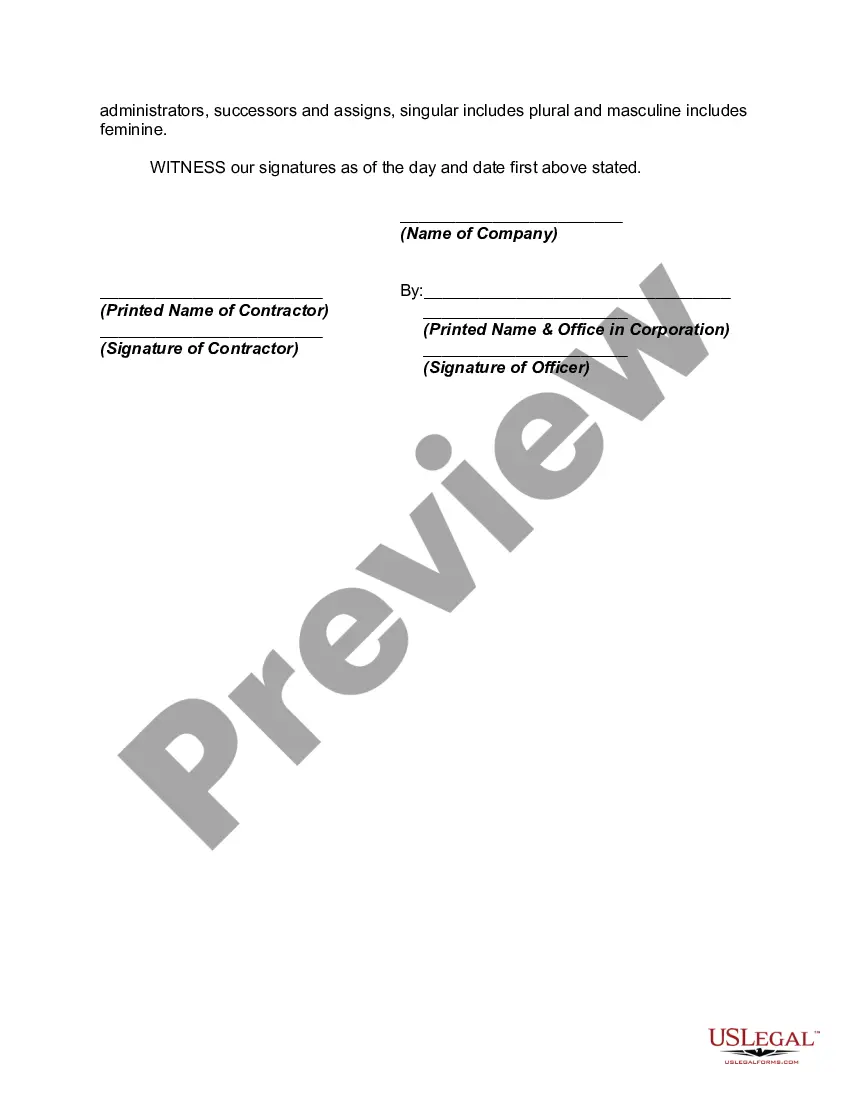
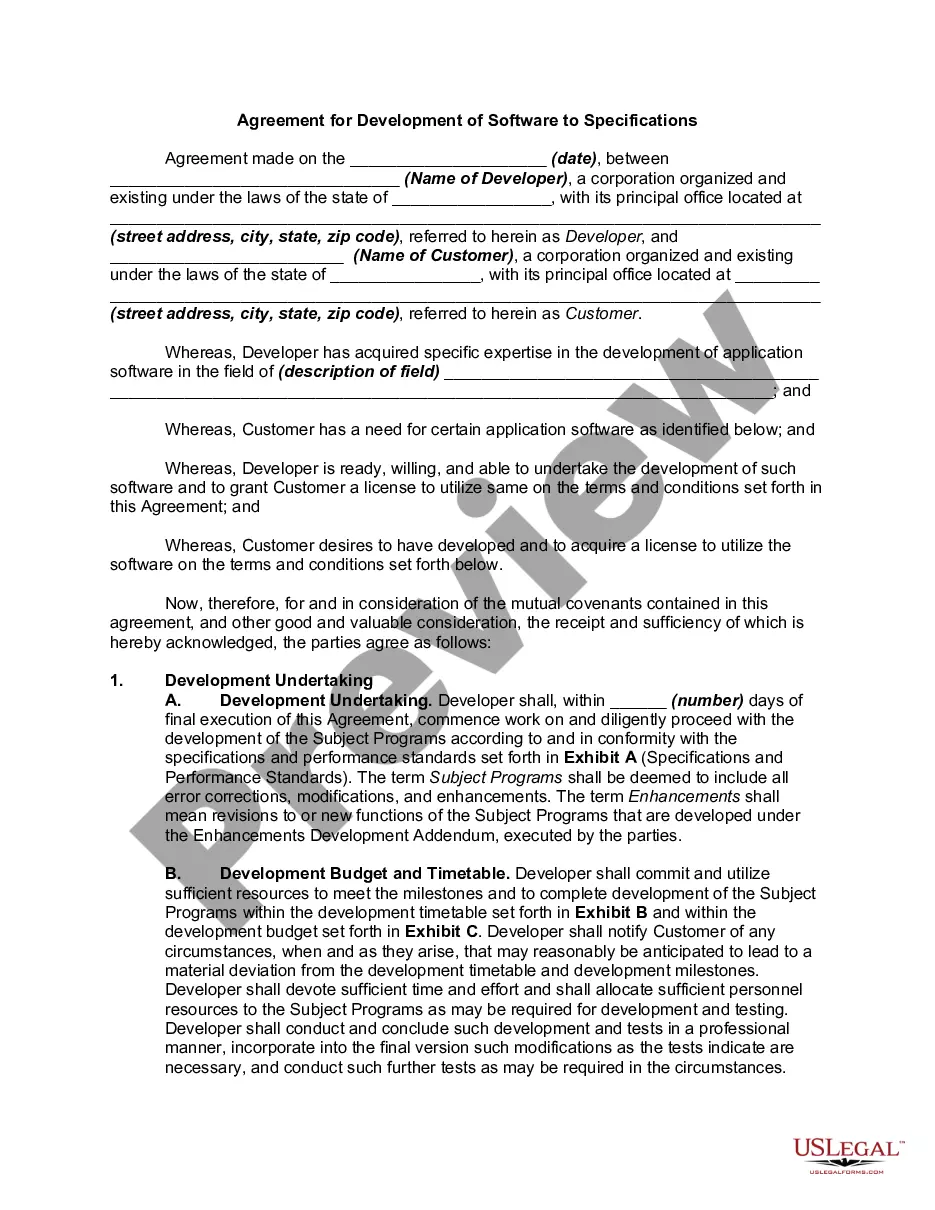
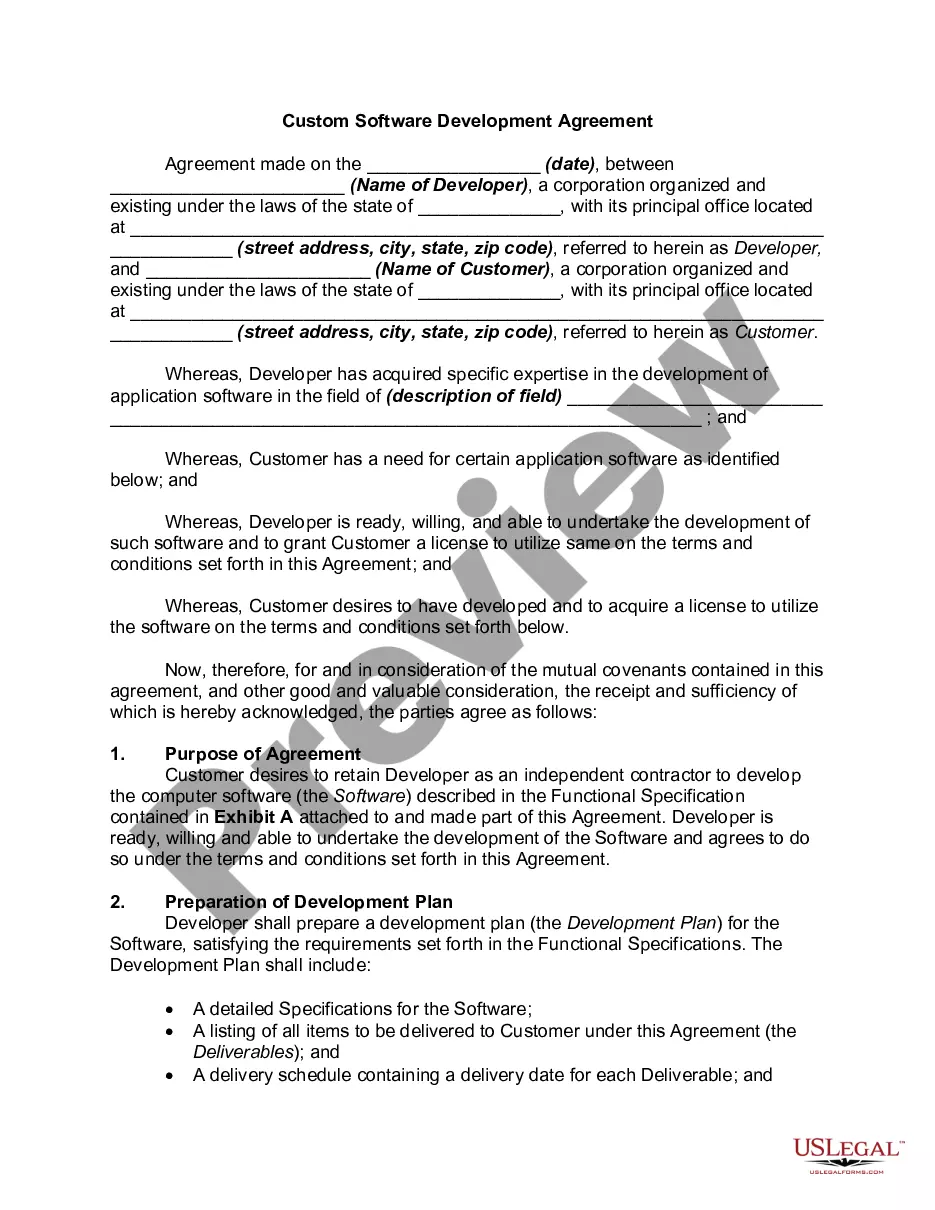
Kansas Agreement to Design and Construct Software
Description
Get your form ready online
Our built-in tools help you complete, sign, share, and store your documents in one place.
Make edits, fill in missing information, and update formatting in US Legal Forms—just like you would in MS Word.
Download a copy, print it, send it by email, or mail it via USPS—whatever works best for your next step.
Sign and collect signatures with our SignNow integration. Send to multiple recipients, set reminders, and more. Go Premium to unlock E-Sign.
If this form requires notarization, complete it online through a secure video call—no need to meet a notary in person or wait for an appointment.
We protect your documents and personal data by following strict security and privacy standards.
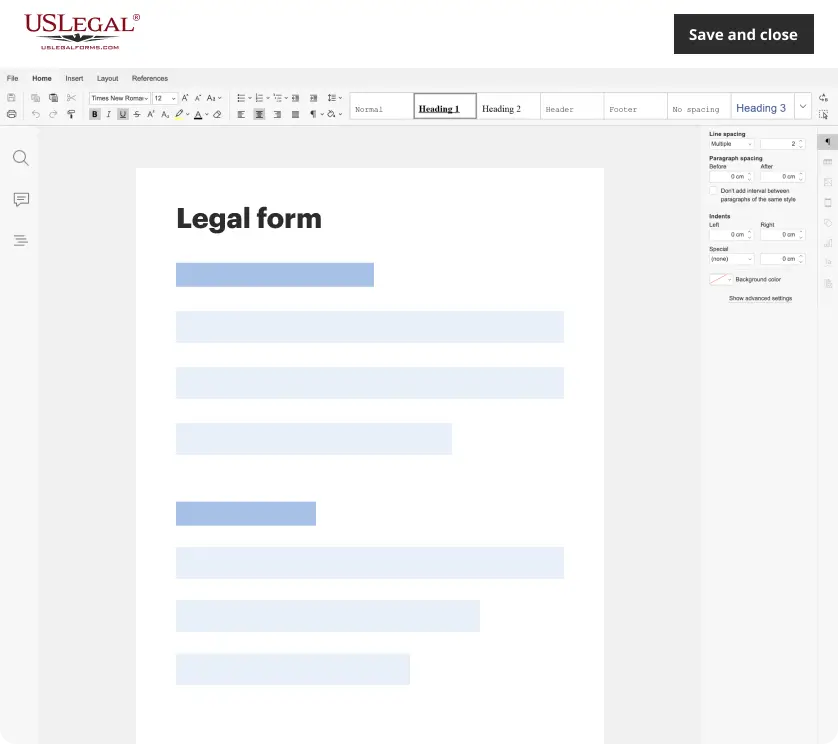
Make edits, fill in missing information, and update formatting in US Legal Forms—just like you would in MS Word.
Download a copy, print it, send it by email, or mail it via USPS—whatever works best for your next step.
Sign and collect signatures with our SignNow integration. Send to multiple recipients, set reminders, and more. Go Premium to unlock E-Sign.
If this form requires notarization, complete it online through a secure video call—no need to meet a notary in person or wait for an appointment.
We protect your documents and personal data by following strict security and privacy standards.
Looking for another form?


How to fill out Agreement To Design And Construct Software?
Are you in a scenario where you require documents for either business or personal purposes almost all the time.
There are numerous legal document templates available online, but finding reliable versions can be challenging.
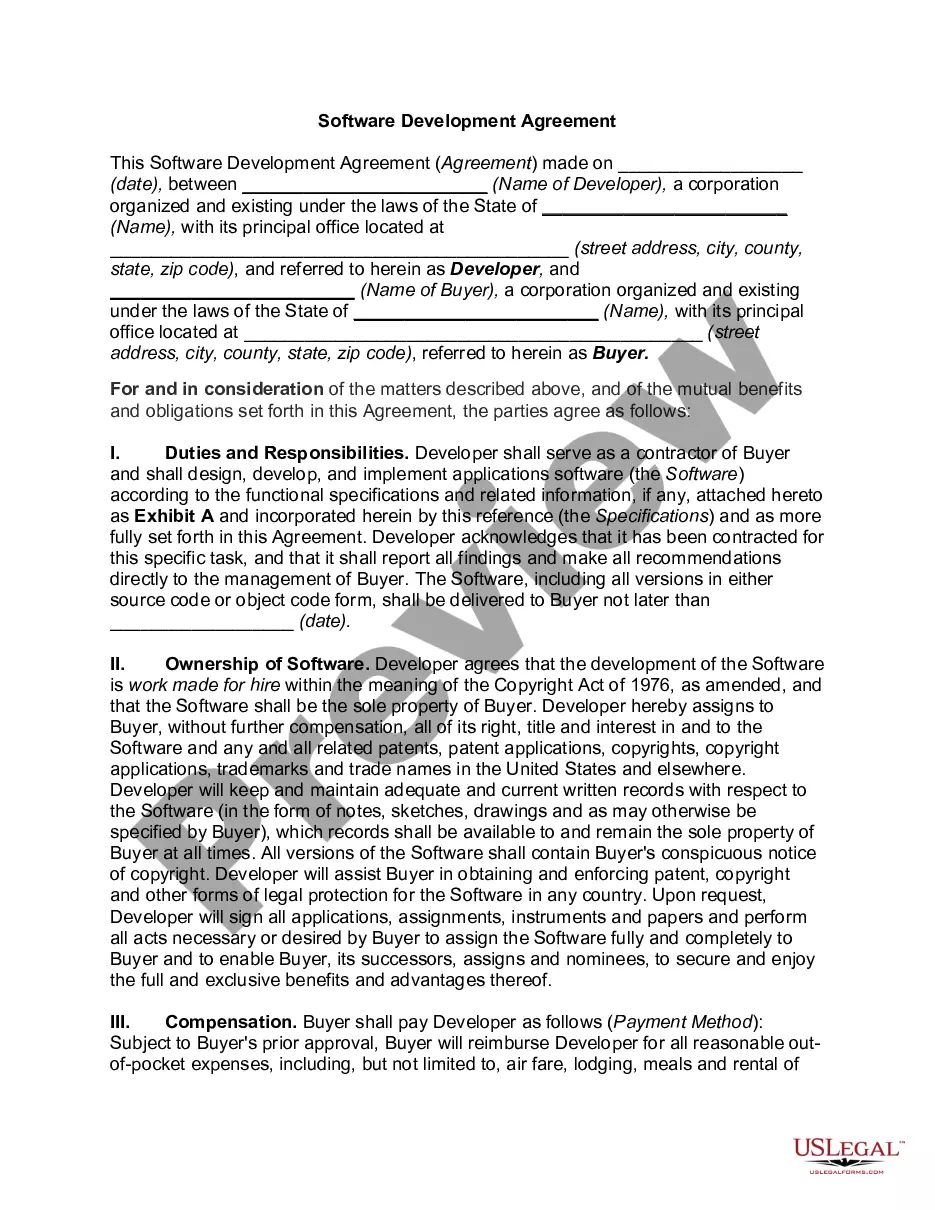
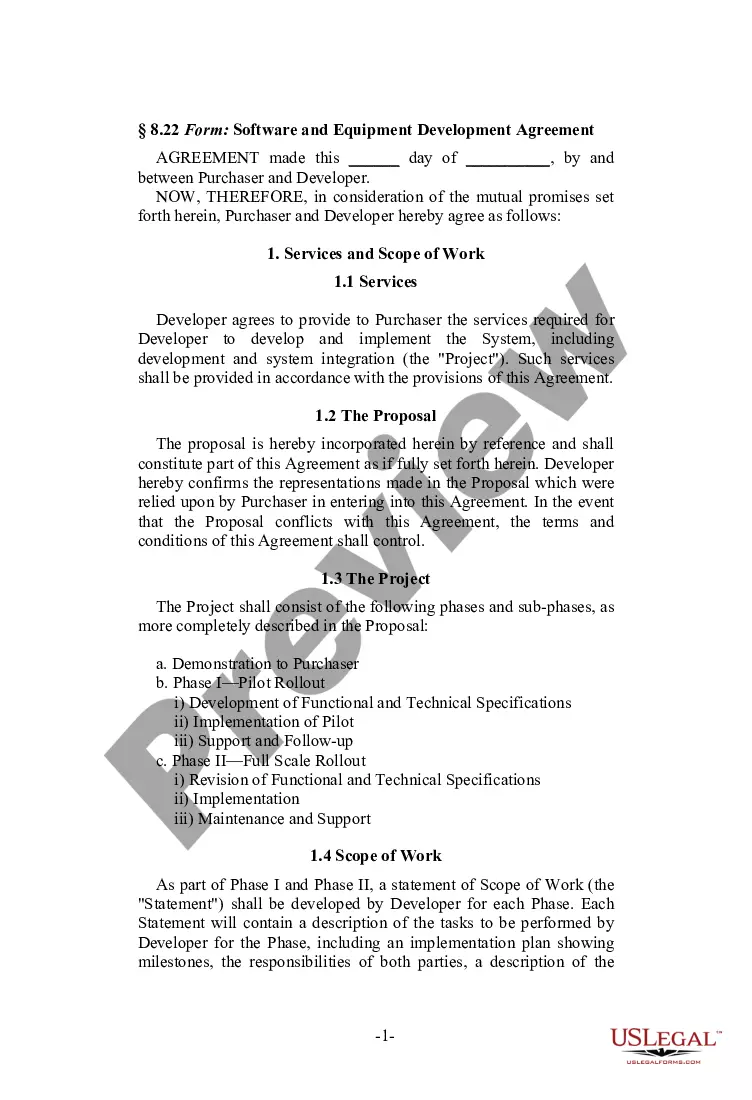
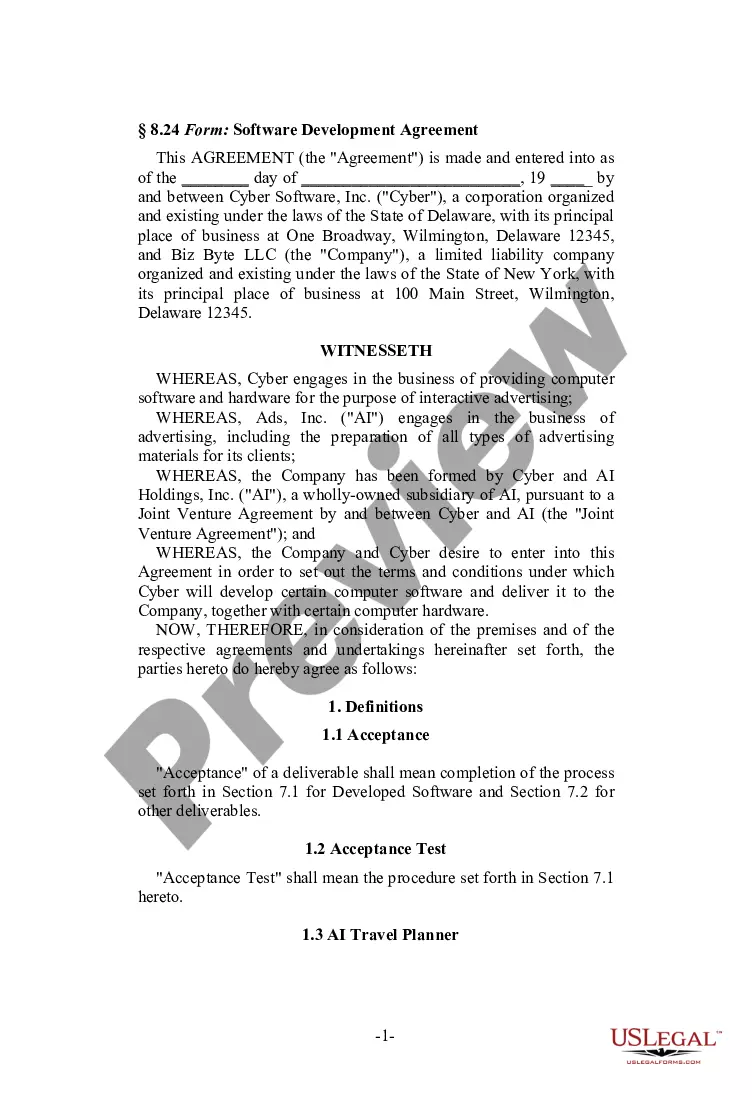
US Legal Forms offers thousands of form templates, including the Kansas Agreement to Design and Construct Software, which is tailored to meet state and federal regulations.
Once you obtain the right form, click Buy now.
Choose your desired pricing plan, fill in the necessary information to create your account, and complete your purchase using PayPal, Visa, or Mastercard.
- If you are already familiar with the US Legal Forms website and have an account, simply Log In.
- Afterward, you can download the Kansas Agreement to Design and Construct Software template.
- If you do not have an account and wish to start using US Legal Forms, follow these steps.
- Select the form you need and ensure it is for the correct area/state.
- Use the Review button to examine the form.
- Check the details to confirm that you have selected the correct form.
- If the form is not what you are looking for, use the Search field to find the form that meets your needs and requirements.
Form popularity
FAQ
A contractor typically needs to complete various paperwork, including subcontractor agreements, liability insurance documents, and client contracts. Each document should outline key details, like the project scope and payment terms, ensuring compliance with local regulations. A Kansas Agreement to Design and Construct Software can help streamline this process and ensure you meet all necessary documentation standards.
A design agreement is a formal document that outlines the terms between a designer and a client regarding a particular project. This agreement details the scope of work, payment terms, and deadlines, ensuring both parties are on the same page. For software projects, utilizing a Kansas Agreement to Design and Construct Software can provide a structured approach to documenting design obligations.
Writing a simple contract agreement involves clear language that outlines the agreement's purpose, obligations, and terms. Specify who is involved, what is expected, payment details, and timelines. Keep it concise yet comprehensive to prevent misunderstandings. A Kansas Agreement to Design and Construct Software can be an excellent resource to ensure all bases are covered.
To write a construction contract agreement, start by detailing the project's scope and specifications. Include terms about payment, timelines, and responsibilities of all involved parties. It is crucial to ensure compliance with state regulations. A Kansas Agreement to Design and Construct Software can provide specific formats to help you navigate this process smoothly.
Drafting a contract template begins with understanding your project's requirements. State the main elements such as scope, payment structure, and timelines. Then, create sections that can be customized for future use, allowing for easy adjustments while maintaining clarity. Utilizing a Kansas Agreement to Design and Construct Software ensures that your base template is legally sound and comprehensive.
Filling out a contractor agreement requires you to include essential information about the parties, project details, milestones, and payment terms. Ensure all provisions align with local laws and specify the responsibilities of each party. Moreover, integrating a Kansas Agreement to Design and Construct Software can simplify the process, offering templates tailored for such agreements.
To fill out an agreement, start by clearly identifying the parties involved. Next, specify the purpose of the agreement, outlining the terms and conditions. Make sure to review the details, ensuring they are precise, and then each party should sign and date the document. Using a Kansas Agreement to Design and Construct Software will guide you through this essential process.