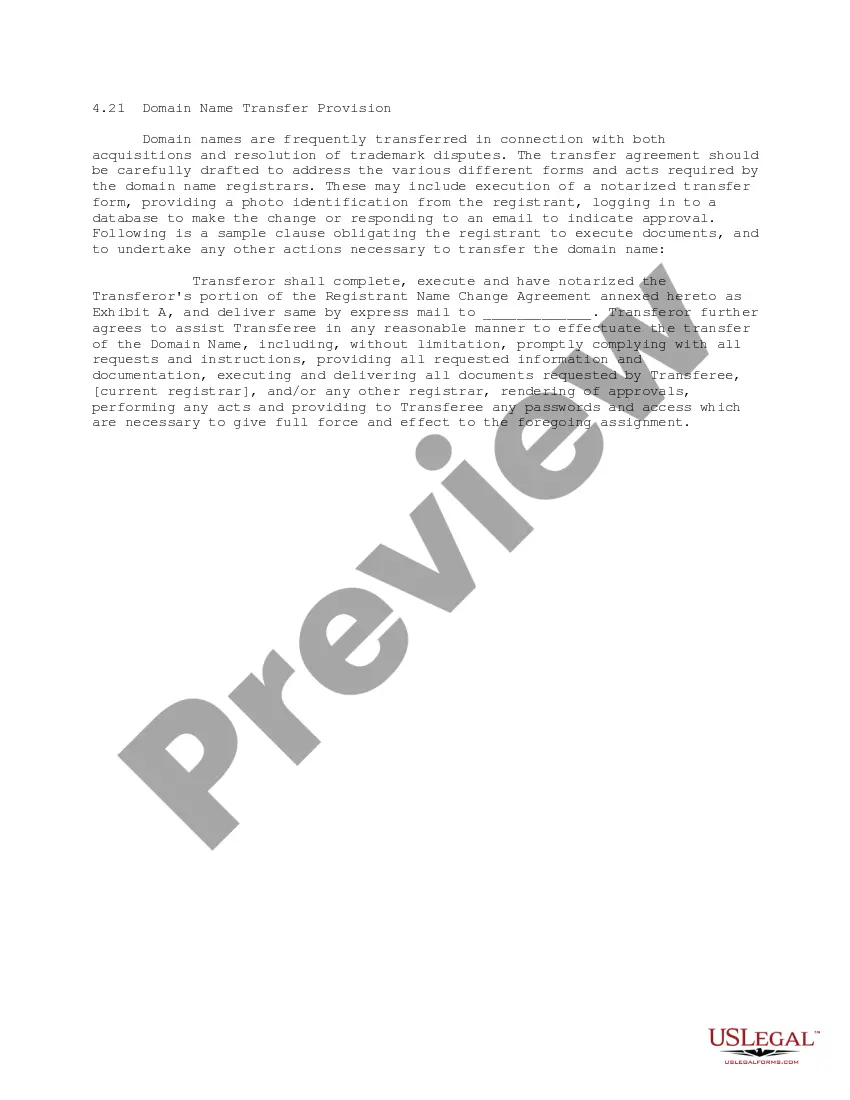
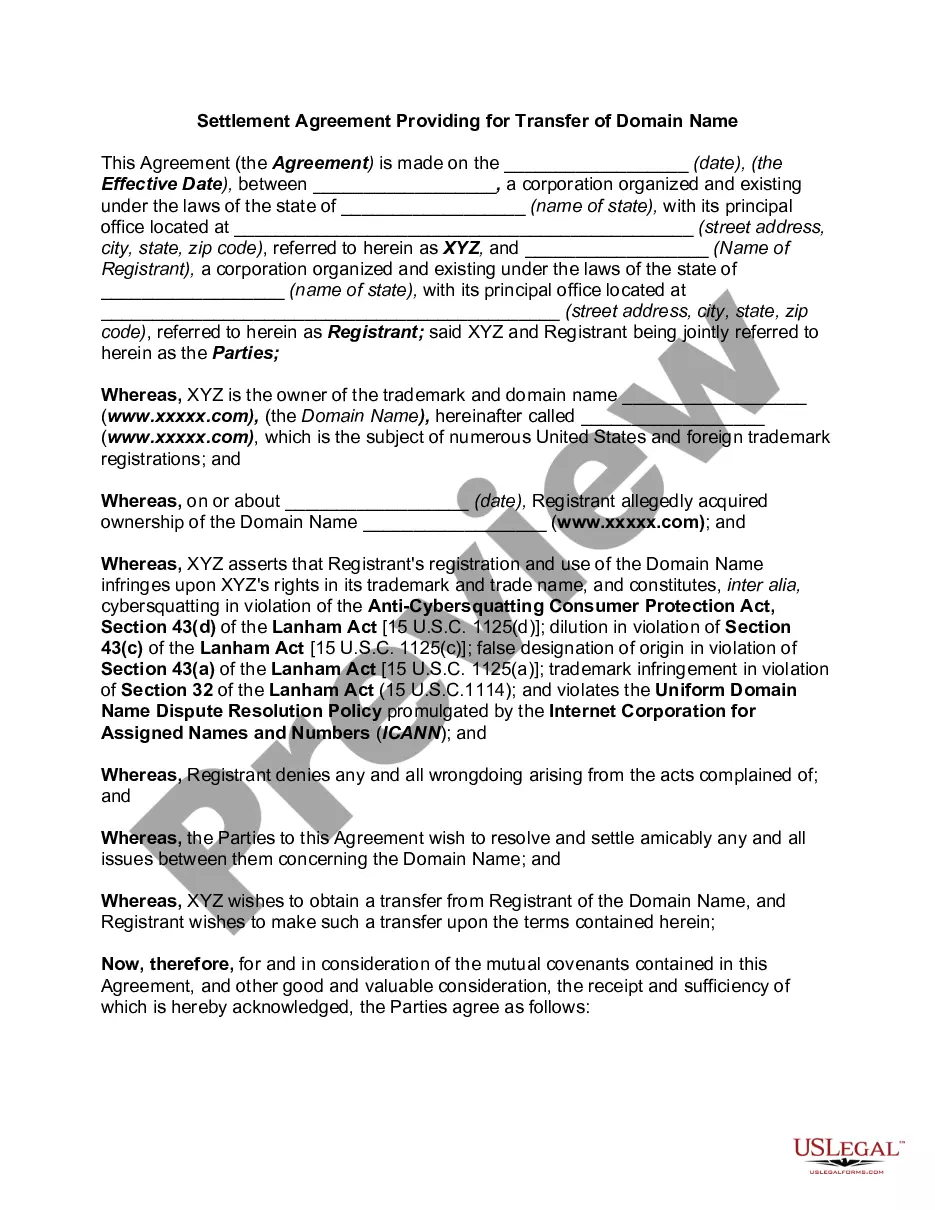
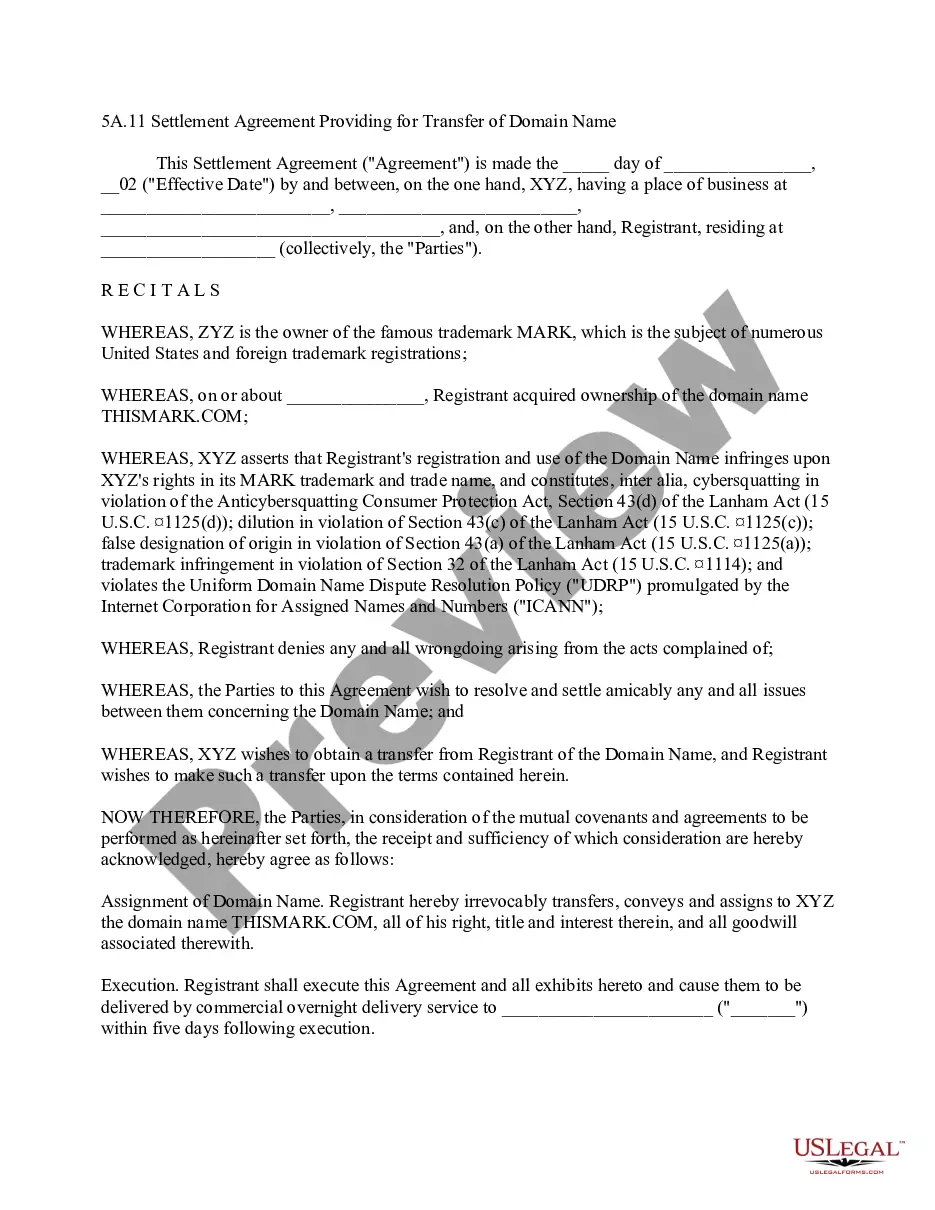
This form is a Domain Name Transfer Provision for a transfer agreement, either as part of an acquisition, settlement of a trademark dispute, or similar matter, that obligates the registrant of the domain name to execute documents and to undertake any other actions necessary to transfer the domain name.
Hawaii Domain Name Transfer Provision
State:
Multi-State
Control #:
US-IP0421
Format:
Word;
PDF;
Rich Text
Instant download
Description




How to fill out Domain Name Transfer Provision?
Are you presently in the situation where you need documents for either business or personal purposes almost every day.
There are numerous legal document templates available online, but locating trustworthy ones can be challenging.
US Legal Forms offers thousands of form templates, such as the Hawaii Domain Name Transfer Provision, designed to meet federal and state requirements.
Once you find the appropriate form, click Get now.
Select the payment plan you want, fill in the required information to create your account, and complete the purchase using your PayPal or Visa or Mastercard.
- If you are already familiar with the US Legal Forms website and have your account, simply Log In.
- Then, you can download the Hawaii Domain Name Transfer Provision template.
- If you do not have an account and want to start using US Legal Forms, follow these steps.
- Find the form you need and ensure it is for the correct area/region.
- Use the Preview button to view the form.
- Read the description to confirm you have chosen the right form.
- If the form is not what you're looking for, use the Search field to find the form that meets your needs.
Form popularity
FAQ
Transferring your domain name registration is a straightforward process. First, you need to unlock your domain with your current registrar and obtain the transfer authorization code. Then, initiate the transfer through your new registrar, ensuring they offer support for Hawaii Domain Name Transfer Provision. By using US Legal Forms, you can access templates and resources to help you navigate this process smoothly and efficiently.
To transfer domain registration in Hawaii, you first need to unlock your domain and acquire the authorization code from your current registrar. Next, you provide this information to your new registrar, who will initiate the transfer process. Keep in mind that the Hawaii Domain Name Transfer Provision requires you to follow specific steps to ensure a smooth transition. Utilizing platforms like uslegalforms can simplify this process by guiding you through the necessary steps and paperwork.
Yes, under the Hawaii Domain Name Transfer Provision, you typically need to wait 60 days after registering your domain before initiating a transfer. This waiting period helps prevent unauthorized transfers and ensures that the ownership remains secure. If you are within this timeframe, you cannot transfer your domain until the 60 days have elapsed. However, you can prepare for the transfer by gathering necessary information and ensuring your domain is unlocked.
Transferring registration to another car requires several key documents. You need the title of the new vehicle, a completed application for registration, and your identification. Additionally, ensure you have proof of insurance for the new car. US Legal Forms provides easy access to the necessary documents and guidance to make your car registration transfer seamless, ensuring compliance with the Hawaii Domain Name Transfer Provision.
It is your right to transfer your domain name registration between registrars. If you wish to move your domain name from one ICANN -accredited registrar to another, you may initiate the transfer process by contacting the registrar to which you wish to transfer the name.
The Internet Corporation for Assigned Names and Numbers (ICANN) requires domain providers to lock most domains for 60 days after registration, transfer, or as an option when changing contact information. When your domain is locked, you can't transfer it to a different provider.
Authorization codes help make sure you have permission to transfer your domain from one registrar to another. They are sometimes called EPP codes or Transfer codes. Confirmation emails make sure you are transferring your domain to the right person. You can't make the transfer without verifying your identity.
The changes that trigger a 60 day domain lock are: Registering or transferring a domain name. Updating the registrant contact's organization. Updating the registrant contact's first or last name and an organization is not listed.
When you transfer a domain name from one registrar to another, that's literally all you're doing. You're not moving your email or hosting. During the domain transfer process, your nameservers don't change they'll stay pointed to the same pre-transfer nameservers.
Let's recap the four steps you'll need to follow if you want to transfer your domain name to a new host:Remove your domain lock and get an authorization code.Initiate a transfer with your new host.Verify the transfer.Pay for your transfer and wait for the process to complete.