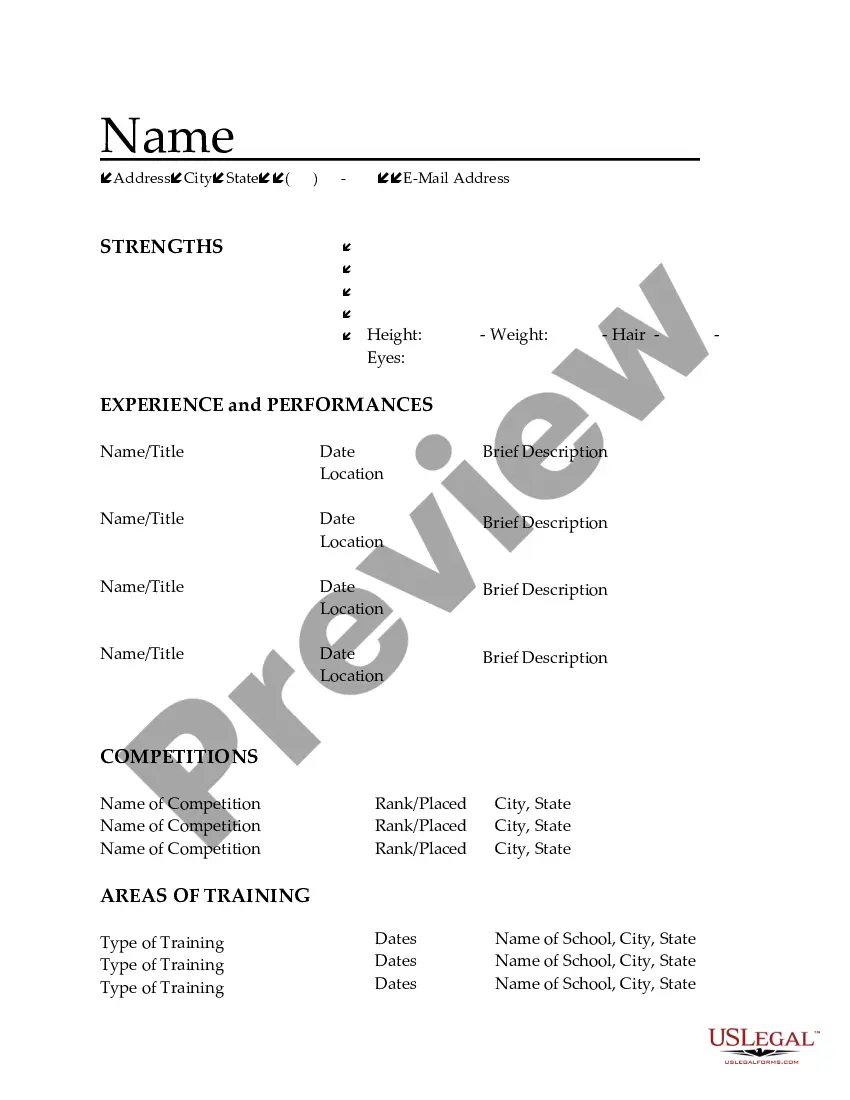
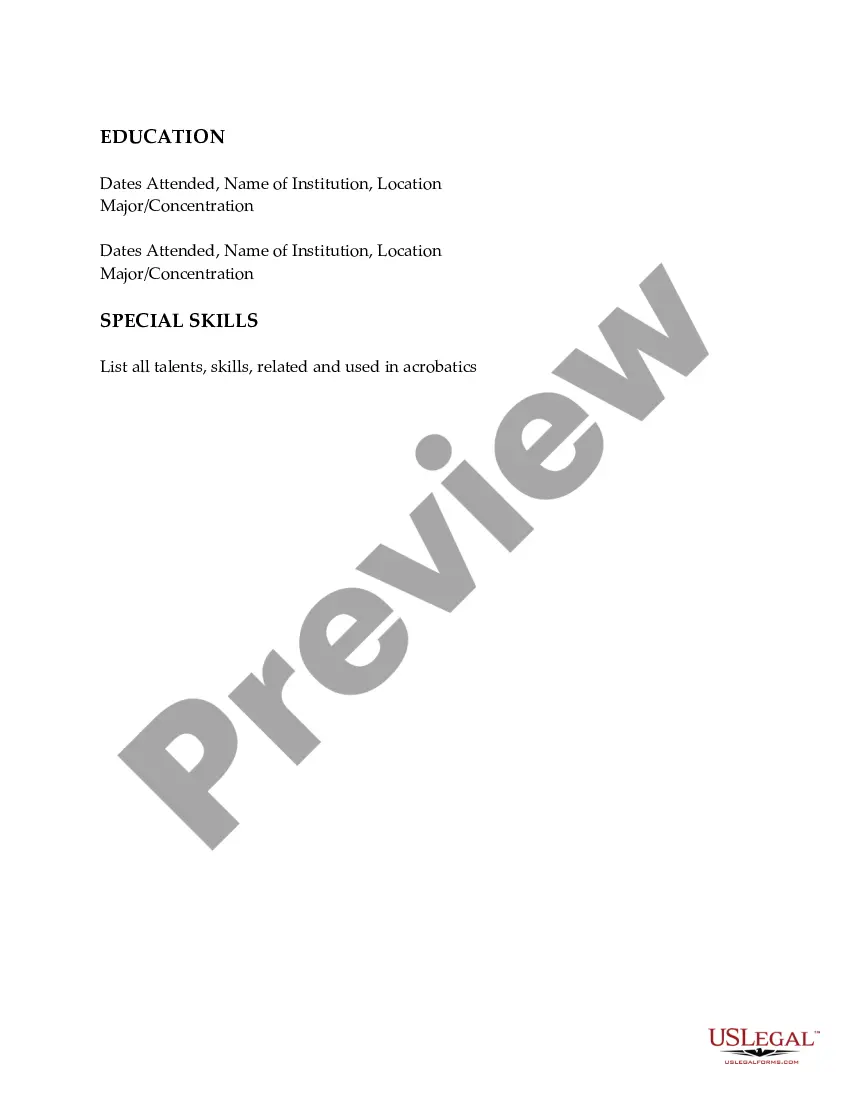
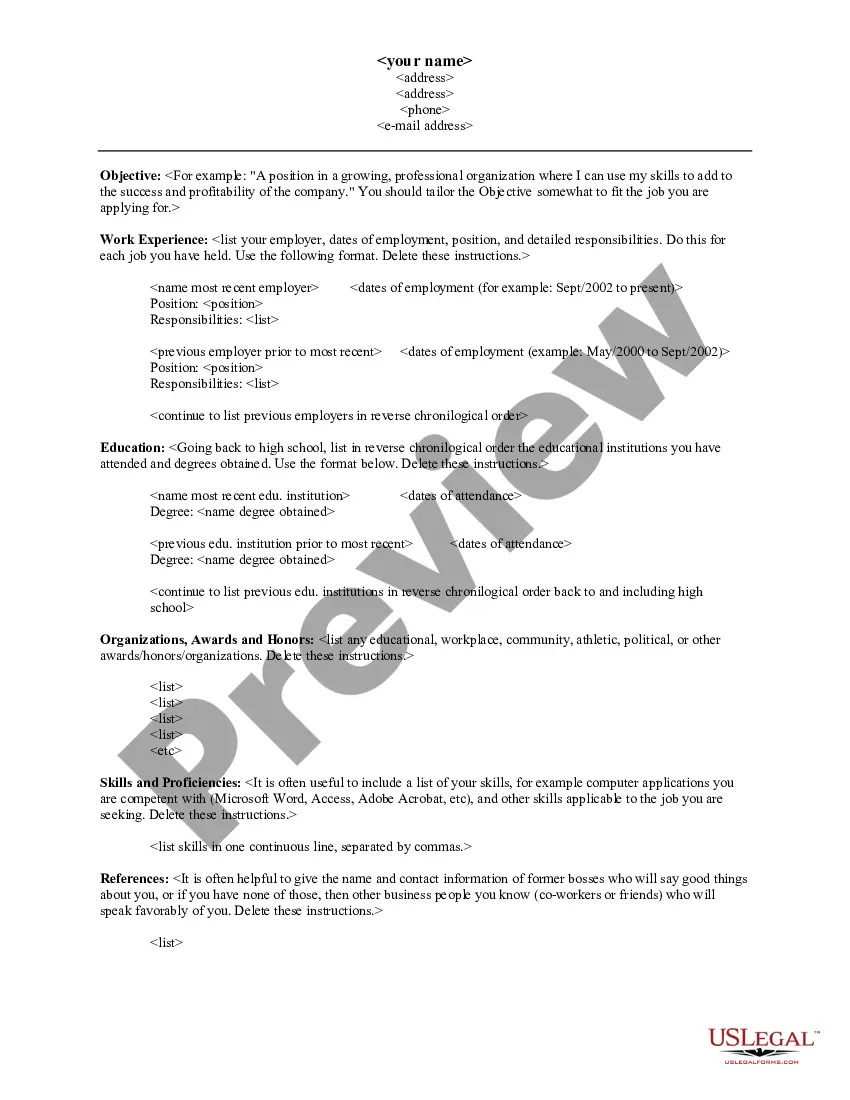
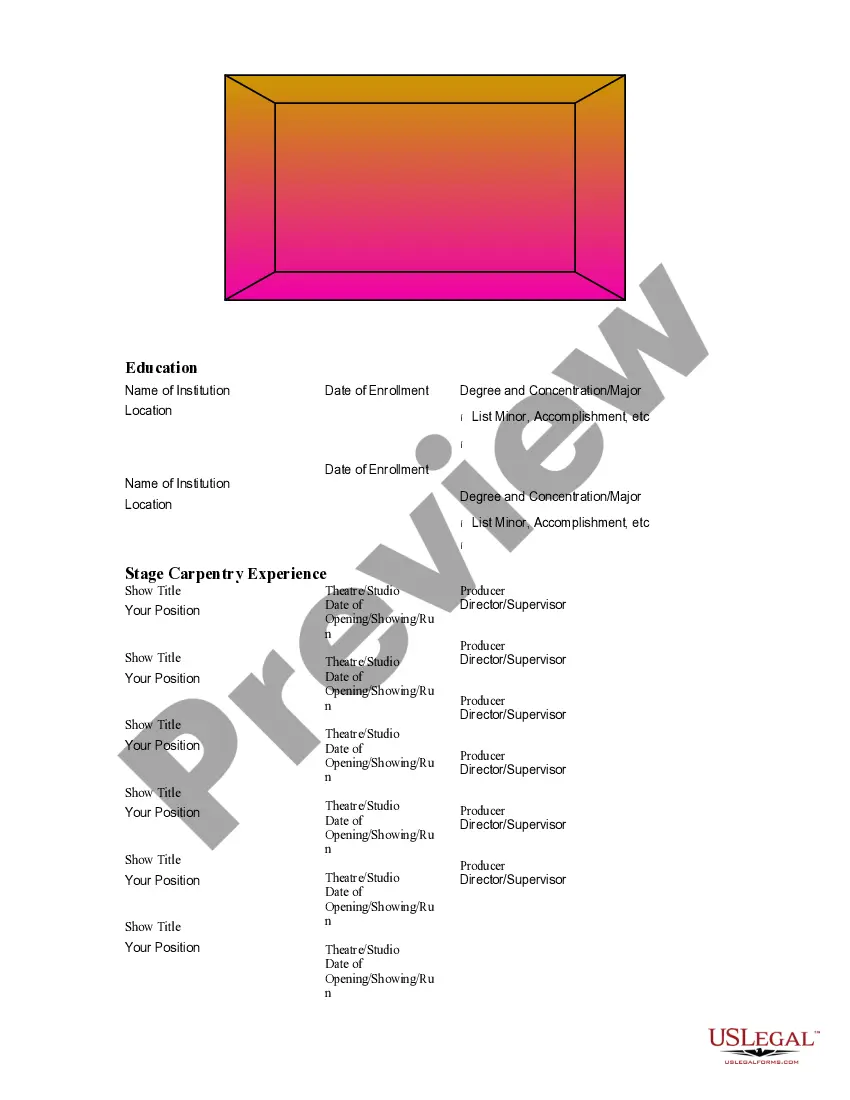
Guam Resume for Acrobats
Description
Get your form ready online
Our built-in tools help you complete, sign, share, and store your documents in one place.
Make edits, fill in missing information, and update formatting in US Legal Forms—just like you would in MS Word.
Download a copy, print it, send it by email, or mail it via USPS—whatever works best for your next step.
Sign and collect signatures with our SignNow integration. Send to multiple recipients, set reminders, and more. Go Premium to unlock E-Sign.
If this form requires notarization, complete it online through a secure video call—no need to meet a notary in person or wait for an appointment.
We protect your documents and personal data by following strict security and privacy standards.

Make edits, fill in missing information, and update formatting in US Legal Forms—just like you would in MS Word.

Download a copy, print it, send it by email, or mail it via USPS—whatever works best for your next step.

Sign and collect signatures with our SignNow integration. Send to multiple recipients, set reminders, and more. Go Premium to unlock E-Sign.

If this form requires notarization, complete it online through a secure video call—no need to meet a notary in person or wait for an appointment.

We protect your documents and personal data by following strict security and privacy standards.
Looking for another form?




How to fill out Resume For Acrobats?
US Legal Forms - one of the largest collections of legal documents in the United States - provides a broad selection of legal document templates that you can obtain or create.
By using the site, you will find thousands of forms for business and personal purposes, organized by categories, states, or keywords. You can locate the latest versions of forms such as the Guam Resume for Acrobats in moments.
If you have an account, Log In and obtain the Guam Resume for Acrobats from the US Legal Forms library. The Download button will appear on every form you view. You can access all previously downloaded forms in the My documents section of your profile.
Complete the transaction. Use your Visa or Mastercard or PayPal account to finalize the transaction.
Select the format and download the form to your device. Make changes. Fill out, modify, print, and sign the downloaded Guam Resume for Acrobats. Each template you added to your account has no expiration date and belongs to you indefinitely. Therefore, if you wish to download or create another copy, simply go to the My documents section and click on the form you need. Access the Guam Resume for Acrobats with US Legal Forms, the most comprehensive library of legal document templates. Utilize thousands of professional and state-specific templates that fulfill your business or personal needs and requirements.
- To use US Legal Forms for the first time, here are simple instructions to help you get started.
- Ensure you have selected the correct form for your city/region. Click the Preview button to review the form's details.
- Read the form description to confirm you have chosen the right form.
- If the form does not meet your criteria, utilize the Search box at the top of the page to find one that does.
- When you are satisfied with the form, confirm your selection by clicking the Acquire now button.
- Then, choose the pricing plan you prefer and provide your information to register for an account.
Form popularity
FAQ
When listing dance training on your Guam Resume for Acrobats, create a dedicated section titled 'Training' or 'Education.' Include the names of institutions, course titles, and the duration of each training program. Be specific about styles and techniques you have learned, as this adds depth to your qualifications. This clarity will help potential employers understand your background in acrobatics.
If you are starting with a Guam Resume for Acrobats and lack formal experience, focus on your training, workshops, and performances. Highlight any relevant classes, volunteer work, or community events where you showcased your skills. You can also emphasize your personal attributes, such as dedication and passion for acrobatics. Consider using USLegalForms to access templates that guide you through the process.
structured Guam Resume for Acrobats typically consists of seven key parts. These include your contact information, a professional summary, work experience, education, skills, certifications, and additional relevant sections like awards or performances. Each part plays a significant role in showcasing your unique qualifications. Be sure to tailor these sections to highlight your acrobatics expertise.
The seven-second rule in resume writing suggests that hiring managers spend only a brief moment reviewing each resume. Thus, your Guam Resume for Acrobats should grab attention quickly. Use clear headings, bullet points, and concise language to present your qualifications effectively. Remember, the goal is to make an impact in those first few seconds to increase your chances of landing an interview.
Creating a Guam Resume for Acrobats involves seven essential steps. First, gather your personal information, including your contact details. Next, craft a compelling summary that highlights your skills and experiences. Then, list your work history, focusing on relevant roles. After that, outline your education and training. Following this, include any certifications or special skills. Finally, review and format your resume to ensure clarity and professionalism.