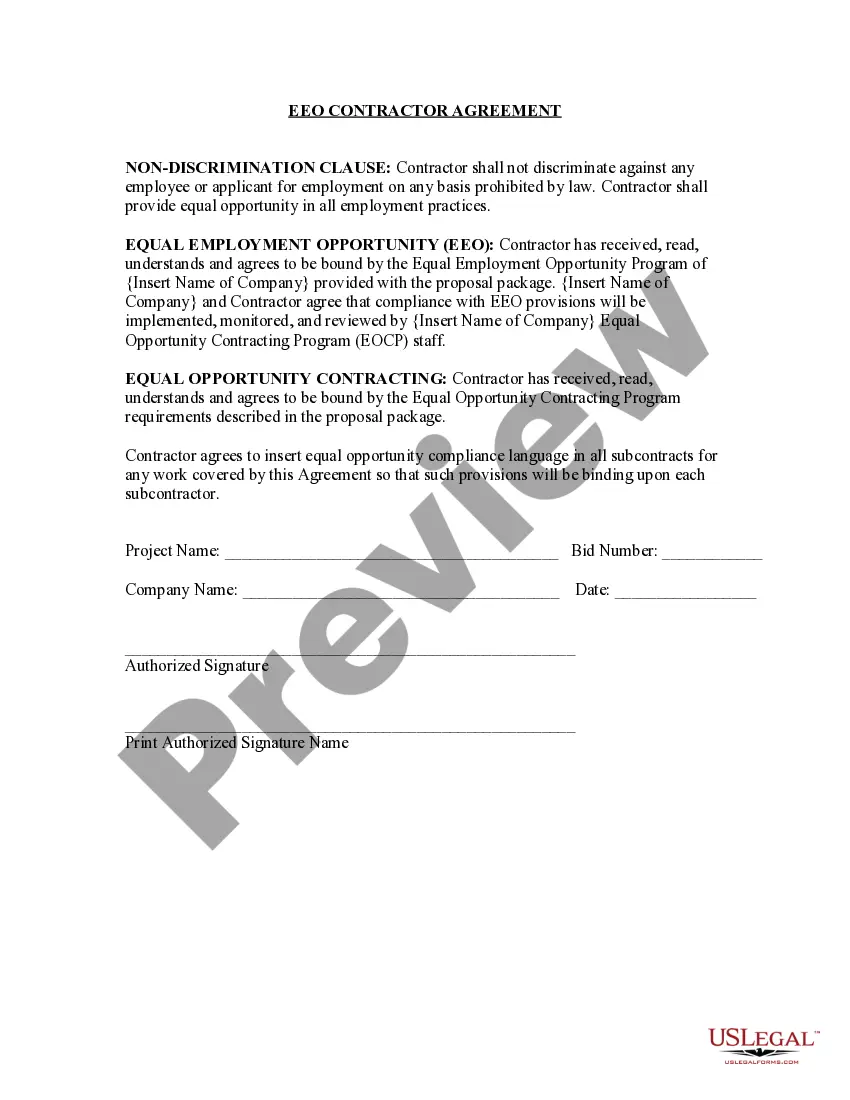
Guam EEO Contractor Agreement
Description
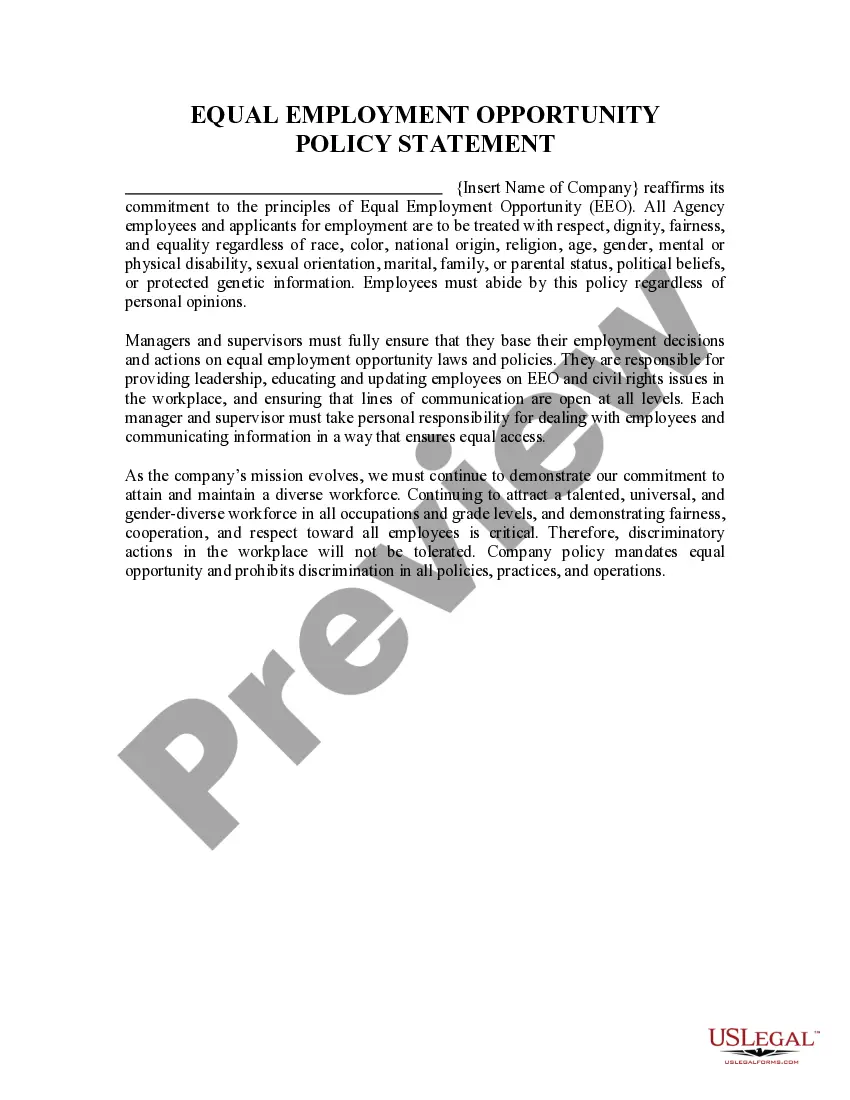
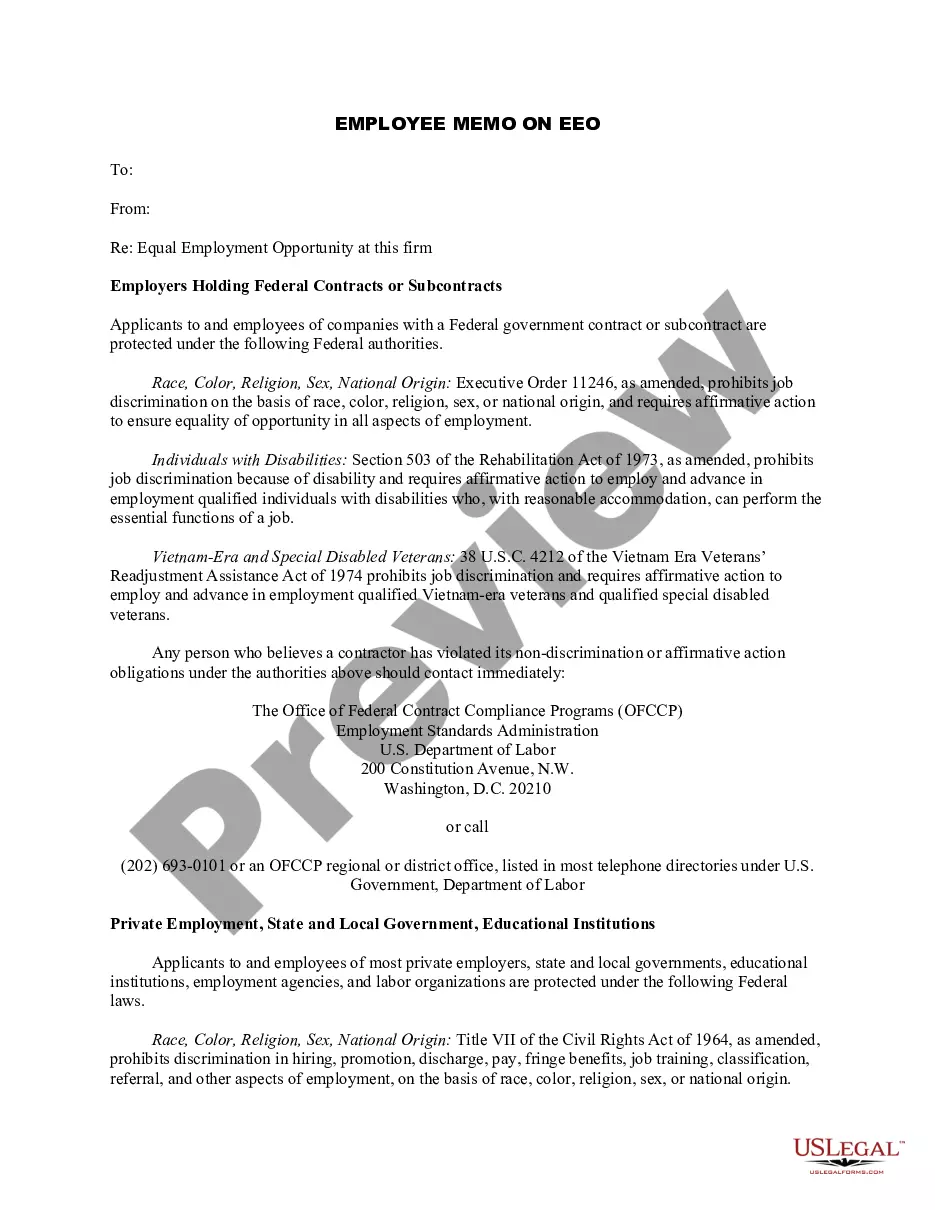
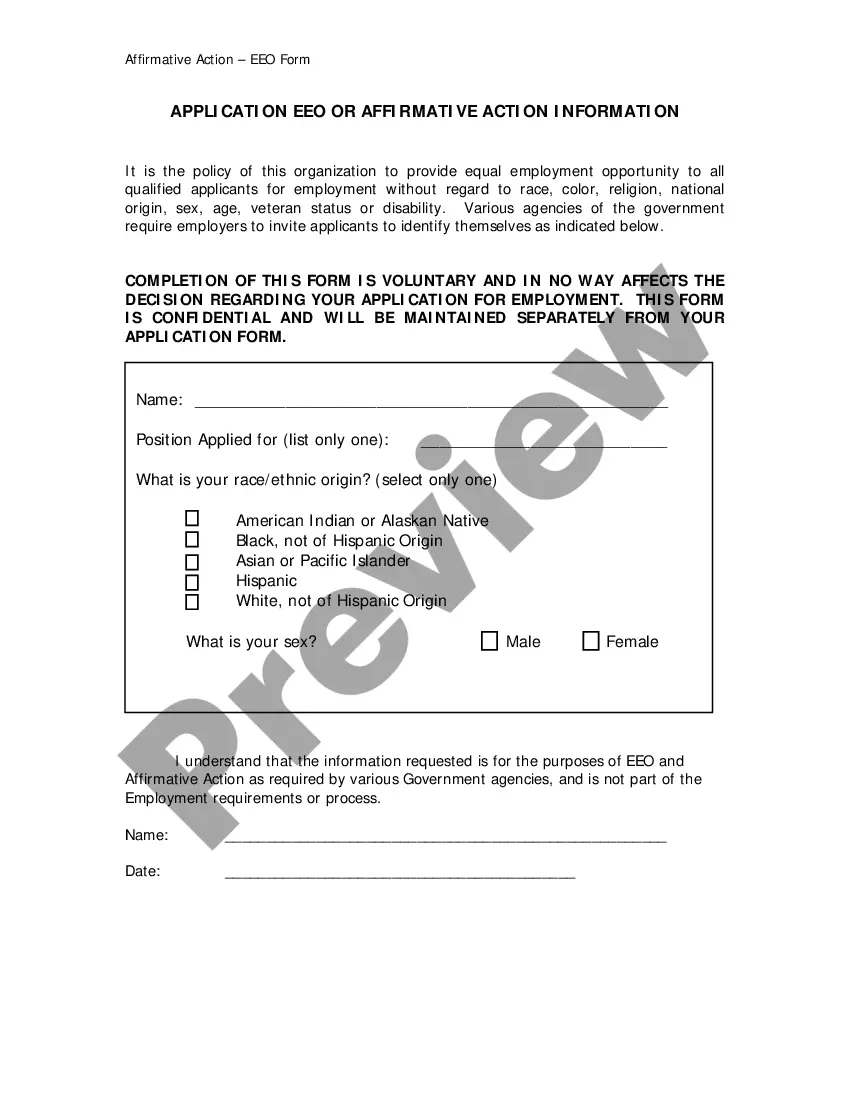

Get your form ready online
Our built-in tools help you complete, sign, share, and store your documents in one place.
Make edits, fill in missing information, and update formatting in US Legal Forms—just like you would in MS Word.
Download a copy, print it, send it by email, or mail it via USPS—whatever works best for your next step.
Sign and collect signatures with our SignNow integration. Send to multiple recipients, set reminders, and more. Go Premium to unlock E-Sign.
If this form requires notarization, complete it online through a secure video call—no need to meet a notary in person or wait for an appointment.
We protect your documents and personal data by following strict security and privacy standards.

Make edits, fill in missing information, and update formatting in US Legal Forms—just like you would in MS Word.

Download a copy, print it, send it by email, or mail it via USPS—whatever works best for your next step.

Sign and collect signatures with our SignNow integration. Send to multiple recipients, set reminders, and more. Go Premium to unlock E-Sign.

If this form requires notarization, complete it online through a secure video call—no need to meet a notary in person or wait for an appointment.

We protect your documents and personal data by following strict security and privacy standards.
Looking for another form?


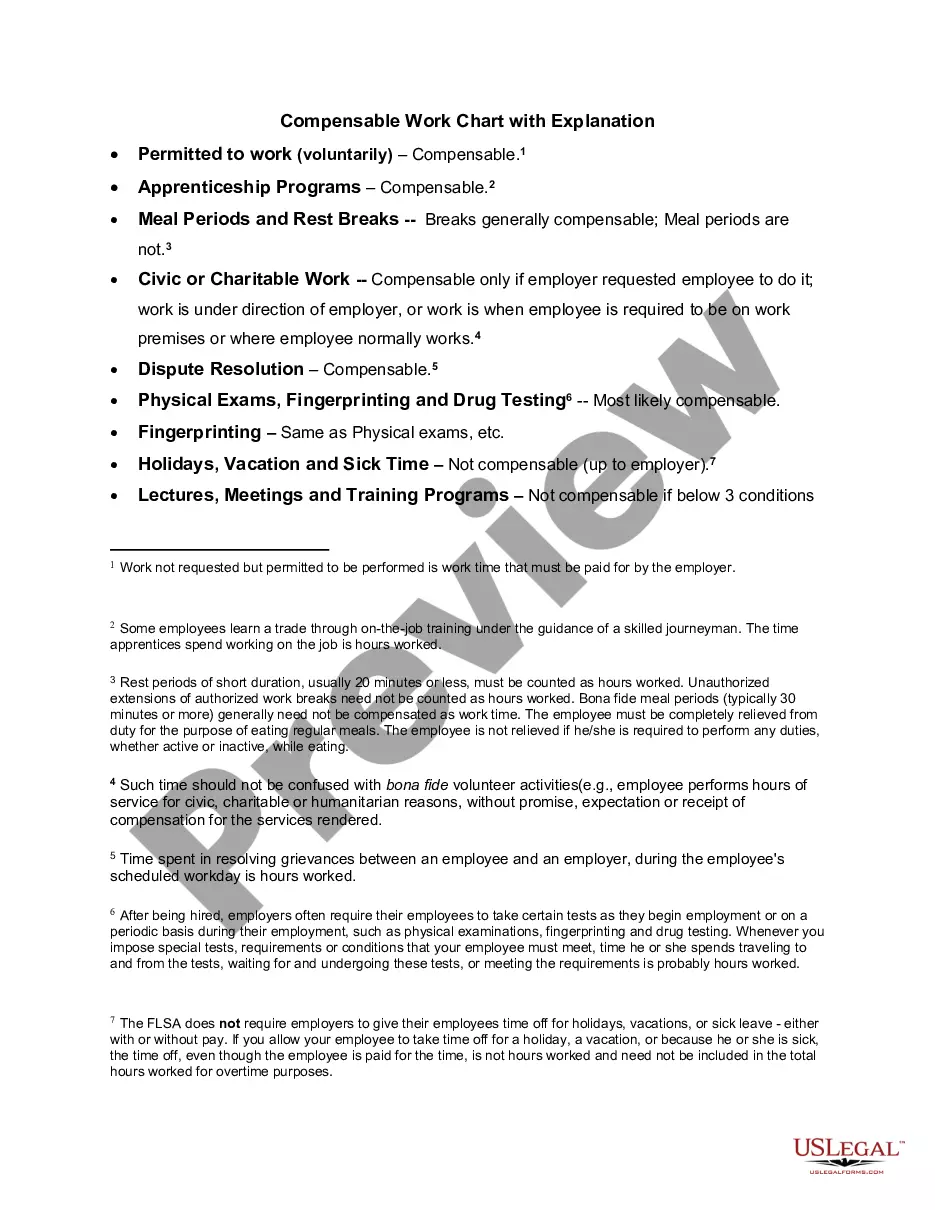
How to fill out EEO Contractor Agreement?
You can invest time online attempting to locate the legal document template that meets the federal and state requirements you need.
US Legal Forms offers a vast array of legal forms that have been reviewed by experts.
You can actually download or print the Guam EEO Contractor Agreement from the service.
If available, utilize the Review button to inspect the document template as well.
- If you possess a US Legal Forms account, you can Log In and click on the Download button.
- Then, you can complete, modify, print, or sign the Guam EEO Contractor Agreement.
- Every legal document template you purchase becomes yours permanently.
- To obtain an additional copy of a purchased form, navigate to the My documents section and click on the corresponding button.
- If you are using the US Legal Forms website for the first time, follow the simple instructions below.
- First, ensure that you have selected the appropriate document template for the region/city you have chosen.
- Check the form details to confirm you have selected the correct form.
Form popularity
FAQ
Employers are required to post notices describing the Federal laws prohibiting job discrimination based on race, color, religion, sex (including pregnancy), national origin, age (40 or older), disability or genetic information.
An Employment Information Report (EEO1), also known as a Standard Form 100, is filed annually with the EEO-1 Joint Reporting Committee and provides a demographic breakdown of the employer's work force by race and gender. Standard Form 100 must be filed by covered Federal contractors who: Have 50 or more employees, and.
State and local governments, public primary and secondary school systems, institutions of higher education, American Indian or Alaska Native tribes, and tax-exempt private membership clubs other than labor organizations are exempt from the EEO-1 component report.
How to file an EEO-1 reportStep 1: Determine whether you need to file an EEO-1 report.Step 2: Learn the basics of the EEO statement.Step 3: Register as a first-time filer.Step 4: Collect the data for your EEO-1 report.Step 5: Prepare and submit the EEO-1 report.Step 6: Track changes in EEO-1 reporting requirements.More items...
Employers who have at least 100 employees and federal contractors who have at least 50 employees are required to complete and submit an EEO-1 Report (a government form that requests information about employees' job categories, ethnicity, race, and gender) to EEOC and the U.S. Department of Labor every year.
The EEO-1 Component 1 report is a mandatory annual data collection that requires all private sector employers with 100 or more employees, and federal contractors with 50 or more employees meeting certain criteria, to submit demographic workforce data, including data by race/ethnicity, sex and job categories.
Who files an EEO-1 report? You need to file an EEO-1 report if you are: A private employer with 100 or more employees. A federal government prime contractor or first-tier subcontractor with 50 or more employees and a contract/subcontract amounting to $50,000 or more.
Employers who have at least 100 employees and federal contractors who have at least 50 employees are required to complete and submit an EEO-1 Report (a government form that requests information about employees' job categories, ethnicity, race, and gender) to EEOC and the U.S. Department of Labor every year.
The EEO-1 report is a mandatory reporting requirement for many U.S. employers. You may hear EEO-1 reports referred to as Equal Employment Opportunity Compliance reports or simply EEO reports.