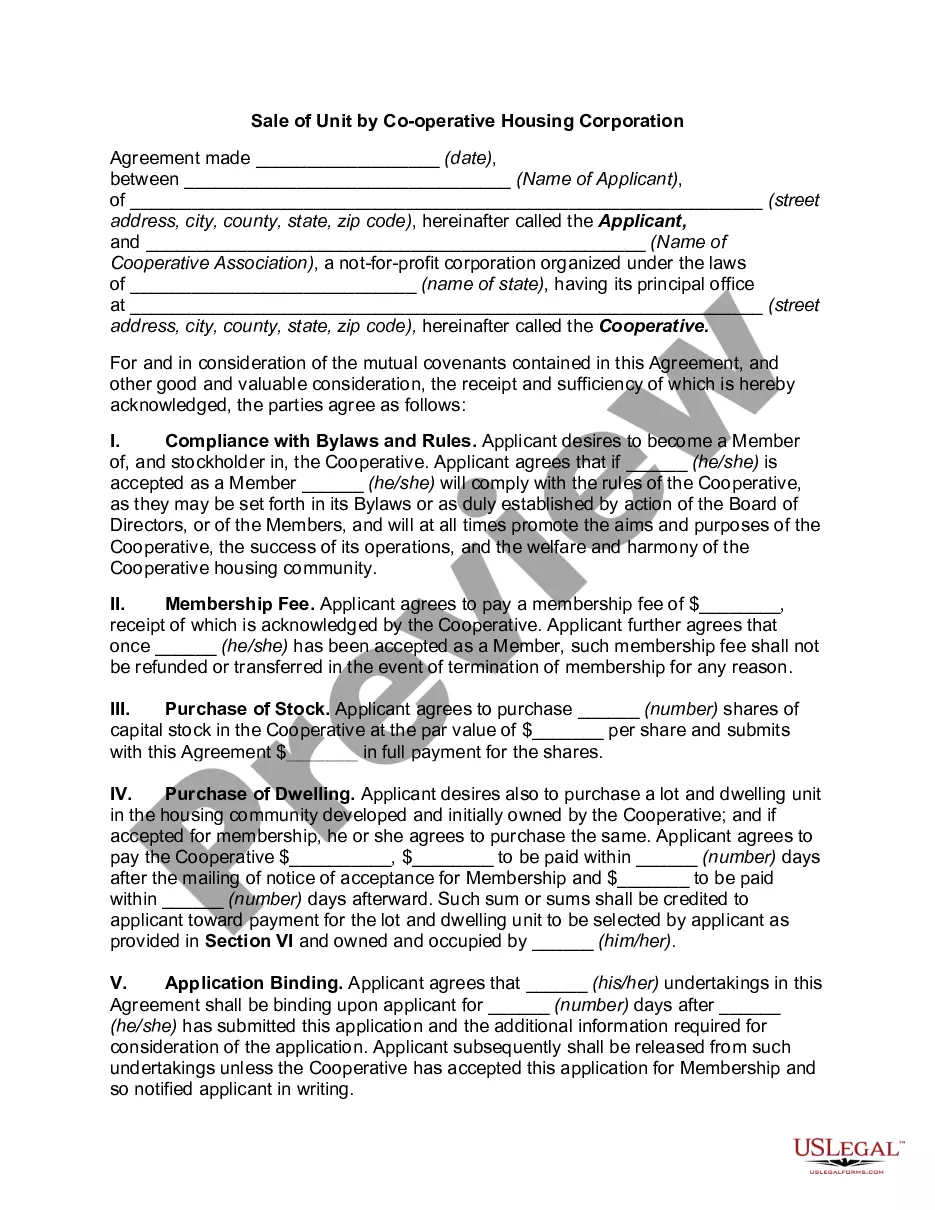
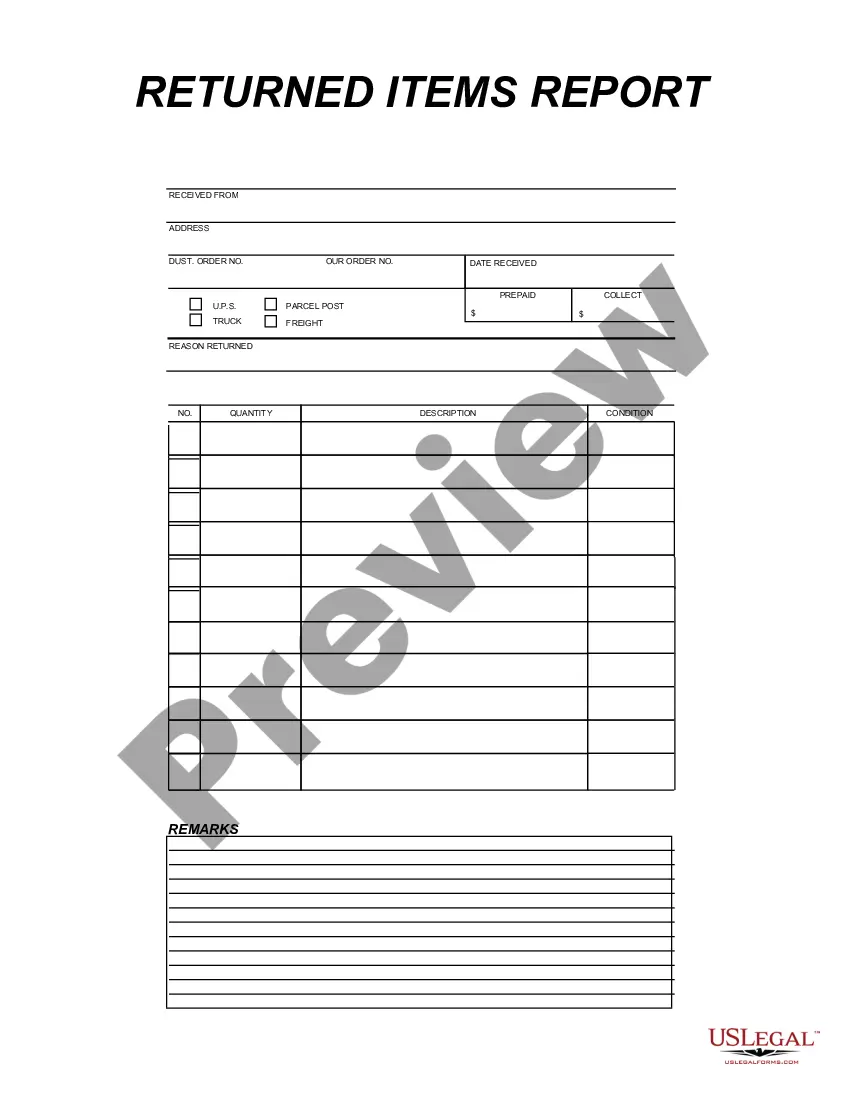
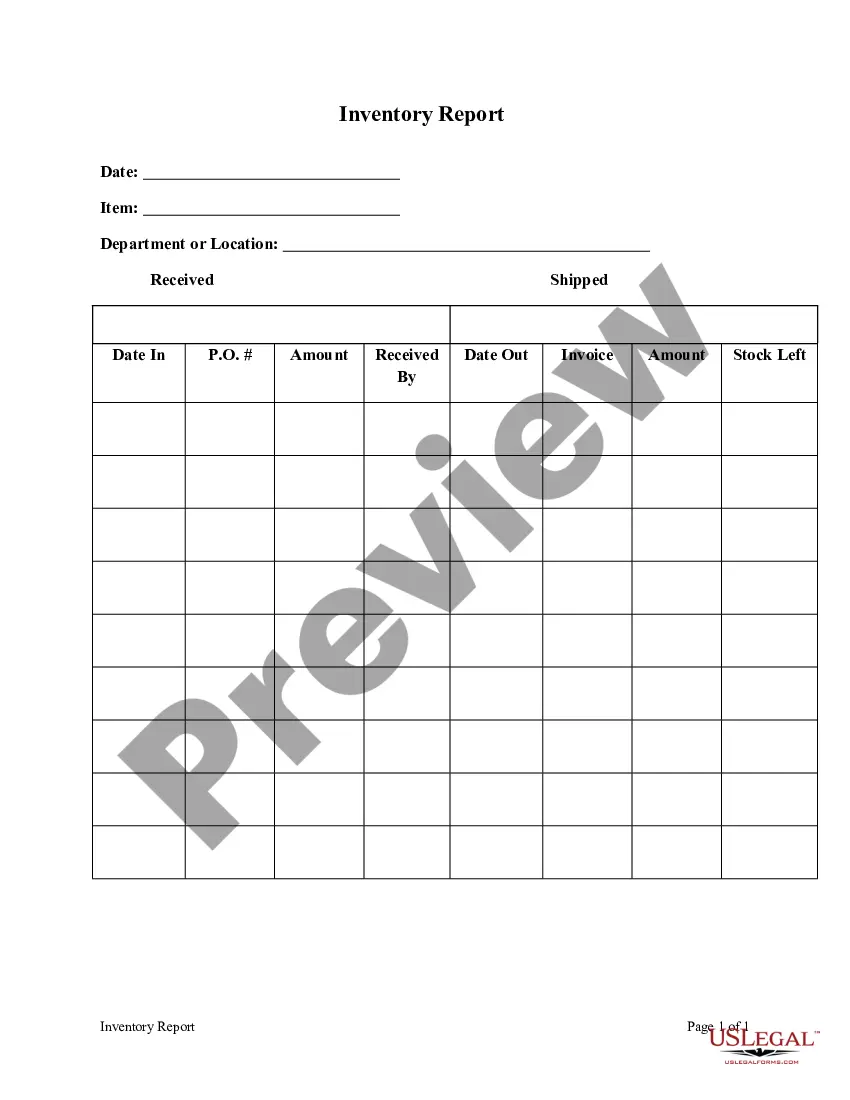
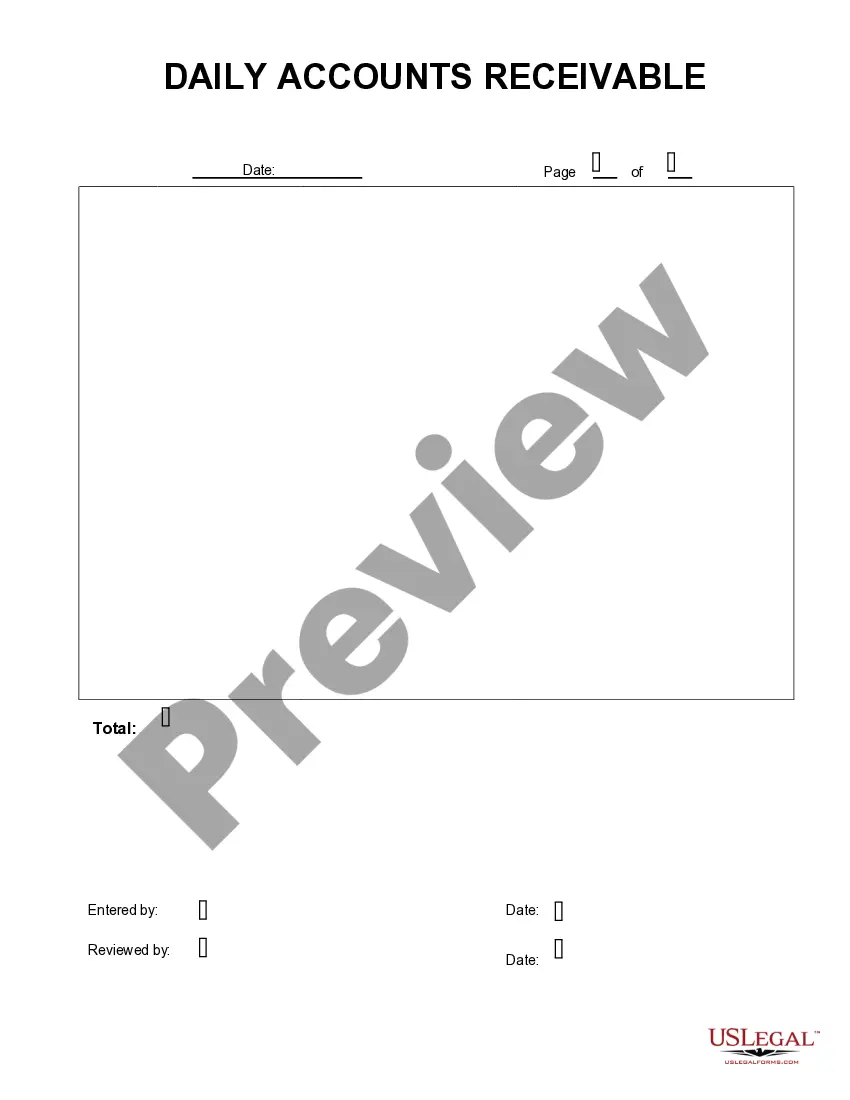
This form is a business type form that is formatted to allow you to complete the form using Adobe Acrobat or Word. The word files have been formatted to allow completion by entry into fields. Some of the forms under this category are rather simple while others are more complex. The formatting is worth the small cost.
Guam Returned Items Report
Category:
State:
Multi-State
Control #:
US-199-AZ
Format:
Word;
PDF;
Rich Text
Instant download
Description
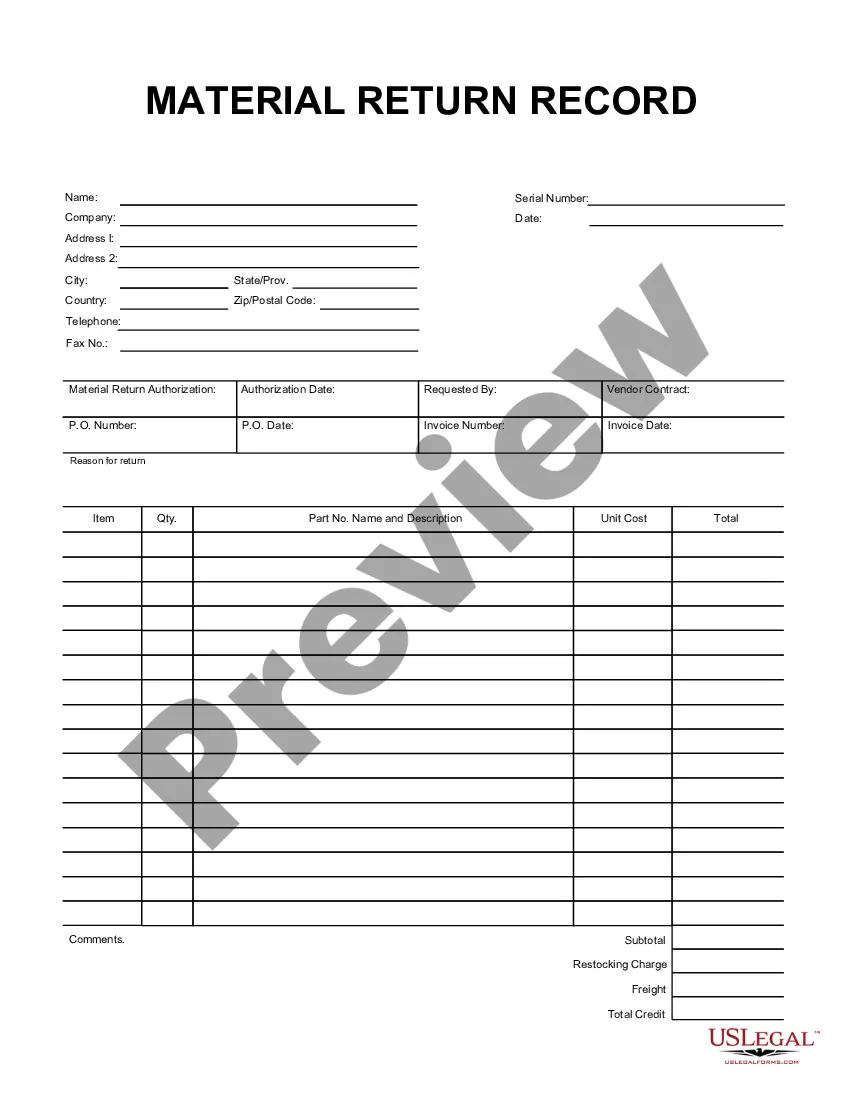
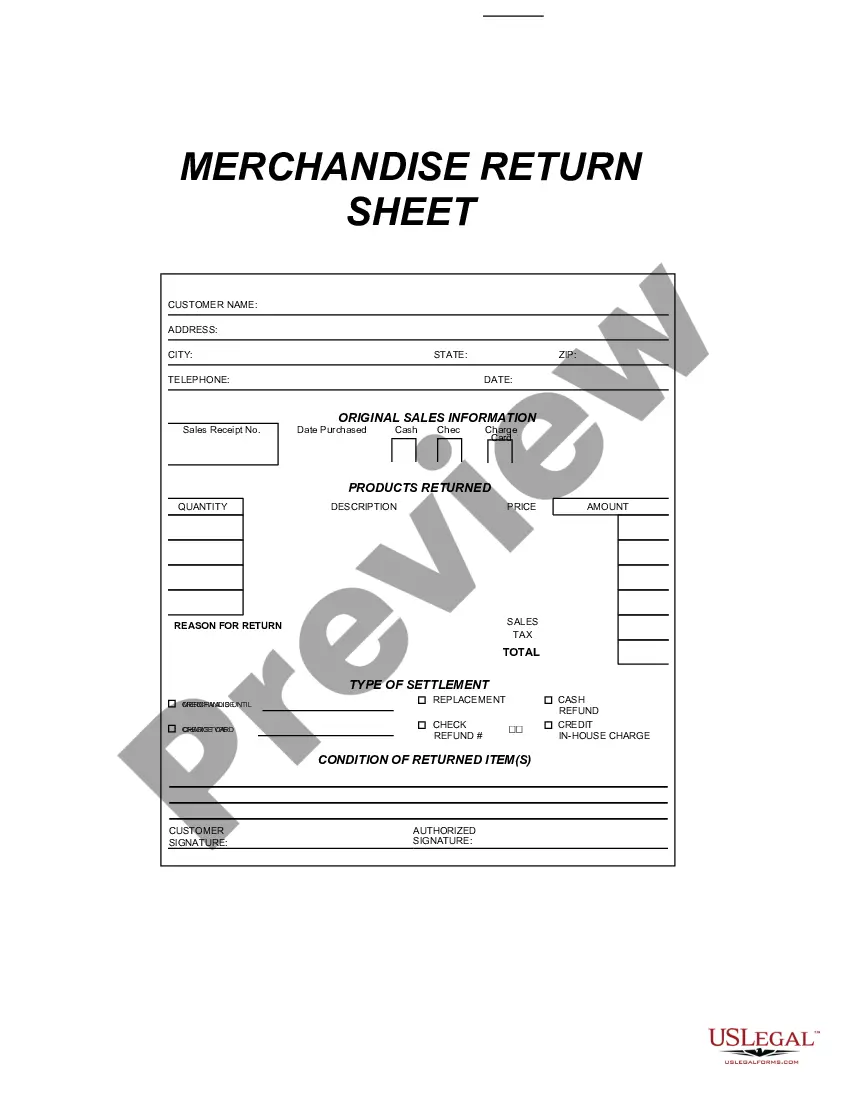
Get your form ready online
Our built-in tools help you complete, sign, share, and store your documents in one place.
Built-in online Word editor
Make edits, fill in missing information, and update formatting in US Legal Forms—just like you would in MS Word.
Export easily
Download a copy, print it, send it by email, or mail it via USPS—whatever works best for your next step.
E-sign your document
Sign and collect signatures with our SignNow integration. Send to multiple recipients, set reminders, and more. Go Premium to unlock E-Sign.
Notarize online 24/7
If this form requires notarization, complete it online through a secure video call—no need to meet a notary in person or wait for an appointment.
Store your document securely
We protect your documents and personal data by following strict security and privacy standards.

Make edits, fill in missing information, and update formatting in US Legal Forms—just like you would in MS Word.

Download a copy, print it, send it by email, or mail it via USPS—whatever works best for your next step.

Sign and collect signatures with our SignNow integration. Send to multiple recipients, set reminders, and more. Go Premium to unlock E-Sign.

If this form requires notarization, complete it online through a secure video call—no need to meet a notary in person or wait for an appointment.

We protect your documents and personal data by following strict security and privacy standards.
Looking for another form?

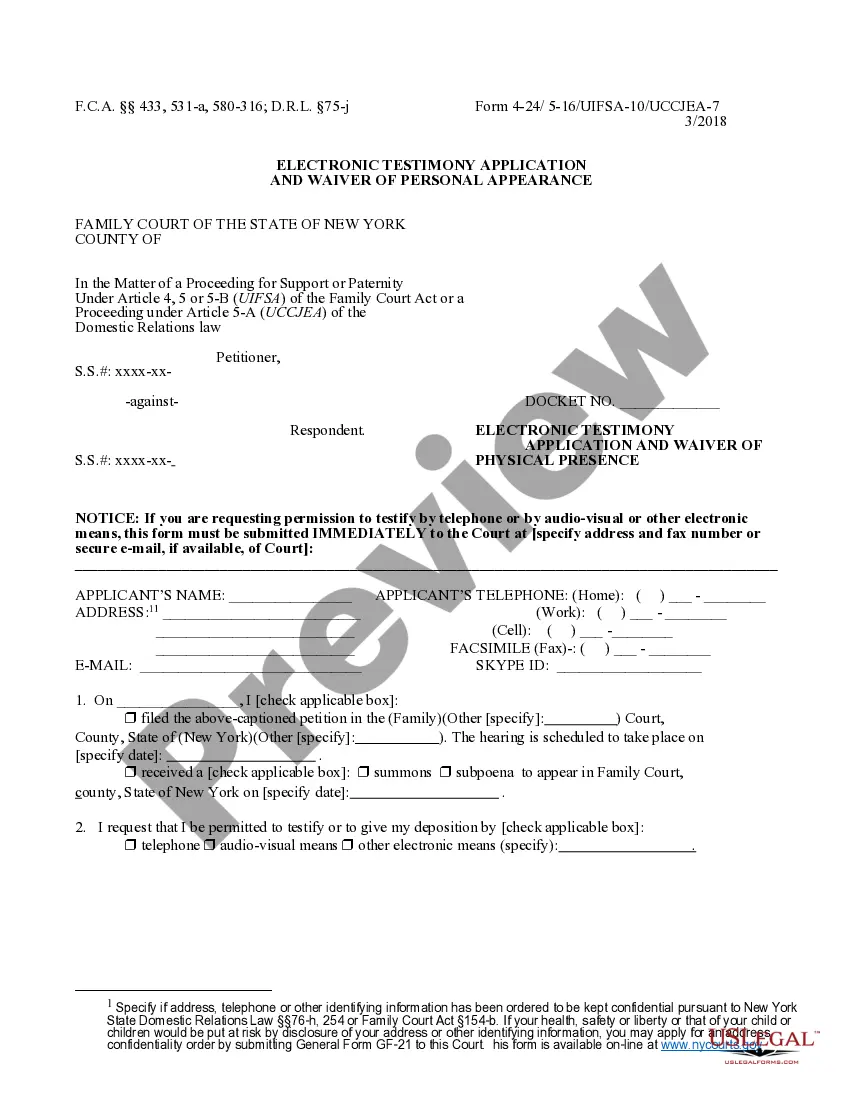
How to fill out Returned Items Report?
Selecting the appropriate legitimate document format can be challenging. Clearly, there are numerous templates accessible online, but how do you find the legitimate form you require? Utilize the US Legal Forms website.
The service offers thousands of templates, including the Guam Returned Items Report, suitable for both business and personal needs. All of the forms are reviewed by experts and comply with federal and state regulations.
If you are already registered, Log In to your account and click on the Download button to retrieve the Guam Returned Items Report. Use your account to view the legal forms you have purchased previously. Navigate to the My documents section of your account to download another copy of the document you require.
Choose the document format and download the legal document format for your device. Complete, edit, print, and sign the received Guam Returned Items Report. US Legal Forms is the largest repository of legal forms where you can find numerous document templates. Leverage the service to acquire professionally-crafted papers that adhere to state regulations.
- If you are a new user of US Legal Forms, here are simple steps you should follow.
- Firstly, ensure you have selected the correct form for your city/state.
- You can browse the form using the Preview button and review the form description to confirm it is suitable for you.
- If the form does not meet your needs, use the Search field to find the correct form.
- Once you are confident the form is accurate, click the Get now button to obtain the form.
- Select the pricing plan you desire and enter the required information. Create your account and pay for the order using your PayPal account or credit card.
Form popularity
FAQ
More In Forms and InstructionsEmployers file this form to report Guam wages. Do not use this form to report wages subject to U.S. income tax withholding. Instead, use Form W-2 to show U.S. income tax withheld.
IRS Form W-2VI is used to report wage and salary information for employees earning Virgin Island wages.
To check the status of your income tax refund and other payments processed by DRT, log onto your account at myguamtax.com and use the Lookup Status tools or call 635-1840/1841/7614/7651/1813 or e-mail pinadmin@revtax.guam.gov.
To check the status of your income tax refund and other payments processed by DRT, log onto your account at myguamtax.com and use the Lookup Status tools or call 635-1840/1841/7614/7651/1813 or e-mail pinadmin@revtax.guam.gov.
Whether you owe taxes or you're expecting a refund, you can find out your tax return's status by: Using the IRS Where's My Refund tool. Viewing your IRS account information. Calling the IRS at 1-800-829-1040 (Wait times to speak to a representative may be long.)
If you file a complete and accurate paper tax return, your refund should be issued in about six to eight weeks from the date IRS receives your return. If you file your return electronically, your refund should be issued in less than three weeks, even faster when you choose direct deposit.
Once your return is accepted, you are on the IRS' refund timetable. The IRS typically issues refunds in less than 21 days. You can use the IRS Where's My Refund? tool or call the IRS at 800-829-1954 to check on the status of your refund, beginning 24 hours after you e-file.
Your GRT Account Number is part of a sequence of numbers printed next to ACCOUNT NO at the top of your Business License. The GRT account number can be a minimum of 1 digit and a maximum of 9 digits long.
Employers file this form to report Guam wages.
2GU form is used to report wage and salary information for employees earning Guam wages. Example use: Those with one or more employees use this form to report Guam wages and salary with U.S. income tax withheld.