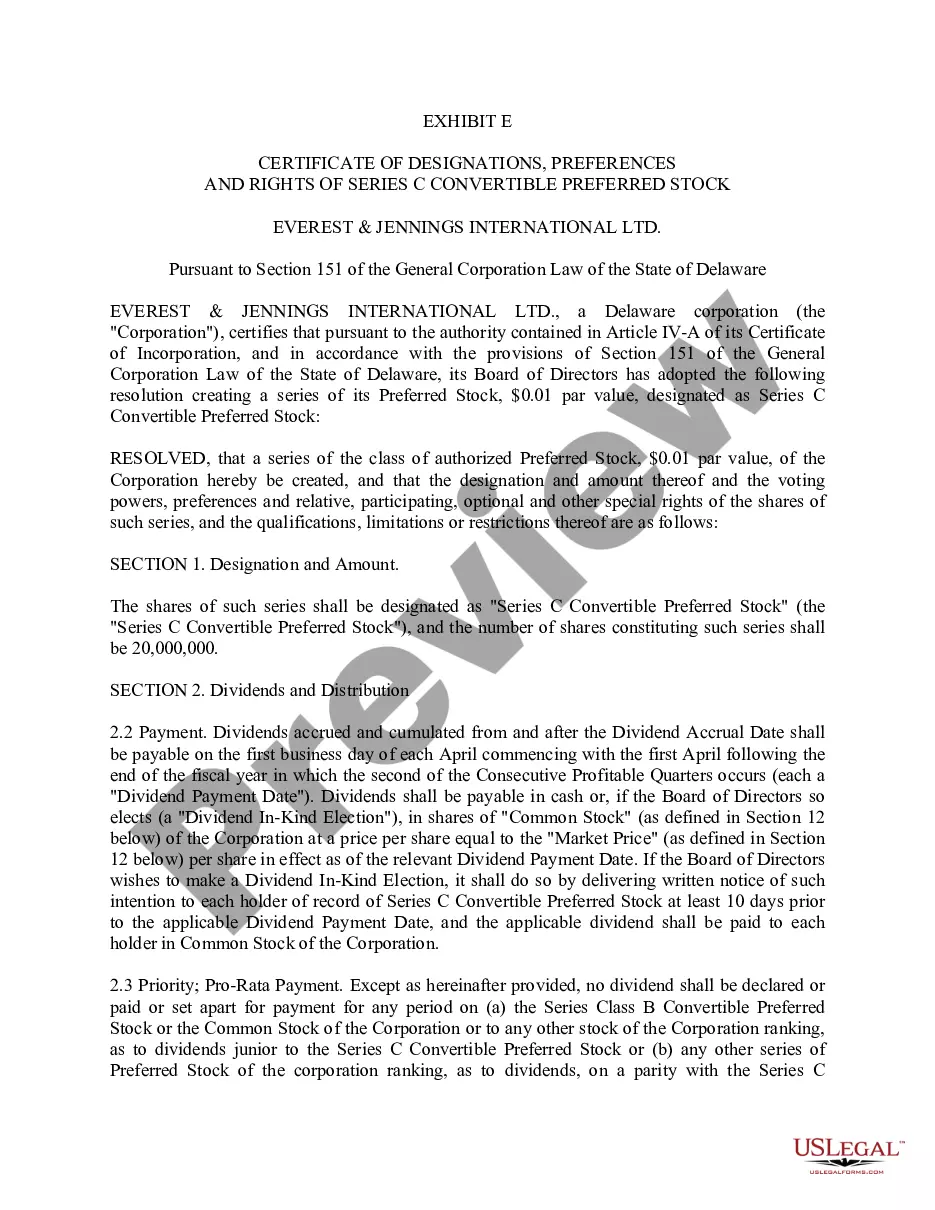
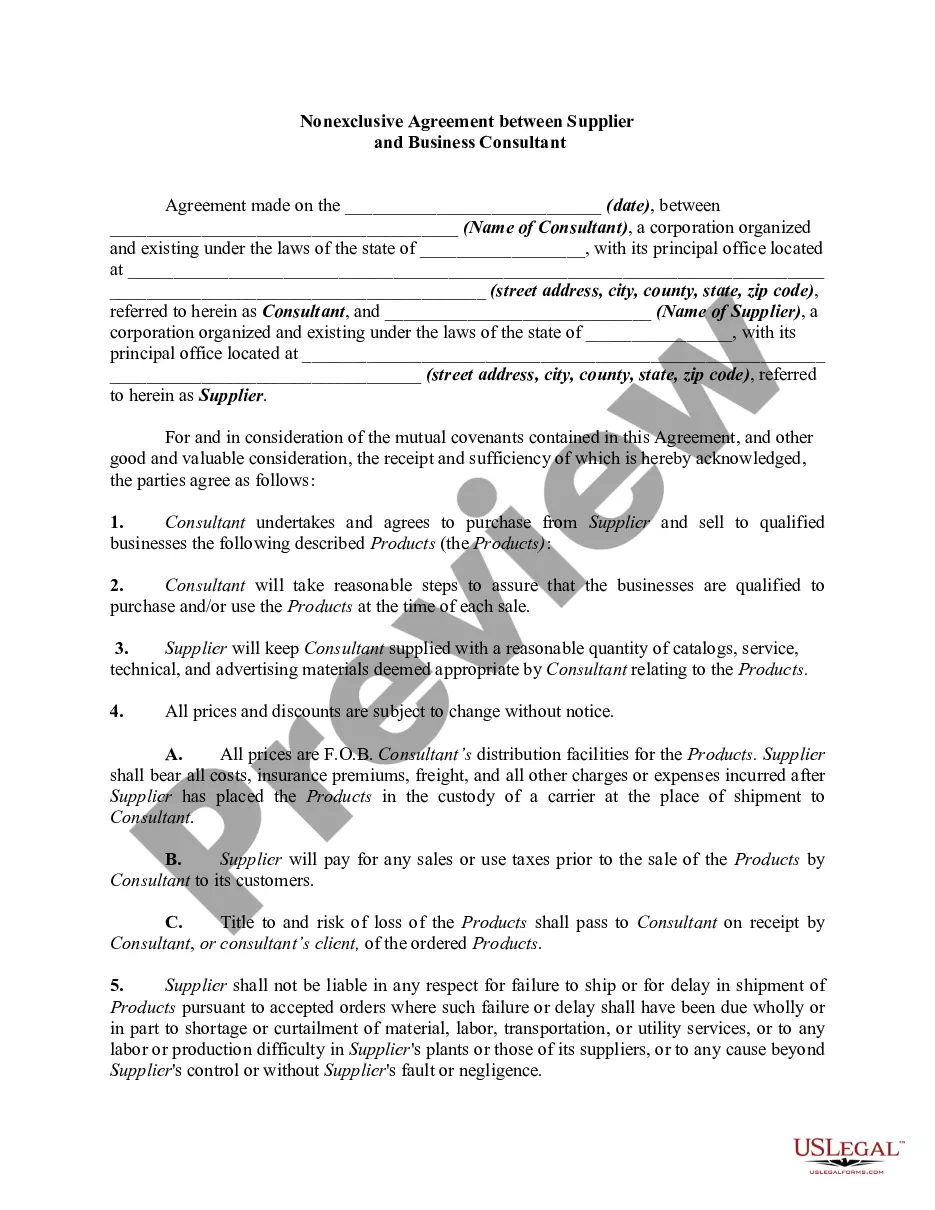
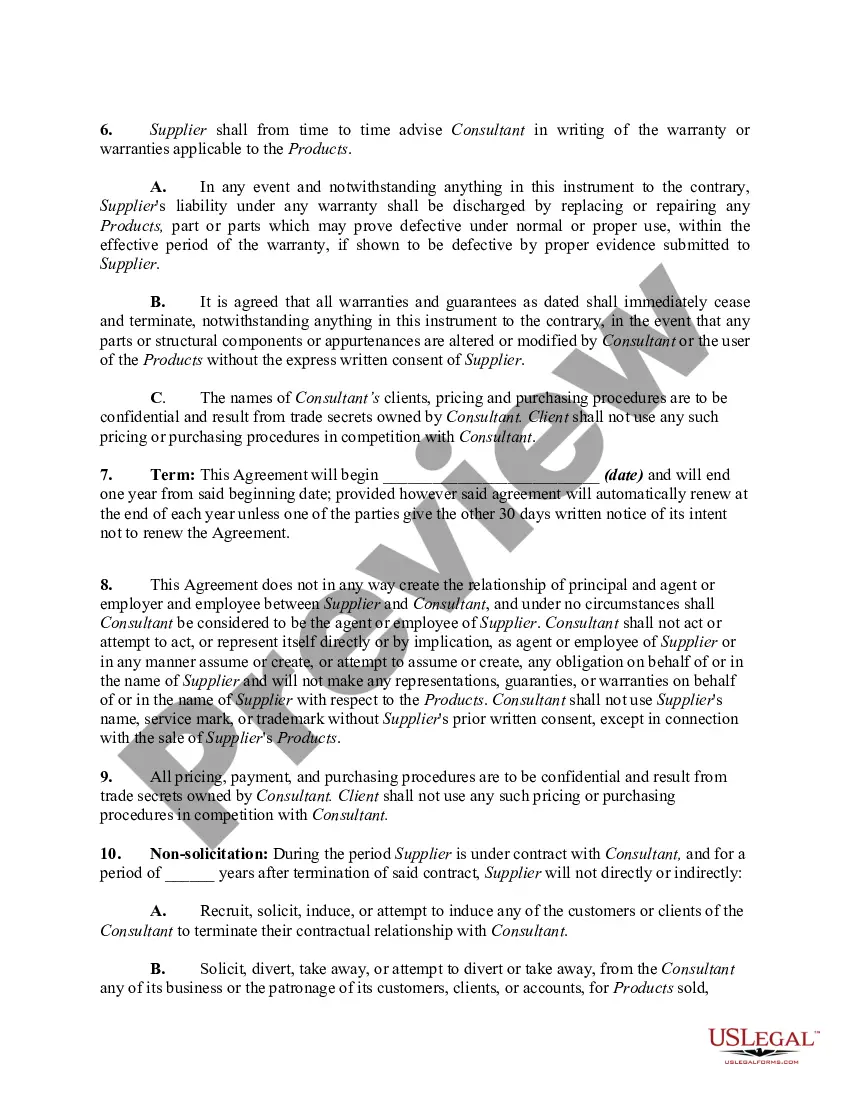
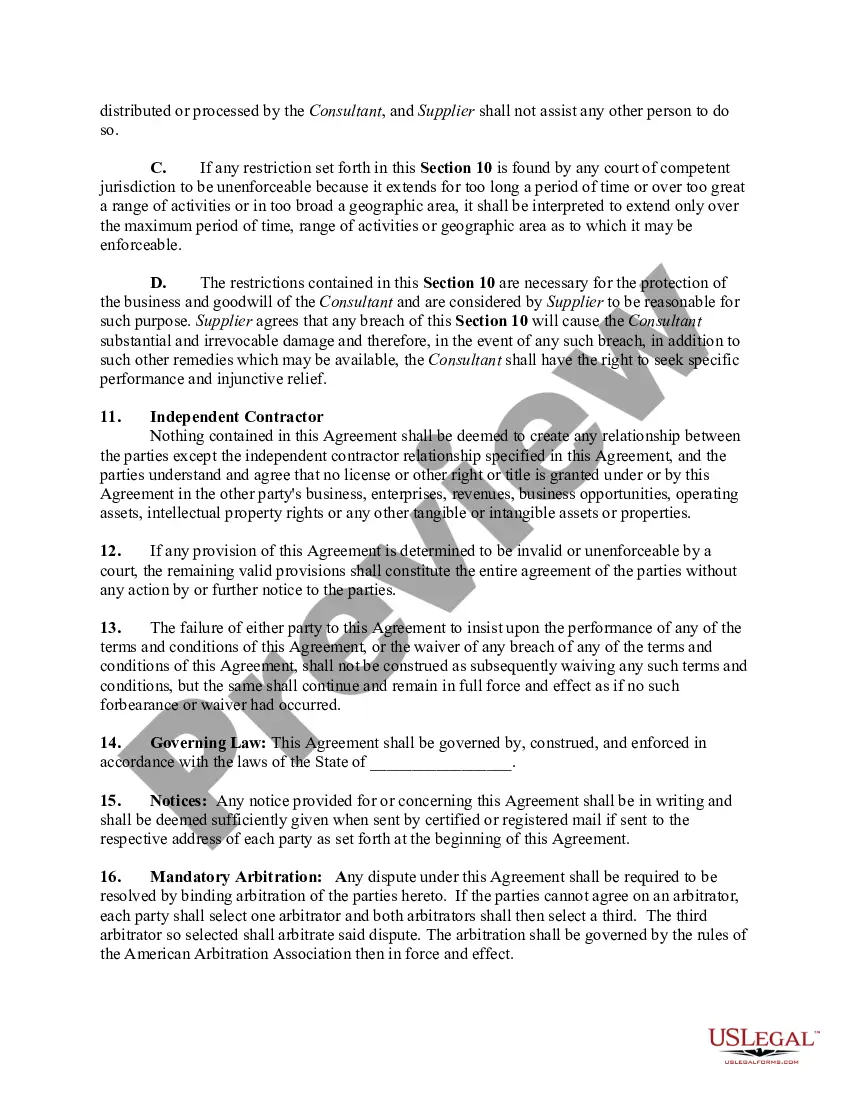
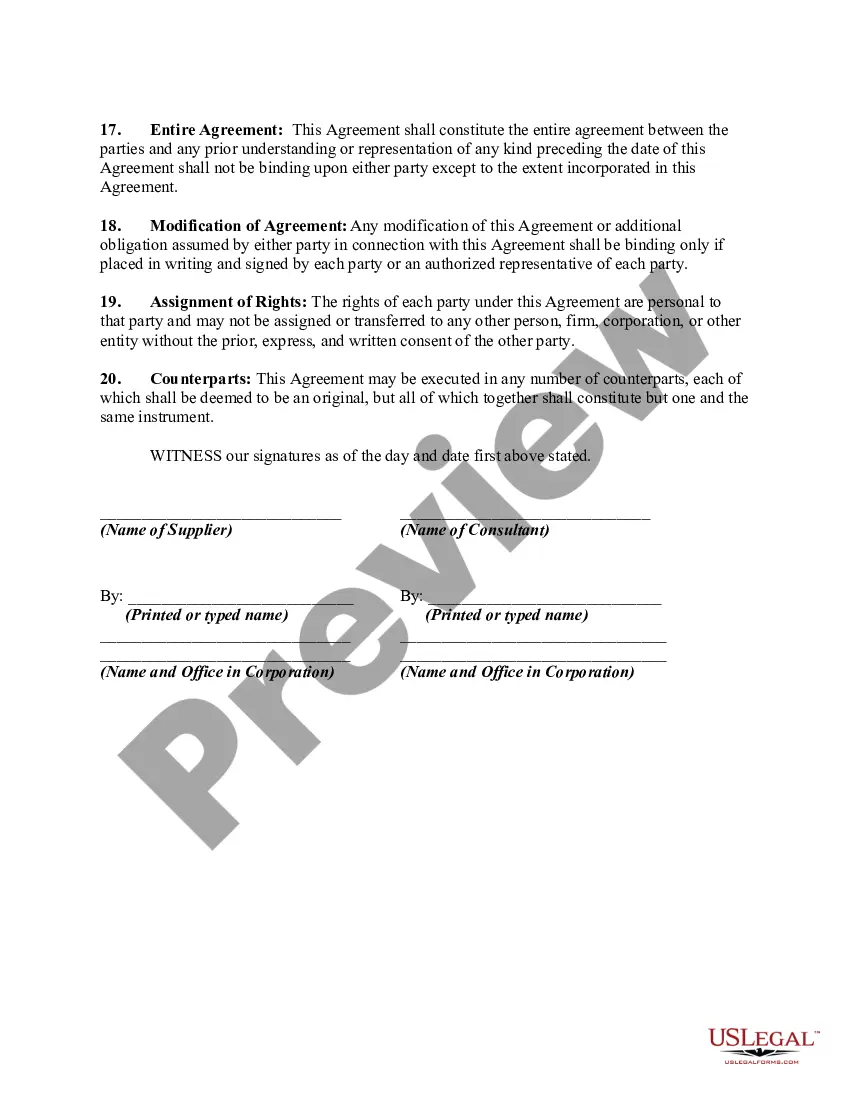
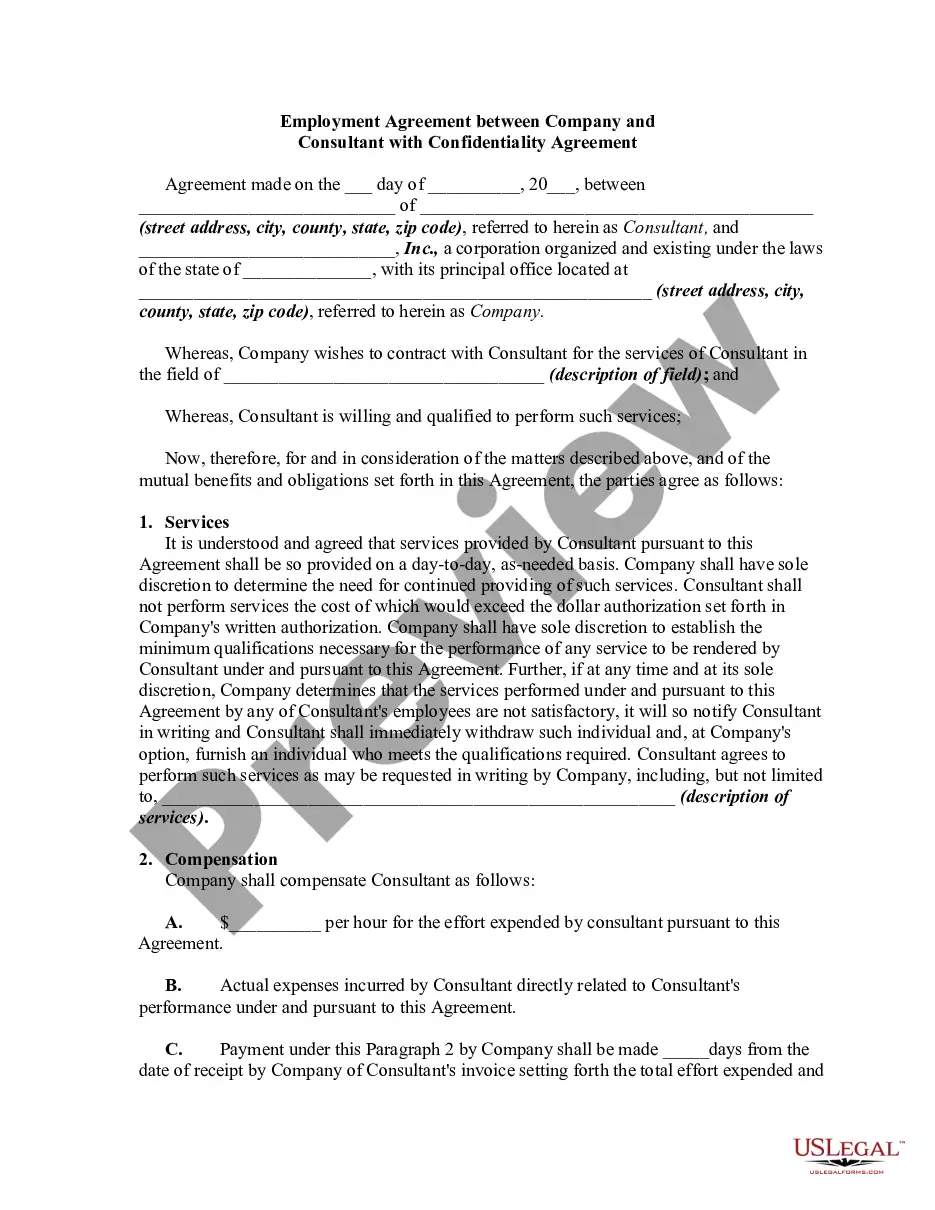
In this form the consultant is acting as a purchasing consultant/agent regarding supplies for consultant's clients. This form is a generic example that may be referred to when preparing such a form for your particular state. It is for illustrative purposes only. Local laws should be consulted to determine any specific requirements for such a form in a particular jurisdiction.
Guam Nonexclusive Agreement between Supplier and Business Consultant
Instant download
Description
Free preview
Get your form ready online
Our built-in tools help you complete, sign, share, and store your documents in one place.
Built-in online Word editor
Make edits, fill in missing information, and update formatting in US Legal Forms—just like you would in MS Word.
Export easily
Download a copy, print it, send it by email, or mail it via USPS—whatever works best for your next step.
E-sign your document
Sign and collect signatures with our SignNow integration. Send to multiple recipients, set reminders, and more. Go Premium to unlock E-Sign.
Notarize online 24/7
If this form requires notarization, complete it online through a secure video call—no need to meet a notary in person or wait for an appointment.
Store your document securely
We protect your documents and personal data by following strict security and privacy standards.

Make edits, fill in missing information, and update formatting in US Legal Forms—just like you would in MS Word.

Download a copy, print it, send it by email, or mail it via USPS—whatever works best for your next step.

Sign and collect signatures with our SignNow integration. Send to multiple recipients, set reminders, and more. Go Premium to unlock E-Sign.

If this form requires notarization, complete it online through a secure video call—no need to meet a notary in person or wait for an appointment.

We protect your documents and personal data by following strict security and privacy standards.
Looking for another form?
How to fill out Nonexclusive Agreement Between Supplier And Business Consultant?
US Legal Forms - one of the most extensive collections of legal forms in the United States - offers a diverse selection of legal document templates that you can download or print.
By using the site, you can access thousands of forms for business and personal use, organized by categories, states, or keywords. You can find the latest versions of forms like the Guam Nonexclusive Agreement between Supplier and Business Consultant in just a few seconds.
If you are already registered, Log In and download the Guam Nonexclusive Agreement between Supplier and Business Consultant from the US Legal Forms library. The Download button will be visible on every form you review. You can access all previously acquired forms in the My documents tab of your account.
If you are satisfied with the form, confirm your choice by clicking the Get now button. Then select your preferred pricing plan and provide your details to register for an account.
Process the payment. Use your Visa or Mastercard or PayPal account to complete the transaction. Choose the format and download the form onto your device. Make changes. Fill out, edit, print, and sign the acquired Guam Nonexclusive Agreement between Supplier and Business Consultant. Each format you add to your purchase has no expiration date and is yours indefinitely. So, if you wish to download or print another copy, just visit the My documents section and click on the form you desire. Access the Guam Nonexclusive Agreement between Supplier and Business Consultant with US Legal Forms, one of the most comprehensive collections of legal document templates. Utilize thousands of specialized and state-specific templates that meet your business or personal needs and requirements.
- If you want to use US Legal Forms for the first time, here are simple instructions to help you get started.
- Ensure you have selected the correct form for your city/state.
- Click the Preview button to review the content of the form.
- Check the form description to confirm that you have chosen the right one.
- If the form doesn’t meet your requirements, utilize the Search field at the top of the screen to find one that does.
Form popularity
FAQ
When writing a legal agreement between two parties, ensure you specify the names of the parties and the purpose of the agreement at the beginning. Include detailed sections covering obligations, terms, conditions, and dispute resolution methods. A Guam Nonexclusive Agreement between Supplier and Business Consultant offers a structured approach that you can modify to suit the unique circumstances of your collaboration.
Writing a contract agreement between two companies involves detailing the terms of the business relationship, including services, obligations, and any financial implications. Be sure to include signatures from both parties to validate the agreement. A Guam Nonexclusive Agreement between Supplier and Business Consultant can serve as a useful template that you can adapt to fit your specific circumstances.
To write a letter of agreement between two parties, start with a formal greeting and state the purpose of the agreement clearly. Include all relevant details, such as obligations and expected outcomes, in a clear and concise format. A well-framed Guam Nonexclusive Agreement between Supplier and Business Consultant can act as a model for your letter, ensuring clarity and mutual understanding.
An example of a contractual agreement is a service agreement where a consultant provides specific services to a business in exchange for payment. This would outline the scope of work, timelines, and compensation. A Guam Nonexclusive Agreement between Supplier and Business Consultant serves as a practical framework for such transactions, ensuring all parties understand their rights and responsibilities.
An example of a non-exclusive clause might state that the supplier can engage with other business consultants while providing services to your company. This allows for multiple partnerships and increases business opportunities. In the context of a Guam Nonexclusive Agreement between Supplier and Business Consultant, such clauses can foster collaboration without limiting growth potential.
To write a simple contract agreement, start by identifying the parties involved and clearly stating the purpose of the agreement. Include the specific terms, such as payment, duration, and obligations of each party. Remember, in a Guam Nonexclusive Agreement between Supplier and Business Consultant, clarity and mutual understanding are key to avoiding future disputes.
The exclusivity clause in a Consultant Agreement restricts the consultant from providing similar services to other clients during the contract term. It ensures that the consultant dedicates their efforts solely to your business, enhancing productivity and loyalty. In the context of a Guam Nonexclusive Agreement between Supplier and Business Consultant, a balanced exclusivity clause can help establish clear expectations while allowing flexibility in other opportunities.
The agreement between a contractor and a supplier often includes terms for sourcing materials or services necessary for project completion. This arrangement ensures that the contractor has consistent access to the required resources. In establishing a Guam Nonexclusive Agreement between Supplier and Business Consultant, clarity in these terms helps facilitate smoother operations and fosters a collaborative environment.
The agreement between a company and a supplier is often termed a supply agreement or vendor contract. This document outlines the terms under which the supplier provides goods or services to the company. A well-defined Guam Nonexclusive Agreement between Supplier and Business Consultant can play a crucial role, ensuring that both parties understand their responsibilities and benefits.
The four main types of contracts are unilateral, bilateral, express, and implied contracts. A unilateral contract involves one party making a promise, while a bilateral contract involves mutual promises. In the context of a Guam Nonexclusive Agreement between Supplier and Business Consultant, both express and implied contracts may be relevant, as they dictate how services and commitments are defined and understood.