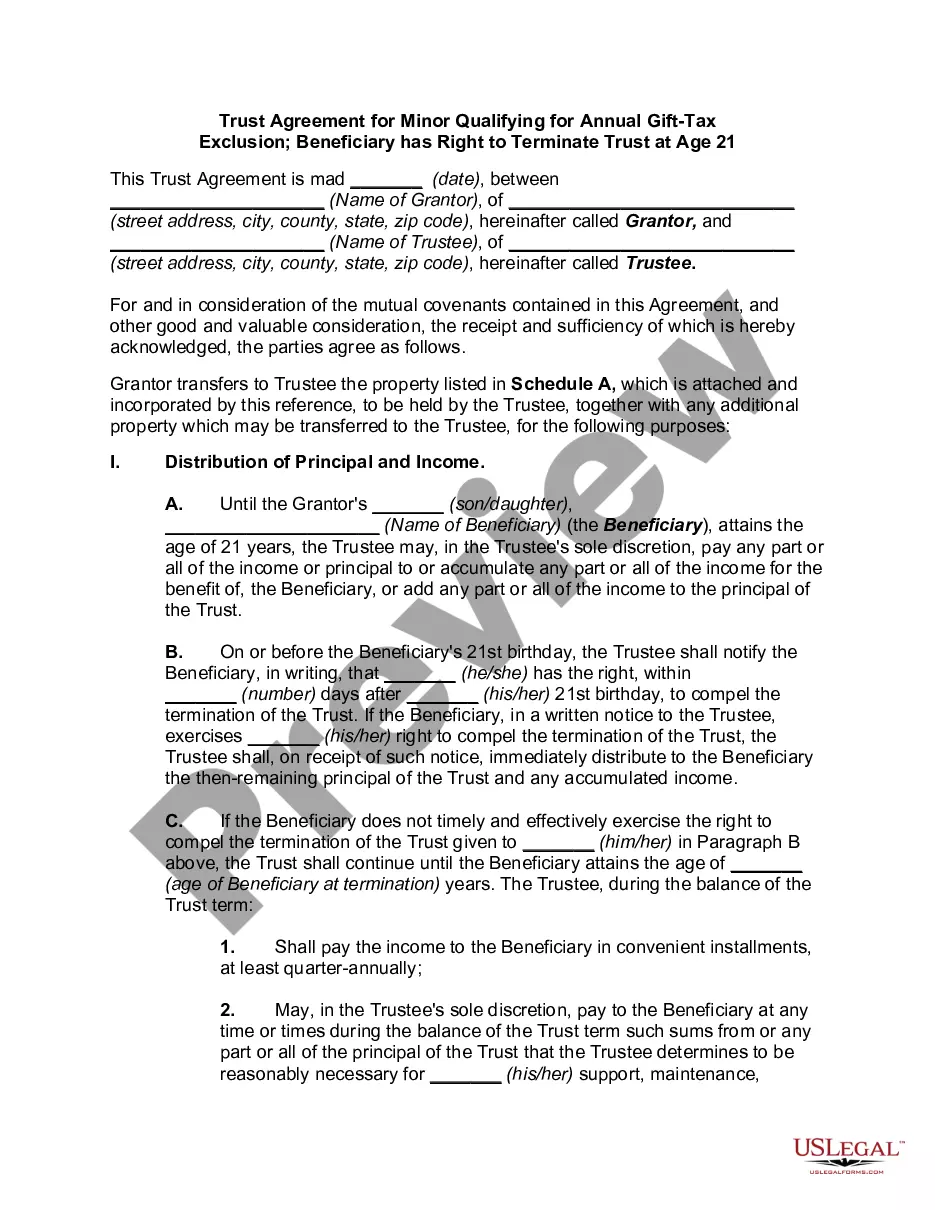
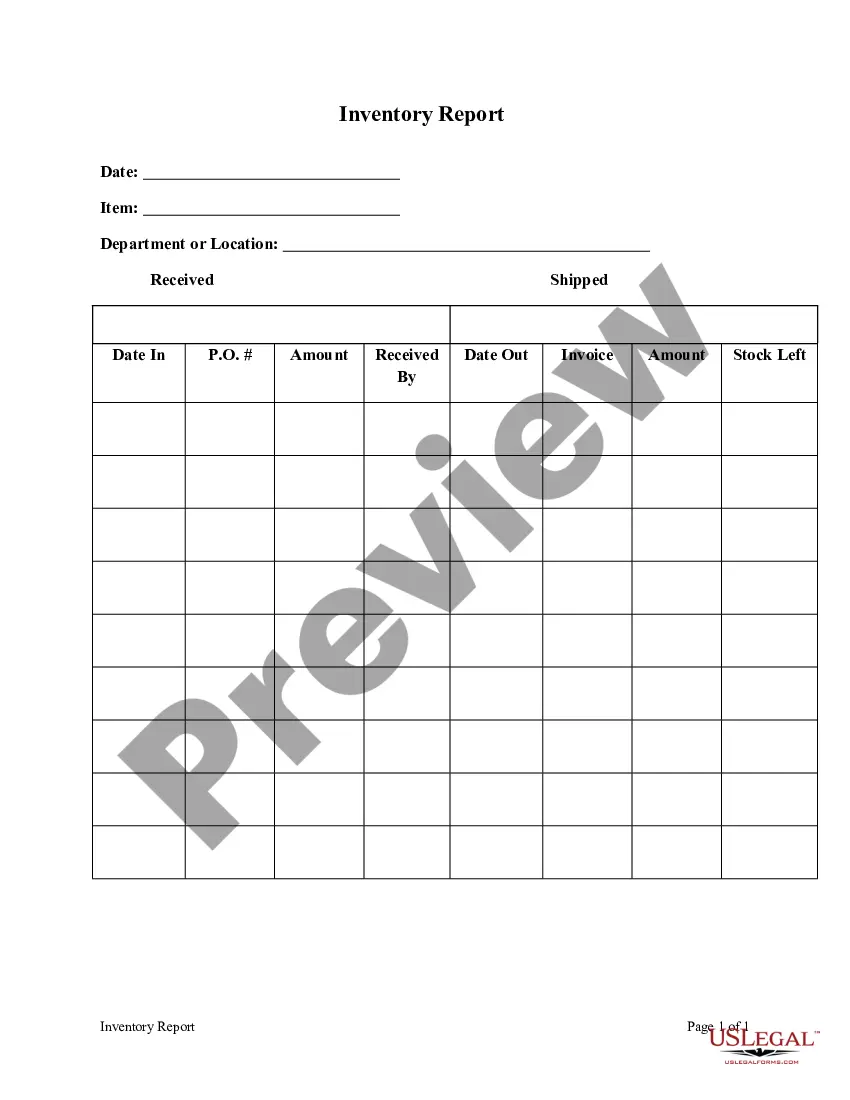
Georgia Inventory Report
Description

Get your form ready online
Our built-in tools help you complete, sign, share, and store your documents in one place.
Make edits, fill in missing information, and update formatting in US Legal Forms—just like you would in MS Word.
Download a copy, print it, send it by email, or mail it via USPS—whatever works best for your next step.
Sign and collect signatures with our SignNow integration. Send to multiple recipients, set reminders, and more. Go Premium to unlock E-Sign.
If this form requires notarization, complete it online through a secure video call—no need to meet a notary in person or wait for an appointment.
We protect your documents and personal data by following strict security and privacy standards.

Make edits, fill in missing information, and update formatting in US Legal Forms—just like you would in MS Word.

Download a copy, print it, send it by email, or mail it via USPS—whatever works best for your next step.

Sign and collect signatures with our SignNow integration. Send to multiple recipients, set reminders, and more. Go Premium to unlock E-Sign.

If this form requires notarization, complete it online through a secure video call—no need to meet a notary in person or wait for an appointment.

We protect your documents and personal data by following strict security and privacy standards.
Looking for another form?






How to fill out Inventory Report?
US Legal Forms - one of the largest collections of legal templates in the United States - offers a range of legal document formats that you can download or print.
By using the website, you can access thousands of forms for business and personal purposes, categorized by type, state, or keywords. You can find the most recent versions of documents like the Georgia Inventory Report in just moments.
If you possess a subscription, Log In to retrieve the Georgia Inventory Report from the US Legal Forms collection. The Download button will appear on every document you view. You can access all previously downloaded forms in the My documents section of your account.
Select the file format and download the form to your device.
Make modifications. Complete, adjust, print, and sign the downloaded Georgia Inventory Report. All designs added to your account do not expire and belong to you indefinitely. Therefore, if you wish to download or print another copy, simply navigate to the My documents section and click on the document you need.
- If you want to use US Legal Forms for the first time, here are simple guidelines to help you get started.
- Ensure you have selected the correct form for your city/state. Click the Preview button to view the form's details.
- Review the form description to confirm you have chosen the right document.
- If the form doesn't meet your needs, take advantage of the Search box at the top of the screen to find one that does.
- If you are satisfied with the form, confirm your selection by clicking the Purchase now button. Then, choose the pricing plan you prefer and provide your information to register for an account.
- Process the transaction. Use your credit card or PayPal account to complete the purchase.
Form popularity
FAQ
The sales and use tax in Georgia generally consists of a state rate of 4 percent, with additional local rates varying by jurisdiction. This combined rate can vary, so it's important to check the current tax rates for your location. Using a Georgia Inventory Report can help you track which rates apply to your sales, ensuring compliance and helping you avoid unexpected tax liabilities.
The sales tax formula is straightforward: multiply the taxable sale amount by the sales tax rate. To illustrate, if you sell a product for $100 and the sales tax rate is 4 percent, you would calculate the tax as $100 multiplied by 0.04, equaling $4. Keeping an organized Georgia Inventory Report aids in maintaining accurate records and understanding your sales tax liabilities.
To obtain a sales and use tax number in Georgia, you must register your business with the Georgia Department of Revenue. This process can be completed online, and it involves providing essential details about your business operations. Once registered, having a Georgia Inventory Report can streamline your accounting processes and help manage your tax obligations effectively.
To calculate Georgia sales tax, first identify the taxable amount of your sale. Multiply that amount by the current state tax rate, which is 4 percent in most cases. Additionally, local jurisdictions may impose their own sales taxes, so make sure to include those rates as well. Utilizing a Georgia Inventory Report can help ensure your sales tax calculations are accurate and up to date.
Assets that typically do not go through probate include those held in trusts, joint-tenancy properties, and life insurance policies with designated beneficiaries. These assets often bypass the probate process, simplifying the distribution to heirs. Understanding which assets are excluded can help you prepare a more accurate Georgia Inventory Report.
Filling out inventory for a decedent's estate involves compiling all assets, assigning each a fair market value, and documenting them meticulously. Start with real estate, then move on to bank accounts and personal effects. This organized method supports the formulation of an effective Georgia Inventory Report, ensuring that all assets are accounted for during the probate process.
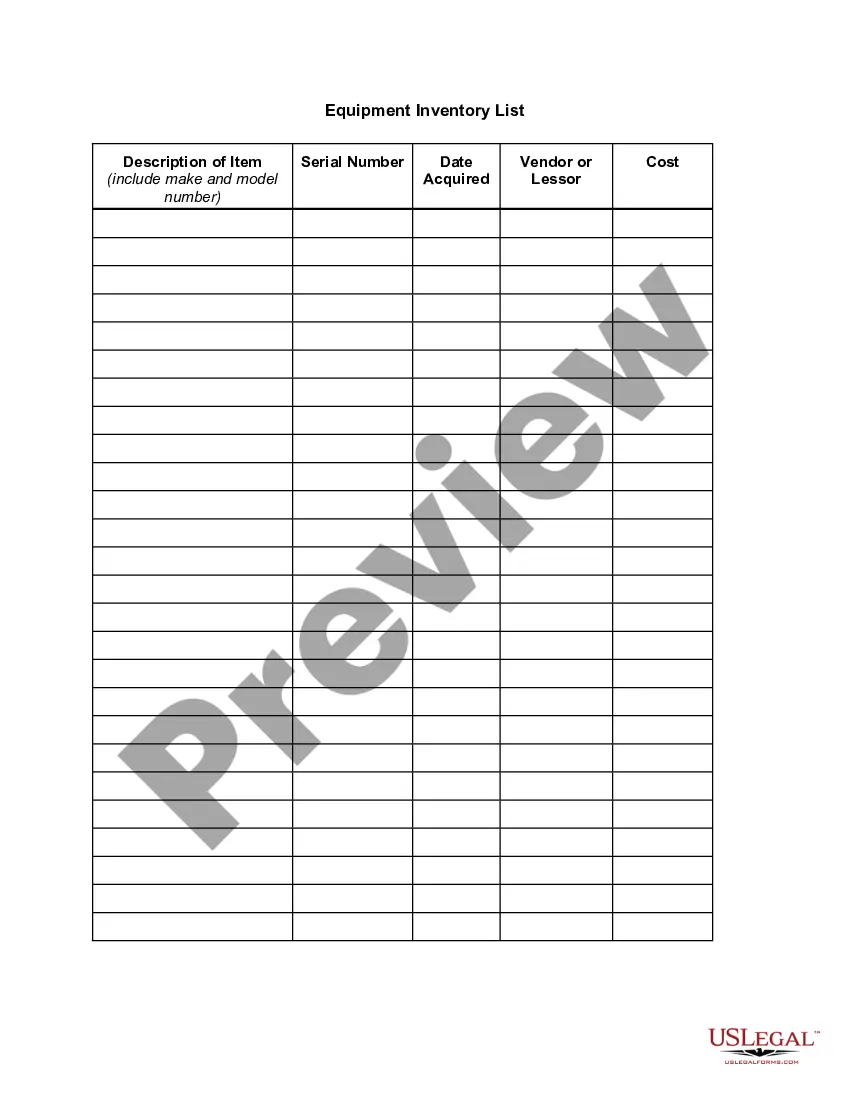
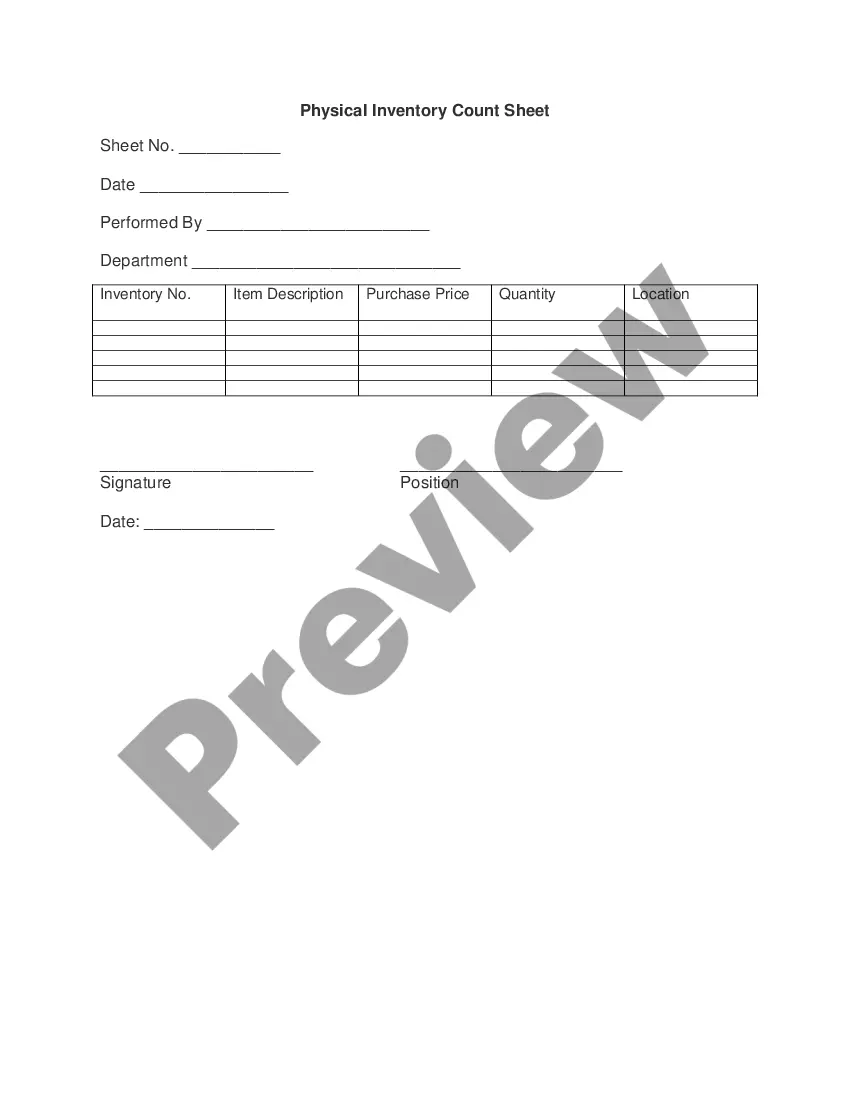
To fill out an inventory sheet, create columns for item descriptions, quantities, and values. Begin by listing each asset, followed by accurately estimating its worth. This method not only streamlines record-keeping but also helps you prepare a comprehensive Georgia Inventory Report with clear details.
An example of an inventory of an estate includes real property like a house, financial assets such as stocks and bonds, and personal items like jewelry and furniture. Each item should be documented with its estimated value to ensure transparency. A complete and well-organized inventory is crucial for preparing a Georgia Inventory Report.
To fill out an estate inventory, start by listing all assets owned by the deceased, such as real estate, bank accounts, and personal belongings. Next, assign a fair market value to each item, which provides a clear picture of the estate's worth. It is essential to use a systematic approach and keep thorough records, as this helps in filing a Georgia Inventory Report.
To obtain an inventory report, businesses can use accounting software or manual tracking methods. Many companies also offer templates specifically designed for creating Georgia Inventory Reports, which can streamline the process. You can rely on platforms like uslegalforms to access valuable resources that guide you in compiling your report accurately. This will ensure that your report reflects your business's true inventory situation.