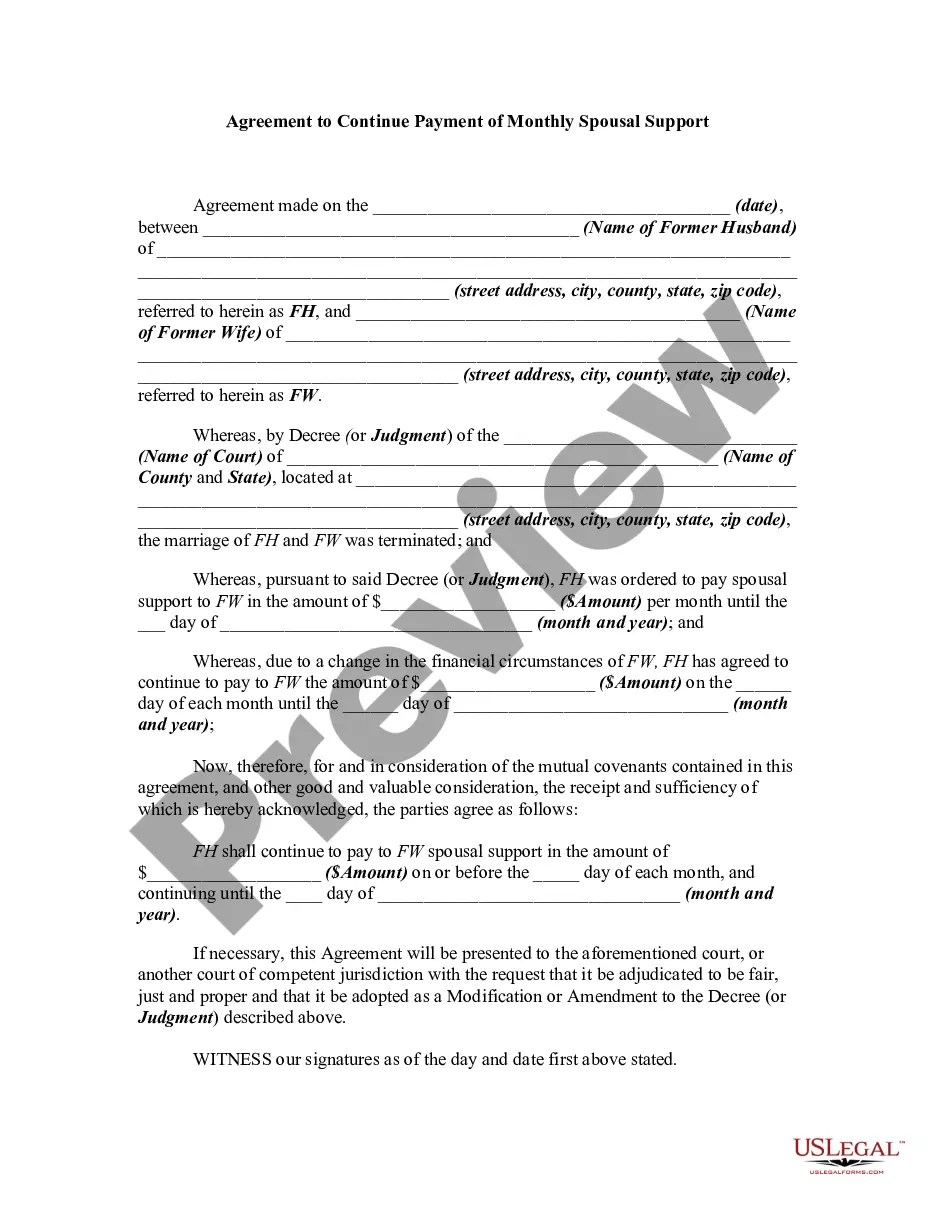
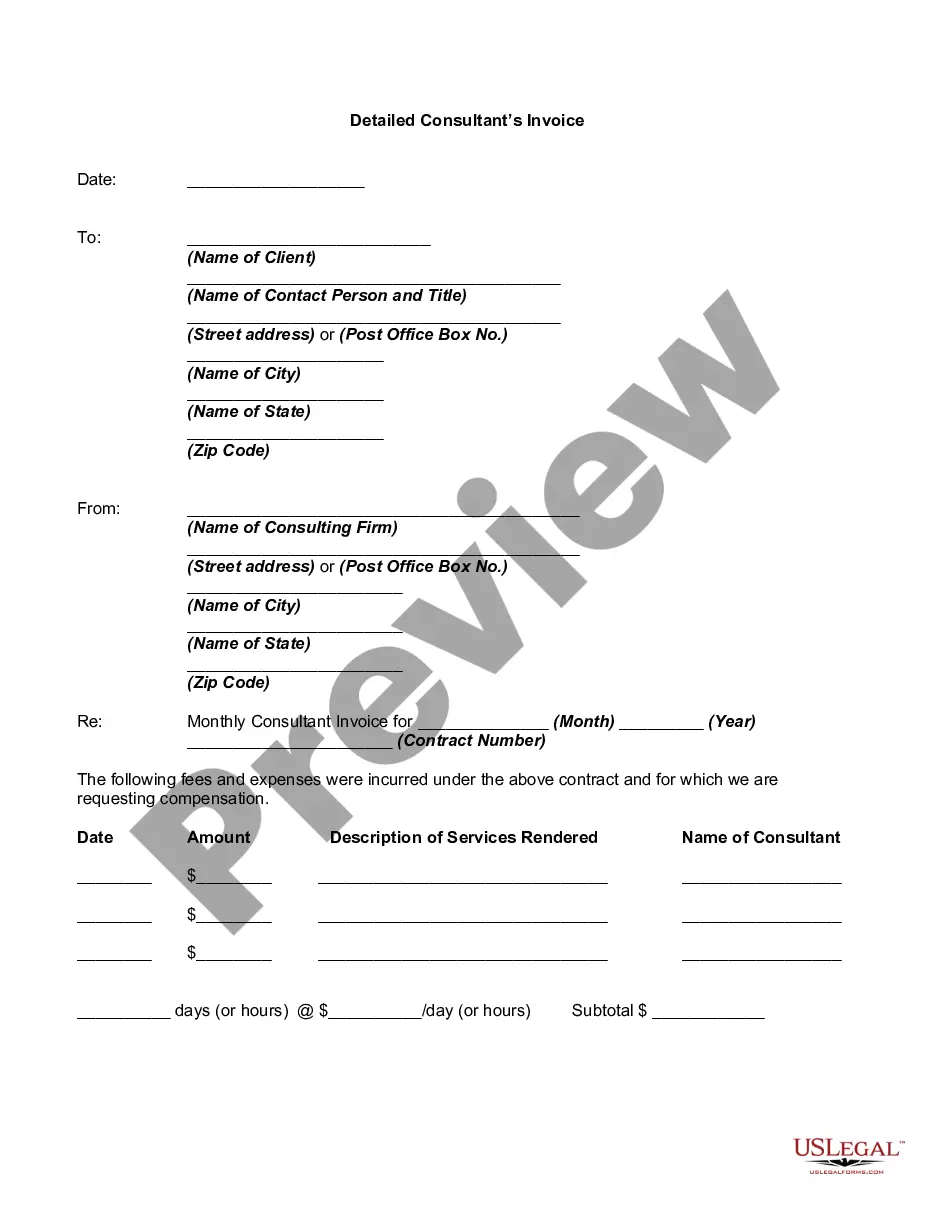
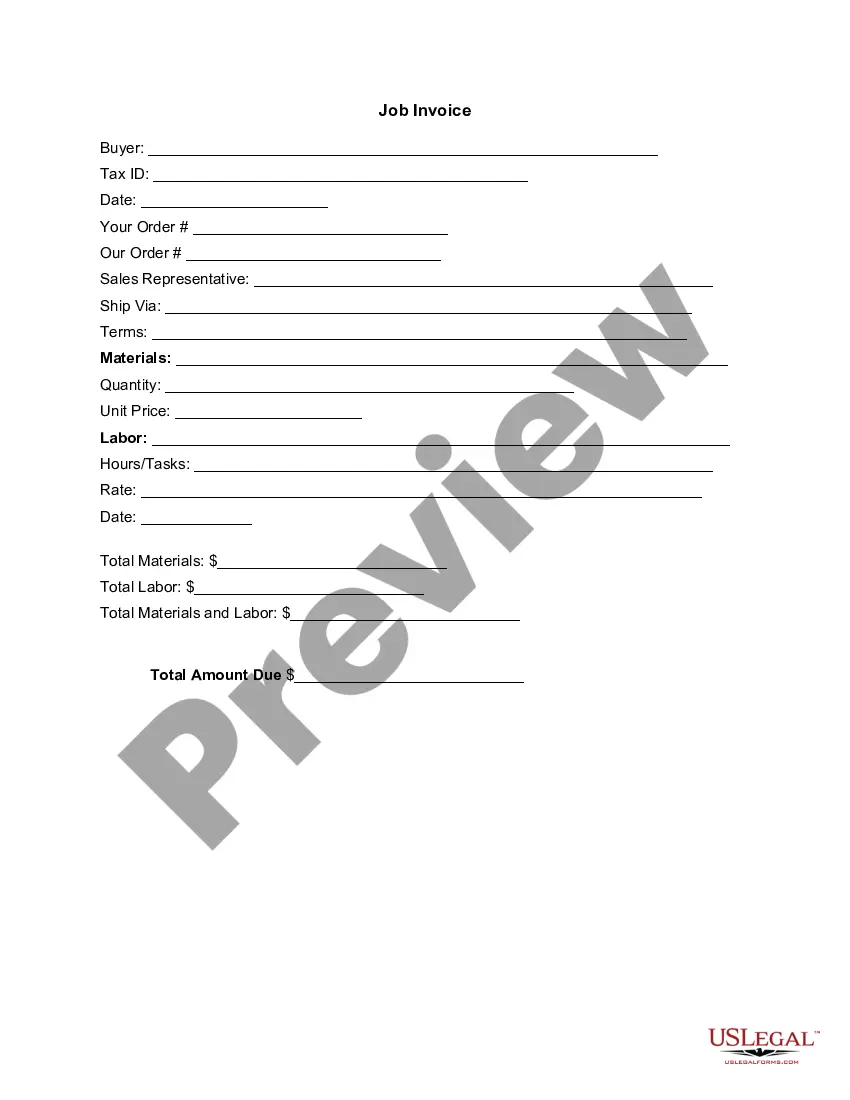
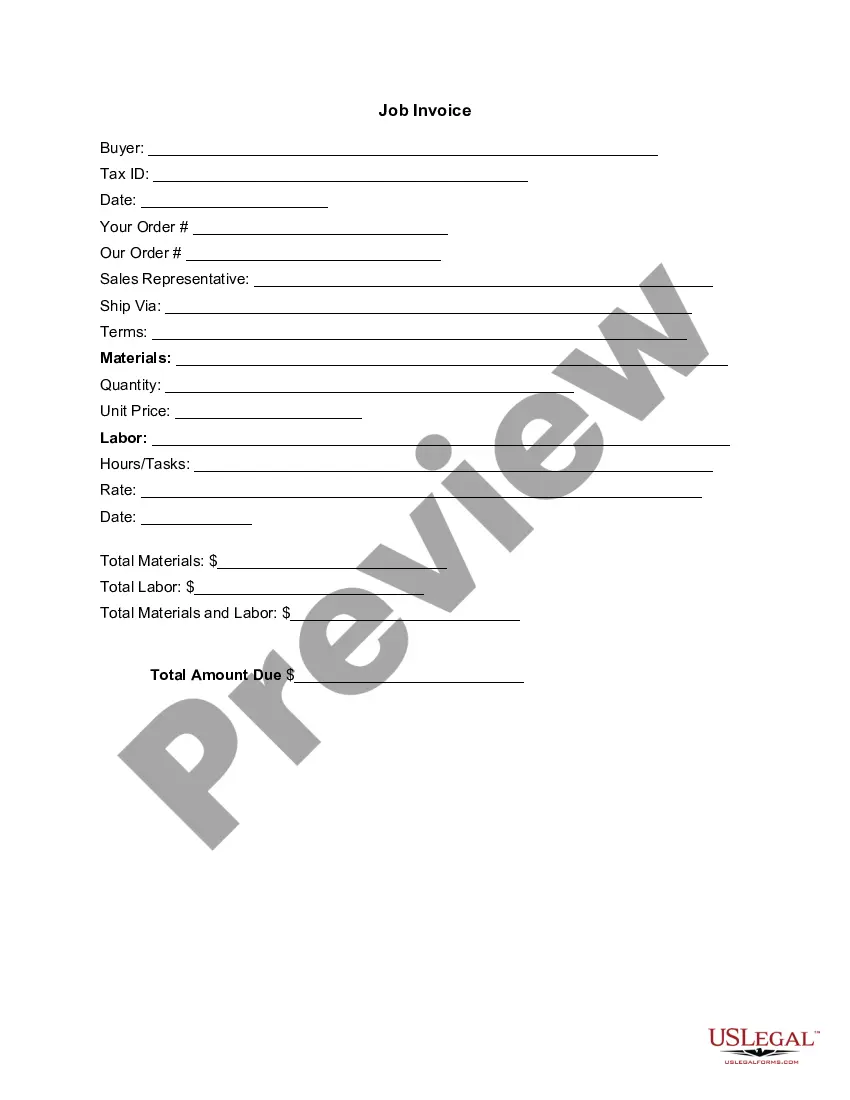
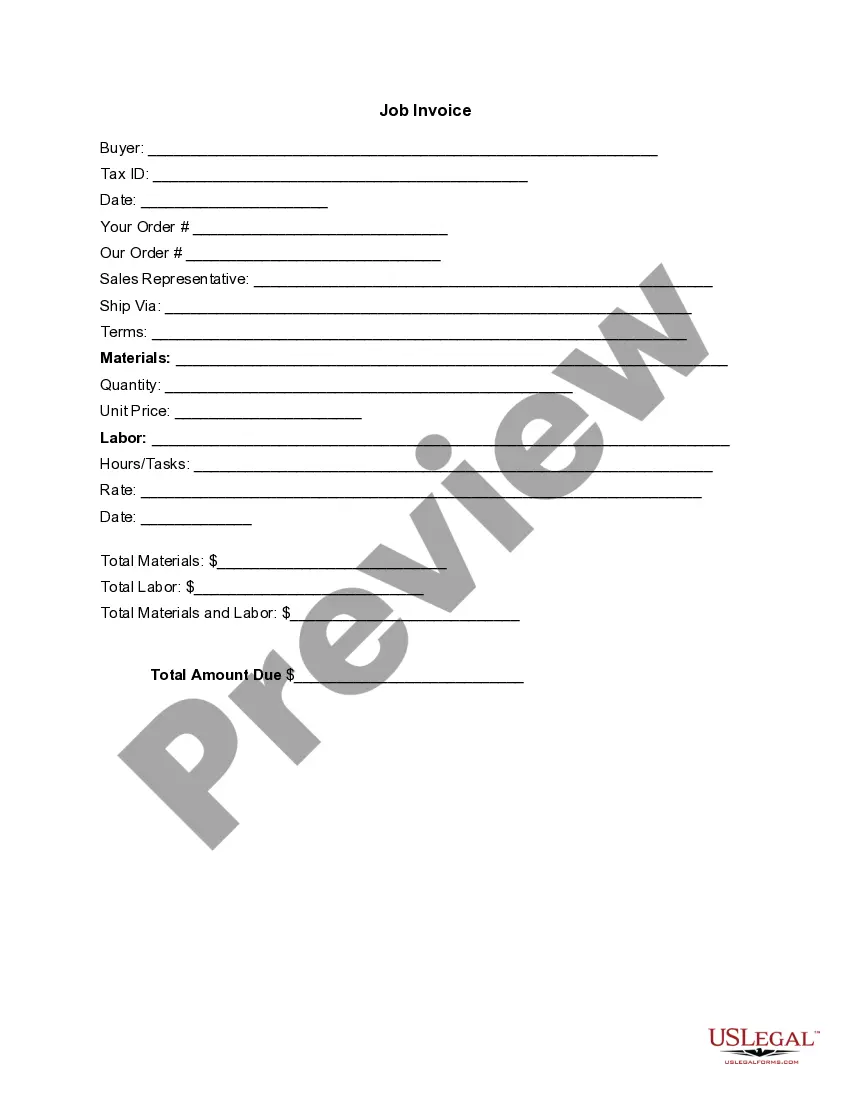
An invoice is a document or electronic statement stating the items sold and the amount payable. It is also called a bill. Invoicing is when invoices are produced and sent to customers. It is used to communicate to a buyer the specific items, price, and quantities they have delivered and now must be paid for by the buyer. Payment terms will usually accompany the billing information. This form is a generic example that may be referred to when preparing such a form for your particular state. It is for illustrative purposes only. Local laws should be consulted to determine any specific requirements for such a form in a particular jurisdiction.
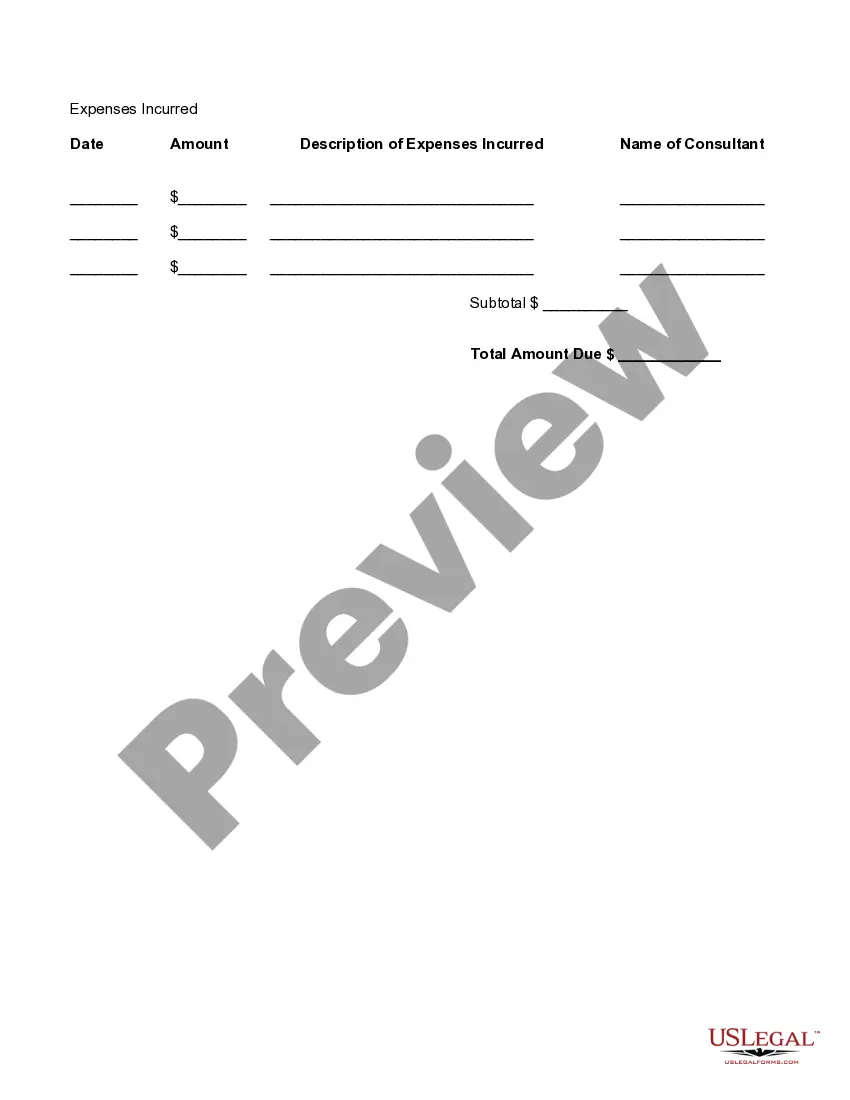
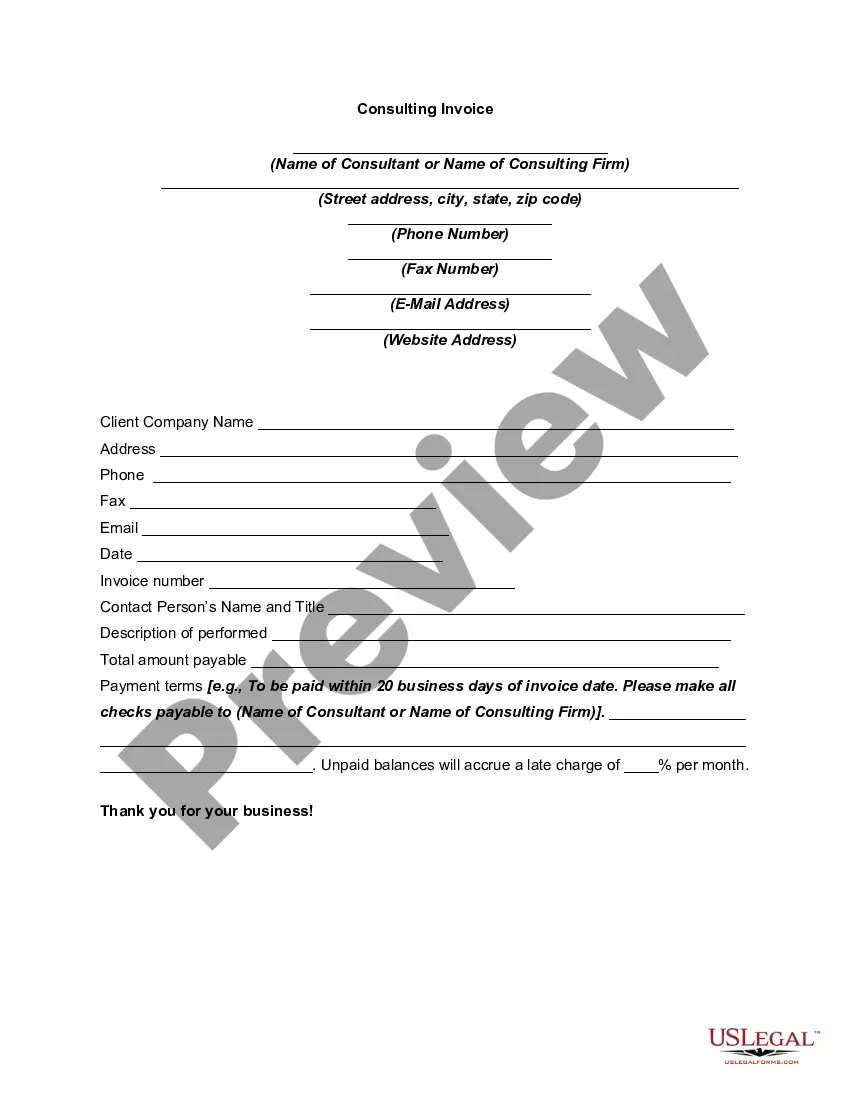
Georgia Detailed Consultant Invoice
Category:
State:
Multi-State
Control #:
US-01310BG
Format:
Word;
Rich Text
Instant download
Description
Free preview

Get your form ready online
Our built-in tools help you complete, sign, share, and store your documents in one place.
Built-in online Word editor
Make edits, fill in missing information, and update formatting in US Legal Forms—just like you would in MS Word.
Export easily
Download a copy, print it, send it by email, or mail it via USPS—whatever works best for your next step.
E-sign your document
Sign and collect signatures with our SignNow integration. Send to multiple recipients, set reminders, and more. Go Premium to unlock E-Sign.
Notarize online 24/7
If this form requires notarization, complete it online through a secure video call—no need to meet a notary in person or wait for an appointment.
Store your document securely
We protect your documents and personal data by following strict security and privacy standards.

Make edits, fill in missing information, and update formatting in US Legal Forms—just like you would in MS Word.

Download a copy, print it, send it by email, or mail it via USPS—whatever works best for your next step.

Sign and collect signatures with our SignNow integration. Send to multiple recipients, set reminders, and more. Go Premium to unlock E-Sign.

If this form requires notarization, complete it online through a secure video call—no need to meet a notary in person or wait for an appointment.

We protect your documents and personal data by following strict security and privacy standards.
Looking for another form?



How to fill out Detailed Consultant Invoice?
US Legal Forms - one of the largest collections of legal forms in the United States - offers a wide range of legal document templates that you can download or create.
Through the website, you can access thousands of forms for business and personal purposes, organized by categories, states, or keywords. You can find the latest versions of forms such as the Georgia Detailed Consultant Invoice in moments.
If you already have an account, Log In to obtain the Georgia Detailed Consultant Invoice from the US Legal Forms catalog. The Download button will appear on every form you view.
Once you are satisfied with the form, confirm your selection by clicking the Purchase now button. Then, choose the pricing plan you prefer and provide your information to register for an account.
Complete the transaction. Use your credit card or PayPal account to finish the purchase. Choose the format and download the form to your device. Edit. Fill out, modify, and print and sign the downloaded Georgia Detailed Consultant Invoice.
Every template you save in your account does not expire and is yours indefinitely. Therefore, to download or produce another copy, simply navigate to the My documents section and click on the form you need.
- You can access all previously downloaded forms in the My documents section of your account.
- If you are using US Legal Forms for the first time, here are simple steps to get started.
- Ensure you have selected the correct form for your jurisdiction/region.
- Click the Preview button to review the content of the form.
- Check the form details to confirm that you have selected the right form.
- If the form does not meet your needs, use the Search field at the top of the screen to find the one that does.
Form popularity
FAQ
Consultants bill their clients based on hourly rates, flat fees, or project milestones. Clear communication regarding billing practices and payment schedules is essential. Using a Georgia Detailed Consultant Invoice can help establish trust and clarity by outlining all charges associated with your services.
You can send a consulting invoice via email, postal service, or through online invoicing platforms. Ensure you attach the invoice in a widely accepted format such as PDF for easy viewing. A Georgia Detailed Consultant Invoice can be sent directly through these platforms, making it convenient for both you and your client.
To generate an invoice as a consultant, you can use invoice generation software or templates that allow you to input your information quickly. Include headers for services rendered, costs, and a breakdown of tasks. A Georgia Detailed Consultant Invoice template can automate this process, making it easy to create professional-looking invoices consistently.
Creating an invoice as a consultant involves selecting a suitable invoice template and filling in your company details, client information, and a detailed description of the services provided. Make sure to include the payment terms and due date for clarity. Utilizing a Georgia Detailed Consultant Invoice ensures you present your billing information in a way that is both efficient and appealing to clients.
To invoice as a freelance consultant, start by clearly outlining your services, rates, and the work completed. Use a structured format, including your contact details, the client's information, and payment terms. A Georgia Detailed Consultant Invoice template can help streamline this process, ensuring you cover all relevant information and maintain professionalism.
In invoicing details, always include your business name, contact information, and the client's information prominently. Additionally, itemize each service or product provided, clearly stating costs, and conclude with total amounts and payment terms. This transparency fosters trust and professionalism in your Georgia Detailed Consultant Invoice.
Filling out a freelance invoice involves a few key steps. Begin by including your name and contact information, followed by the client’s details. Document the services provided, their associated costs, and ensure you specify payment details, which makes the process smooth for both parties.
When writing a consulting invoice, start by providing basic information like your business name and the client's details. Clearly list all consulting services rendered, including dates and rates charged. It is also wise to set clear payment terms to ensure smooth financial transactions.
A simple invoice can be filled easily by entering your contact details at the top of the document. Following that, write the client’s information clearly and list the services or products with their prices. Finally, add the total amount and any relevant payment instructions to complete the process.
Properly filling out an invoice starts with detailed business and client information. Next, itemize each service or product sold, include their respective prices, and calculate the total. Also, mention payment terms, such as due dates, to avoid confusion regarding expectations.