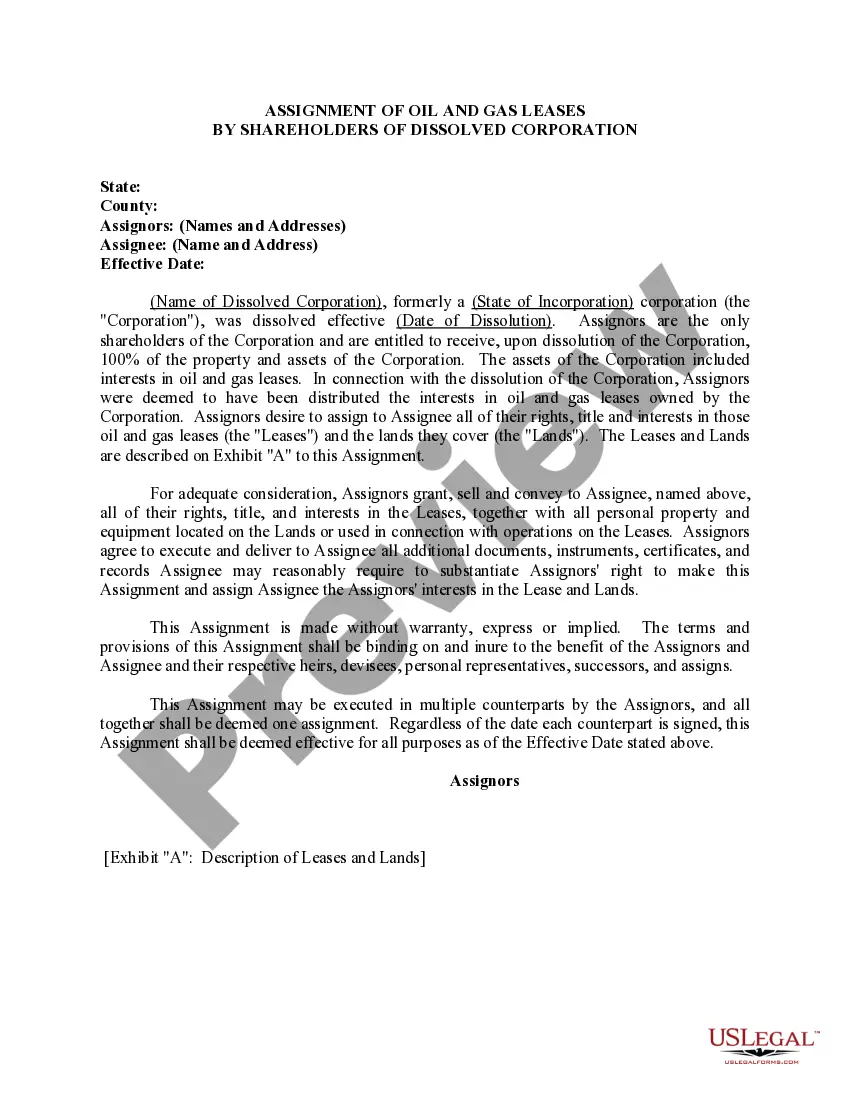
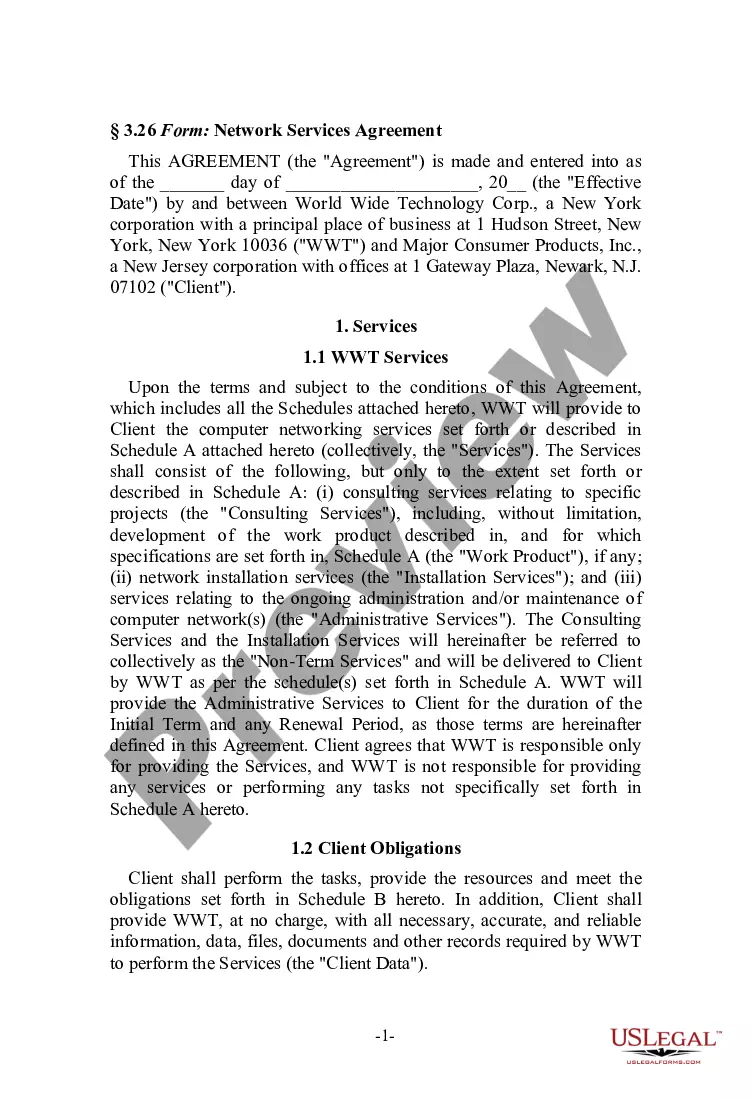
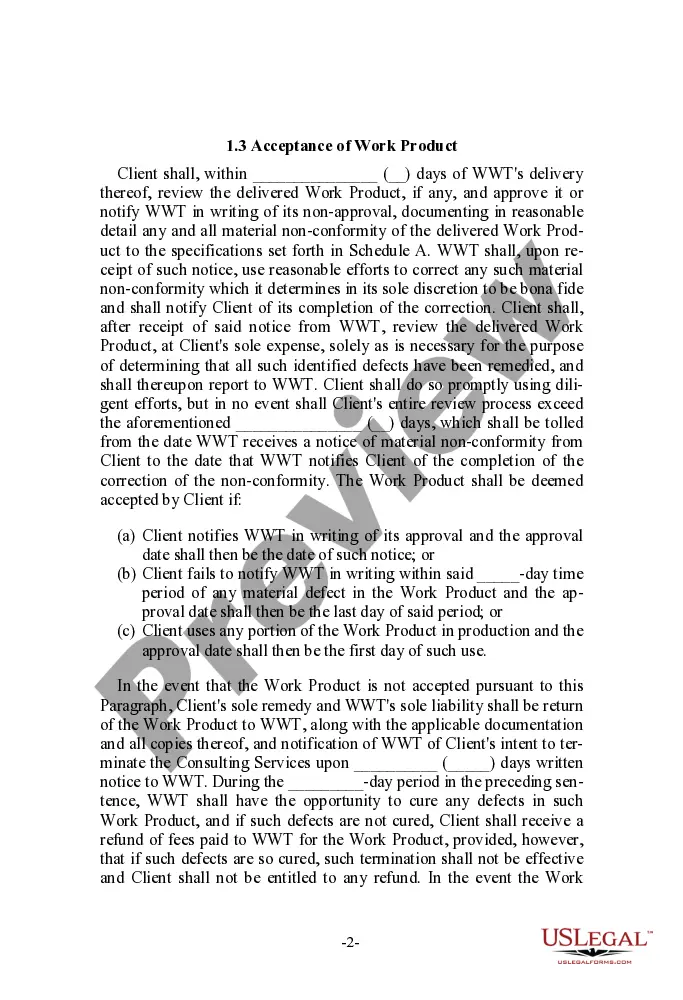
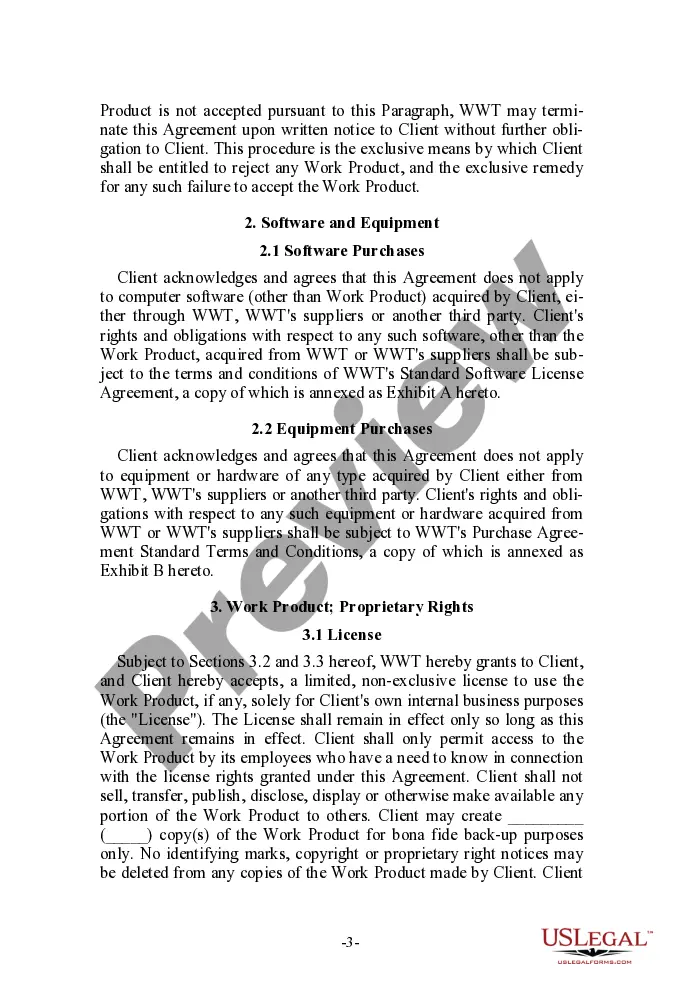
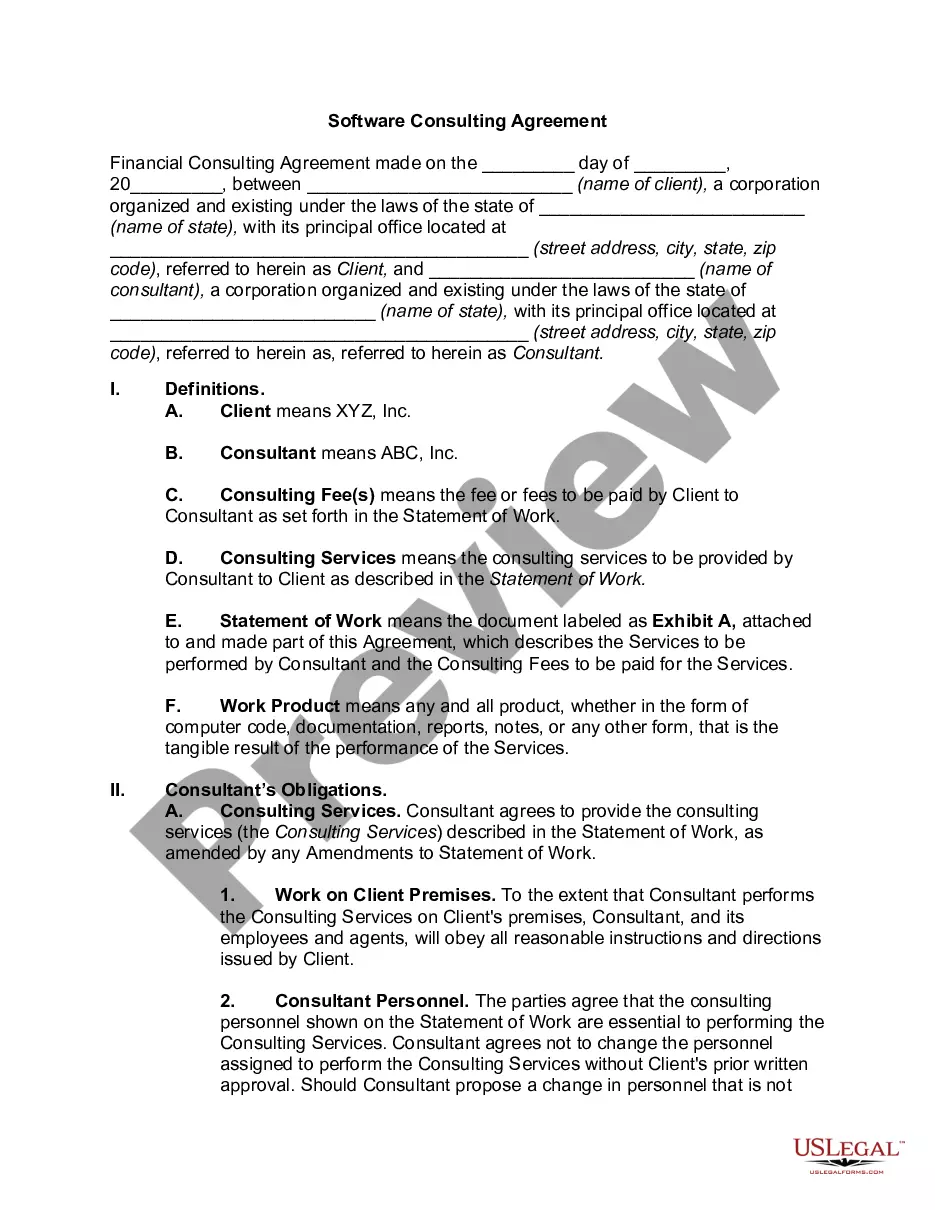
District of Columbia Network Services Agreement
Description
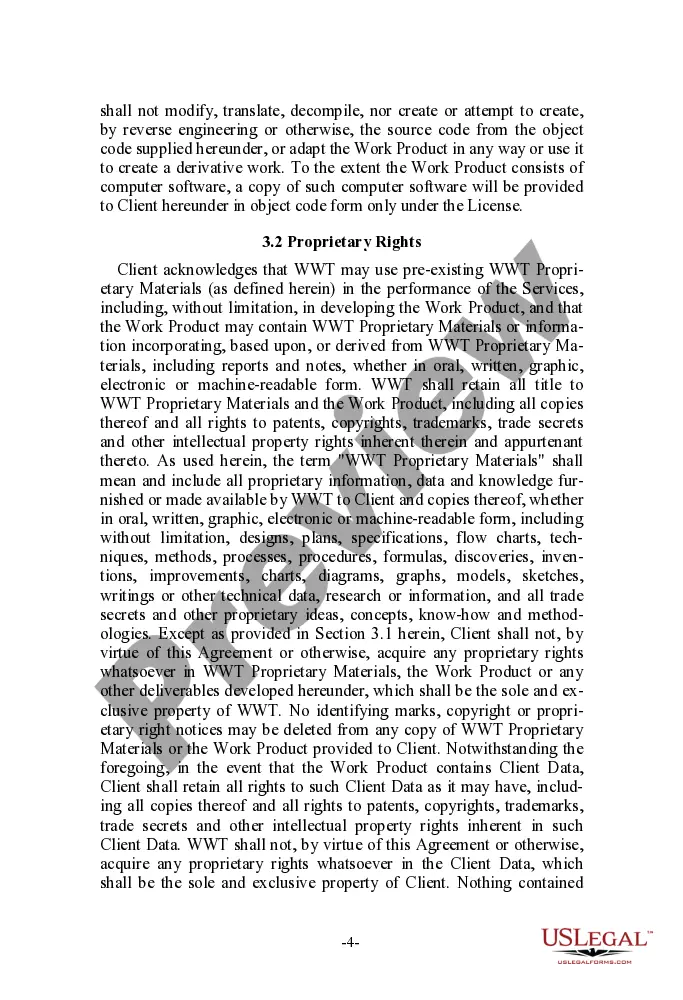
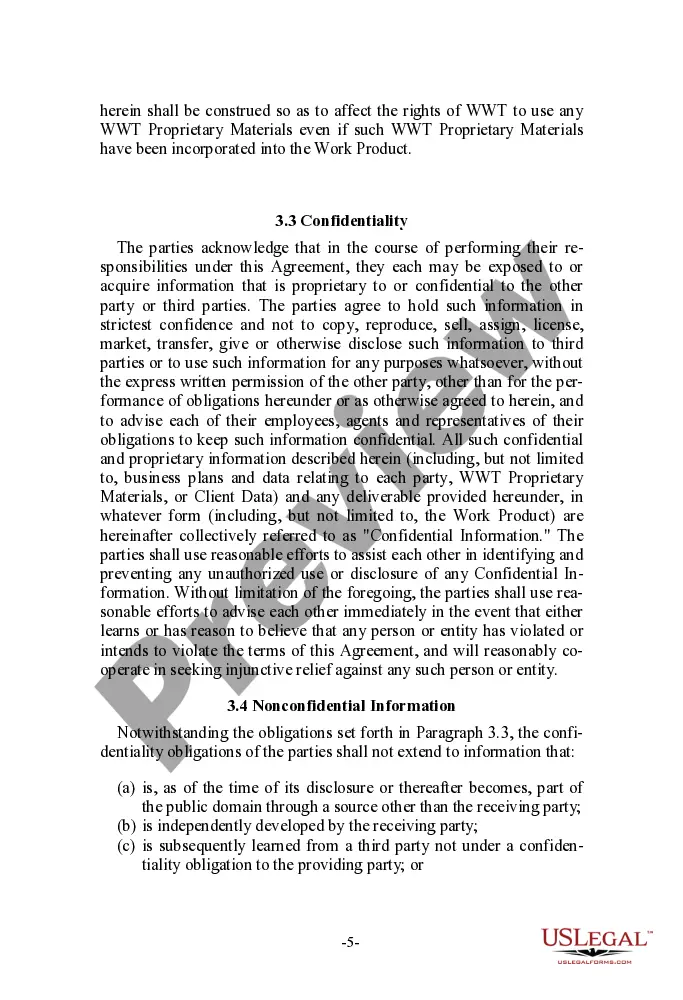
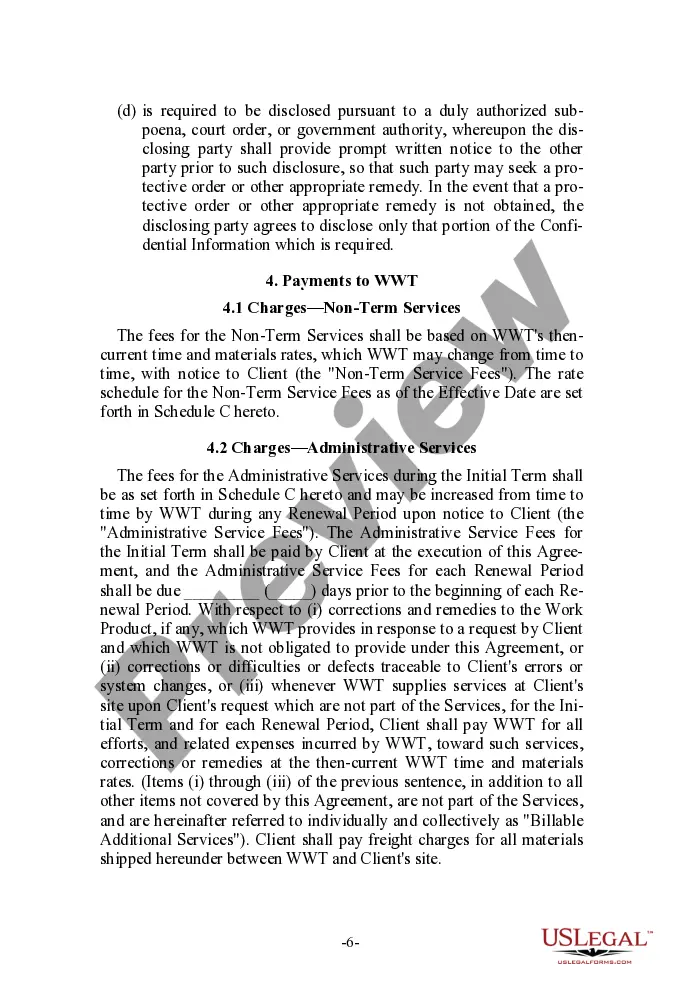
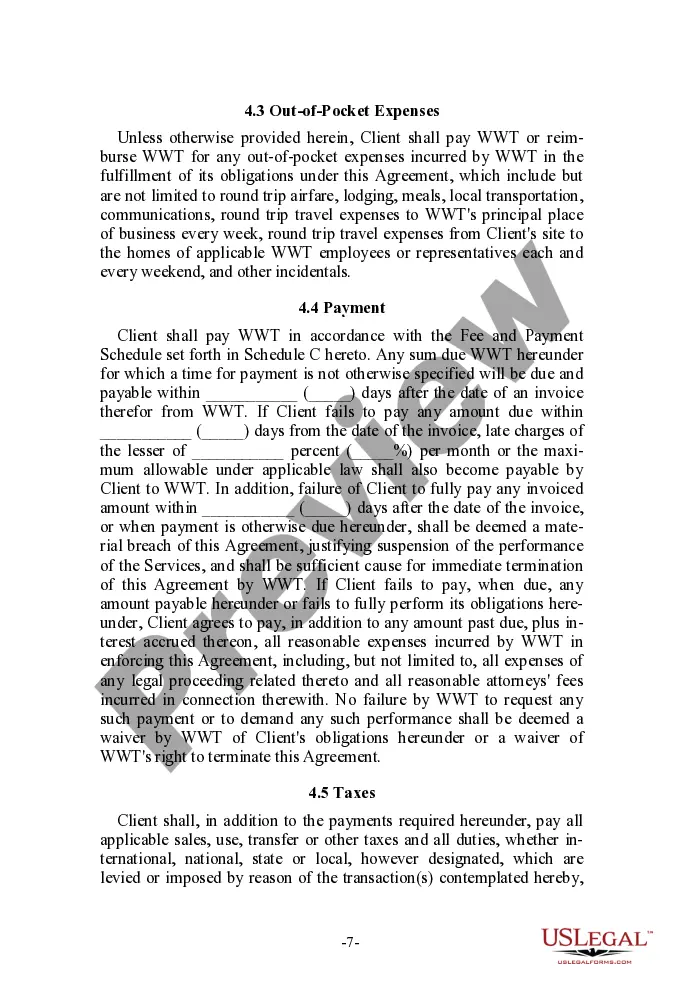

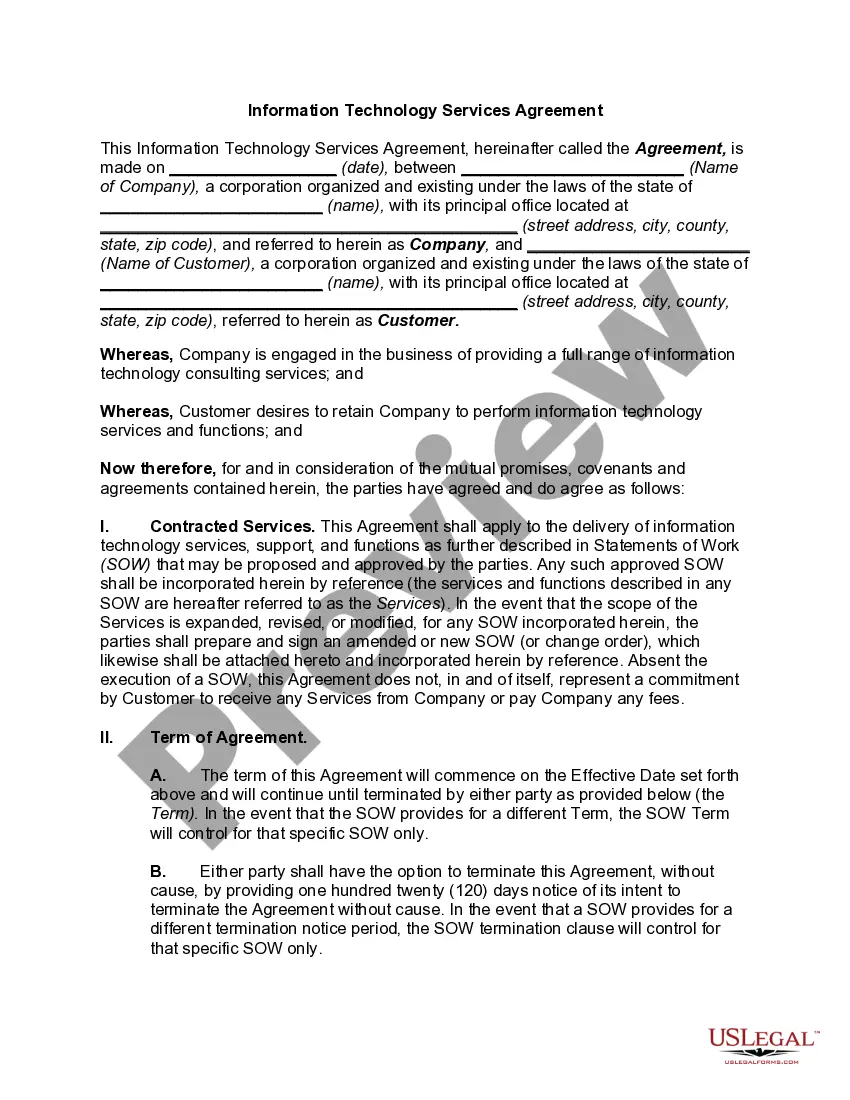
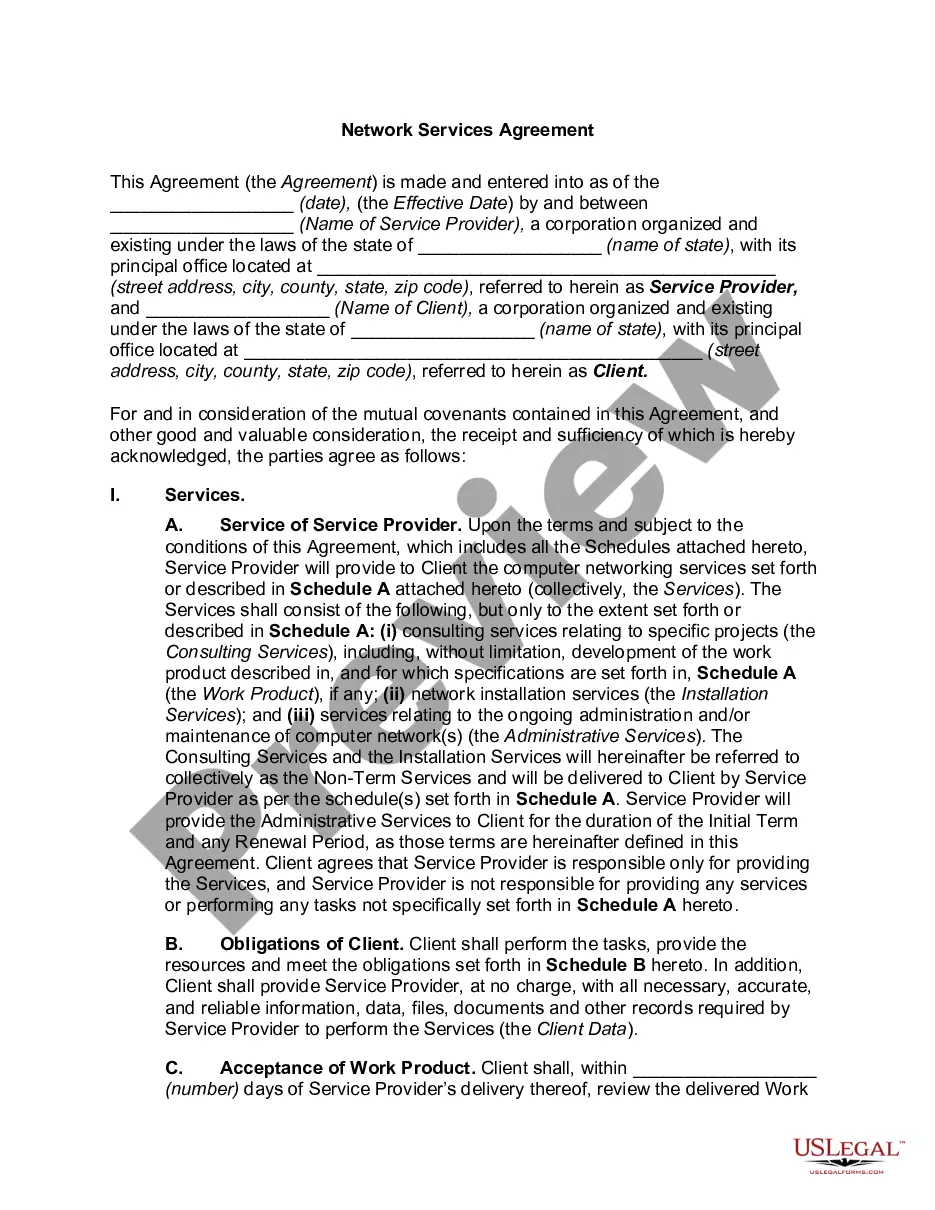
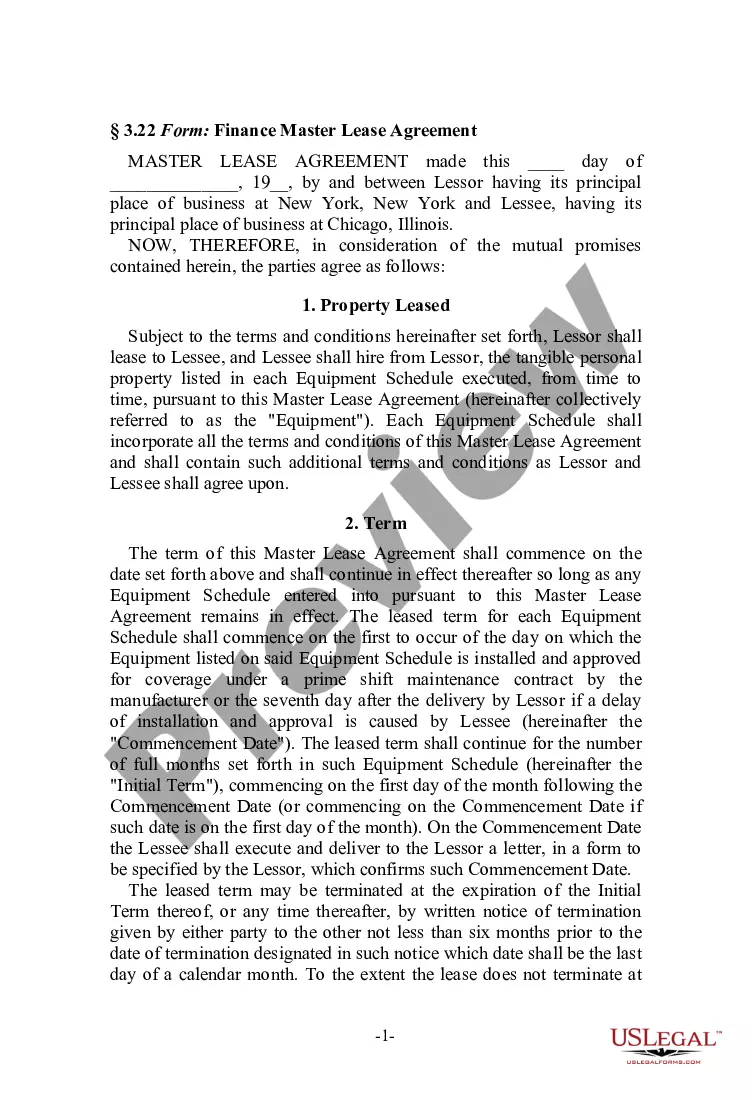
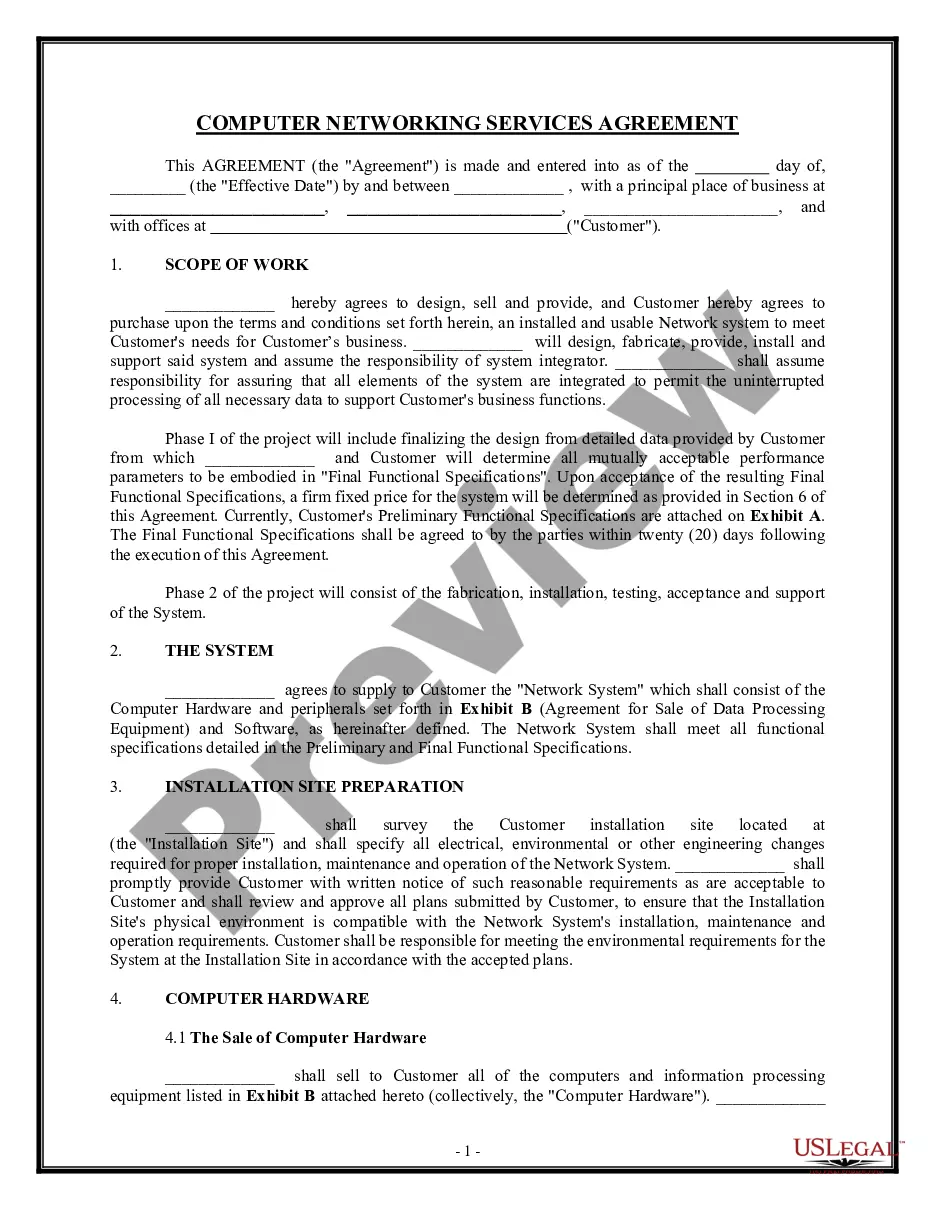
Get your form ready online
Our built-in tools help you complete, sign, share, and store your documents in one place.
Make edits, fill in missing information, and update formatting in US Legal Forms—just like you would in MS Word.
Download a copy, print it, send it by email, or mail it via USPS—whatever works best for your next step.
Sign and collect signatures with our SignNow integration. Send to multiple recipients, set reminders, and more. Go Premium to unlock E-Sign.
If this form requires notarization, complete it online through a secure video call—no need to meet a notary in person or wait for an appointment.
We protect your documents and personal data by following strict security and privacy standards.

Make edits, fill in missing information, and update formatting in US Legal Forms—just like you would in MS Word.

Download a copy, print it, send it by email, or mail it via USPS—whatever works best for your next step.

Sign and collect signatures with our SignNow integration. Send to multiple recipients, set reminders, and more. Go Premium to unlock E-Sign.

If this form requires notarization, complete it online through a secure video call—no need to meet a notary in person or wait for an appointment.

We protect your documents and personal data by following strict security and privacy standards.
Looking for another form?
How to fill out Network Services Agreement?
Are you currently inside a placement where you need to have papers for both organization or person reasons virtually every day time? There are a variety of authorized file themes available on the net, but discovering ones you can rely on isn`t easy. US Legal Forms gives thousands of kind themes, much like the District of Columbia Network Services Agreement, that are written to fulfill state and federal specifications.
In case you are currently familiar with US Legal Forms website and also have your account, just log in. Next, you may obtain the District of Columbia Network Services Agreement design.
Should you not offer an account and want to start using US Legal Forms, follow these steps:
- Discover the kind you need and make sure it is for the proper town/state.
- Use the Preview button to check the form.
- Browse the outline to actually have chosen the right kind.
- When the kind isn`t what you`re looking for, make use of the Search industry to obtain the kind that meets your requirements and specifications.
- Whenever you get the proper kind, simply click Get now.
- Pick the prices plan you desire, fill in the required details to make your money, and purchase the transaction with your PayPal or Visa or Mastercard.
- Choose a convenient file formatting and obtain your copy.
Discover every one of the file themes you have bought in the My Forms food list. You can get a additional copy of District of Columbia Network Services Agreement whenever, if required. Just select the essential kind to obtain or print out the file design.
Use US Legal Forms, one of the most comprehensive selection of authorized forms, to save time as well as steer clear of blunders. The service gives skillfully created authorized file themes that you can use for a selection of reasons. Produce your account on US Legal Forms and start producing your lifestyle a little easier.
Form popularity
FAQ
Vendors must meet these requirements to do business with the District of Columbia. Provide a Federal Identification Number and Dun and Bradstreet Number. ... Prove Tax Compliance. ... Show Proof of Unemployment Tax Compliance. ... Register in ARIBA eSourcing. ... Show Proof of Valid Business License.
(15) ?Doing business? means any activity of a partnership, corporation, or financial institution that enjoys the benefits and protection of the government and laws of the District.
A home occupation is a business, profession or other economic activity conducted full- or part-time in the principal residence of the person conducting the business. This permit is required for operating a business from your home.
Sole proprietors and general partnerships don't need to file business formation paperwork. (They will, however, need a DC business license.) If you're starting an LLC or corporation, you'll need to file paperwork with the DLCP. This step officially makes your business a separate legal entity.
District law defines a "business" as: ?Any trade, profession, or activity which provides, or holds itself out to provide, goods or services to the general public or to any portion of the general public, for hire or compensation in the District of Columbia.?