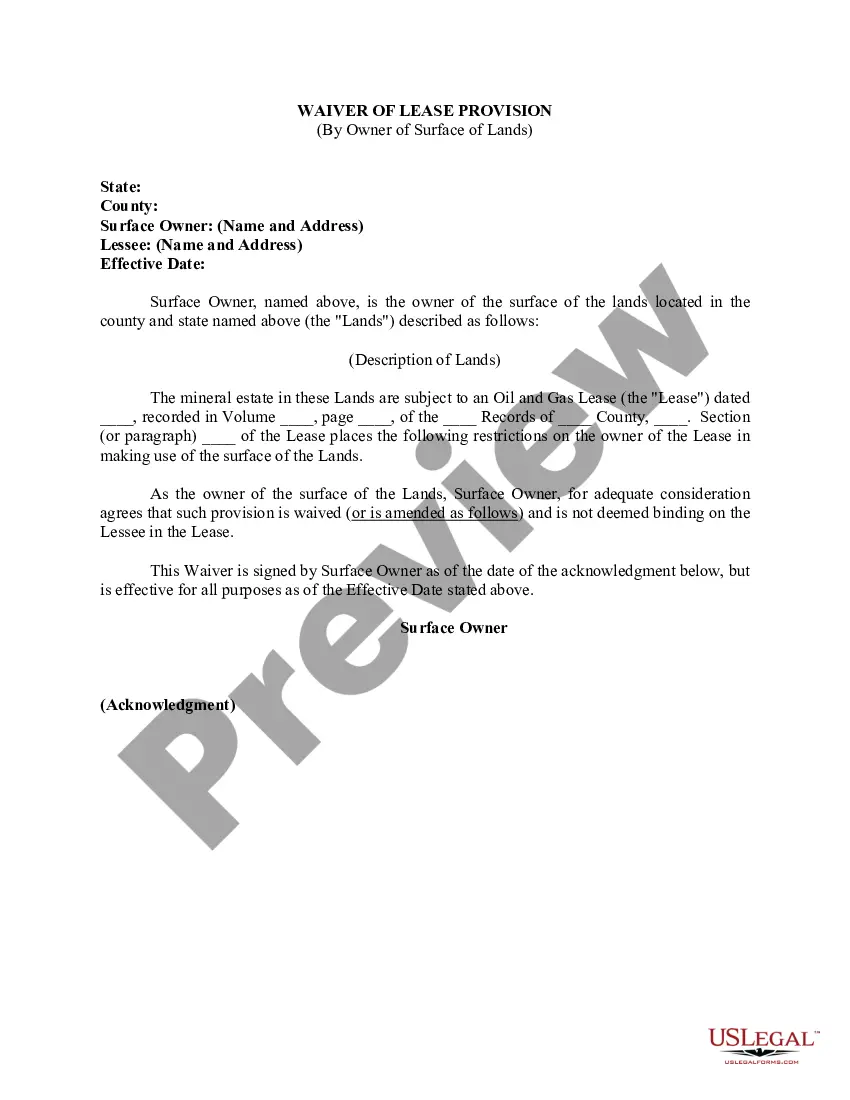
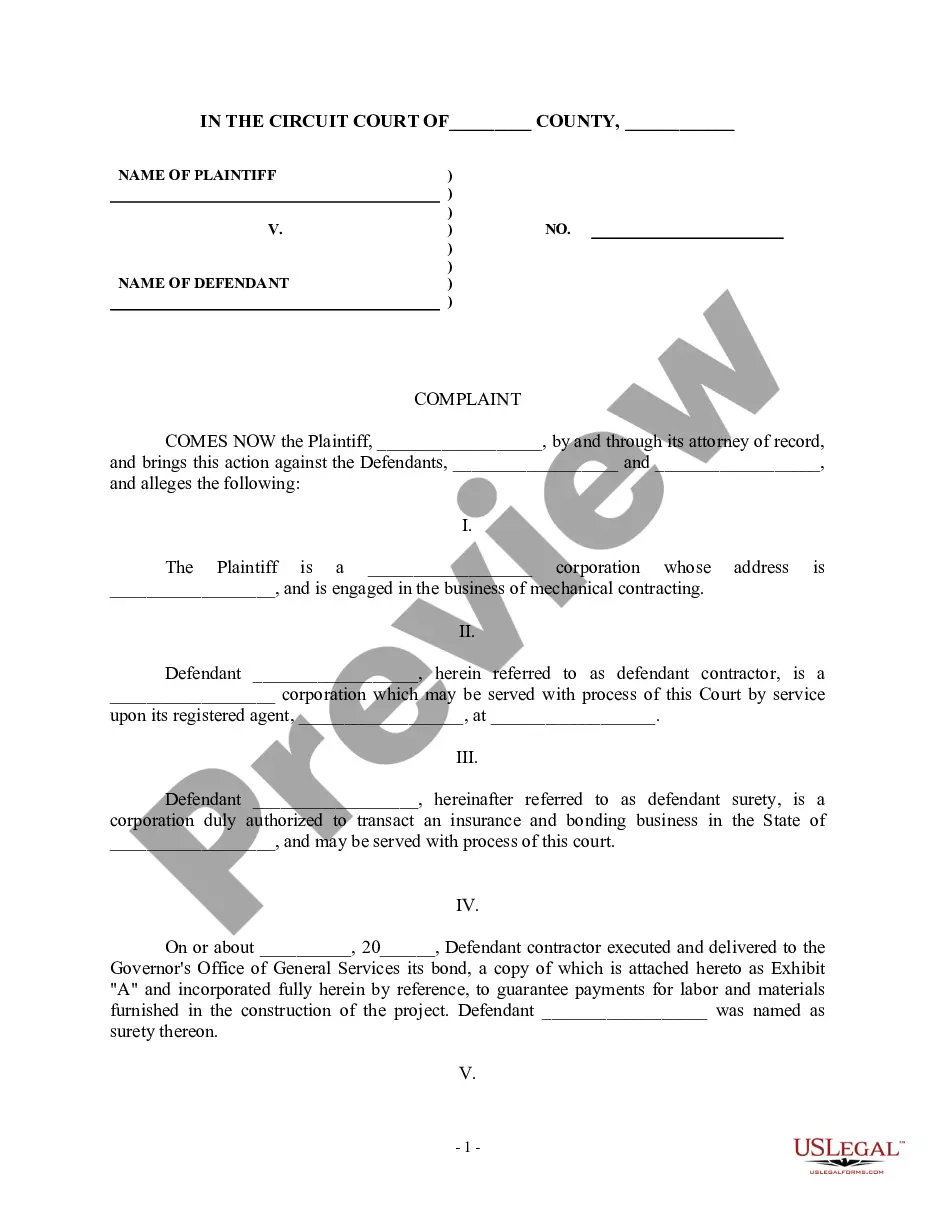
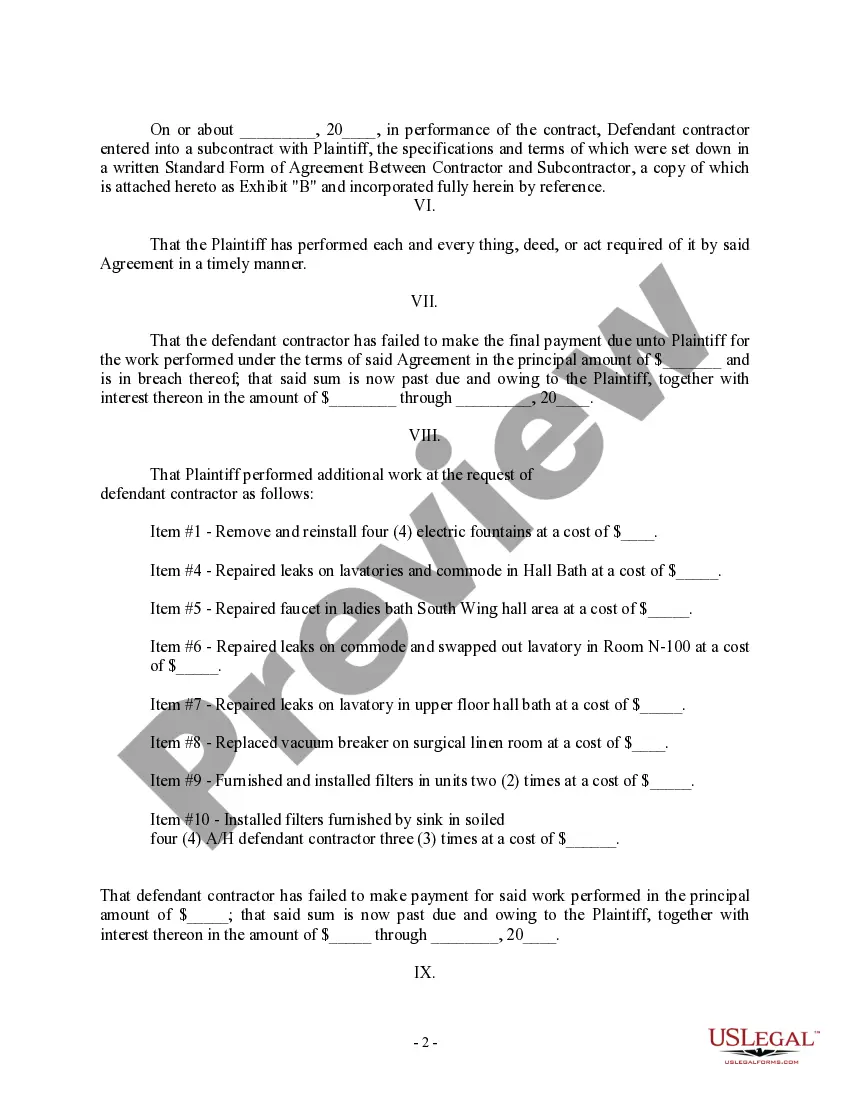
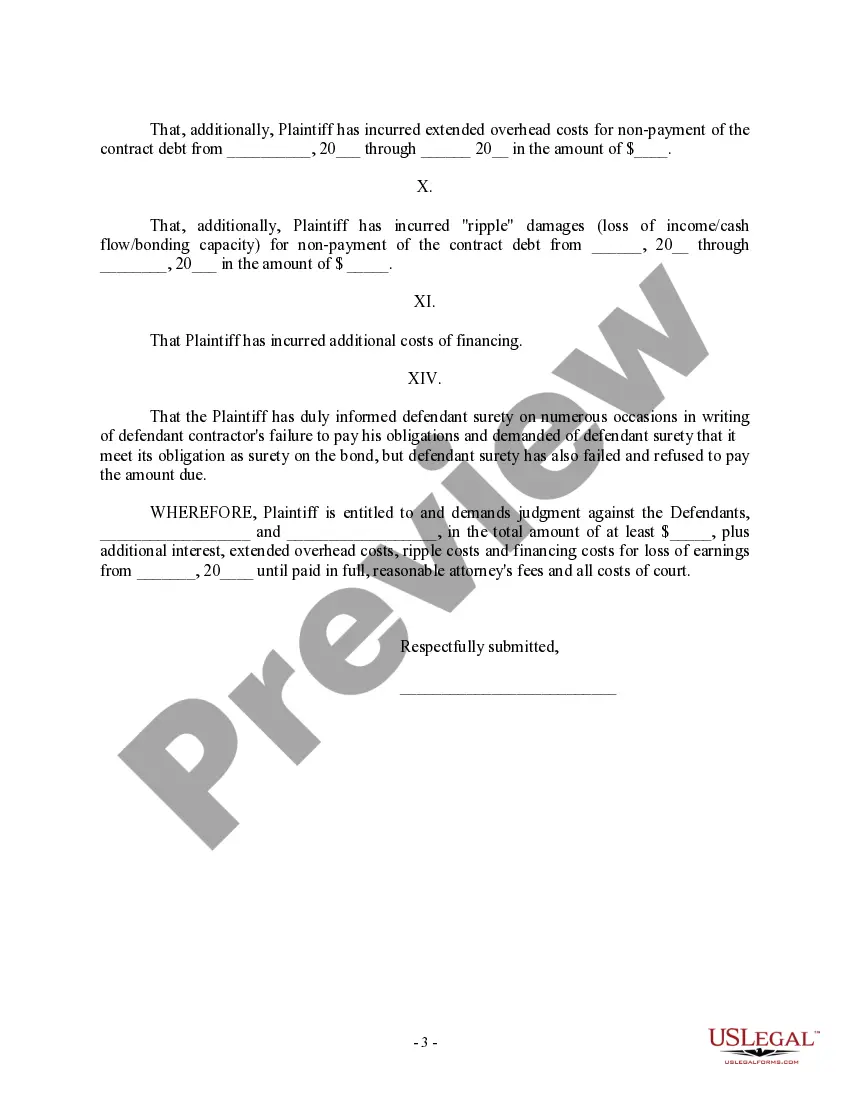
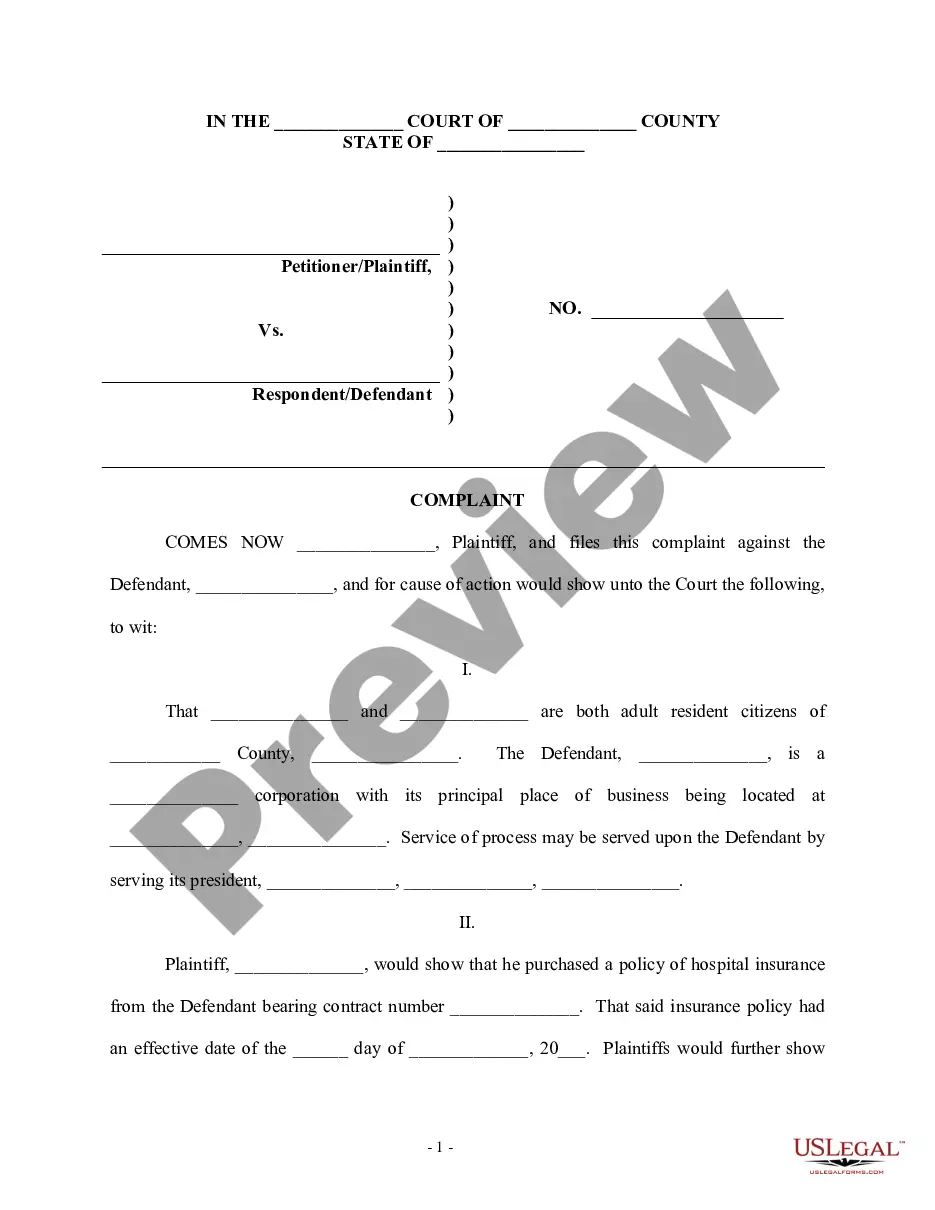
District of Columbia Complaint regarding Subcontractor against contractor and surety
Description
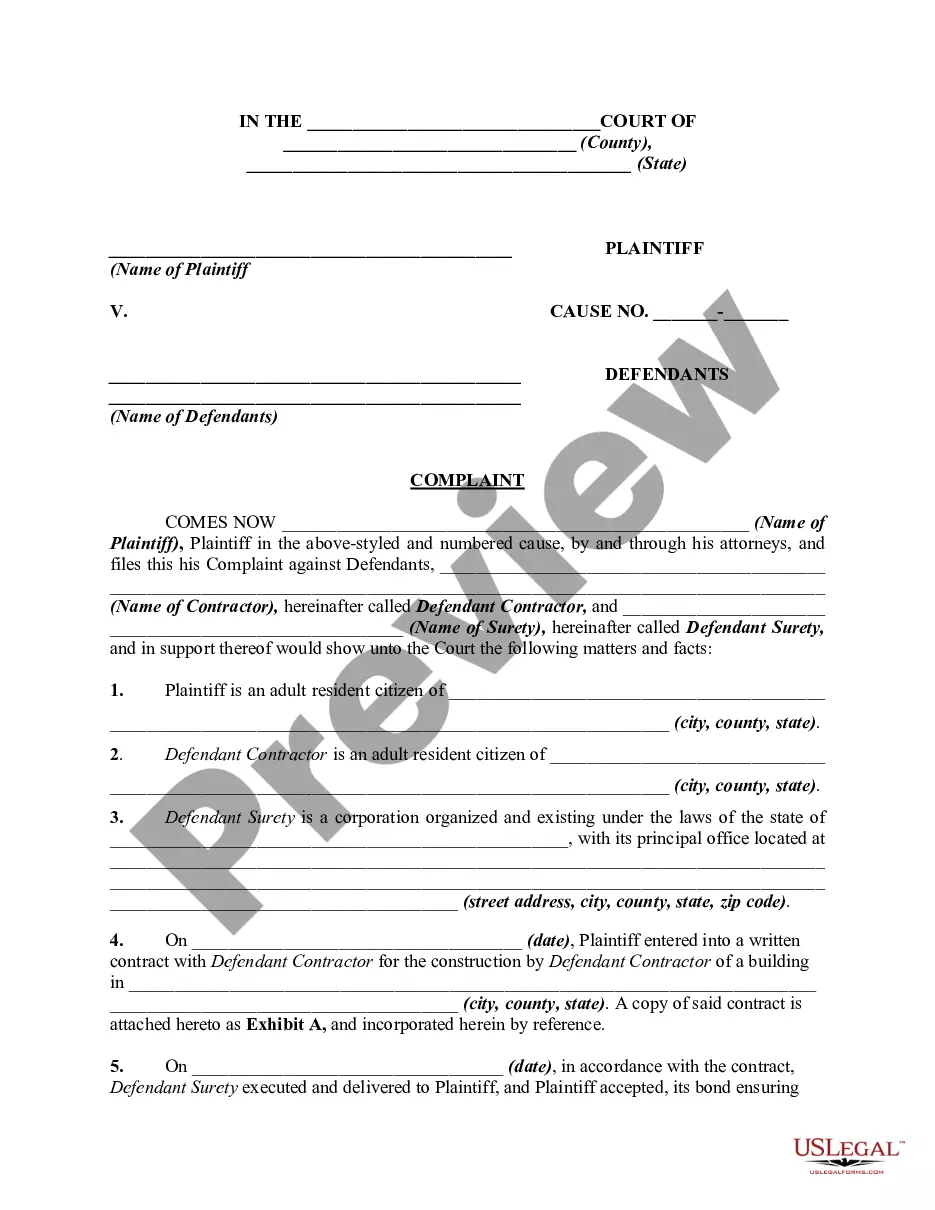
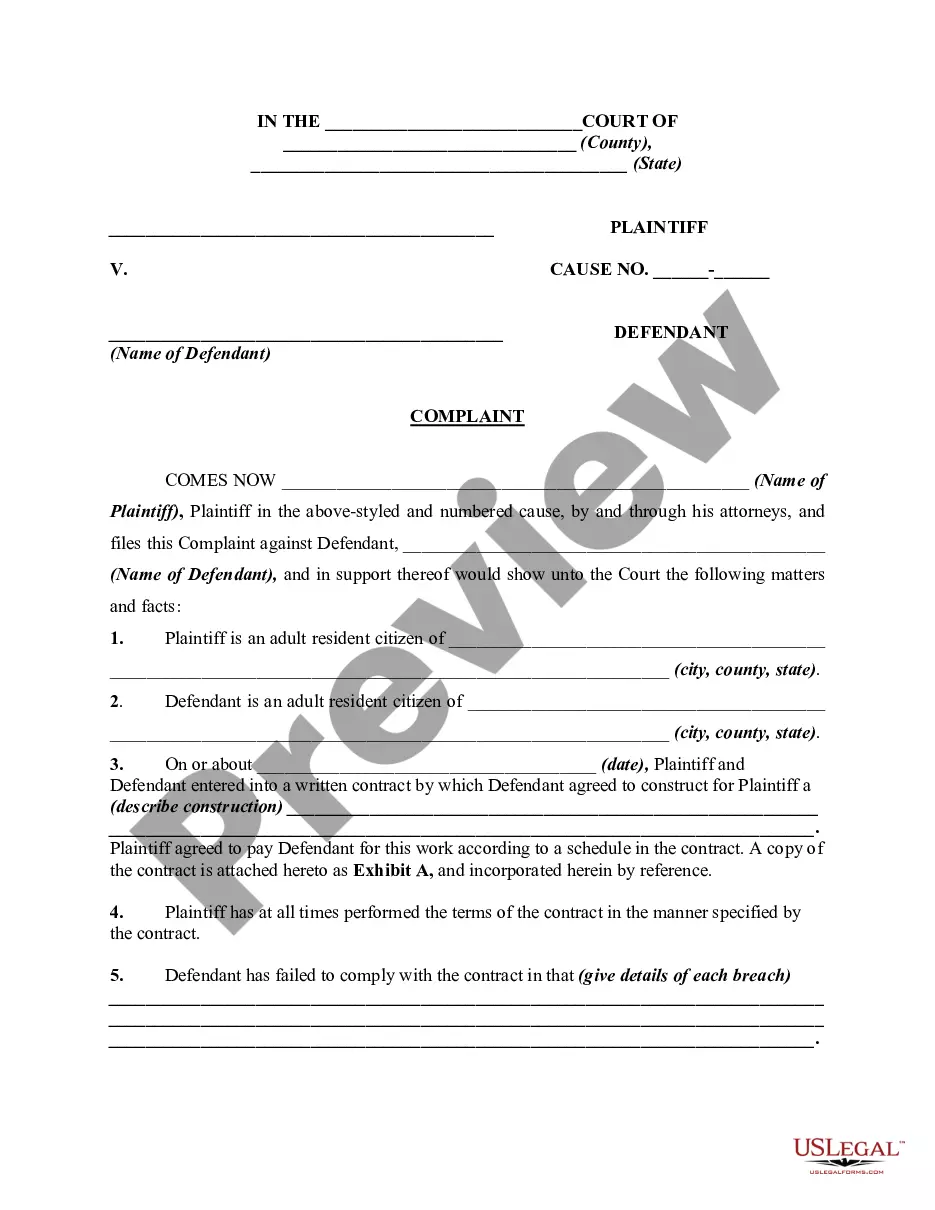
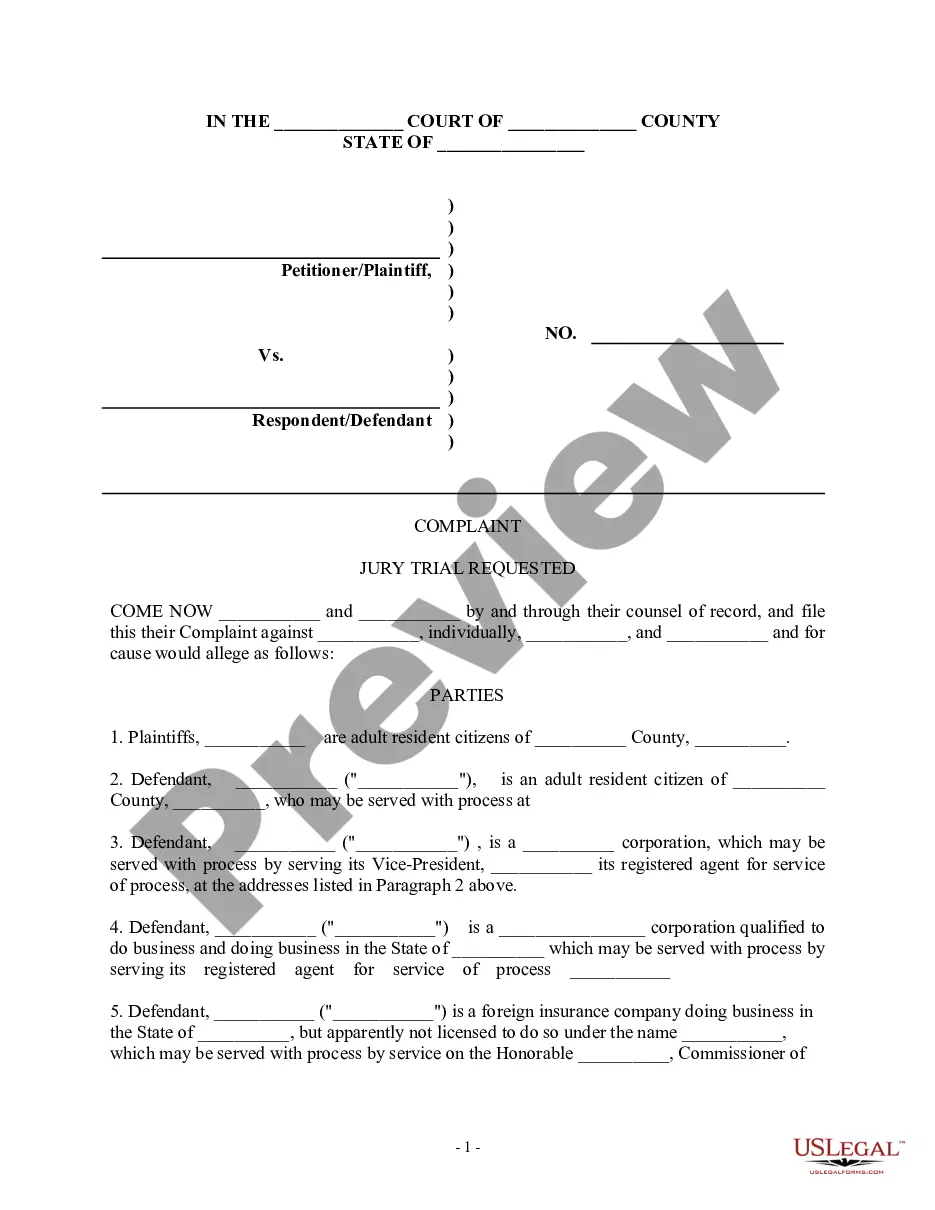
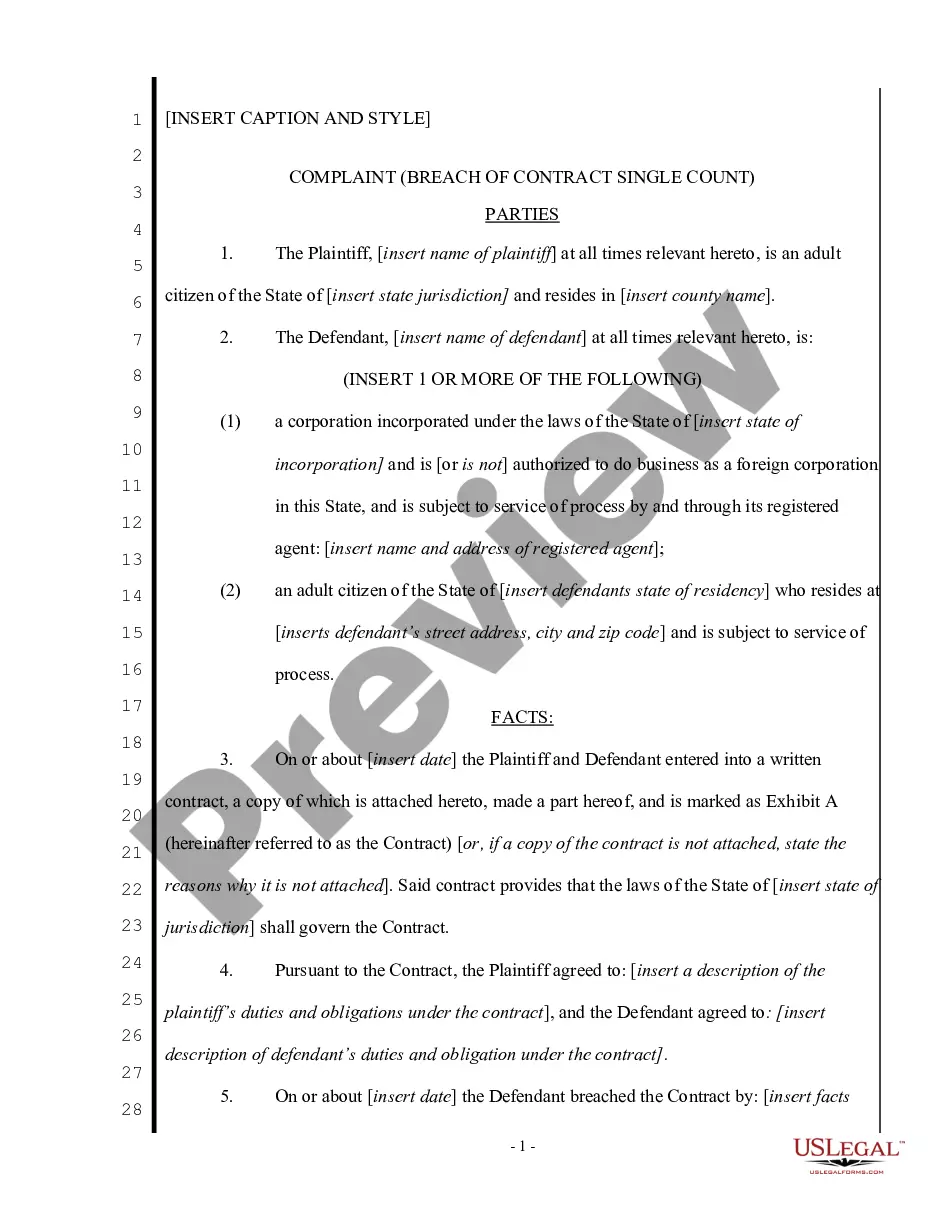
Get your form ready online
Our built-in tools help you complete, sign, share, and store your documents in one place.
Make edits, fill in missing information, and update formatting in US Legal Forms—just like you would in MS Word.
Download a copy, print it, send it by email, or mail it via USPS—whatever works best for your next step.
Sign and collect signatures with our SignNow integration. Send to multiple recipients, set reminders, and more. Go Premium to unlock E-Sign.
If this form requires notarization, complete it online through a secure video call—no need to meet a notary in person or wait for an appointment.
We protect your documents and personal data by following strict security and privacy standards.

Make edits, fill in missing information, and update formatting in US Legal Forms—just like you would in MS Word.

Download a copy, print it, send it by email, or mail it via USPS—whatever works best for your next step.

Sign and collect signatures with our SignNow integration. Send to multiple recipients, set reminders, and more. Go Premium to unlock E-Sign.

If this form requires notarization, complete it online through a secure video call—no need to meet a notary in person or wait for an appointment.

We protect your documents and personal data by following strict security and privacy standards.
Looking for another form?

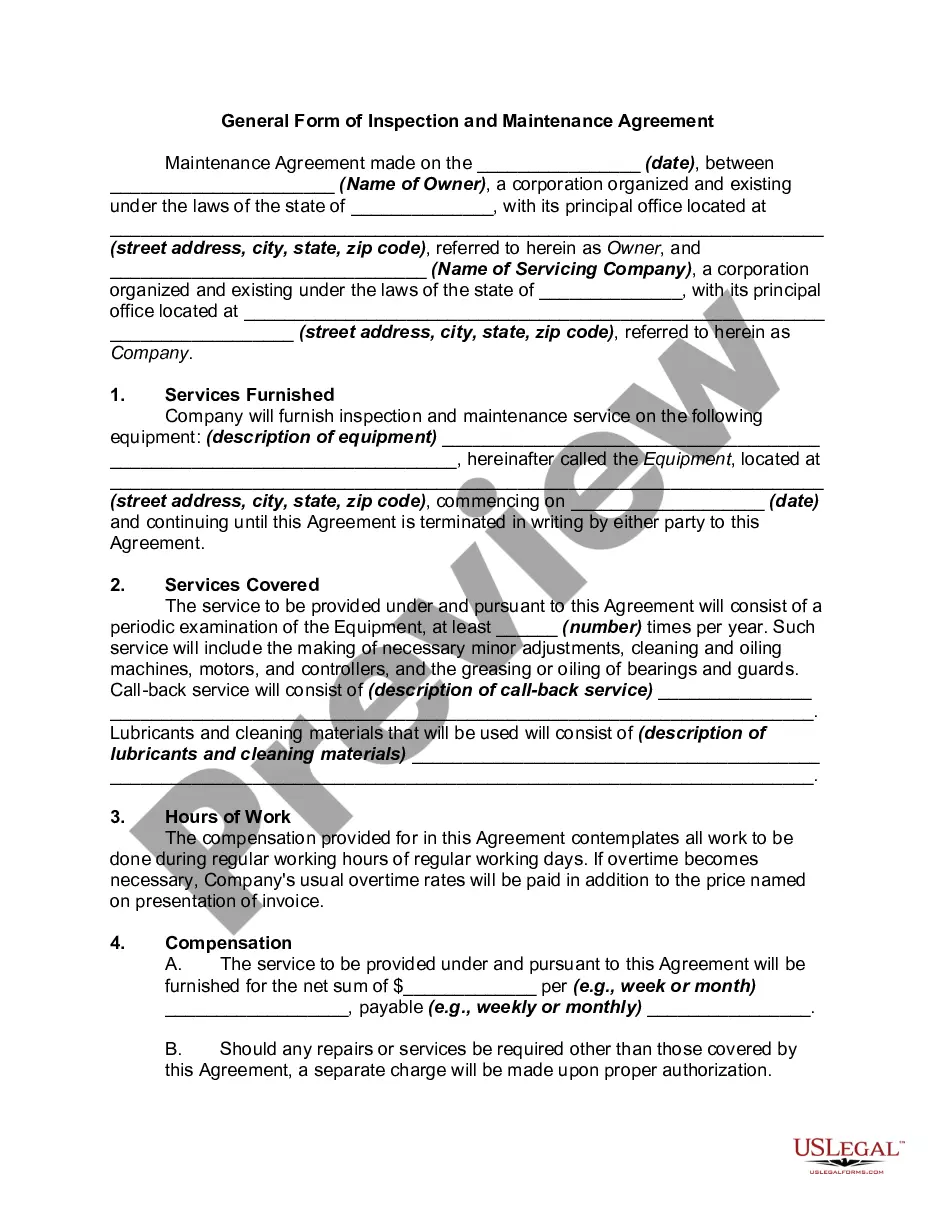
How to fill out Complaint Regarding Subcontractor Against Contractor And Surety?
Choosing the right authorized file web template can be a have a problem. Obviously, there are a variety of web templates available online, but how will you obtain the authorized form you will need? Take advantage of the US Legal Forms website. The assistance gives a large number of web templates, such as the District of Columbia Complaint regarding Subcontractor against contractor and surety, that you can use for organization and private requirements. All of the forms are checked by pros and fulfill state and federal specifications.
If you are currently authorized, log in to your profile and then click the Download key to find the District of Columbia Complaint regarding Subcontractor against contractor and surety. Make use of profile to check through the authorized forms you might have acquired earlier. Go to the My Forms tab of your respective profile and have yet another duplicate in the file you will need.
If you are a brand new customer of US Legal Forms, here are straightforward instructions so that you can comply with:
- Very first, make sure you have selected the appropriate form to your metropolis/county. You may check out the form making use of the Preview key and look at the form information to make certain this is the right one for you.
- In the event the form fails to fulfill your needs, make use of the Seach discipline to obtain the proper form.
- Once you are certain the form would work, click the Purchase now key to find the form.
- Pick the prices program you desire and enter the required information. Make your profile and pay for the transaction utilizing your PayPal profile or credit card.
- Select the file file format and acquire the authorized file web template to your device.
- Full, modify and print and sign the obtained District of Columbia Complaint regarding Subcontractor against contractor and surety.
US Legal Forms is definitely the most significant local library of authorized forms that you will find numerous file web templates. Take advantage of the service to acquire expertly-made documents that comply with state specifications.
Form popularity
FAQ
The Notice of Mechanic's Lien form provides a place for the claimant to state the ?Amount Claimed.? The Notice of Mechanic's Lien must also state the ?Date of Notice? and the ?specific dates of when: (1) work was commenced and completed; and/or (2) materials were furnished, including first and last delivery dates.? ...
The construction lien law in New Jersey does not affect any rights of the other parties. As such, if a contractor, subcontractor, designer, or other supplier places a lien on a property, they can still file a lawsuit against the property owner for breach of contract.
New Jersey Construction Liens Construction liens can give contractors, subcontractors and suppliers a security interest in property for which they have made improvements but not been paid.
There's only one office where mechanics liens can be recorded. This is the Office of the Recorder of Deeds- Land Records Division. Before you go down to the office, or otherwise send out your claim, you should contact the office ahead of time to ensure that you have all the required documents and filing fees.
In general terms, the District of Columbia Mechanic's Lien carries priority over all other liens and mortgages once work has commenced. However, this document does not take priority over construction loan advances created following the filing of the Notice of Mechanic's Lien.