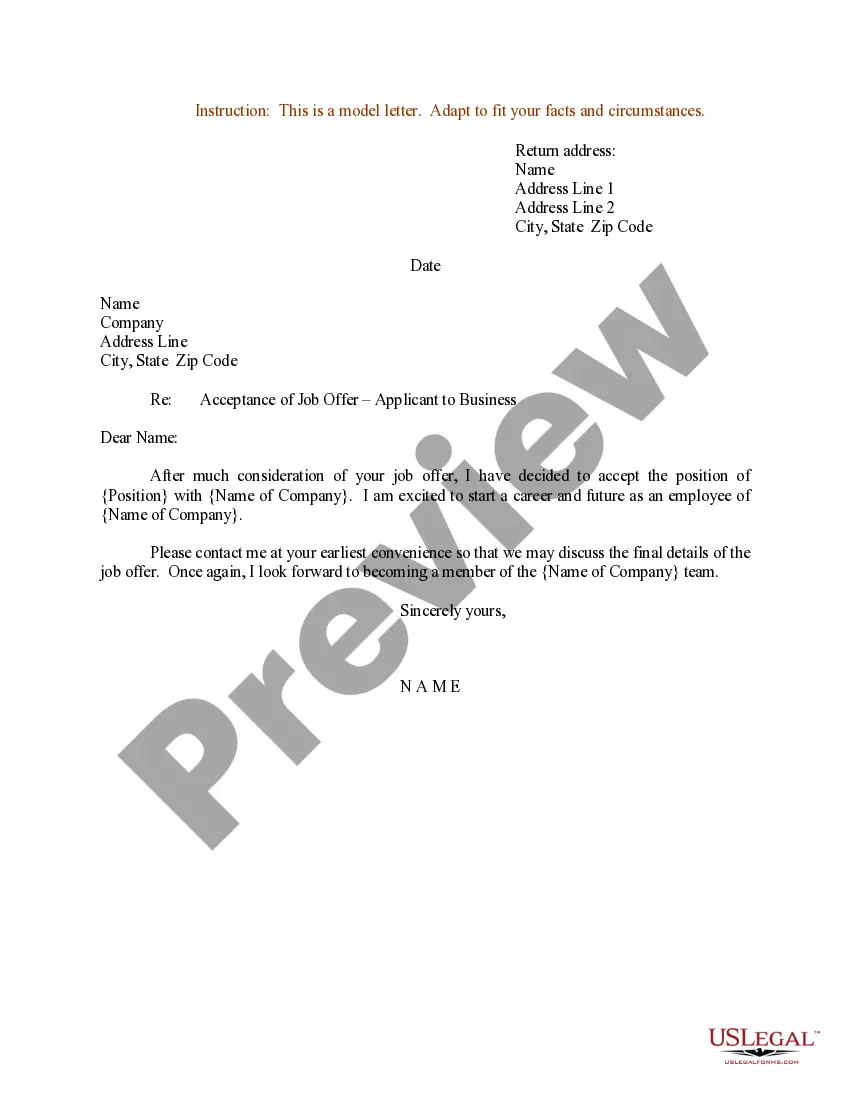
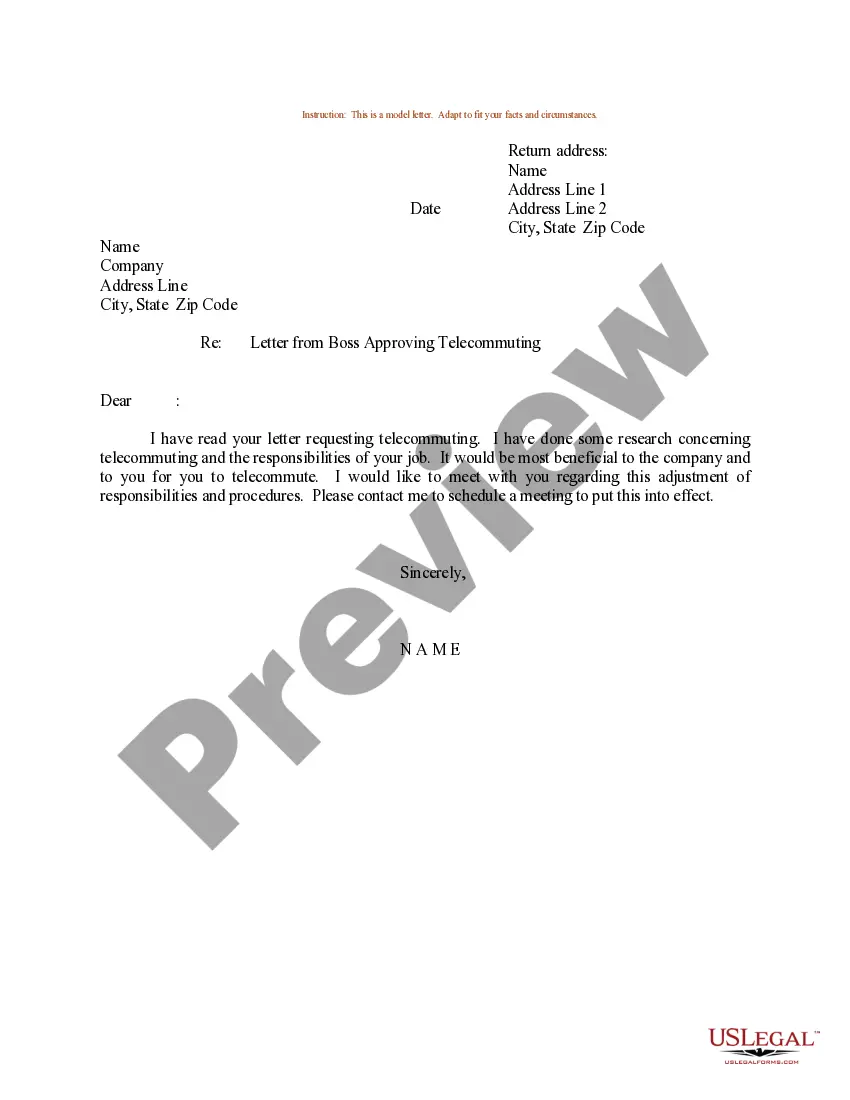
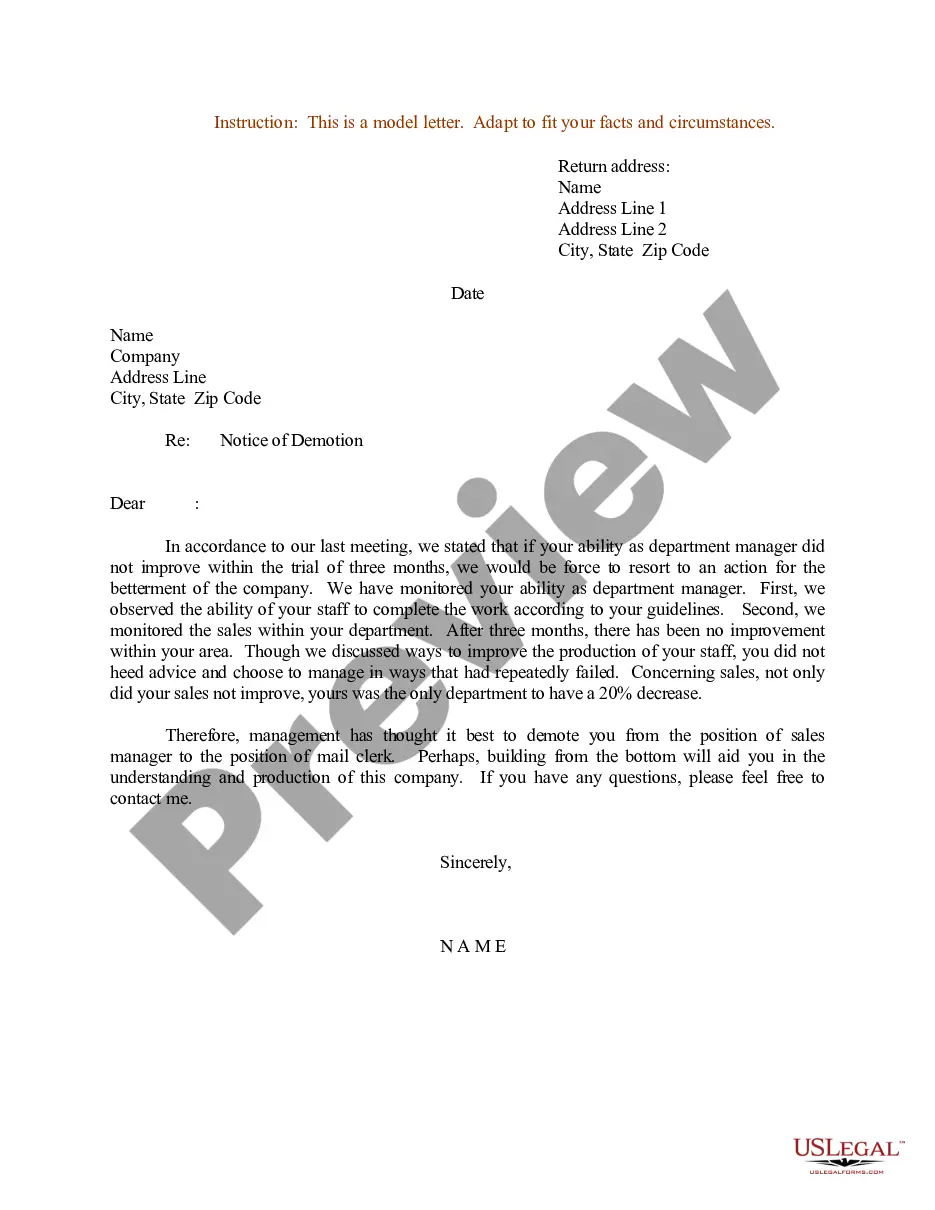
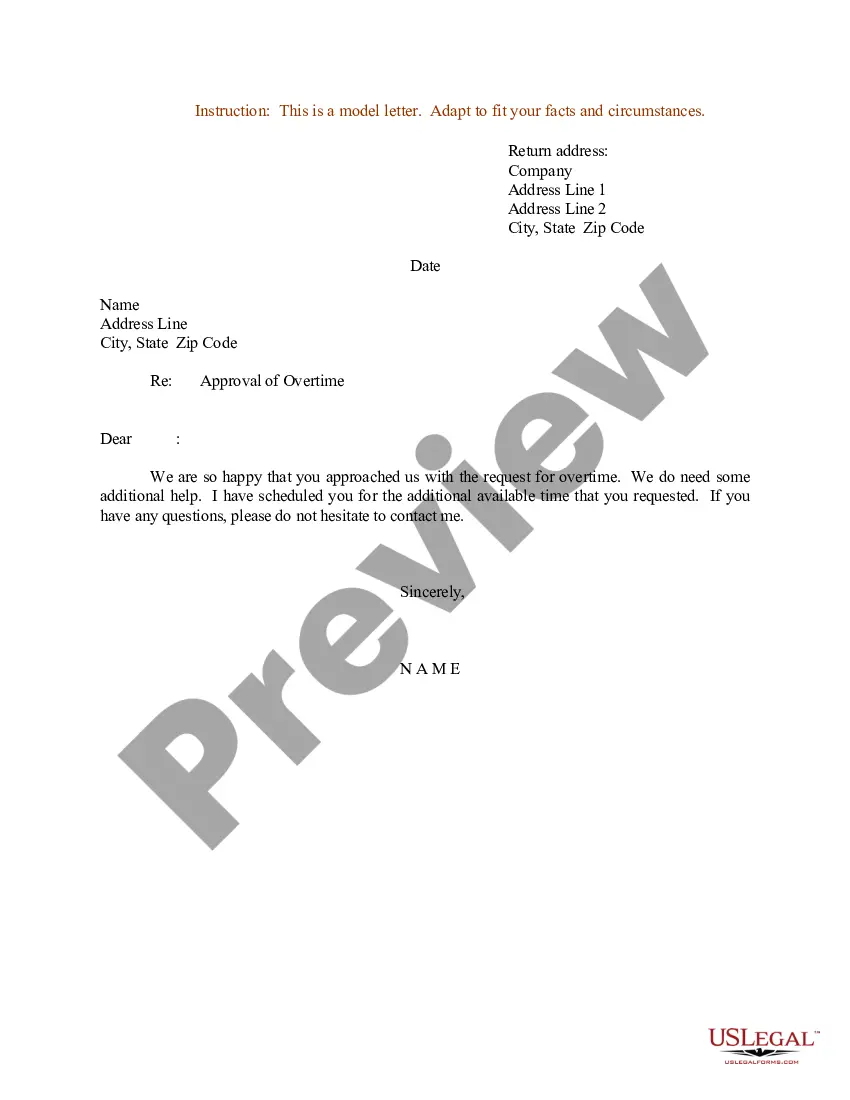
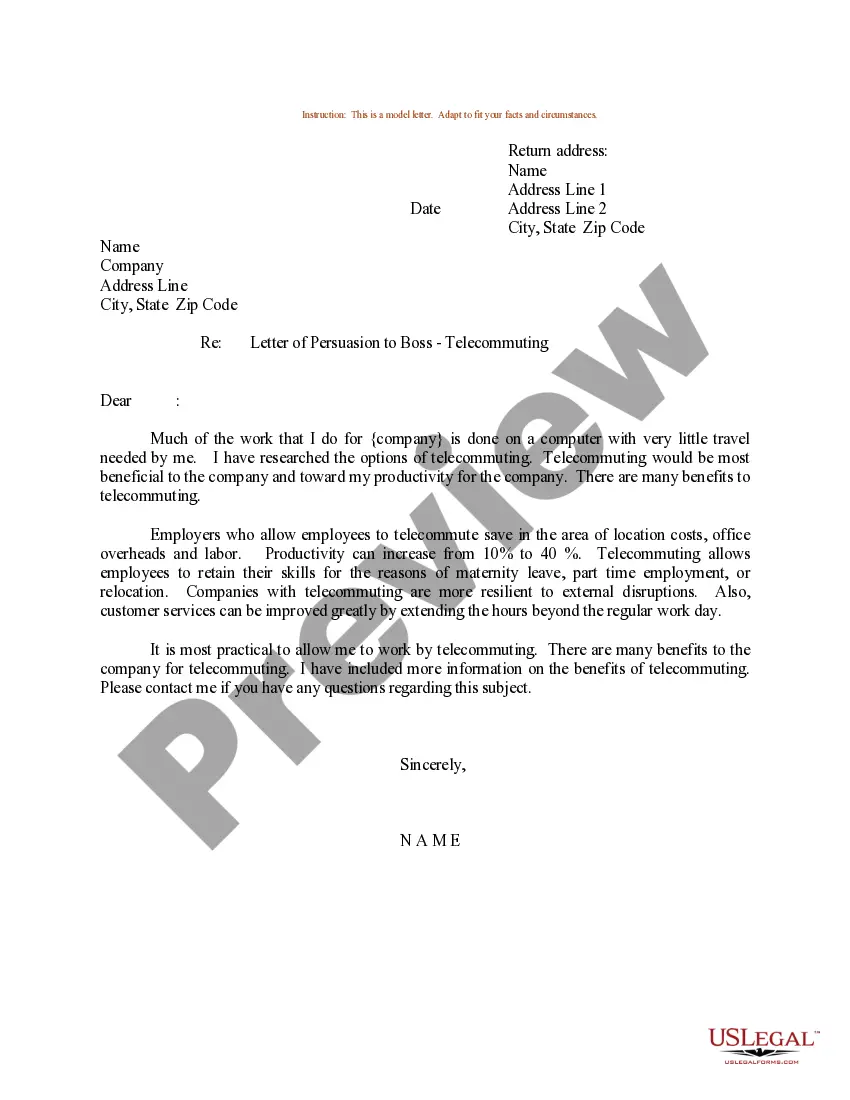
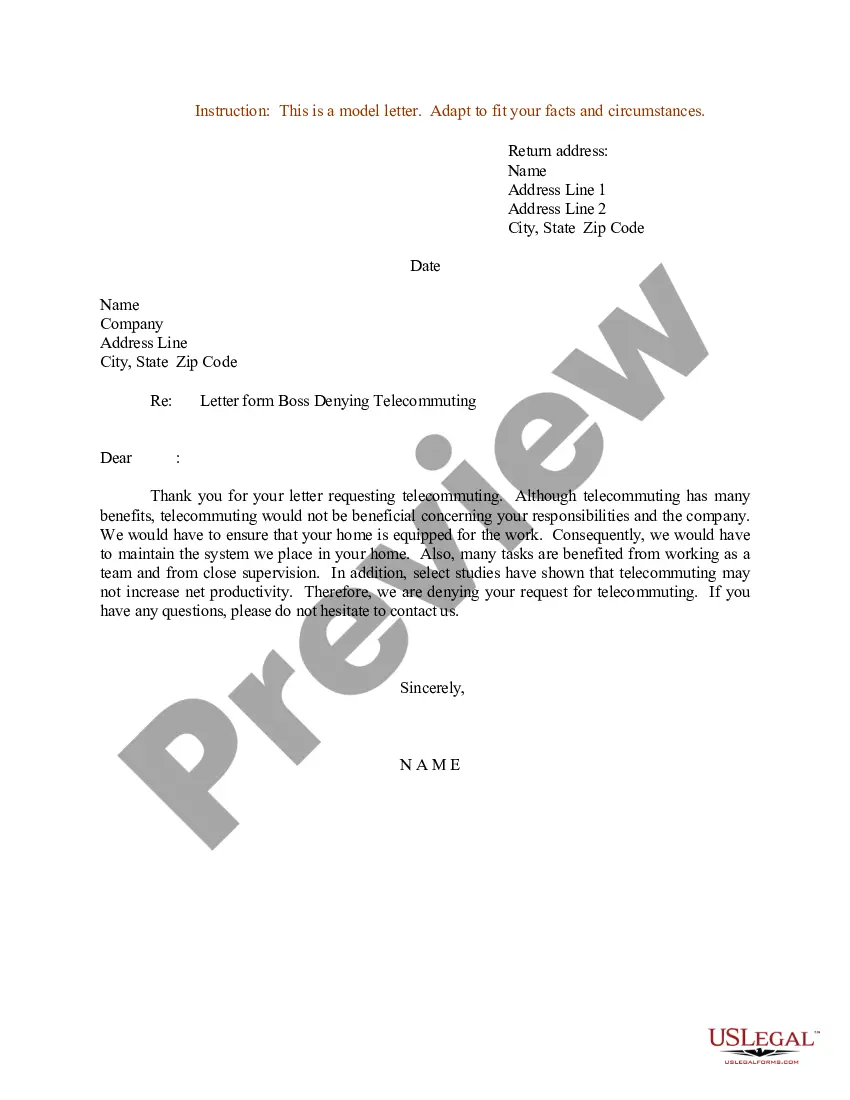
District of Columbia Sample Letter for Letter from Boss Approving Telecommuting
Description
Get your form ready online
Our built-in tools help you complete, sign, share, and store your documents in one place.
Make edits, fill in missing information, and update formatting in US Legal Forms—just like you would in MS Word.
Download a copy, print it, send it by email, or mail it via USPS—whatever works best for your next step.
Sign and collect signatures with our SignNow integration. Send to multiple recipients, set reminders, and more. Go Premium to unlock E-Sign.
If this form requires notarization, complete it online through a secure video call—no need to meet a notary in person or wait for an appointment.
We protect your documents and personal data by following strict security and privacy standards.

Make edits, fill in missing information, and update formatting in US Legal Forms—just like you would in MS Word.

Download a copy, print it, send it by email, or mail it via USPS—whatever works best for your next step.

Sign and collect signatures with our SignNow integration. Send to multiple recipients, set reminders, and more. Go Premium to unlock E-Sign.

If this form requires notarization, complete it online through a secure video call—no need to meet a notary in person or wait for an appointment.

We protect your documents and personal data by following strict security and privacy standards.
Looking for another form?
How to fill out Sample Letter For Letter From Boss Approving Telecommuting?
US Legal Forms - one of the largest collections of legal documents in the United States - offers an extensive variety of legal form templates that you can download or create.
Through the website, you can access a vast array of forms for business and personal use, organized by categories, claims, or keywords. You can quickly find the latest forms, such as the District of Columbia Sample Letter for Letter from Boss Approving Telecommuting.
If you already have a subscription, Log In to download the District of Columbia Sample Letter for Letter from Boss Approving Telecommuting from the US Legal Forms library. The Download button appears on every form you examine. You can access all previously saved forms by visiting the My documents section of your account.
Proceed with the transaction. Use your credit card or PayPal account to finalize the payment.
Select the format and download the form to your device. Edit it. Complete, modify, and print, then sign the saved District of Columbia Sample Letter for Letter from Boss Approving Telecommuting. Each form you add to your account does not expire and is yours permanently. If you wish to download or print another copy, simply navigate to the My documents section and click on the form you need. Access the District of Columbia Sample Letter for Letter from Boss Approving Telecommuting with US Legal Forms, the most extensive library of legal document templates. Utilize a vast selection of professional and state-specific templates that meet your business or personal requirements.
- Ensure you have selected the correct form for your location.
- Click the Review button to examine the form's content.
- Review the form summary to confirm you have chosen the appropriate document.
- If the form does not meet your needs, use the Search field at the top of the screen to find one that does.
- If you are satisfied with the form, confirm your selection by clicking the Purchase now button.
- Next, choose the pricing plan you prefer and provide your details to create an account.
Form popularity
FAQ
Research the landscape in your industry and organization.Emphasize the benefits to your organization.Create a clear and specific remote work plan.Time your request carefully.Ask in-person, not via email.Come prepared to lead the meeting.Expect some discomfort, but don't be dissuaded.More items...
In This ArticleGeneral Remote Work Proposal Tips.Describe Your Work Plan.List Any Extenuating Circumstances.Show How the Company Will Benefit.Outline Your Availability.Describe Your Home Office Setup.Be Clear About What You'll Need From the Employer.Include Additional Assurances and Strategies.
How to ask your manager to allow you to work remotely full timeWork out the details before making your request.Make a list of the benefits.Create a proposal plan.Account for potential problems that may arise.Set a meeting with your manager.
Research the landscape in your industry and organization.Emphasize the benefits to your organization.Create a clear and specific remote work plan.Time your request carefully.Ask in-person, not via email.Come prepared to lead the meeting.Expect some discomfort, but don't be dissuaded.More items...
In This ArticleGeneral Remote Work Proposal Tips.Describe Your Work Plan.List Any Extenuating Circumstances.Show How the Company Will Benefit.Outline Your Availability.Describe Your Home Office Setup.Be Clear About What You'll Need From the Employer.Include Additional Assurances and Strategies.
Telework: Working from home, a satellite office, or shared space rather than commuting to a nearby office. Remote Work: Working from home, a satellite office, or shared space regardless if an office exists in close proximity to you.
The following are steps to take both before and while you are requesting to work remotely full time:Work out the details before making your request.Make a list of the benefits.Create a proposal plan.Account for potential problems that may arise.Set a meeting with your manager.
In practice, "telework" is a work arrangement that allows and employee to perform work, during any part of regular, paid hours, at an approved alternative worksite (e.g., home, telework center).
The Teleworker Agreement is a legal document identifying the responsibilities of both the teleworker and the employer. The agreement mirrors the policies. The employee signs the agreement. Sample.
Elements of a Telecommuting ProposalElements of a Telecommuting Proposal.Explain what you want and why it is good for the company.State any favorable background information, such as your qualifications, positive performance reviews, or years on the job.Explain the details of how this arrangement would work.More items...?