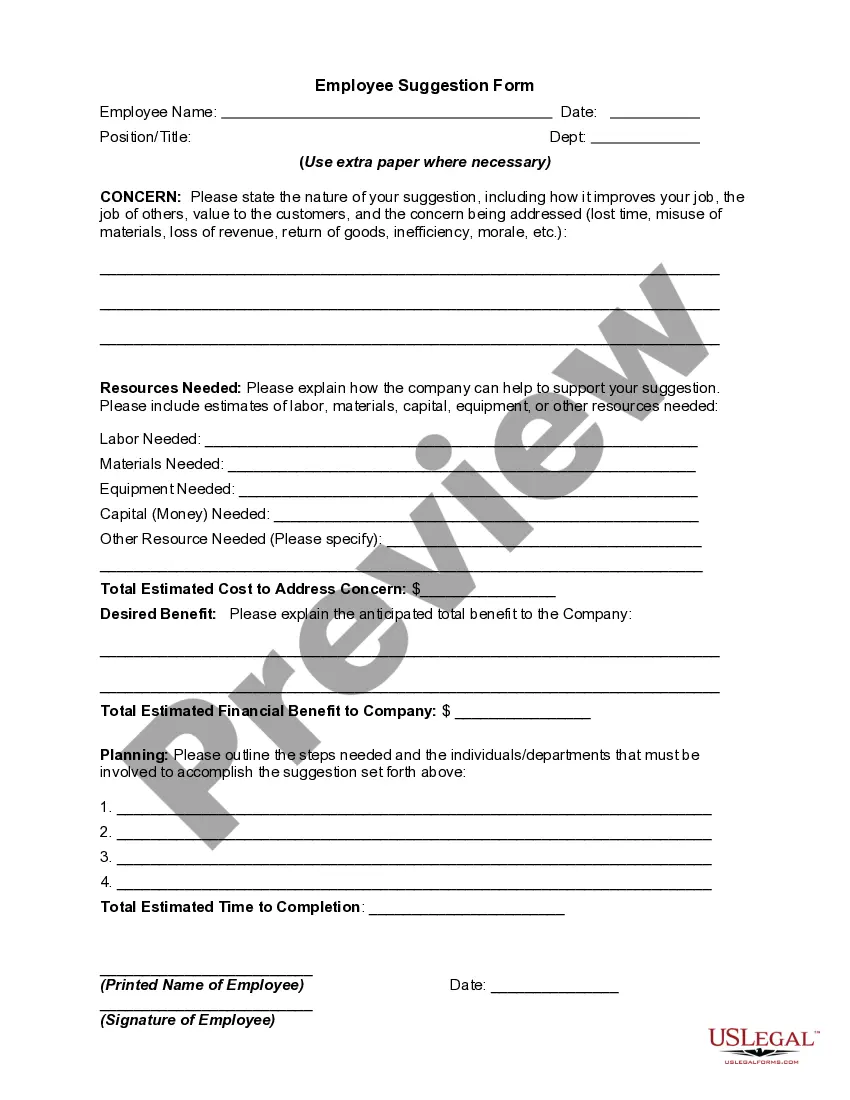
District of Columbia Employee Suggestion Form
Description
Get your form ready online
Our built-in tools help you complete, sign, share, and store your documents in one place.
Make edits, fill in missing information, and update formatting in US Legal Forms—just like you would in MS Word.
Download a copy, print it, send it by email, or mail it via USPS—whatever works best for your next step.
Sign and collect signatures with our SignNow integration. Send to multiple recipients, set reminders, and more. Go Premium to unlock E-Sign.
If this form requires notarization, complete it online through a secure video call—no need to meet a notary in person or wait for an appointment.
We protect your documents and personal data by following strict security and privacy standards.

Make edits, fill in missing information, and update formatting in US Legal Forms—just like you would in MS Word.

Download a copy, print it, send it by email, or mail it via USPS—whatever works best for your next step.

Sign and collect signatures with our SignNow integration. Send to multiple recipients, set reminders, and more. Go Premium to unlock E-Sign.

If this form requires notarization, complete it online through a secure video call—no need to meet a notary in person or wait for an appointment.

We protect your documents and personal data by following strict security and privacy standards.
Looking for another form?



How to fill out Employee Suggestion Form?
US Legal Forms - one of the paramount repositories of legal documents in the USA - offers a wide array of legal form templates that you can download or print.
By using the website, you can access thousands of forms for commercial and personal purposes, organized by categories, states, or keywords. You can find the latest editions of forms such as the District of Columbia Employee Suggestion Form in just a few moments.
If you have a monthly subscription, Log In and retrieve the District of Columbia Employee Suggestion Form from the US Legal Forms collection. The Download button will appear on every form you view. You have access to all previously saved forms in the My documents tab of your account.
Make updates. Complete, modify and print along with sign the downloaded District of Columbia Employee Suggestion Form.
Every template you added to your account has no expiration date and is yours forever. Therefore, if you wish to download or print another copy, simply navigate to the My documents section and click on the form you need. Access the District of Columbia Employee Suggestion Form with US Legal Forms, the most extensive collection of legal document templates. Utilize thousands of professional and state-specific templates that meet your professional or personal needs and requirements.
- If you are using US Legal Forms for the first time, here are simple instructions to get started.
- Ensure you have selected the correct form for your city/state. Click the Preview button to review the contents of the form. Check the form summary to confirm that you have chosen the correct form.
- If the form doesn’t meet your requirements, utilize the Search field at the top of the screen to find one that does.
- If you are satisfied with the form, confirm your selection by clicking the Proceed to Purchase button. Then, choose the pricing plan you prefer and provide your details to register for an account.
- Process the payment. Use your credit card or PayPal account to complete the transaction.
- Select the format and download the form to your device.
Form popularity
FAQ
Instead of creating, for example, an employee suggestion box, try scheduling some brainstorming meetings or setting aside time in weekly meetings for employees to verbalize their ideas. If employees are already cultivating new ideas in meetings, dealing with them directly will be the most beneficial. 2.
Some tips for a working suggestion box:Make your intentions known.Give examples.Determine who will review these new ideas.Ask for solutions.Drop the anonymity.Share your feedback.Communicate around implemented (and successful) ideas.
A suggestion box encourages employees to submit suggestions, comments and complaints anonymously, although they can include their names if they want. Suggestion boxes can be physical objects, often seen in businesses where customers are encouraged to write feedback on a service or offering.
An Anonymous Employee Suggestion Box Can...Allow for new perspectives and ways of thinking.Give a voice to those who feel disenfranchised.Reduce costs and increase revenue.Promote active participation among all stakeholders.Shed light on a dishonest or illegal practices.Improve customer loyalty.
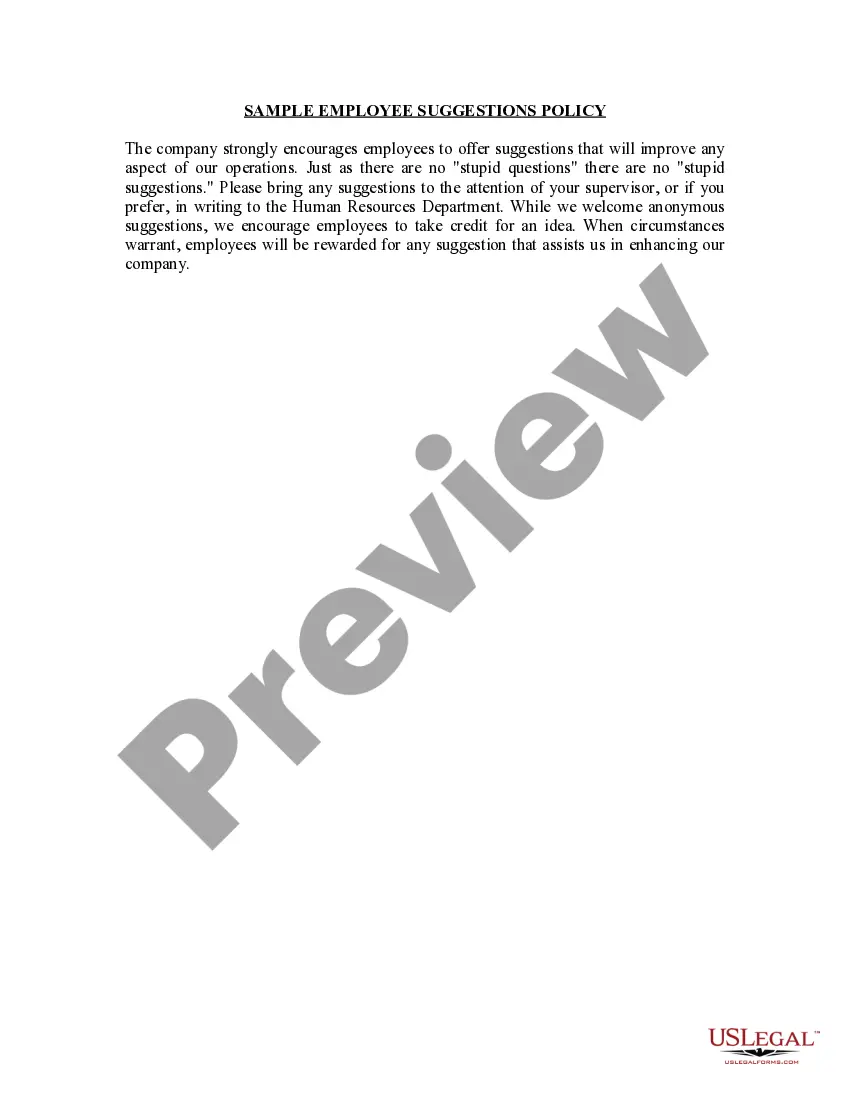
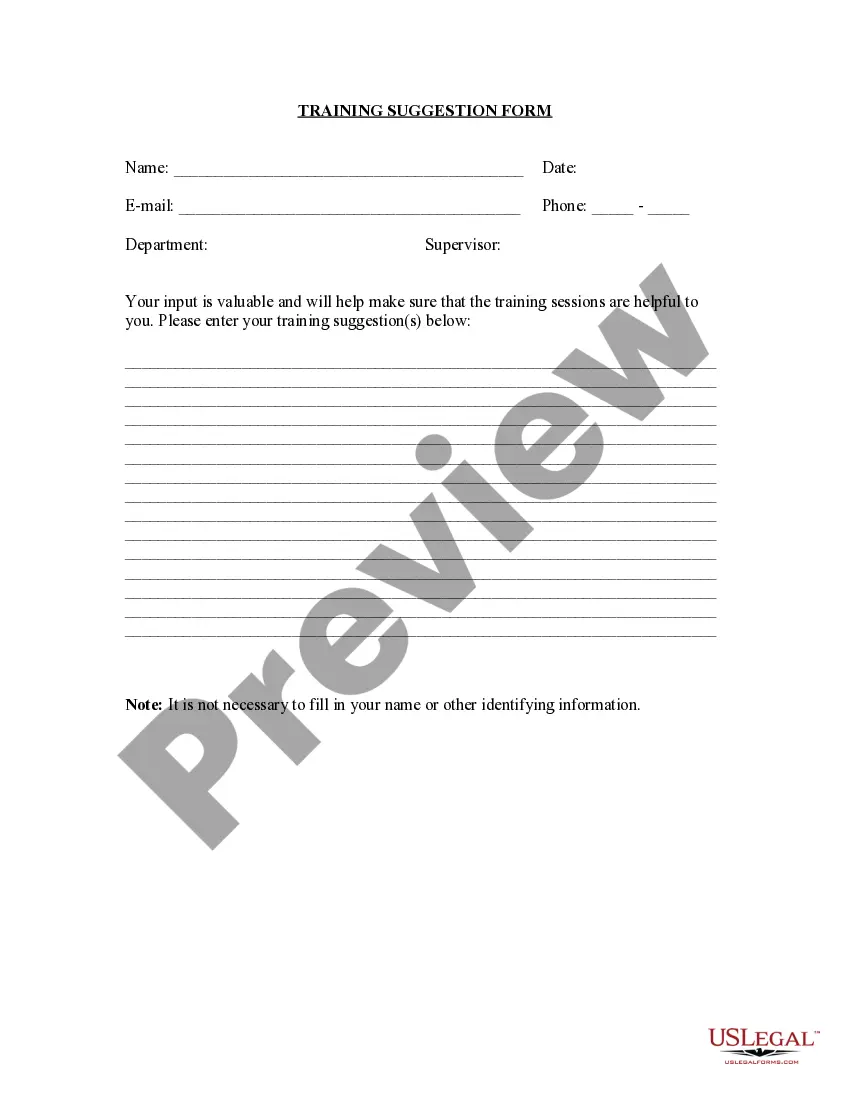
An Employee Suggestion Form is a document filled out by employees who offer their ideas for the improvement of the company.
Secure & Private Free Suggestion Box is 100% anonymous. We don't have access to or store any of your personal information. Learn more by reading our privacy policy.
Suggestion systems are a form of employee-to-management communication that benefit employees as well as employers. They provide a two-way channel of communication between employees and management, with management accepting or rejecting employee suggestions and in some cases commenting on them.