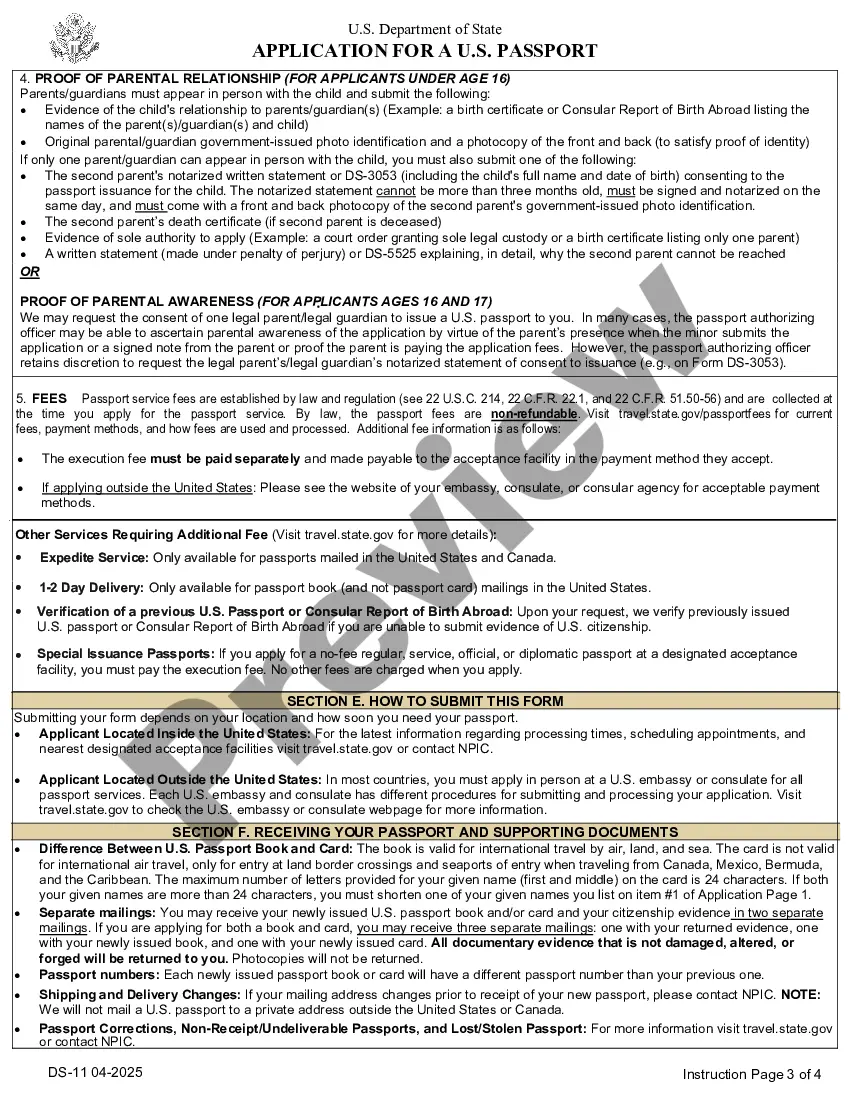
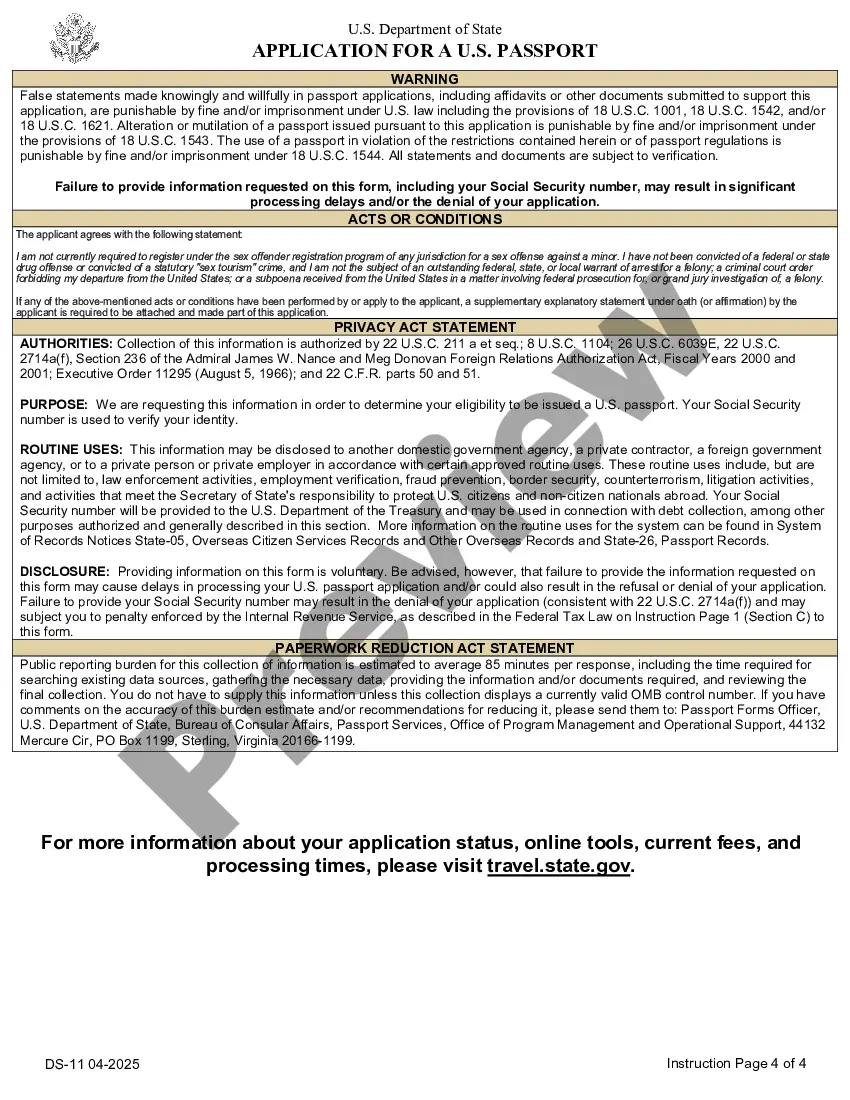
District of Columbia Passport Application
Description

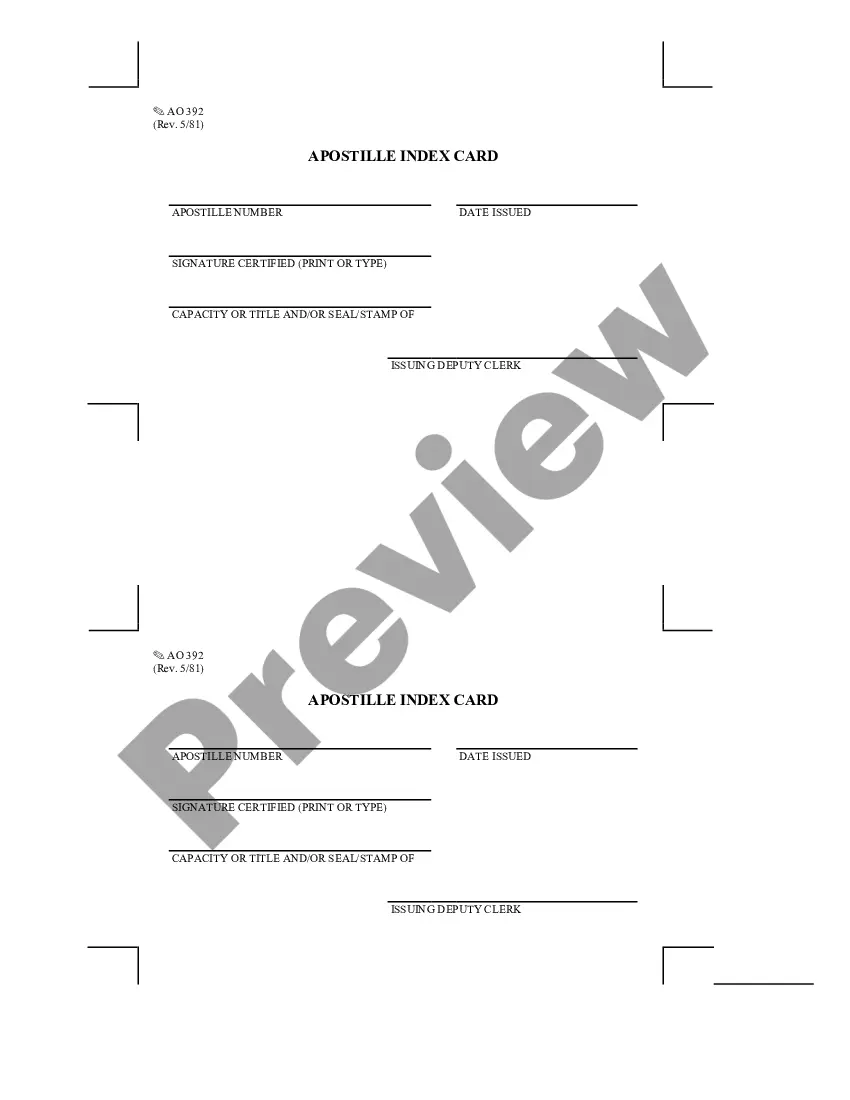
Get your form ready online
Our built-in tools help you complete, sign, share, and store your documents in one place.
Make edits, fill in missing information, and update formatting in US Legal Forms—just like you would in MS Word.
Download a copy, print it, send it by email, or mail it via USPS—whatever works best for your next step.
Sign and collect signatures with our SignNow integration. Send to multiple recipients, set reminders, and more. Go Premium to unlock E-Sign.
If this form requires notarization, complete it online through a secure video call—no need to meet a notary in person or wait for an appointment.
We protect your documents and personal data by following strict security and privacy standards.

Make edits, fill in missing information, and update formatting in US Legal Forms—just like you would in MS Word.

Download a copy, print it, send it by email, or mail it via USPS—whatever works best for your next step.

Sign and collect signatures with our SignNow integration. Send to multiple recipients, set reminders, and more. Go Premium to unlock E-Sign.

If this form requires notarization, complete it online through a secure video call—no need to meet a notary in person or wait for an appointment.

We protect your documents and personal data by following strict security and privacy standards.
Looking for another form?


How to fill out Passport Application?
If you require thorough, acquire, or generate valid document templates, utilize US Legal Forms, the largest collection of valid forms, that can be accessed online.
Employ the website's straightforward and convenient search to locate the documents you need.
Various templates for business and personal purposes are organized by categories and states, or keywords.
Step 4. Once you have found the form you need, click the Purchase now button. Select the pricing plan you prefer and enter your credentials to sign up for the account.
Step 5. Complete the payment. You can use your Visa or MasterCard or PayPal account to finalize the transaction. Step 6. Choose the format of the valid form and download it to your device. Step 7. Complete, edit, and print or sign the District of Columbia Passport Application. Every valid document format you obtain is yours indefinitely. You have access to every form you downloaded within your account. Check the My documents section and select a form to print or download again. Complete and download, and print the District of Columbia Passport Application with US Legal Forms. There are thousands of professional and state-specific forms you can utilize for your personal or business needs.
- Utilize US Legal Forms to find the District of Columbia Passport Application with a few clicks.
- If you are already a US Legal Forms user, Log In to your account and click the Acquire button to download the District of Columbia Passport Application.
- You can also access forms you previously downloaded from the My documents tab of your account.
- If you are using US Legal Forms for the first time, refer to the instructions below.
- Step 1. Ensure you have selected the form for the correct city/state.
- Step 2. Use the Preview option to review the form’s details. Don’t forget to read the summary.
- Step 3. If you are unsatisfied with the form, use the Search area at the top of the screen to find other versions of the valid form type.
Form popularity
FAQ
Yes, you can manually fill out your passport application form for the District of Columbia Passport Application. Many applicants prefer to print the form and complete it by hand, which is perfectly acceptable. However, ensure that your handwriting is legible and that you follow all instructions carefully. Consider using the US Legal Forms platform, which offers templates and tips to assist you in filling out the application accurately.
Many applicants make common mistakes that can delay their District of Columbia Passport Application. Some frequent errors include providing incorrect personal information, failing to sign the application, or not including the required payment. To avoid these issues, double-check your application for accuracy and completeness. Utilizing the resources available on US Legal Forms can help you navigate the process and minimize mistakes.
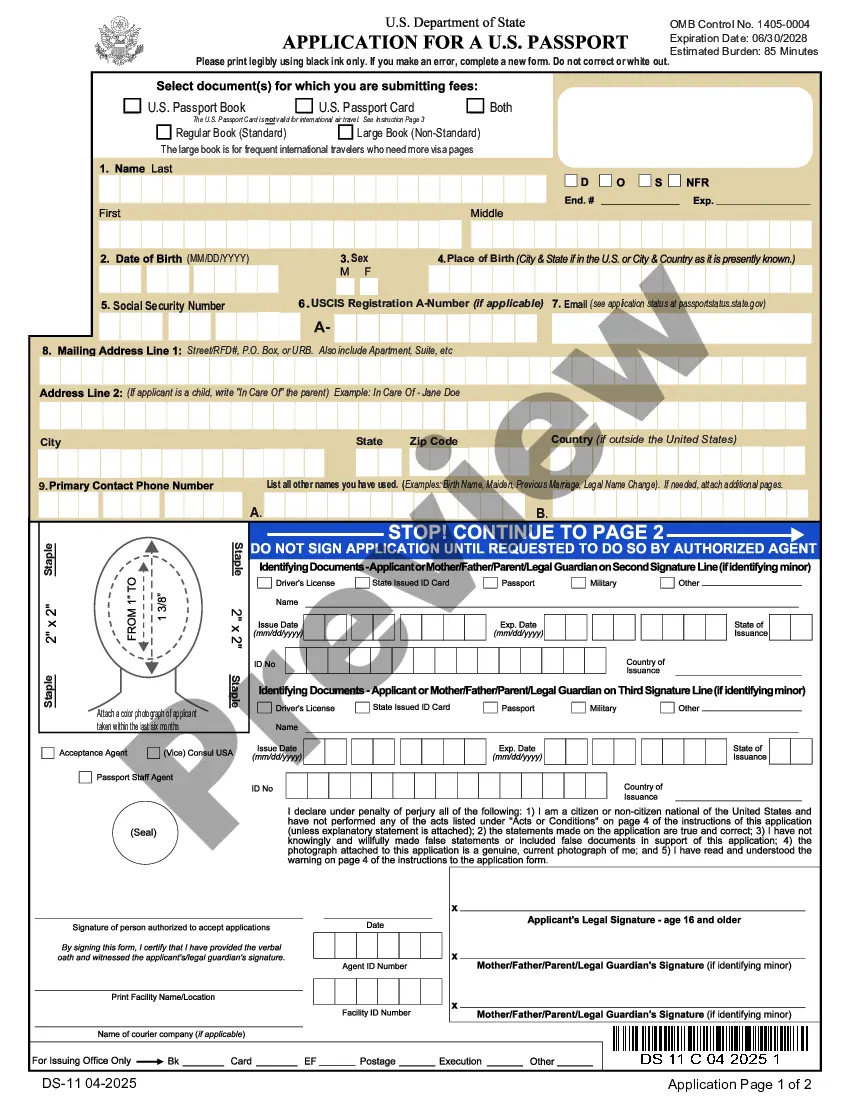
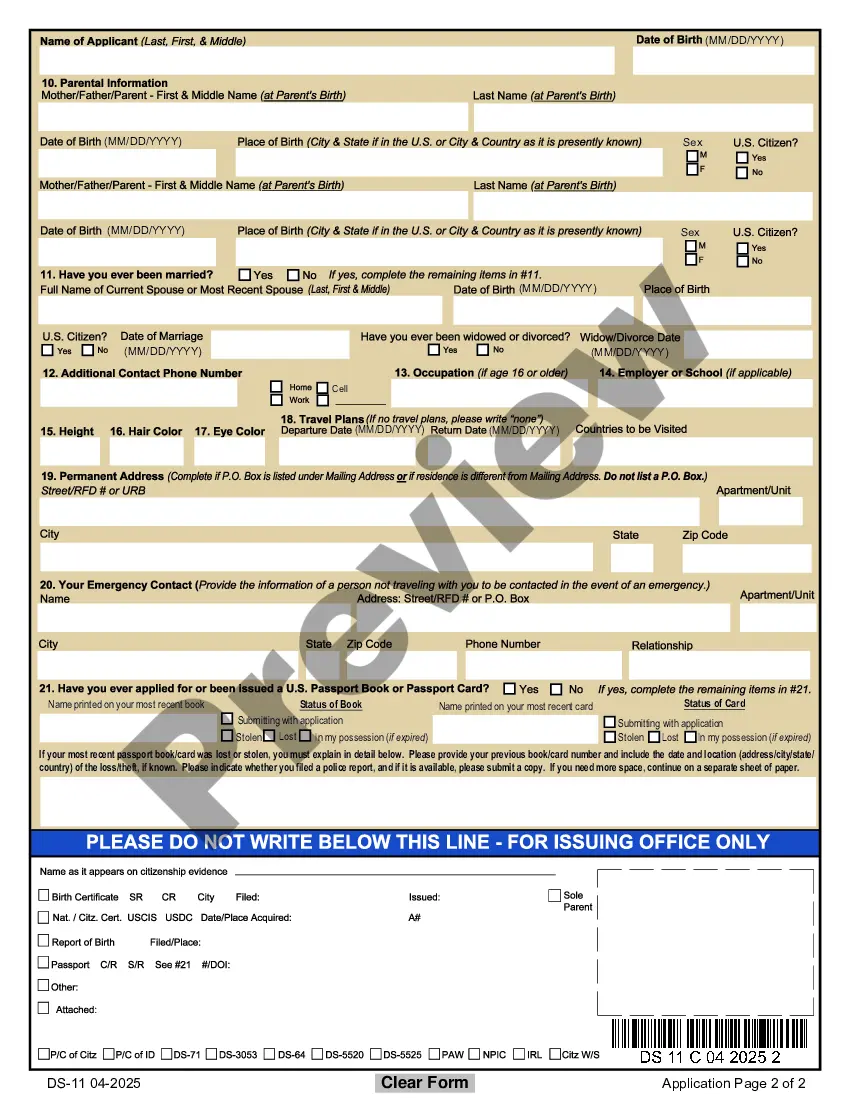
To apply for a passport in the District of Columbia, you need to complete Form DS-11 if you are applying for a new passport. This form is specifically designed for first-time applicants and minors. You can easily access this form online or through the US Legal Forms platform, which provides a step-by-step guide to ensure you fill it out correctly. Make sure to gather all required documents to avoid delays in processing your District of Columbia Passport Application.
I'm an adult (16 and older) and I'm applying for the first time ProductForm FillerApplication FeePassport BookDS-11$130Passport CardDS-11$30Passport Book & CardDS-11$1603 more rows ? 01-Aug-2023
Application process On the website of the Ministry of Foreign Affairs of Colombia, book an appointment for the application. Fill out the relevant forms online. Pay the passport fee. Attend the appointment with documents of identification and the confirmation of payment of the passport fee.
You must make an appointment to apply at a passport agency. To make an appointment, call 1-877-487-2778. Se habla espanol. Be sure to keep track of the appointment confirmation number and the check-in instructions you will receive by email from the National Passport Information Center.
Make An Appointment at a Passport Agency or Center You cannot walk-in. We do not charge a fee to make an appointment. You can only make an appointment by calling 1-877-487-2778. Se habla espanol.
Proof of ID - valid driver's license, state ID card, military ID, passport. Proof of U.S. citizenship (must be original documents - no photocopies). U.S. birth certificate with parent(s) name(s) and official seal OR naturalization certificate OR previously issued passport.
Processing Times Routine8 to 11 weeksExpedited5 to 7 weeksExpedited at AgencyMust have international travel within 14 calendar days
Processing Times Routine8 to 11 weeksExpedited5 to 7 weeksExpedited at AgencyMust have international travel within 14 calendar days