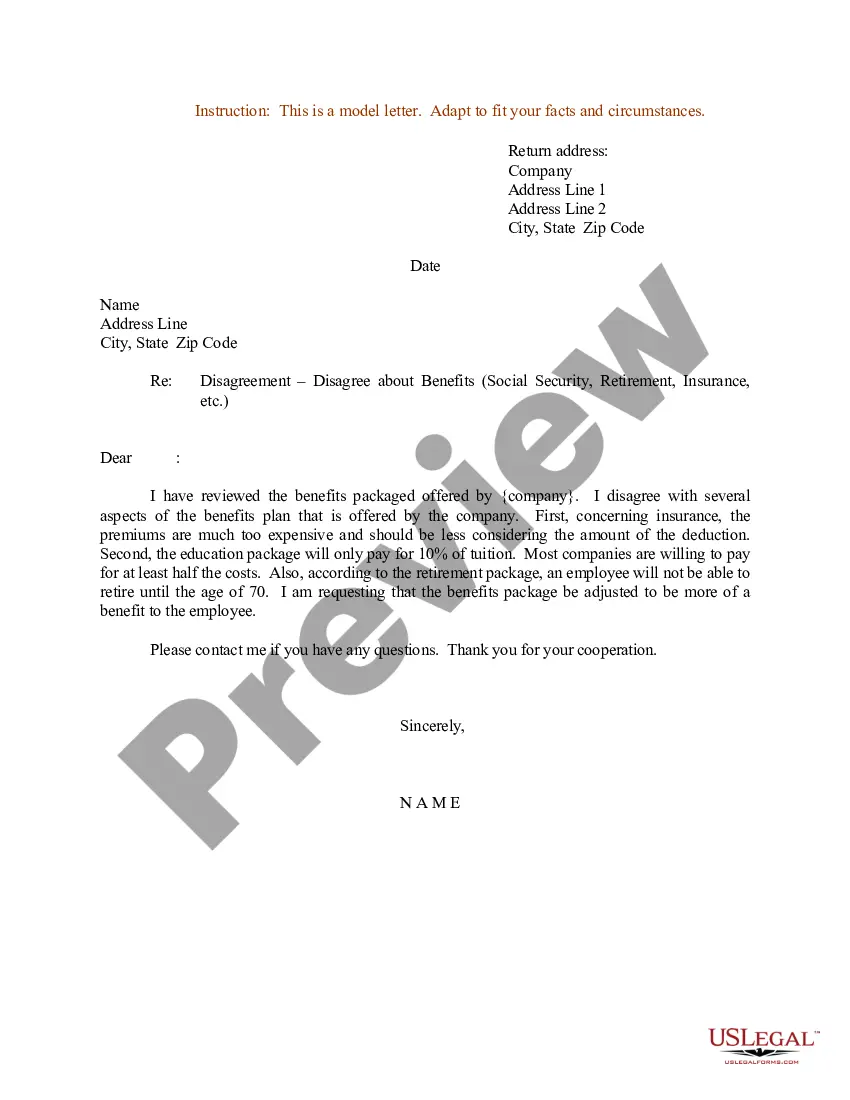
Connecticut Sample Letter for Disagreement About Benefits
Description
Get your form ready online
Our built-in tools help you complete, sign, share, and store your documents in one place.
Make edits, fill in missing information, and update formatting in US Legal Forms—just like you would in MS Word.
Download a copy, print it, send it by email, or mail it via USPS—whatever works best for your next step.
Sign and collect signatures with our SignNow integration. Send to multiple recipients, set reminders, and more. Go Premium to unlock E-Sign.
If this form requires notarization, complete it online through a secure video call—no need to meet a notary in person or wait for an appointment.
We protect your documents and personal data by following strict security and privacy standards.

Make edits, fill in missing information, and update formatting in US Legal Forms—just like you would in MS Word.

Download a copy, print it, send it by email, or mail it via USPS—whatever works best for your next step.

Sign and collect signatures with our SignNow integration. Send to multiple recipients, set reminders, and more. Go Premium to unlock E-Sign.

If this form requires notarization, complete it online through a secure video call—no need to meet a notary in person or wait for an appointment.

We protect your documents and personal data by following strict security and privacy standards.
Looking for another form?
How to fill out Sample Letter For Disagreement About Benefits?
Locating the appropriate legal document format might be challenging.
Clearly, there are numerous templates available online, but how do you locate the legal form you need.
Utilize the US Legal Forms website. This service offers a vast collection of templates, such as the Connecticut Sample Letter for Disagreement About Benefits, which can be used for both business and personal needs.
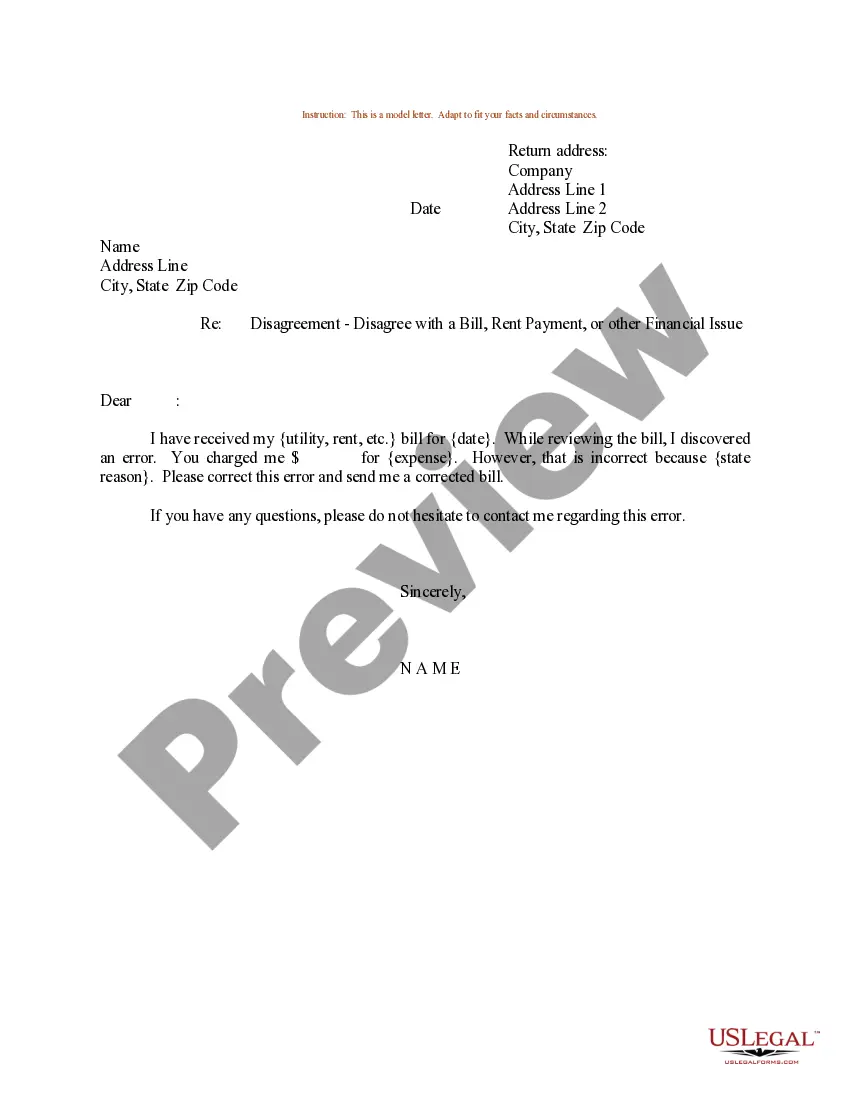
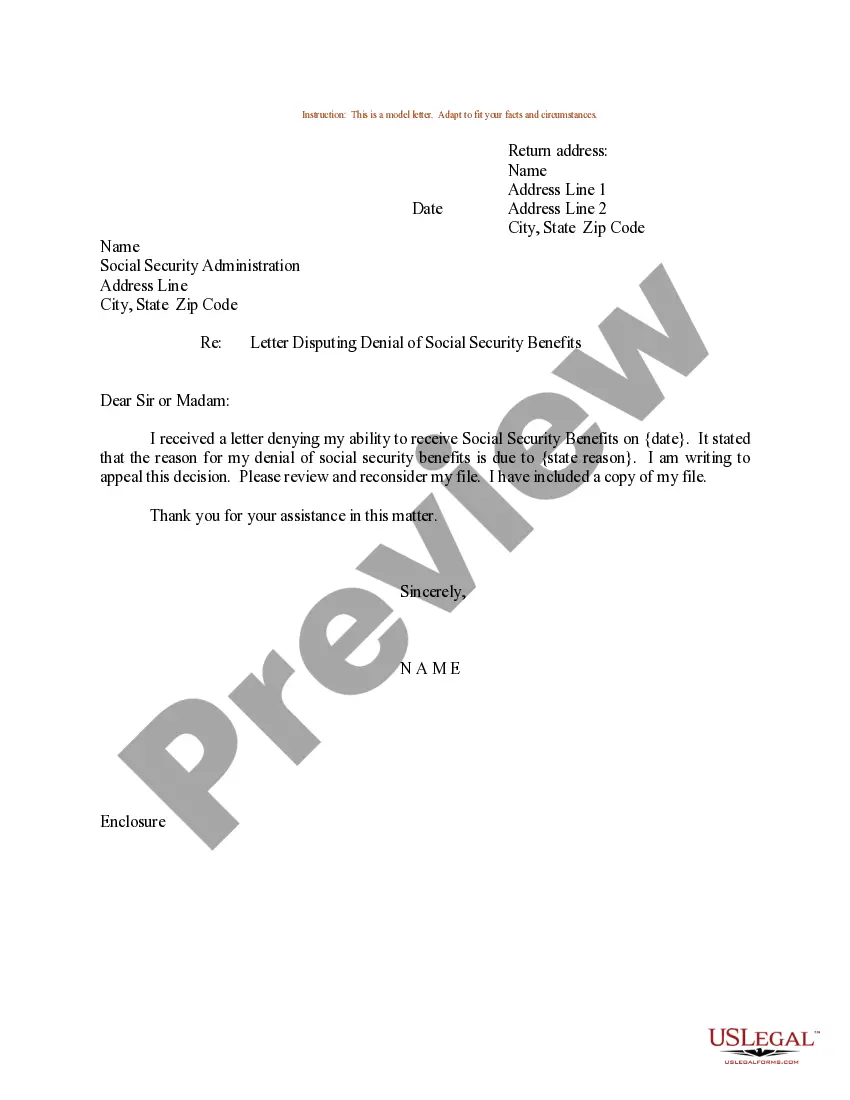
You can browse the form using the Preview button and read the form description to make sure it is suitable for you. If the form does not meet your expectations, use the Search field to find the appropriate form. Once you are confident that the form is correct, click the Buy Now button to acquire the form. Select your preferred payment method and provide the required information. Create your account and complete your purchase using your PayPal account or credit card. Choose the document format and download the legal document template to your device. Complete, edit, print, and sign the received Connecticut Sample Letter for Disagreement About Benefits. US Legal Forms is the largest collection of legal forms where you can find various document templates. Take advantage of this service to obtain professionally crafted papers that comply with state requirements.
- All forms are reviewed by experts and comply with federal and state regulations.
- If you are already registered, Log In to your account and click the Download button to obtain the Connecticut Sample Letter for Disagreement About Benefits.
- Use your account to search for the legal forms you have previously purchased.
- Visit the My documents tab in your account to retrieve another copy of the document you require.
- If you are a new user of US Legal Forms, here are straightforward steps for you to follow.
- First, ensure you have selected the correct form for your city/area.
Form popularity
FAQ
A monetary re-determination does not automatically indicate that your claim has been approved. Instead, it signifies that your case is being reviewed again, possibly due to new evidence or corrections needed. If you have questions about the outcome or wish to contest any decisions made, a Connecticut Sample Letter for Disagreement About Benefits can be a valuable tool in your appeal.
To appeal the PUA benefits disqualification:Call the DUA Call Center at (877) 626-6800. The Call Center is open a.m.- p.m., Monday-Friday. Multilingual call agents are available.Tell an agent that you want to file an appeal.
To reopen your claim, you can file via the Internet anytime (24/7) from our website at by selecting File or Reopen Your Unemployment Claim (blue button). You may also file your initial (new) claim from outside Connecticut by going to and clicking on the blue button.
The referee will take some time to review what was stated and presented at the hearing and will usually render a decision within 2-4 weeks.
You do not need an attorney. An adjudicator will contact you and conduct a telephone hearing, in most cases. The adjudicator will discuss your reasons for separation. It is very important to be truthful.
What can I do if the decision is not in my favor? A. If you disagree with the Referee's decision, you can appeal to the Employment Security Board of Review. If you have new or additional information, you can write to the Referee and ask to have the case reopened.
The Referee will mail a written decision to you, your representative, and other interested parties and their agents, including the Unemployment Compensation Department, as soon as possible. The decision will explain your right of appeal if you are dissatisfied with the decision.
This normally takes about 5 weeks. If you lose, you can appeal to the Board of Review. File your appeal online at , in person, by mail, or by fax.
An appeal can be made by the claimant where benefits have been denied, or by the claimant's employer where benefits have been awarded to the claimant and charged to the employer's account. Once an appeal is filed, the case enters the jurisdiction of the Employment Security Appeals Division.
Use the form available at any American Job Center, write a letter containing the basis for your appeal to the Appeals Division, or use the appeal form on the Internet. You may file in person at any American Job Center or at any Appeals Division office, or by fax or Internet.