This form is a contract which is usually required to be executed, acknowledged, and filed for record. Various requirements may exist in a particular jurisdiction concerning acknowledgment and recording, or other formal acts relating to adoption by contract. Contracts to adopt are generally recognized as valid.
Connecticut Adoption Agreement Between Married Prospective Adoptive Parents and Pregnant Natural Mother with Prospective Adoptive Parents Agreeing to Pay Medical and Hospital Costs of Pregnant Natural Mother
Instant download
Description
Free preview
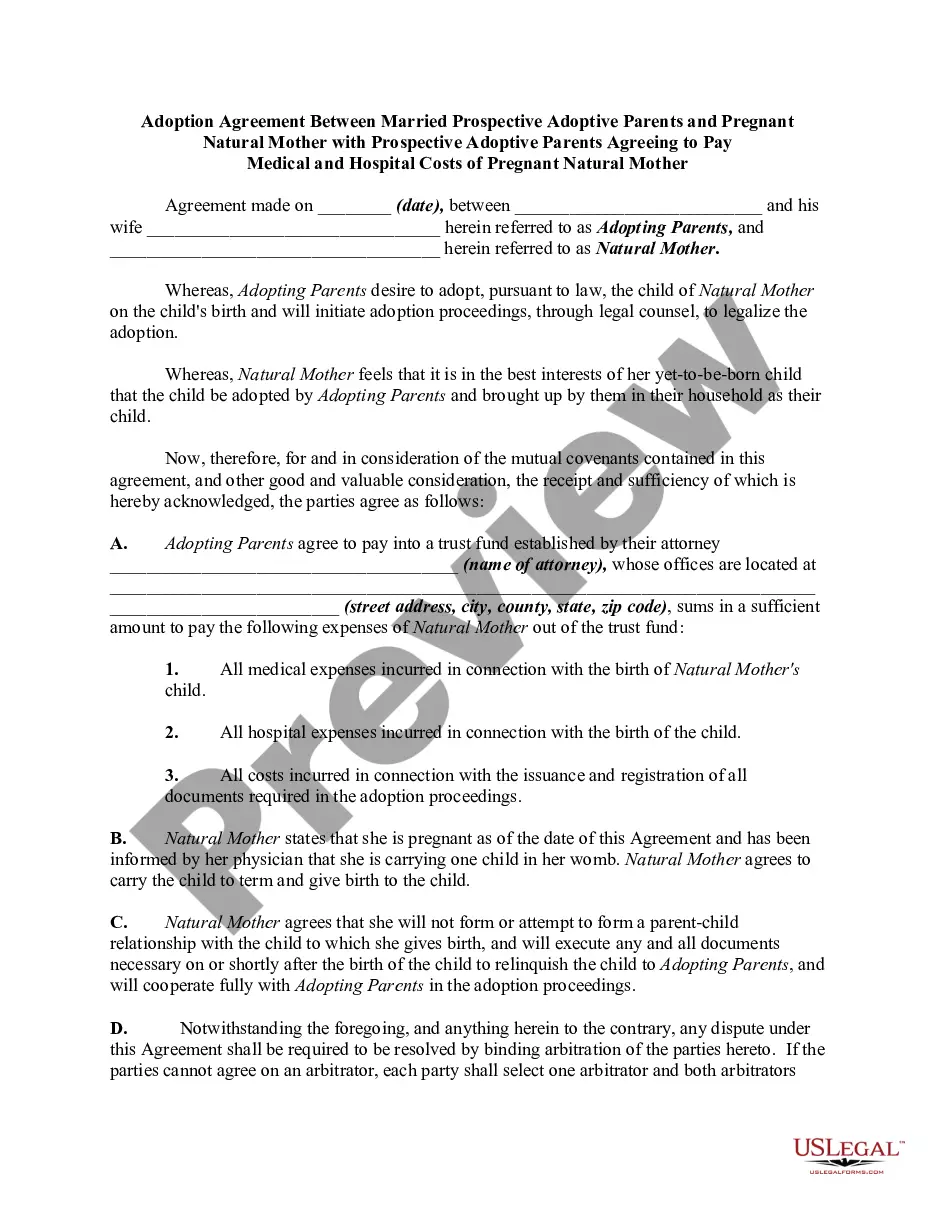
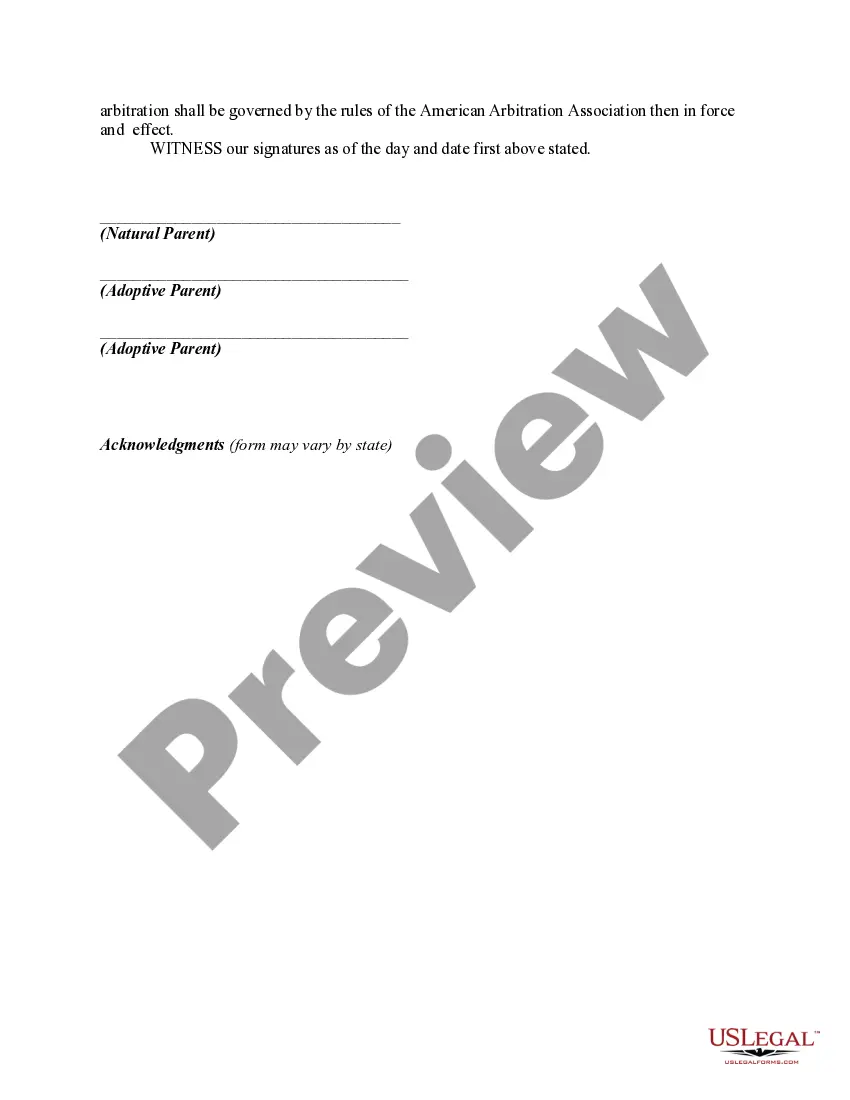
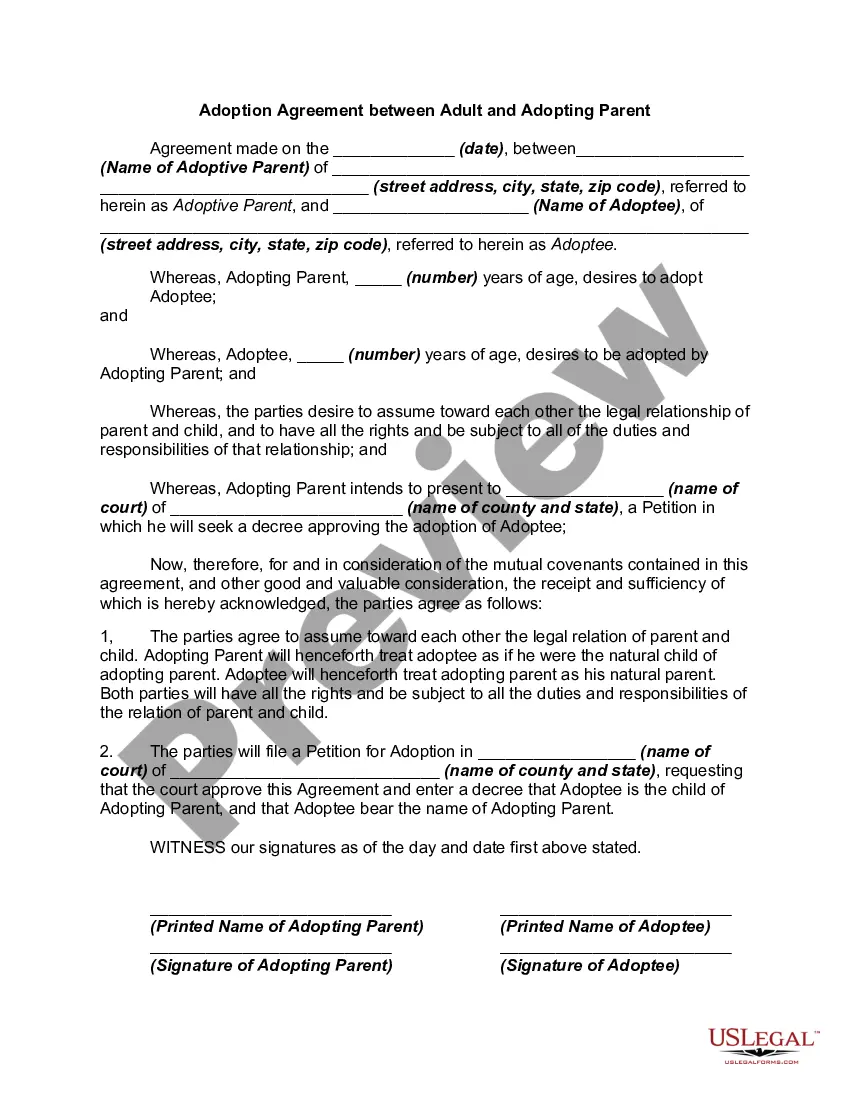
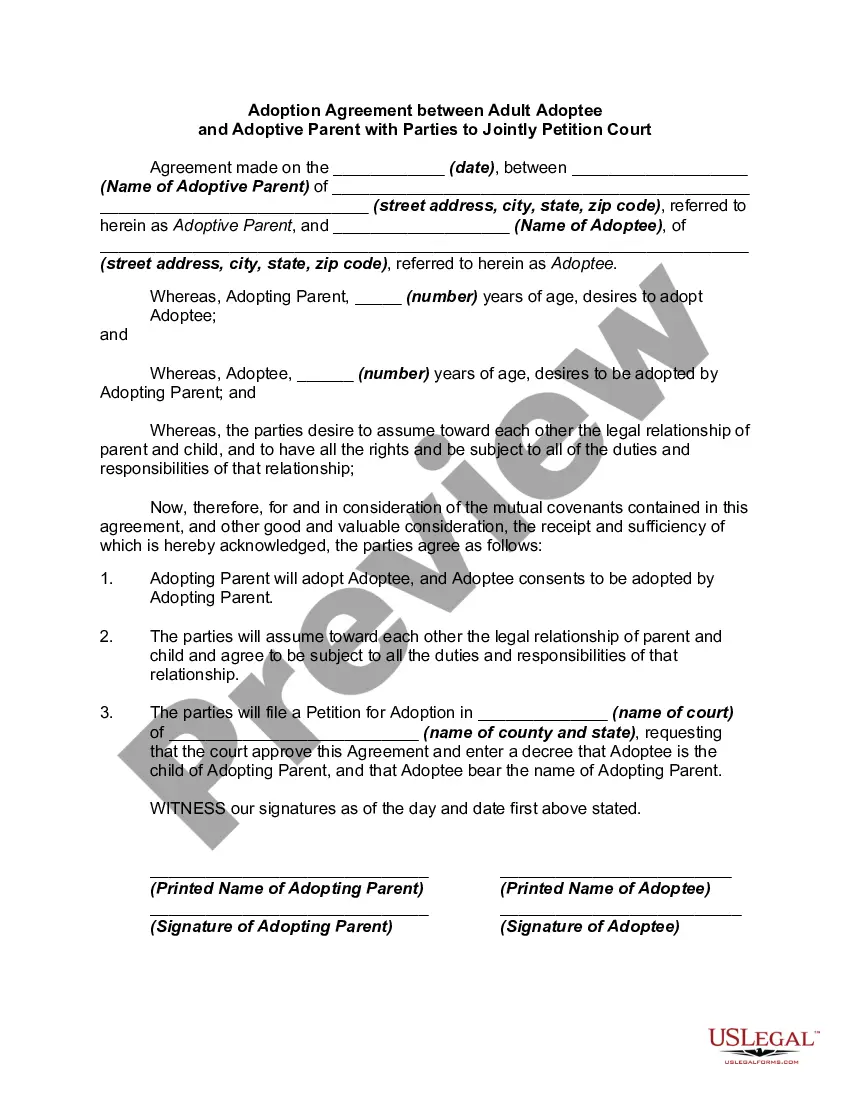




How to fill out Adoption Agreement Between Married Prospective Adoptive Parents And Pregnant Natural Mother With Prospective Adoptive Parents Agreeing To Pay Medical And Hospital Costs Of Pregnant Natural Mother?
US Legal Forms - one of the largest repositories of legal documents in the USA - offers a broad selection of legal document templates that you can obtain or print.
By using the website, you can access thousands of forms for business and personal purposes, categorized by type, state, or keywords. You can find the latest versions of forms such as the Connecticut Adoption Agreement Between Married Prospective Adoptive Parents and Pregnant Natural Mother with Prospective Adoptive Parents Agreeing to Pay Medical and Hospital Costs of Pregnant Natural Mother in just a few seconds.
If you already have a subscription, Log In and retrieve the Connecticut Adoption Agreement Between Married Prospective Adoptive Parents and Pregnant Natural Mother with Prospective Adoptive Parents Agreeing to Pay Medical and Hospital Costs of Pregnant Natural Mother from the US Legal Forms library. The Download button will be visible on each form you view. You can access all previously downloaded forms from the My documents section of your account.
Select the format and download the form to your device.
Make adjustments. Fill out, modify, print, and sign the downloaded Connecticut Adoption Agreement Between Married Prospective Adoptive Parents and Pregnant Natural Mother with Prospective Adoptive Parents Agreeing to Pay Medical and Hospital Costs of Pregnant Natural Mother. Every template you have added to your account has no expiration date and is yours permanently. Therefore, if you wish to download or print another copy, simply navigate to the My documents section and click on the form you need. Access the Connecticut Adoption Agreement Between Married Prospective Adoptive Parents and Pregnant Natural Mother with Prospective Adoptive Parents Agreeing to Pay Medical and Hospital Costs of Pregnant Natural Mother with US Legal Forms, the most extensive collection of legal document templates. Utilize a multitude of professional and state-specific templates that cater to your business or personal needs.
- If you are using US Legal Forms for the first time, here are simple instructions to help you get started.
- Ensure you have selected the correct form for your area/county. Click the Preview button to review the form’s content.
- Check the form summary to confirm that you have chosen the right document.
- If the form does not meet your requirements, utilize the Search field at the top of the screen to find one that does.
- If you are satisfied with the form, confirm your choice by clicking the Buy now button. Then, select the payment plan you prefer and provide your details to register for the account.
- Process the payment. Use your credit card or PayPal account to complete the transaction.
Form popularity
FAQ
The child's other biological parent must consent to the adoption, effectively relinquishing their parental rights and responsibilities. However, in cases where the other parent is absent, deceased, or has their parental rights terminated by the court, consent may not be required.
Spanking, slapping a child's hand, washing a child's mouth with soap, and other physical acts of discipline are not permitted for foster children and adoptive children.
Connecticut stepparent adoption requires the stepparent to live in the state for at least 6 months. Both biological parents must give permission. The court waives permission of an absent parent after 12 months of abandonment.
What are the laws and qualifications for adopting a child in Connecticut? Any adult may adopt in Connecticut. The sexual orientation of the prospective adoptive parent(s) may be considered when placing a child for adoption. A husband and wife must adopt jointly unless an exception is made by the court.
Prospective adoptive parent means a person or persons who have filed or intend to file a petition to adopt a child under the Adoption Act.
The biological father's consent is necessary even if he is not married to the mother. The law does not distinguish between married and unmarried parents on this point. It says that the written consent of the biological parents is indispensable for the validity of a decree of adoption.
Connecticut Law re Sealed Adoption Records Connecticut law seals birth and adoption records and keeps adult adoptees from learning the identity of their birth parents.