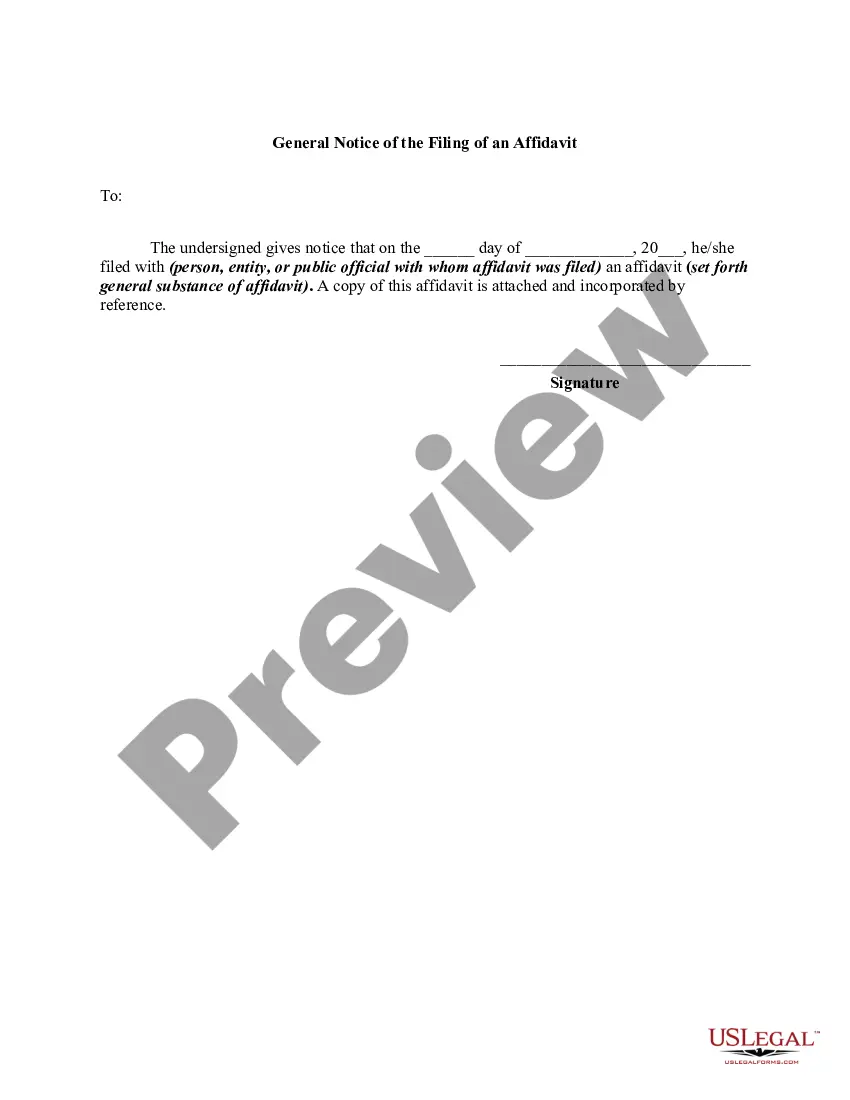
Connecticut General Notice of the Filing of an Affidavit
Description
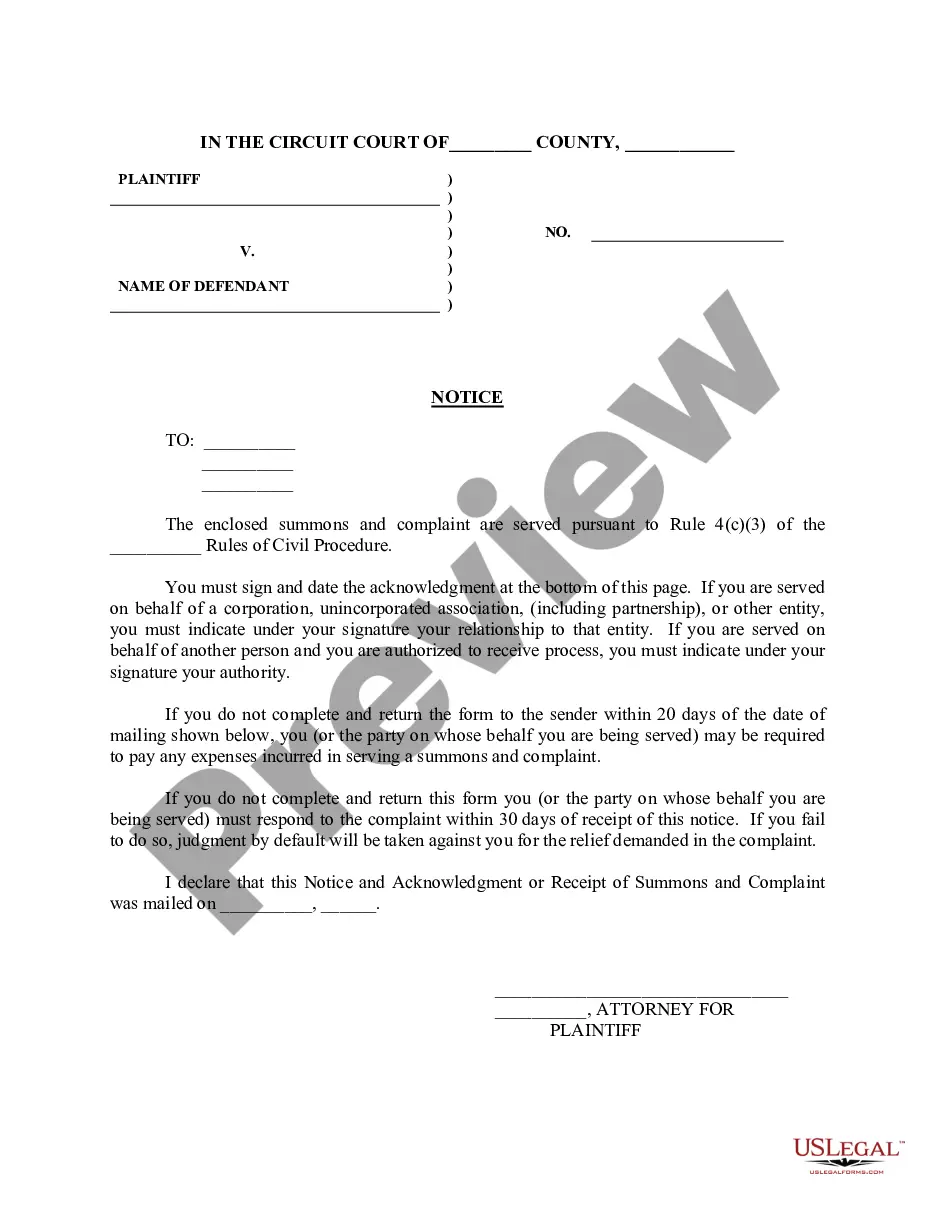
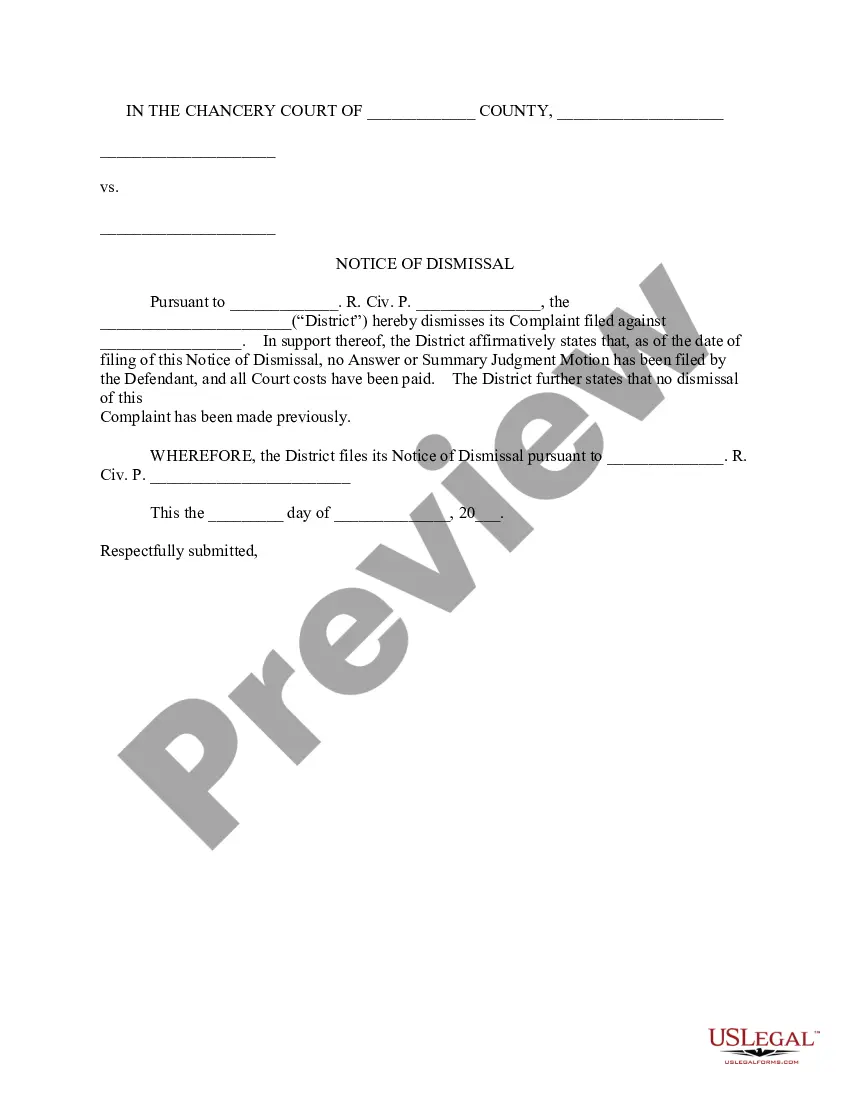
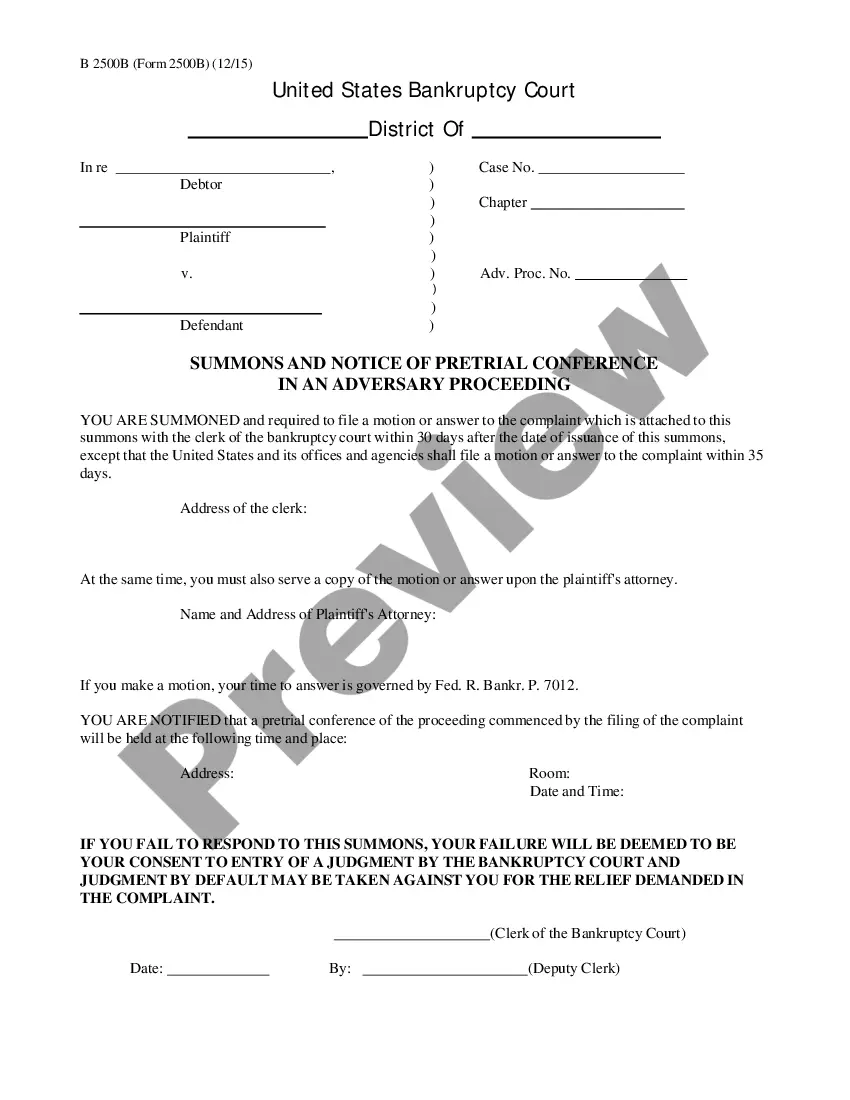
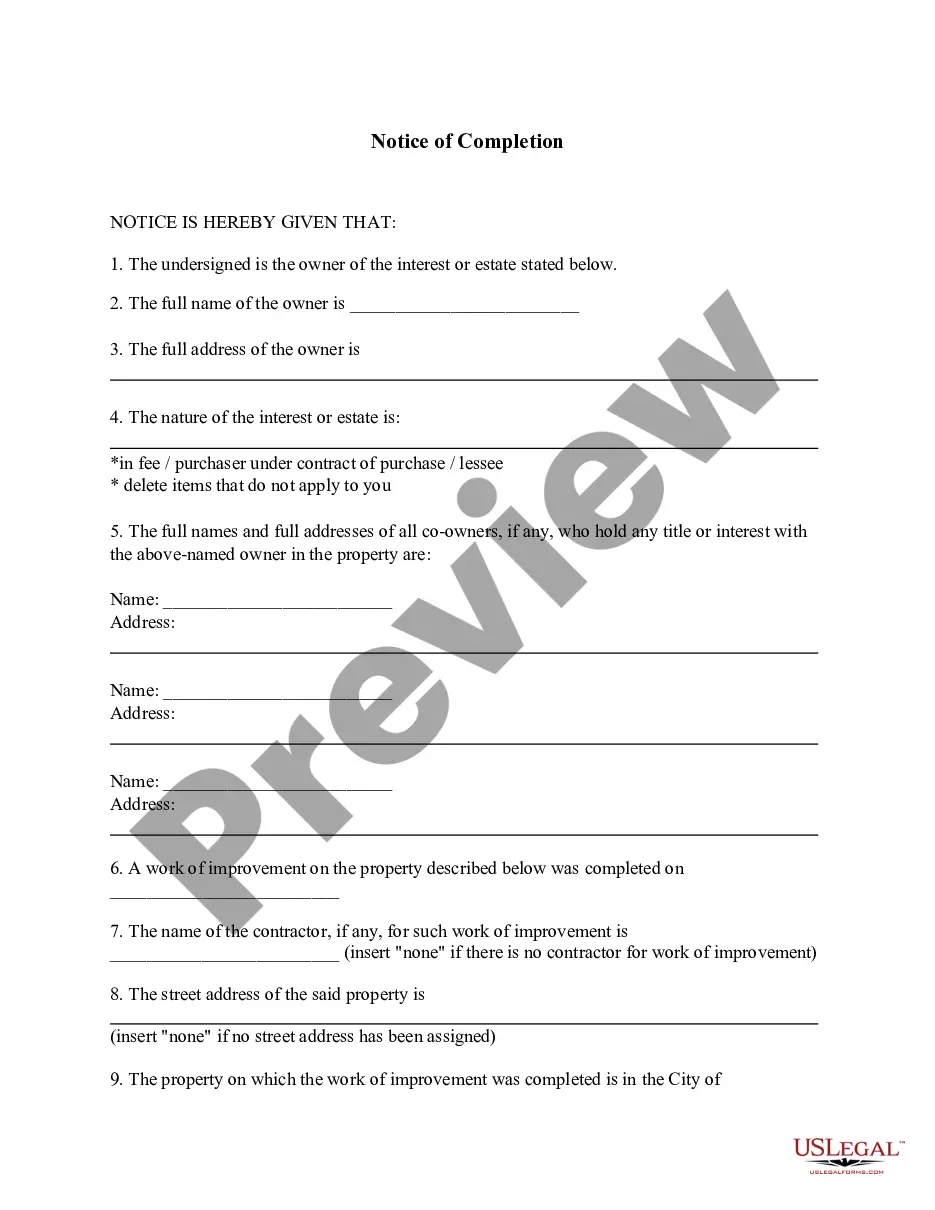
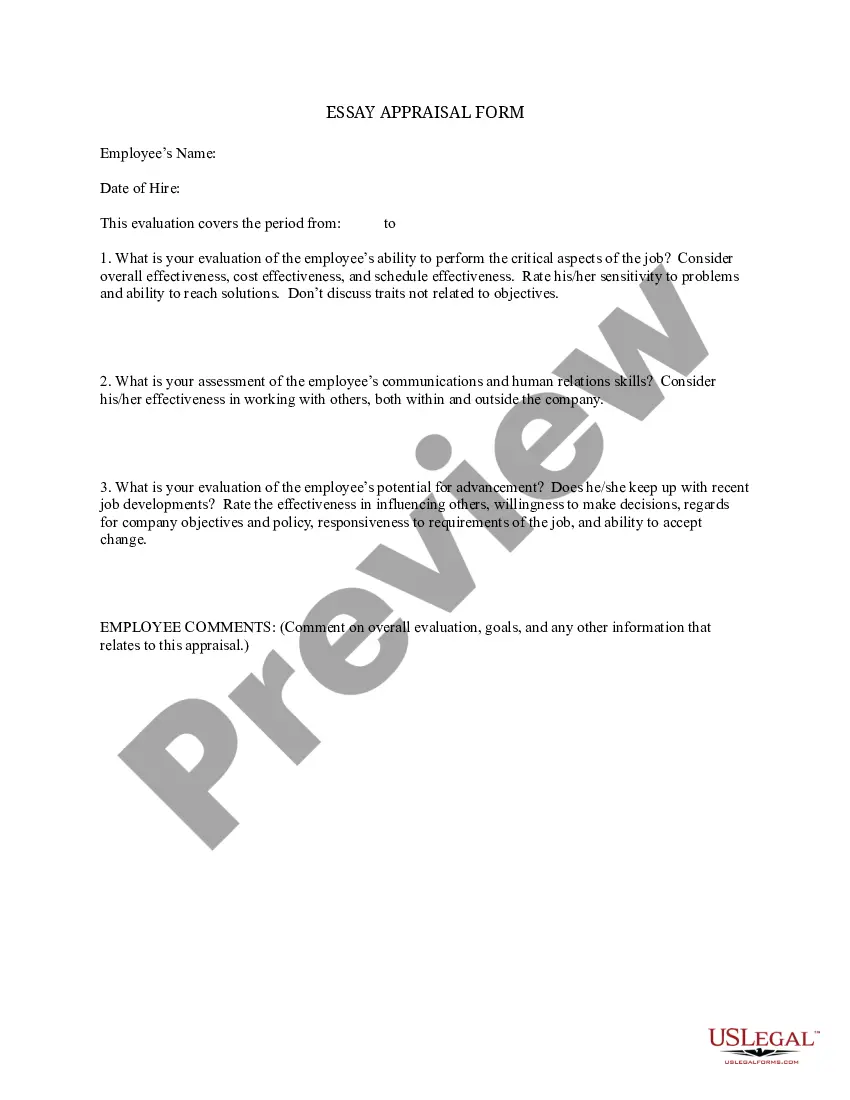
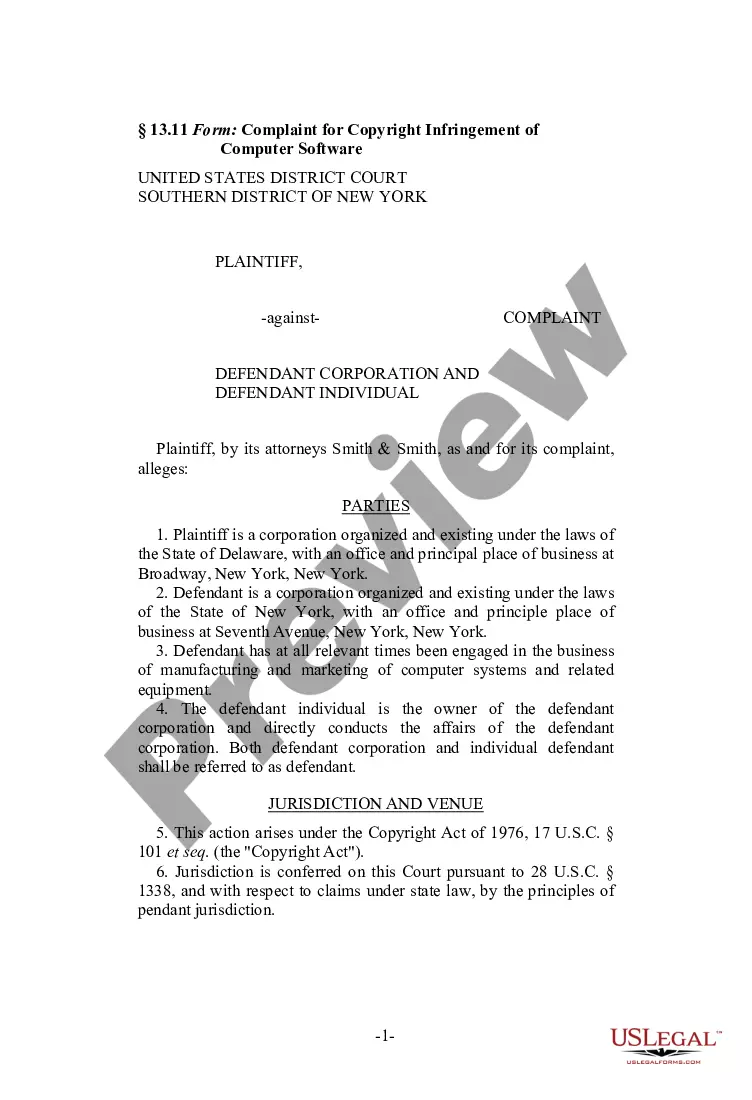
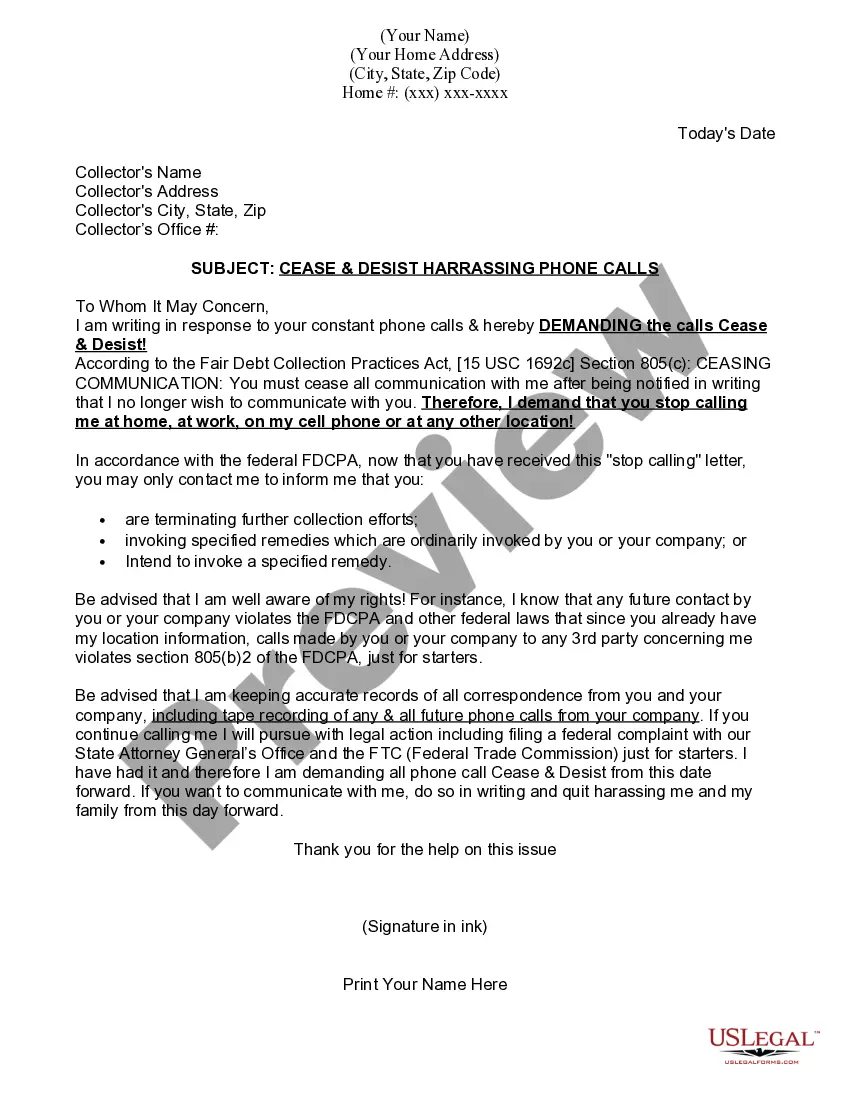
How to fill out General Notice Of The Filing Of An Affidavit?
If you want to accumulate, download, or create legal document templates, utilize US Legal Forms, the largest collection of legal forms available online.
Take advantage of the site's simple and convenient search to find the documents you require.
Various templates for business and personal purposes are organized by categories and states, or keywords. Use US Legal Forms to locate the Connecticut General Notice of the Filing of an Affidavit within a few clicks.
Each legal document template you purchase is yours indefinitely. You have access to every form you bought within your account. Click the My documents section and select a form to print or download again.
Compete and download, and print the Connecticut General Notice of the Filing of an Affidavit with US Legal Forms. There are millions of professional and state-specific forms you can use for your business or personal needs.
- If you are already a US Legal Forms user, Log In to your account and click on the Download option to obtain the Connecticut General Notice of the Filing of an Affidavit.
- You can also access forms you previously downloaded in the My documents section of your account.
- If you are using US Legal Forms for the first time, follow the instructions below.
- Step 1. Ensure you have selected the form for the correct town/county.
- Step 2. Utilize the Preview option to review the form's content. Remember to read the description.
- Step 3. If you are not satisfied with the form, use the Search field at the top of the screen to find other versions of the legal form template.
- Step 4. Once you have found the form you need, click the Download now option. Choose the pricing plan you prefer and enter your credentials to register for an account.
- Step 5. Process the payment. You can use your Visa or MasterCard or PayPal account to complete the transaction.
- Step 6. Select the format of the legal form and download it to your device.
- Step 7. Complete, modify and print or sign the Connecticut General Notice of the Filing of an Affidavit.
Form popularity
FAQ
Make copies and file the original Appearance form with the clerk's Office. Make a copy of the signed form for your own records and file the original with the Clerk's Office in the court where the case is filed. Make copies to send to the other parties in the case.
Court rules state that defendants should file an appearance within 2 days after the Return date. When you file an Appearance, you are agreeing that the Court has authority over you and you are expected to follow the rules and decisions of the Court.
To e-file an appearance in an existing case, follow the steps outlined below. Note: All e-filing transactions will be attributed to the logged-in juris number. Generally, the log-in juris number is the firm juris number for this reason. The individual juris number of the attorney is used to sign documents.
You must file an "Appearance" Form (JD-CL-12) with the court clerk's office. It includes your name, address, telephone number, and signature. It tells the court that you are representing yourself. Filing it allows the court to contact you about all court events in your case.
The motion or application must be accompanied by a memorandum and a declaration containing facts sufficient to justify the sealing. A copy of the motion or application must be served on all parties that have appeared in the case.
JB-CSSD Family Services (Civil and Criminal) assists courts and clients to resolve family and interpersonal conflict. Family Civil Court services assist the Court and clients to resolve family and interpersonal conflicts with negotiation, mediation, and evaluation and education services.
After you have gotten the paperwork back, you have to have the subpoena delivered to, or served on the person by a State Marshal. The Clerk's Office or the Court Service Center can give you a list of State Marshals. The State Marshal will charge you a fee for delivering the subpoena.
You may also call the Centralized Services Unit at 860-263-2750. All requests for files must include the name of the case and docket number. Docket numbers may be available on-line at .jud.ct.gov by utilizing the case look-up function. Files should be available within one or two business days.