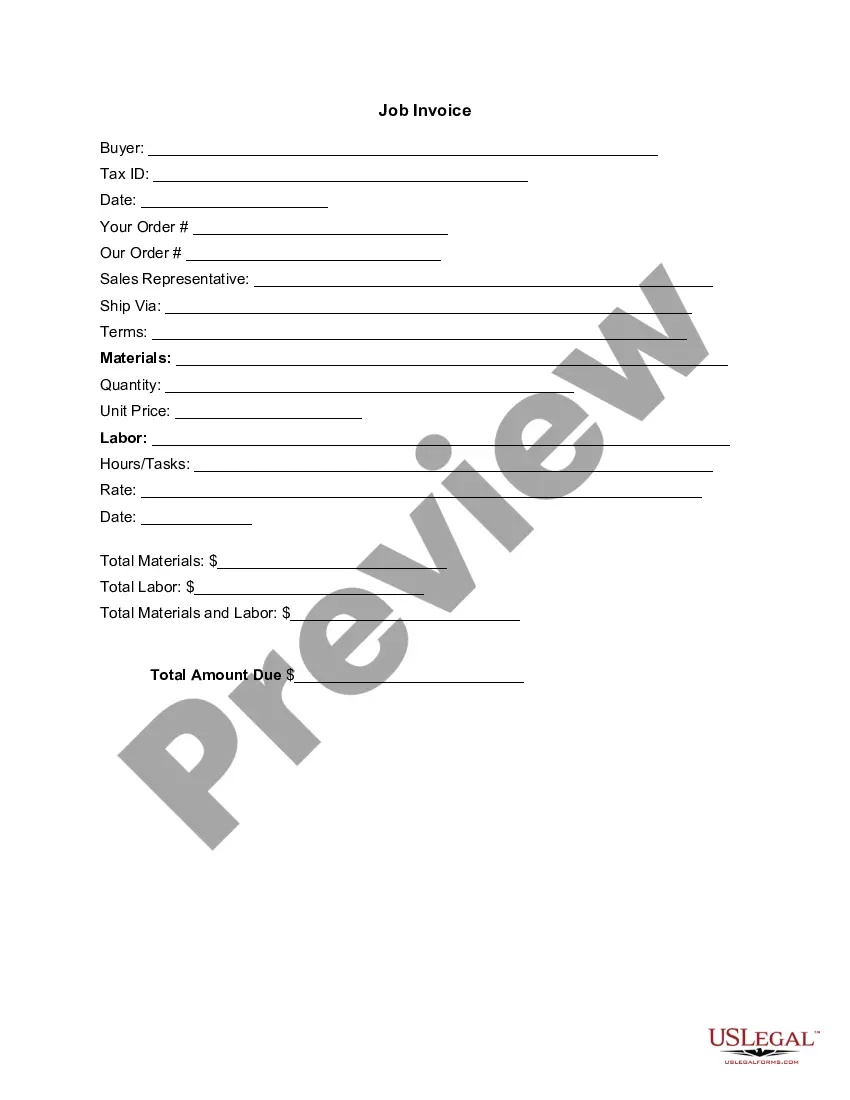
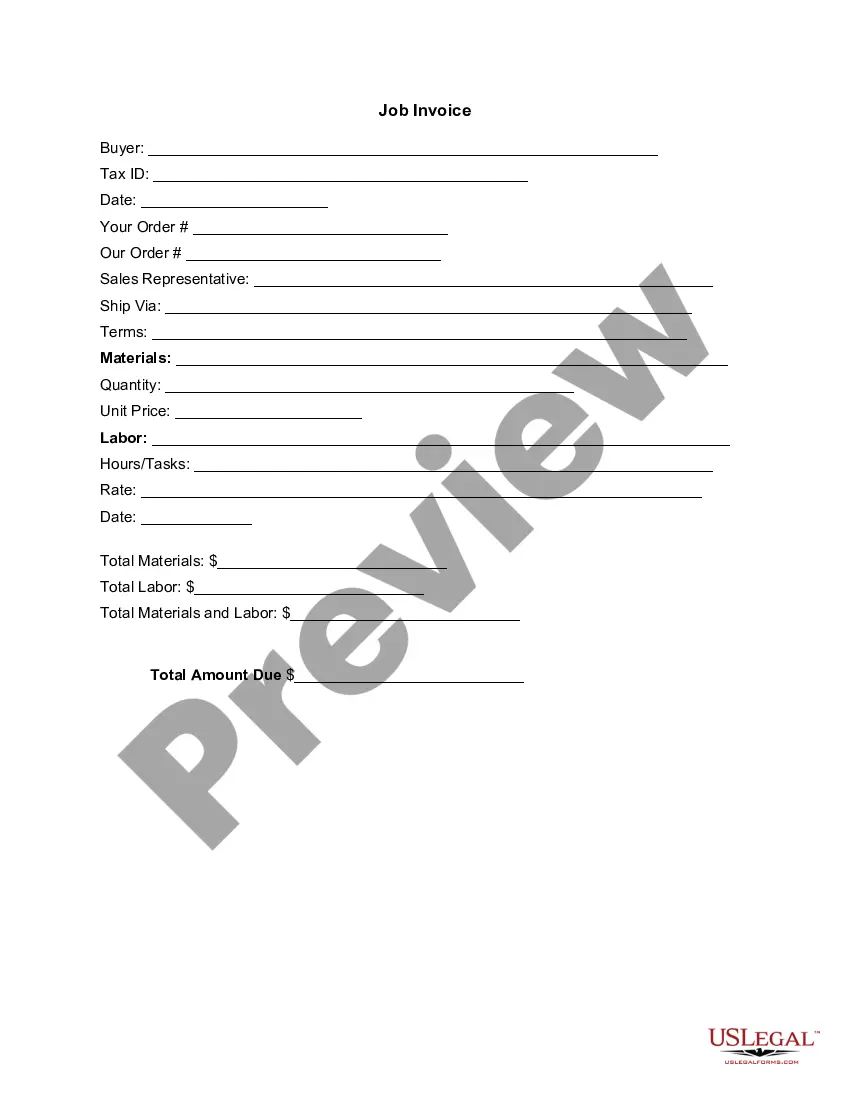
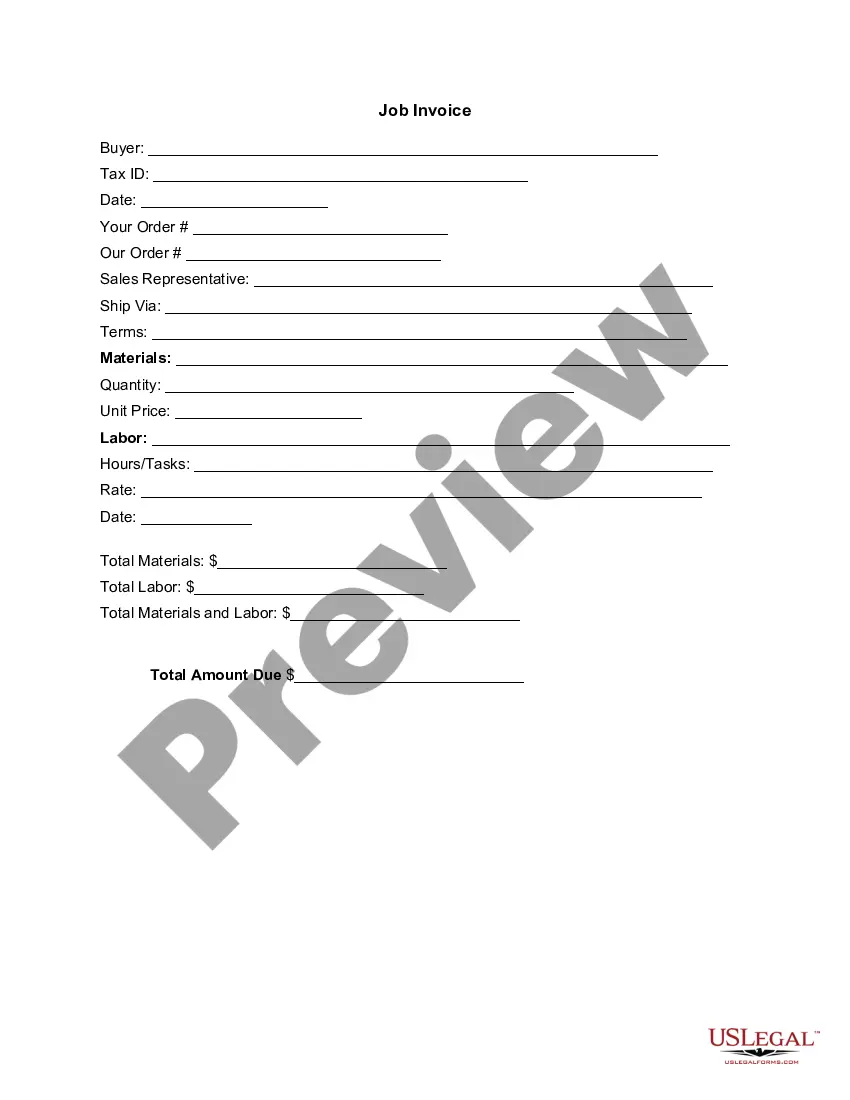
Arizona Invoice Template for Doctor
Description
Get your form ready online
Our built-in tools help you complete, sign, share, and store your documents in one place.
Make edits, fill in missing information, and update formatting in US Legal Forms—just like you would in MS Word.
Download a copy, print it, send it by email, or mail it via USPS—whatever works best for your next step.
Sign and collect signatures with our SignNow integration. Send to multiple recipients, set reminders, and more. Go Premium to unlock E-Sign.
If this form requires notarization, complete it online through a secure video call—no need to meet a notary in person or wait for an appointment.
We protect your documents and personal data by following strict security and privacy standards.

Make edits, fill in missing information, and update formatting in US Legal Forms—just like you would in MS Word.

Download a copy, print it, send it by email, or mail it via USPS—whatever works best for your next step.

Sign and collect signatures with our SignNow integration. Send to multiple recipients, set reminders, and more. Go Premium to unlock E-Sign.

If this form requires notarization, complete it online through a secure video call—no need to meet a notary in person or wait for an appointment.

We protect your documents and personal data by following strict security and privacy standards.
Looking for another form?



How to fill out Invoice Template For Doctor?
It is feasible to spend numerous hours online attempting to locate the legal document template that meets both state and federal requirements you require.
US Legal Forms offers thousands of legal forms that have been reviewed by specialists.
You can easily download or print the Arizona Invoice Template for Doctor from the service.
- If you already possess a US Legal Forms account, you can Log In and hit the Obtain button.
- Subsequently, you can fill out, edit, print, or sign the Arizona Invoice Template for Doctor.
- Each legal document template you purchase is yours permanently.
- To obtain an additional copy of the purchased form, visit the My documents tab and click the appropriate button.
- If you are utilizing the US Legal Forms website for the first time, follow the straightforward instructions listed below.
- First, ensure you have selected the correct document template for the region/city of your preference.
Form popularity
FAQ
To find an invoice template in Google Docs, start by opening Google Docs and clicking on 'Template Gallery' at the top of the page. Search for 'invoice' in the template search bar to reveal a variety of options. For a doctor-related invoice, consider using the Arizona Invoice Template for Doctor, which you can easily customize with your specific information. This tool helps streamline your billing process and ensures professionalism in your invoicing.
Creating a doctor's bill involves several key steps. First, gather all relevant patient information, including their name, address, and insurance details. Next, use the Arizona Invoice Template for Doctor to draft a detailed invoice that clearly outlines the services provided, the dates of service, and the total amount due. Utilizing a structured template simplifies the invoicing process and ensures you do not miss any critical details.
To make a doctor receipt, start by incorporating an Arizona Invoice Template for Doctor tailored for medical services. This template will guide you to include critical details such as your clinic’s name, patient details, treatment description, and the total fees charged. By following this structure, you create a professional document that serves as proof of transaction for your patients.
Writing a physical receipt requires clear details like the service provided, payment date, and total amount. Utilizing an Arizona Invoice Template for Doctor can simplify this process. Make sure to provide your practice’s name and contact information at the top of the receipt. A physical record can be an important reference for both you and your patient.
Yes, creating a receipt yourself is definitely possible. By using an Arizona Invoice Template for Doctor, you can easily generate a receipt that looks professional and includes all necessary information. Simply fill in the required details, such as your practice's name, payment amount, services rendered, and the date. This gives you full control over your receipts.
To write a proof of payment receipt, include essential details such as the date of payment, payer's information, and the service provided. An Arizona Invoice Template for Doctor can provide a structured format for this. Specify the payment method and any transaction IDs if applicable. This ensures both you and your patient have a clear record of the transaction.
Yes, Google Docs offers a variety of invoice templates, including those suitable for medical practices. However, for a more tailored approach, consider the Arizona Invoice Template for Doctor, which includes specifics necessary for healthcare billing. You can easily customize it while benefiting from design features that enhance readability. This streamlines the invoicing process.
Creating a receipt format is straightforward when you utilize an Arizona Invoice Template for Doctor. Begin by including your business name, address, and phone number, along with the date of payment and transaction details. Clearly outline the services provided and the amount received. A clear format helps your patients understand their transactions better.
To create a professional invoice, start by using an Arizona Invoice Template for Doctor. This template ensures all necessary information, such as your practice name, patient details, services rendered, and total amount, is included. Make sure to format the document clearly and provide contact information for any queries. Using a well-structured template will enhance your credibility.
The format of an invoice generally includes sections for the issuer's information, the recipient's details, a list of goods or services provided, totals, and taxes if applicable. The Arizona Invoice Template for Doctor streamlines this format to meet your needs as a healthcare provider, ensuring you include all necessary details. Using this template will allow you to issue invoices that are not only effective but also professional.