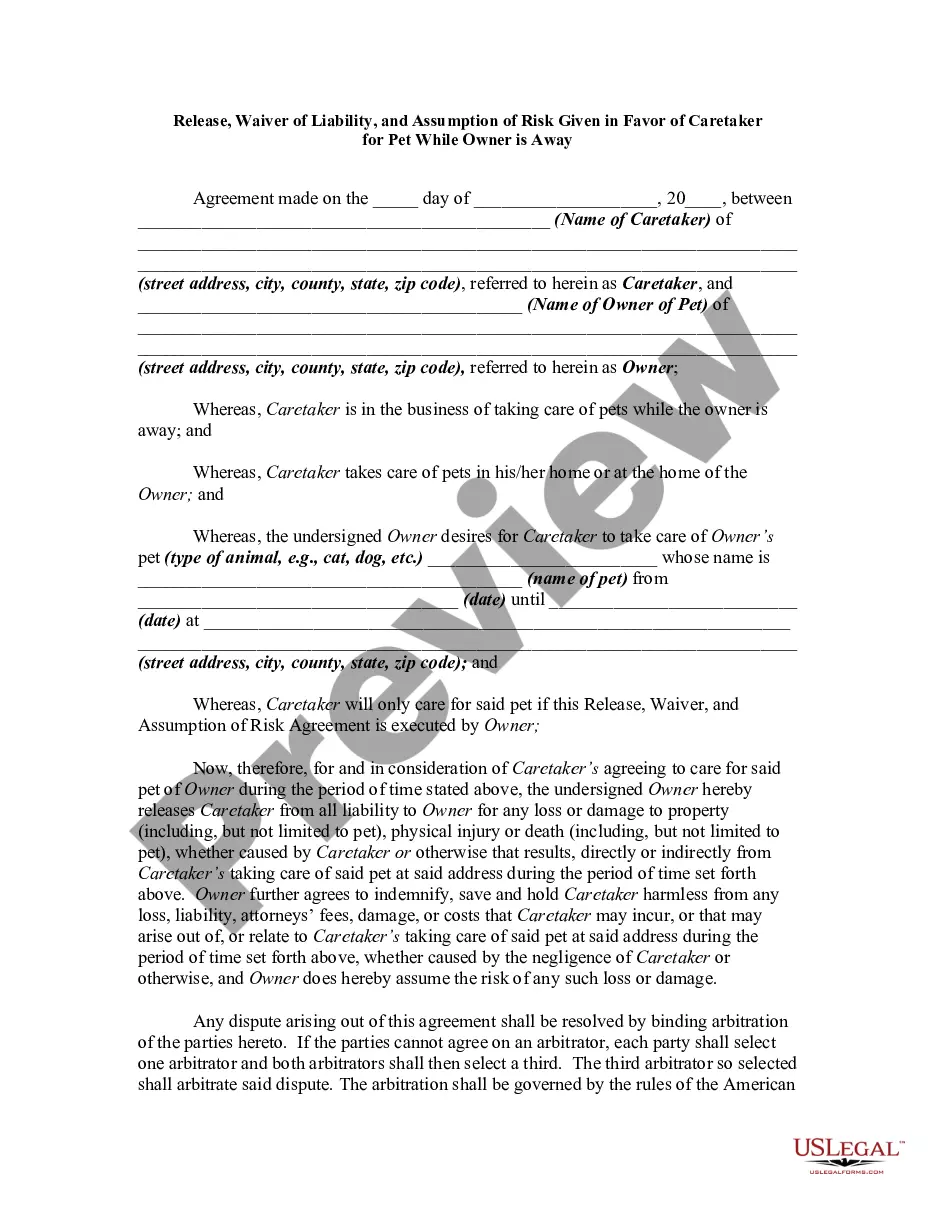
Arizona Corporate Resolution for Nonprofit Organizations
Description



Get your form ready online
Our built-in tools help you complete, sign, share, and store your documents in one place.
Make edits, fill in missing information, and update formatting in US Legal Forms—just like you would in MS Word.
Download a copy, print it, send it by email, or mail it via USPS—whatever works best for your next step.
Sign and collect signatures with our SignNow integration. Send to multiple recipients, set reminders, and more. Go Premium to unlock E-Sign.
If this form requires notarization, complete it online through a secure video call—no need to meet a notary in person or wait for an appointment.
We protect your documents and personal data by following strict security and privacy standards.

Make edits, fill in missing information, and update formatting in US Legal Forms—just like you would in MS Word.

Download a copy, print it, send it by email, or mail it via USPS—whatever works best for your next step.

Sign and collect signatures with our SignNow integration. Send to multiple recipients, set reminders, and more. Go Premium to unlock E-Sign.

If this form requires notarization, complete it online through a secure video call—no need to meet a notary in person or wait for an appointment.

We protect your documents and personal data by following strict security and privacy standards.
Looking for another form?
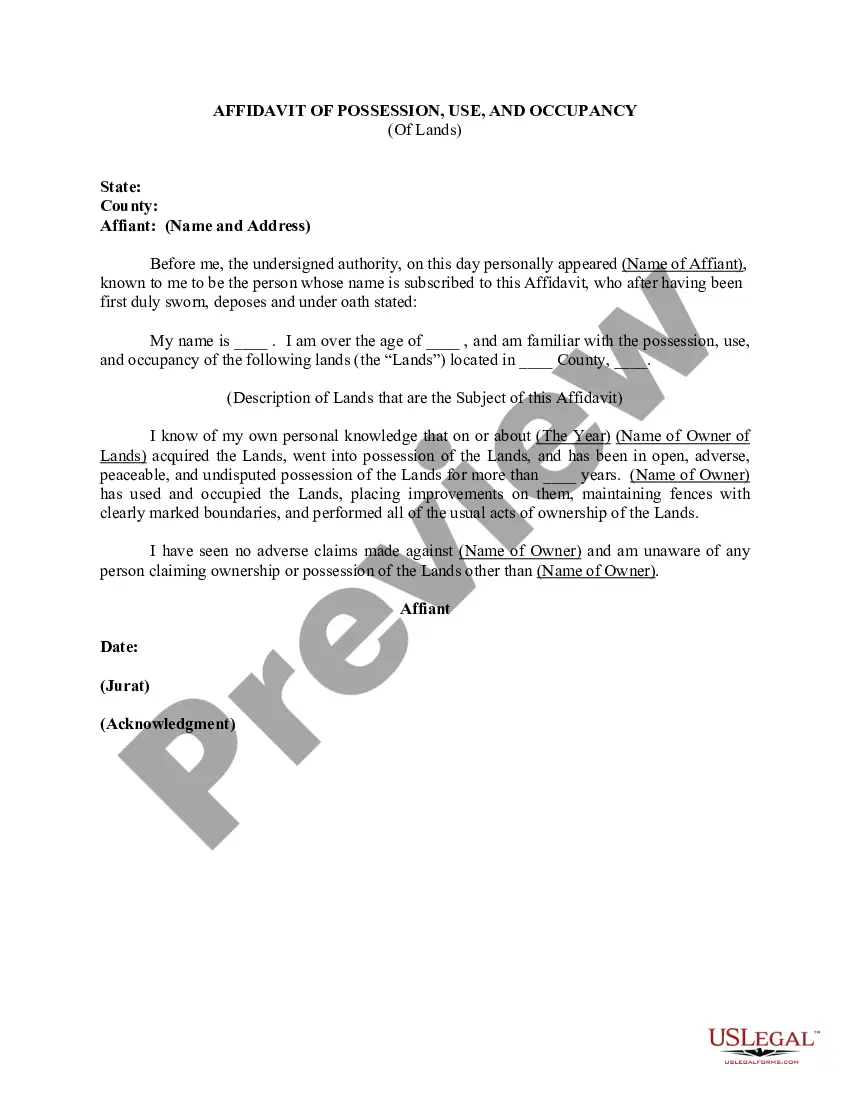
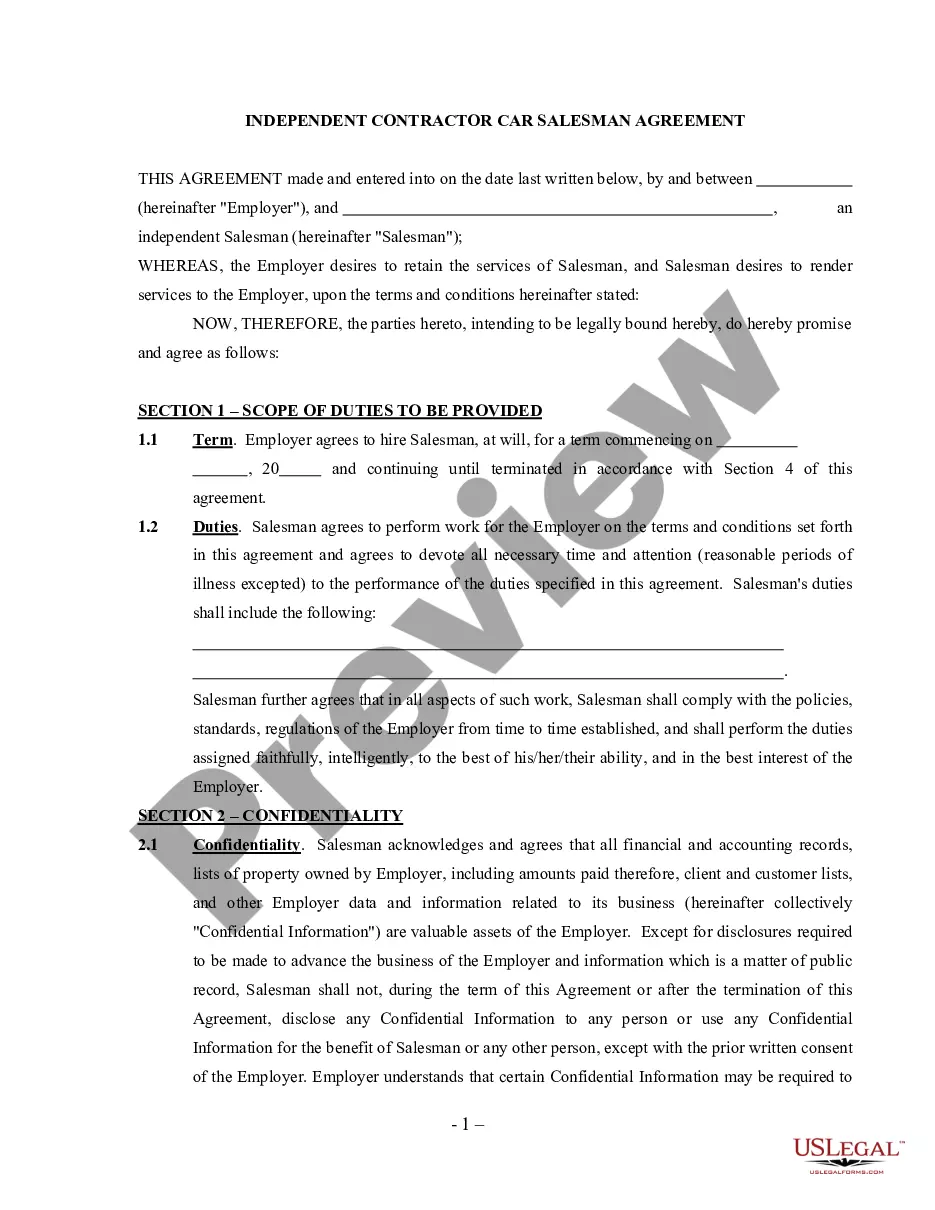
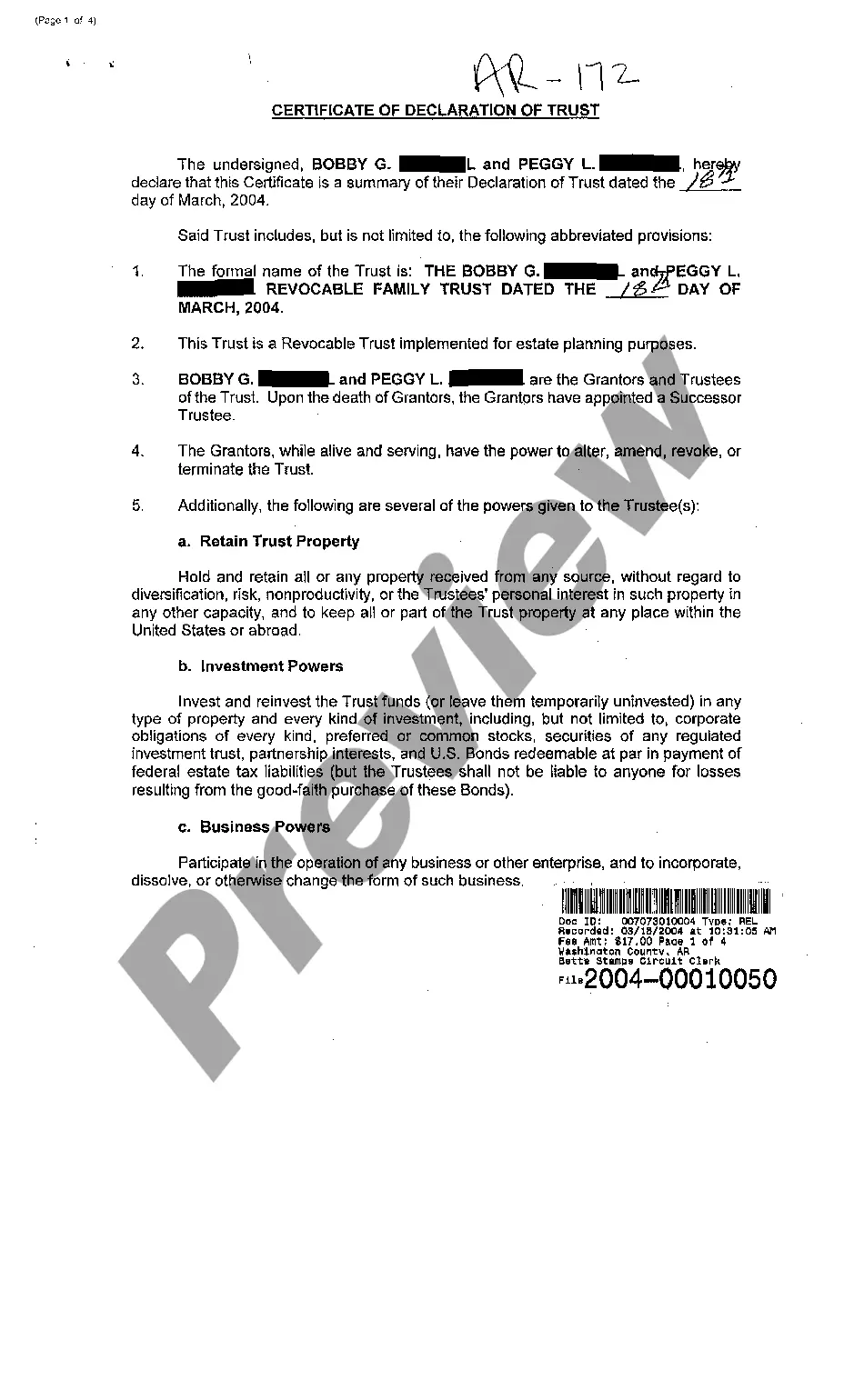
How to fill out Corporate Resolution For Nonprofit Organizations?
Selecting the appropriate sanctioned document template can be a challenge.
Of course, there are numerous templates available online, but how do you find the sanctioned form you seek.
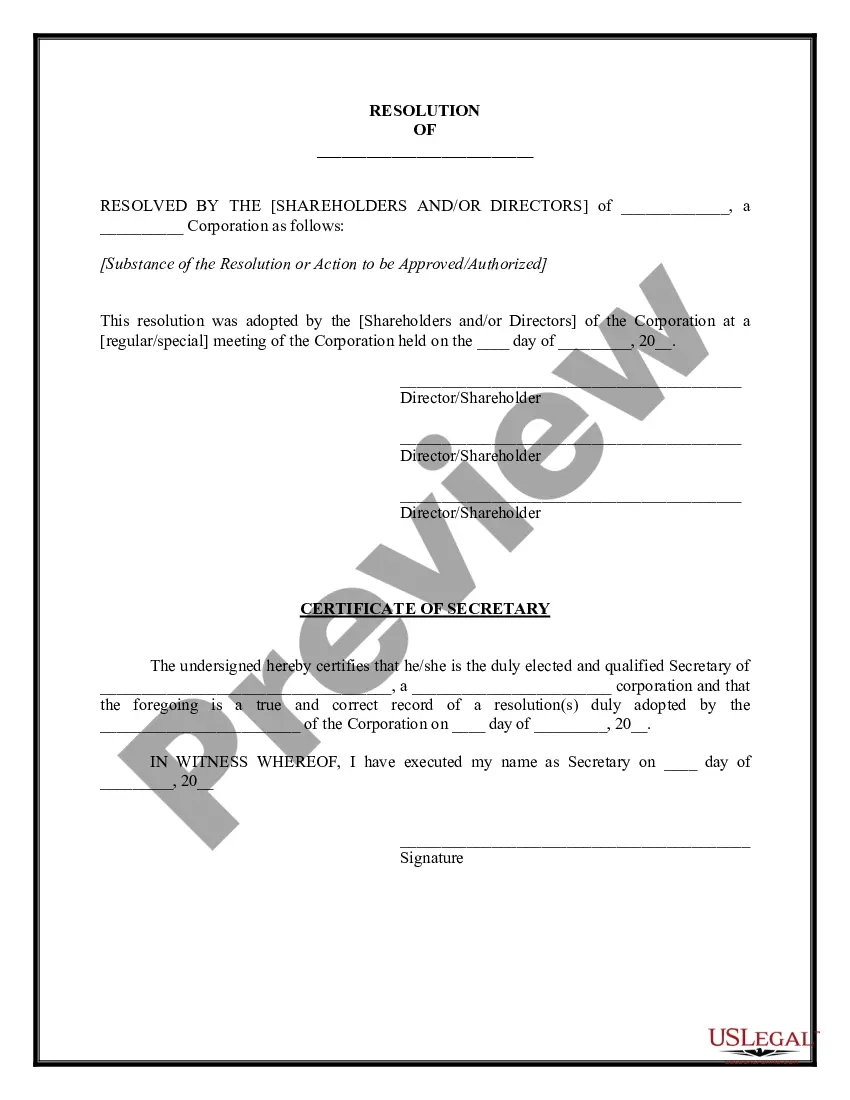
Utilize the US Legal Forms website. This service offers countless templates, including the Arizona Corporate Resolution for Nonprofit Organizations, that you can utilize for business and personal needs.
You can view the document using the Review option and read the form summary to verify it is suitable for you.
- All of the documents are reviewed by experts and comply with state and federal regulations.
- If you are currently registered, Log In to your account and click on the Download button to retrieve the Arizona Corporate Resolution for Nonprofit Organizations.
- Use your account to browse the legal documents you have obtained previously.
- Visit the My documents section of your account to obtain another copy of the document you desire.
- If you are a first-time user of US Legal Forms, here are simple instructions for you to follow.
- First, ensure you have selected the correct form for your city/state.
Form popularity
FAQ
Labeling a vote a resolution means that the board believed the issue was important enough to separate it from standard voting issues. A resolution is considered an official board action and it requires a quorum. Board directors must document all official board actions, including resolutions, in their meeting minutes.
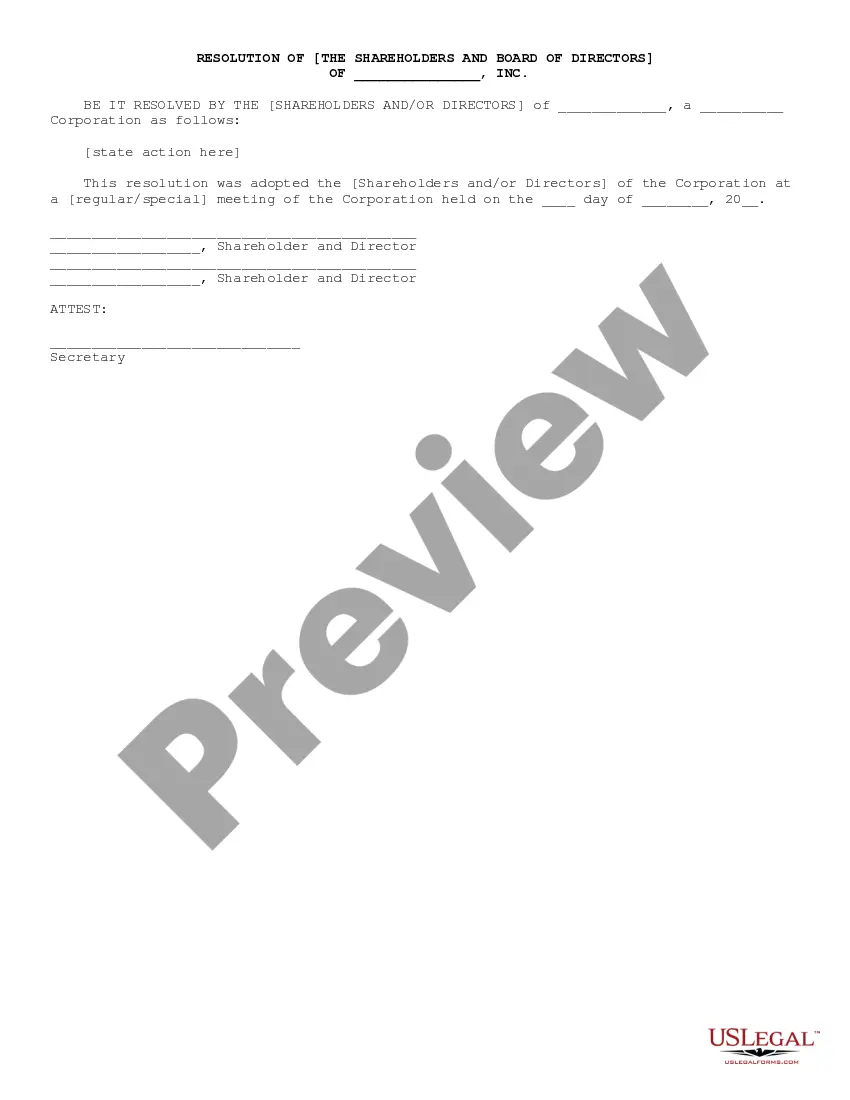
What to Include in a Corporate Resolution FormThe date of the resolution.The state in which the corporation is formed and under whose laws it is acting.Signatures of officers designated to sign corporate resolutionsusually the board chairperson or the corporate secretary.Title the document with its purpose.More items...?
A corporate resolution is the legal document that provides the rules and framework as to how the board can act under various circumstances. Corporate resolutions provide a paper trail of the decisions made by the board and the executive management team.
How To Write a Corporate Resolution Step by StepStep 1: Write the Company's Name.Step 2: Include Further Legal Identification.Step 3: Include Location, Date and Time.Step 4: List the Board Resolutions.Step 5: Sign and Date the Document.
A corporate resolution is the document commonly used for this purpose. The resolution is generally drafted after a meeting and vote by the directors on an important issue for the corporation.
Nonprofit corporations often deal with government agencies on issues of public concern, which may involve applying for grants, loans or other governmental approvals. In many situations, the government agency requires a corporate resolution to verify the board's approval for making the government application.
Labeling a vote a resolution means that the board believed the issue was important enough to separate it from standard voting issues. A resolution is considered an official board action and it requires a quorum. Board directors must document all official board actions, including resolutions, in their meeting minutes.
In general, the SEC guidelines permit resolutions only from shareholders who have continuously held at least $2,000 of the company's stock for a year or longer. If a shareholder meets these requirements, then the board can choose to bring up the resolution for a vote at the next shareholder meeting.