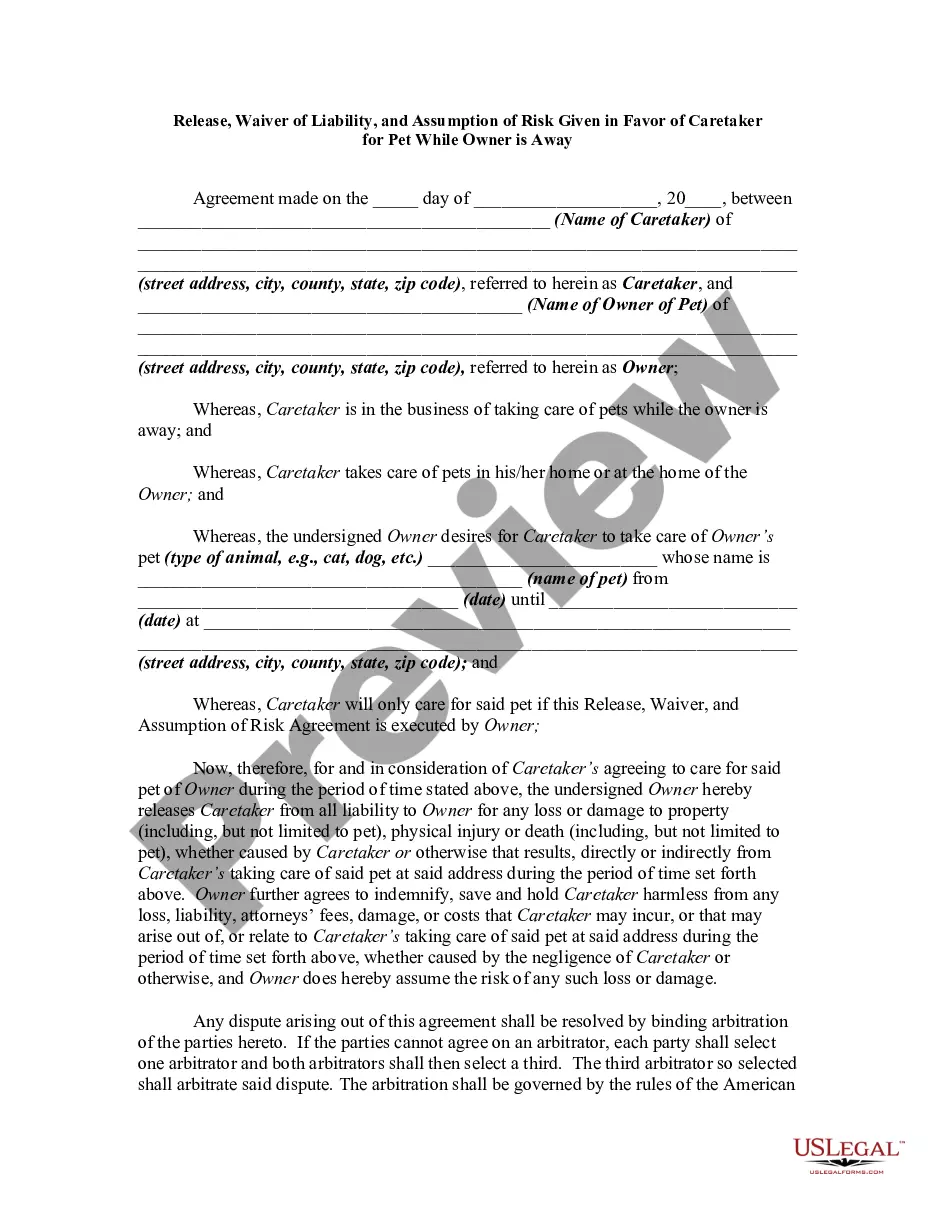
Alabama Corporate Resolution for Nonprofit Organizations
Description



Get your form ready online
Our built-in tools help you complete, sign, share, and store your documents in one place.
Make edits, fill in missing information, and update formatting in US Legal Forms—just like you would in MS Word.
Download a copy, print it, send it by email, or mail it via USPS—whatever works best for your next step.
Sign and collect signatures with our SignNow integration. Send to multiple recipients, set reminders, and more. Go Premium to unlock E-Sign.
If this form requires notarization, complete it online through a secure video call—no need to meet a notary in person or wait for an appointment.
We protect your documents and personal data by following strict security and privacy standards.

Make edits, fill in missing information, and update formatting in US Legal Forms—just like you would in MS Word.

Download a copy, print it, send it by email, or mail it via USPS—whatever works best for your next step.

Sign and collect signatures with our SignNow integration. Send to multiple recipients, set reminders, and more. Go Premium to unlock E-Sign.

If this form requires notarization, complete it online through a secure video call—no need to meet a notary in person or wait for an appointment.

We protect your documents and personal data by following strict security and privacy standards.
Looking for another form?
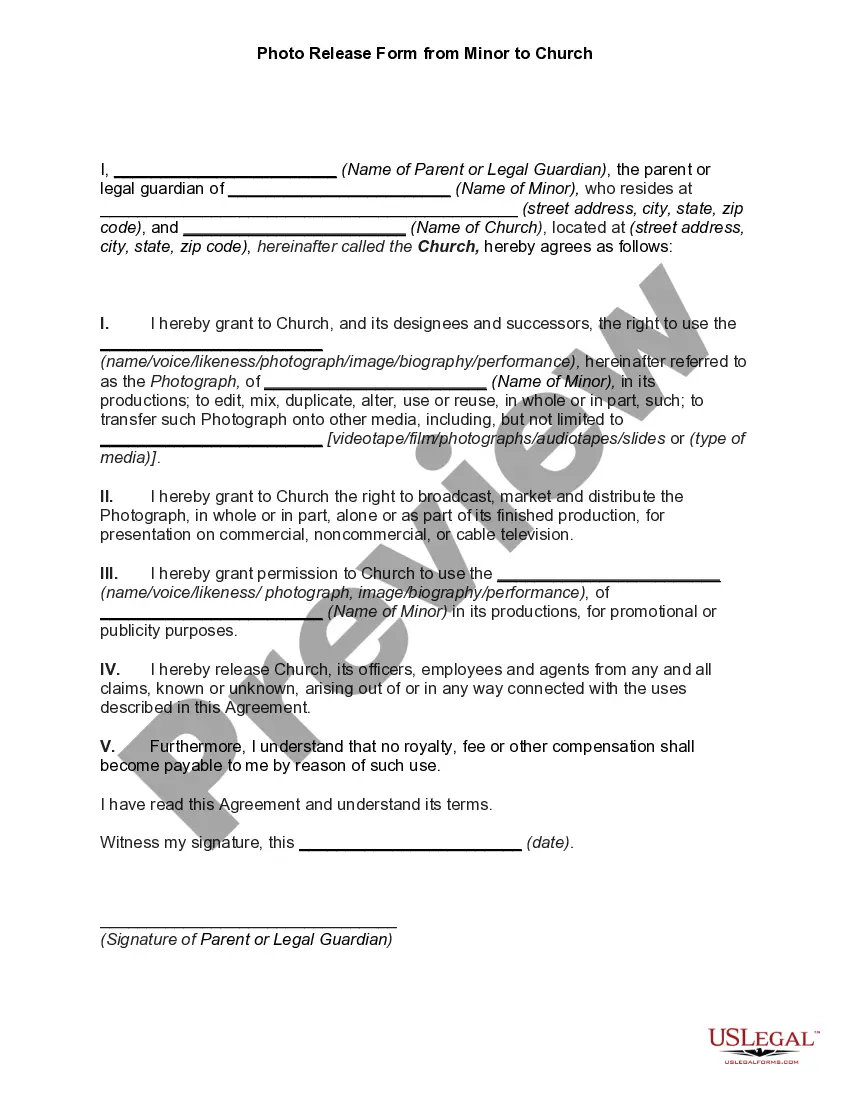
How to fill out Corporate Resolution For Nonprofit Organizations?
It is feasible to allocate time online searching for the sanctioned document template that corresponds to the state and federal requirements you necessitate. US Legal Forms offers a vast collection of legal forms which can be reviewed by professionals.
You can effortlessly download or print the Alabama Corporate Resolution for Nonprofit Organizations from the platform.
If you possess a US Legal Forms account, you can Log In and click on the Obtain button. Subsequently, you may complete, modify, print, or sign the Alabama Corporate Resolution for Nonprofit Organizations. Every legal document template you acquire is yours permanently.
Complete the transaction. You may utilize your Visa, Mastercard, or PayPal account to pay for the legal form. Select the file format of the document and download it to your device. Make modifications to your document if necessary. You can fill out, edit, sign, and print the Alabama Corporate Resolution for Nonprofit Organizations. Access and print a multitude of document templates using the US Legal Forms website, which offers the largest selection of legal forms. Utilize professional and state-specific templates to address your business or personal needs.
- To obtain another copy of a purchased form, navigate to the My documents section and click on the appropriate button.
- If you are accessing the US Legal Forms website for the first time, follow the simple instructions provided below.
- First, ensure that you have selected the appropriate document template for your chosen state/city.
- Review the form description to confirm you have selected the correct form.
- If available, utilize the Review button to browse through the document template as well.
- If you wish to search for another version of the form, utilize the Lookup field to find the template that suits your needs and specifications.
- Once you have located the template you require, click Purchase now to continue.
- Choose the pricing plan you need, enter your details, and register for an account on US Legal Forms.
Form popularity
FAQ
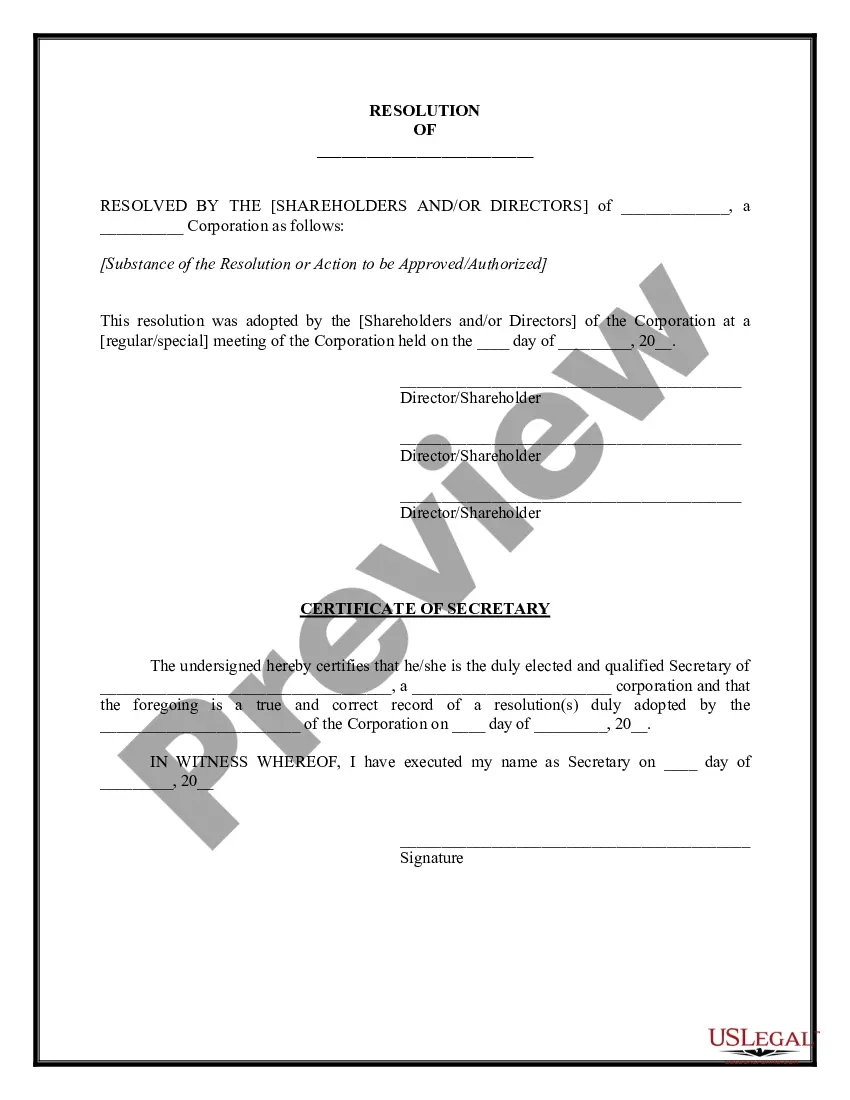
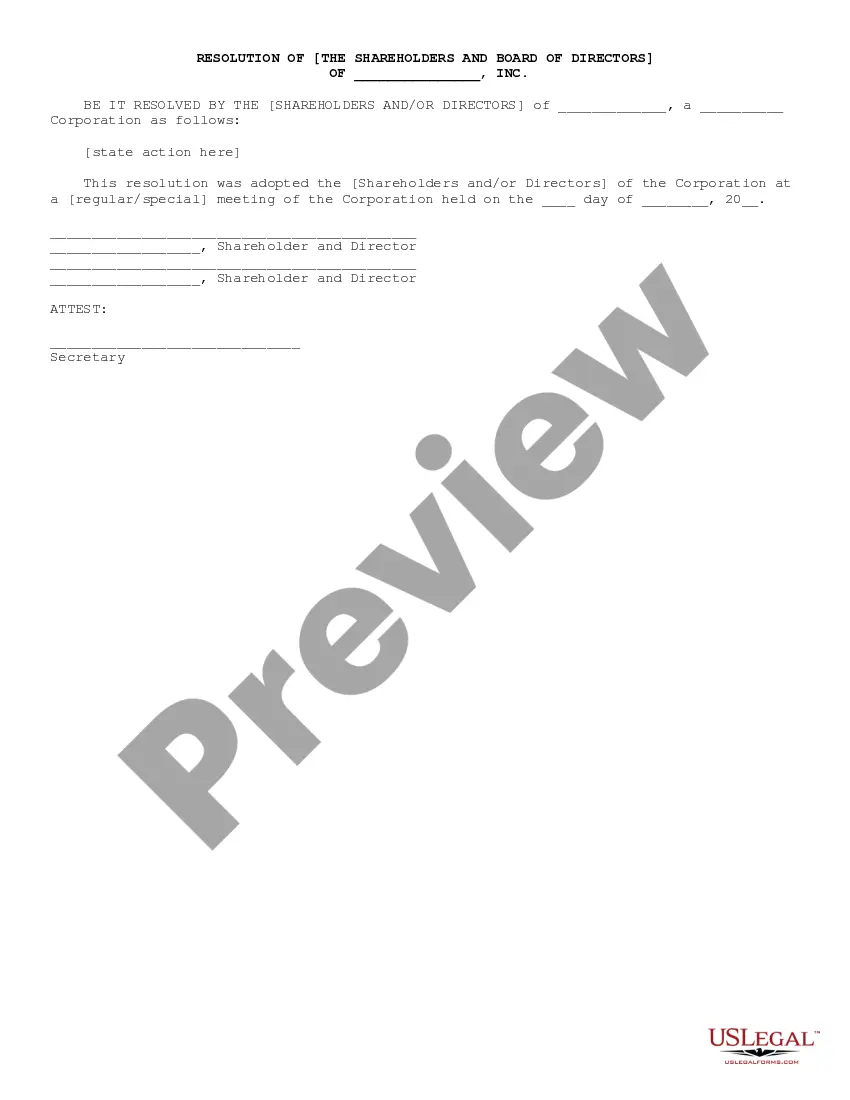
How To Write a Corporate Resolution Step by StepStep 1: Write the Company's Name.Step 2: Include Further Legal Identification.Step 3: Include Location, Date and Time.Step 4: List the Board Resolutions.Step 5: Sign and Date the Document.
A Board Resolution is a formal document that helps to identify the roles of corporate offices and the result of any votes or decisions the board makes regarding the company. Usually, they are written when a new member is voted into the board.
To form a 501(c)(3) nonprofit organization, follow these steps:Step 1: Name Your Alabama Nonprofit.Step 2: Choose Your Registered Agent.Step 3: Select Your Board Members & Officers.Step 4: Adopt Bylaws & Conflict of Interest Policy.Step 5: File the Certificate of Formation.Step 6: Get an EIN.Step 7: Apply for 501(c)(3)25-Apr-2022
Some basic information a resolution should include is the name of the corporation; the date of the board meeting when the resolution was approved; and the names of the board members who attended the meeting, or a statement that all board members or a quorum were present.
Alabama's Office of the Attorney General, Consumer Affairs Division, charges a $100 fee, although some organizations are exempt. You must pay a $50 probate judge fee with your Articles of Incorporation. IRS Form 1023 requires a filing fee of $850, or $400 if your nonprofit's revenues are less than $10,000 a year.
How to Start a Nonprofit in AlabamaName Your Organization.Recruit Incorporators and Initial Directors.Appoint a Registered Agent.Prepare and File Articles of Incorporation.File Initial Report.Obtain an Employer Identification Number (EIN)Store Nonprofit Records.Establish Initial Governing Documents and Policies.More items...
Labeling a vote a resolution means that the board believed the issue was important enough to separate it from standard voting issues. A resolution is considered an official board action and it requires a quorum. Board directors must document all official board actions, including resolutions, in their meeting minutes.
The Alabama Certificate of Existence will show that your LLC in Alabama or Alabama corporation exists and is what you'll need to provide if registering your business in a different state.
All Resolved clauses within a resolution should use the objective form of the verb (for example, Resolved, that the American Library Association (ALA), on behalf of its members: (1) supports...; (2) provides...; and last resolved urges....") rather than the subjunctive form of the verb (for example, Resolved,