Massachusetts Statement of Lien by Corporation or LLC
Overview of this form
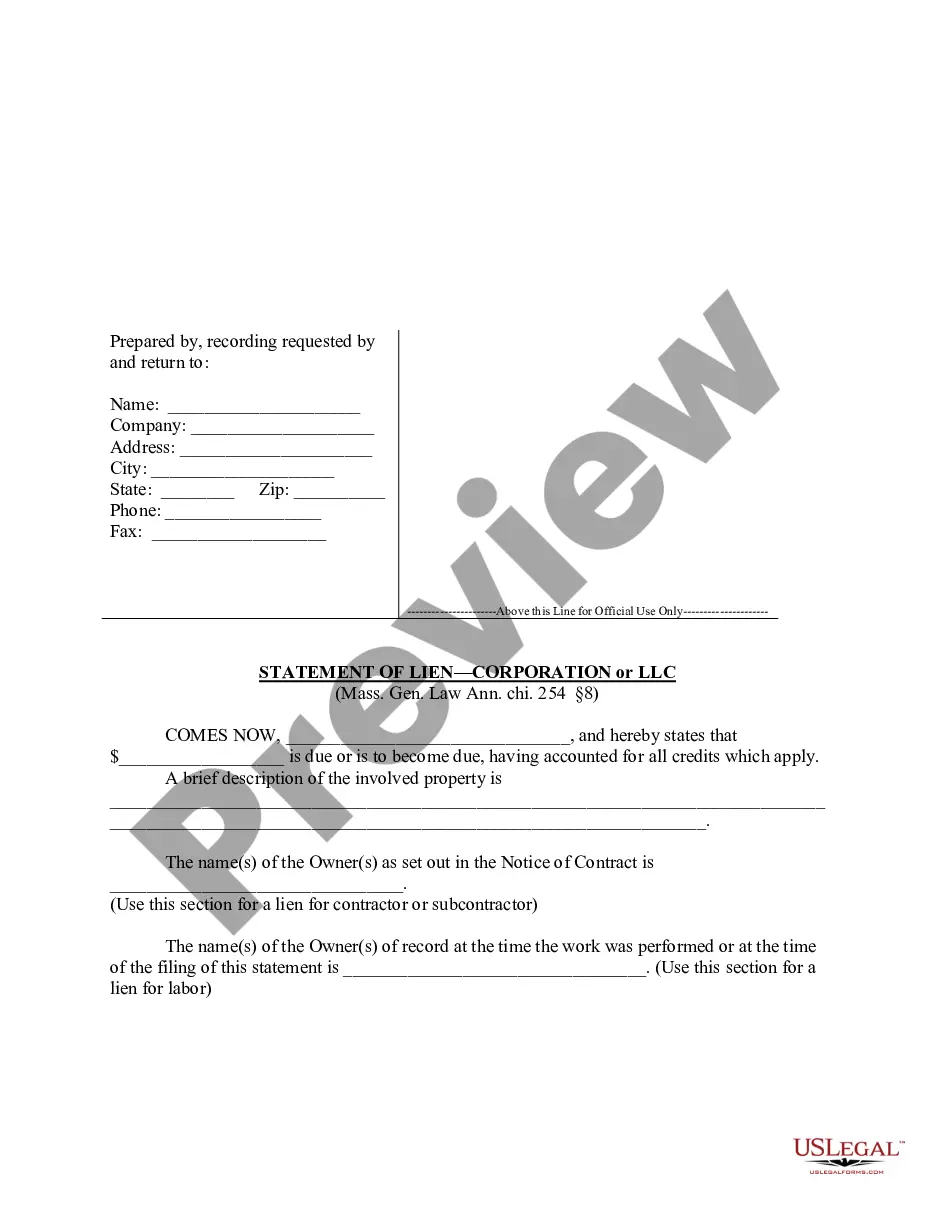
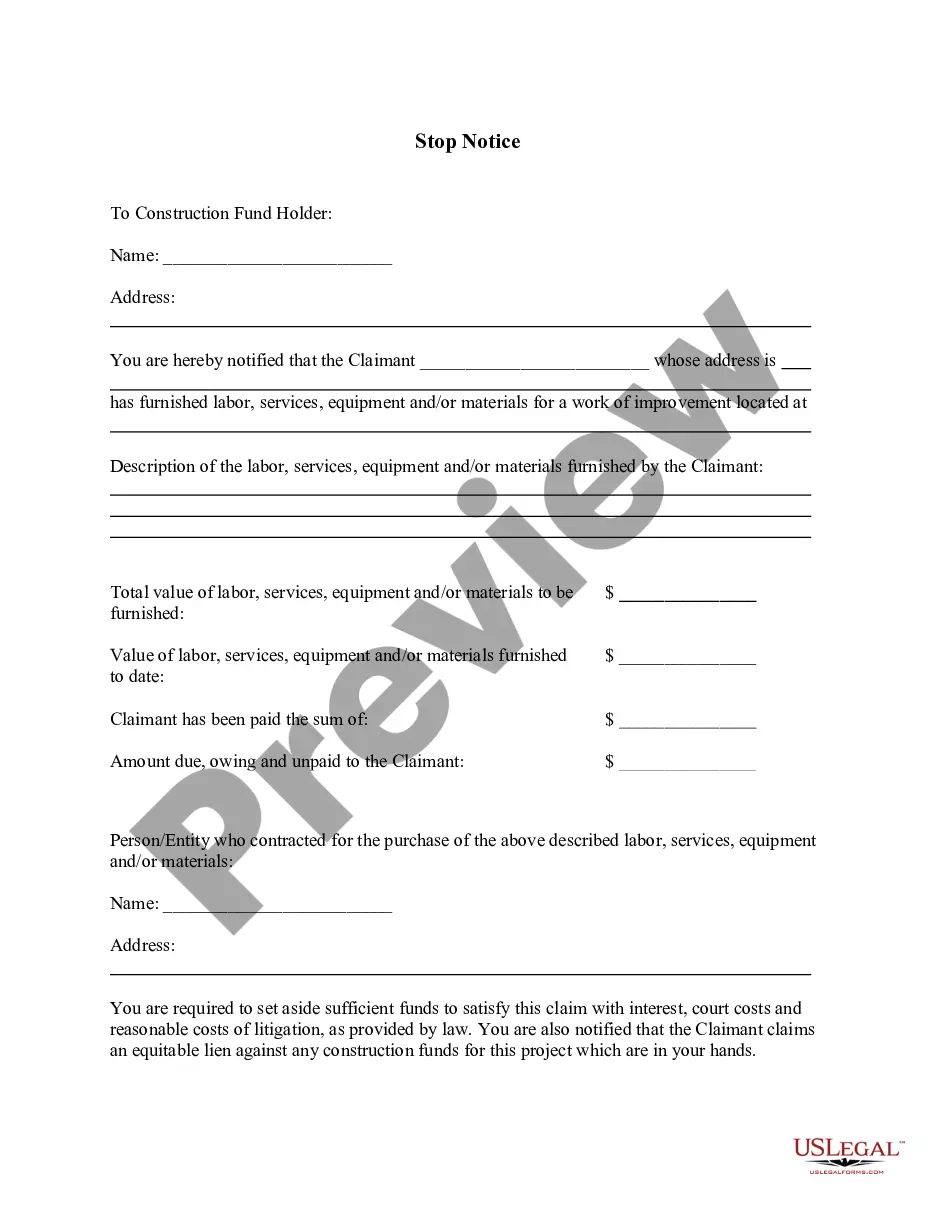
The Statement of Lien by Corporation or LLC is a legal document used by corporations or limited liability companies (LLCs) to assert a claim against property for unpaid services or materials provided. This form serves to notify property owners and relevant parties that a lien has been placed, thus differentiating it from similar documents used by individual contractors or subcontractors. It is an essential tool for protecting rights and ensuring payment in the construction and service industries.
What’s included in this form
- Official use section for state recording.
- Identification fields for the lien claimant, including name, company, address, and contact information.
- Statement of the amount due to be claimed.
- Description of the property involved in the lien.
- Identification of the owner(s) of the property and the owner(s) listed in the Notice of Contract.
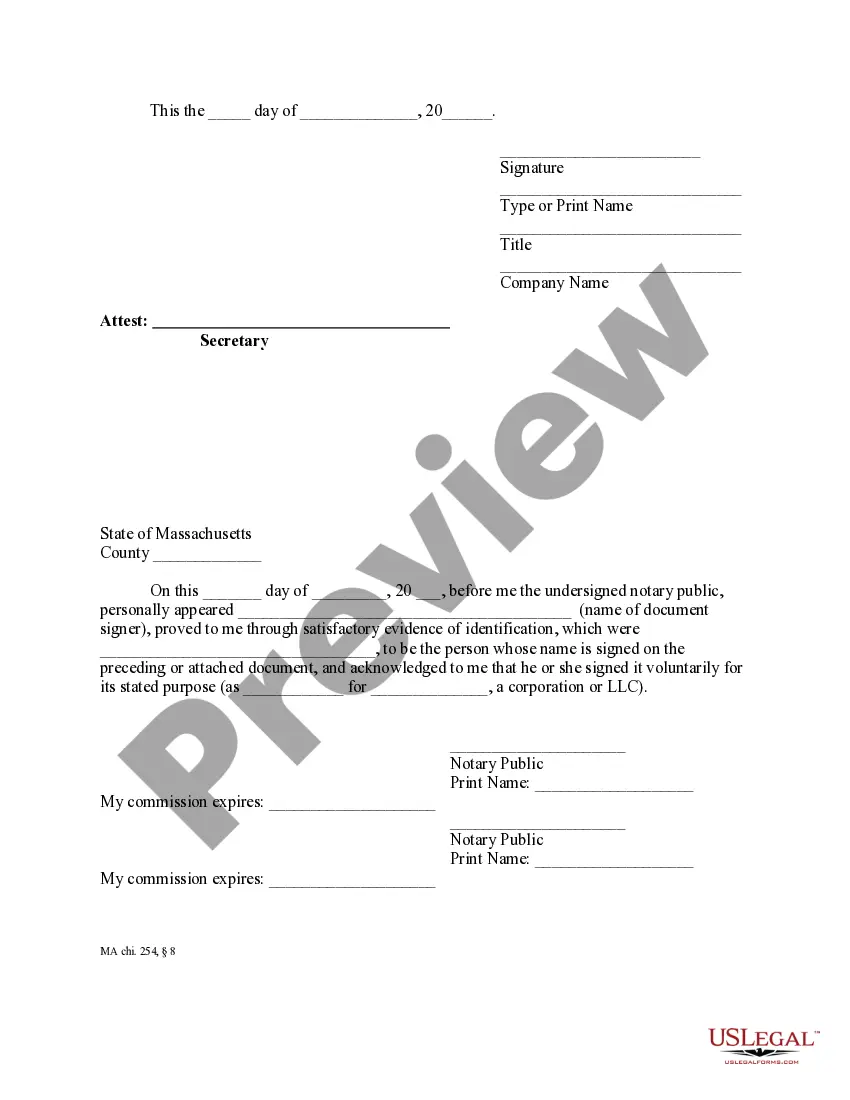
- Witness and notarization section to validate the claim.
Situations where this form applies
This form should be used when a corporation or LLC needs to legally assert a lien against a property due to unpaid services or materials related to construction, renovation, or repair. It is typically filed after a contractor or subcontractor has not received payment for work performed, providing a formal notification to property owners that a claim has been established under Massachusetts lien laws.
Intended users of this form
- Corporations providing construction services or related work.
- Limited liability companies (LLCs) that supply materials or services and have not been paid.
- General contractors who wish to secure their payment rights on projects.
- Subcontractors working under a contract with a general contractor, seeking to protect their payment claims.
Steps to complete this form
- Fill in the official use section with appropriate details.
- Provide the name of the corporation or LLC claiming the lien.
- State the amount due, ensuring all credits have been accounted for.
- Describe the property involved in the lien, including its location.
- List the name(s) of the owner(s) as indicated in the Notice of Contract and the record owner(s) at the time of work.
- Sign the document in the designated area and have it notarized as required.
Does this form need to be notarized?
This document requires notarization to meet legal standards. US Legal Forms provides secure online notarization powered by Notarize, allowing you to complete the process through a verified video call, available 24/7.
Get your form ready online
Our built-in tools help you complete, sign, share, and store your documents in one place.
Make edits, fill in missing information, and update formatting in US Legal Forms—just like you would in MS Word.
Download a copy, print it, send it by email, or mail it via USPS—whatever works best for your next step.
Sign and collect signatures with our SignNow integration. Send to multiple recipients, set reminders, and more. Go Premium to unlock E-Sign.
If this form requires notarization, complete it online through a secure video call—no need to meet a notary in person or wait for an appointment.
We protect your documents and personal data by following strict security and privacy standards.
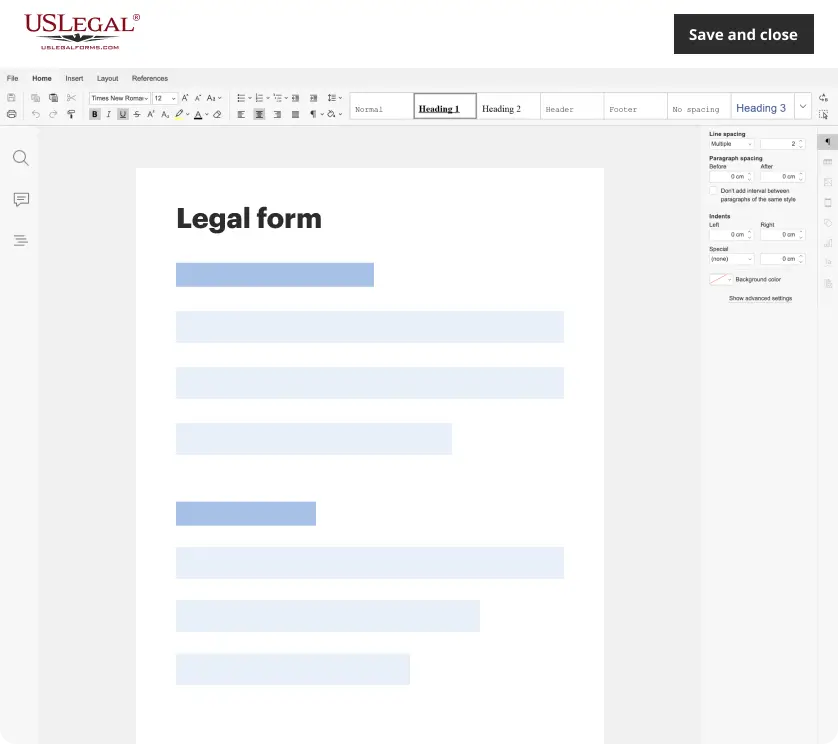
Make edits, fill in missing information, and update formatting in US Legal Forms—just like you would in MS Word.
Download a copy, print it, send it by email, or mail it via USPS—whatever works best for your next step.
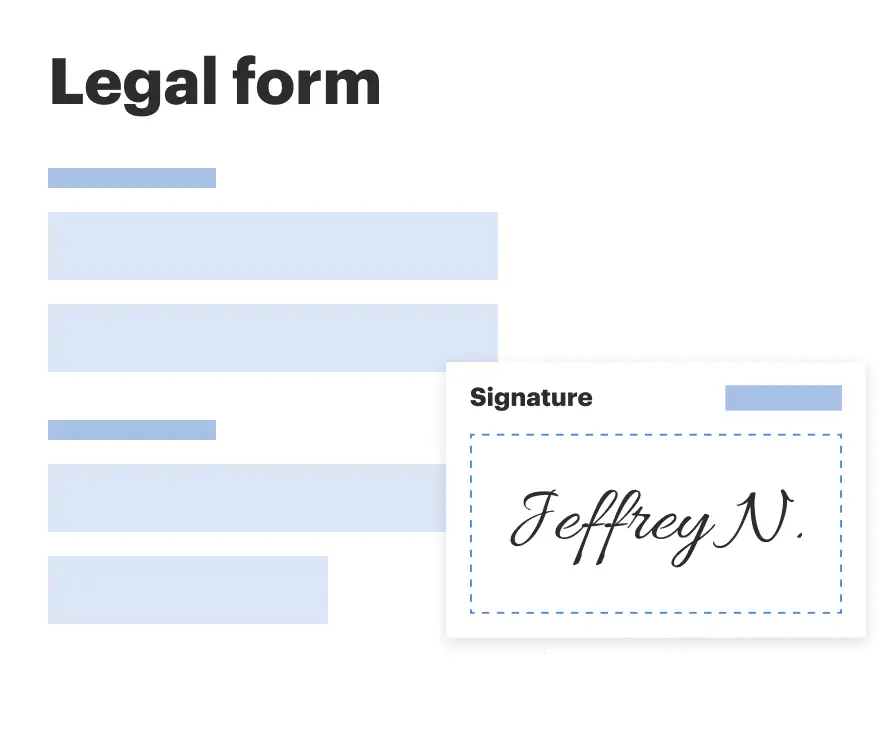
Sign and collect signatures with our SignNow integration. Send to multiple recipients, set reminders, and more. Go Premium to unlock E-Sign.

If this form requires notarization, complete it online through a secure video call—no need to meet a notary in person or wait for an appointment.
We protect your documents and personal data by following strict security and privacy standards.
Common mistakes to avoid
- Failing to provide a complete and accurate description of the property.
- Not including the correct legal names of the property owners.
- Ignoring the necessary timelines for filing the statement of lien.
- Not having the form notarized when required.
- Omitting to account for all credits when stating the amount due.
Why complete this form online
- Immediate access to legal forms drafted by licensed attorneys.
- Convenient download and completion, allowing for quick filing.
- Editability of forms to ensure all information is accurate.
- Reliable compliance with Massachusetts legal standards.
- Easy storage and retrieval of completed documents for future reference.
Summary of main points
- The Statement of Lien by Corporation or LLC is essential for protecting your financial interests as a contractor or subcontractor.
- Timely filing is critical to ensure the enforceability of your lien.
- Proper completion and notarization of the form are necessary for legal recognition.
Looking for another form?
Form popularity
FAQ
You can go to your State's Secretary of State office, (Most states have this online) and search for your LLC, if you can't find it, it may not be registered.
You can check a professional license with ePlace. Simply search by filling out the required information, including Board Category, License Type, and License Number.
Visit the Corporations Division Business Entity Search. http://corp.sec.state.ma.us/corpweb/CorpSearch/CorpSearch.aspx. Search Your LLC Name. Select Search by entity name, then enter your desired LLC name in the Enter name box. Browse the Results.
Are articles of incorporation public? The answer is yes. These documents, which are filed with the Secretary of State or similar agency to create a new business entity, are available for public viewing.In some states, including Arizona, the articles of incorporation can be downloaded by anyone for free.
Choose a Corporate Name. File Articles of Incorporation. Appoint a Registered Agent. Prepare Corporate Bylaws. Appoint Initial Directors and Hold First Board Meeting. File Annual Report. Obtain an EIN.
All foreign and domestic corporations registered in Massachusetts are required to file an annual report with the Secretary of the Commonwealth within two and one-half months after the close of their fiscal year. To learn about the various types of corporations select here.
Step 1: Visit the Business Name Database. Go to the California Secretary of State's website. Step 2: Search your Business Name. Step 3: Review Results.
You can find information on any corporation or business entity in Massachusetts or another state by performing a search on the Secretary of State website of the state or territory where that corporation is registered.